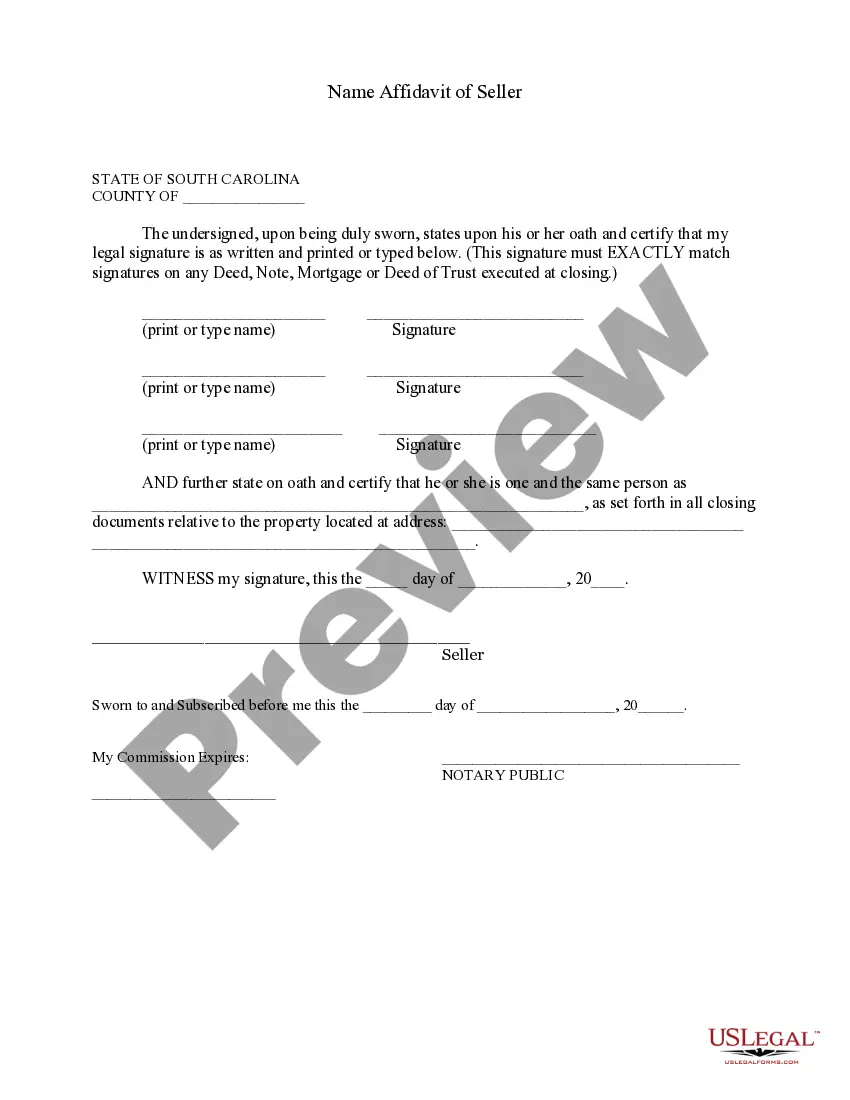
South Carolina Affidavit Form Withholding
Description

Get your form ready online
Our built-in tools help you complete, sign, share, and store your documents in one place.
Make edits, fill in missing information, and update formatting in US Legal Forms—just like you would in MS Word.
Download a copy, print it, send it by email, or mail it via USPS—whatever works best for your next step.
Sign and collect signatures with our SignNow integration. Send to multiple recipients, set reminders, and more. Go Premium to unlock E-Sign.
If this form requires notarization, complete it online through a secure video call—no need to meet a notary in person or wait for an appointment.
We protect your documents and personal data by following strict security and privacy standards.

Make edits, fill in missing information, and update formatting in US Legal Forms—just like you would in MS Word.

Download a copy, print it, send it by email, or mail it via USPS—whatever works best for your next step.

Sign and collect signatures with our SignNow integration. Send to multiple recipients, set reminders, and more. Go Premium to unlock E-Sign.

If this form requires notarization, complete it online through a secure video call—no need to meet a notary in person or wait for an appointment.

We protect your documents and personal data by following strict security and privacy standards.
Looking for another form?







How to fill out South Carolina Name Affidavit Of Seller?
When you are required to finalize the South Carolina Affidavit Form Withholding that adheres to your local state's laws, there may be various options available. There’s no need to review every document to ensure it meets all the legal requirements if you are a subscriber to US Legal Forms.
It is a dependable resource that can assist you in obtaining a reusable and current template on any topic. US Legal Forms offers the most extensive online directory with a collection of over 85,000 ready-to-use documents for business and personal legal matters. All templates are confirmed to comply with each state's statutes and regulations.
As a result, when you download the South Carolina Affidavit Form Withholding from our platform, you can be assured that you possess a legitimate and updated document.
Choose the most appropriate pricing plan, Log In to your account, or create one. Pay for a subscription (both PayPal and credit card options are available). Download the template in your desired file format (PDF or DOCX). Print the document or complete it electronically using an online editor. Obtaining professionally drafted official documents becomes effortless with US Legal Forms. Additionally, Premium users can also benefit from the powerful integrated tools for online PDF editing and signing. Give it a try today!
- Acquiring the necessary sample from our platform is remarkably straightforward.
- If you already possess an account, simply sign in to the system, verify that your subscription is valid, and save the chosen file.
- In the future, you can access the My documents tab in your profile and retrieve the South Carolina Affidavit Form Withholding at any time.
- If this is your initial encounter with our website, please follow the instructions below.
- Browse the suggested page and check it for alignment with your needs.
- Utilize the Preview mode and read the form description if it exists.
- Search for another sample using the Search bar in the header if necessary.
- Click Buy Now once you locate the correct South Carolina Affidavit Form Withholding.
Form popularity
FAQ
Employee instructions Complete the SC W-4 so your employer can withhold the correct South Carolina Income Tax from your pay. If you have too much tax withheld, you will receive a refund when you file your tax return.
You set up your account and obtain a state withholding tax ID number by registering your business with the DOR. You can register online or on paper. To register online, go to the South Carolina Department of Revenue MyDORWAY website. To register on paper, use the SCDOR-111 form, Business Tax Registration.
The IRS has released an updated Tax Withholding Estimator and a FAQ page to assist in filling out the Form W-4. You may also visit the SC Department of Revenue website for information regarding the SC W-4. The university cannot offer tax advice but we may be able to assist with general questions on the form.
You must withhold South Carolina state taxes at the same time wages are earned by employees working in South Carolina. An employee who works in another state but is a resident of South Carolina will have taxes withheld for the other state.