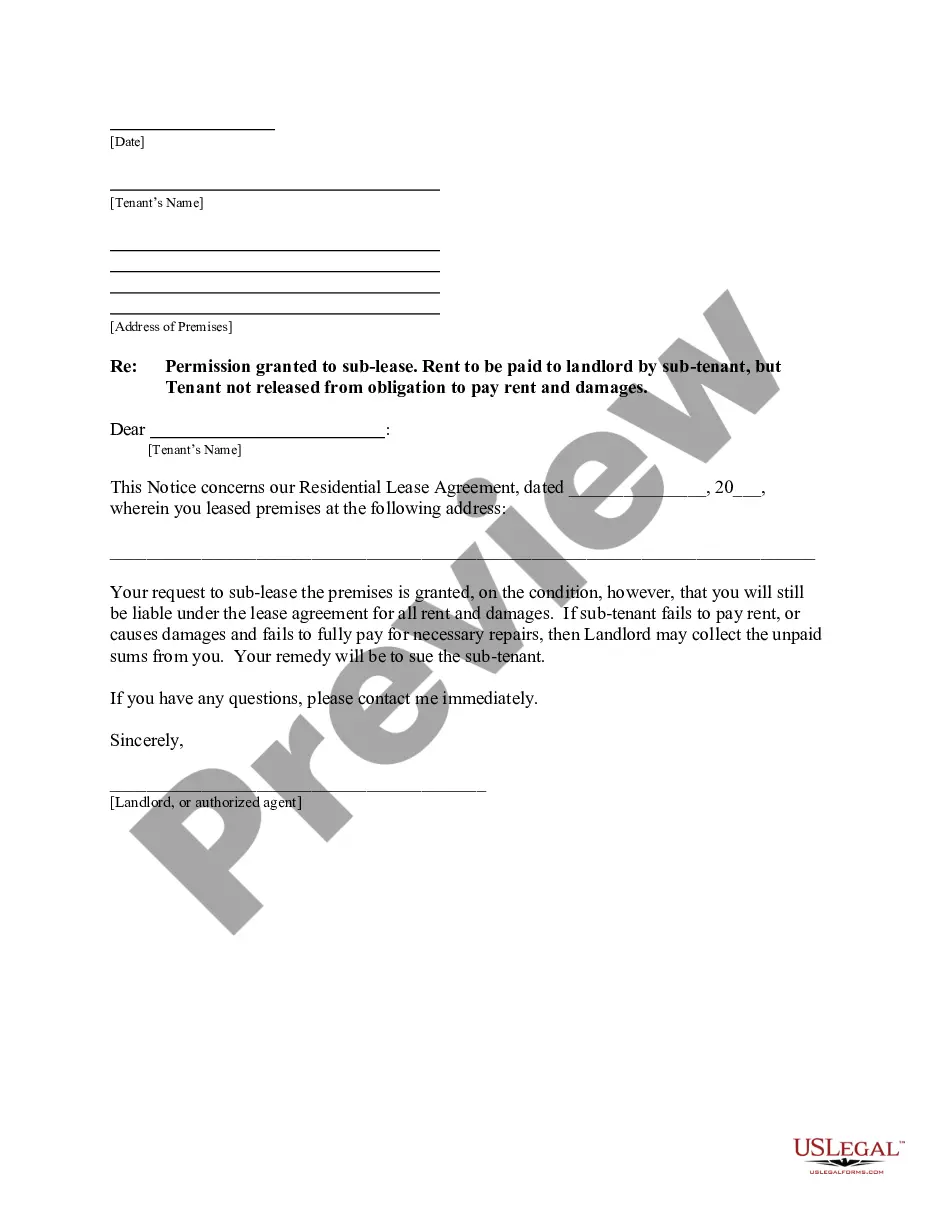
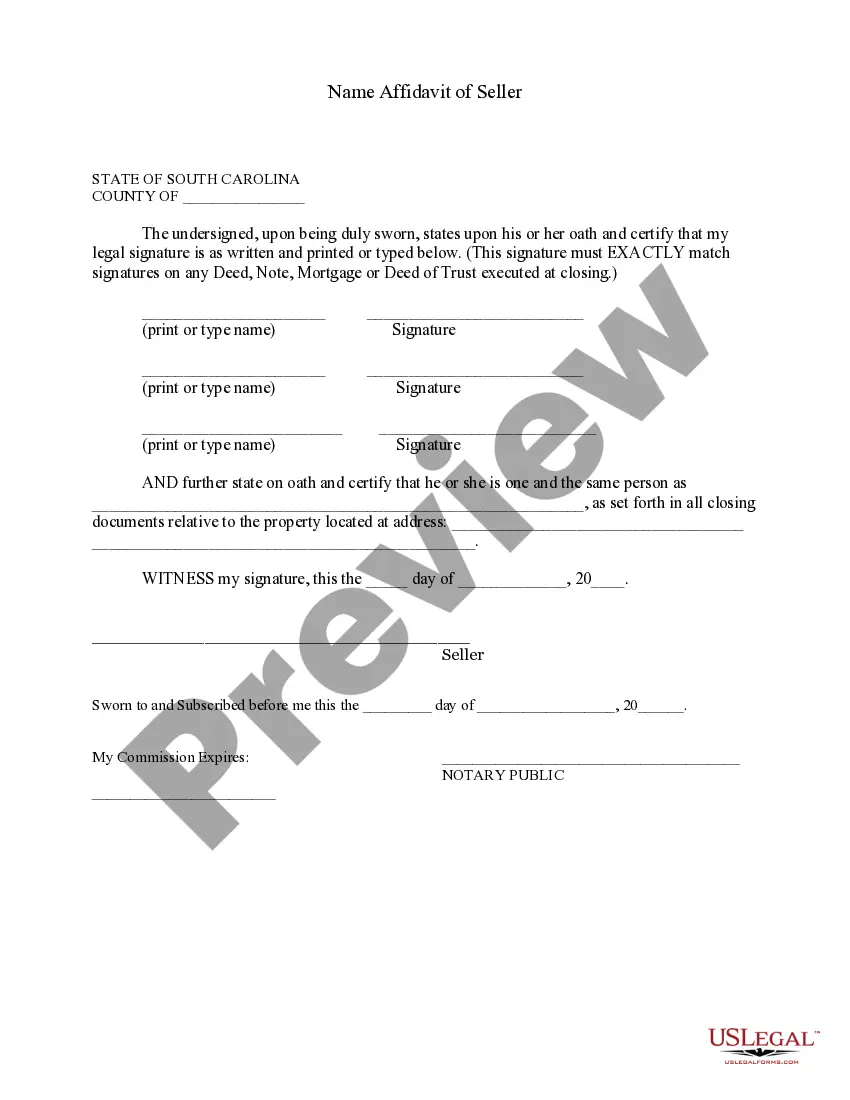
South Carolina Name Affidavit of Seller
About this form
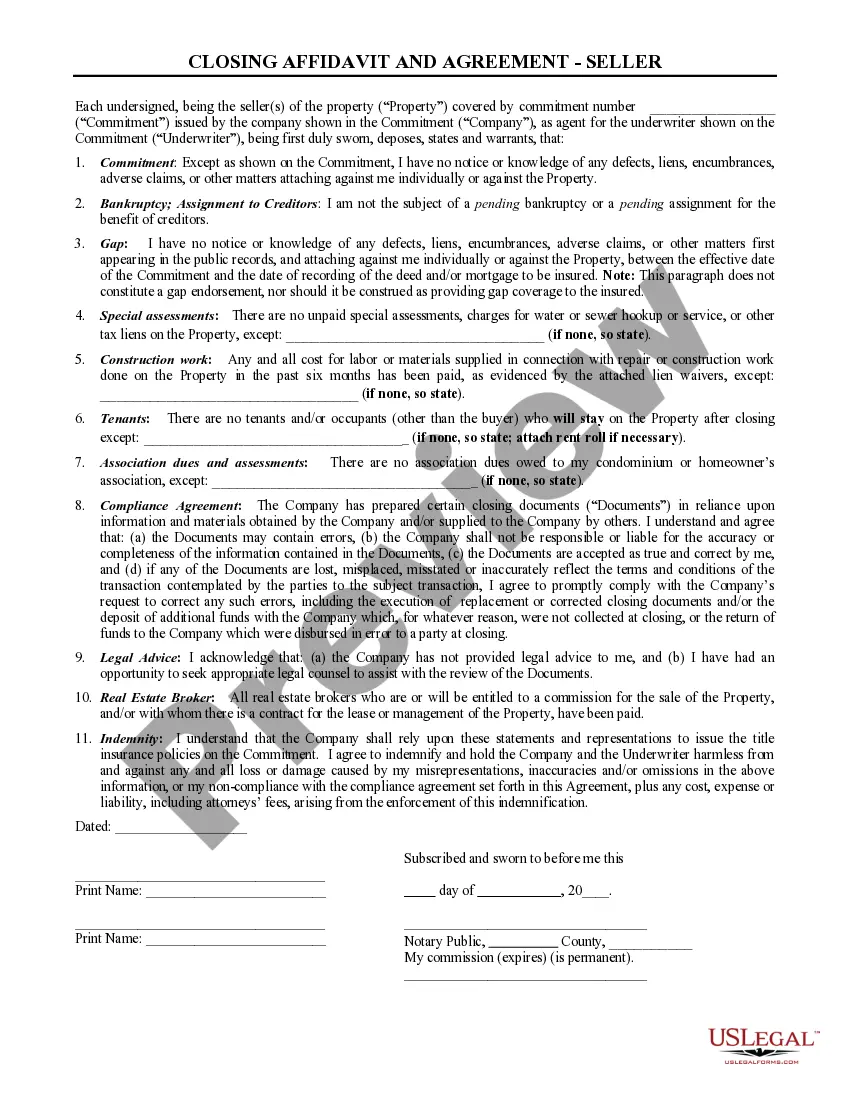
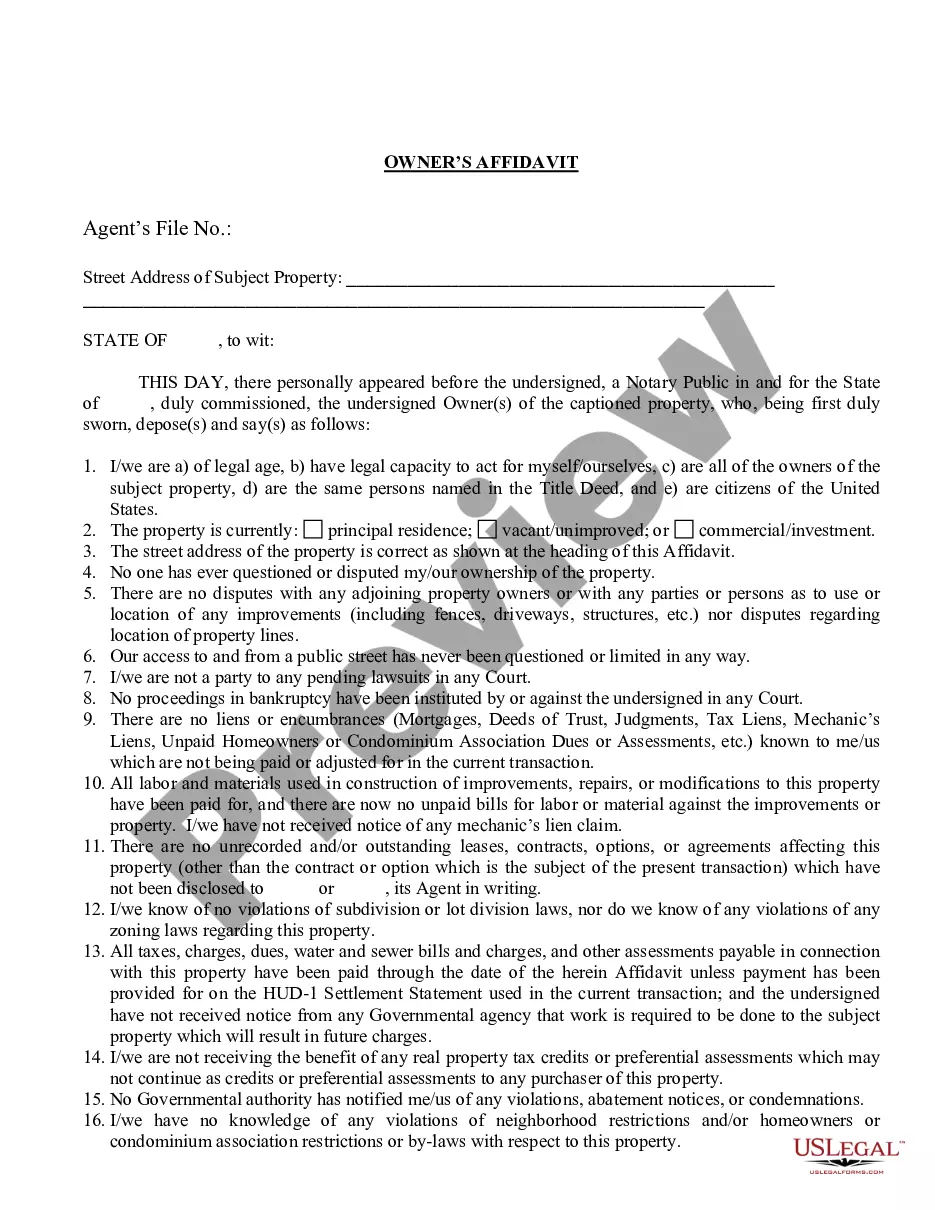
The Name Affidavit of Seller is a legal document used to affirm the seller's legal name, as well as any other names the person is known by. This affidavit is essential in real estate transactions to ensure that the signatures on documents like deeds or mortgages accurately represent the same individual. It clarifies any discrepancies that may arise from the use of different names, ensuring a smooth transaction process.
Key components of this form
- Legal name and signature of the seller, which must match the signatures on all closing documents.
- Known aliases or alternate names to establish identity.
- Certification stating the affirmations made are true and correct.
- Space for a witness signature and notarization details.

Situations where this form applies
This form should be used when selling property to clarify the identity of the seller. It is particularly important if the seller has previously signed documents under different names or aliases. You may need a Name Affidavit of Seller for residential real estate transactions, refinances, or any legal arrangements that require confirmation of identity.
Who this form is for
This form is intended for:
- Property sellers who have used different names in legal documents.
- Buyers and sellers involved in real estate transactions needing clear identification.
- Real estate agents and lawyers assisting clients in the sale of property.
Instructions for completing this form
- Enter the state and county where the affidavit is being executed.
- Print or type the seller's legal name and ensure the signature matches all closing documents.
- Certify the identity by listing any other known names.
- Provide the property address related to the sale.
- Sign and date the affidavit in the presence of a notary public.
Is notarization required?
To make this form legally binding, it must be notarized. Our online notarization service, powered by Notarize, lets you verify and sign documents remotely through an encrypted video session.
Get your form ready online
Our built-in tools help you complete, sign, share, and store your documents in one place.
Make edits, fill in missing information, and update formatting in US Legal Forms—just like you would in MS Word.
Download a copy, print it, send it by email, or mail it via USPS—whatever works best for your next step.
Sign and collect signatures with our SignNow integration. Send to multiple recipients, set reminders, and more. Go Premium to unlock E-Sign.
If this form requires notarization, complete it online through a secure video call—no need to meet a notary in person or wait for an appointment.
We protect your documents and personal data by following strict security and privacy standards.
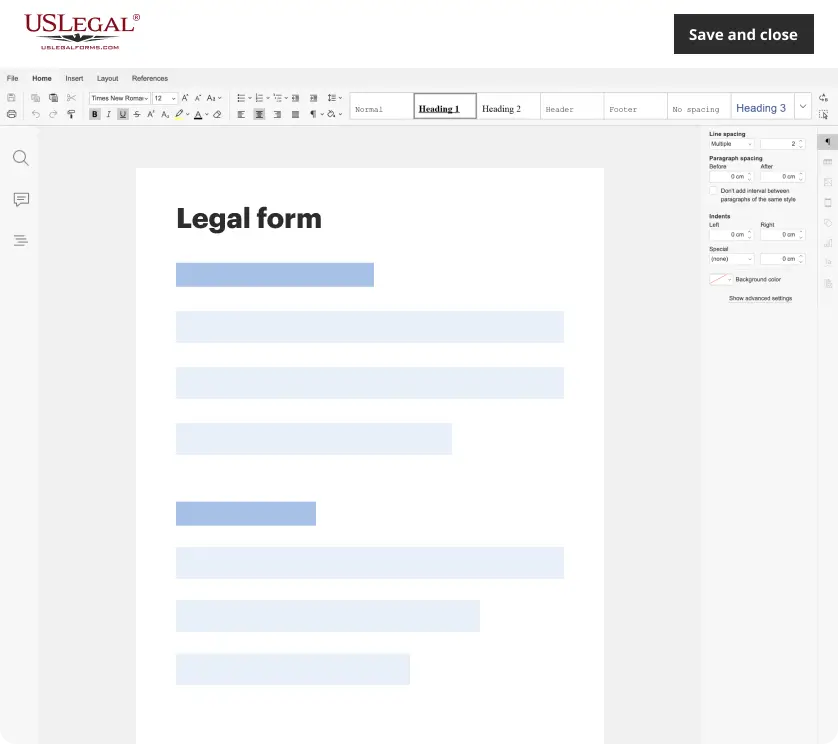
Make edits, fill in missing information, and update formatting in US Legal Forms—just like you would in MS Word.
Download a copy, print it, send it by email, or mail it via USPS—whatever works best for your next step.
Sign and collect signatures with our SignNow integration. Send to multiple recipients, set reminders, and more. Go Premium to unlock E-Sign.

If this form requires notarization, complete it online through a secure video call—no need to meet a notary in person or wait for an appointment.
We protect your documents and personal data by following strict security and privacy standards.
Typical mistakes to avoid
- Failing to match the signature with other legal documents.
- Not listing all known aliases, which may cause confusion.
- Missing the notarization, if required by local law.
Advantages of online completion
- Convenient access allows you to fill out the form at your own pace.
- Editable templates ensure you can customize the document easily.
- Reliability of having documents reviewed and drafted by licensed attorneys.
What to keep in mind
- The Name Affidavit of Seller clarifies identity discrepancies for property sales.
- It must be signed and notarized to ensure legal validity.
- This form is tailored for use in South Carolina and may have specific requirements based on local laws.
Looking for another form?

Form popularity
FAQ
All NC titles have a place for the notary to print and sign their name and place the seal on it. SC doesnt require titles to be notarized.
Back of the title top right - sign name(s) on the line where it reads "Signature(s) of Seller(s)." Back of the title right below where you signed name(s) - print name(s) on the line where it reads "Hand Printed Name(s) of Seller(s)."
On the front of the title, near the middle, the seller must write in the current odometer reading on the vehicle. Near the bottom, the seller must fill in the following information on the appropriate lines: Date the vehicle was sold, and their printed name and signed name (which should be written on the same line).
Confirm that the seller has signed her name on the back of the vehicle title in the "seller" section, and completed the box in full, including address and date. Check the odometer reading and fill out the odometer statement on the back of the title. Write a bill of sale. Gather necessary paperwork.
South Carolina provides copies of titles once liens are satisfied. On the back of the title you will fill in the top block ASSIGNMENT OF A VEHICLE. Enter the date in the spaces indicated on the first line. Fill in the buyer name and address on the next line.
Where Do I Sign a South Carolina Title? Sign the back of the title where it is marked "Signature(s) of Seller(s)." Print your name on the back of the title where it reads "Hand Printed Name(s) of Seller(s)."
South Carolina bills of sale for a motor vehicle must be notarized. The State provides a bill of form if you choose not to write your own. If you do write your own, it must contain the same information as the State's form.
Back of the title top right - sign name(s) on the line where it reads "Signature(s) of Seller(s)." Back of the title right below where you signed name(s) - print name(s) on the line where it reads "Hand Printed Name(s) of Seller(s)."
The SC title does not need to be notarized. When you get the SC title call your insurance company and get the Brub insured and take the title and proof of insurance up to the tag/title office.