Resume Cover Letter for Acrobats
Understanding this form
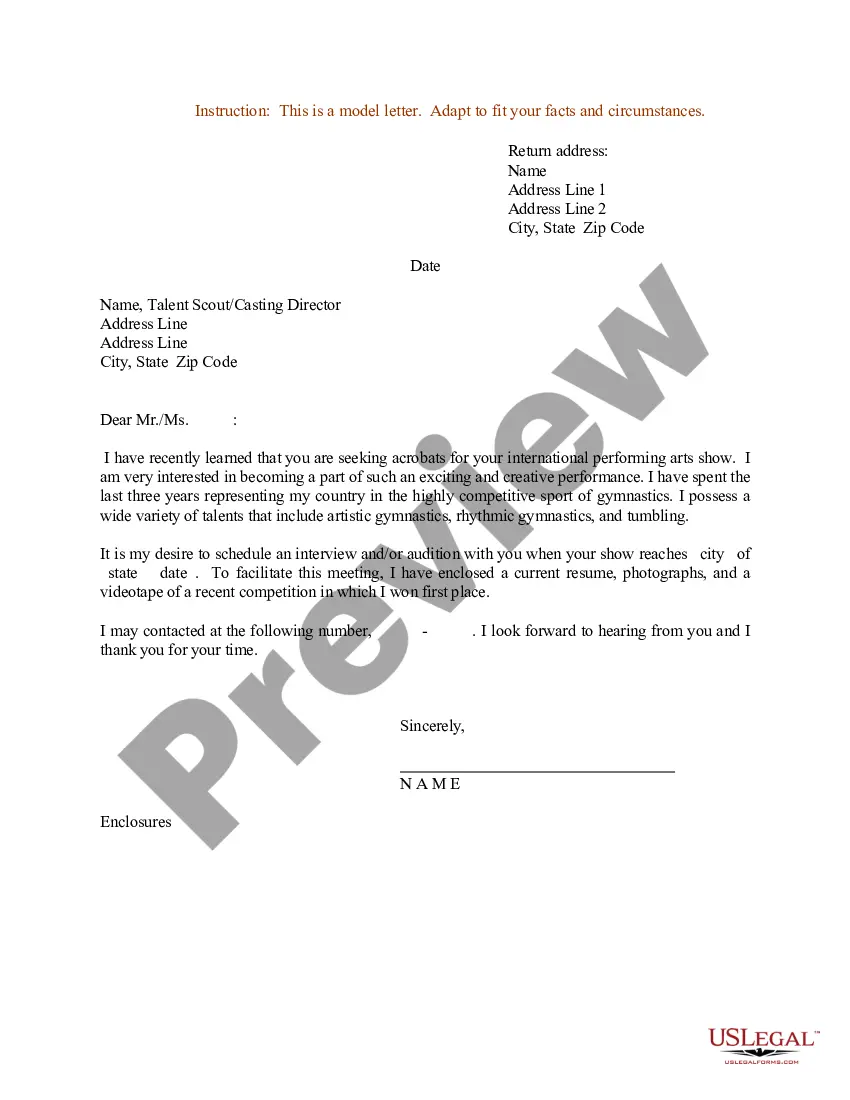
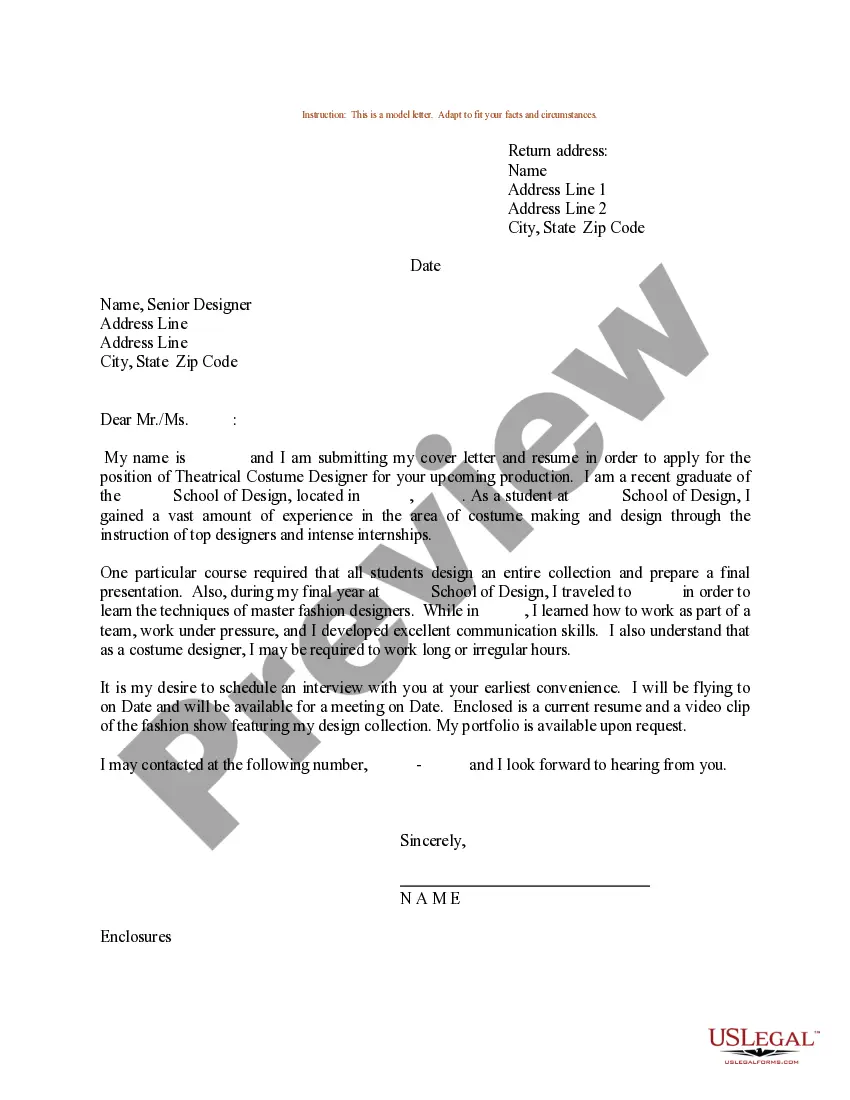
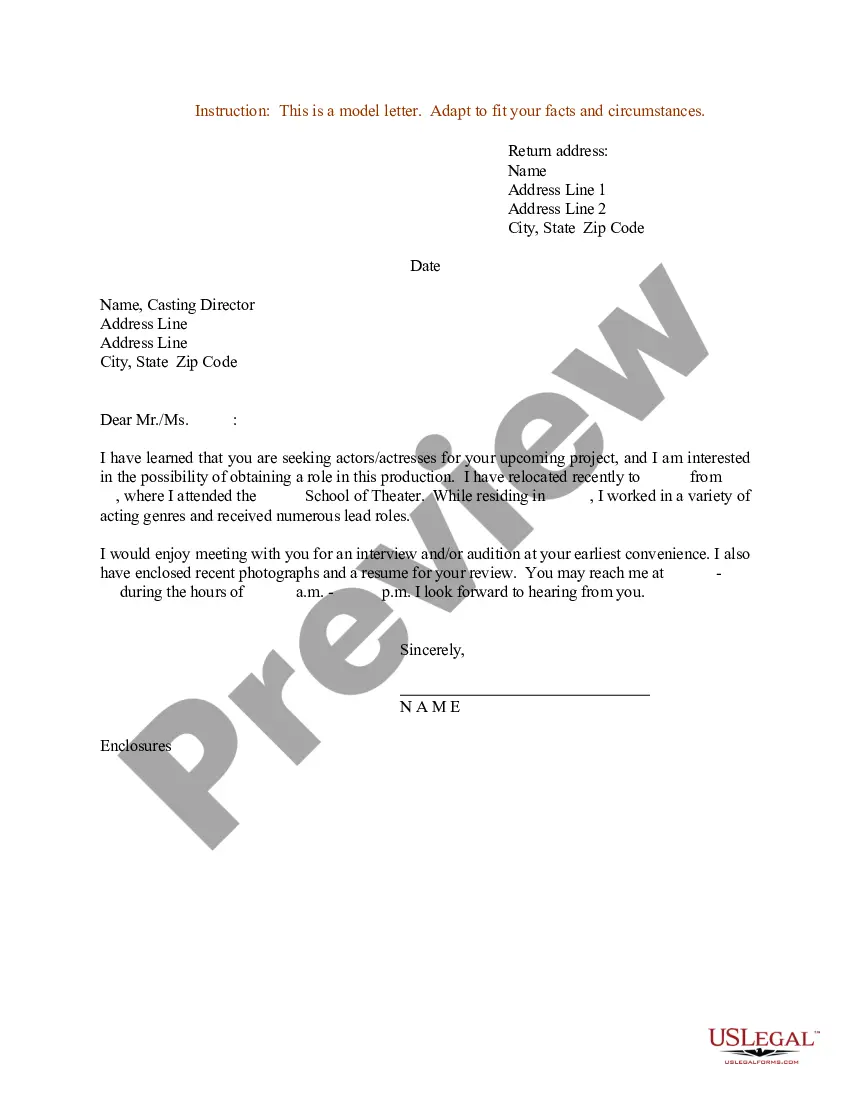
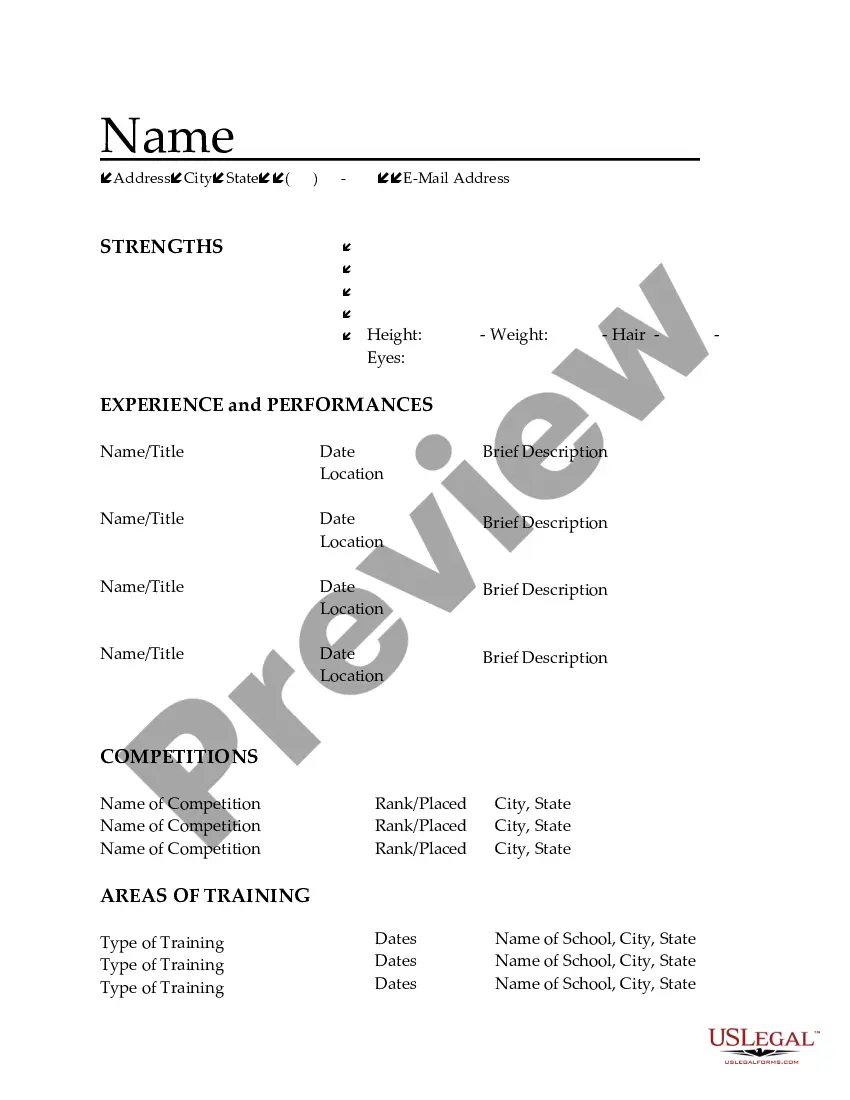
The Resume Cover Letter for Acrobats is a document designed to accompany the resume of individuals seeking employment in acrobatic roles. This form helps applicants introduce themselves, highlight their skills, and express their interest in a specific position within the entertainment industry. Unlike other job application cover letters, this form is tailored to showcase the unique qualifications and experiences pertinent to acrobats and performers.
Key parts of this document
- Return address: Space for the applicant's contact information.
- Date: The date when the cover letter is completed.
- Recipient's details: Area to enter the name and address of the talent scout or casting director.
- Salutation: A greeting addressing the recipient.
- Body: The main content, outlining the applicant's experience and interest in the position.
- Closing: A polite sign-off and space for the applicant's signature.
When to use this form
This form is essential when applying for acrobat positions at theaters, circuses, or entertainment companies. It should be used whenever a cover letter is requested or recommended, providing a professional introduction and complementing the applicant's resume. Utilizing this cover letter can be beneficial in competitive job markets where differentiation is key.
Who this form is for
- Individuals applying for acrobat positions in various entertainment settings.
- Performers with previous experience in circus acts or theatrical performances.
- Professionals seeking to showcase their unique skills in acrobatics.
How to prepare this document
- Enter your return address at the top of the cover letter.
- Write the date when you are submitting the letter.
- Add the recipient's name and address next, including the talent scout or casting directorâs information.
- Begin with a formal salutation, using the proper title for the recipient.
- Compose the body of the letter, clearly describing your acrobatic skills, experience, and why you are interested in the position.
- End with a closing statement and include your signature at the bottom.
Does this form need to be notarized?
This form does not typically require notarization unless specified by local law.
Get your form ready online
Our built-in tools help you complete, sign, share, and store your documents in one place.
Make edits, fill in missing information, and update formatting in US Legal Forms—just like you would in MS Word.
Download a copy, print it, send it by email, or mail it via USPS—whatever works best for your next step.
Sign and collect signatures with our SignNow integration. Send to multiple recipients, set reminders, and more. Go Premium to unlock E-Sign.
If this form requires notarization, complete it online through a secure video call—no need to meet a notary in person or wait for an appointment.
We protect your documents and personal data by following strict security and privacy standards.

Make edits, fill in missing information, and update formatting in US Legal Forms—just like you would in MS Word.

Download a copy, print it, send it by email, or mail it via USPS—whatever works best for your next step.

Sign and collect signatures with our SignNow integration. Send to multiple recipients, set reminders, and more. Go Premium to unlock E-Sign.

If this form requires notarization, complete it online through a secure video call—no need to meet a notary in person or wait for an appointment.

We protect your documents and personal data by following strict security and privacy standards.
Avoid these common issues
- Failing to customize the cover letter for the specific position.
- Neglecting to proofread for spelling and grammar errors.
- Using a generic salutation instead of addressing the recipient by name.
- Overloading the letter with unnecessary information instead of focusing on relevant acrobatic skills.
Why use this form online
- Convenient access: Downloadable form available anytime.
- Easily editable: Customize it to suit your personal style and the specific role.
- Trusted source: Form drafted by licensed attorneys to ensure correctness and relevance.
Legal use & context
- Legally supports your job application process as a professional performer.
- Helps establish your credentials for job opportunities in the entertainment industry.
- Provides a formal introduction that can enhance your candidacy.
Summary of main points
- Use the Resume Cover Letter for Acrobats to enhance your job application.
- Ensure your letter is personalized and free of mistakes for maximum impact.
- This form is applicable for various roles in the acrobatics field across multiple states.
Looking for another form?





Form popularity
FAQ
Resume templates are easy to change and make your own. And that's where a resume template from Adobe Spark comes in. Everything you need is there on the design page. You can either run with it or use it as the basis for your own unique resume.
Click on File in the upper left-hand corner. Click on Save As in the menu that appears. When the box appears, click on the drop-down menu beside file format. Choose PDF from the menu. Click Save.
Design a resume that showcases your professional experience with a design that's uniquely yours in Adobe InDesign. Use a clean layout, fresh colors, and beautiful type to help you land your dream job.
Highlight artist skills. Whether you specialize in sculpting, painting, or graphic art, employers look for a combination of hard and soft skills in a successful artist. Emphasize your creative skills. Research the company.
Step 1: Put your contact details (and the employer's) in the header. Step 2: Address the hiring manager by their name. Step 3: Hook the hiring manager with a strong introduction. Step 4: Prove that you're the perfect candidate for the job.
Introduce yourself. mention the job (or kind of job) you're applying for (or looking for) show that your skills and experience match the skills and experience needed to do the job. encourage the reader to read your resume.
Click on the templates tab on your desktop Adobe Spark workspace, type in resume, and browse through countless designs. On the mobile app, templates are available right on the home screen. You can customize templates as much or as little as you like.
Cover Letter Tips In a few sentences, explain why you're a great fit for this specific role. State why you're excited about the job and the company, and how the job matches your career goals. In one or two paragraphs, connect your past accomplishments with the requirements listed in the job description.
Click on the templates tab on your desktop Adobe Spark workspace, type in resume, and browse through countless designs. On the mobile app, templates are available right on the home screen. You can customize templates as much or as little as you like.