Resume for Acrobats
What is this form?
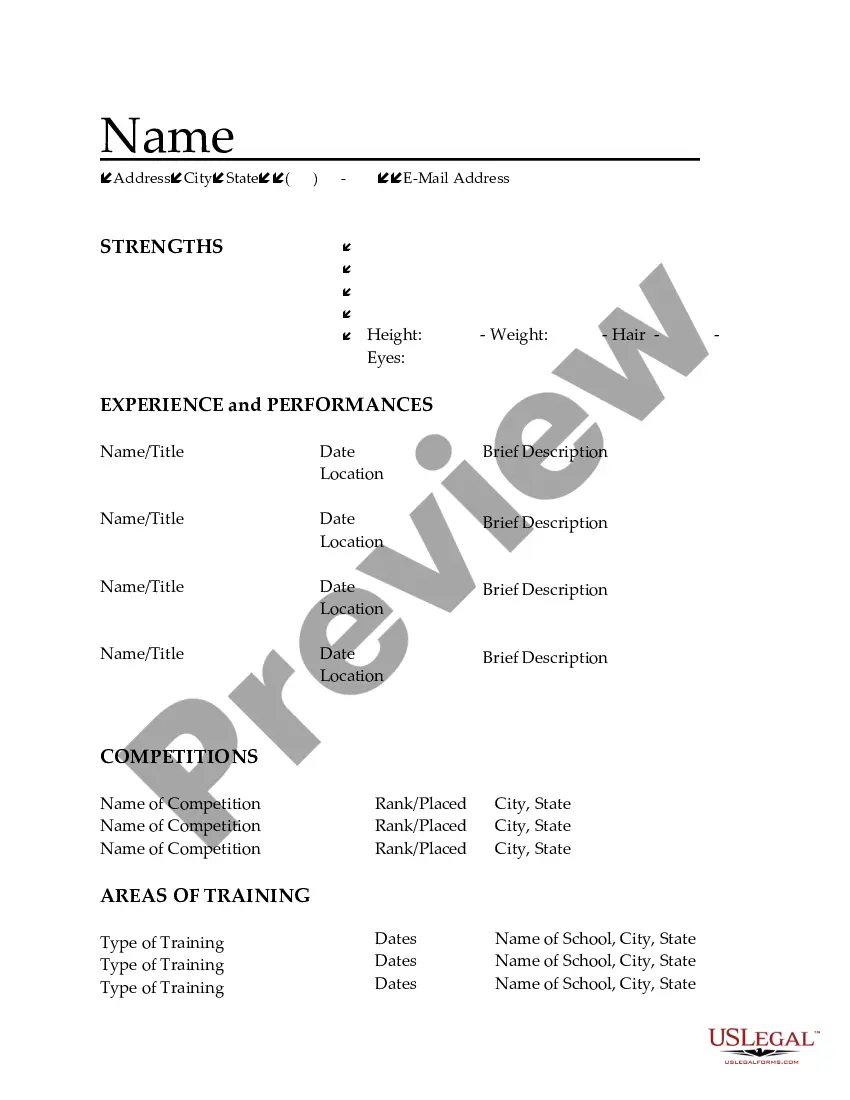
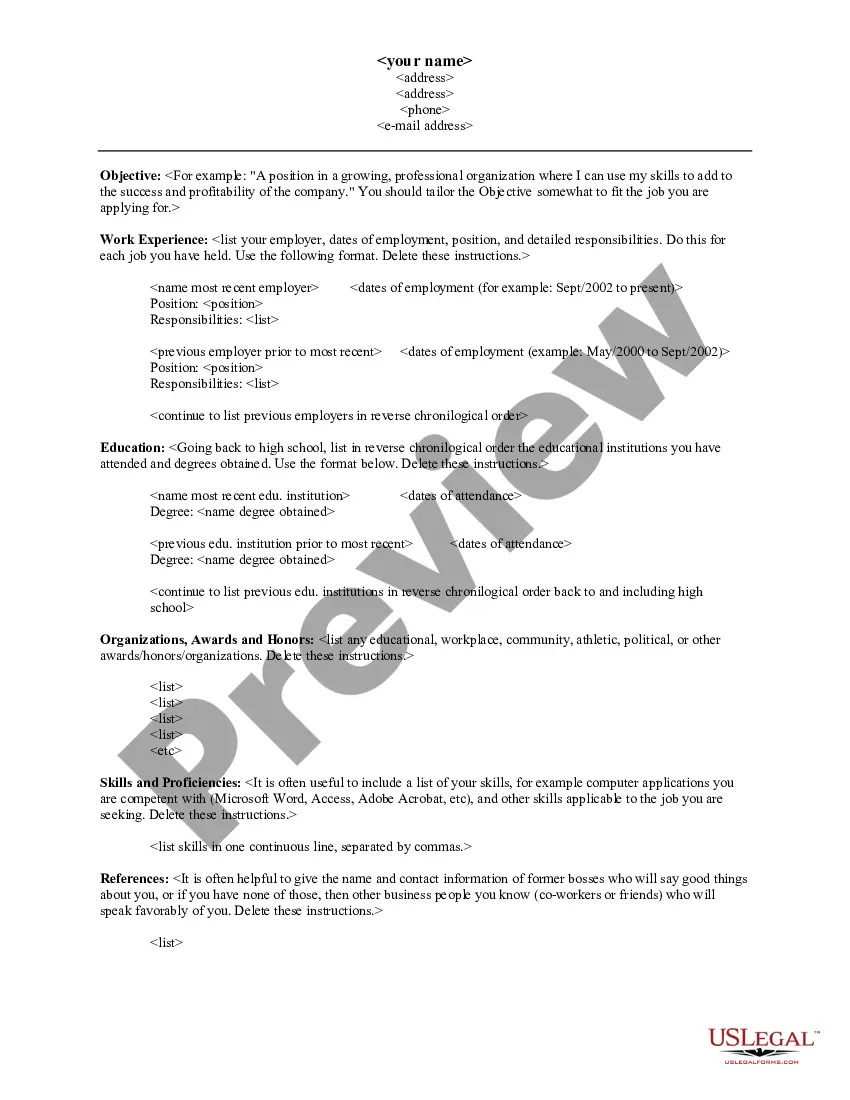
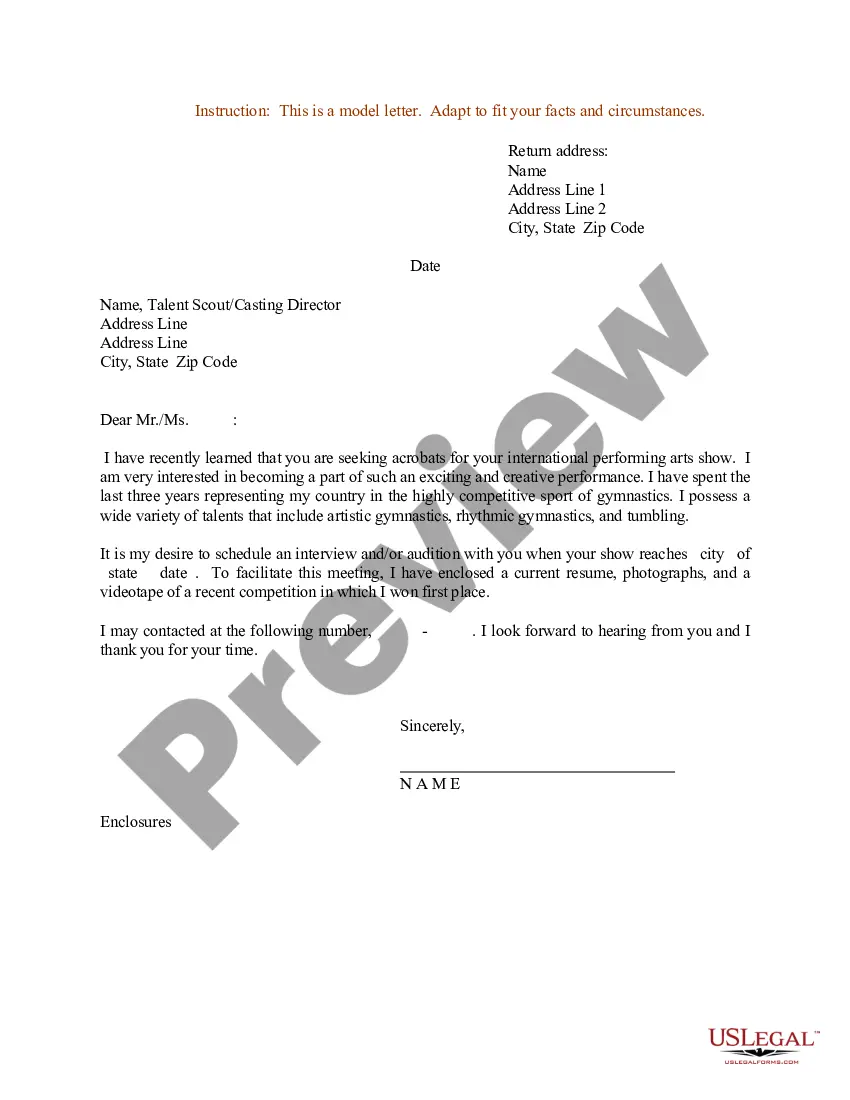
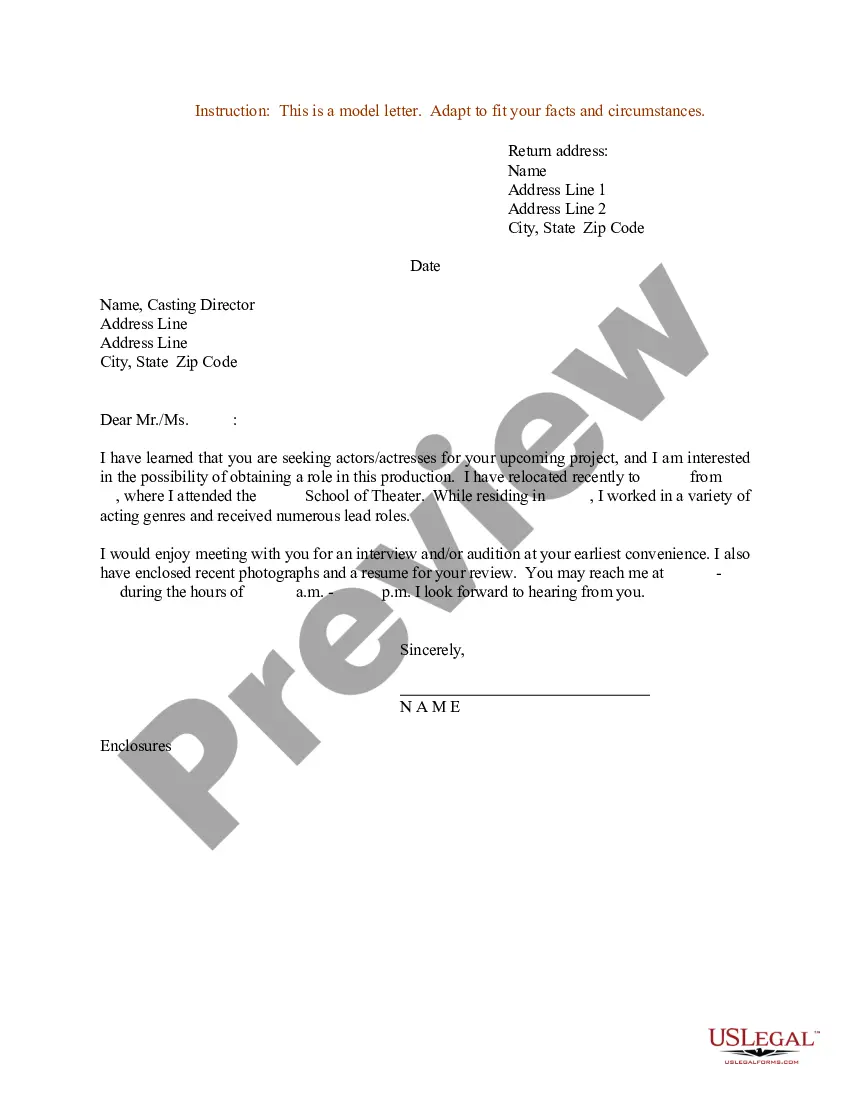
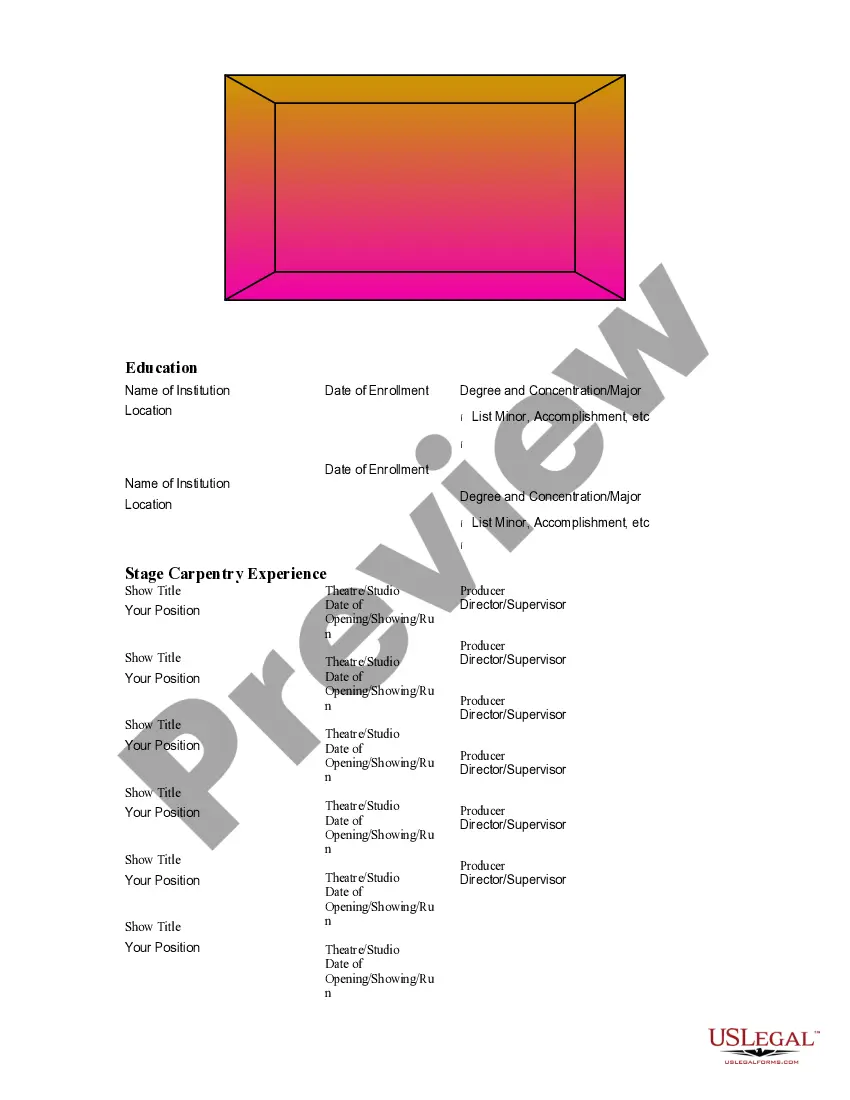
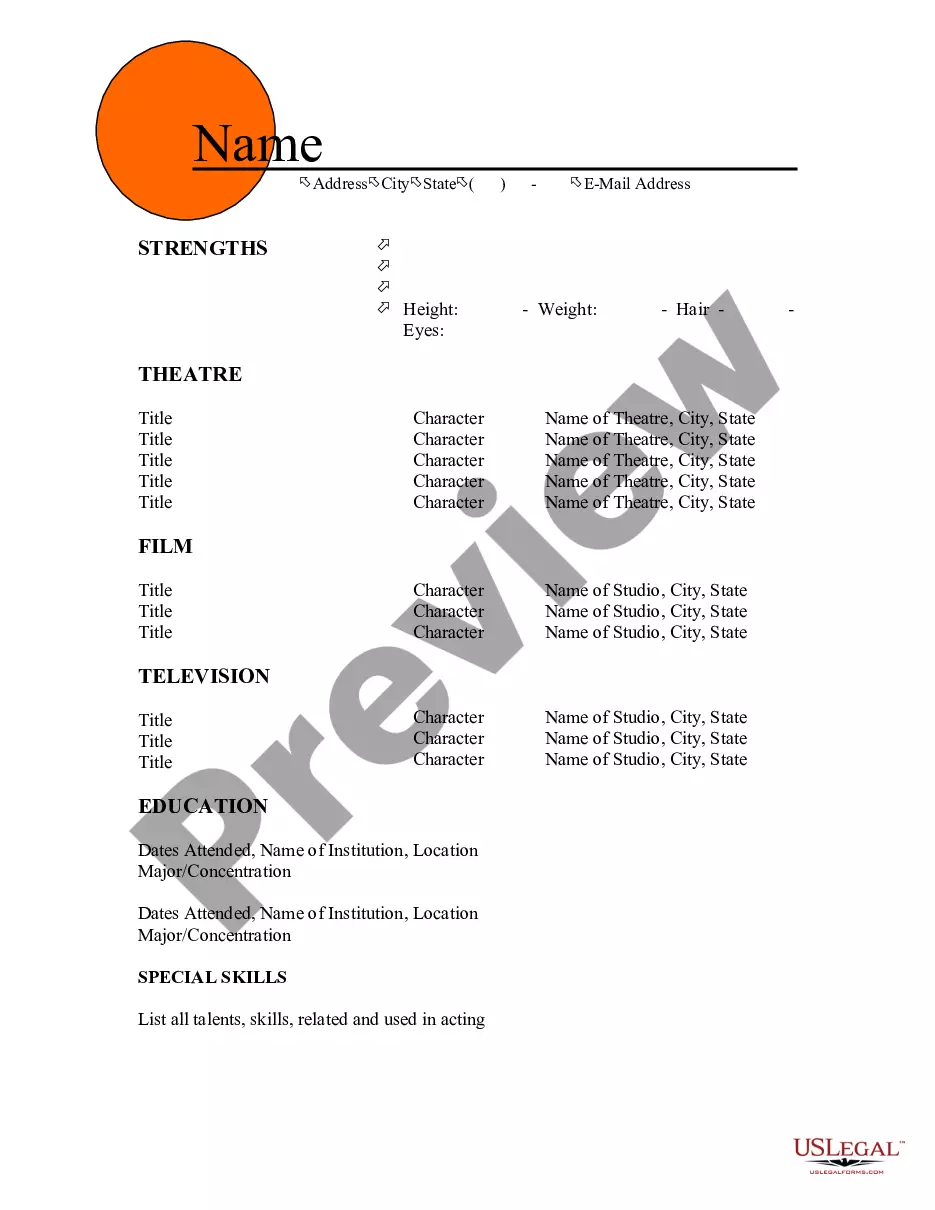
The resume for acrobats is a specialized document designed for individuals seeking positions in the acrobatics field. Unlike generic resumes, this form includes sections tailored to showcase relevant competitions, training, and unique skills associated with acrobatics. It helps applicants effectively present their qualifications to potential employers in the entertainment and performance industry.
Key components of this form
- Date and location of relevant performances or experiences
- Brief descriptions of each performance or event
- Section for detailing competitions, including rank and location
- Areas of training, specifying types, dates, and institutions
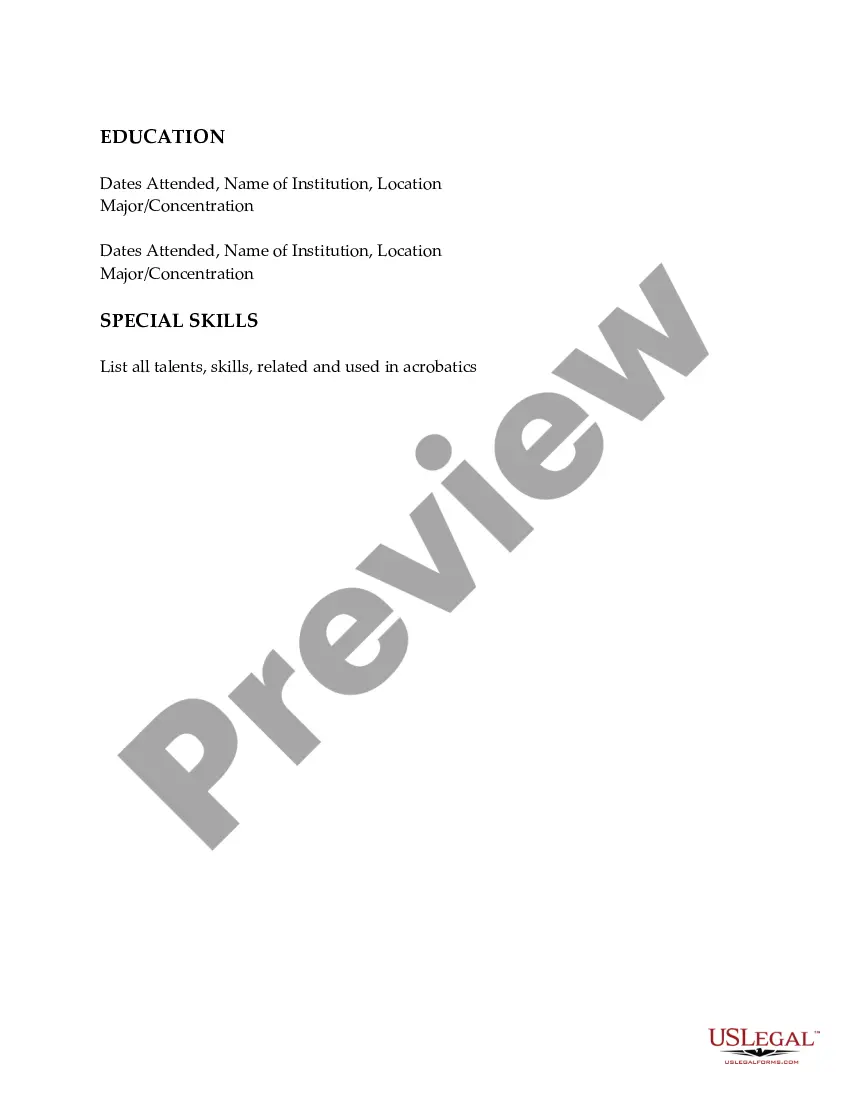
- Education background with dates attended, institution name, and major
- Special skills related to acrobatics to highlight talents and capabilities
When to use this document
This form is essential when applying for acrobat positions within theater companies, circus performances, or other entertainment venues. It is also beneficial for acrobats seeking to showcase their achievements in competitions or training programs to potential employers or casting agents. Use this resume format to stand out in auditions or job applications in the acrobatics field.
Who needs this form
- Professional acrobats seeking employment opportunities
- Aspiring acrobats entering the job market
- Individuals with experience in acrobatics looking to enhance their resumes
- Trainers or coaches assisting acrobats in professional pursuits
How to complete this form
- Begin by entering your name and contact information at the top of the resume.
- List your performance dates and locations, providing brief descriptions for each.
- Detail your competition involvement, including names, rankings, and locations.
- Outline your training areas, including the type of training, dates, and institutions attended.
- Provide your educational background with dates and relevant majors or concentrations.
- Finally, list special skills and talents relevant to your acrobatic abilities.
Does this document require notarization?
Notarization is generally not required for this form. However, certain states or situations might demand it. You can complete notarization online through US Legal Forms, powered by Notarize, using a verified video call available anytime.
Get your form ready online
Our built-in tools help you complete, sign, share, and store your documents in one place.
Make edits, fill in missing information, and update formatting in US Legal Forms—just like you would in MS Word.
Download a copy, print it, send it by email, or mail it via USPS—whatever works best for your next step.
Sign and collect signatures with our SignNow integration. Send to multiple recipients, set reminders, and more. Go Premium to unlock E-Sign.
If this form requires notarization, complete it online through a secure video call—no need to meet a notary in person or wait for an appointment.
We protect your documents and personal data by following strict security and privacy standards.

Make edits, fill in missing information, and update formatting in US Legal Forms—just like you would in MS Word.

Download a copy, print it, send it by email, or mail it via USPS—whatever works best for your next step.

Sign and collect signatures with our SignNow integration. Send to multiple recipients, set reminders, and more. Go Premium to unlock E-Sign.

If this form requires notarization, complete it online through a secure video call—no need to meet a notary in person or wait for an appointment.

We protect your documents and personal data by following strict security and privacy standards.
Avoid these common issues
- Overloading the resume with irrelevant information or experiences
- Not properly formatting dates or locations, making it hard to read
- Exaggerating skills or achievements which may lead to mistrust
- Failing to customize the resume for specific roles or auditions
Benefits of using this form online
- Convenient access to professionally drafted resume templates
- Editable format makes it easy to personalize for different auditions
- Reliable legal formatting ensures compliance with industry standards
Main things to remember
- The resume for acrobats is tailored specifically for those in the acrobatics field.
- It highlights key performances, competitions, training, and skills essential for career advancement.
- Proper completion and customization of this form can significantly increase job application success.
Looking for another form?

Form popularity
FAQ
Pick only relevant hobbies and interests. Don't add more than 35 hobbies or interests, and be as specific as possible, when necessary. Title that section in various ways: Hobbies & Interests, Personal Interests, Pastimes or Activities. Mention the list of personal interests and hobbies at the bottom of your resume.
Click on File in the upper left-hand corner. Click on Save As in the menu that appears. When the box appears, click on the drop-down menu beside file format. Choose PDF from the menu. Click Save.
Computer skills are the ability to utilize computers and technology efficiently. With the rise of technology, the computer skills you have can set you apart when applying for a new job.Every professional position requires the use of certain technology, ranging from hardware to computer applications.
Data Analytics. SAS (advanced) Typing. Word Processing. Cabling. Servers. Software Development. Graphic Manipulation. MS Excel. Client Server Management. Digital Marketing.
Active listening. Communication. Computer skills. Customer service. Interpersonal skills. Leadership. Management skills. Problem-solving.
Follow the master list of all Microsoft Office skills to get started. Pick the skills that are relevant to your future position. Prove your skills in your job description. If you're not proficient in MS Office, don't say that on your resume. Consider getting Microsoft Office certified.
Select a font that will represent your personal style. Type your name, address, email and phone number at the top left of the resume. Include work experience relevant to the job for which you are applying, and place it first in the "Experience" category directly below your contact information.
Review the many types of writing skills. Read the job ad like it's a real page-turner. Highlight the skills you see. List skills for writing in your resume, then prove them with achievements. To improve writing skills, read and write more, outline, revise, and cut, cut, cut.
Basic computer skills include: word processing software, access the Internet, manage files, or create presentations. Advanced computer skills include: accessing databases, advanced spreadsheets knowledge, and coding.