Nonexempt Employee Time Report
Understanding this form
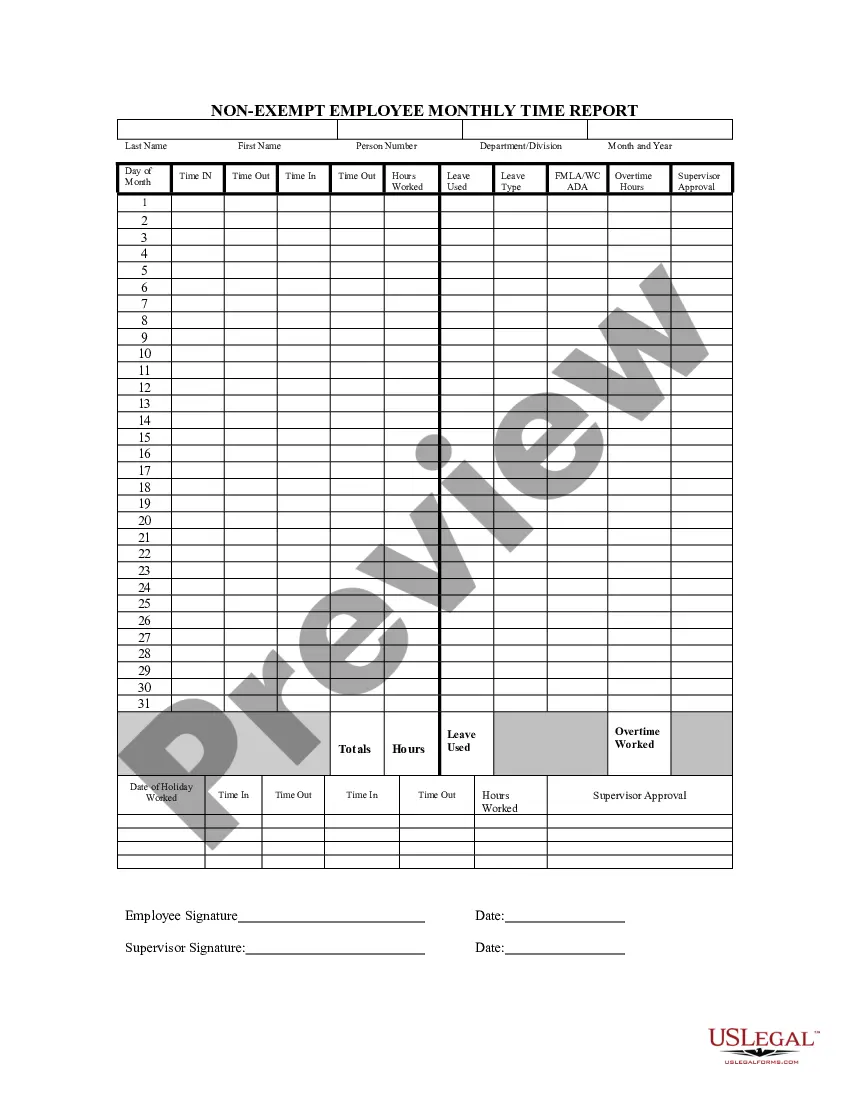
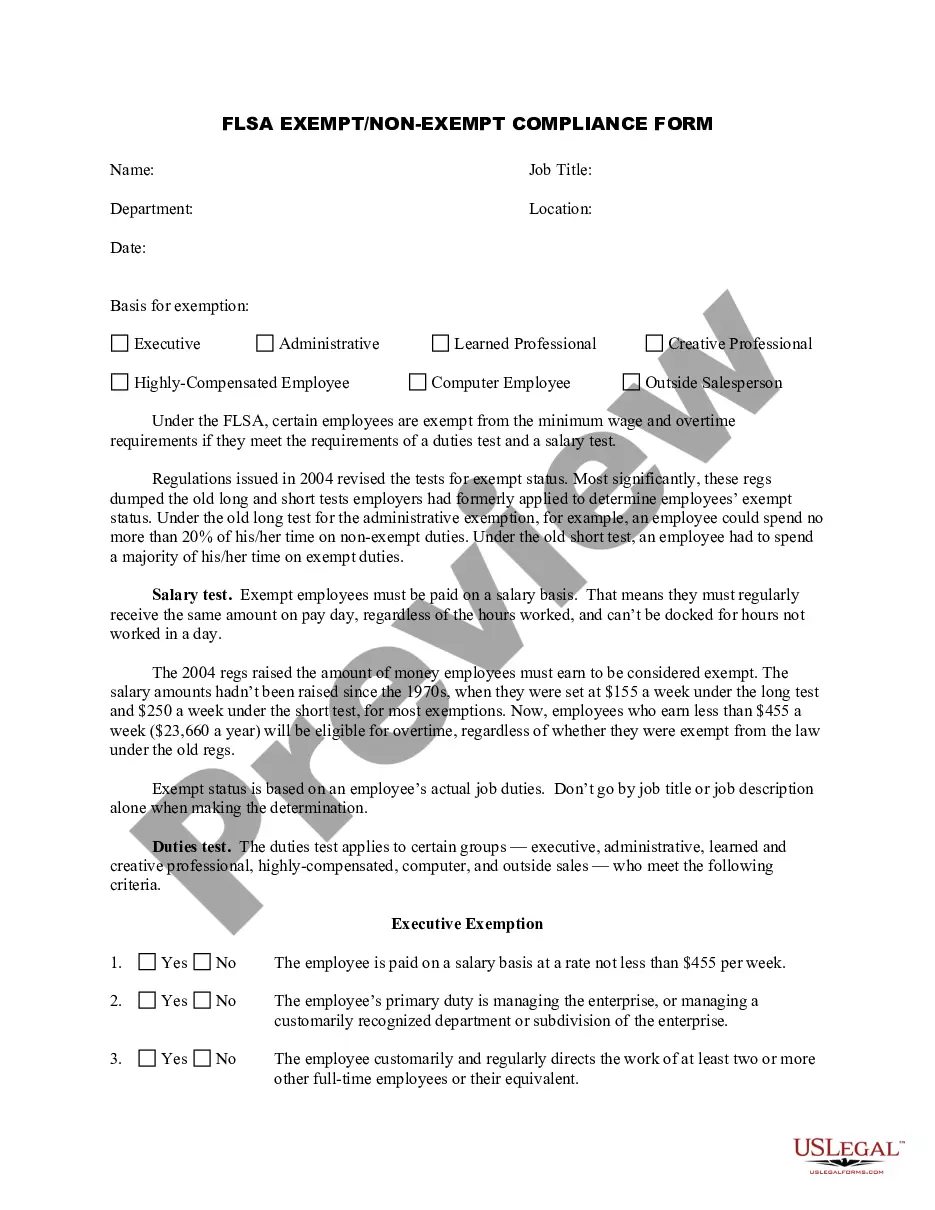
The Nonexempt Employee Time Report is a vital Employment & Human Resources document designed for employers to accurately track employee attendance, hours worked, and leave taken. This form distinguishes itself by focusing specifically on nonexempt employees, ensuring compliance with wage and hour laws. It enables employers of all sizes to maintain precise records that are crucial for payroll processing and compliance with labor regulations.
Key parts of this document
- Day of Month: A column to indicate each day for reporting purposes.
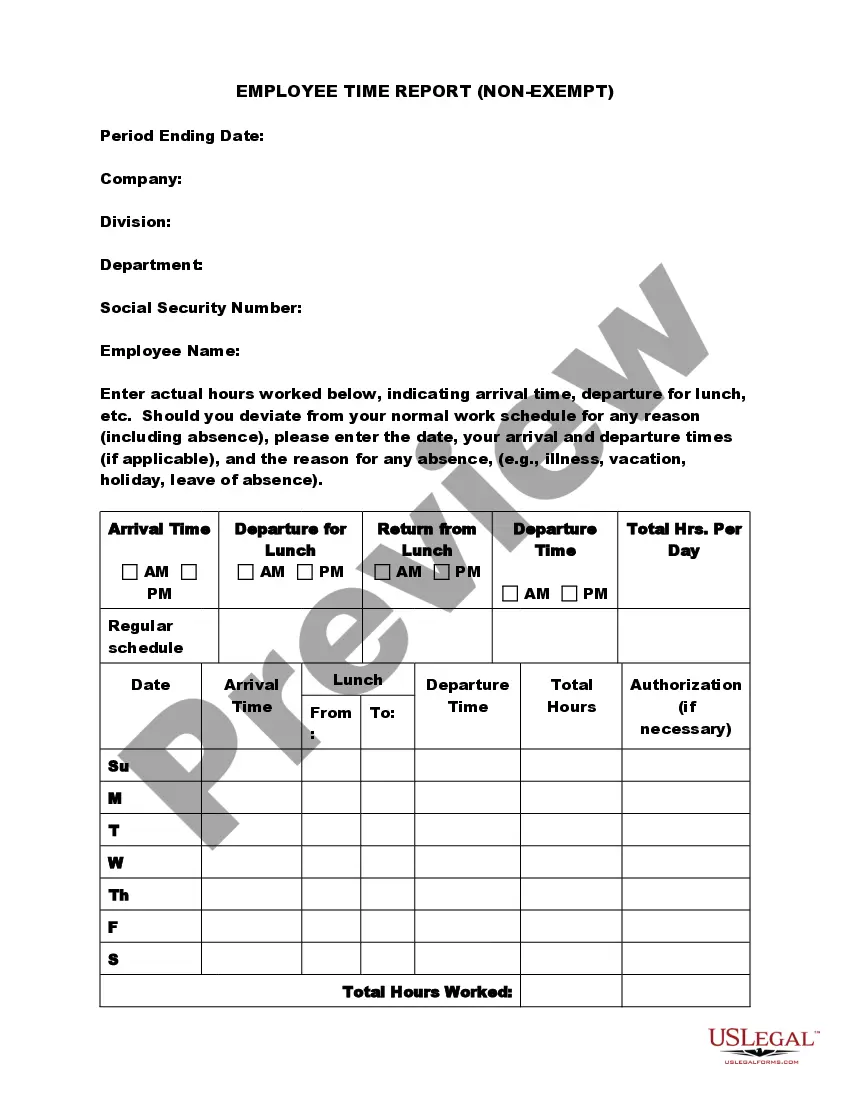
- Time IN and Time OUT: Fields for recording the start and end times of each work period.
- Hours Worked: A section for calculating total hours worked during the designated period.
- Leave Used: Documentation space for noting any leave taken by the employee.
- Leave Type: Fields to specify the type of leave, including FMLA, Workers' Compensation (WC), or ADA.
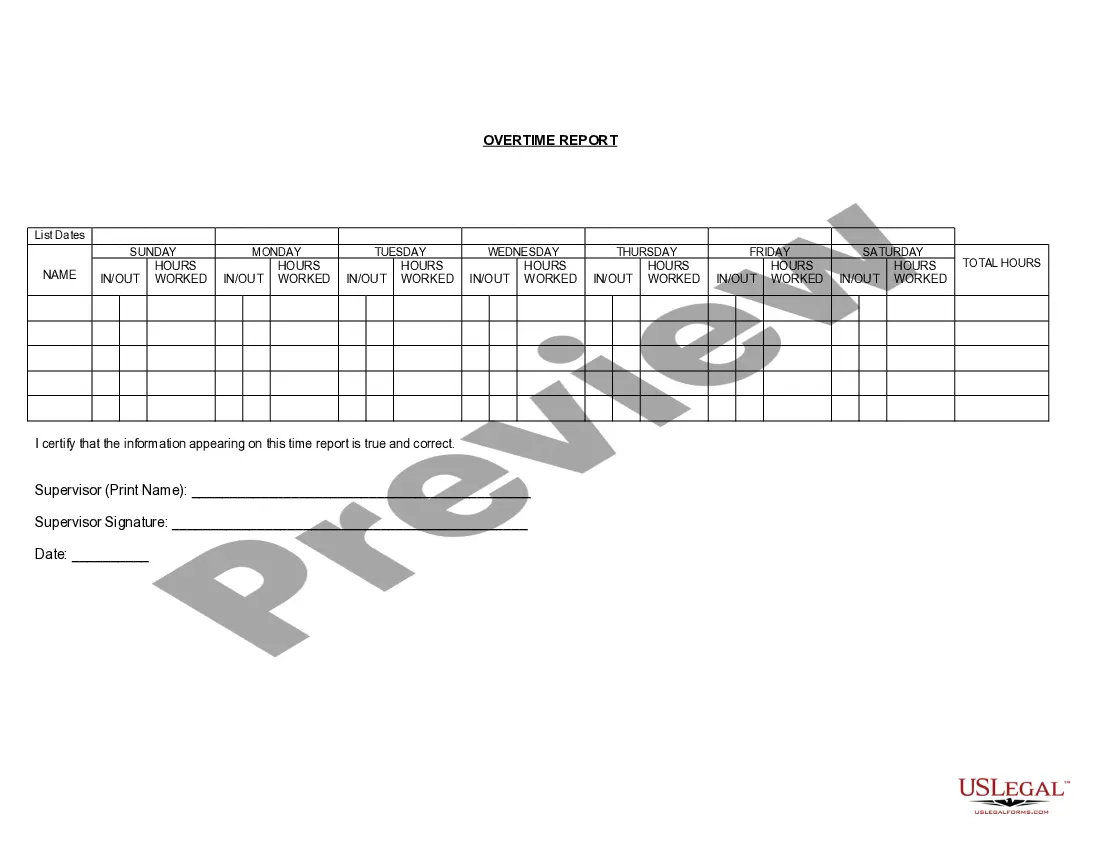
- Overtime Hours: A section to record any hours worked beyond the standard workweek that qualify for overtime pay.
- Supervisor Approval: A field for the supervisor's signature, indicating verification of the reported data.


When to use this document
This form should be used whenever nonexempt employees report their time worked, including regular hours, overtime, and instances of leave. It is essential for weekly or bi-weekly payroll processing, ensuring employers remain compliant with labor laws and properly compensate employees for their time. Additionally, it can be utilized for tracking hours during holidays or special circumstances requiring leave.
Who this form is for
The Nonexempt Employee Time Report is intended for:
- Employers seeking to maintain compliance with labor laws.
- Human resources departments responsible for payroll processing.
- Supervisors needing to review and approve employee work hours.
- Nonexempt employees who need to document their time worked and leave taken.
How to prepare this document
- Record the date in the designated column for each day of the reporting period.
- Enter the time the employee clocks in and out for each work session.
- Calculate and document the total hours worked for the reporting period.
- Indicate any leave taken and the specific type of leave used.
- Calculate overtime hours based on hours worked over the legal limit.
- Obtain supervisor approval by having them sign the completed report.
Does this document require notarization?
This form does not typically require notarization to be legally valid. However, some jurisdictions or document types may still require it. US Legal Forms provides secure online notarization powered by Notarize, available 24/7 for added convenience.
Get your form ready online
Our built-in tools help you complete, sign, share, and store your documents in one place.
Make edits, fill in missing information, and update formatting in US Legal Forms—just like you would in MS Word.
Download a copy, print it, send it by email, or mail it via USPS—whatever works best for your next step.
Sign and collect signatures with our SignNow integration. Send to multiple recipients, set reminders, and more. Go Premium to unlock E-Sign.
If this form requires notarization, complete it online through a secure video call—no need to meet a notary in person or wait for an appointment.
We protect your documents and personal data by following strict security and privacy standards.

Make edits, fill in missing information, and update formatting in US Legal Forms—just like you would in MS Word.

Download a copy, print it, send it by email, or mail it via USPS—whatever works best for your next step.

Sign and collect signatures with our SignNow integration. Send to multiple recipients, set reminders, and more. Go Premium to unlock E-Sign.

If this form requires notarization, complete it online through a secure video call—no need to meet a notary in person or wait for an appointment.

We protect your documents and personal data by following strict security and privacy standards.
Avoid these common issues
- Failing to correctly record time IN and OUT, which can lead to payroll errors.
- Not including all leave taken, resulting in discrepancies in leave balances.
- Forgetting to calculate overtime hours when applicable.
- Neglecting to get supervisor approval before submitting the report.
Why complete this form online
- Convenience of filling out the form from any device without the need for paper.
- Editability allows for changes without starting over if mistakes occur.
- Ensures reliability by maintaining accurate records electronically.
- Quick access to downloaded forms streamlines payroll processing.
Legal use & context
- This form helps maintain accurate employment records required by labor laws.
- Proper completion is essential for employees to receive correct compensation.
- Mistakes in reporting can lead to compliance issues and potential penalties.
Key takeaways
- The Nonexempt Employee Time Report is essential for tracking employee work hours and leave.
- Proper use of the form helps maintain compliance with labor laws.
- Accurate completion is crucial for payroll processing and record-keeping.
Looking for another form?




Form popularity
FAQ
Non-exempt employees must receive overtime pay. In certain states, employees may be eligible for overtime pay when they work more than eight hours in one day. But, generally, most non-exempt employees must be paid overtime pay only after they work more than 40 hours in a workweek.
When the employer is aware, or invites, a non-exempt employee to send off the clock emails, calls or texts, the employer must have a way to track that time and ensure that the employee is paid.If an employee breaks this rule, and works after hours, the employee can be disciplined but must be paid.
The FLSA does not limit the amount of working hours an employer can expect of exempt workers. However, nothing in the FLSA prohibits employers from requiring exempt employees to clock in or track time either. Tracking time is a good idea, because it prevents disagreements between the employee and employer.
Time clocks typically are used for recordkeeping purposes. The FLSA doesn't mandate time clocks at all, not even for hourly, non-exempt employees. The FLSA's Fact Sheet No. 21, titled "Recordkeeping Requirements Under the Fair Labor Standards Act (FLSA)" states: "Employers may use any timekeeping method they choose.
Company management must exercise control over employees to ensure that work is not performed off the clock.For example, a supervisor can now text or email an employee 24/7. If the employee is expected to answer, they must be paid for their time in reviewing and responding to the message.
If they're exempt, which a majority of salaried employees are, you're not required to have them fill out a timesheetbut if they fall under the non-exempt category (for example, if the employee's salary is less than $684 per week) then they would need to fill out a timecard.
The number of hours worked doesn't affect an exempt employee's pay because the salary is considered full compensation for all hours worked, whether more or fewer than 40 in a week. However, there is nothing illegal about requiring exempt employees to clock in and out at the start and end of the workday, or for lunch.
These rules and regulations apply to both part-time and full-time employees. When an employee is considered non-exempt, it means they aren't covered by FLSA standards and regulations.However, any paid leave they take during the week will not apply to the traditional 40 hours of work.
While there are no time clock laws that mandate that all employees clock in and clock out, employers are required to keep accurate records of all non-exempt employees' hours worked.