Aging of Accounts Receivable
What is this form?
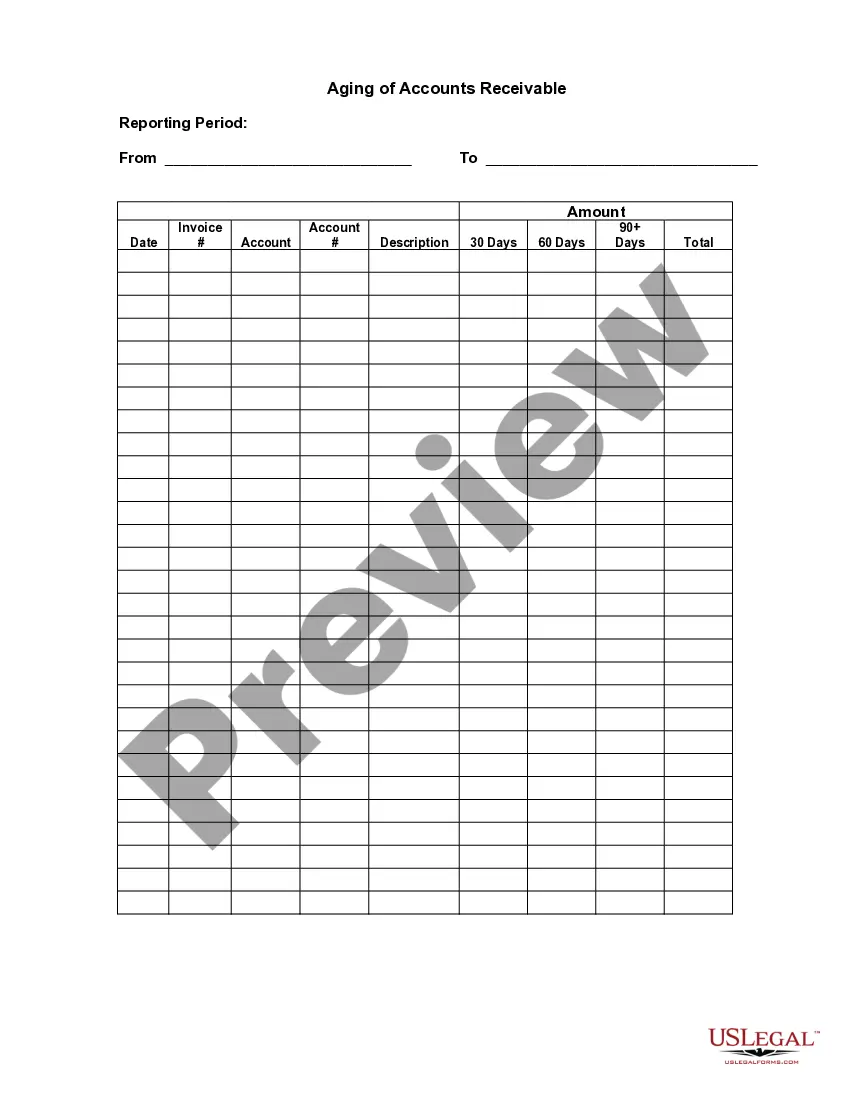
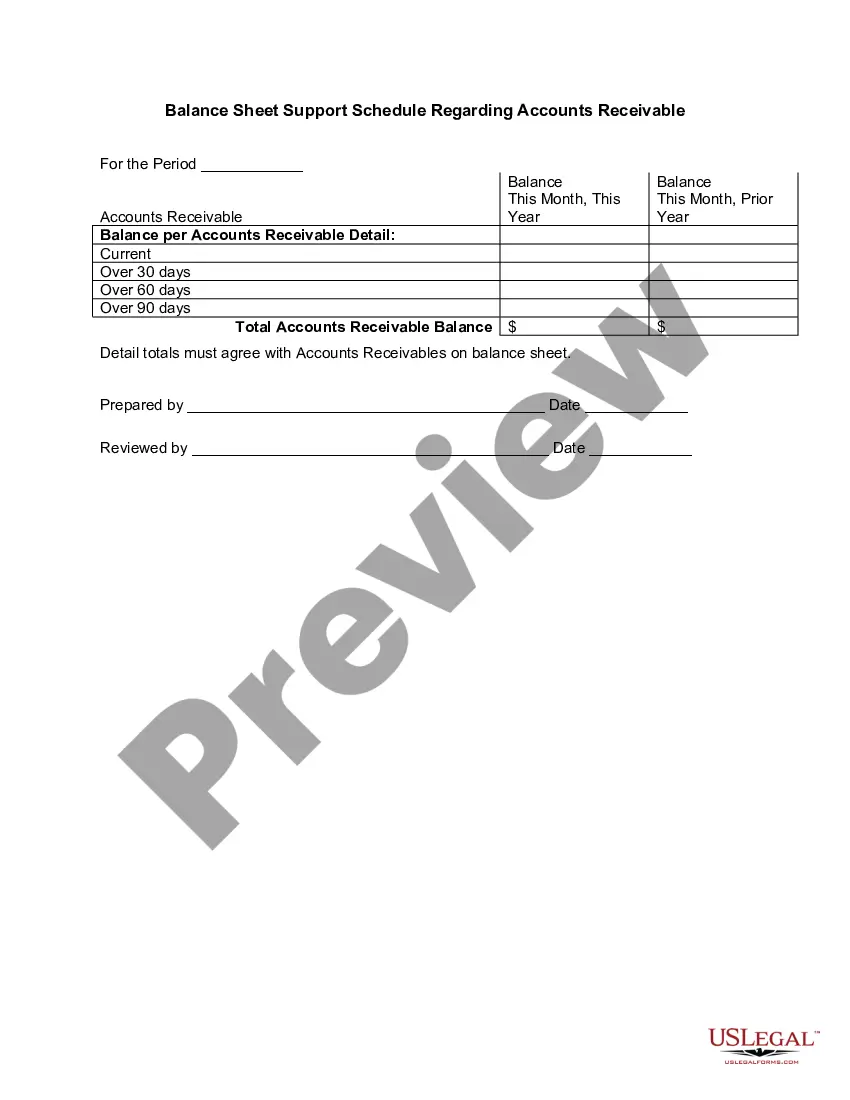
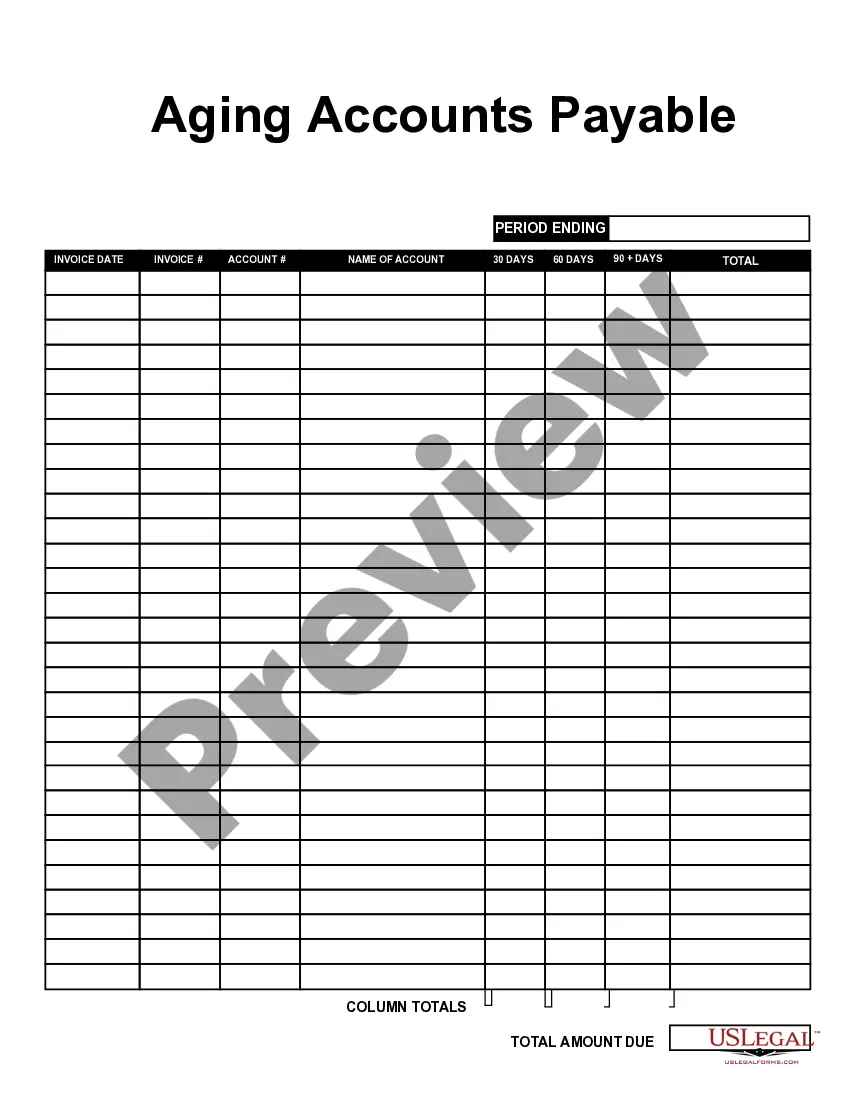
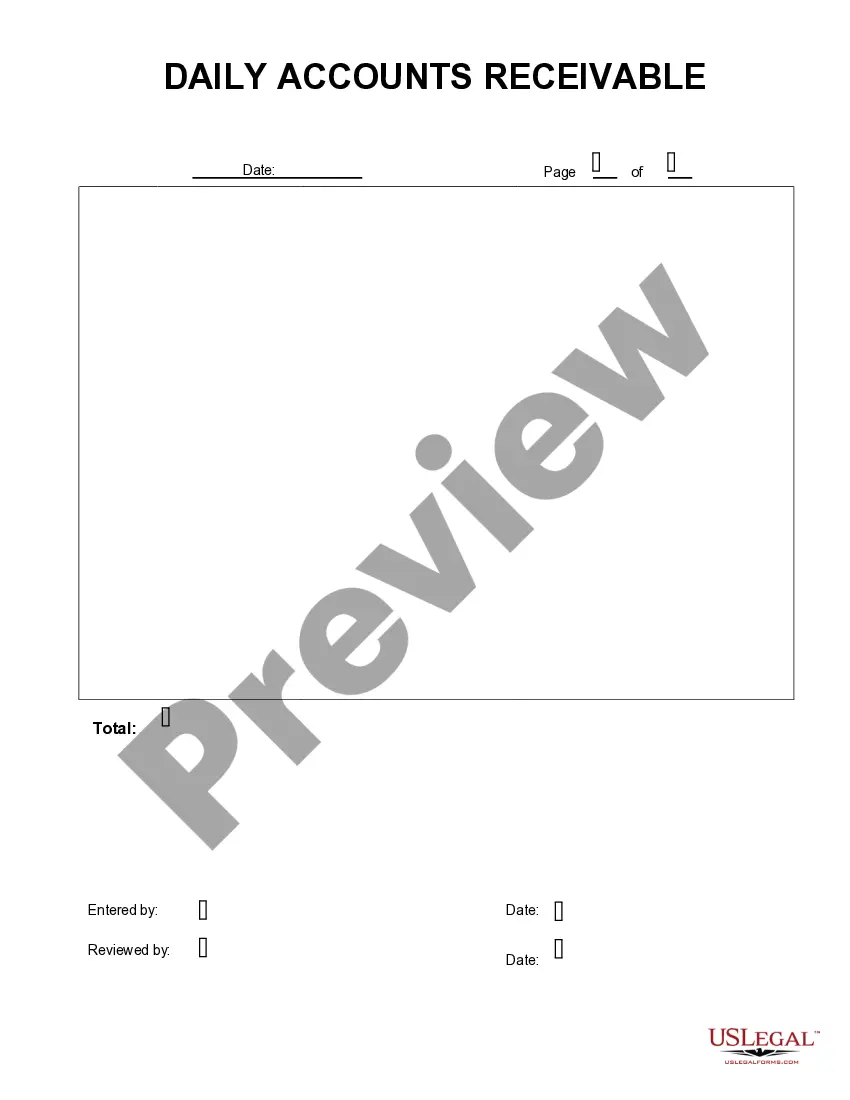
The Aging of Accounts Receivable form is a document designed to help businesses track the age of their outstanding invoices. This form is essential for assessing which accounts may require additional collection efforts. Unlike the Aging of Accounts Payable, which focuses on what a business owes, this form allows users to monitor what is owed to them, providing a clearer picture of cash flow management.
Key parts of this document
- Reporting Period: Specifies the timeframe for tracking accounts receivable.
- Amount: Details the total amount owed for each invoice.
- Date: Indicates the date each invoice was issued.
- Invoice Number: Identifies each invoice uniquely.
- Account: Lists the customer or account associated with the invoice.
- Account Description: Provides a brief description of the goods or services rendered.
- Age Categories: Divides receivables into 30 days, 60 days, and 90 days for better analysis.
Common use cases
This form is particularly useful when a business needs to evaluate its receivables for collection purposes. Use it if you notice delays in payments from customers, when preparing for financial reporting, or as part of regular account audits to identify overdue accounts that require follow-up actions.
Who needs this form
- Business owners who need to manage their accounts receivable effectively.
- Accounting professionals responsible for tracking customer payments.
- Finance managers overseeing cash flow and financial statements.
- Small businesses looking to streamline their billing and collection processes.
Completing this form step by step
- Identify the reporting period by entering the start and end dates.
- Fill in the amount due for each invoice in the designated field.
- List the date when each invoice was issued.
- Enter the invoice numbers associated with each transaction.
- Specify the account name to which the invoice is linked.
- Provide a brief description of the service or product for each account.
Is notarization required?
In most cases, this form does not require notarization. However, some jurisdictions or signing circumstances might. US Legal Forms offers online notarization powered by Notarize, accessible 24/7 for a quick, remote process.
Get your form ready online
Our built-in tools help you complete, sign, share, and store your documents in one place.
Make edits, fill in missing information, and update formatting in US Legal Forms—just like you would in MS Word.
Download a copy, print it, send it by email, or mail it via USPS—whatever works best for your next step.
Sign and collect signatures with our SignNow integration. Send to multiple recipients, set reminders, and more. Go Premium to unlock E-Sign.
If this form requires notarization, complete it online through a secure video call—no need to meet a notary in person or wait for an appointment.
We protect your documents and personal data by following strict security and privacy standards.
Make edits, fill in missing information, and update formatting in US Legal Forms—just like you would in MS Word.
Download a copy, print it, send it by email, or mail it via USPS—whatever works best for your next step.
Sign and collect signatures with our SignNow integration. Send to multiple recipients, set reminders, and more. Go Premium to unlock E-Sign.
If this form requires notarization, complete it online through a secure video call—no need to meet a notary in person or wait for an appointment.
We protect your documents and personal data by following strict security and privacy standards.
Avoid these common issues
- Forgetting to include dates, which can lead to confusion about payment timelines.
- Submitting without reviewing the accuracy of the amounts and account descriptions.
- Neglecting to categorize receivables into age groups, hindering collection efforts.
Benefits of using this form online
- Convenience of instant downloading and accessing forms anytime.
- Editable templates allow for easy customization to fit individual business needs.
- Reliable legal forms drafted by licensed attorneys ensure compliance with regulations.
What to keep in mind
- The Aging of Accounts Receivable form is essential for tracking amounts owed to a business.
- It helps identify which accounts may require further collection efforts.
- Completing the form accurately aids in effective cash flow management.
Looking for another form?

Form popularity
FAQ
To prepare an accounts receivable aging report, you need to have the customer's name, outstanding balance amount, and aging schedules. An AR aging report can be broken down into the following categories: Customer name. Total balance for each customer.
Aging of Accounts Receivables = ($ 4, 50,000.00360 days)/$ 9, 00,000.00. Aging of Accounts Receivables = 90 Days.
The technique is to sort receivables into time buckets (usually of 30 days each) and assign a progressively higher percentage of expected defaults to each time bucket. This time bucket reporting is readily available as a standard report in most accounting software packages.
What Is Accounts Receivable Aging? Accounts receivable aging (tabulated via an aged receivables report) is a periodic report that categorizes a company's accounts receivable according to the length of time an invoice has been outstanding. It is used as a gauge to determine the financial health of a company's customers.
To prepare accounts receivable aging report, sort the unpaid invoices of a business with the number of days outstanding. This report displays the amount of money owed to you by your customers for good and services purchased.
The technique is to sort receivables into time buckets (usually of 30 days each) and assign a progressively higher percentage of expected defaults to each time bucket. This time bucket reporting is readily available as a standard report in most accounting software packages.
An accounts receivable aging report is a record that shows the unpaid invoice balances along with the duration for which they've been outstanding. This report helps businesses identify invoices that are open and allows them to keep on top of slow paying clients.
Use Cloud Accounting Software. Review the Accounts Receivable Report & Take Action. Offer an Early Payment Discount. Send Payment Reminders. Email Invoices to Customers. Deliver Clear & Accurate Invoices.
To prepare accounts receivable aging report, sort the unpaid invoices of a business with the number of days outstanding. This report displays the amount of money owed to you by your customers for good and services purchased.