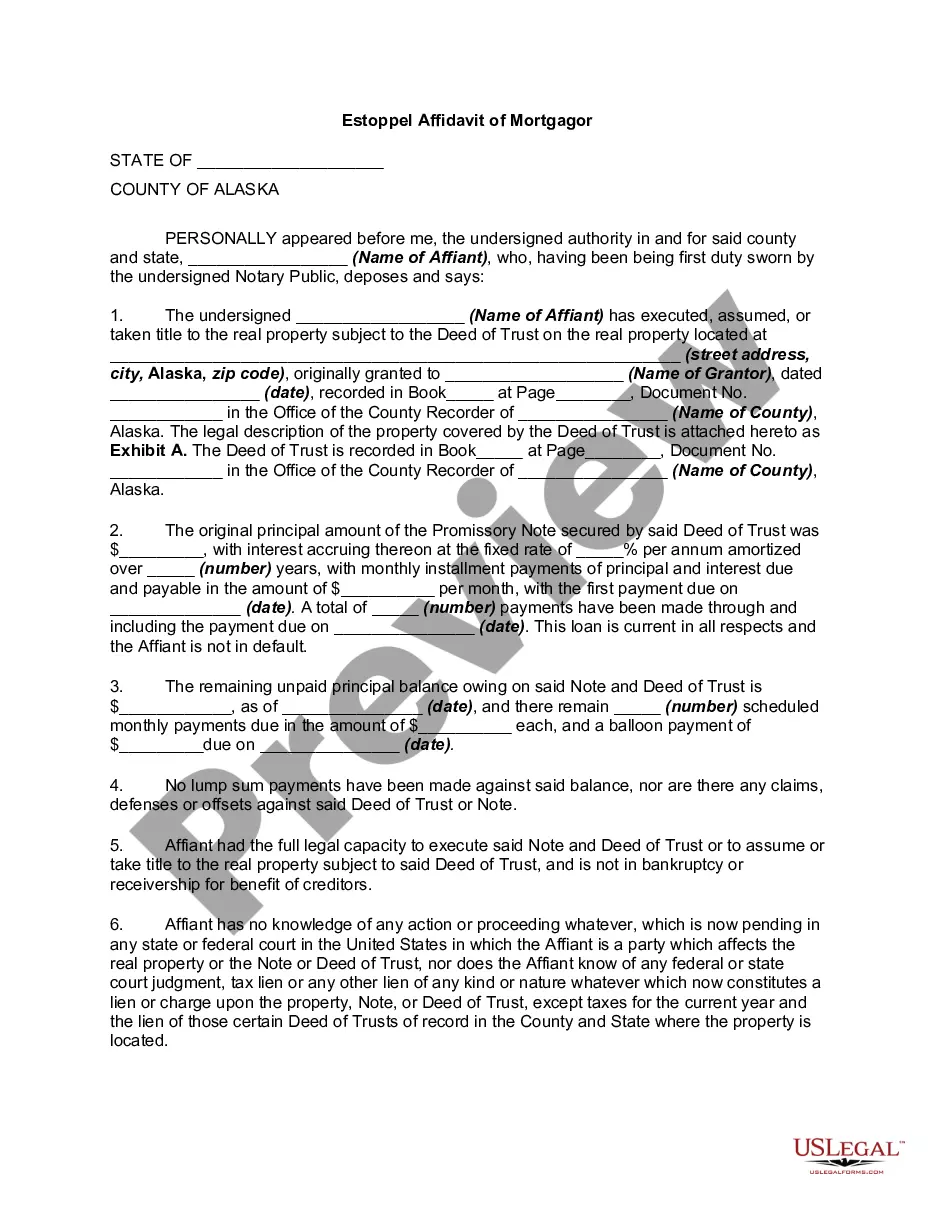
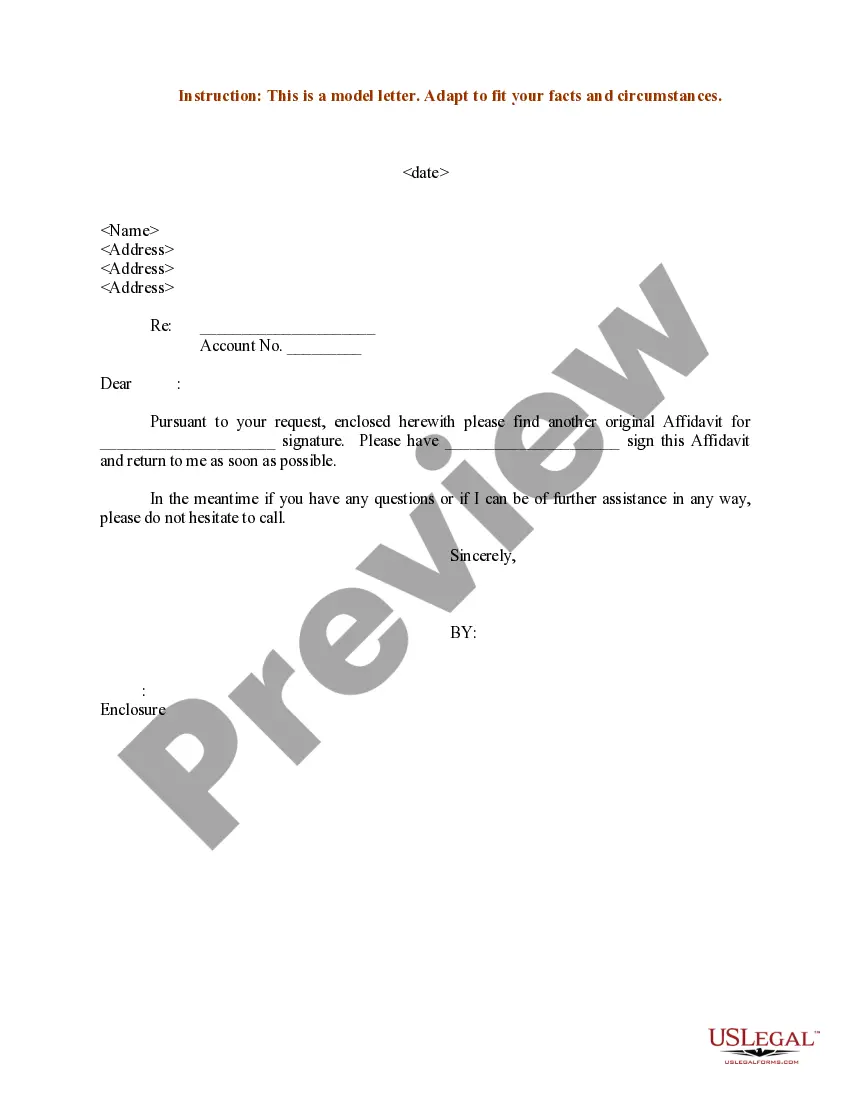
Sample Letter for Signature of Affidavit
What is this form?
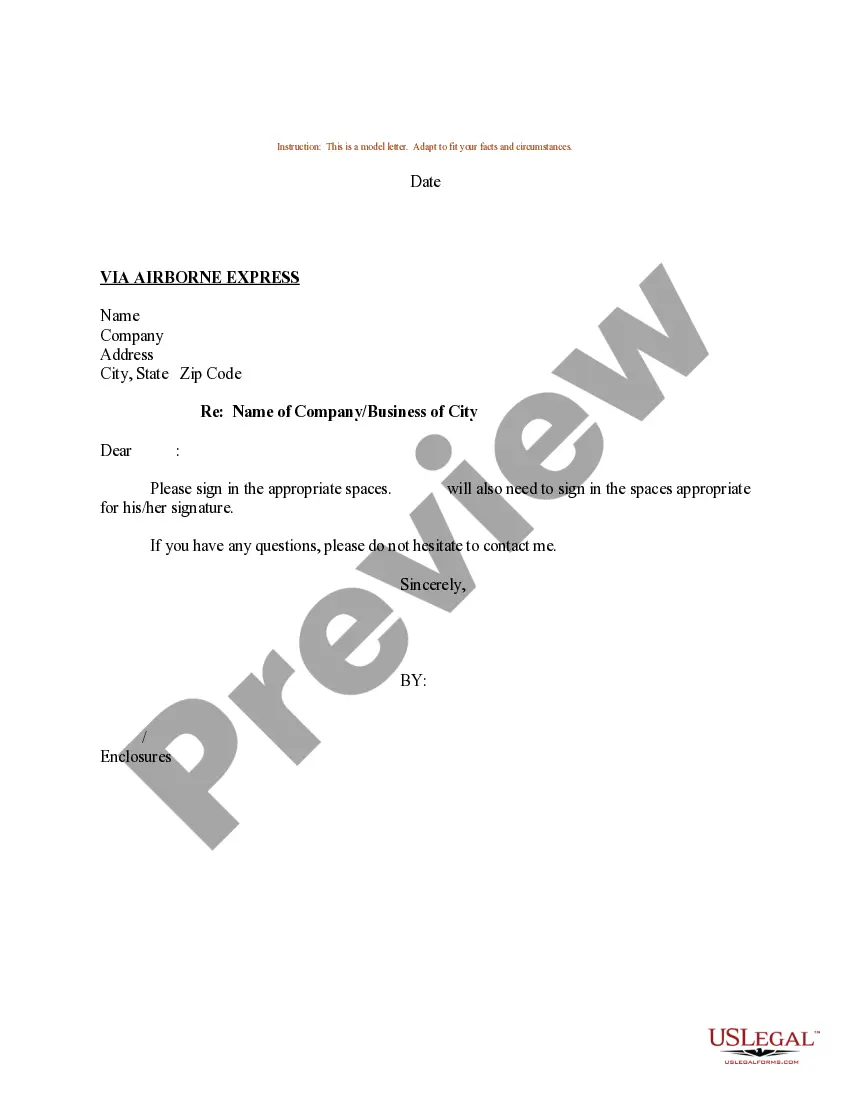
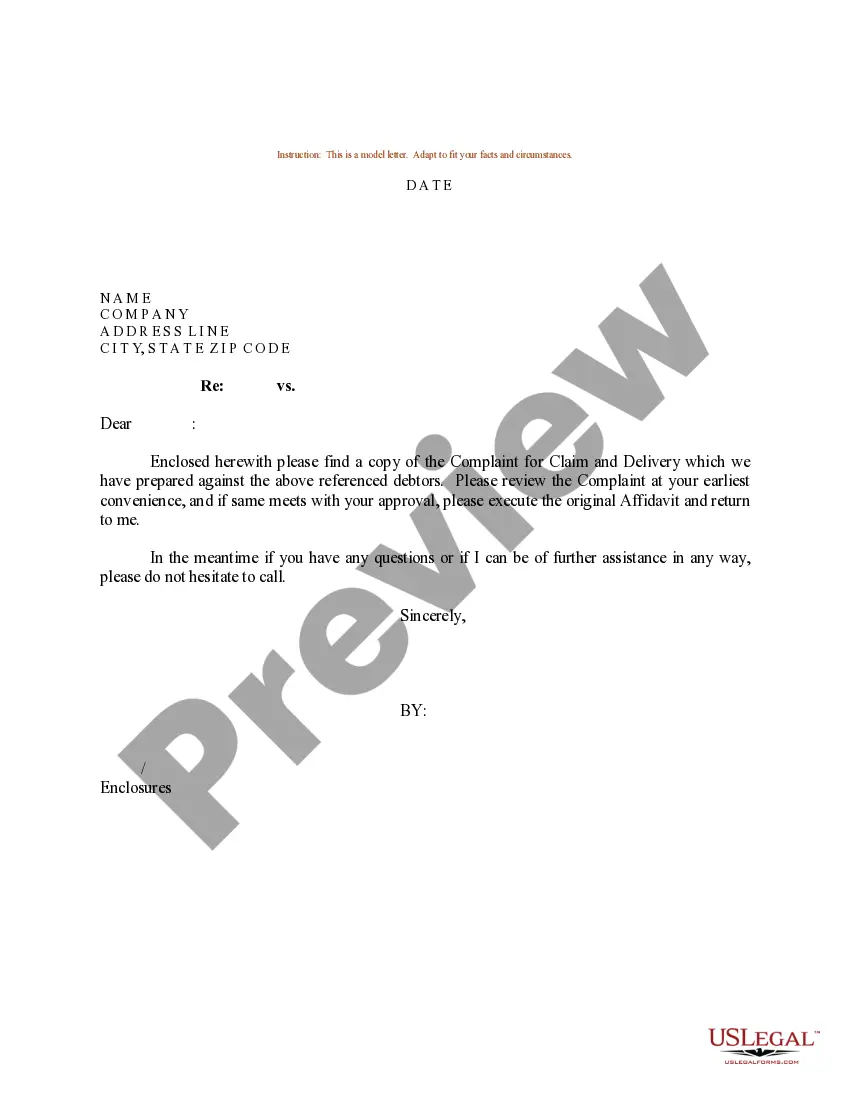
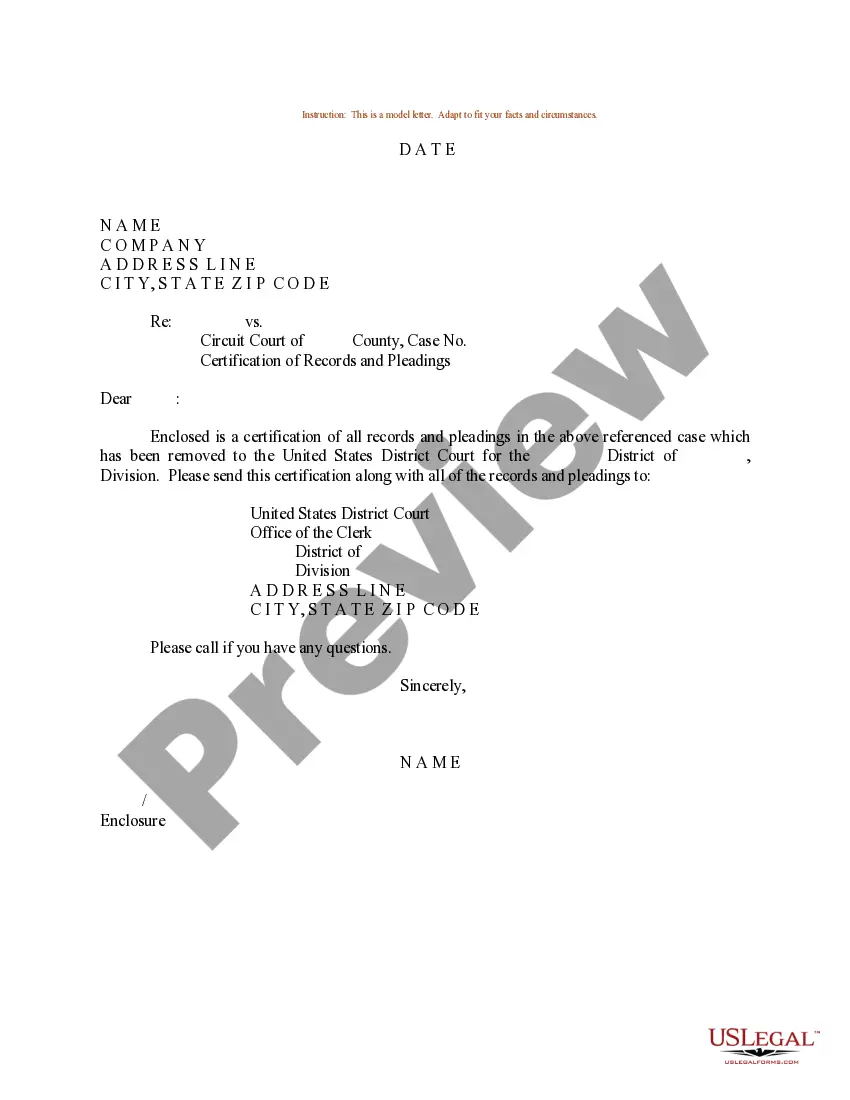
The Sample Letter for Signature of Affidavit is a template designed to help individuals prepare a formal letter regarding the signing of an affidavit. This letter serves as a guide to ensure that all necessary information is presented clearly and concisely. Unlike other legal documents, this sample letter specifically focuses on communicating the requirement for an affidavit's signature, making it a straightforward tool for those who need to facilitate this process.
Key components of this form
- Date: The date on which the letter is created.
- Recipient's Name: The full name of the individual or business to whom the letter is addressed.
- Recipient's Address: The complete address of the recipient, including street, city, state, and zip code.
- Subject Line: A brief line indicating the subject matter of the letter.
- Account Number: Reference number related to the affidavit, if applicable.


When to use this form
This form should be used when an individual needs to request the signature of another person on an affidavit. Common scenarios include legal proceedings, property transactions, or the need to verify facts in various situations. It is particularly useful when a formal request is necessary to ensure compliance with legal requirements or institutional policies.
Who can use this document
- Individuals seeking the signature of an affidavit for personal or legal matters.
- Business owners requiring affidavits for business transactions.
- Legal professionals facilitating client documentation.
Completing this form step by step
- Identify the date of the letter.
- Enter the recipient's name and address accurately.
- Specify the subject of the letter to clarify its purpose.
- Include the relevant account number if applicable.
- Review the letter for completeness and clarity before sending.
Notarization requirements for this form
This form does not typically require notarization unless specified by local law. Make sure to check your jurisdiction's requirements before submission to ensure compliance.
Get your form ready online
Our built-in tools help you complete, sign, share, and store your documents in one place.
Make edits, fill in missing information, and update formatting in US Legal Forms—just like you would in MS Word.
Download a copy, print it, send it by email, or mail it via USPS—whatever works best for your next step.
Sign and collect signatures with our SignNow integration. Send to multiple recipients, set reminders, and more. Go Premium to unlock E-Sign.
If this form requires notarization, complete it online through a secure video call—no need to meet a notary in person or wait for an appointment.
We protect your documents and personal data by following strict security and privacy standards.

Make edits, fill in missing information, and update formatting in US Legal Forms—just like you would in MS Word.

Download a copy, print it, send it by email, or mail it via USPS—whatever works best for your next step.

Sign and collect signatures with our SignNow integration. Send to multiple recipients, set reminders, and more. Go Premium to unlock E-Sign.

If this form requires notarization, complete it online through a secure video call—no need to meet a notary in person or wait for an appointment.

We protect your documents and personal data by following strict security and privacy standards.
Avoid these common issues
- Forgetting to include the recipient's address or account number.
- Using incorrect or unclear subject lines.
- Neglecting to proofread for typos or grammatical errors.
Benefits of using this form online
- Convenient access to templates that can be downloaded anytime.
- Editability allows customization to fit specific needs.
- Reliability of professionally drafted content ensures quality and compliance.
Key takeaways
- The sample letter for signature of affidavit serves as a helpful template for creating affidavits.
- Complete the letter by accurately filling in your information and the relevant details.
- Always check your stateâs specific rules regarding affidavits before submission.
Looking for another form?
Form popularity
FAQ
In the sentence, the person writing the statement must state that he or she is stating that the information is accurate. (Example: I, Jane Doe, solemnly swear that the contents of this document are true and correct, and that I agree to abide by the terms in this affidavit.)
(1) The Registrar-General, a Deputy Registrar-General or any justice of the peace, notary public, commissioner of the court for taking affidavits, Australian legal practitioner authorised by section 27 (1) to take and receive any affidavit, a federal judicial officer, or other person by law authorised to administer an
As nouns the difference between plaintiff and affiant is that plaintiff is (legal) a party bringing a suit in civil law against a defendant; accusers while affiant is (legal) the individual witness whose statement is contained in an affidavit or sworn deposition.
Title the affidavit. First, you'll need to title your affidavit. Craft a statement of identity. The very next section of your affidavit is what's known as a statement of identity. Write a statement of truth. State the facts. Reiterate your statement of truth. Sign and notarize.
For an affidavit to be valid, it must be notarized. Since a notary is swearing that it is your signature on the affidavit, the document must be signed in front of a notary. If the notary does not know you, he or she will ask to see your identification.
I, name of person making oath, swear or promise by Almighty God or name of a god recognised by the person's religion that the contents of this affidavit are true and correct. I, name of person making affirmation, solemnly and sincerely affirm that the contents of this affidavit are true and correct.
Although affidavits are considered legal documents, anyone can draft one. As long as it is signed, witnessed, and notarized correctly, it will be valid. That means that you do not have to use a lawyer to create an affidavit.
The person making the signed statement (affiant) takes an oath that the contents are, to the best of their knowledge, true. It is also signed by a notary or some other judicial officer that can administer oaths, affirming that the person signing the affidavit was under oath when doing so.
An affiant is someone who files an affidavit, which is a written statement used as evidence in court. In order to be admissible, affidavits must be notarized by a notary public.