Detailed and Specific Policy with Regard to Use of Company Computers
What is this form?
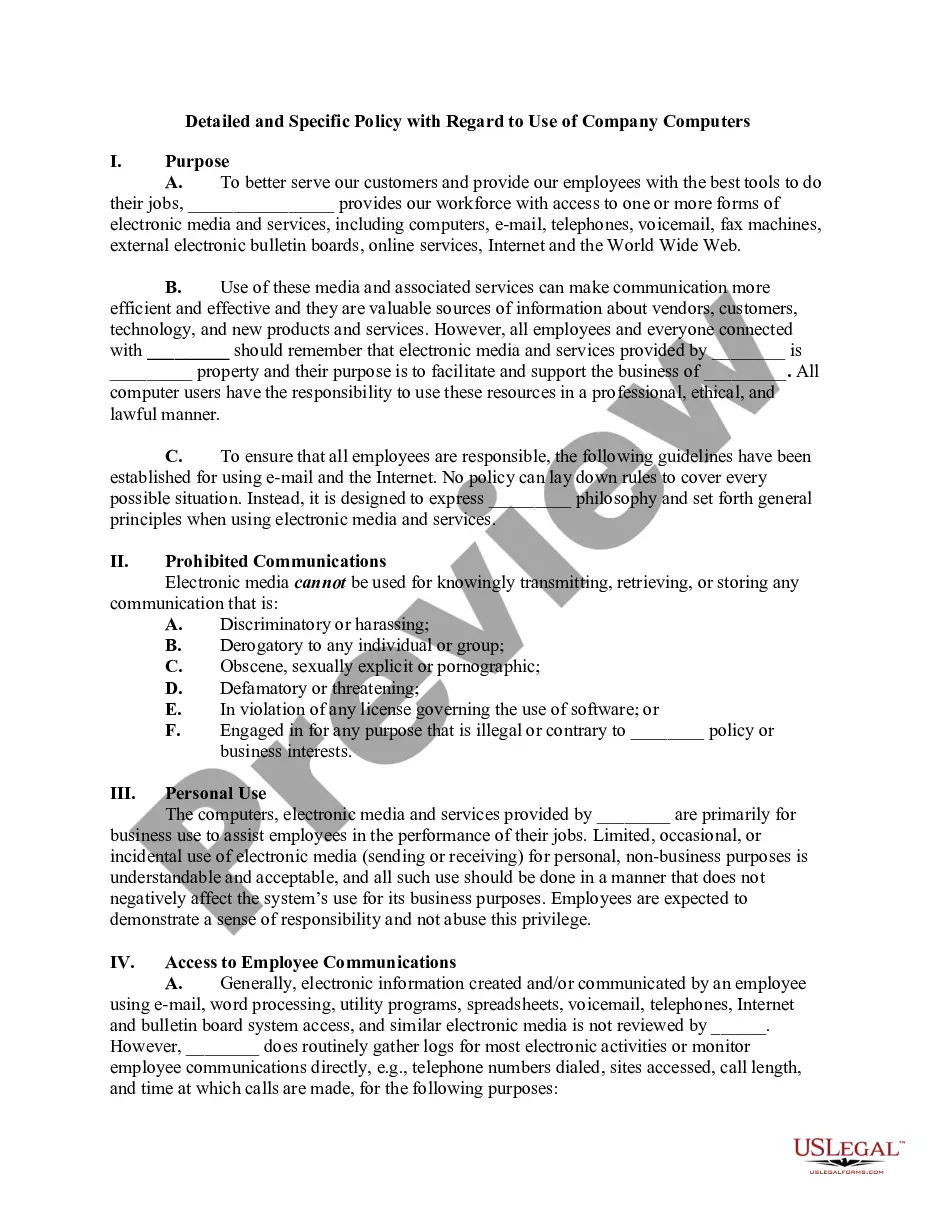
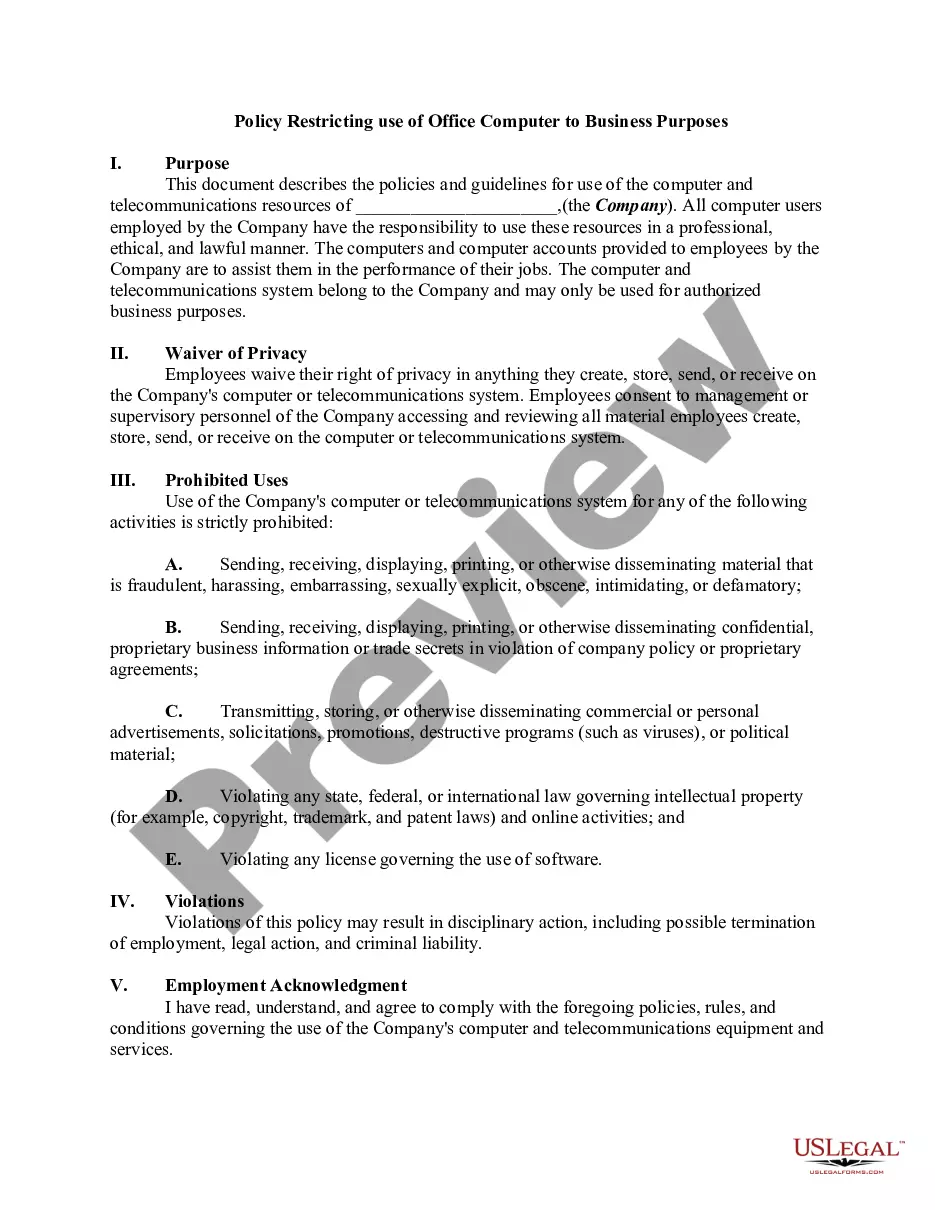
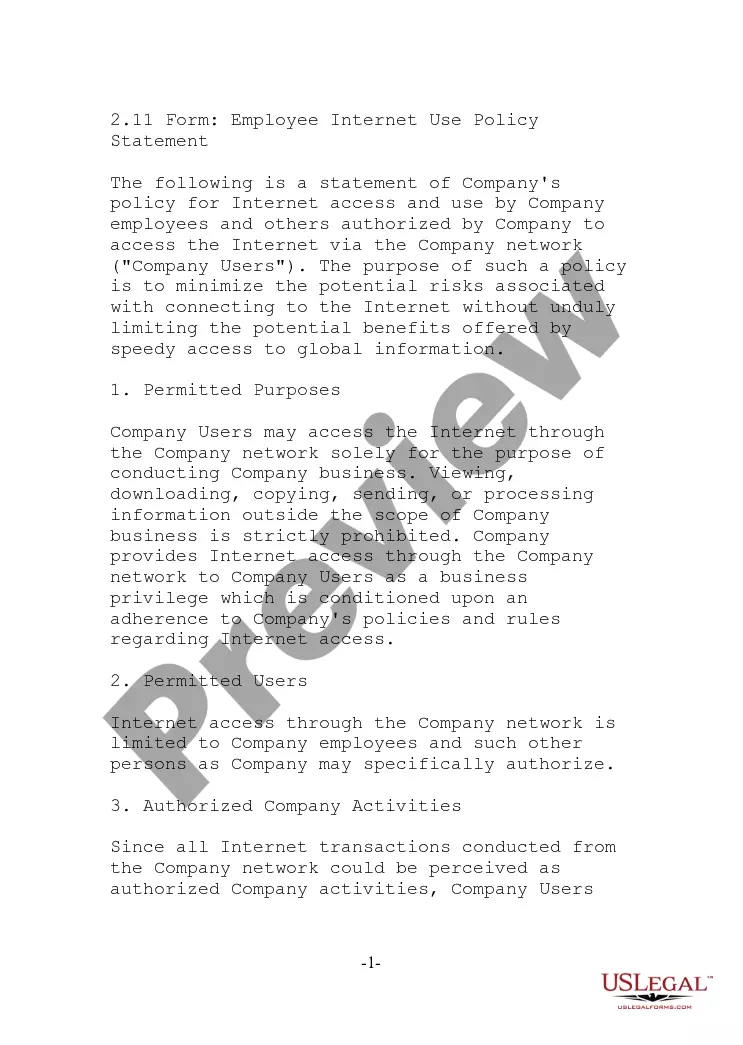
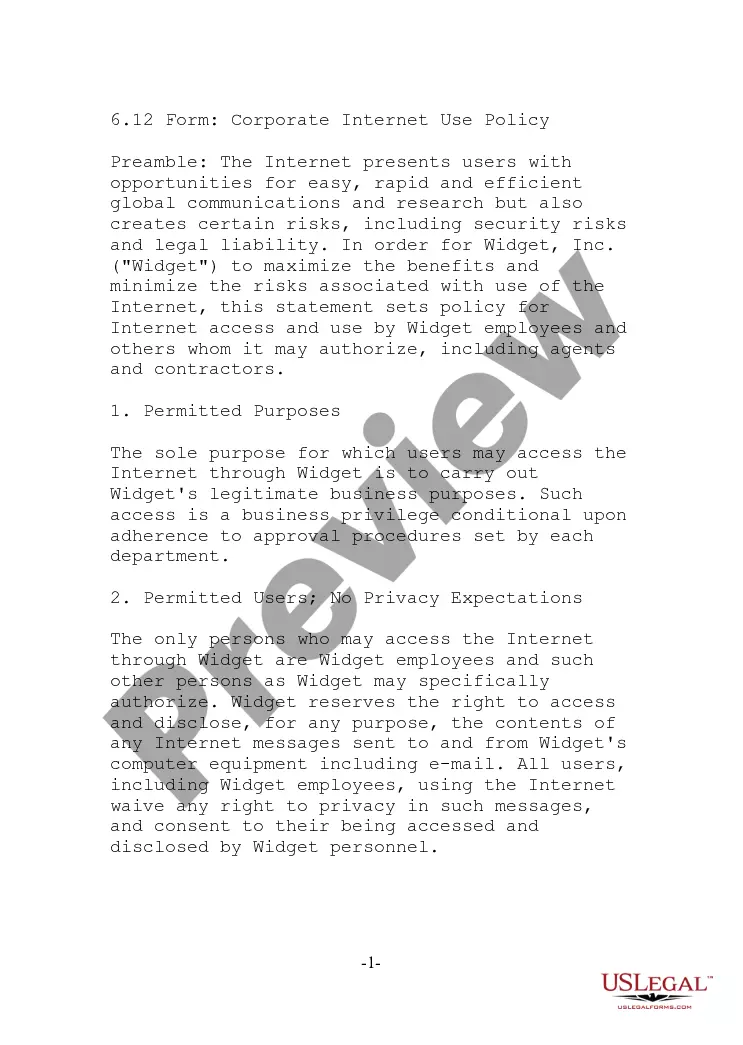
This form is a Detailed and Specific Policy with Regard to Use of Company Computers. It outlines the expectations and responsibilities for employees when using company-provided electronic resources. Unlike other generic computer use policies, this form includes specific guidelines for personal use, security, and communication standards, ensuring clarity on what is acceptable while using company technology.
Key parts of this document
- Purpose: Describes the intent of the policy and the importance of responsible use of electronic resources.
- Prohibited communications: Lists the types of communications that are not allowed on company devices.
- Personal use: Outlines acceptable personal use of company resources without compromising business integrity.
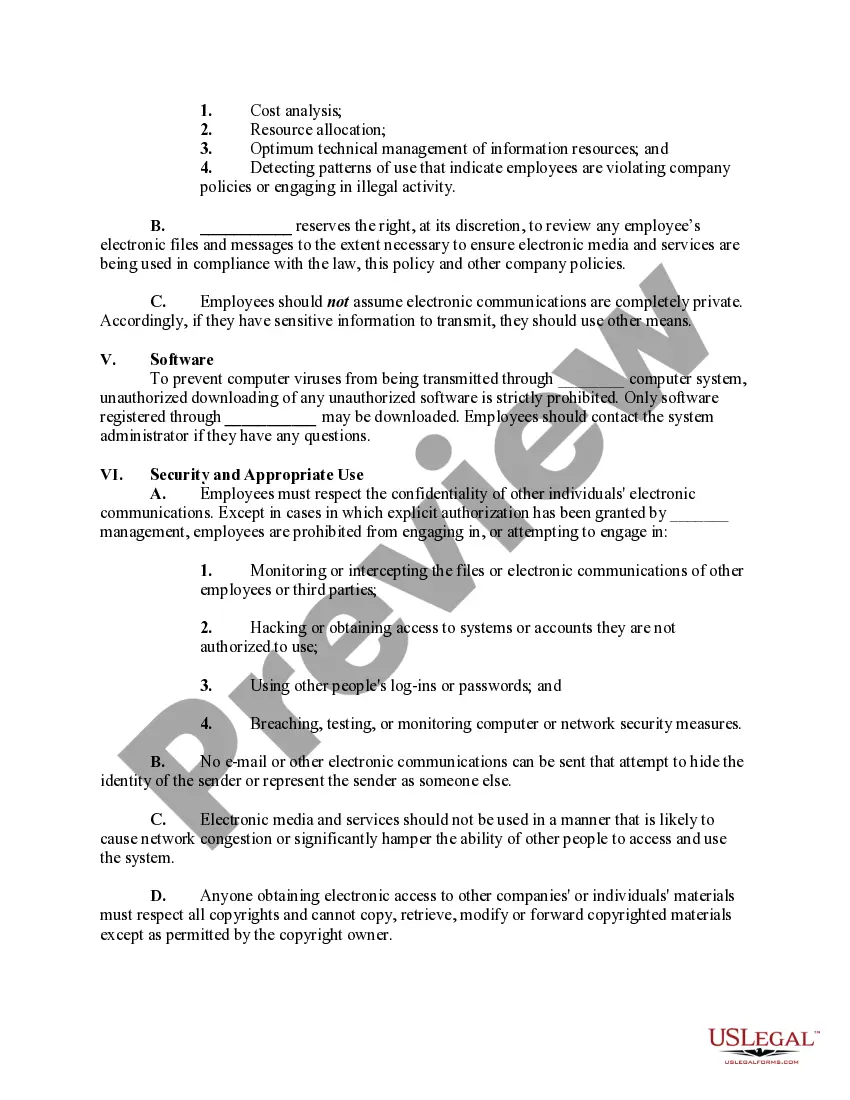
- Monitoring: Details the company's right to monitor employee electronic communications for compliance.
- Software restrictions: Specifies rules for downloading software to prevent viruses and maintain security.
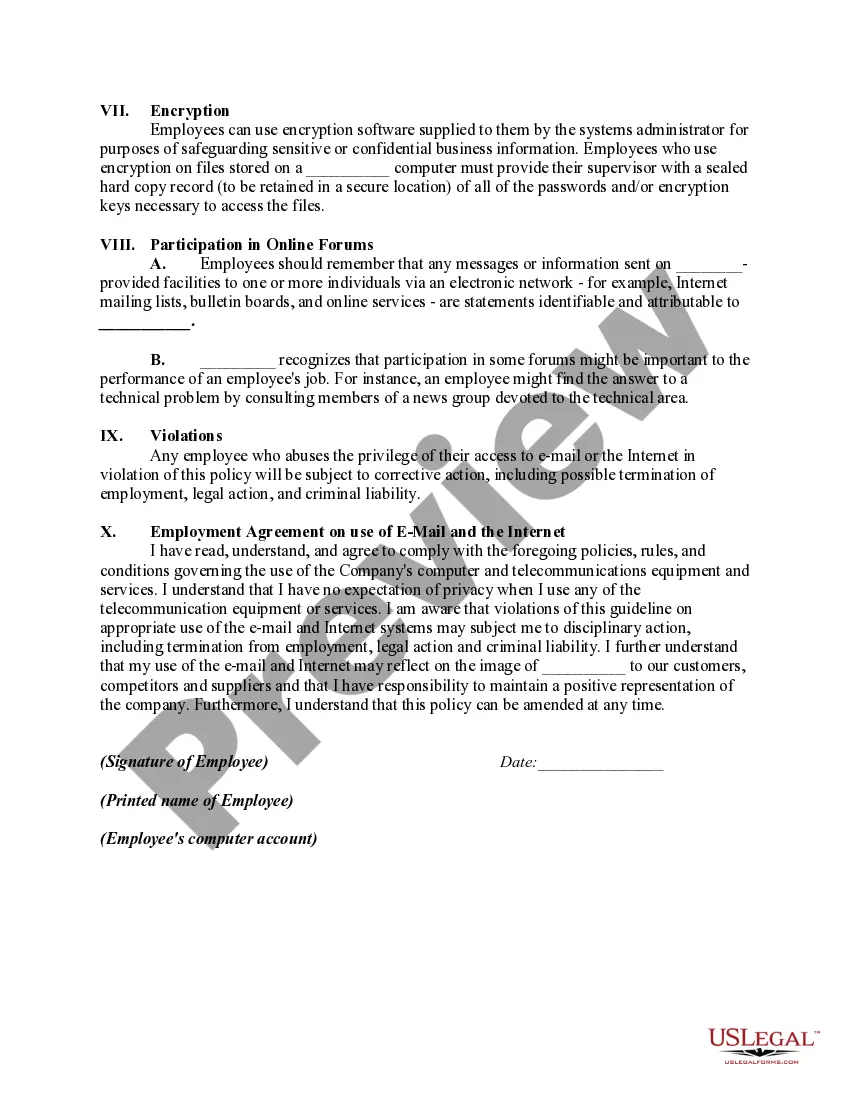
- Violations: Discusses the consequences of violating the policy, including potential disciplinary actions.


Common use cases
This form should be used when establishing clear guidelines for computer use within an organization. It is particularly suitable for new employees or when updating existing policies to reflect current technology use and security practices. Organizations seeking to protect their electronic resources and ensure compliance with legal and ethical standards will find this policy essential.
Who can use this document
- Business owners establishing technology usage policies.
- HR professionals creating employee handbooks.
- Managers responsible for enforcing IT security protocols.
- New employees needing to understand company policies on technology use.
Steps to complete this form
- Identify the company's name in the designated blanks.
- Read and understand each section of the policy.
- Have each employee sign the agreement section to confirm they have read and understood the policy.
- Fill in the date of the agreement and employee details as required.
- Distribute copies to employees and maintain a signed copy in their personnel file.
Notarization requirements for this form
In most cases, this form does not require notarization. However, some jurisdictions or signing circumstances might. US Legal Forms offers online notarization powered by Notarize, accessible 24/7 for a quick, remote process.
Get your form ready online
Our built-in tools help you complete, sign, share, and store your documents in one place.
Make edits, fill in missing information, and update formatting in US Legal Forms—just like you would in MS Word.
Download a copy, print it, send it by email, or mail it via USPS—whatever works best for your next step.
Sign and collect signatures with our SignNow integration. Send to multiple recipients, set reminders, and more. Go Premium to unlock E-Sign.
If this form requires notarization, complete it online through a secure video call—no need to meet a notary in person or wait for an appointment.
We protect your documents and personal data by following strict security and privacy standards.

Make edits, fill in missing information, and update formatting in US Legal Forms—just like you would in MS Word.

Download a copy, print it, send it by email, or mail it via USPS—whatever works best for your next step.

Sign and collect signatures with our SignNow integration. Send to multiple recipients, set reminders, and more. Go Premium to unlock E-Sign.

If this form requires notarization, complete it online through a secure video call—no need to meet a notary in person or wait for an appointment.

We protect your documents and personal data by following strict security and privacy standards.
Avoid these common issues
- Failing to update the policy regularly to reflect new technologies or legal requirements.
- Not providing adequate training to employees on the policy.
- Assuming all employees understand complex legal jargon without clarification.
- Neglecting to communicate how personal use of company resources is monitored.
Advantages of online completion
- Easy access and download of the policy for immediate implementation.
- Editability allows for customization to fit specific organizational needs.
- Reliable templates drafted by licensed attorneys ensure legal compliance.
Key takeaways
- A comprehensive computer use policy is vital for maintaining workplace productivity and security.
- Clear communication of prohibited behaviors helps prevent potential legal issues and misunderstandings.
- Regular updates and employee training are essential for the effective implementation of the policy.
- Documentation of employee acknowledgment can protect the organization in cases of policy violations.
Looking for another form?

Form popularity
FAQ
Recognizing the need to be proactive, many organizations are establishing acceptable use policies for workplace technology. An acceptable use policy (AUP) is a document that outlines the rules and restrictions employees must follow in regard to the company's network, software, internet connection and devices.
Consider Impacts Before Establishing Rules. Define What Data Matters and Why. Define Any Compliance or Legal Concerns. Solicit Feedback From Stakeholders and Revisit Policy. Consider Personally Owned Devices That Access Company Data Assets. Social Media. Utilize Existing Policy Tools and Templates.
For example, an AUP can cover online activities such as blog comment features to prohibit hate speech and libelous remarks. Acceptable use policies include a general overview of the scope, the general rationale of the policy, privileges, prohibitions, responsibilities, and possible sanctions.
An acceptable use policy (AUP) is a document stipulating constraints and practices that a user must agree to for access to a corporate network or the Internet. Many businesses and educational facilities require that employees or students sign an acceptable use policy before being granted a network ID.
Equal opportunity policy. Workplace health and safety. Employee code of conduct policy. Attendance, vacation and time-off policies. Employee disciplinary action policy. Employee complaint policies.
A computer usage policy is a document that provides employees with guidelines on how to appropriately use company equipment and the internet on your work computer network.This kind of policy can minimize the risk of computer misuse whether in the university library or a business office.
A preamble, a definition section, a policy statement, an acceptable uses section, an unacceptable uses section, and. a violations/sanctions section.
A computer security policy defines the goals and elements of an organization's computer systems.Security policies are enforced by organizational policies or security mechanisms. A technical implementation defines whether a computer system is secure or insecure.