Oregon Motion for Order to Waive and or Defer Fees and or Court Costs and Order
Description
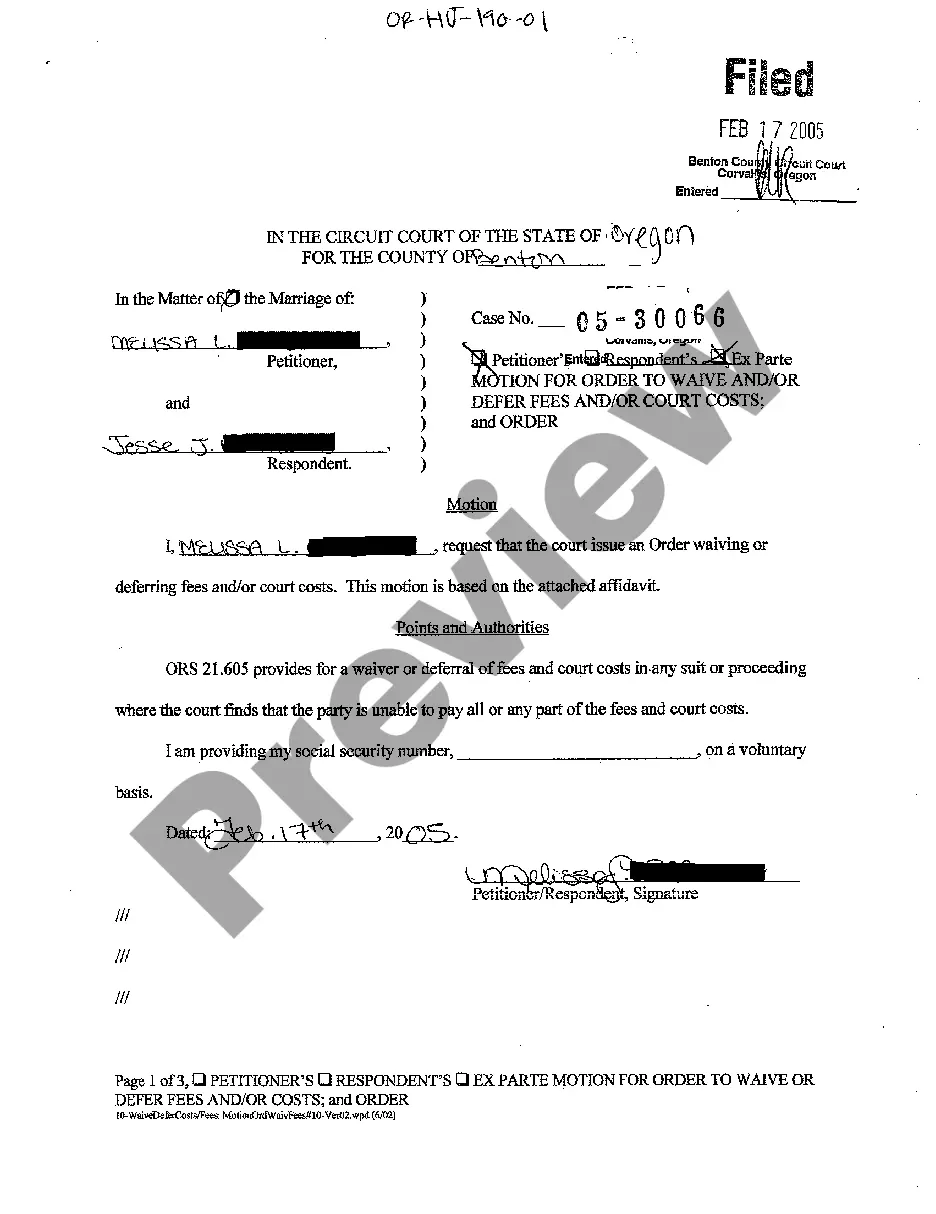
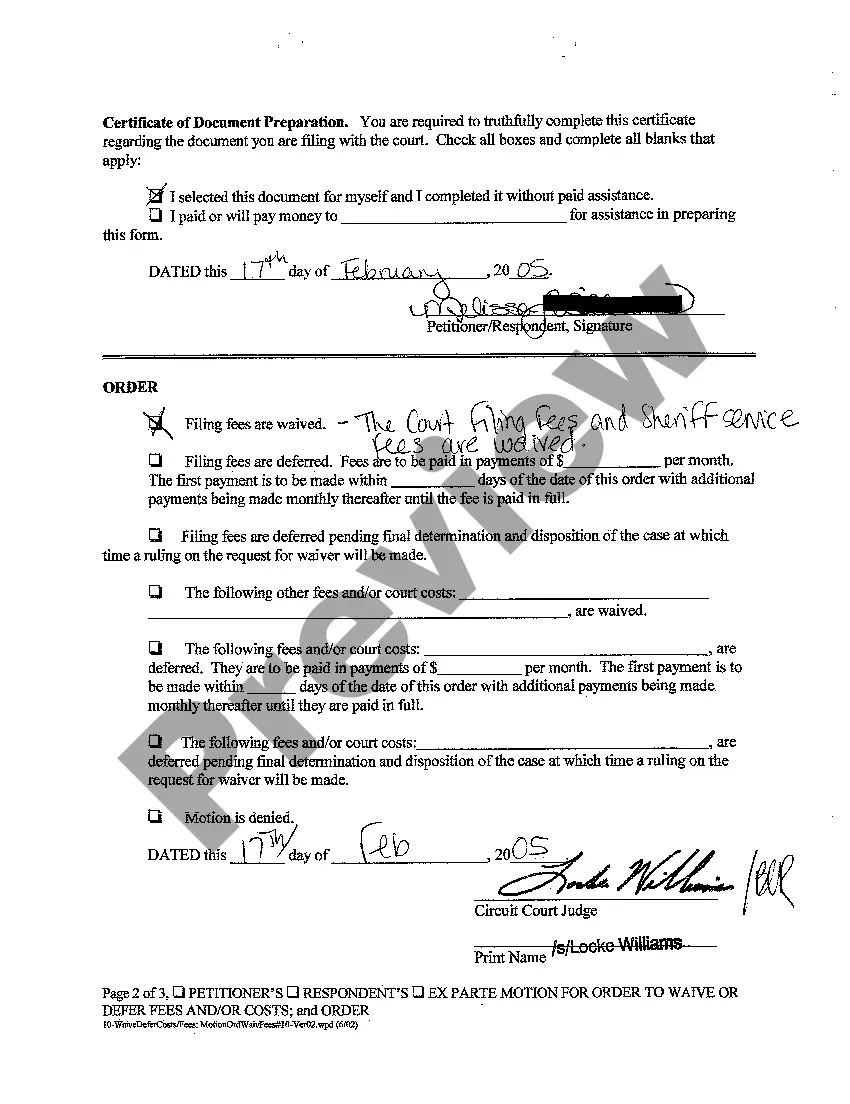

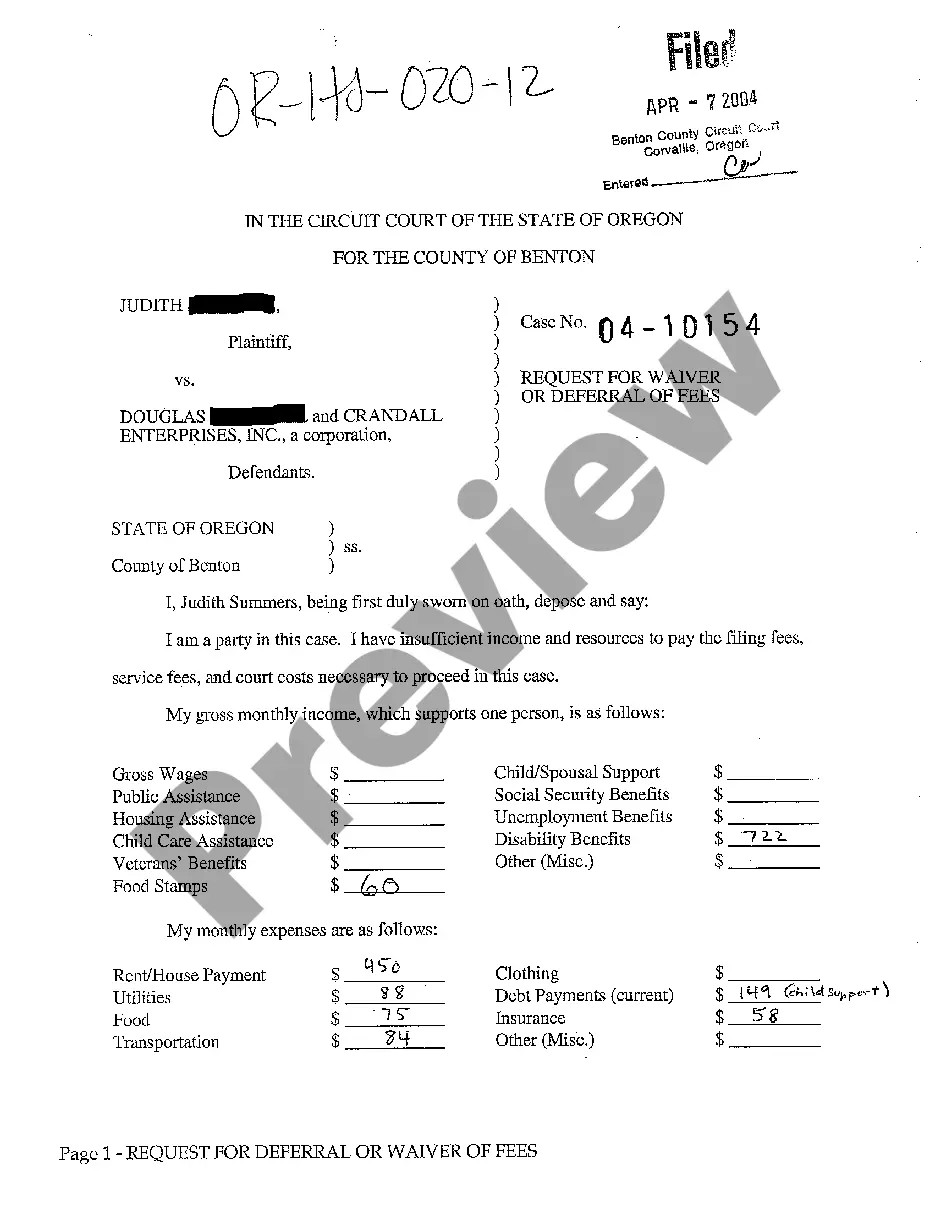
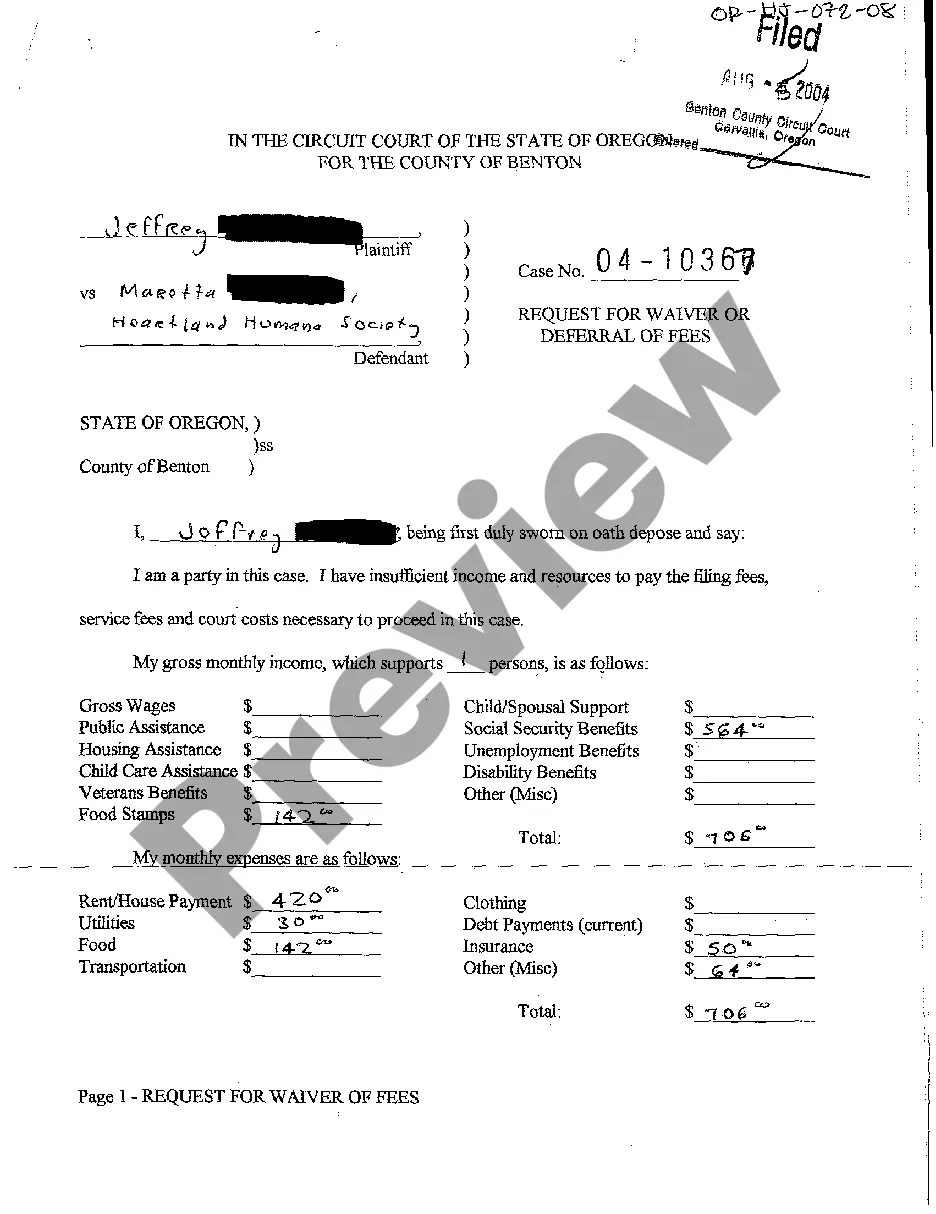
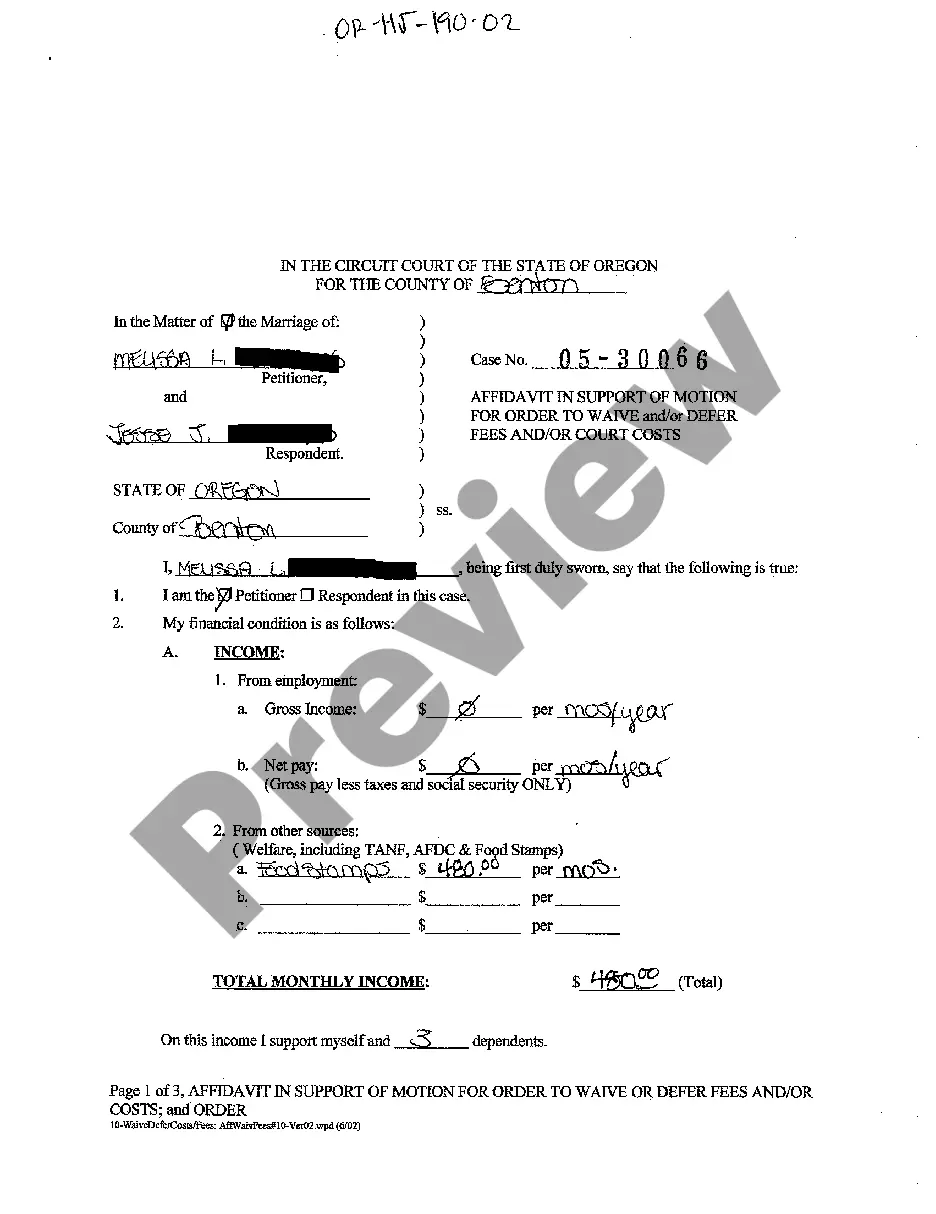
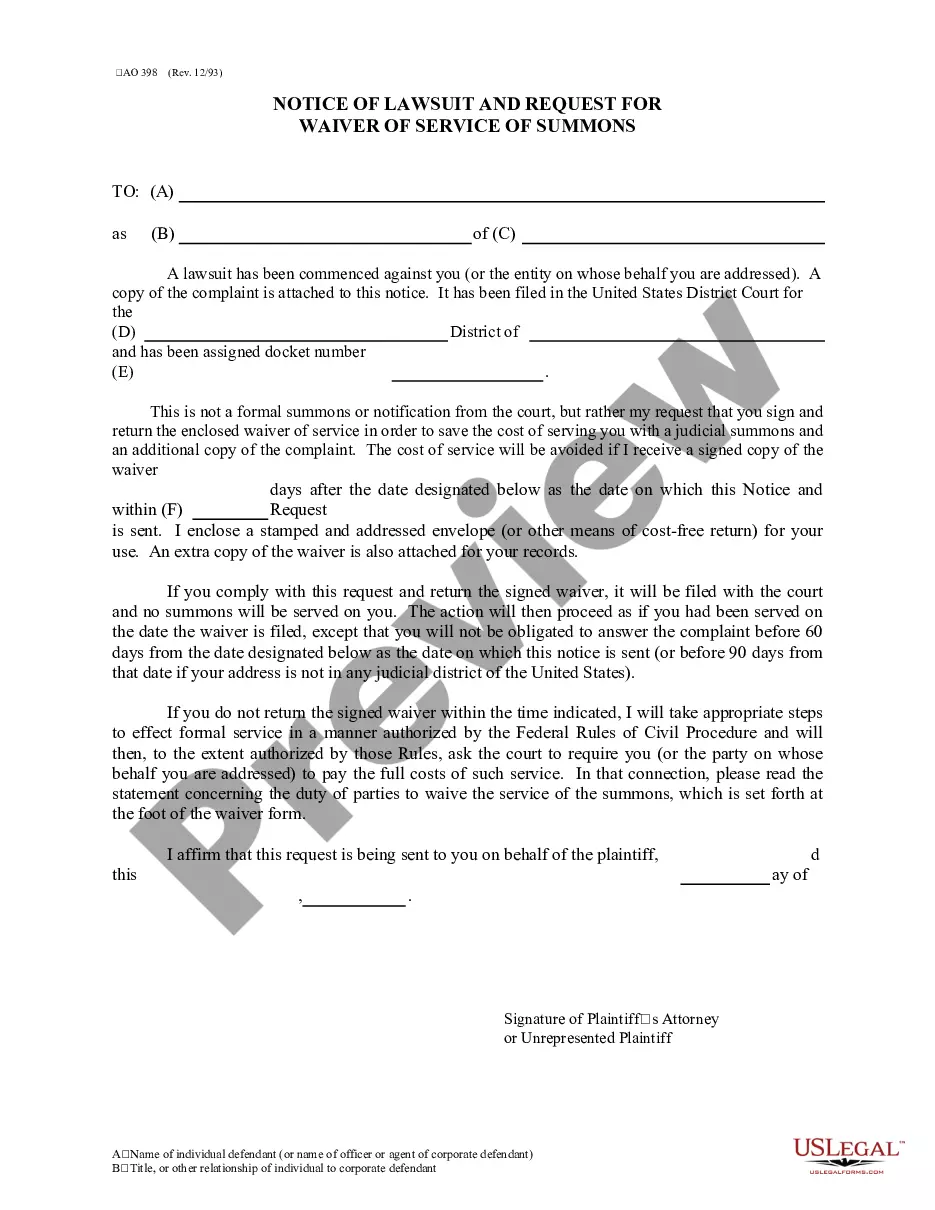


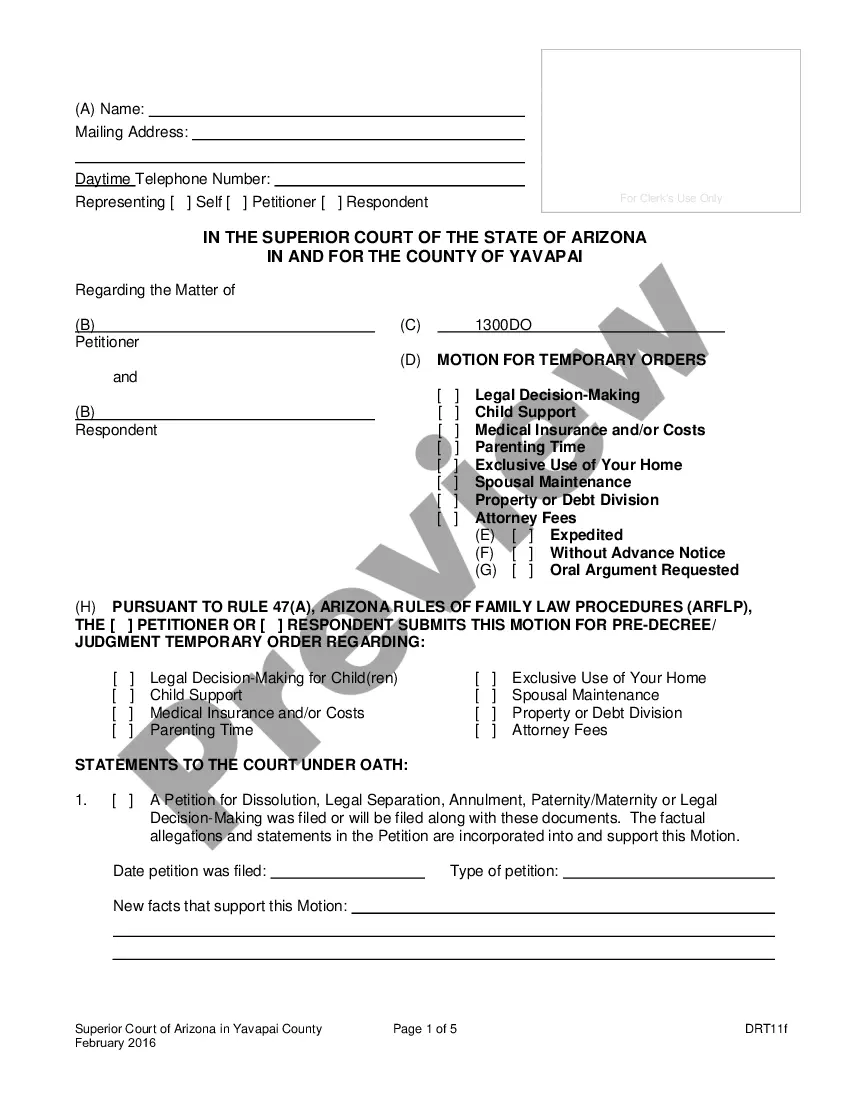
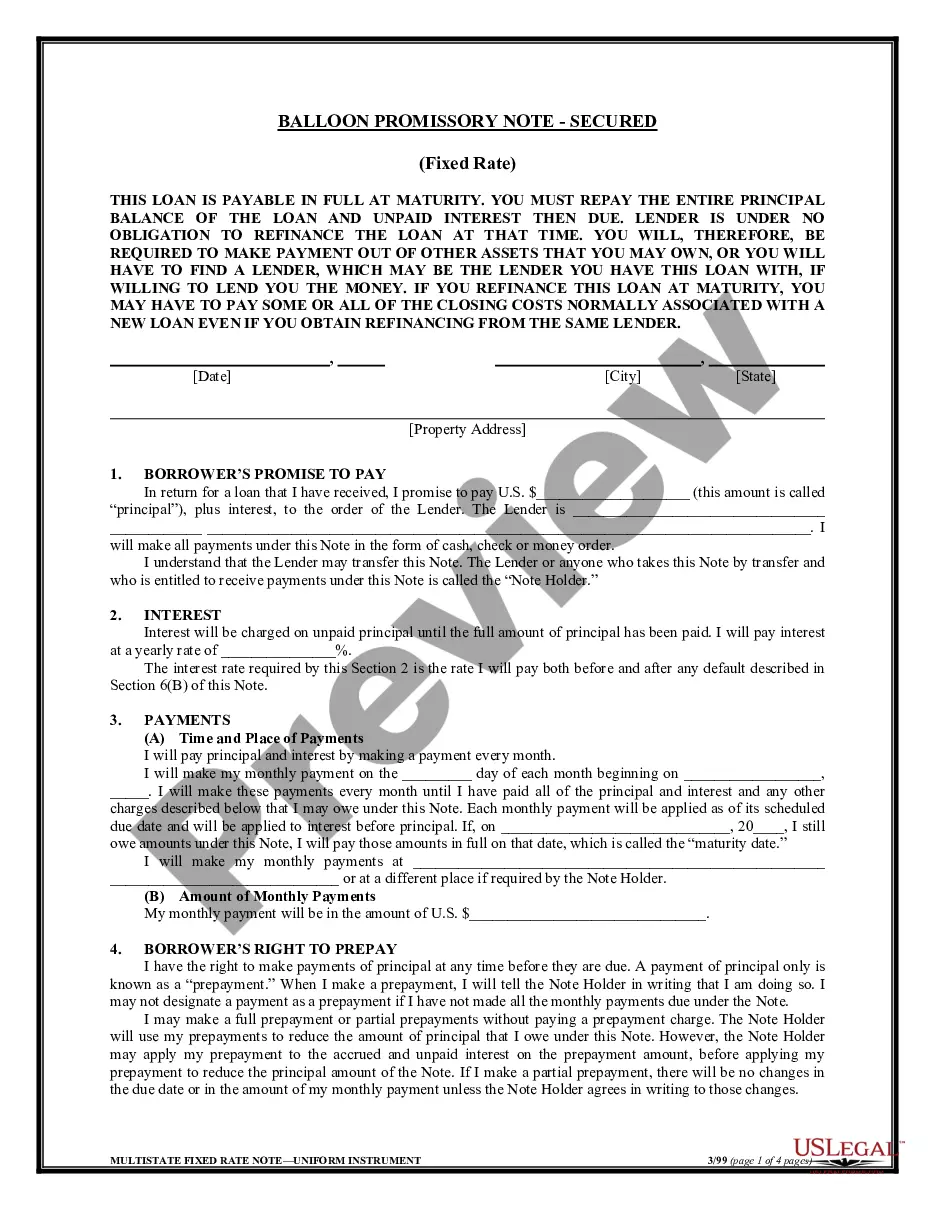
How to fill out Oregon Motion For Order To Waive And Or Defer Fees And Or Court Costs And Order?
The work with papers isn't the most straightforward job, especially for people who rarely work with legal papers. That's why we recommend using correct Oregon Motion for Order to Waive and or Defer Fees and or Court Costs and Order templates created by professional attorneys. It gives you the ability to eliminate difficulties when in court or handling formal institutions. Find the samples you need on our website for high-quality forms and correct information.
If you’re a user with a US Legal Forms subscription, simply log in your account. Once you are in, the Download button will automatically appear on the file page. Right after downloading the sample, it’ll be saved in the My Forms menu.
Users without an active subscription can easily create an account. Utilize this short step-by-step guide to get your Oregon Motion for Order to Waive and or Defer Fees and or Court Costs and Order:
- Ensure that the form you found is eligible for use in the state it is required in.
- Verify the file. Use the Preview feature or read its description (if offered).
- Buy Now if this file is the thing you need or use the Search field to find a different one.
- Select a suitable subscription and create your account.
- Use your PayPal or credit card to pay for the service.
- Download your document in a required format.
After doing these straightforward actions, you can complete the sample in a preferred editor. Check the completed details and consider requesting a legal representative to examine your Oregon Motion for Order to Waive and or Defer Fees and or Court Costs and Order for correctness. With US Legal Forms, everything gets much easier. Test it now!