Ohio Entry Approving Inventory
What this document covers
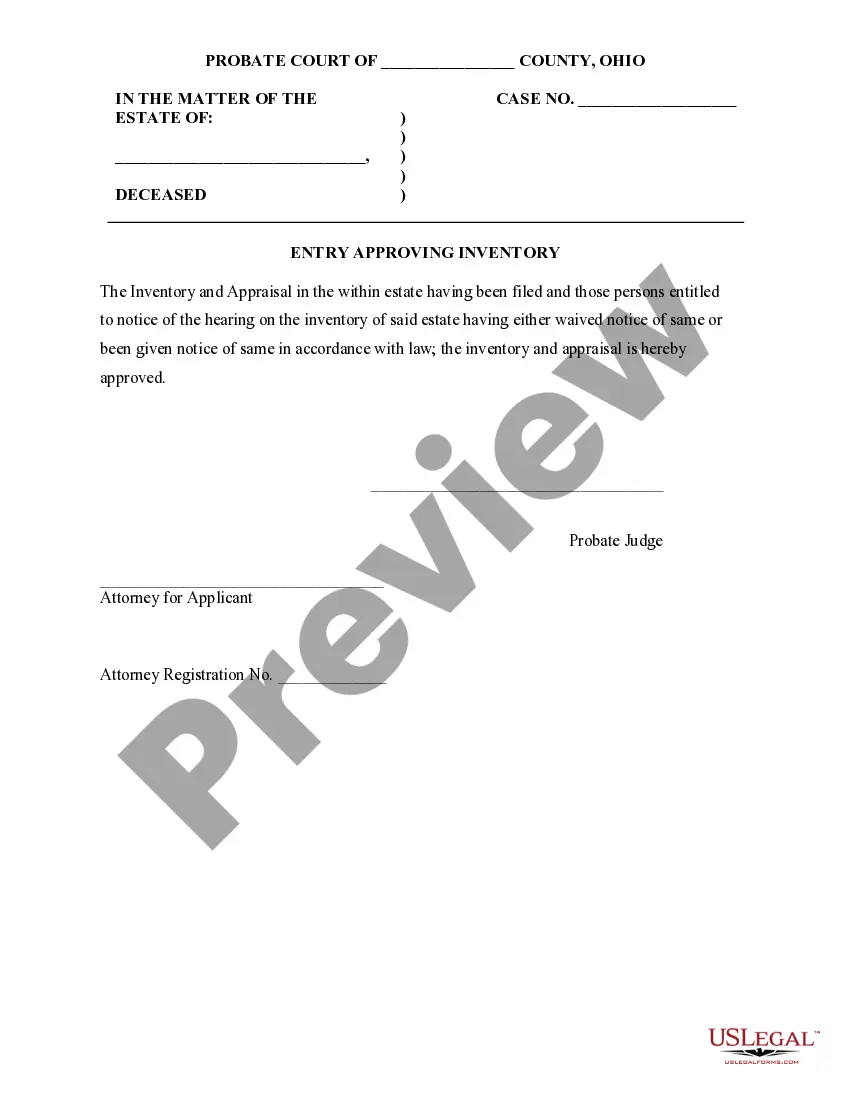
The Entry Approving Inventory is a legal document used in Ohio for the administration of a decedent's estate. This form signifies the official approval of the filed inventory and appraisal, ensuring that all relevant parties have been notified or have waived notice. It differs from other estate documents by focusing specifically on the approval of inventory, which is a critical step in the estate management process.
Form components explained
- Name of the deceased and the case number.
- Statement of approval of the inventory and appraisal.
- Signature of the probate judge.
- Signature of the attorney for the applicant along with the attorney registration number.
Common use cases
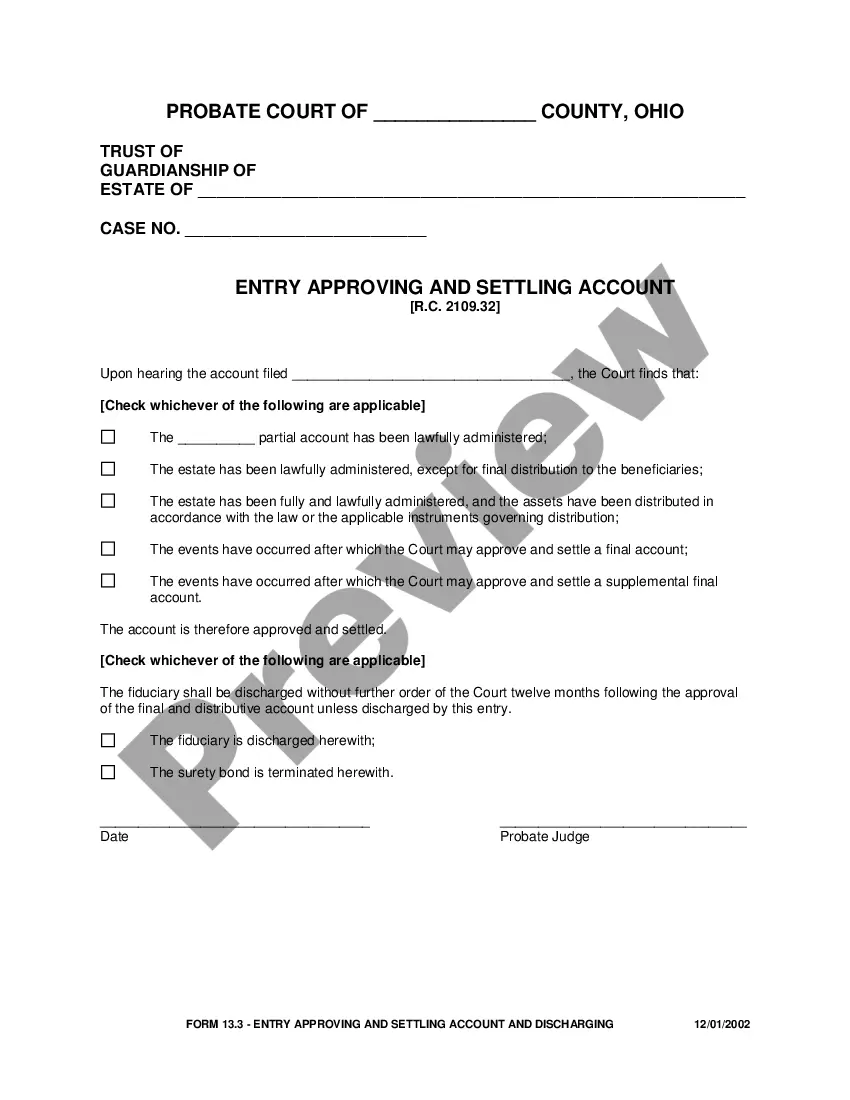
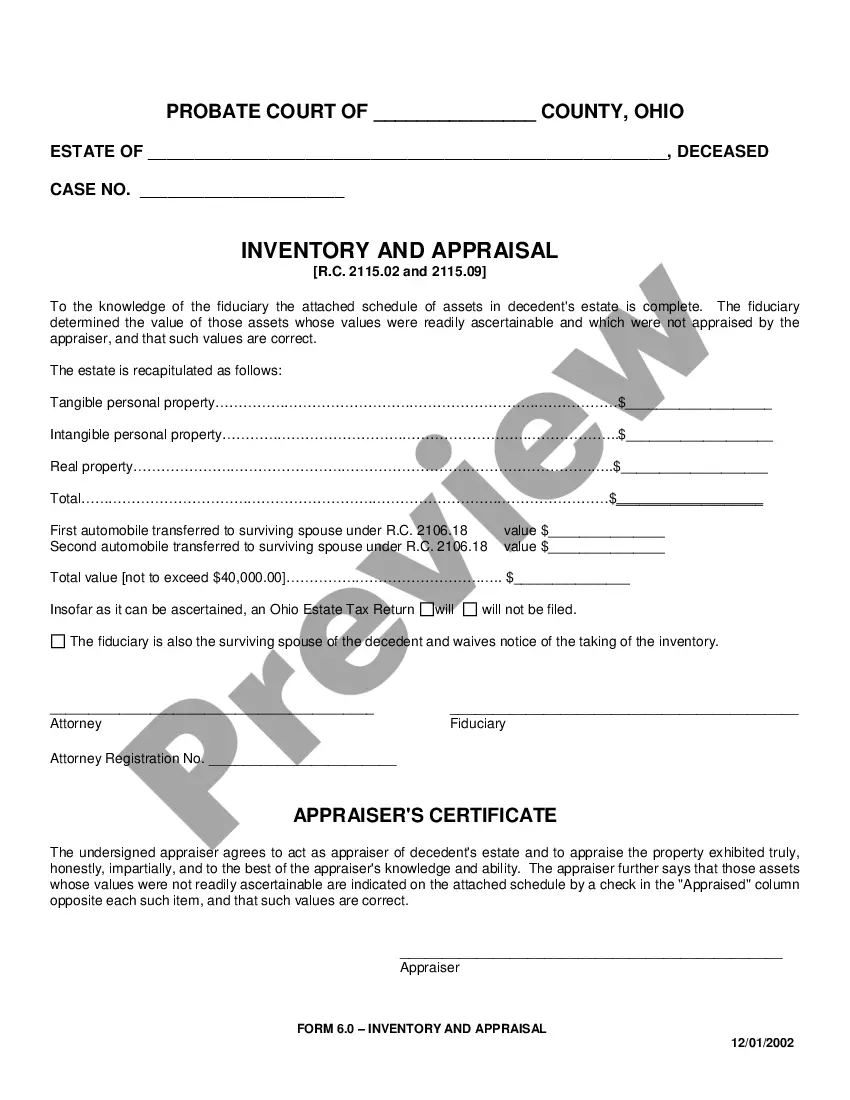
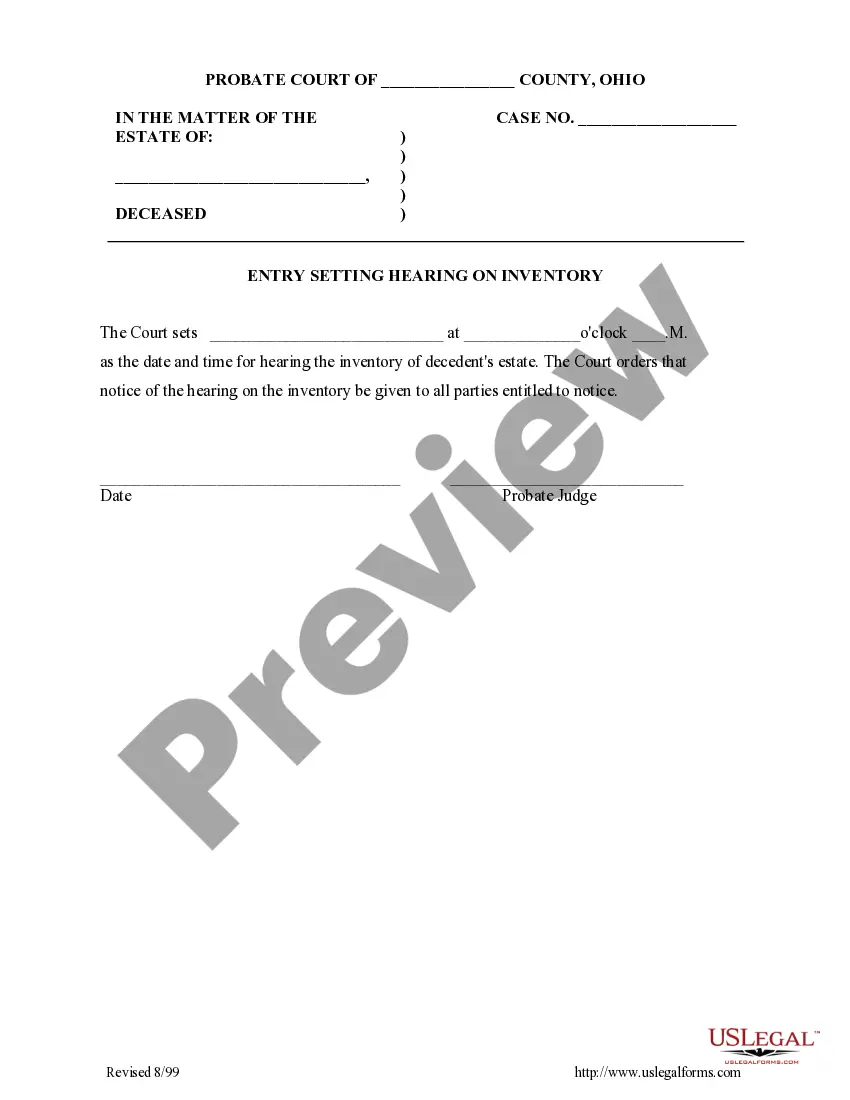
This form should be used after the inventory and appraisal of the decedent's estate have been filed with the probate court. It is appropriate when all parties entitled to notice have either waived their right to be notified or have received proper notification, allowing for the judge to approve the inventory formally.
Who this form is for
This form is intended for:
- Executors or administrators of a decedent's estate in Ohio.
- Attorneys representing the estate in probate matters.
- Heirs or beneficiaries involved in the estate process who are informed about the inventory approval.
Completing this form step by step
- Enter the name of the deceased along with the case number at the top of the form.
- Indicate that the inventory and appraisal have been filed and notice has been appropriately handled.
- Obtain the signature of the probate judge to validate the approval.
- Have the attorney for the applicant sign the document and provide their registration number.
- Prepare copies of this form for all relevant parties involved in the estate.
Is notarization required?
Notarization is not commonly needed for this form. However, certain documents or local rules may make it necessary. Our notarization service, powered by Notarize, allows you to finalize it securely online anytime, day or night.
Get your form ready online
Our built-in tools help you complete, sign, share, and store your documents in one place.
Make edits, fill in missing information, and update formatting in US Legal Forms—just like you would in MS Word.
Download a copy, print it, send it by email, or mail it via USPS—whatever works best for your next step.
Sign and collect signatures with our SignNow integration. Send to multiple recipients, set reminders, and more. Go Premium to unlock E-Sign.
If this form requires notarization, complete it online through a secure video call—no need to meet a notary in person or wait for an appointment.
We protect your documents and personal data by following strict security and privacy standards.

Make edits, fill in missing information, and update formatting in US Legal Forms—just like you would in MS Word.

Download a copy, print it, send it by email, or mail it via USPS—whatever works best for your next step.

Sign and collect signatures with our SignNow integration. Send to multiple recipients, set reminders, and more. Go Premium to unlock E-Sign.

If this form requires notarization, complete it online through a secure video call—no need to meet a notary in person or wait for an appointment.

We protect your documents and personal data by following strict security and privacy standards.
Avoid these common issues
- Failing to provide the correct case number.
- Not obtaining necessary signatures before filing.
- Overlooking to notify all required parties regarding the inventory hearing.
Why use this form online
- Convenient access to a legally vetted template drafted by licensed attorneys.
- Immediate download in multiple formats including Word and Rich Text.
- Editable fields that allow users to customize the form to their specific circumstances.