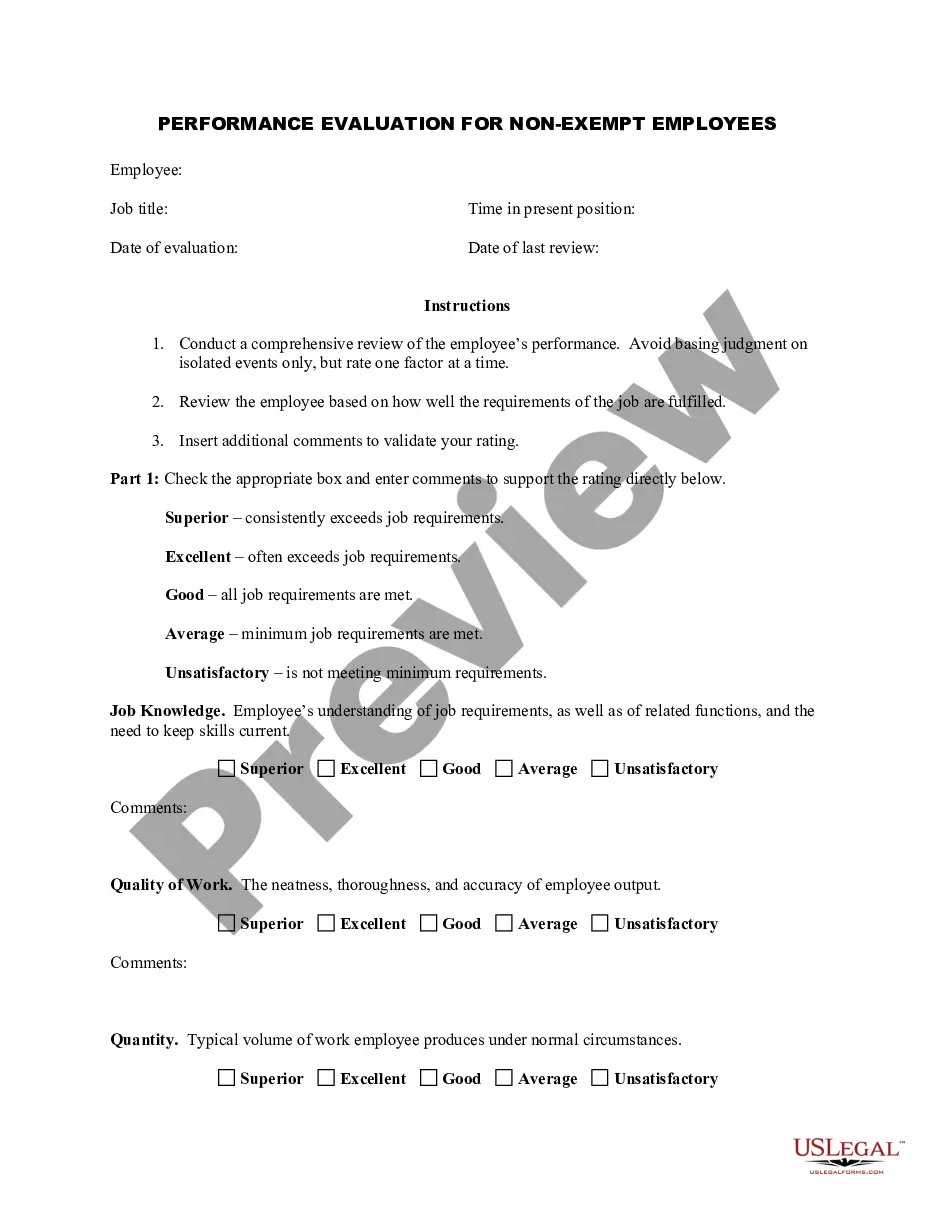
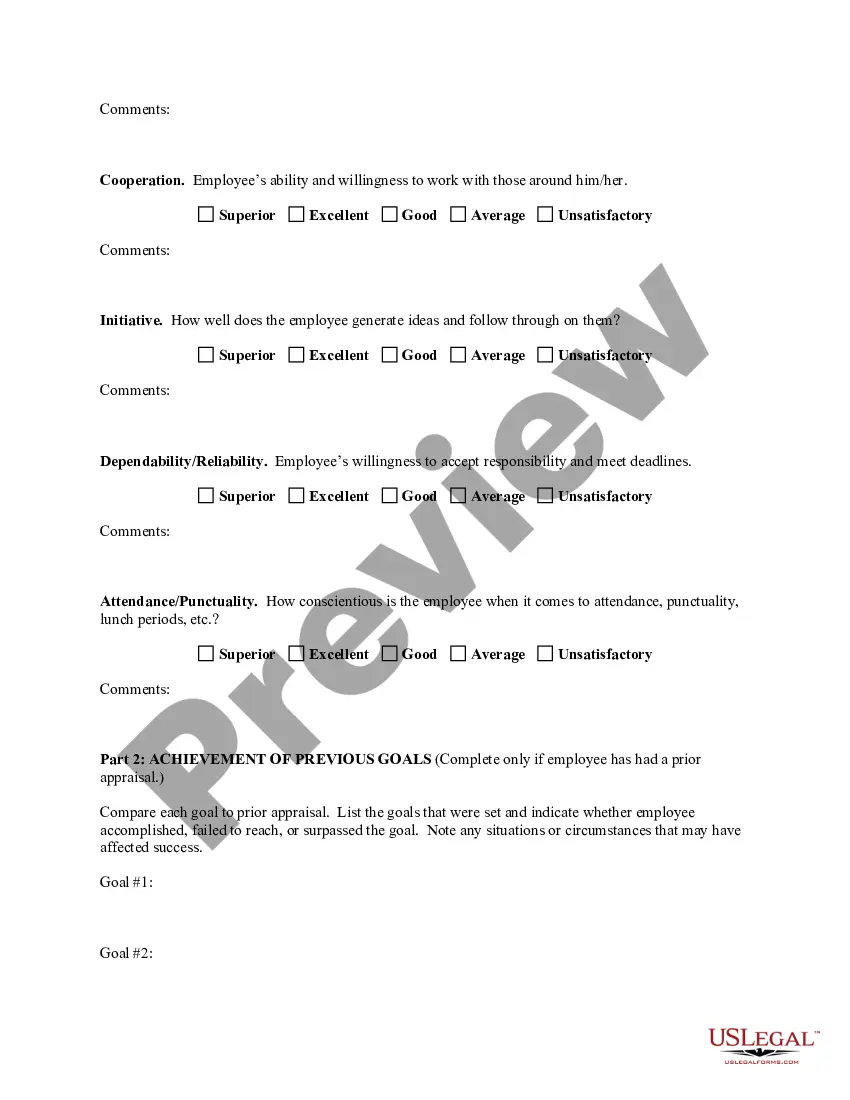
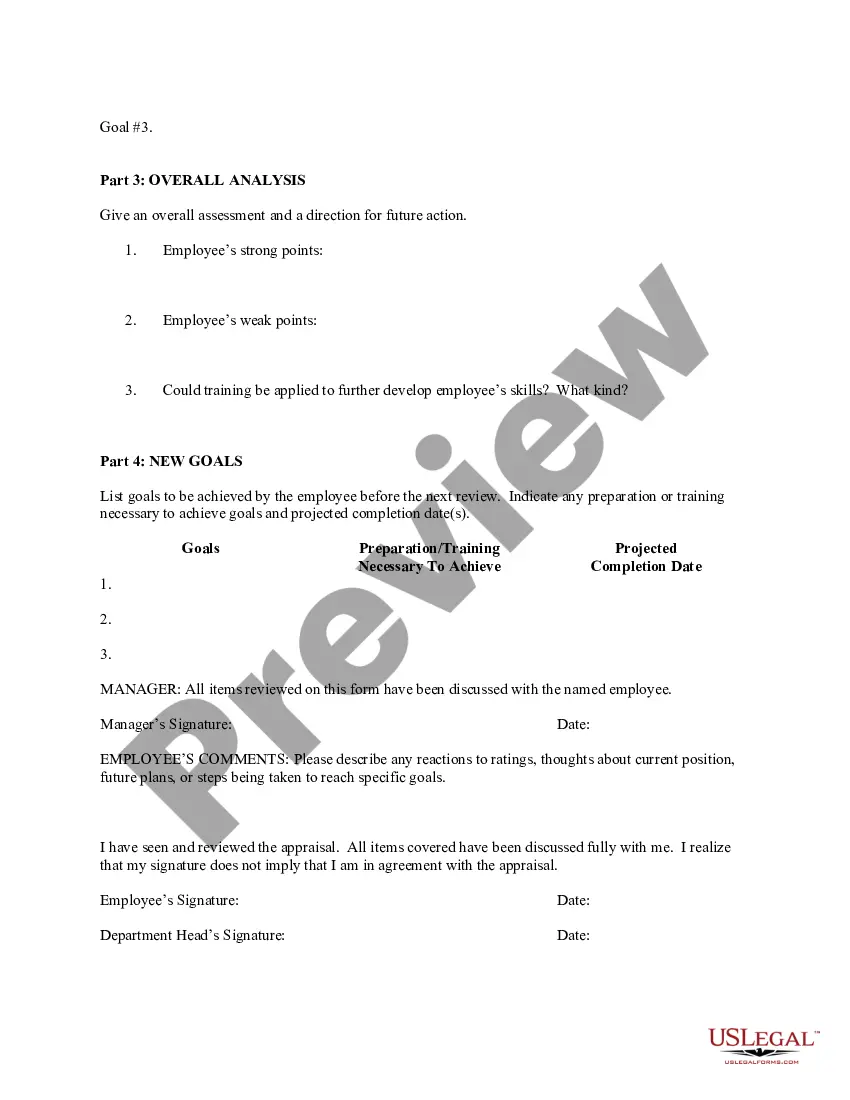
Franklin Ohio Employee Evaluation Form for Churches
Description
Get your form ready online
Our built-in tools help you complete, sign, share, and store your documents in one place.
Make edits, fill in missing information, and update formatting in US Legal Forms—just like you would in MS Word.
Download a copy, print it, send it by email, or mail it via USPS—whatever works best for your next step.
Sign and collect signatures with our SignNow integration. Send to multiple recipients, set reminders, and more. Go Premium to unlock E-Sign.
If this form requires notarization, complete it online through a secure video call—no need to meet a notary in person or wait for an appointment.
We protect your documents and personal data by following strict security and privacy standards.

Make edits, fill in missing information, and update formatting in US Legal Forms—just like you would in MS Word.

Download a copy, print it, send it by email, or mail it via USPS—whatever works best for your next step.

Sign and collect signatures with our SignNow integration. Send to multiple recipients, set reminders, and more. Go Premium to unlock E-Sign.

If this form requires notarization, complete it online through a secure video call—no need to meet a notary in person or wait for an appointment.

We protect your documents and personal data by following strict security and privacy standards.
Looking for another form?

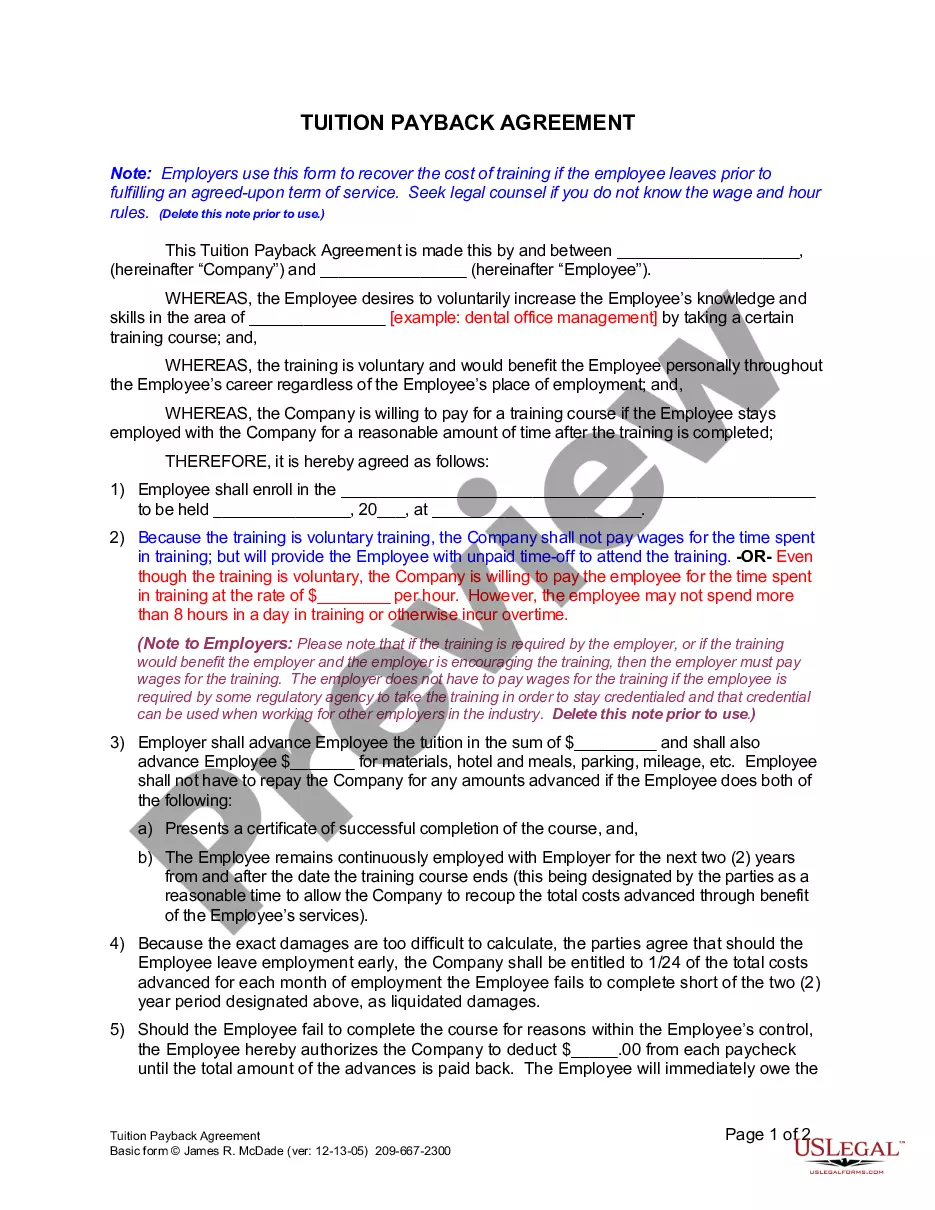
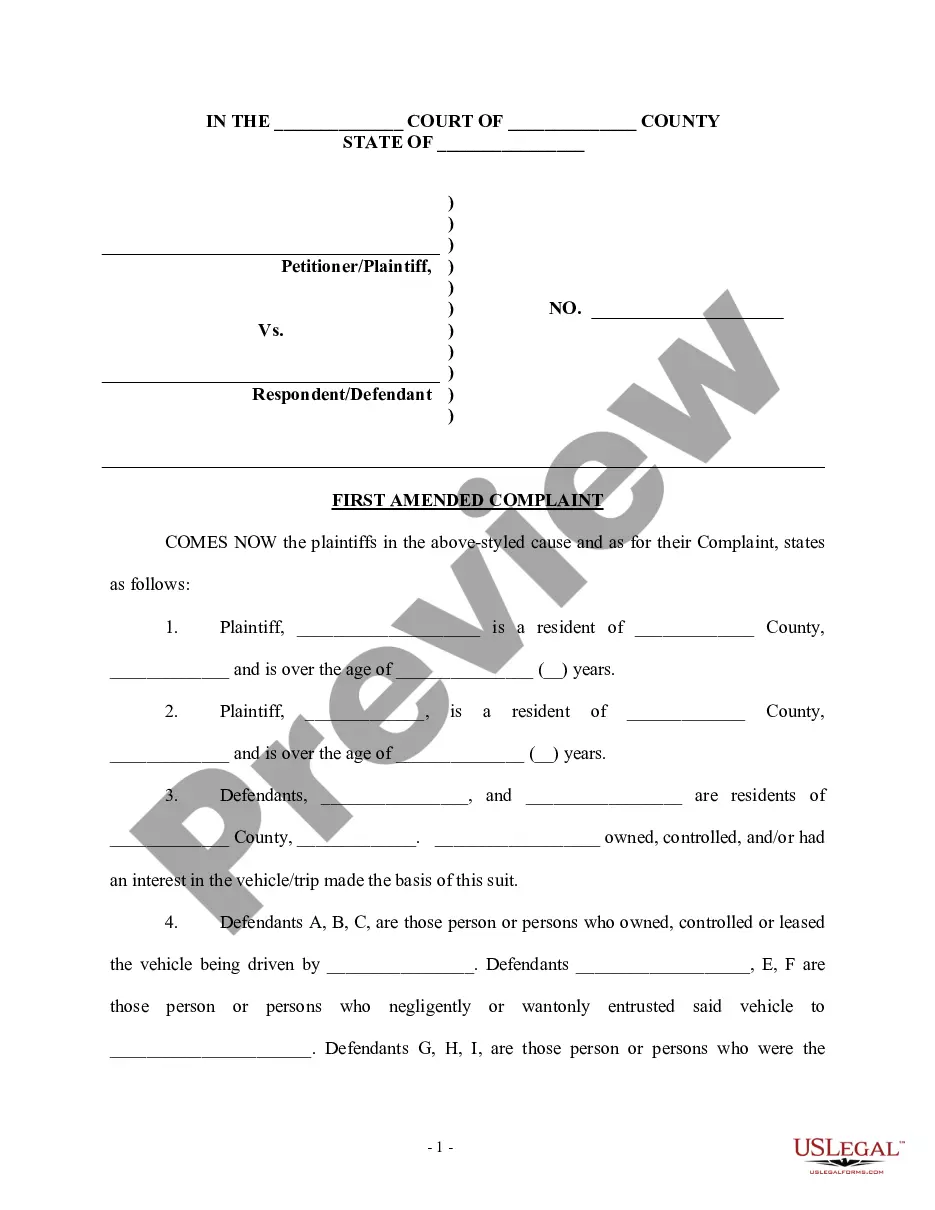
How to fill out Employee Evaluation Form For Churches?
Are you aiming to swiftly create a legally-binding Evaluation Form for Franklin Employees in Churches or perhaps another document to manage your personal or business situations? You have two choices: get in touch with a legal consultant to compose a legitimate document for you, or prepare it entirely on your own. The great news is that there's an alternative option - US Legal Forms. It will assist you in obtaining well-crafted legal documents without incurring exorbitant fees for legal assistance.
US Legal Forms boasts a vast inventory of over 85,000 state-specific form templates, including the Franklin Employee Evaluation Form for Churches and various form packages. We provide documents for a range of life situations: from divorce filings to real estate form templates. We have been in operation for over 25 years and maintain an unblemished reputation with our clients. Here’s how you can join their ranks and acquire the necessary document without hassle.
If you have previously created an account, you can simply Log In, locate the Franklin Employee Evaluation Form for Churches template, and download it. To re-download the document, just navigate to the My documents tab.
Purchasing and downloading legal forms is straightforward when you utilize our services. Additionally, the templates we provide are vetted by industry professionals, giving you increased assurance when managing legal matters. Experience US Legal Forms now and witness the difference!
- First, meticulously confirm if the Franklin Employee Evaluation Form for Churches complies with your state’s or county’s guidelines.
- If the form includes a description, ensure to check its intended purpose.
- If the document isn't what you were expecting to find, redo the search using the search bar in the header.
- Pick the plan that best suits your requirements and proceed to payment.
- Select the format in which you would like to receive your form and download it.
- Print it, complete it, and sign where indicated.
Form popularity
FAQ
Filling out an employee self-evaluation form starts with reflecting on your achievements and areas for improvement. Use the Franklin Ohio Employee Evaluation Form for Churches as a guide to prompt your thoughts. Focus on your contributions, set realistic goals for the future, and be honest about challenges you faced. This self-reflection is critical for personal and professional growth.
How to write an employee evaluation Review the employee's job description. Get a current copy of each person's job description and review the requirements.Highlight areas of improvement.Compare strengths and weaknesses.Recommend actionable goals.Provide constructive feedback.Welcome employee input.
Dependability Has remained one of our most trustworthy team members Always very dependable in every situation Always ready to do whatever it takes to get the work done Well known for dependability and readiness to work hard Has been a faithful and trustworthy employee
When you fill the form: Be honest and critical. Analyze your failures and mention the reasons for it.Keep the words minimal.Identify weaknesses.Mention your achievements.Link achievements to the job description and the organization's goals.Set the goals for the next review period.Resolve conflicts and grievances.
10 tips for how to write a performance review Set expectations and goals from the start.Gather relevant information.Make the time.Keep the review objective.Use a coaching mindset.Use language carefully.Include the positive.Share constructive criticism.
Examples Of Performance Appraisal Comments 1) Attendance. Punctuality is one of the strongest virtues an employee can possess.2) Innovation and Creativity.3) Leadership.4) Communication Skills.5) Collaboration and Teamwork.6) Time Management.7) Customer Experience.8) Problem Solving.
Self-evaluation templates Here's a template you can use: Over insert time period, I have been able to describe your accomplishment or goal you've met by insert percent or numeric value. By explain what you did to achieve this goal, explain how it has affected how you do your work.
How to write an effective performance evaluation comment Review past and present performance. If you only do formal reviews once a year, it's easy to provide feedback only for things that are fresh in your mind.Be honest and clear.Provide concrete examples.Choose your words carefully.End on a positive note.
Writing Your Year-End Review Begin with a strong, positive opening statement.List the details of what you have accomplished.Answer the unstated question "So what?" for each of your achievements.If you have not met a goal but must write about it, include it in the middle rather than at the end of your list of goals.
What to include in an employee performance review Communication. Collaboration and teamwork. Problem-solving. Quality and accuracy of work. Attendance, punctuality and reliability. The ability to accomplish goals and meet deadlines.