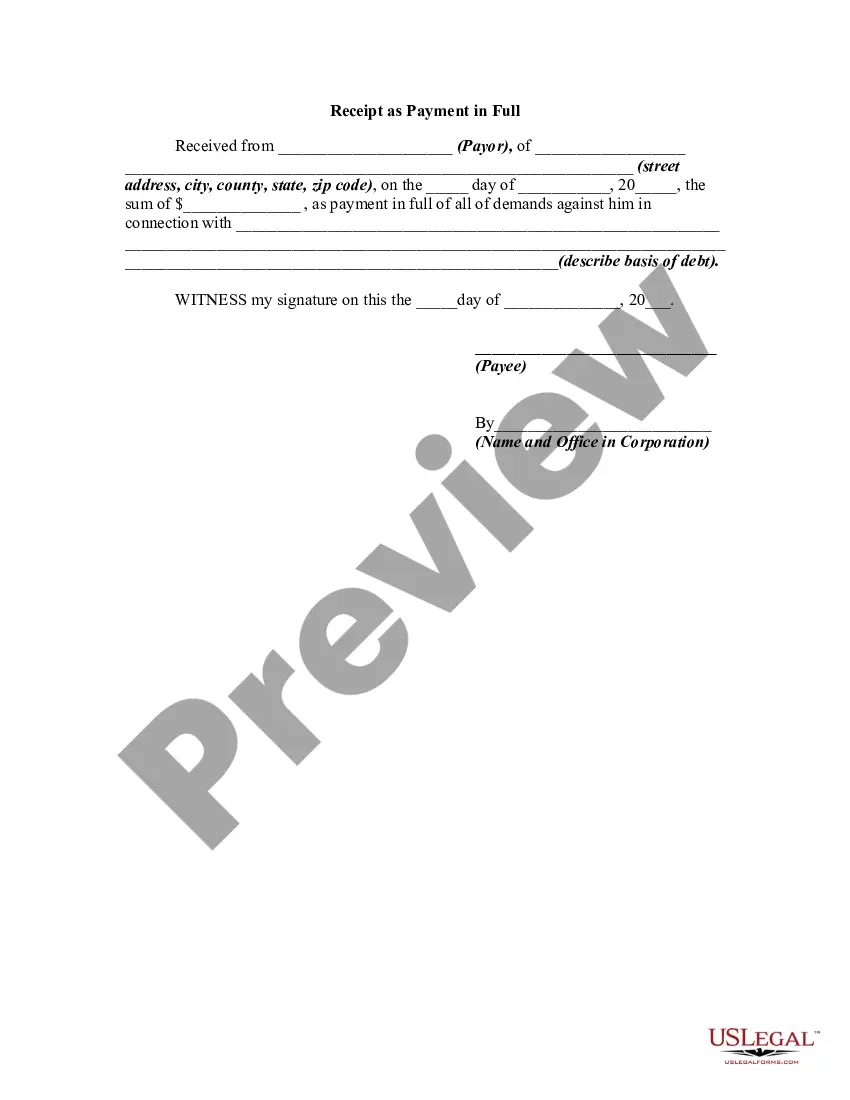
Allegheny Pennsylvania Receipt as Payment in Full
Description
Get your form ready online
Our built-in tools help you complete, sign, share, and store your documents in one place.
Make edits, fill in missing information, and update formatting in US Legal Forms—just like you would in MS Word.
Download a copy, print it, send it by email, or mail it via USPS—whatever works best for your next step.
Sign and collect signatures with our SignNow integration. Send to multiple recipients, set reminders, and more. Go Premium to unlock E-Sign.
If this form requires notarization, complete it online through a secure video call—no need to meet a notary in person or wait for an appointment.
We protect your documents and personal data by following strict security and privacy standards.

Make edits, fill in missing information, and update formatting in US Legal Forms—just like you would in MS Word.

Download a copy, print it, send it by email, or mail it via USPS—whatever works best for your next step.

Sign and collect signatures with our SignNow integration. Send to multiple recipients, set reminders, and more. Go Premium to unlock E-Sign.

If this form requires notarization, complete it online through a secure video call—no need to meet a notary in person or wait for an appointment.

We protect your documents and personal data by following strict security and privacy standards.
Looking for another form?
How to fill out Receipt As Payment In Full?
Do you require to promptly compose a legally-enforceable Allegheny Receipt as Payment in Full or possibly any other document to manage your personal or business matters.
You have two choices: reach out to a legal expert to draft a legal document for you or create it entirely by yourself.
First and foremost, carefully assess if the Allegheny Receipt as Payment in Full aligns with your state's or county's regulations.
If the form includes a description, ensure to verify its intended use.
- Fortunately, there's a third option - US Legal Forms.
- It will assist you in obtaining well-crafted legal documents without incurring exorbitant fees for legal services.
- US Legal Forms boasts a comprehensive catalog of over 85,000 state-compliant document templates, including Allegheny Receipt as Payment in Full and various form bundles.
- We offer templates for a wide range of life situations: from divorce documents to real estate papers.
- Having been in the industry for over 25 years, we have established an impeccable reputation among our clients.
- Here's how you can join our satisfied customers and acquire the necessary template without any complications.
Form popularity
FAQ
Billing: 4 asy steps to subscribe Step 1 Search for your property. You can search by entering your address or parcel ID (lot/block). Step 2 Click eBill/ePay tab. This is the third tab called TAX INFO eBILL / ePAY. Step 3 Click to Subscribe.Step 4 Complete the form.
If you want or need a paper bill, you can request one by sending an email to revenue@phila.gov or calling (215) 686-6442.
Pay Your Local Tax Office By check or money order sent through the mail. Online using a credit or debit card. Online using an electronic check payment (eCheck) By telephone using a credit or debit card.
Billing: 4 asy steps to subscribe Step 1 Search for your property. You can search by entering your address or parcel ID (lot/block). Step 2 Click eBill/ePay tab. This is the third tab called TAX INFO eBILL / ePAY. Step 3 Click to Subscribe.Step 4 Complete the form.
Due to the impacts of the pandemic, the Allegheny County Council voted to again extend the real estate tax discount deadline until the end of April. County residents now have until April 30, instead of March 31, to receive the 2% property tax discount.
HOW TO PAY Make check payable to: Treasurer, City of Pittsburgh. Do not send cash. Mail to: Parking Tax, 414 Grant St., Pittsburgh, PA,15219-2476. A $30.00 fee will be assessed for any check returned from the bank for any reason.
You can pay your Pennsylvania Taxes over the Internet by choosing the type of payment you are making below: Alternative Fuel Tax - Return Payment. Corporate Tax - Estimated Payment. Corporate Tax - Extension Payment.
Property taxes in Pennsylvania are due on March 31 each year. If your PA property taxes are drawn monthly, you should have no remaining balance at this deadline. You can receive a 1% discount for paying your bill on or before the last day of February.
How to pay Pay online. Pay online through the City's Real Estate Tax portal by entering your physical address or Office of Property Assessment (OPA) number.Pay by mail. Pay by mail with a check or money order.Pay by phone. Pay by phone by calling (877) 309-3710.Pay in person.