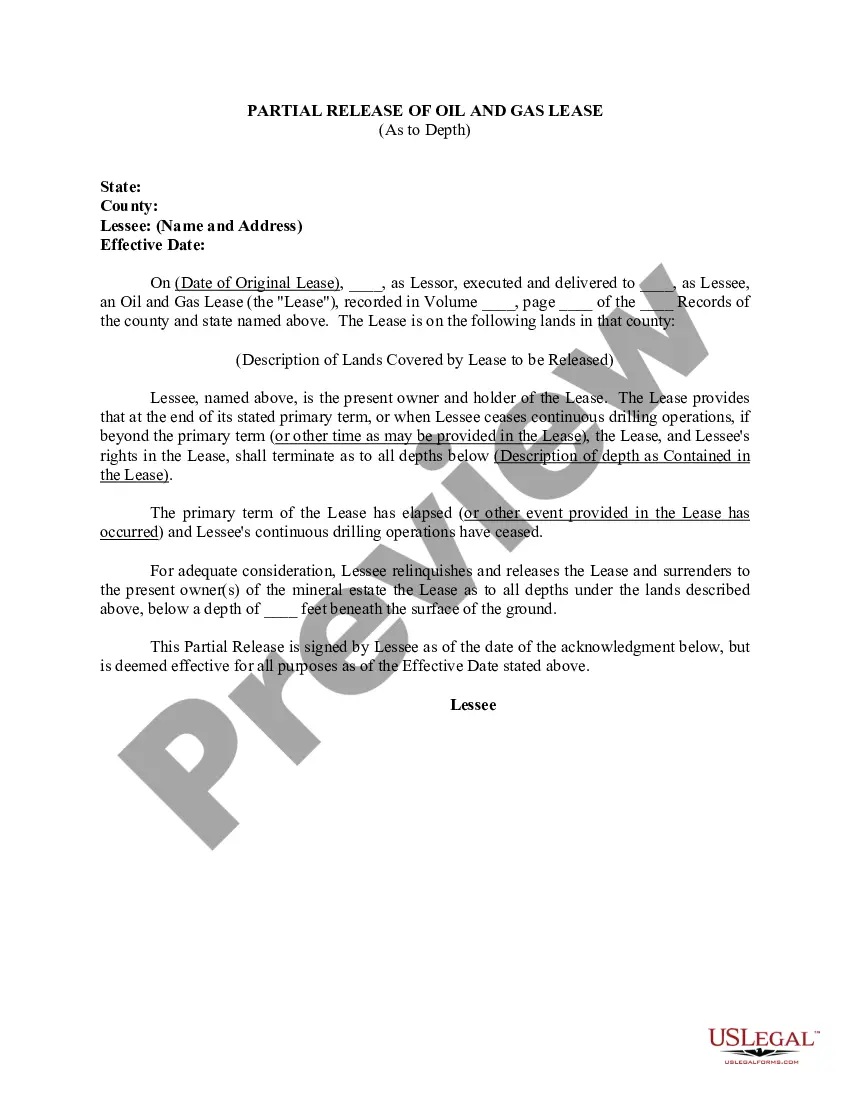
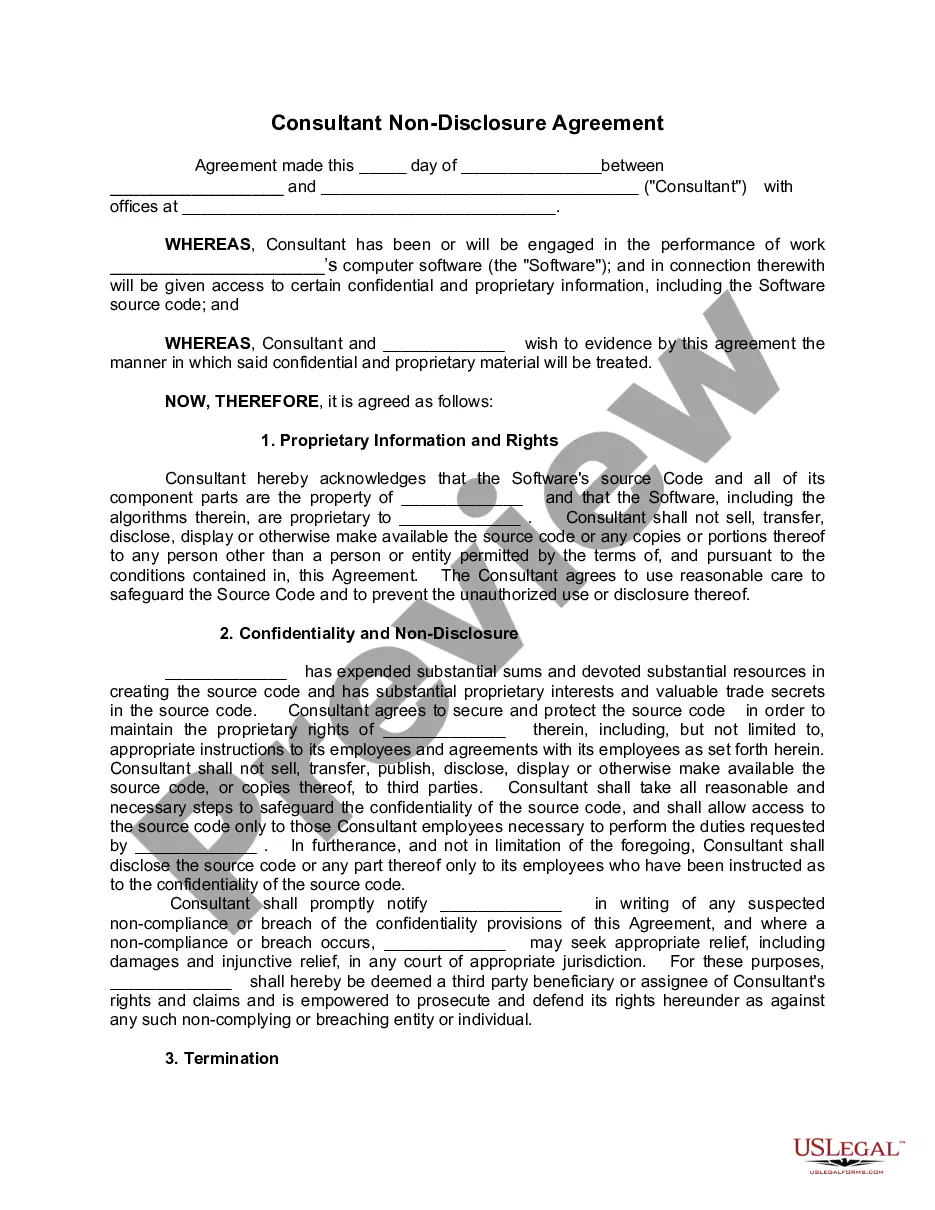
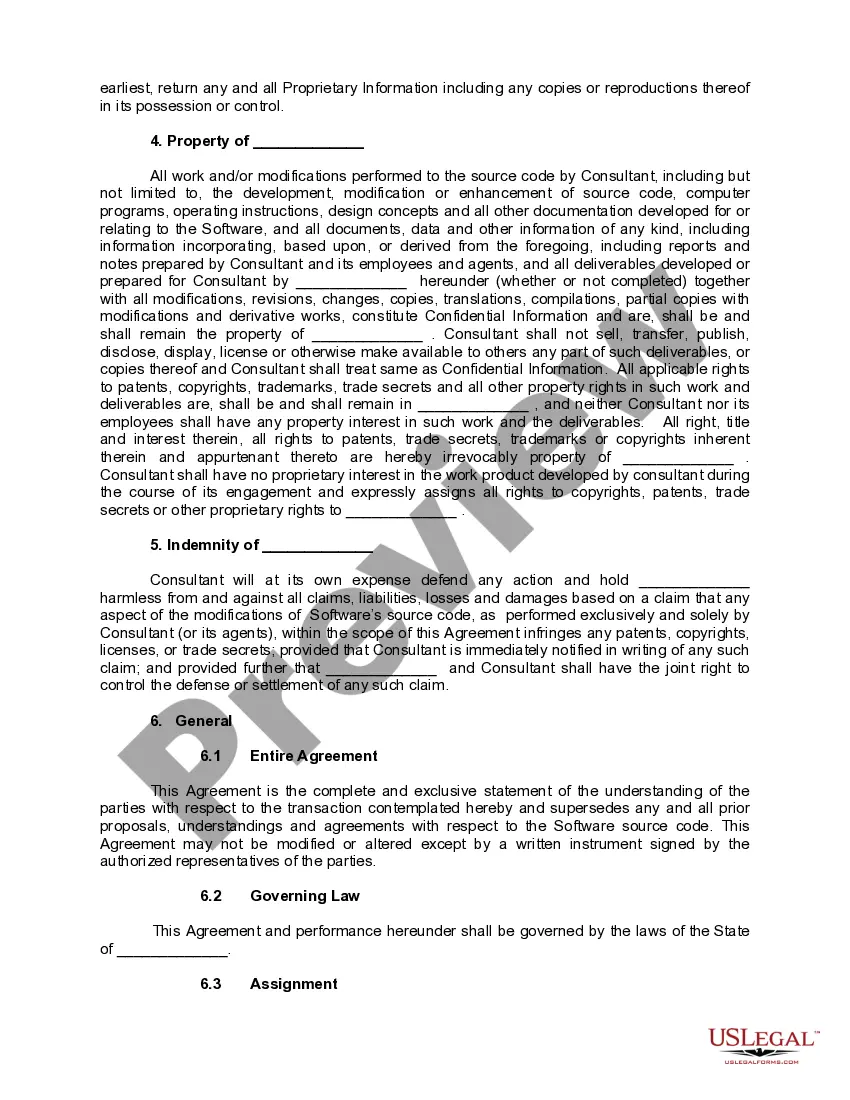
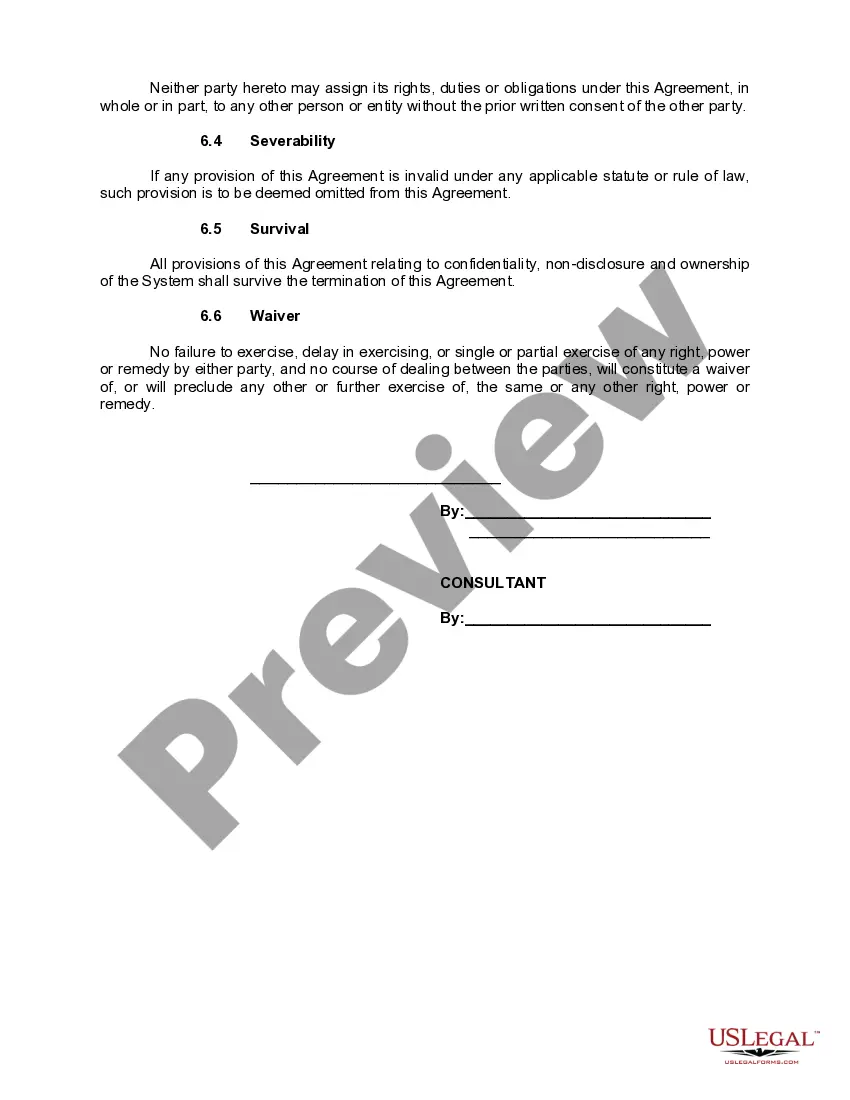
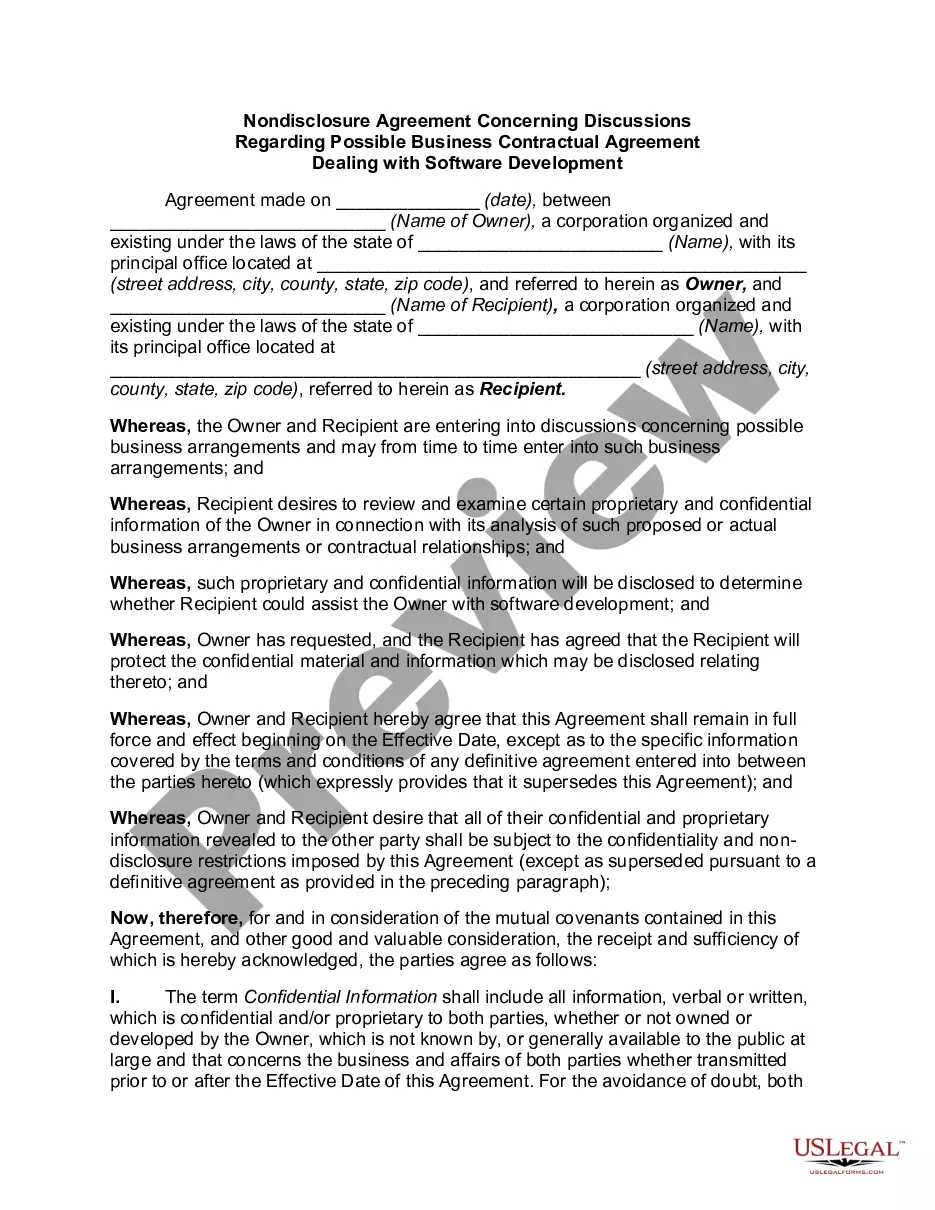
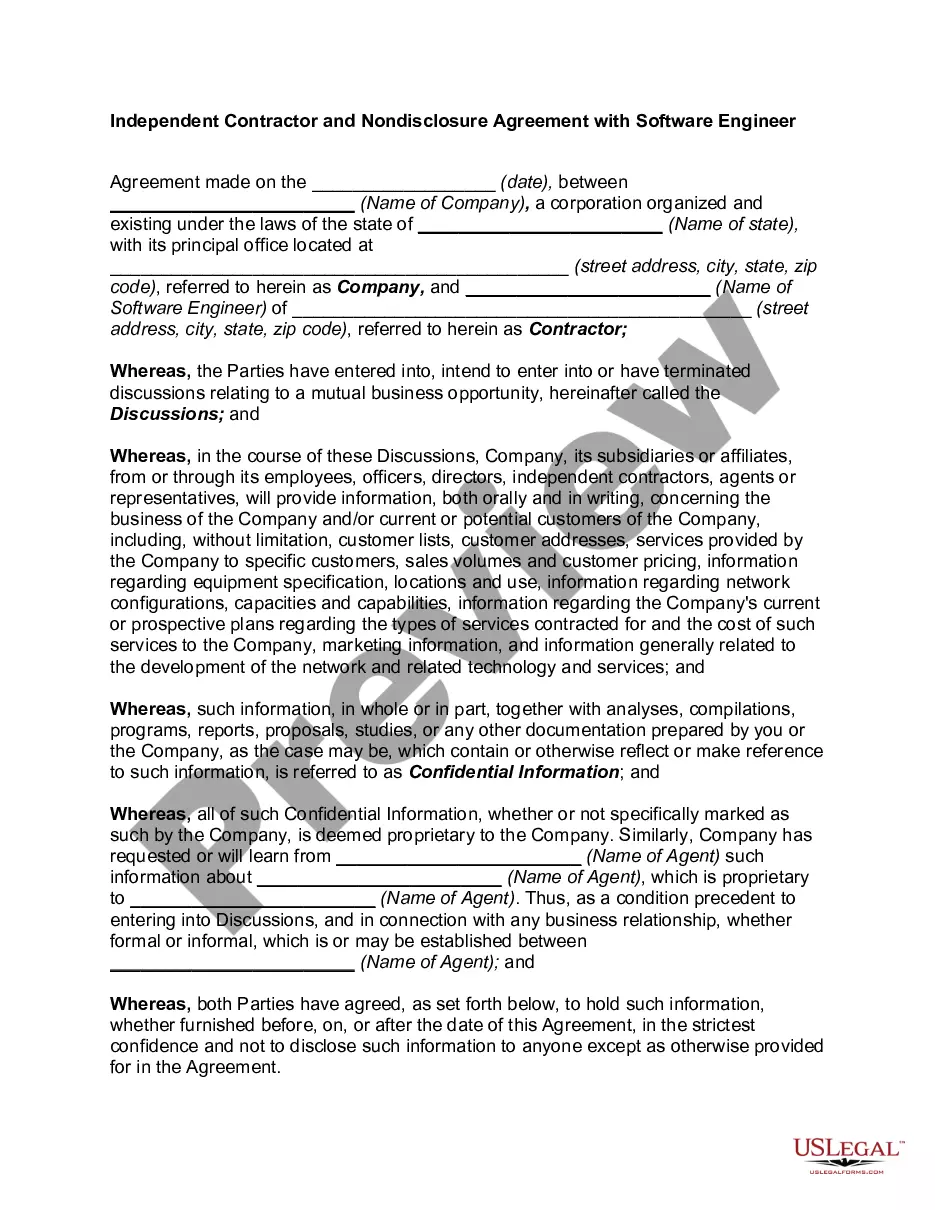
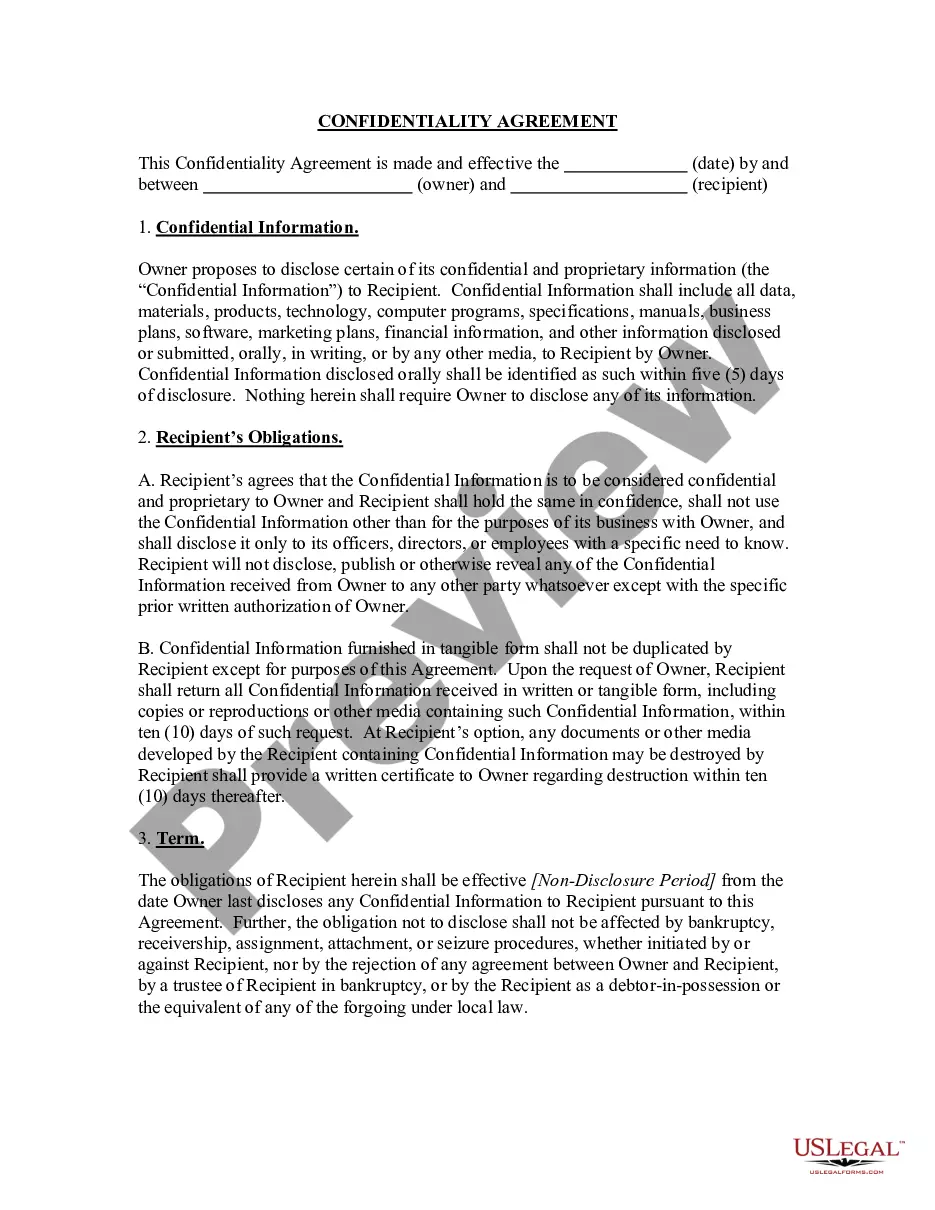
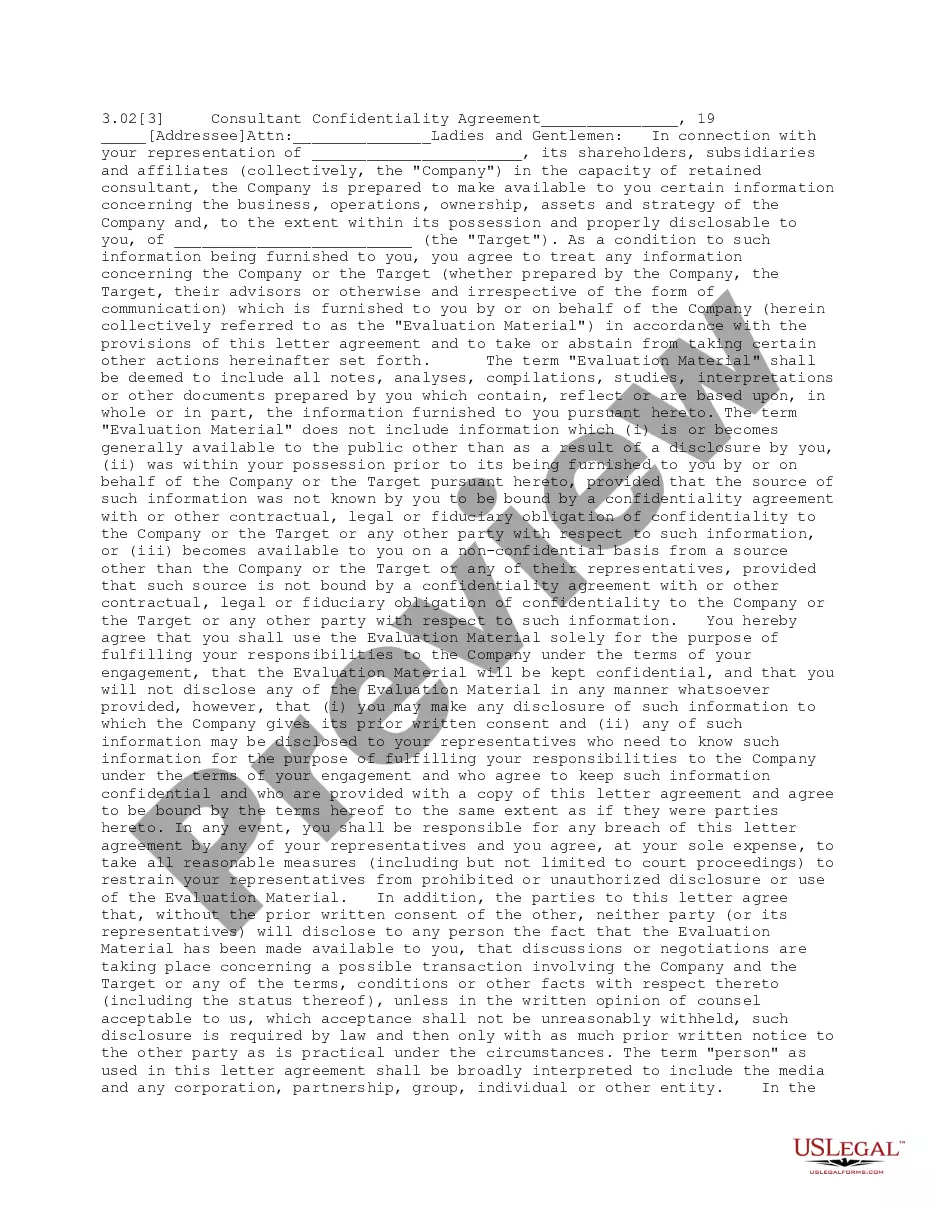
The consultant has been or will be engaged in the performance of work with the client's computer software, and in connection with the work, the consultant will be given access to certain confidential and proprietary information. The consultant acknowledges that the software's source code and all of its component parts are the property of the client.
Wyoming Consultant Nondisclosure Agreement - Software
State:
Multi-State
Control #:
US-KWP-0018
Format:
Word;
Rich Text
Instant download
Description
Free preview
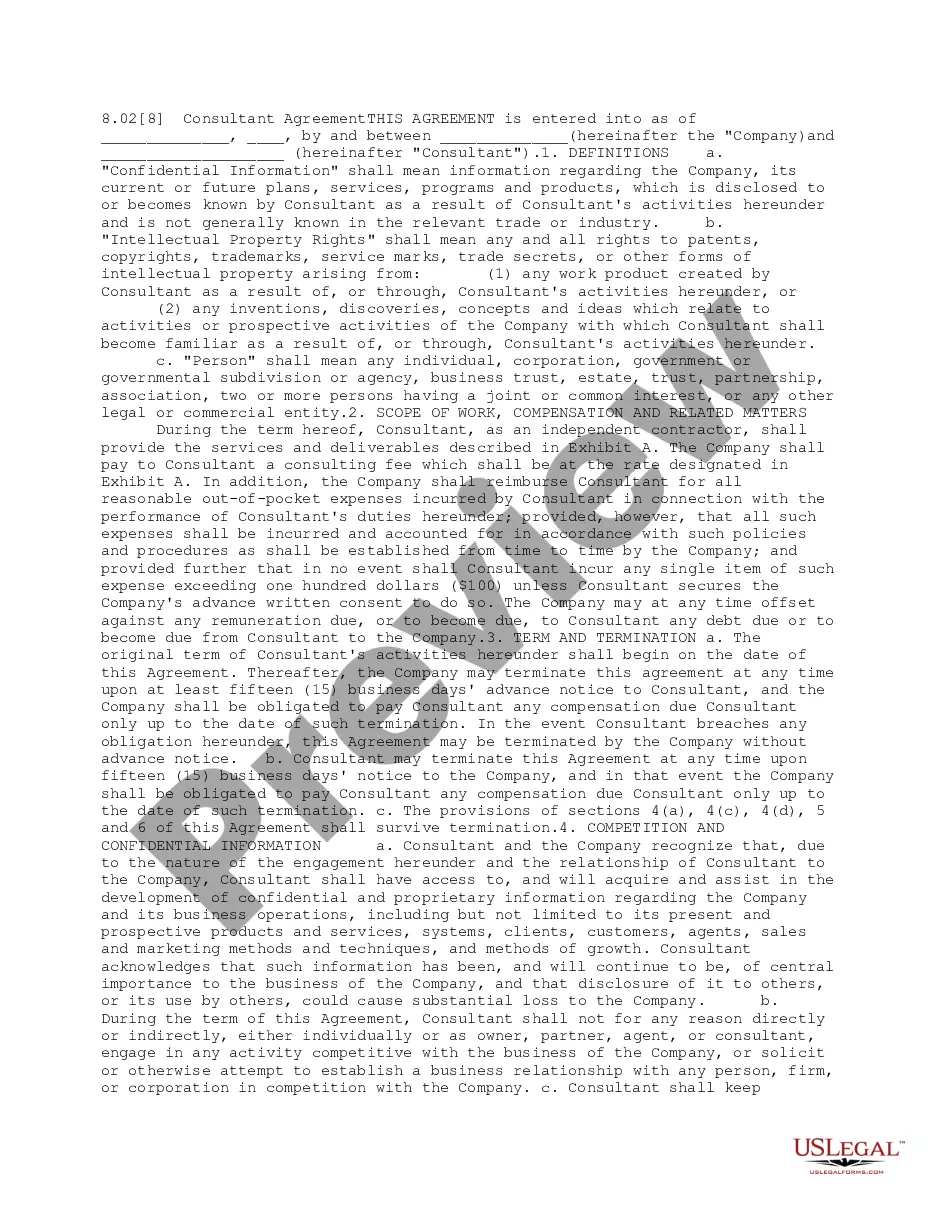
Get your form ready online
Our built-in tools help you complete, sign, share, and store your documents in one place.
Built-in online Word editor
Make edits, fill in missing information, and update formatting in US Legal Forms—just like you would in MS Word.
Export easily
Download a copy, print it, send it by email, or mail it via USPS—whatever works best for your next step.
E-sign your document
Sign and collect signatures with our SignNow integration. Send to multiple recipients, set reminders, and more. Go Premium to unlock E-Sign.
Notarize online 24/7
If this form requires notarization, complete it online through a secure video call—no need to meet a notary in person or wait for an appointment.
Store your document securely
We protect your documents and personal data by following strict security and privacy standards.

Make edits, fill in missing information, and update formatting in US Legal Forms—just like you would in MS Word.

Download a copy, print it, send it by email, or mail it via USPS—whatever works best for your next step.

Sign and collect signatures with our SignNow integration. Send to multiple recipients, set reminders, and more. Go Premium to unlock E-Sign.

If this form requires notarization, complete it online through a secure video call—no need to meet a notary in person or wait for an appointment.

We protect your documents and personal data by following strict security and privacy standards.
Looking for another form?
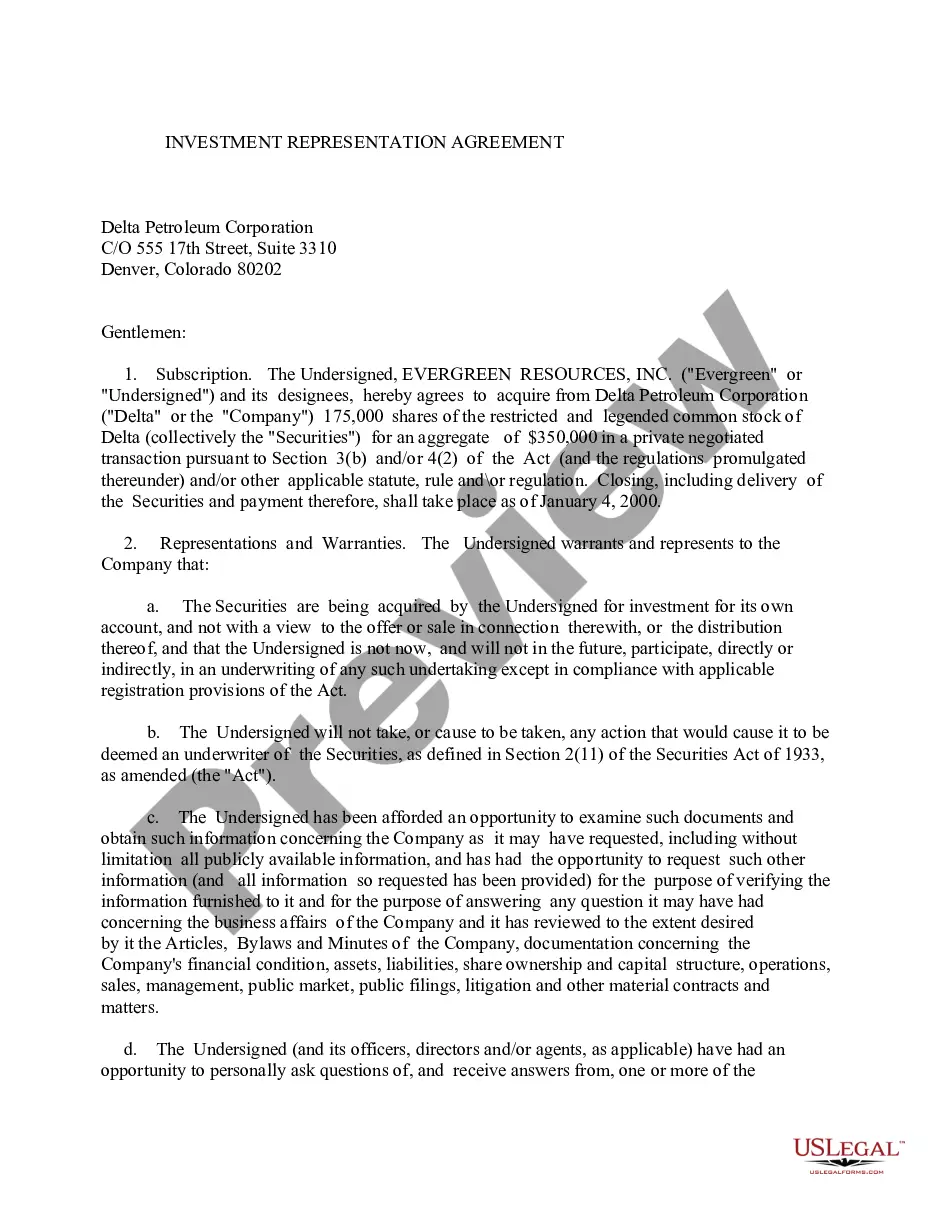
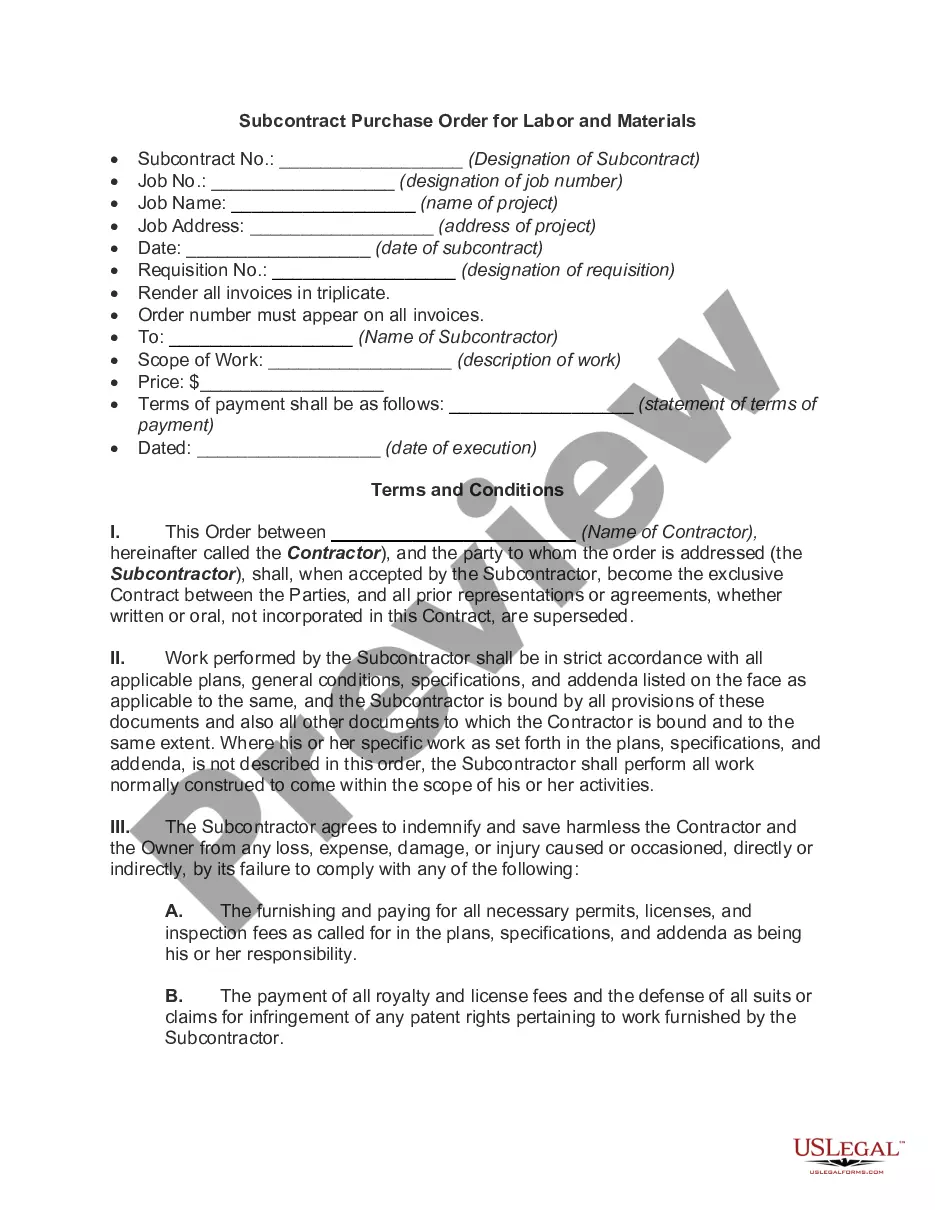
How to fill out Consultant Nondisclosure Agreement - Software?
Have you ever been in a situation where you require documents for either organizational or personal reasons almost all the time.
There is a multitude of legal document templates available online, but finding reliable ones can be challenging.
US Legal Forms offers thousands of document templates, such as the Wyoming Consultant Nondisclosure Agreement - Software, designed to comply with federal and state regulations.
Leverage US Legal Forms, one of the most extensive collections of legal forms, to save time and avoid mistakes.
The service provides professionally crafted legal document templates that can be utilized for a variety of purposes. Create an account on US Legal Forms and start simplifying your life.
- If you are already familiar with the US Legal Forms website and possess an account, simply Log In.
- Then, you can download the Wyoming Consultant Nondisclosure Agreement - Software template.
- If you do not have an account and wish to start using US Legal Forms, follow these instructions.
- Find the document you need and ensure it is for the correct city/state.
- Use the Review button to inspect the form.
- Read the description to make sure you have selected the right document.
- If the document isn’t what you’re looking for, utilize the Search field to find the document that meets your needs and requirements.
- Once you find the correct document, click Purchase now.
- Choose the payment plan you desire, fill in the necessary information to create your account, and complete the transaction using your PayPal or credit card.
- Select a convenient file format and download your copy.
- Access all the document templates you have purchased in the My documents section. You can download another copy of the Wyoming Consultant Nondisclosure Agreement - Software anytime if required. Click the desired document to download or print the template.
Form popularity
FAQ
Yes, you can write your own non-disclosure agreement, but it is essential to ensure it covers all necessary aspects. For a Wyoming Consultant Nondisclosure Agreement - Software, make sure to include definitions of confidential information, the duration of the agreement, and the responsibilities of each party. While crafting your own agreement gives you flexibility, using a professional template from USLegalForms can streamline the process and ensure legal compliance.
To fill out a non-disclosure agreement template effectively, start by identifying the parties involved. Clearly state the purpose of the agreement, which in this case is related to the Wyoming Consultant Nondisclosure Agreement - Software. Next, specify the confidential information that needs protection, and outline the obligations of both parties. Finally, review the document for accuracy before signing to ensure it meets your specific needs.
Using ChatGPT does not inherently violate an NDA, but it can lead to risks if you share confidential information covered by the agreement. It's crucial to avoid discussing any proprietary details that fall within the scope of a Wyoming Consultant Nondisclosure Agreement - Software. To ensure compliance and security, always consult your NDA and consider using secure channels for sensitive discussions. Platforms like USLegalForms can assist you in navigating these legal boundaries.
You should avoid entering sensitive personal data, confidential business details, or proprietary information into ChatGPT. This includes anything protected under a Wyoming Consultant Nondisclosure Agreement - Software. Sharing such information could lead to unintended exposure. For secure management of your sensitive documents, utilizing services like USLegalForms can provide the necessary protection.
It is not advisable to input NDA information into ChatGPT. This platform is not built for secure data storage or processing, which might expose your confidential information. If you need to discuss details related to a Wyoming Consultant Nondisclosure Agreement - Software, consider consulting legal professionals or using a secure document management system. USLegalForms offers resources to help you draft and manage your NDAs safely.
When considering the safety of uploading confidential information to ChatGPT, it’s essential to understand the risks involved. ChatGPT is designed primarily for general queries and not for handling sensitive documents. If you are discussing topics covered by a Wyoming Consultant Nondisclosure Agreement - Software, it's best to avoid sharing any proprietary information. For secure handling of sensitive information, using a dedicated platform like USLegalForms can be a more suitable choice.
Electronic signatures can be used to sign documents of all shapes and sizes, including:Offer letters.Sales contracts.Permission slips.Rental/lease agreements.Liability waivers.Financial documents.
NDA documents can now be written, completed, and signed online by all the relevant parties in real-time, regardless of where they reside. Security There is no safe way of avoiding NDA documents to be intercepted, destroyed, or tampered with while on transit than using electronic NDA forms.
Ways and tools to sign an NDAConverting the entire document (.Printing out the signature page and signing it.Scanning the signature page into a separate PDF file.Replacing the unsigned signature page with the signed one.More items...?
Did this help?Log in to your account and click New and then Sign a Document.Click Upload to select your file and upload it.Drag the Signature tag from the Fields to your document.You can now send your signed document to anyone you would like by adding recipient information and clicking Send and Close.More items...