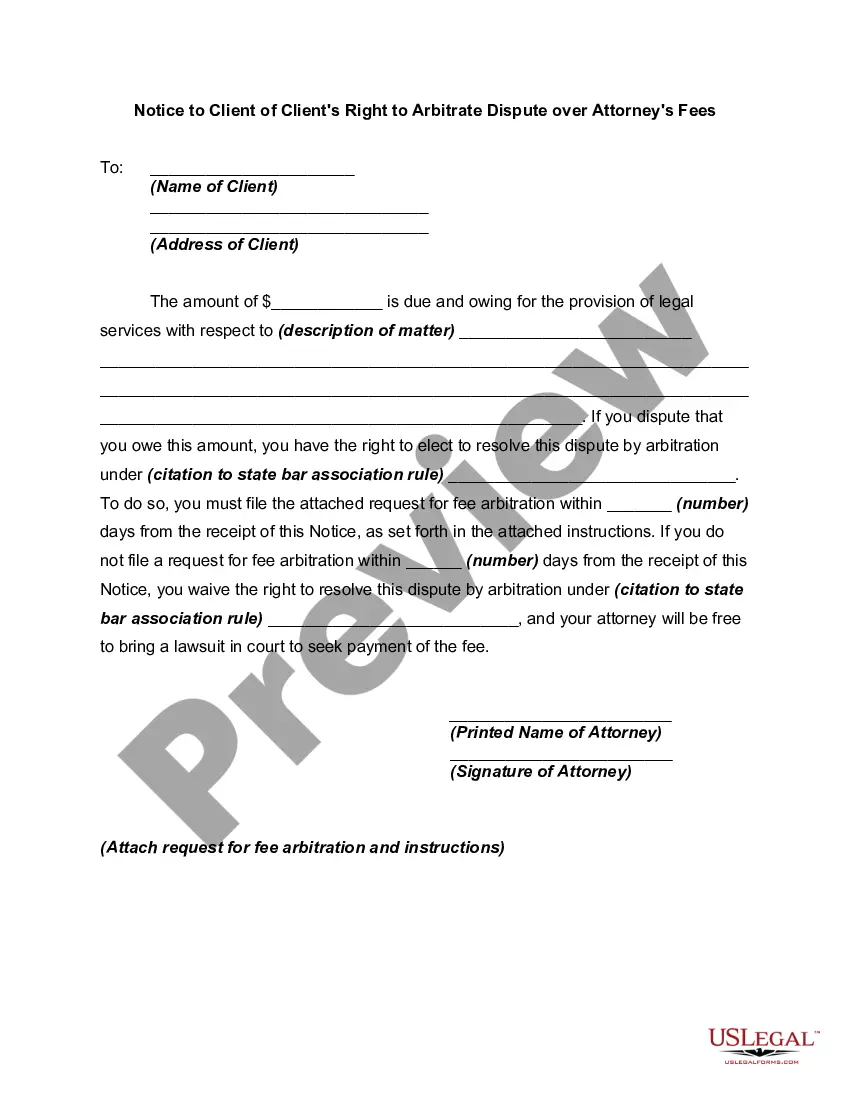
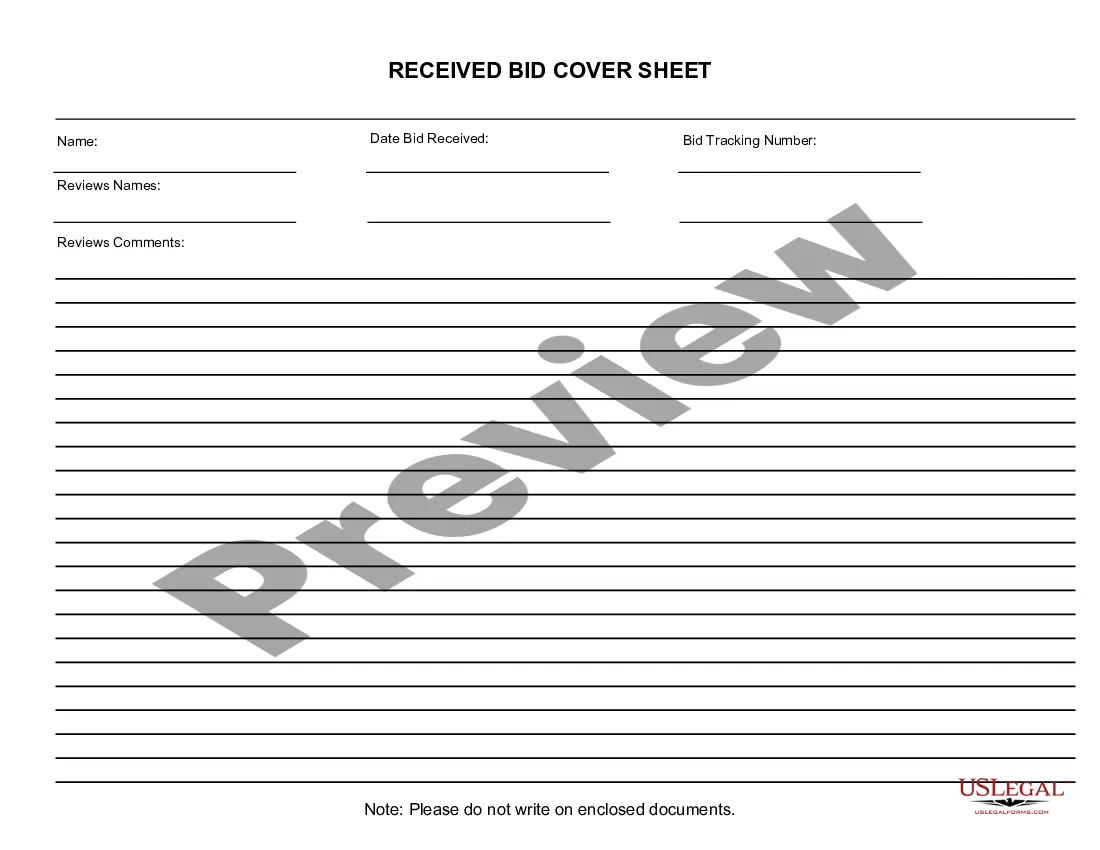
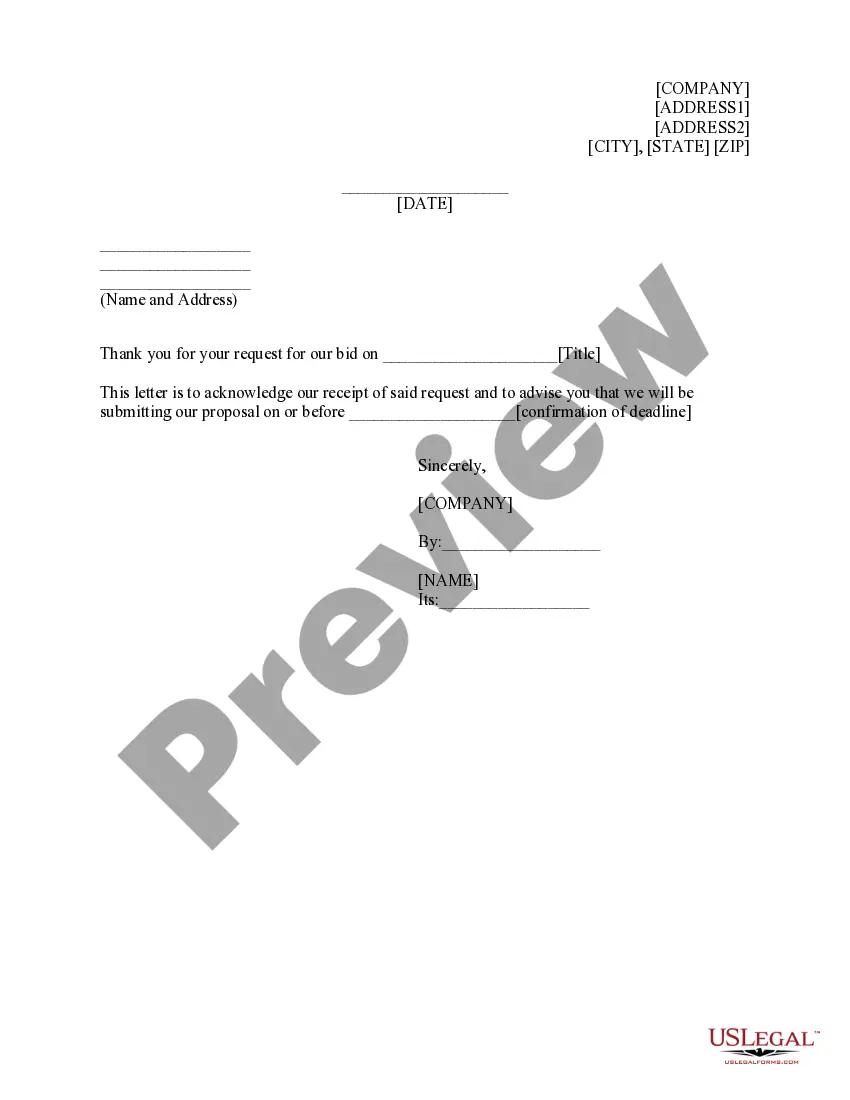
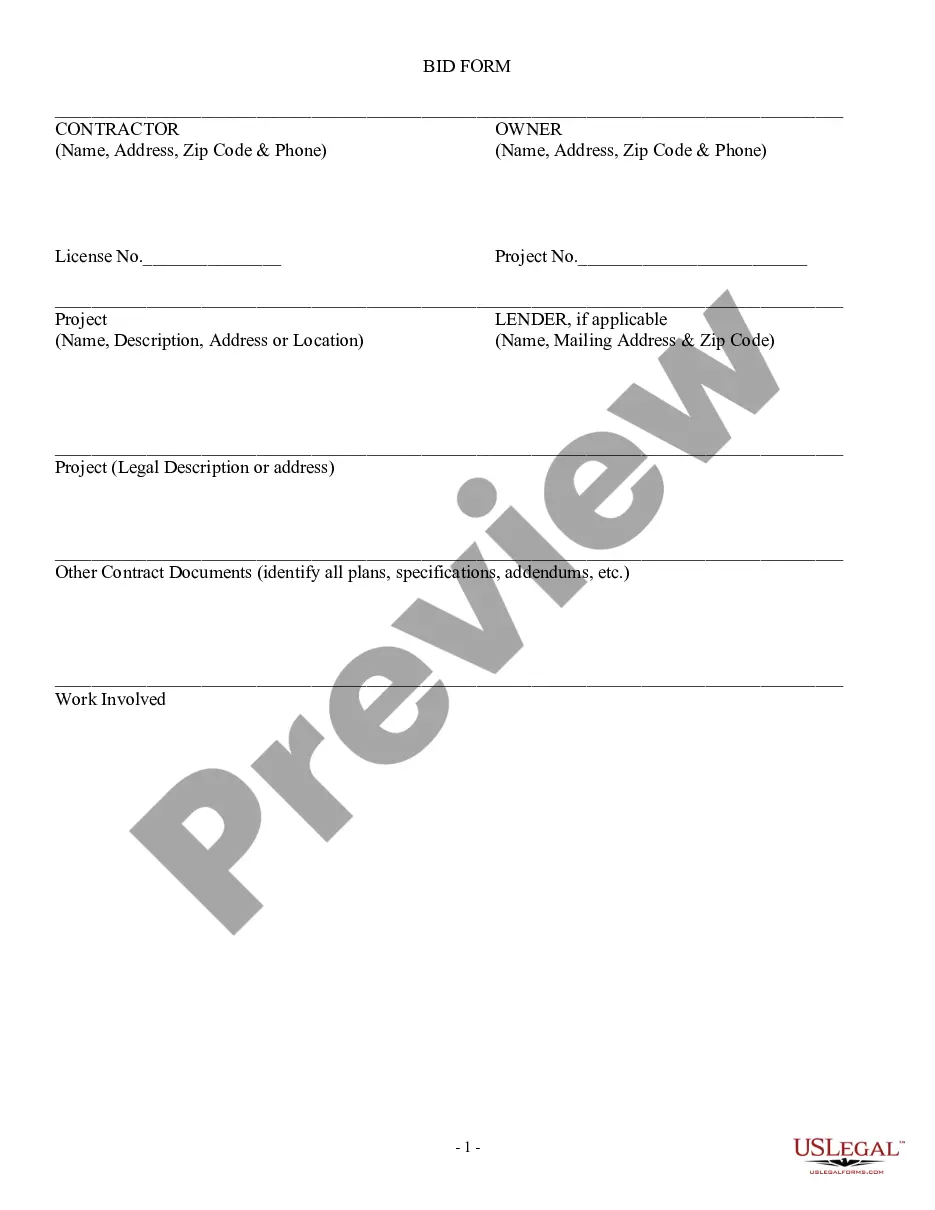
This form is a business type form that is formatted to allow you to complete the form using Adobe Acrobat or Word. The word files have been formatted to allow completion by entry into fields. Some of the forms under this category are rather simple while others are more complex. The formatting is worth the small cost.
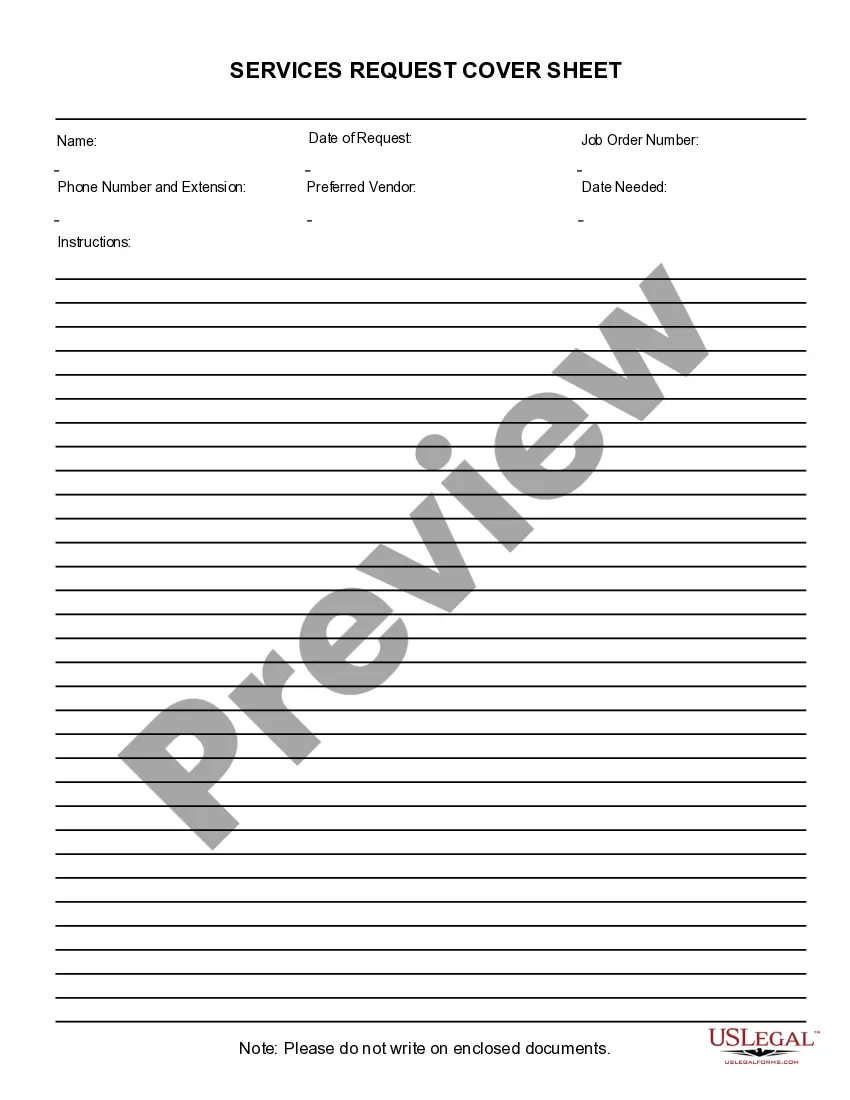
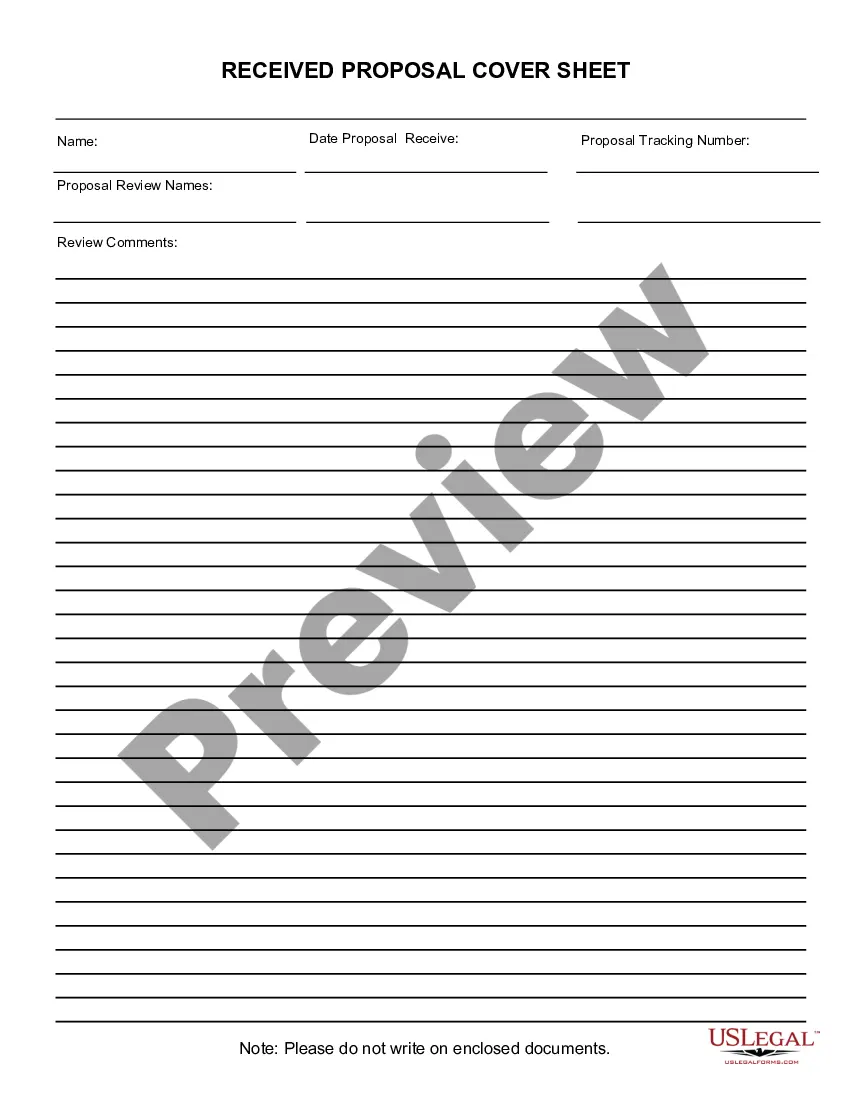
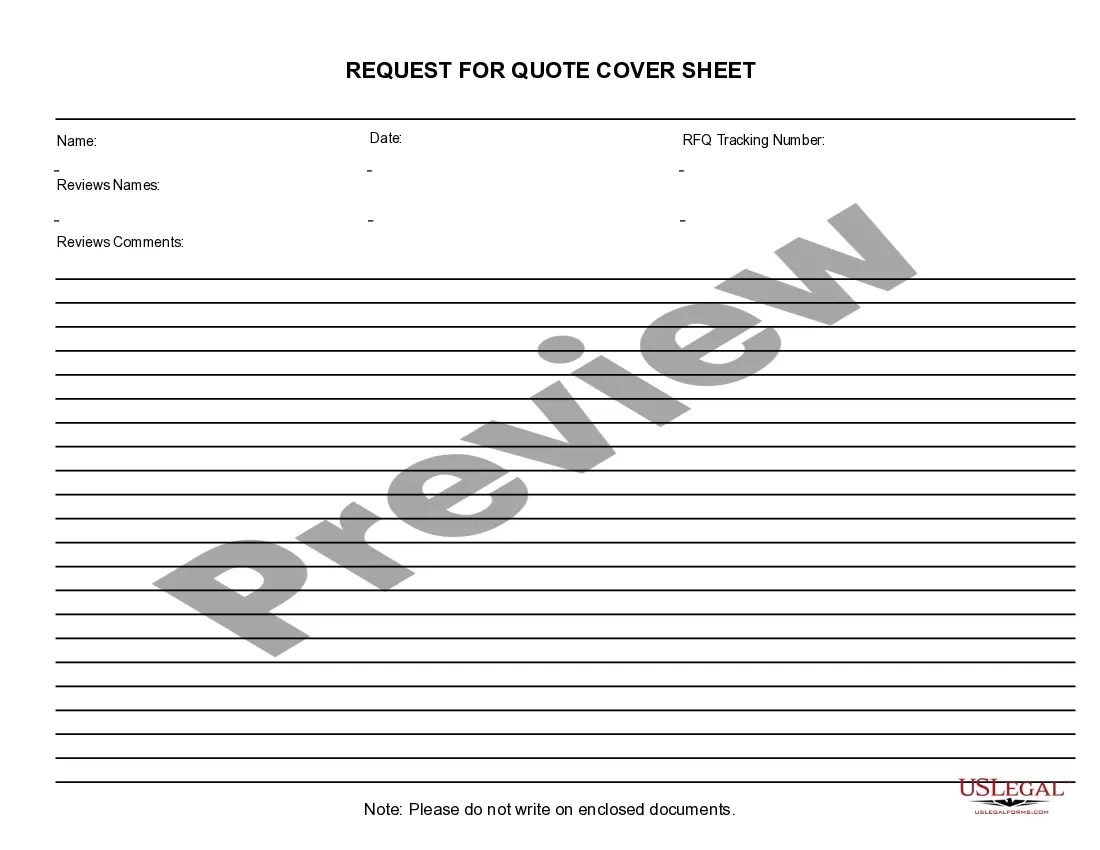
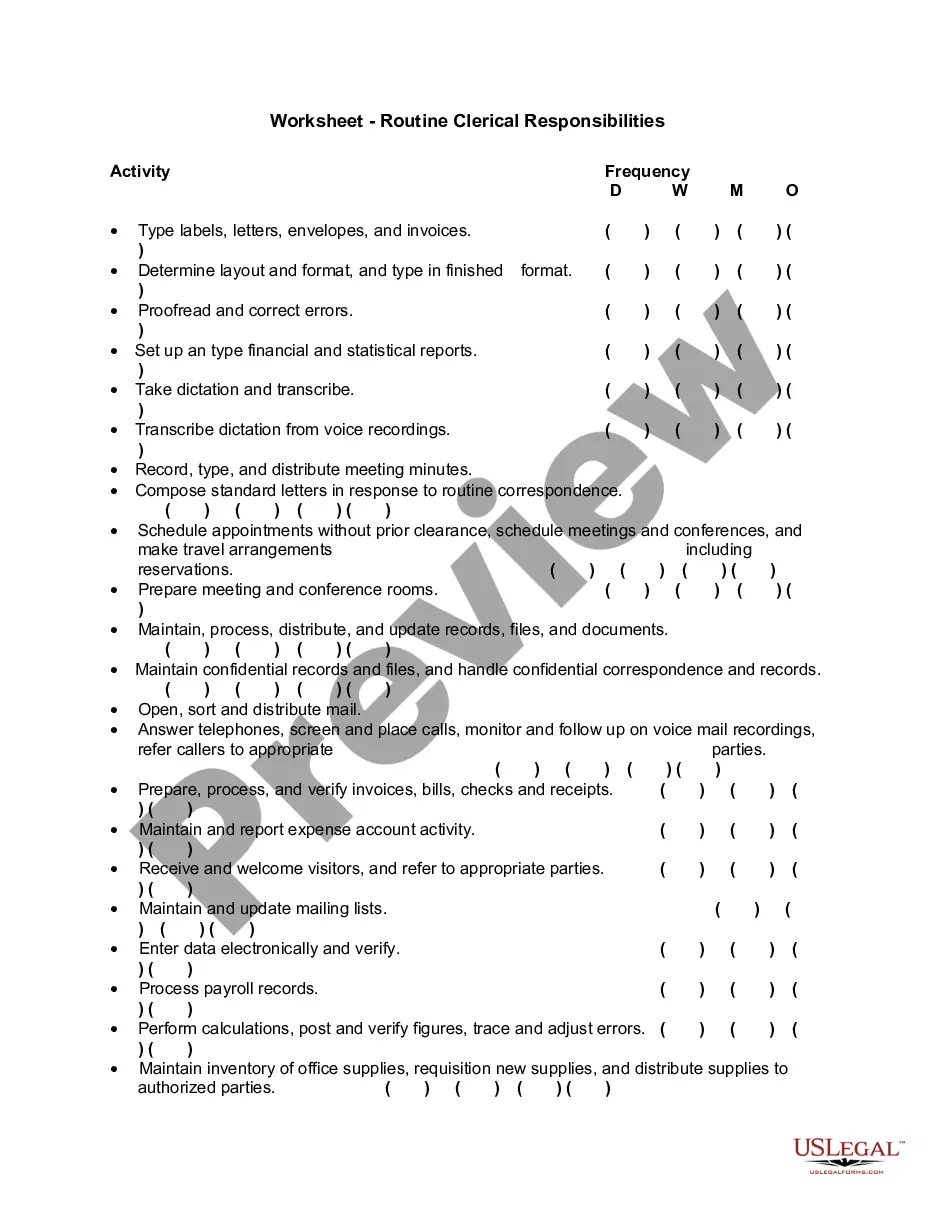
West Virginia Received Bid Cover Sheet
Category:
State:
Multi-State
Control #:
US-192-AZ
Format:
Word;
PDF;
Rich Text
Instant download
Description
Get your form ready online
Our built-in tools help you complete, sign, share, and store your documents in one place.
Built-in online Word editor
Make edits, fill in missing information, and update formatting in US Legal Forms—just like you would in MS Word.
Export easily
Download a copy, print it, send it by email, or mail it via USPS—whatever works best for your next step.
E-sign your document
Sign and collect signatures with our SignNow integration. Send to multiple recipients, set reminders, and more. Go Premium to unlock E-Sign.
Notarize online 24/7
If this form requires notarization, complete it online through a secure video call—no need to meet a notary in person or wait for an appointment.
Store your document securely
We protect your documents and personal data by following strict security and privacy standards.

Make edits, fill in missing information, and update formatting in US Legal Forms—just like you would in MS Word.

Download a copy, print it, send it by email, or mail it via USPS—whatever works best for your next step.

Sign and collect signatures with our SignNow integration. Send to multiple recipients, set reminders, and more. Go Premium to unlock E-Sign.

If this form requires notarization, complete it online through a secure video call—no need to meet a notary in person or wait for an appointment.

We protect your documents and personal data by following strict security and privacy standards.
Looking for another form?



How to fill out Received Bid Cover Sheet?
Are you in a position where you require paperwork for either enterprise or specific purposes almost every working day? There are a variety of authorized document layouts available on the Internet, but getting ones you can depend on is not easy. US Legal Forms delivers thousands of form layouts, much like the West Virginia Received Bid Cover Sheet, which can be published to fulfill federal and state needs.
In case you are previously informed about US Legal Forms internet site and get an account, merely log in. Afterward, it is possible to download the West Virginia Received Bid Cover Sheet web template.
Should you not provide an bank account and would like to begin using US Legal Forms, follow these steps:
- Obtain the form you will need and ensure it is for the proper town/area.
- Make use of the Review key to examine the form.
- Read the outline to actually have selected the right form.
- When the form is not what you are seeking, utilize the Lookup industry to get the form that suits you and needs.
- When you find the proper form, click Buy now.
- Pick the prices plan you would like, complete the specified information and facts to generate your account, and pay money for the transaction with your PayPal or bank card.
- Pick a practical document format and download your copy.
Discover each of the document layouts you might have purchased in the My Forms menus. You may get a further copy of West Virginia Received Bid Cover Sheet any time, if needed. Just click on the needed form to download or printing the document web template.
Use US Legal Forms, probably the most comprehensive variety of authorized kinds, to conserve some time and prevent mistakes. The services delivers professionally manufactured authorized document layouts that can be used for an array of purposes. Produce an account on US Legal Forms and begin generating your life easier.
Form popularity
FAQ
The Bidding Process Step 1: Request for Proposals. ... Step 2: Bid Preparation and Submission. ... Step 3: Bid Evaluation and Selection. ... Step 4: Contract Negotiation. ... Step 5: Project Delivery.
Steps to Contract Bidding Research and Planning. Before you can bid, you must do the due diligence. ... Prepare the Bid. ... Submit the Bid. ... Presentation. ... Being Awarded the Contract. ... Bid. ... Tender. ... Proposal.
How to write a bid proposal Get an in-depth understanding of the project. ... Research the client. ... Evaluate the competition. ... Consider offering an additional good or service. ... Include relevant information. ... Proofread your proposal.
Start Writing Your Bid Begin your bid submission with a summary of your company's qualifications and why you should win the contract. State how you intend to complete the job being contracted. Submit any paperwork requested by the RFP, ensuring that forms are complete, correct and signed.
When you are bidding: Make sure you understand what is being asked in the documents. Tick every box required, while keeping within page/word limits and other requirements including font size and allowable images. Structure each response in the same way as the question is asked. Back up your approach with evidence.