Wisconsin Invoice Template for Dentist
Description

Get your form ready online
Our built-in tools help you complete, sign, share, and store your documents in one place.
Make edits, fill in missing information, and update formatting in US Legal Forms—just like you would in MS Word.
Download a copy, print it, send it by email, or mail it via USPS—whatever works best for your next step.
Sign and collect signatures with our SignNow integration. Send to multiple recipients, set reminders, and more. Go Premium to unlock E-Sign.
If this form requires notarization, complete it online through a secure video call—no need to meet a notary in person or wait for an appointment.
We protect your documents and personal data by following strict security and privacy standards.

Make edits, fill in missing information, and update formatting in US Legal Forms—just like you would in MS Word.

Download a copy, print it, send it by email, or mail it via USPS—whatever works best for your next step.

Sign and collect signatures with our SignNow integration. Send to multiple recipients, set reminders, and more. Go Premium to unlock E-Sign.

If this form requires notarization, complete it online through a secure video call—no need to meet a notary in person or wait for an appointment.

We protect your documents and personal data by following strict security and privacy standards.
Looking for another form?

How to fill out Invoice Template For Dentist?
US Legal Forms - one of the largest repositories of legal documents in the United States - offers a wide range of legal paperwork templates that you can download or print.
By using the website, you can find thousands of forms for both business and personal purposes, organized by categories, states, or keywords.
You can obtain the latest versions of forms like the Wisconsin Invoice Template for Dentist in just minutes.
Check the form summary to confirm that you have selected the correct document.
If the form doesn’t meet your needs, use the Search box at the top of the screen to find one that does.
- If you already have a monthly membership, Log In and download the Wisconsin Invoice Template for Dentist from the US Legal Forms library.
- The Download button will appear on each form you view.
- You have access to all previously acquired forms from the My documents tab of your account.
- If you're using US Legal Forms for the first time, here are simple instructions to get you started.
- Ensure you have selected the correct form for your city/county.
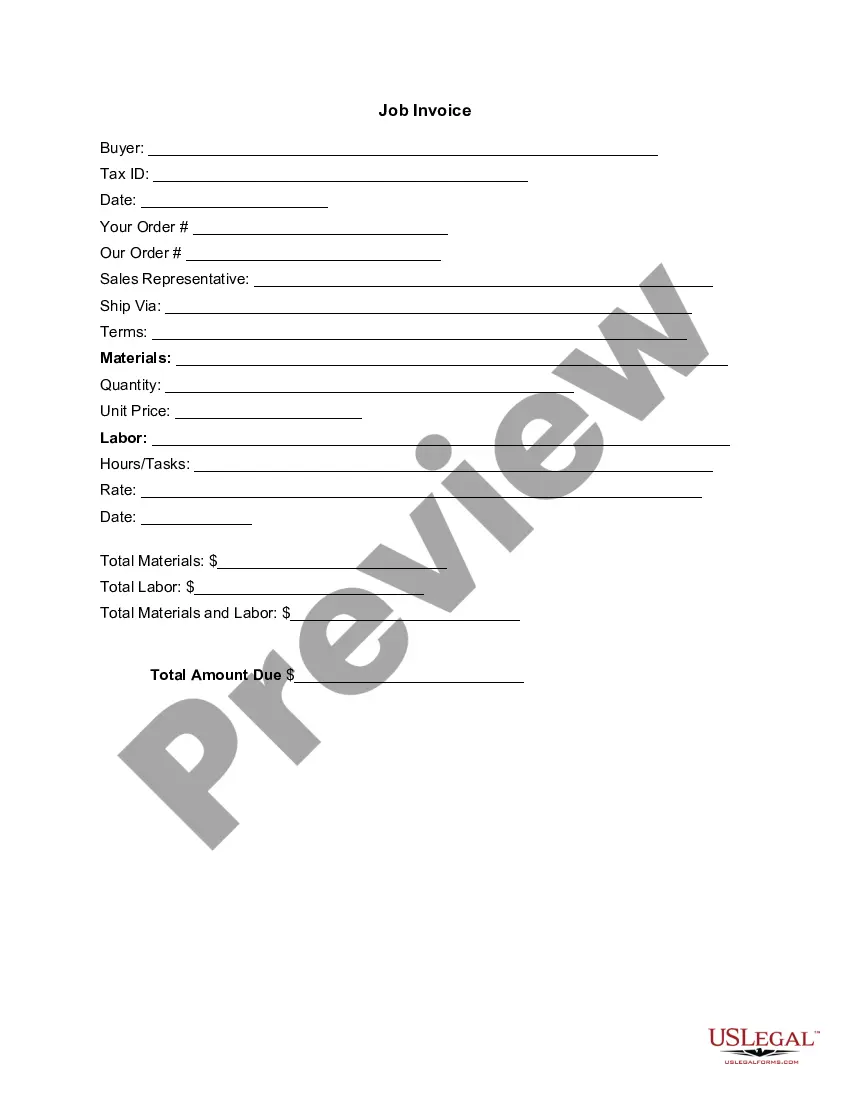
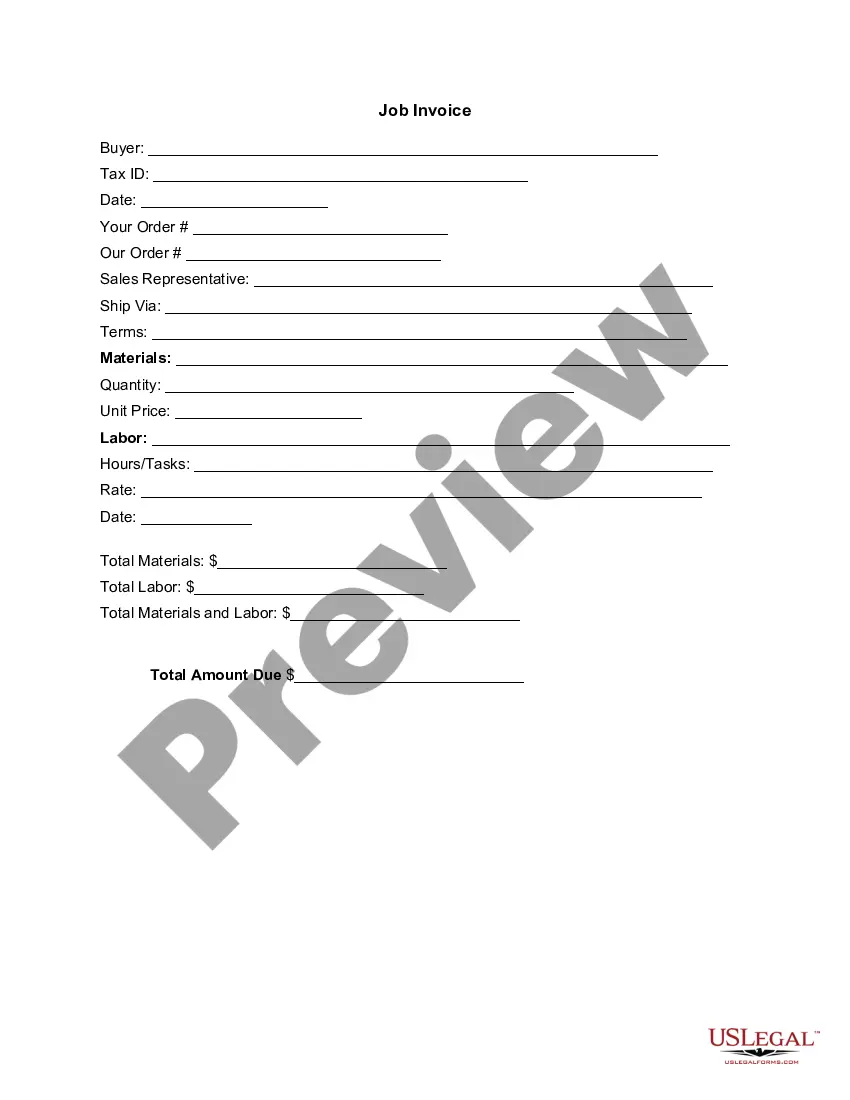
- Click the Preview button to review the contents of the form.
Form popularity
FAQ
To obtain an itemized receipt from your dentist, simply ask the front desk when you check out. They are usually happy to provide a detailed invoice, which includes the services rendered and their associated costs. If you prefer a template format, consider using a Wisconsin Invoice Template for Dentist. This template not only simplifies the process but also ensures you have a clear record of your dental expenses.
Many dentists offer flexible payment options to assist patients in managing their dental expenses. You should check with your dentist's office regarding their payment plans, which may include installment payments or financing options. With the right Wisconsin Invoice Template for Dentist, managing these payments becomes clearer, and you can easily track what you owe.
To make a dentist appointment, you can simply call the office and state your name and reason for the visit. It's helpful to mention if you need a specific service, like a routine check-up or a filling. Inquire about available times, and once you have your appointment, request a confirmation to ensure everything is set.
Yes, your dentist can send you a bill after your appointment. This bill typically outlines the services rendered and any associated costs. If you receive a Wisconsin Invoice Template for Dentist, it may include detailed explanations and payment options, ensuring you understand what you owe and how to settle it conveniently.
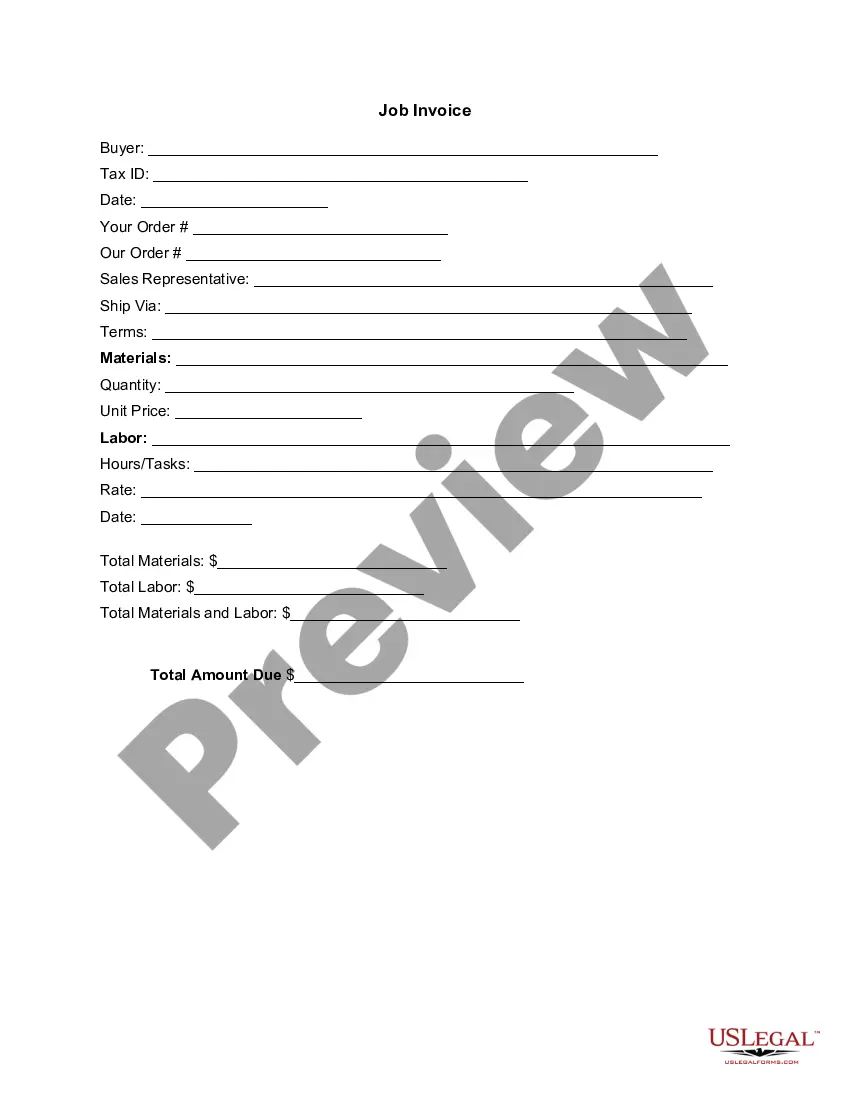
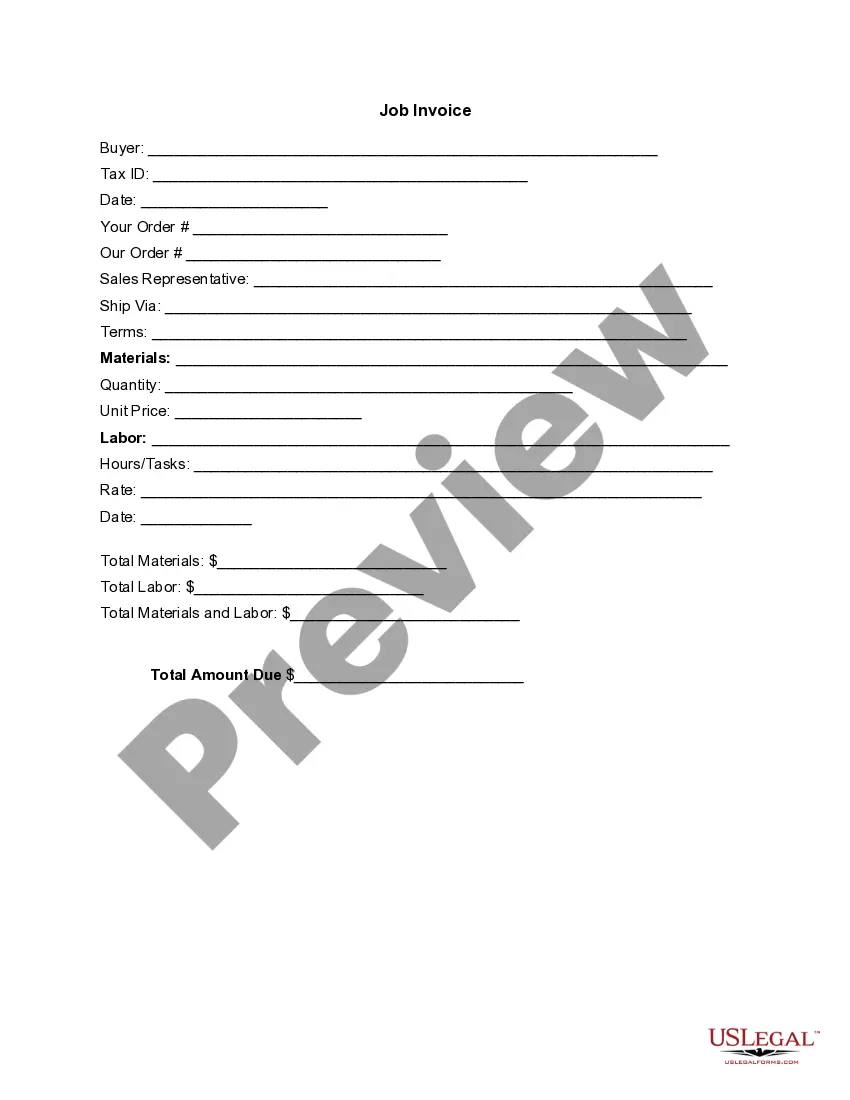
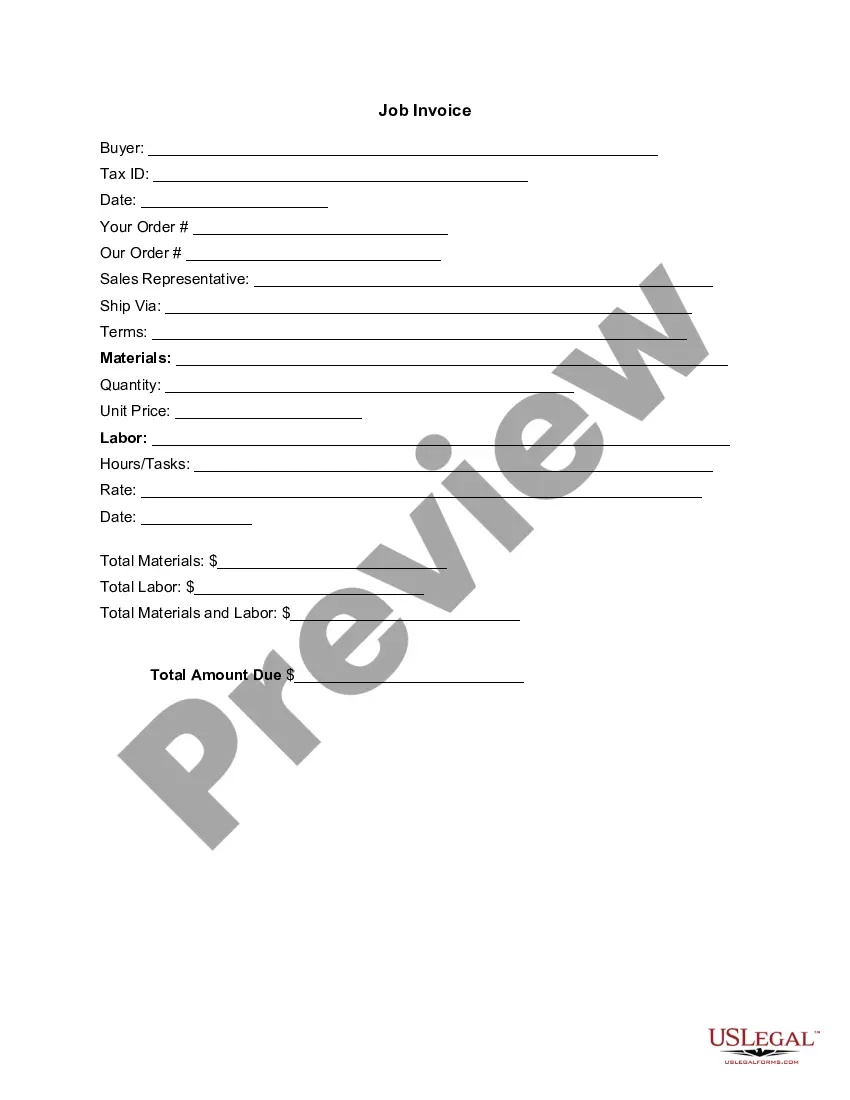
To fill out a Wisconsin Invoice Template for Dentist, start by entering your dental practice's name, address, and contact details at the top. Next, include the patient's information, such as their name, address, and phone number. This sets the stage for clarity. Finally, list the services provided, itemize costs, and clearly state the total amount due, creating a clear and professional document.
To set up a Wisconsin Invoice Template for Dentist, choose an application like USLegalForms or a word processor. Begin with a clear header that identifies your practice, then outline the necessary sections for services and costs. Save your template for easy access in future billing cycles.
To create a Wisconsin Invoice Template for Dentist as a PDF, first design your invoice using a word processor or a specialized invoicing tool. After completing your design, select 'Save As' or 'Export' and choose PDF as your file format. This ensures that your template maintains its formatting when shared with patients.
A simple layout for your Wisconsin Invoice Template for Dentist should begin with your clinic’s name and contact information at the top. Follow this with patient details, an itemized list of services rendered, their prices, and the total amount due. Conclude with payment terms and methods to ensure clarity.
Yes, you can find a variety of templates in Microsoft Word, including specific options for a Wisconsin Invoice Template for Dentist. Simply open Word, search for invoice templates in the template gallery, and choose one that best fits your needs. Customize it by adding your practice details and logos.
To write an effective Wisconsin Invoice Template for Dentist, start by including your practice’s name, contact information, and logo. Next, create sections for patient details, services provided, costs, and payment instructions. Be sure to clearly label each section for easy navigation and understanding.