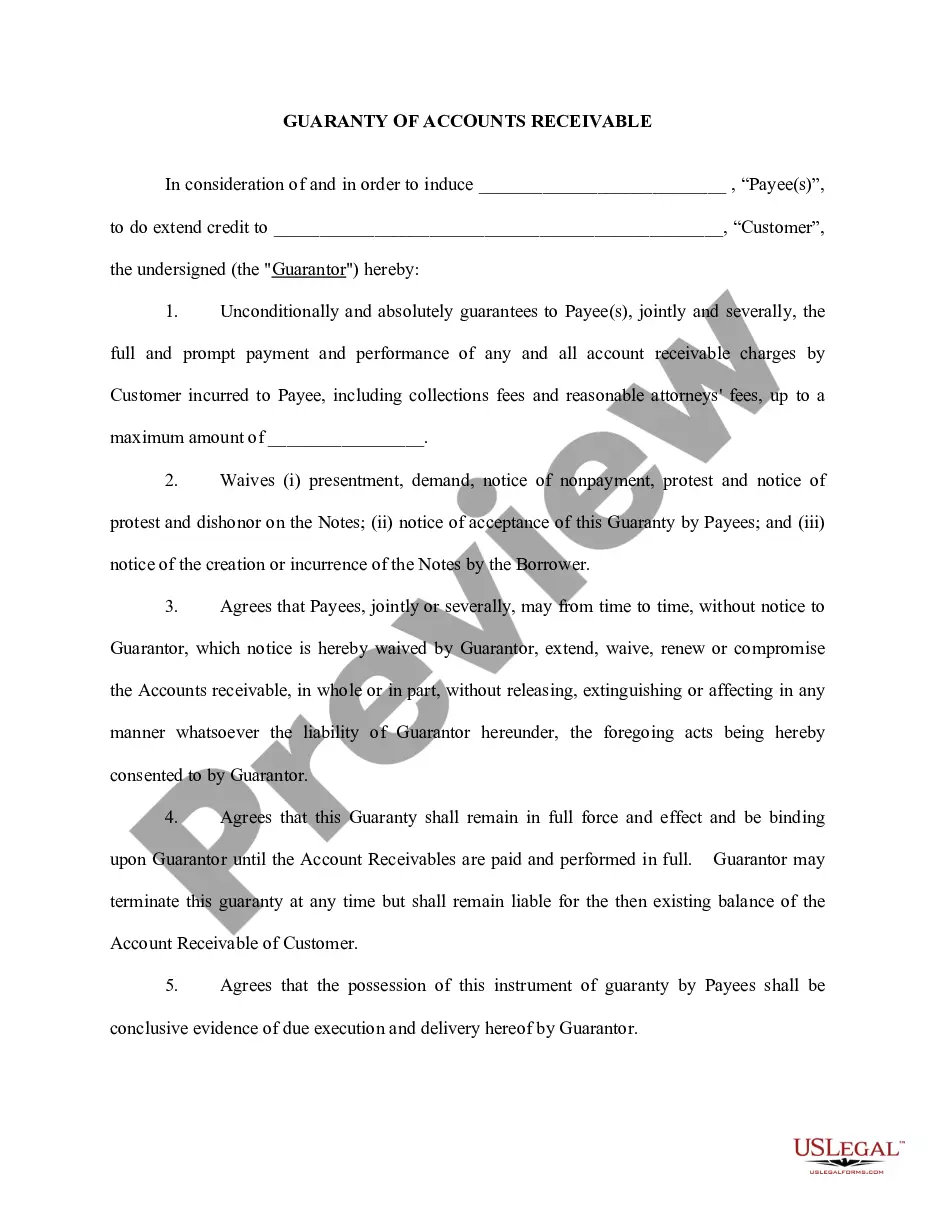
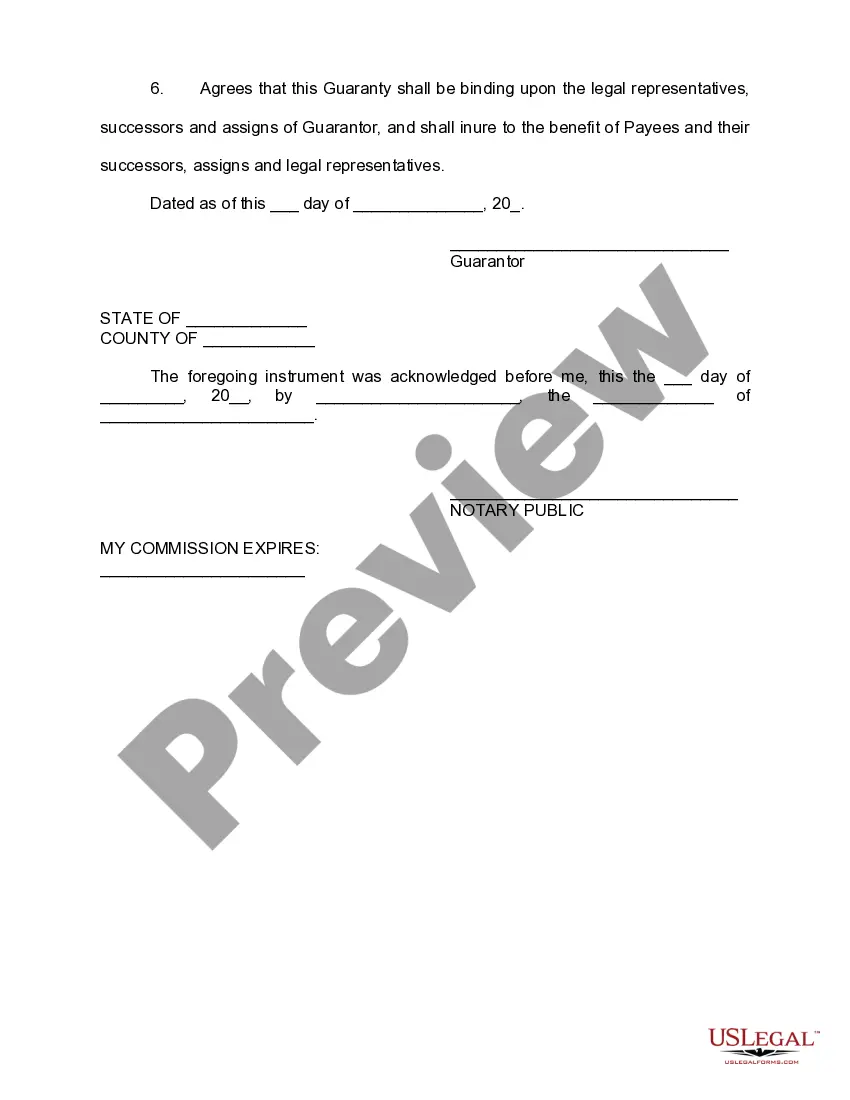
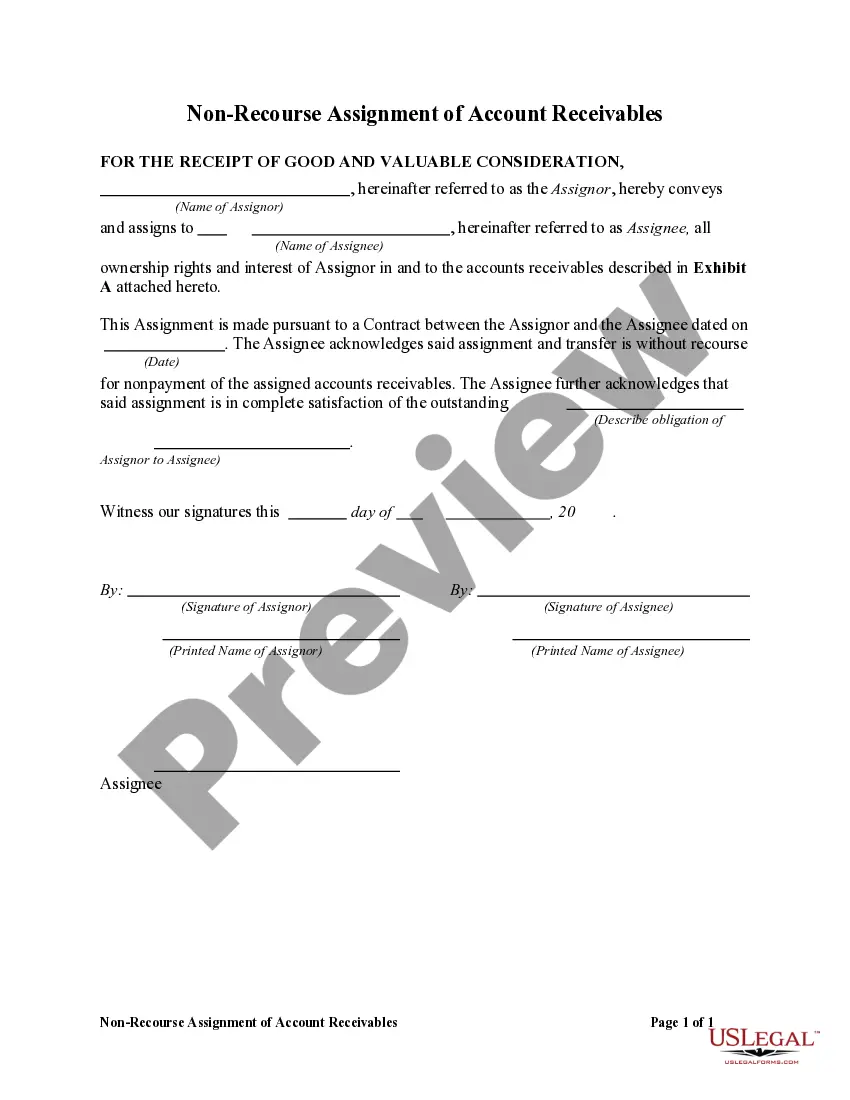
This form states that the guarantor unconditionally and absolutely guarantees to payee(s), jointly and severally, the full and prompt payment and performance of any and all account receivable charges by the customer incurred to the payee, including collections fees and reasonable attorneys' fees, up to a certain maximum amount.
Wisconsin Accounts Receivable - Guaranty
Category:
State:
Multi-State
Control #:
US-00401
Format:
Word;
Rich Text
Instant download
Description
Free preview


Get your form ready online
Our built-in tools help you complete, sign, share, and store your documents in one place.
Built-in online Word editor
Make edits, fill in missing information, and update formatting in US Legal Forms—just like you would in MS Word.
Export easily
Download a copy, print it, send it by email, or mail it via USPS—whatever works best for your next step.
E-sign your document
Sign and collect signatures with our SignNow integration. Send to multiple recipients, set reminders, and more. Go Premium to unlock E-Sign.
Notarize online 24/7
If this form requires notarization, complete it online through a secure video call—no need to meet a notary in person or wait for an appointment.
Store your document securely
We protect your documents and personal data by following strict security and privacy standards.

Make edits, fill in missing information, and update formatting in US Legal Forms—just like you would in MS Word.

Download a copy, print it, send it by email, or mail it via USPS—whatever works best for your next step.

Sign and collect signatures with our SignNow integration. Send to multiple recipients, set reminders, and more. Go Premium to unlock E-Sign.

If this form requires notarization, complete it online through a secure video call—no need to meet a notary in person or wait for an appointment.

We protect your documents and personal data by following strict security and privacy standards.
Looking for another form?



How to fill out Accounts Receivable - Guaranty?
If you wish to finish, acquire, or print valid document templates, utilize US Legal Forms, the most extensive collection of legal forms, available online.
Employ the site’s straightforward and convenient search to find the documents you require. Various templates for business and personal purposes are categorized by types and states, or keywords.
Use US Legal Forms to obtain the Wisconsin Accounts Receivable - Guaranty with just a few clicks.
Step 5. Complete the transaction. You can use your credit card or PayPal account to finalize the purchase.
Step 6. Select the format of your legal form and download it to your device. Step 7. Complete, edit, and print or sign the Wisconsin Accounts Receivable - Guaranty. Every legal document template you purchase is yours indefinitely. You will have access to every form you downloaded in your account. Check the My documents section and select a form to print or download again. Finalize and obtain, and print the Wisconsin Accounts Receivable - Guaranty with US Legal Forms. There are countless professional and state-specific forms available for your business or personal needs.
- If you are already a US Legal Forms user, Log In to your account and click the Download button to get the Wisconsin Accounts Receivable - Guaranty.
- You can also access forms you previously downloaded in the My documents section of your account.
- If you are using US Legal Forms for the first time, follow the steps below.
- Step 1. Ensure you have selected the form for the correct region/state.
- Step 2. Use the Review option to examine the form’s content. Don’t forget to read the description.
- Step 3. If you are not satisfied with the form, utilize the Search field at the top of the screen to find alternative versions of the legal form template.
- Step 4. Once you have found the form you need, click the Buy now button. Choose the pricing plan you prefer and enter your details to register for an account.
Form popularity
FAQ
In Wisconsin, the statute of limitations for collecting most debts is six years. After this period, a creditor may no longer file a lawsuit to collect the debt, rendering it effectively uncollectible. It is vital for businesses to monitor their accounts receivable closely to avoid losses. Utilizing tools like USLegalForms can assist you in managing your Wisconsin Accounts Receivable - Guaranty effectively, ensuring you take timely action before debts become uncollectible.
Formula: Average Accounts Receivable = (Beginning AR + Ending AR)/2. This straightforward calculation can hint at trends, especially when evaluated over multiple periods.
You adjust accounts receivable by journalizing adjusting entries. Adjusting entries refer to additional journal entries often done to correct a previous record.
4 steps to prepare accounts receivable aging report Review open invoices. ... Categorize customers ing to the aging schedule. ... Create a list of customers with outstanding invoices. ... List customers ing to the number of days outstanding.
To report accounts receivable, gather information about outstanding amounts owed by customers, create an accounts receivable ledger, categorize the accounts by age, prepare a report that summarizes the outstanding amounts, analyze the report, and take action to collect payments and manage the balance.
You adjust accounts receivable by journalizing adjusting entries. Adjusting entries refer to additional journal entries often done to correct a previous record. For accounts receivable, a debit entry should recorded if it...
While recording the invoice journal entry, you need to debit the accounts receivable account for the amount due from your customer and credit the sales account for the same amount. You also need to post the cost of goods sold journal entry to update your inventory.
8 Best Practices to Improve your Accounts Receivable Management Use Electronic Billing & Online Payments. ... Use the Right KPIs. ... Outline Clear Billing Procedures. ... Set Credit & Collection Policies ? and Stick to Them. ... Collect Payments Proactively. ... Set up Automations. ... Make Payments Easy for Customers.
The adjusting journal entry will credit accounts receivable and debit the cash account once that money is received. The revenue was earned and recognized earlier, so an adjusting journal entry is needed to properly recognize the cash that has now been received.