Wisconsin Amendment to Living Trust

Understanding this form
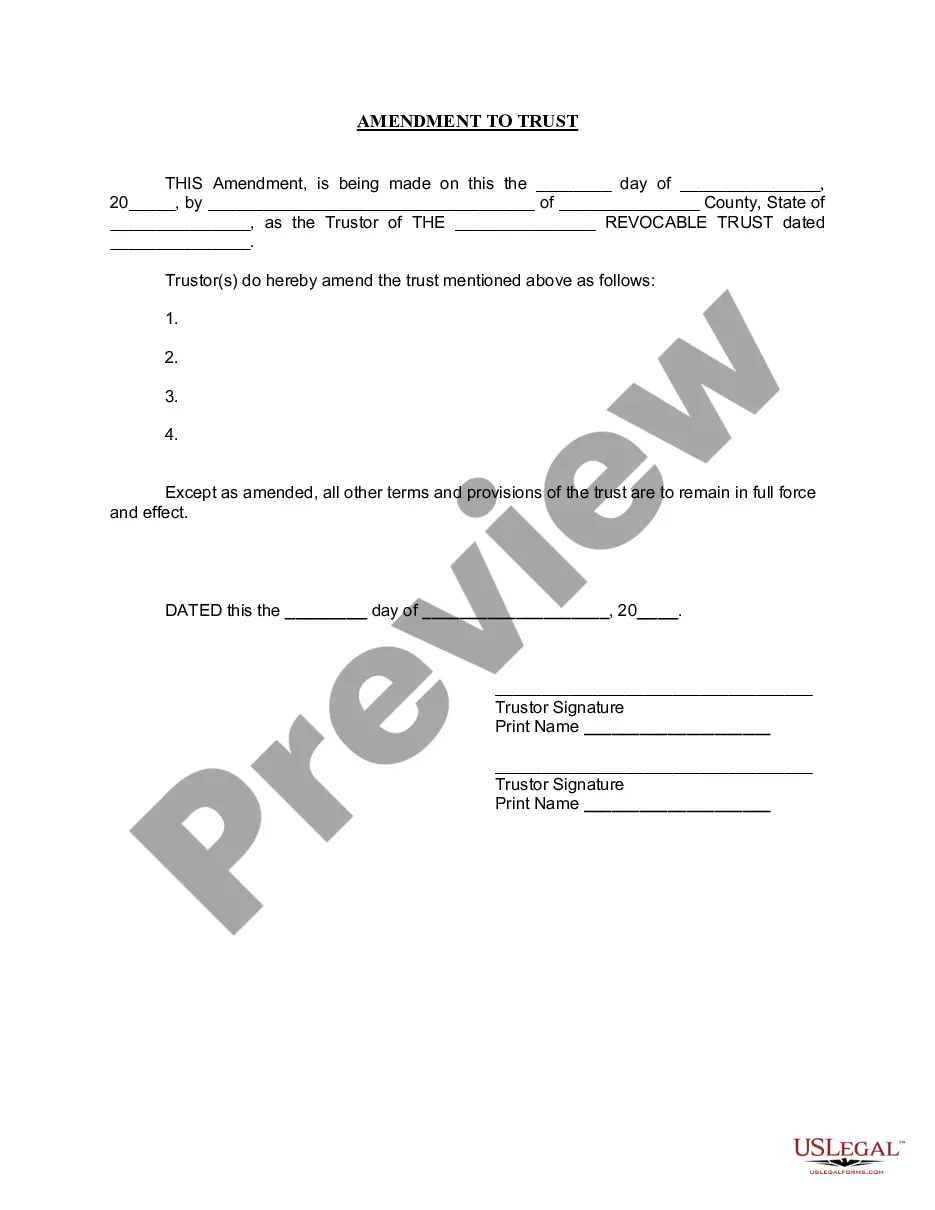
The Amendment to Living Trust is a legal document that allows an individual, known as the Trustor, to make changes to an existing living trust. A living trust is a financial arrangement made during the Trustor's lifetime that holds their assets for estate planning purposes. This specific amendment form enables the Trustor to modify certain provisions within the trust while leaving all other aspects intact. This is important when adjustments are needed without revoking the entire trust, making it a crucial tool for estate management.
Key parts of this document
- Date of amendment
- Name and county of the Trustor
- Name of the existing revocable trust
- Specific amendments to the trust provisions
- Signature fields for the Trustor(s)
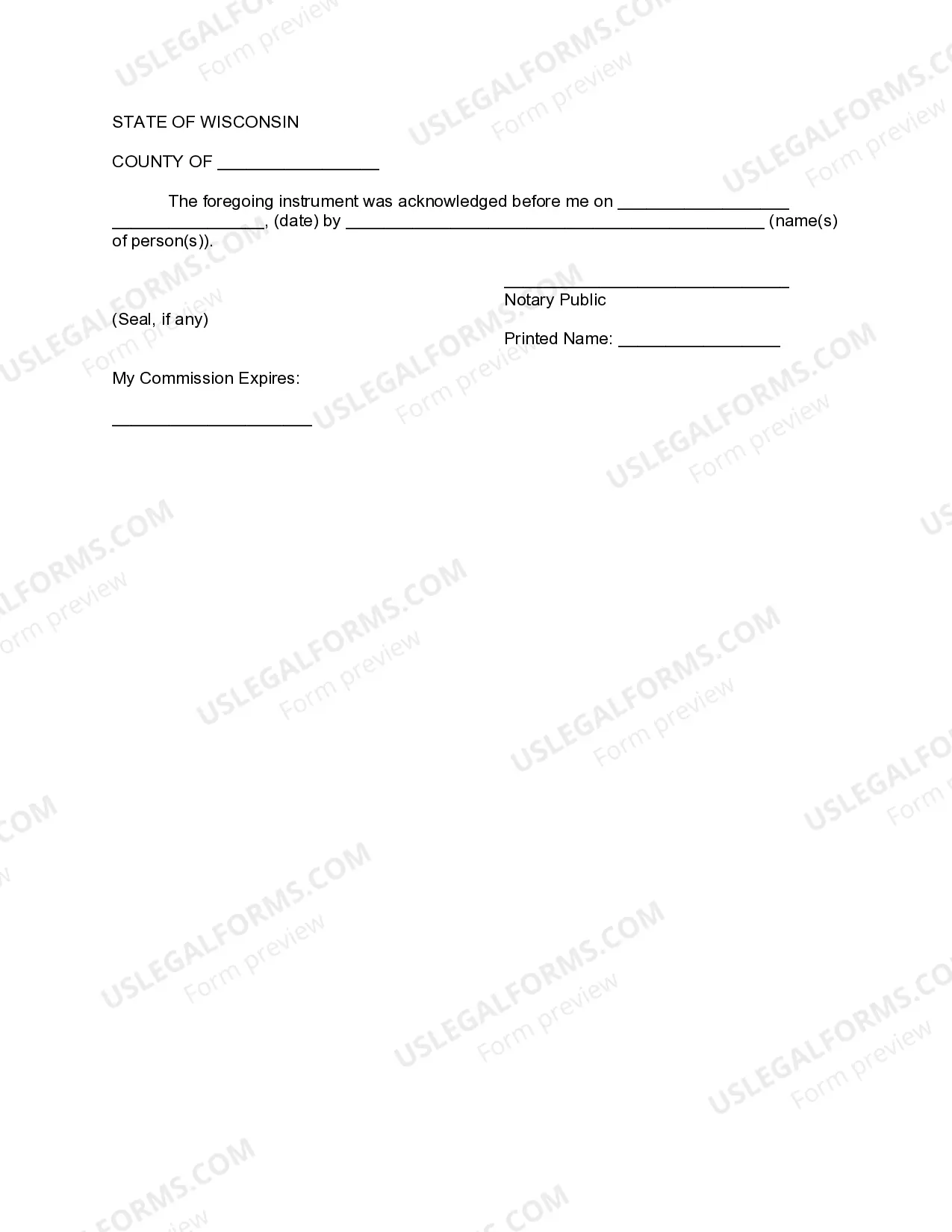
- Notary acknowledgement section


When this form is needed
This form should be used when the Trustor wishes to make specific changes to an existing living trust, such as adding or removing beneficiaries, changing trustees, or altering provisions regarding asset distribution. It is useful in maintaining updated estate plans without the need to dissolve and recreate a trust, thereby ensuring that the Trustor's wishes are accurately reflected over time.
Who needs this form
This form is intended for:
- Individuals who have established a living trust and need to make amendments.
- Trustors who want to update their estate planning documents.
- Anyone managing a living trust who requires a formal process for amendments.
How to prepare this document
- Enter the date of the amendment at the beginning of the form.
- Provide the name of the Trustor and their county and state.
- Specify the name of the existing living trust and the date it was created.
- Clearly outline the changes being made to the trust provisions.
- Sign the form in front of a notary public and ensure that the notary signs and seals the document.
Notarization guidance
This form needs to be notarized to ensure legal validity. US Legal Forms provides secure online notarization powered by Notarize, allowing you to complete the process through a verified video call, available anytime.
Get your form ready online
Our built-in tools help you complete, sign, share, and store your documents in one place.
Make edits, fill in missing information, and update formatting in US Legal Forms—just like you would in MS Word.
Download a copy, print it, send it by email, or mail it via USPS—whatever works best for your next step.
Sign and collect signatures with our SignNow integration. Send to multiple recipients, set reminders, and more. Go Premium to unlock E-Sign.
If this form requires notarization, complete it online through a secure video call—no need to meet a notary in person or wait for an appointment.
We protect your documents and personal data by following strict security and privacy standards.

Make edits, fill in missing information, and update formatting in US Legal Forms—just like you would in MS Word.

Download a copy, print it, send it by email, or mail it via USPS—whatever works best for your next step.

Sign and collect signatures with our SignNow integration. Send to multiple recipients, set reminders, and more. Go Premium to unlock E-Sign.

If this form requires notarization, complete it online through a secure video call—no need to meet a notary in person or wait for an appointment.

We protect your documents and personal data by following strict security and privacy standards.
Mistakes to watch out for
- Failing to specify all necessary changes to the trust.
- Not having the form notarized when required.
- Signing the document without the presence of a notary.
- Not clearly identifying the existing trust and its date.
Benefits of using this form online
- Instant access to the form, allowing for quick amendments.
- Edit and customize the form as needed to fit specific situations.
- Forms are drafted by licensed attorneys, ensuring compliance with legal standards.
- Availability of customer support to assist with questions or clarifications.
Key takeaways
- The Amendment to Living Trust allows modifications without revoking the trust.
- Notarization is essential for the amendment's validity.
- This form is suitable for individuals who need to update existing trusts.
- Clear understanding of the specified changes is crucial to avoid common mistakes.
Looking for another form?
Form popularity
FAQ
Wisconsin does not levy an inheritance tax or an estate tax. However, if you are inheriting property from another state, that state may have an estate tax that applies. You will also likely have to file some taxes on behalf of the deceased. If the estate is large enough, it might be subject to the federal estate tax.
You can make your own will in Wisconsin, using Nolo's do-it-yourself will software or online will programs. However, you may want to consult a lawyer in some situations. For example, if you think that your will might be contested or if you want to disinherit your spouse, you should talk with an attorney.
Payment. Current beneficiaries have the right to distributions as set forth in the trust document. Right to information. Right to an accounting. Remove the trustee. Termination of the trust.
Figure out which type of trust you need. Take stock of your assets. Decide who will be your trustee. Draw up the trust document. Sign the trust document before a notary public. Put your property into the trust, a process known as funding the trust.