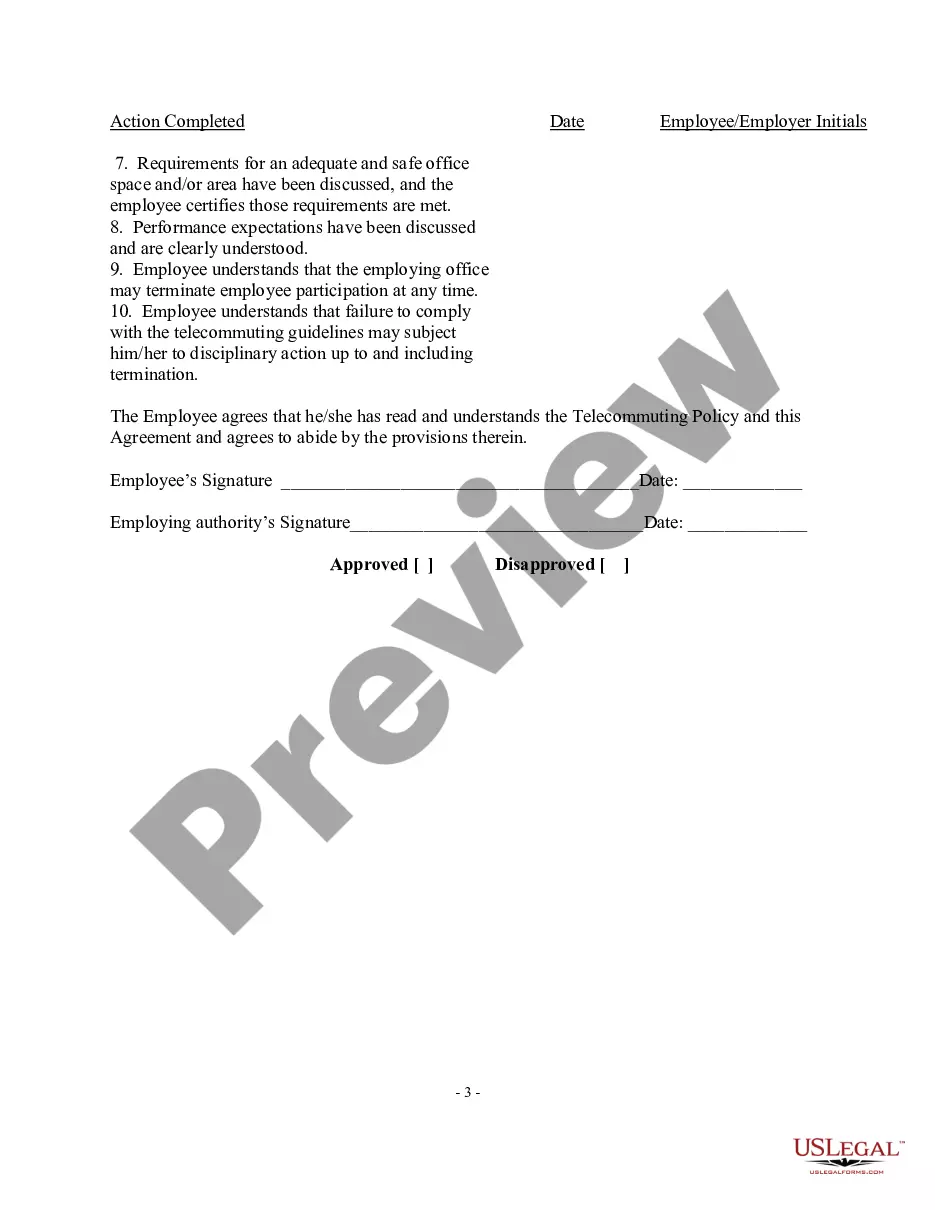
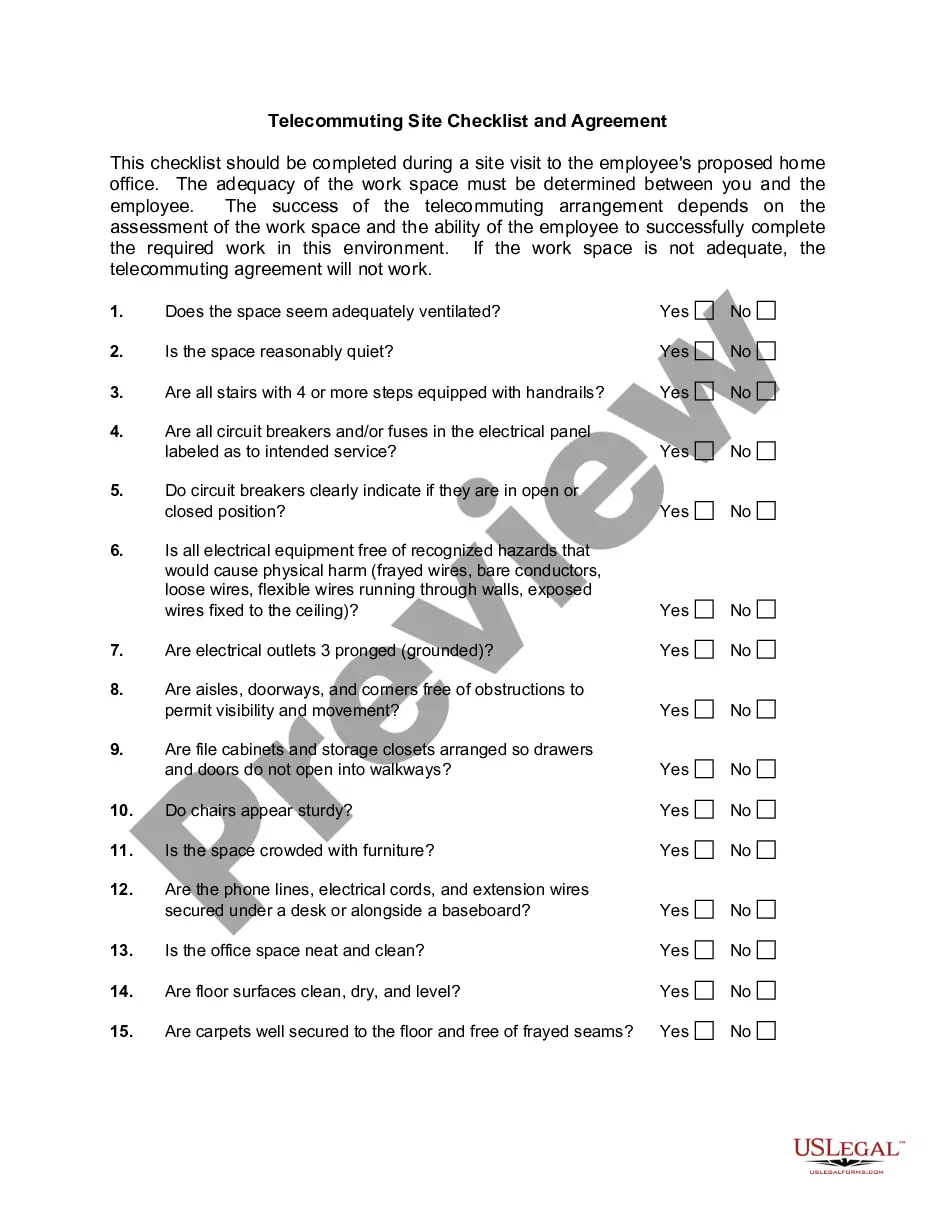
Washington Telecommuting Agreement
Description




Get your form ready online
Our built-in tools help you complete, sign, share, and store your documents in one place.
Make edits, fill in missing information, and update formatting in US Legal Forms—just like you would in MS Word.
Download a copy, print it, send it by email, or mail it via USPS—whatever works best for your next step.
Sign and collect signatures with our SignNow integration. Send to multiple recipients, set reminders, and more. Go Premium to unlock E-Sign.
If this form requires notarization, complete it online through a secure video call—no need to meet a notary in person or wait for an appointment.
We protect your documents and personal data by following strict security and privacy standards.

Make edits, fill in missing information, and update formatting in US Legal Forms—just like you would in MS Word.

Download a copy, print it, send it by email, or mail it via USPS—whatever works best for your next step.

Sign and collect signatures with our SignNow integration. Send to multiple recipients, set reminders, and more. Go Premium to unlock E-Sign.

If this form requires notarization, complete it online through a secure video call—no need to meet a notary in person or wait for an appointment.

We protect your documents and personal data by following strict security and privacy standards.
Looking for another form?








How to fill out Telecommuting Agreement?
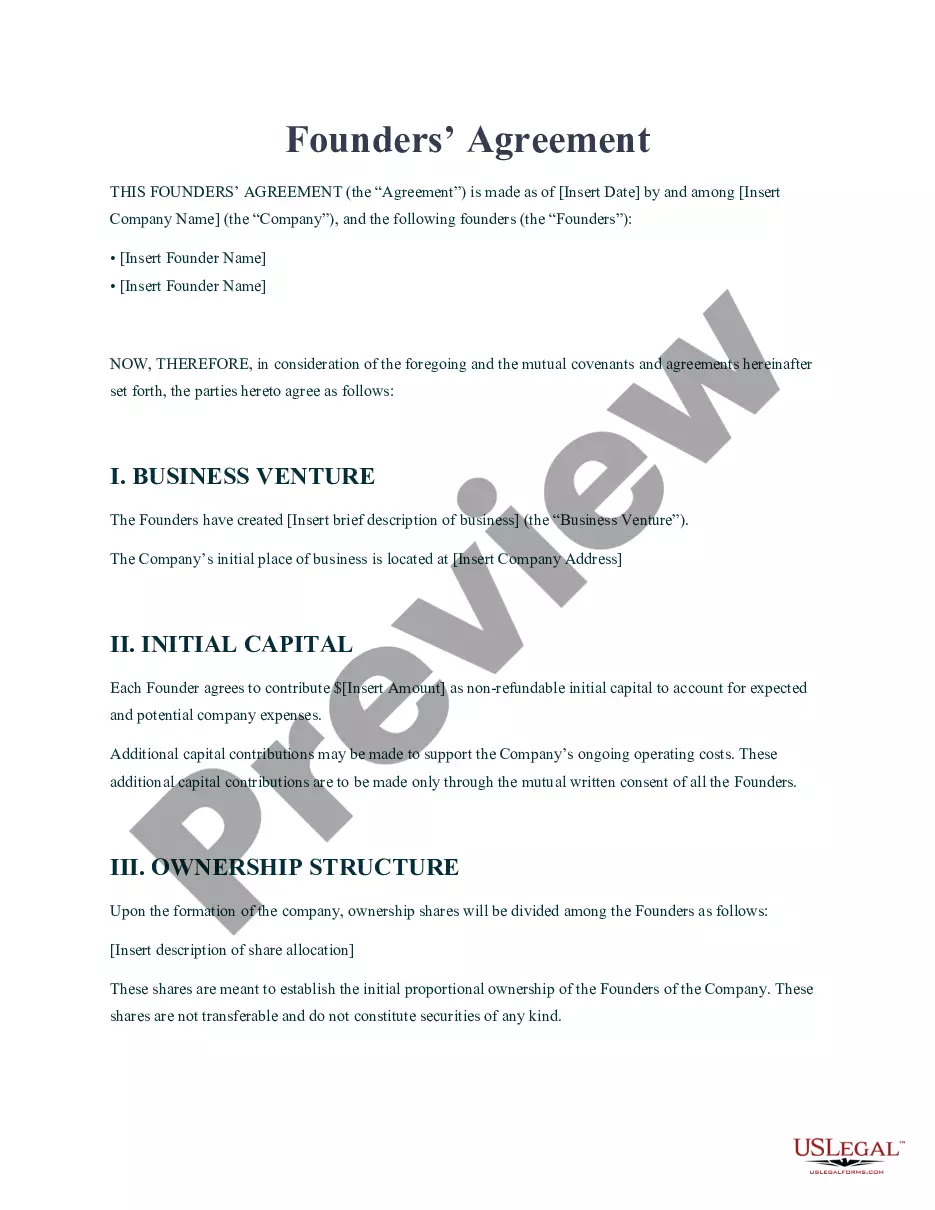
Are you in the situation where you will need files for possibly business or individual functions just about every day? There are a variety of legal papers layouts accessible on the Internet, but discovering kinds you can depend on is not simple. US Legal Forms provides thousands of type layouts, such as the Washington Telecommuting Agreement, that are composed in order to meet federal and state demands.
When you are presently acquainted with US Legal Forms internet site and get an account, simply log in. Next, you may obtain the Washington Telecommuting Agreement format.
Unless you offer an account and need to begin using US Legal Forms, follow these steps:
- Find the type you will need and ensure it is for that appropriate town/county.
- Make use of the Review option to examine the form.
- Browse the explanation to actually have selected the right type.
- If the type is not what you are seeking, use the Look for industry to get the type that suits you and demands.
- If you obtain the appropriate type, just click Buy now.
- Select the rates strategy you would like, submit the required details to make your bank account, and pay money for your order using your PayPal or credit card.
- Choose a hassle-free file format and obtain your copy.
Find each of the papers layouts you possess bought in the My Forms food list. You can obtain a more copy of Washington Telecommuting Agreement any time, if necessary. Just go through the necessary type to obtain or printing the papers format.
Use US Legal Forms, probably the most extensive assortment of legal varieties, to conserve efforts and steer clear of errors. The services provides appropriately created legal papers layouts which you can use for a range of functions. Produce an account on US Legal Forms and start creating your lifestyle easier.
Form popularity
FAQ
In certain cases, a reciprocity agreement may protect workers from taxes in different states. Not all states levy a state income tax. In 2020, employees are free from state taxes in Alaska, Florida, Nevada, New Hampshire, South Dakota, Tennessee, Texas, Washington, and Wyoming.
Generally speaking, when you pay a remote employee, you pay the local taxes in the state where the employee works. If your employee works in the same state your company is registered in, you'll withhold state income taxes and pay state unemployment insurance (SUI) tax in this state.
Some reasons may include: Reducing workplace distractions. Allowing you to be more comfortable and therefore more creative. Eliminating the daily commute. Reducing environmental impacts. Allowing you to work whenever you want. Optimizing your time.
That means they are subject to the same federal and state laws regarding wages, overtime, breaks, and paid time off. If you work for an employer based in a different state, your rights as a remote worker are generally determined by the laws in the state where you reside.
During the negotiation, try these seven strategies: Ask for a conversation. ... Highlight similarities to in-person work. ... Focus on benefits to your employer. ... Recall your contributions. ... Offer solutions. ... Compromise if necessary. ... Suggest a trial period.
You'll file as a resident for the state where you live, and if the work state withholds taxes, you'll file a nonresident return for the state where you work.
THE REMOTE-WORK TAX RULE The rule is, if a nonresident receives W-2 wages for work performed out of state, even if it's from a California employer, the income is not subject to California income taxes.
State Tax Obligations A worker may have tax obligations in any state where they reside and possibly the state where their employer's worksite is located. A permanent remote worker will file their personal income taxes in their state of residence, whether they are a W-2 employee or a 1099-NEC independent contractor.