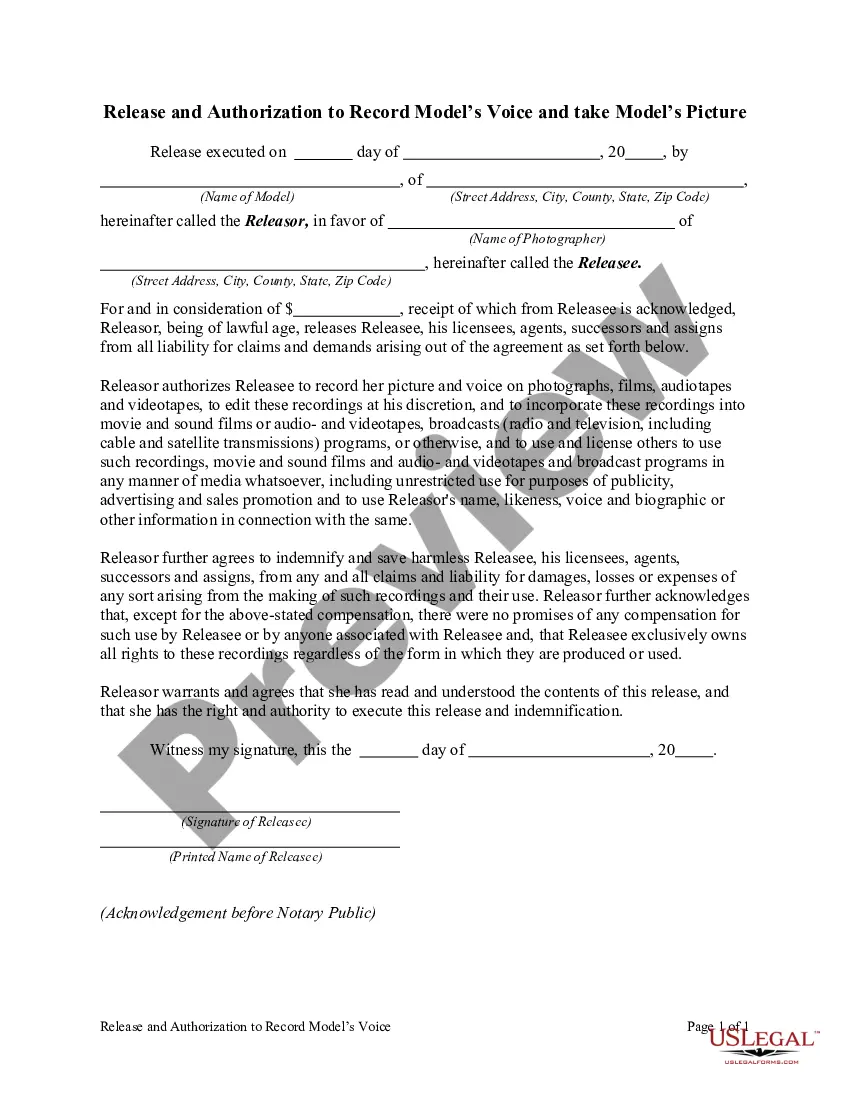
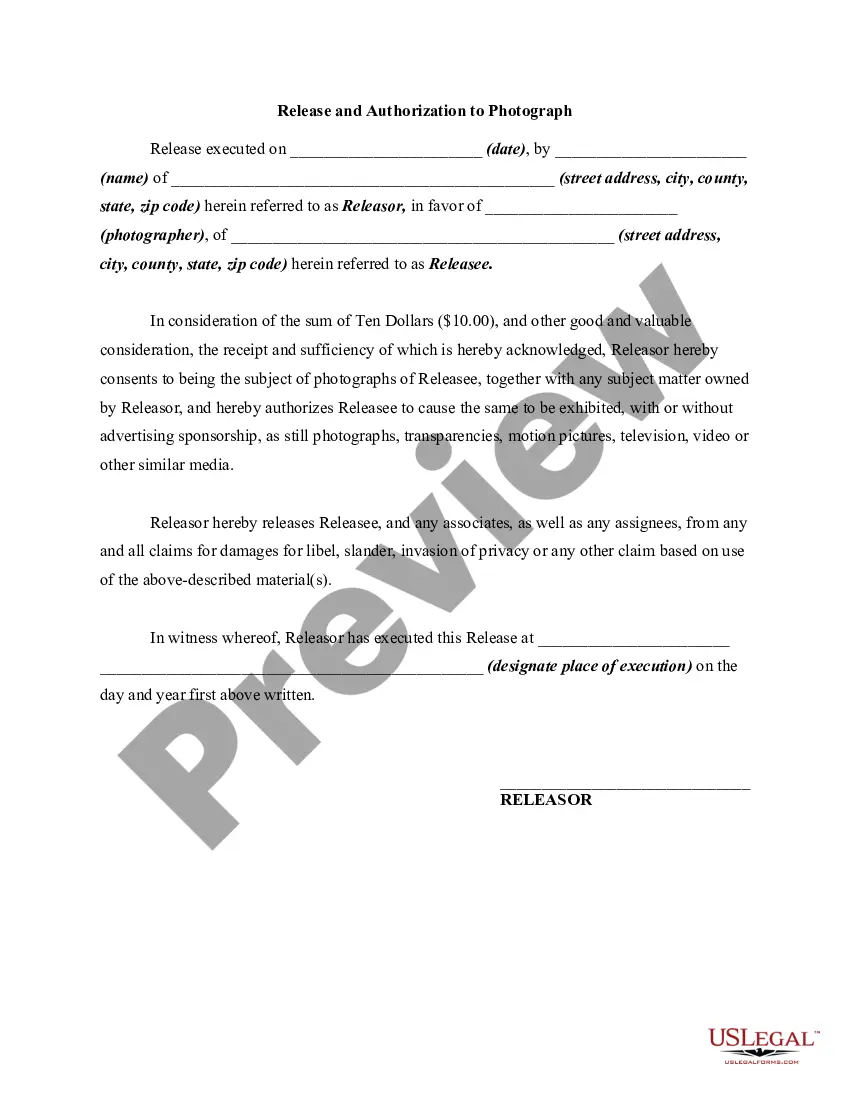
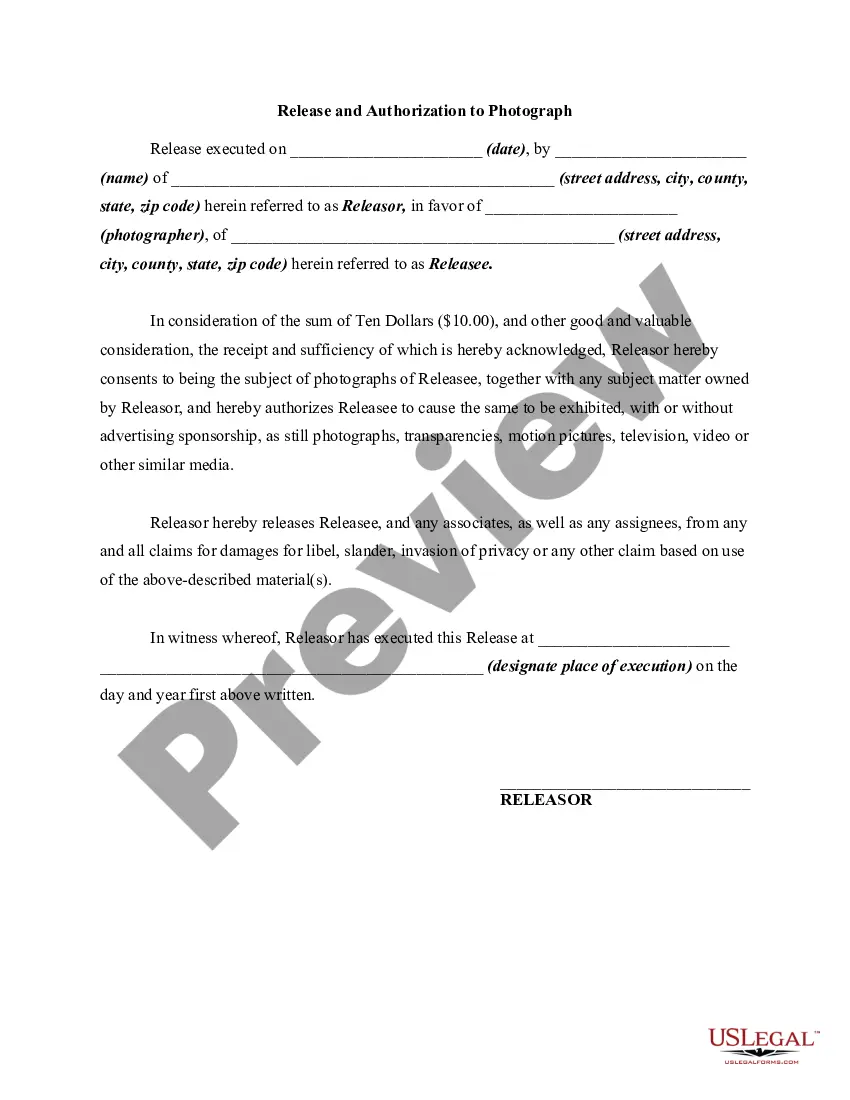
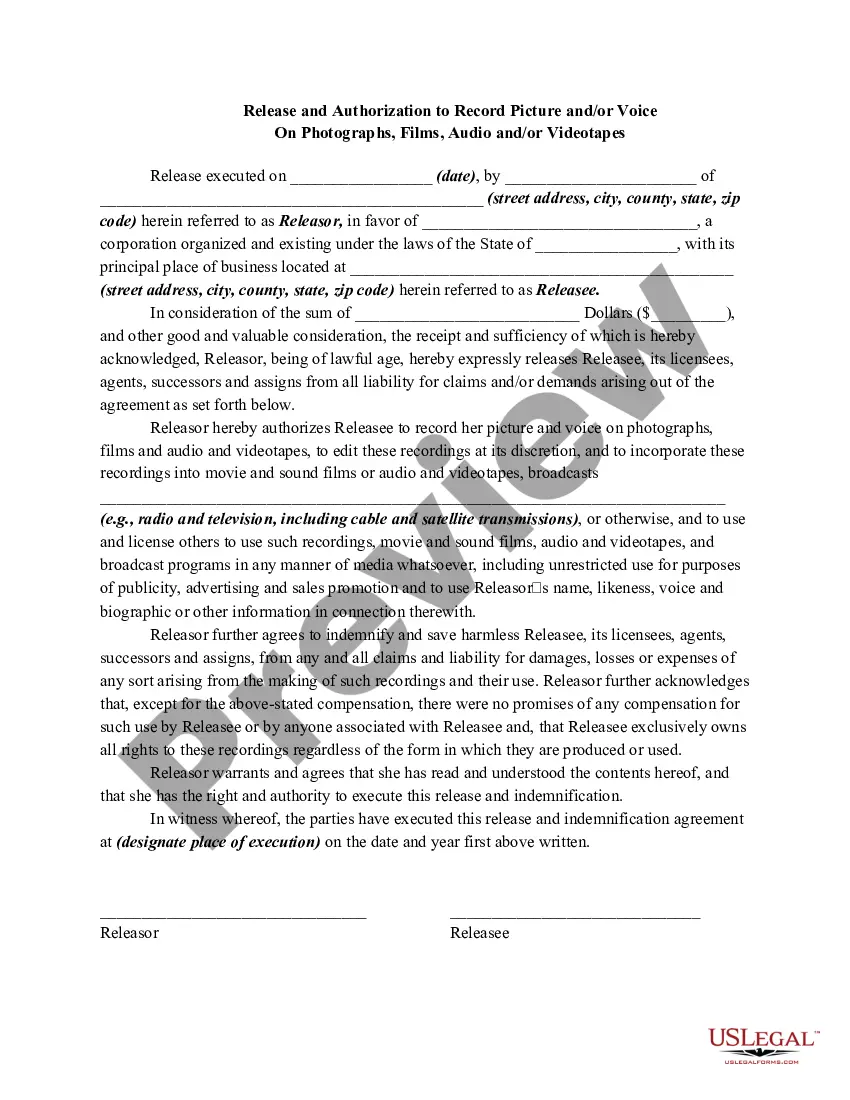
Washington Release and Authorization to Record Model's Voice and Take Model's Picture
Description
Get your form ready online
Our built-in tools help you complete, sign, share, and store your documents in one place.
Make edits, fill in missing information, and update formatting in US Legal Forms—just like you would in MS Word.
Download a copy, print it, send it by email, or mail it via USPS—whatever works best for your next step.
Sign and collect signatures with our SignNow integration. Send to multiple recipients, set reminders, and more. Go Premium to unlock E-Sign.
If this form requires notarization, complete it online through a secure video call—no need to meet a notary in person or wait for an appointment.
We protect your documents and personal data by following strict security and privacy standards.

Make edits, fill in missing information, and update formatting in US Legal Forms—just like you would in MS Word.

Download a copy, print it, send it by email, or mail it via USPS—whatever works best for your next step.

Sign and collect signatures with our SignNow integration. Send to multiple recipients, set reminders, and more. Go Premium to unlock E-Sign.

If this form requires notarization, complete it online through a secure video call—no need to meet a notary in person or wait for an appointment.

We protect your documents and personal data by following strict security and privacy standards.
Looking for another form?


How to fill out Release And Authorization To Record Model's Voice And Take Model's Picture?
You can invest hours online hunting for the valid document format that fulfills the state and federal standards you desire.
US Legal Forms offers a vast array of valid templates that can be reviewed by professionals.
You can indeed download or print the Washington Release and Authorization to Record Model's Voice and Capture Model's Image from the services.
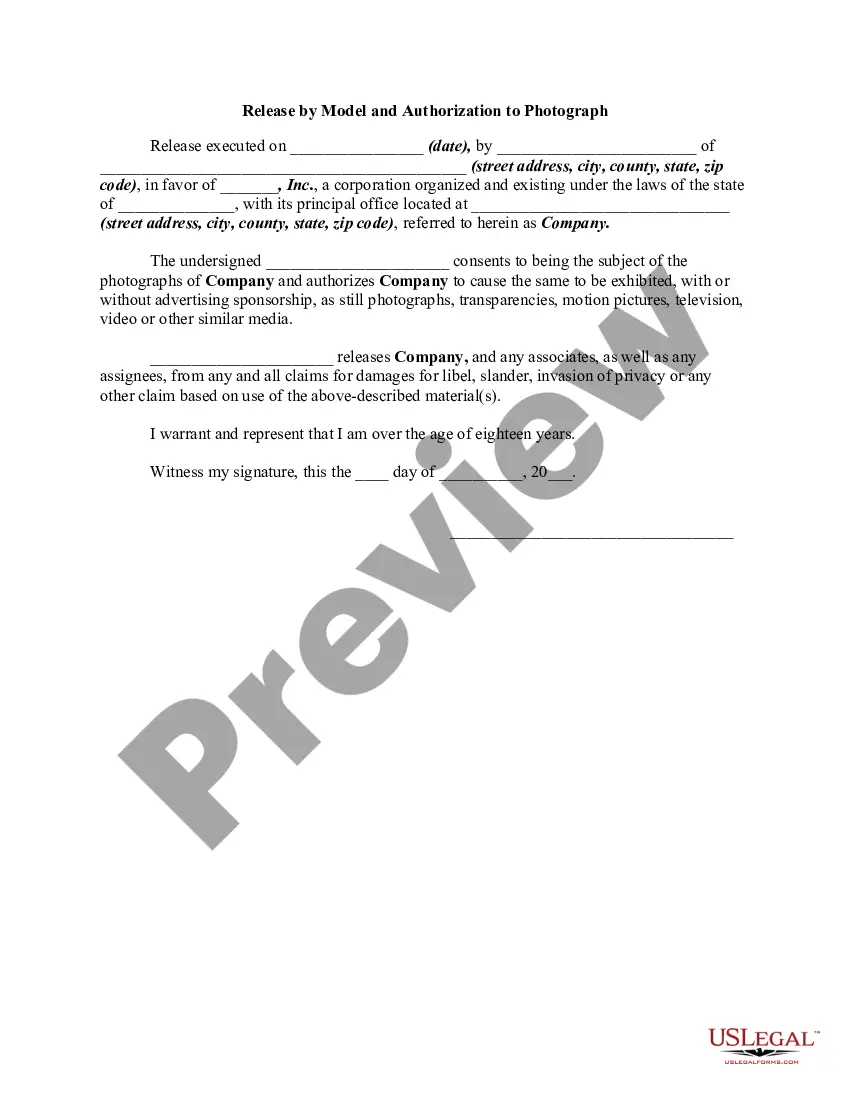
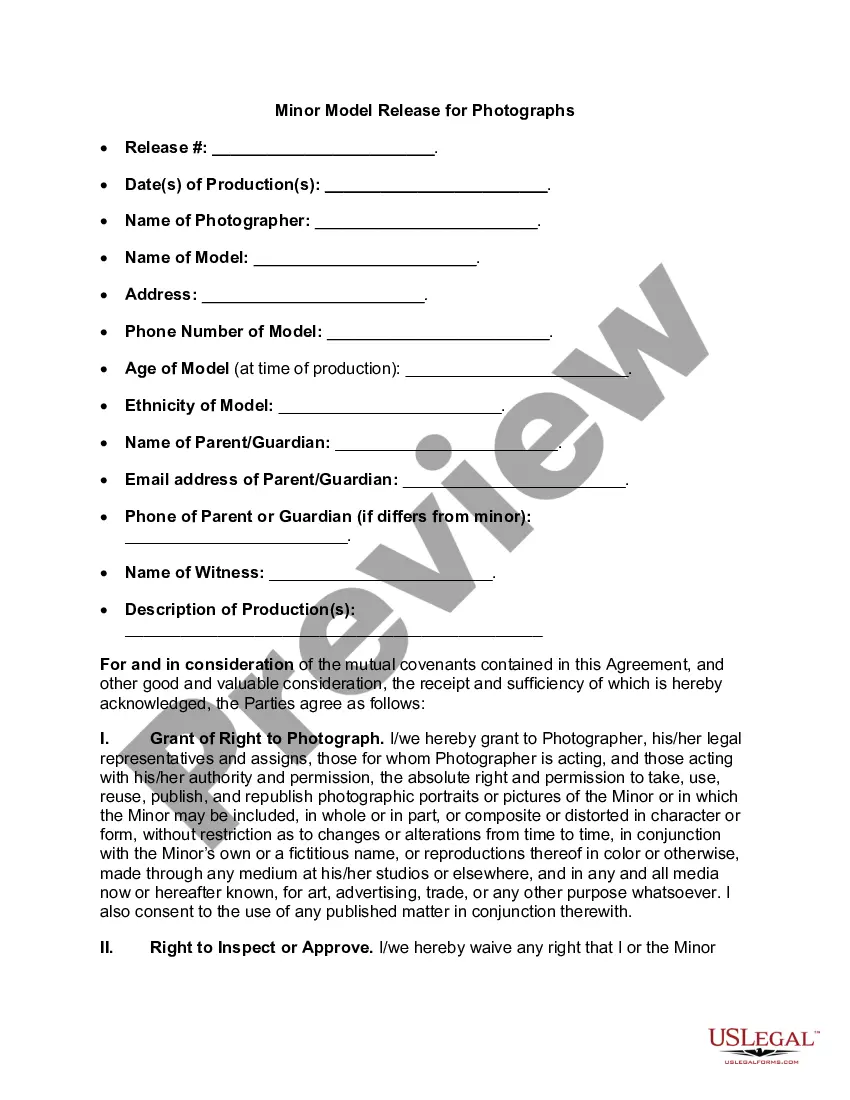
If available, utilize the Preview button to browse through the document format as well.
- If you possess a US Legal Forms account, you can Log In and click the Download button.
- Subsequently, you can complete, modify, print, or sign the Washington Release and Authorization to Record Model's Voice and Capture Model's Image.
- Each valid document format you purchase belongs to you permanently.
- To obtain an additional copy of any acquired form, navigate to the My documents tab and click the corresponding button.
- If you are using the US Legal Forms website for the first time, follow the simple instructions below.
- First, ensure that you have selected the correct document format for the location you choose.
- Review the form details to confirm you have chosen the appropriate version.
Form popularity
FAQ
A release is permission given by the person/people visible in the photo or the owners of property, brand or artwork that has been photographed. You may need to have a photo release form signed to be able to sell a photo, depending on the type of license your photo gets sold with.
Photo release forms, also known as model release forms, are used when people, pets and property are photographed, and you, as the photographer, want to publish the images.
The release form should use clear language that explains that the model is signing over their rights to the image, likeness, or video. It should also explain whether any sort of payment is being made to the model to obtain the release. If so, the type of payment and the amount of payment should be specified.
The essential elements of a model release formYour name and business name.Your business address.A release of all claims against your company.Whether you want to release claims from other companies that buy, use, or obtain the licenses for your photos.More items...?
A Model Release Form is like a contract. It specifies all the ways the resulting images can or cannot be used. If you are the photographer, you will want to use the broadest language possible about where and in which media formats the image can be used, so you will have great latitude in selling the photo.
How to Write a Photo Release Form:Identify the releasor.Describe the photo, image, likeness, or video.Address any payment the model receives for the release.Address royalties.Address whether the model has the ability to revoke their authorization.The parties sign and date the release.
I, (first and last name of Recorded Party), hereby authorize (your business name or the Released Party) the right and permission to copyright and/or publish, reproduce or otherwise use my name, voice, and likeness in video, photographs, written materials, and audio-visual recordings.
How do you attach a model release to content? To upload a model release with your content, attach a JPEG release no more than 20 MB in size using the + button next to Releases on the Submit Content page. Alternatively, you can take advantage of the Shutterstock digital release feature.
How do you attach a model release to content? To upload a model release with your content, attach a JPEG release no more than 20 MB in size using the + button next to Releases on the Submit Content page. Alternatively, you can take advantage of the Shutterstock digital release feature.
OnlyFans Requires a Model Release if you want to feature someone: If you're featuring someone else and posting their photos on OnlyFans, you'll need to get a model release before doing so. It's the law, and you should always get a signed release from the person whose photograph you're using.