EULA - End User License Agreement
Overview of this form
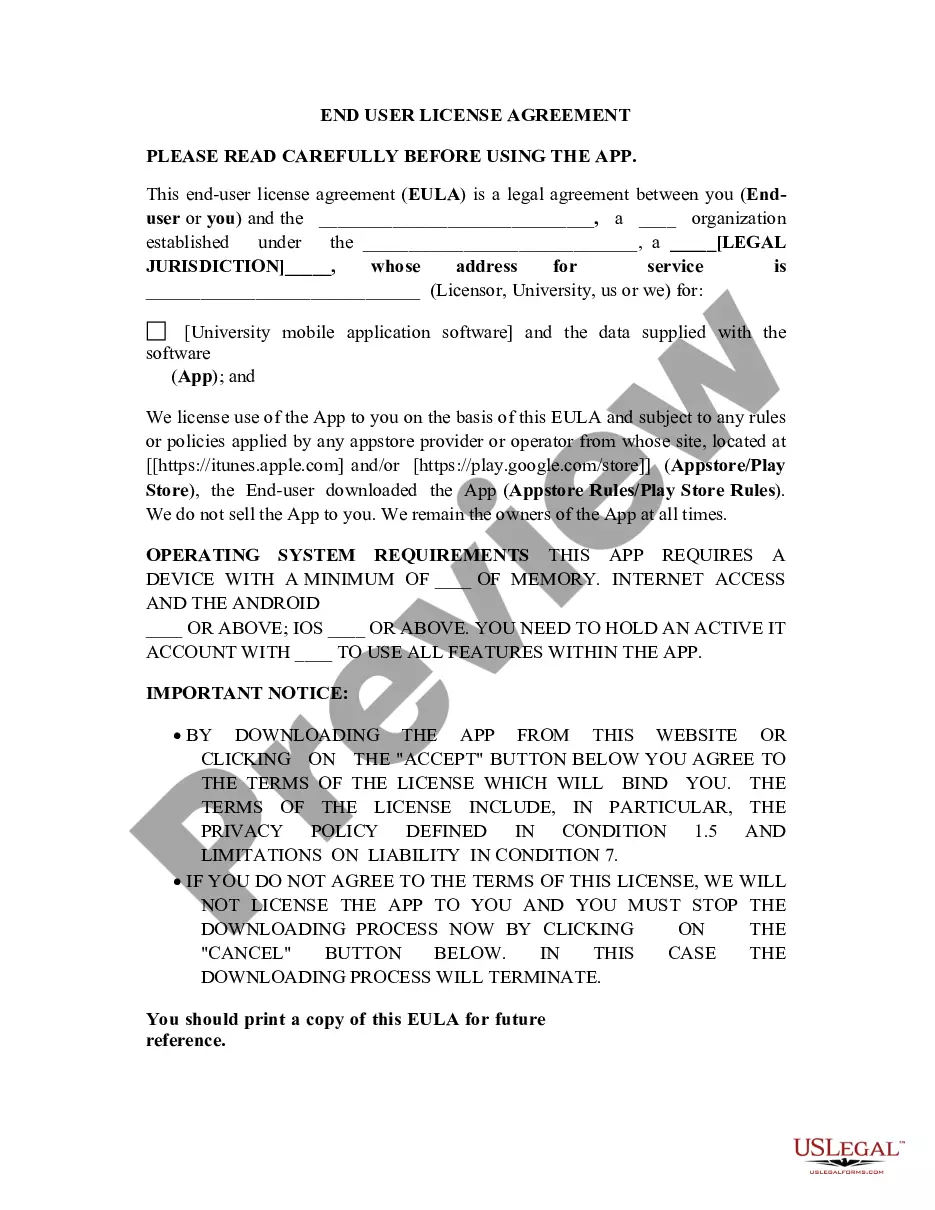
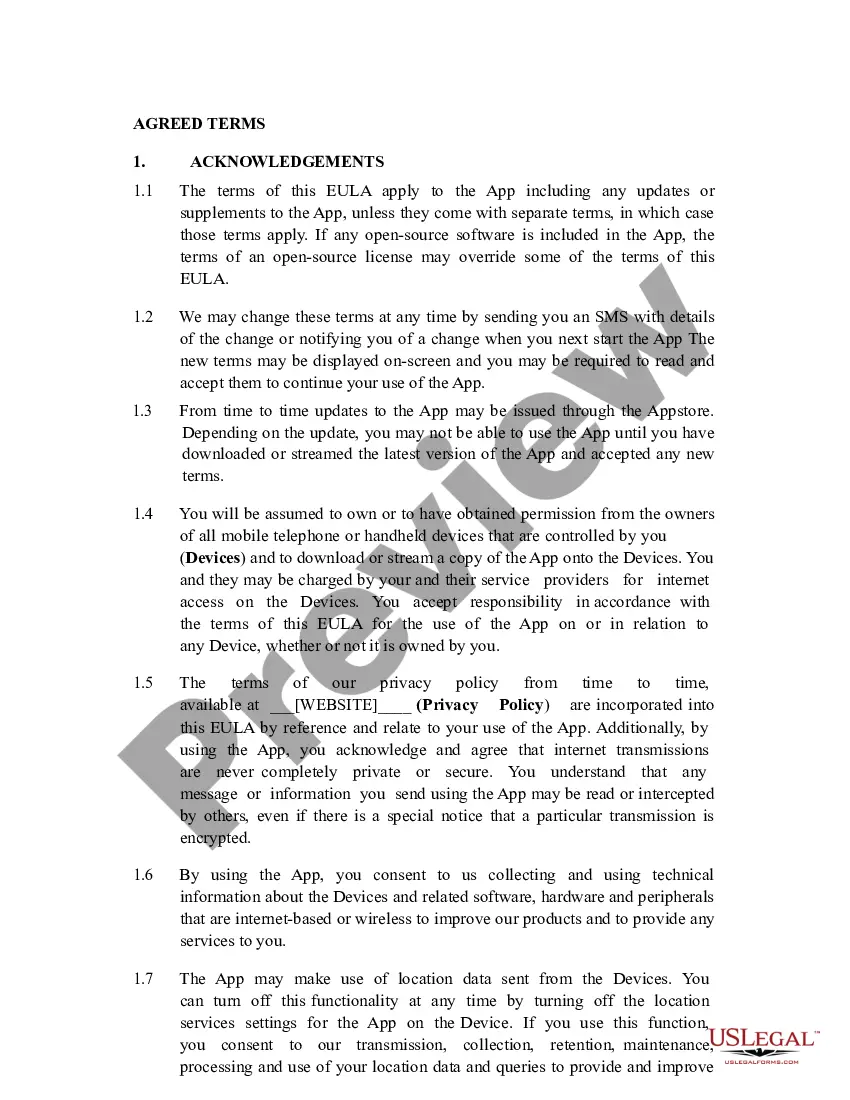
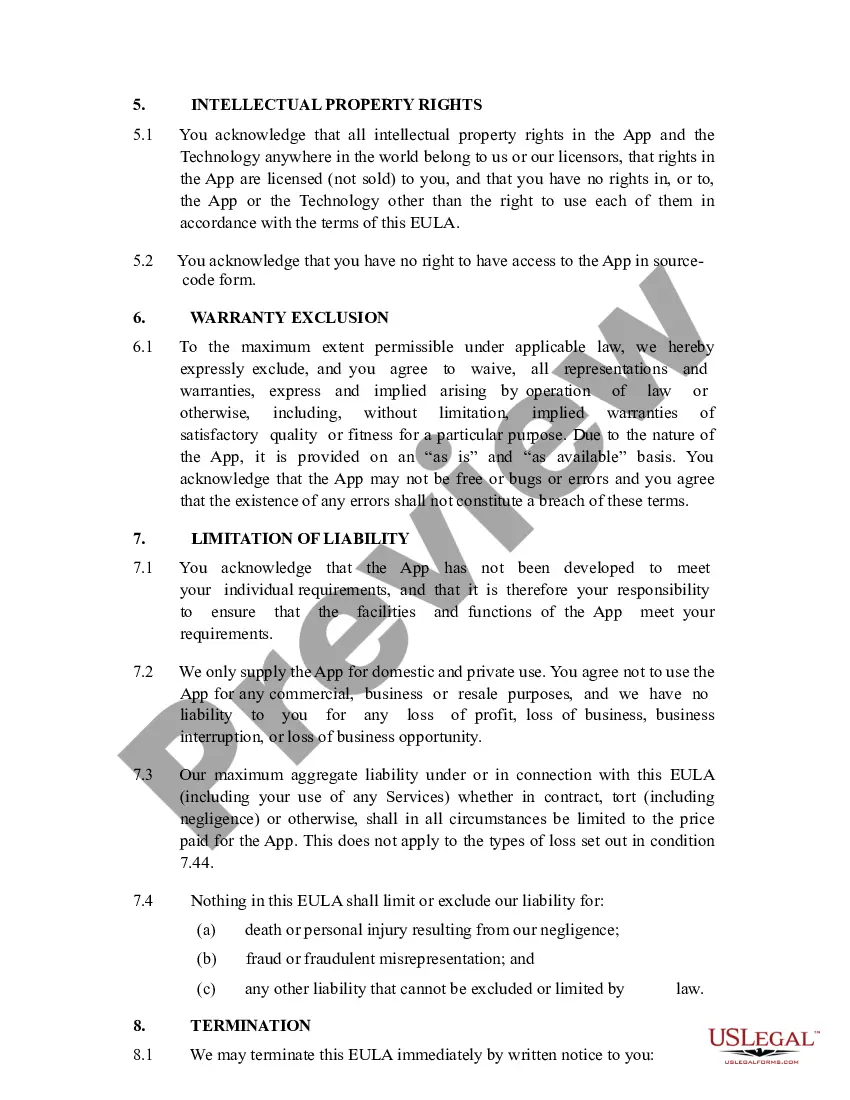
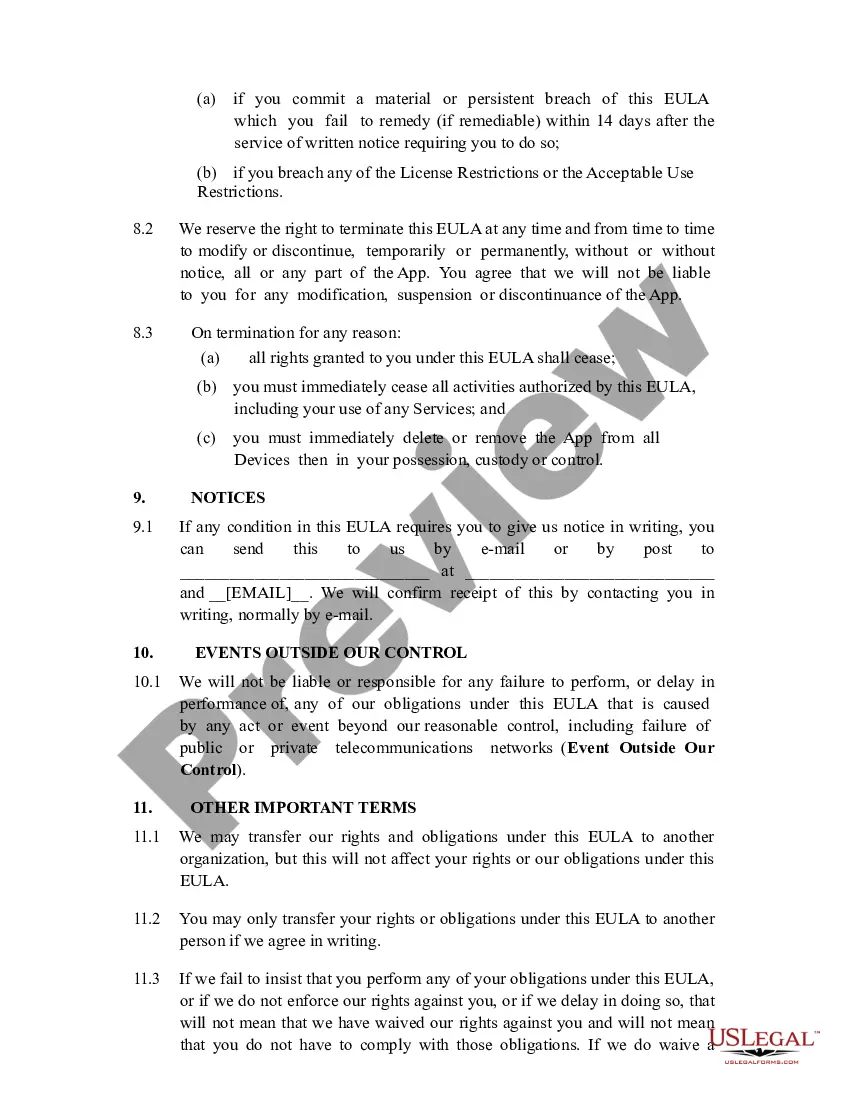
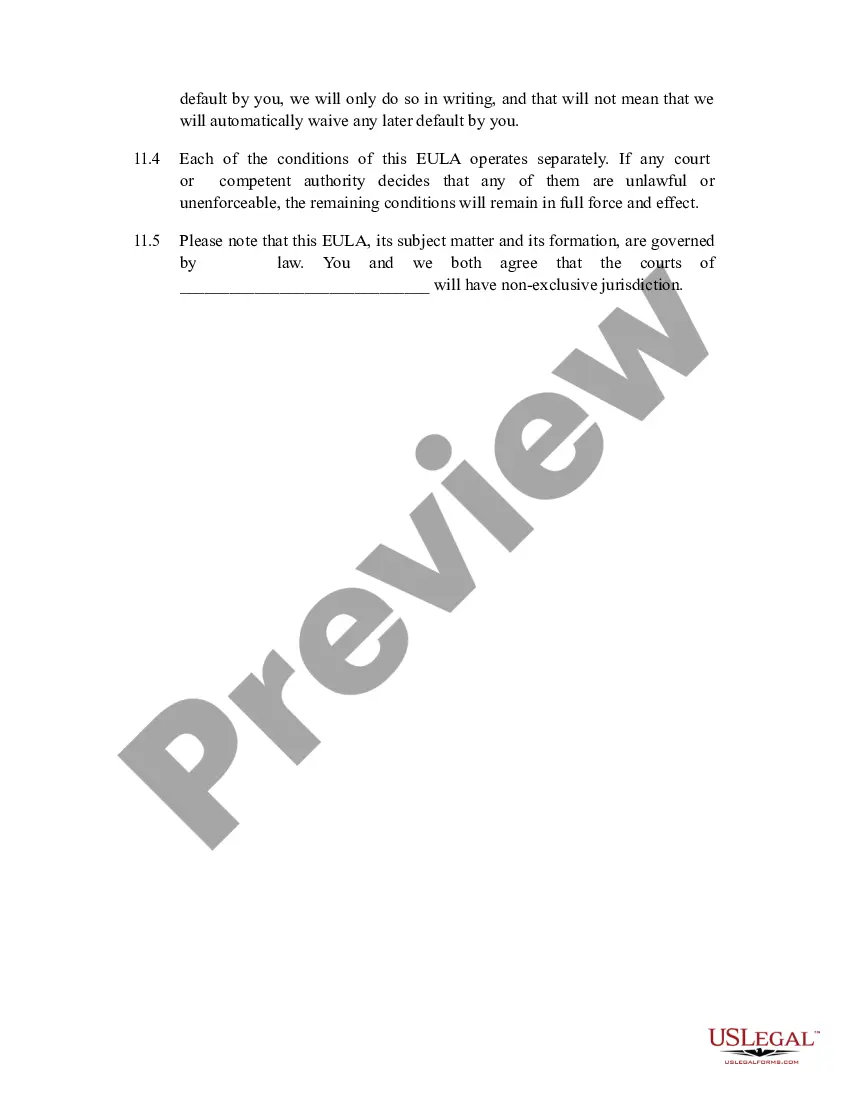
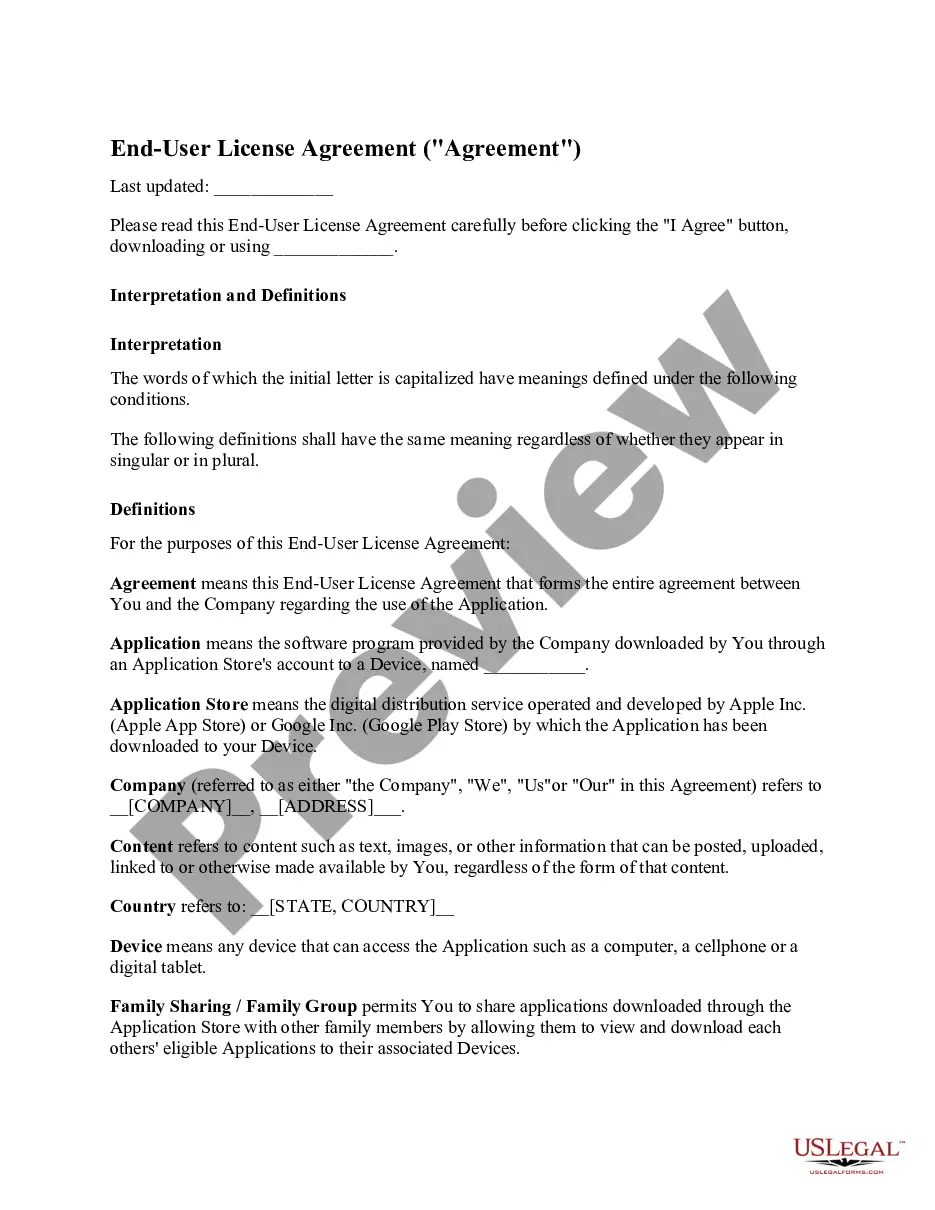
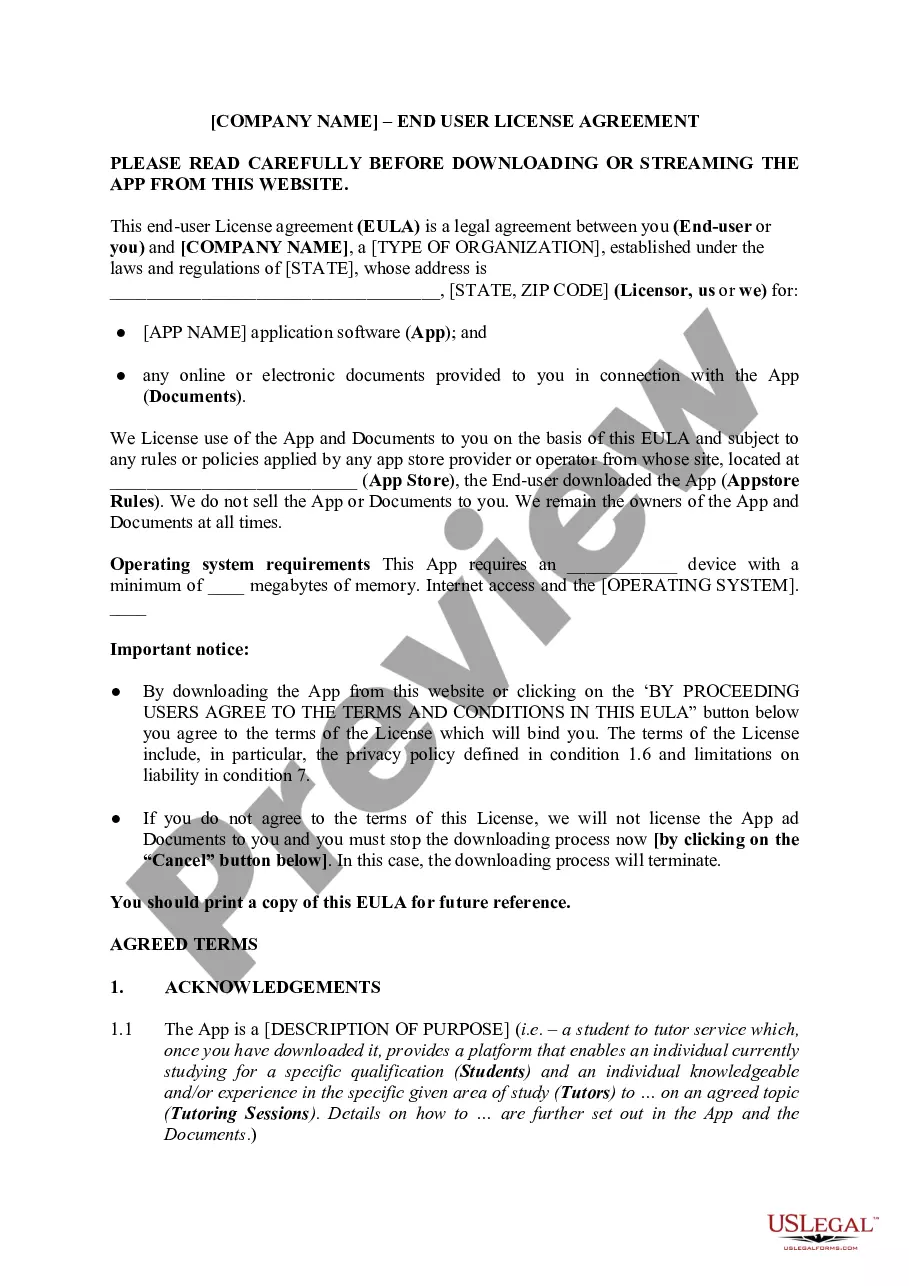
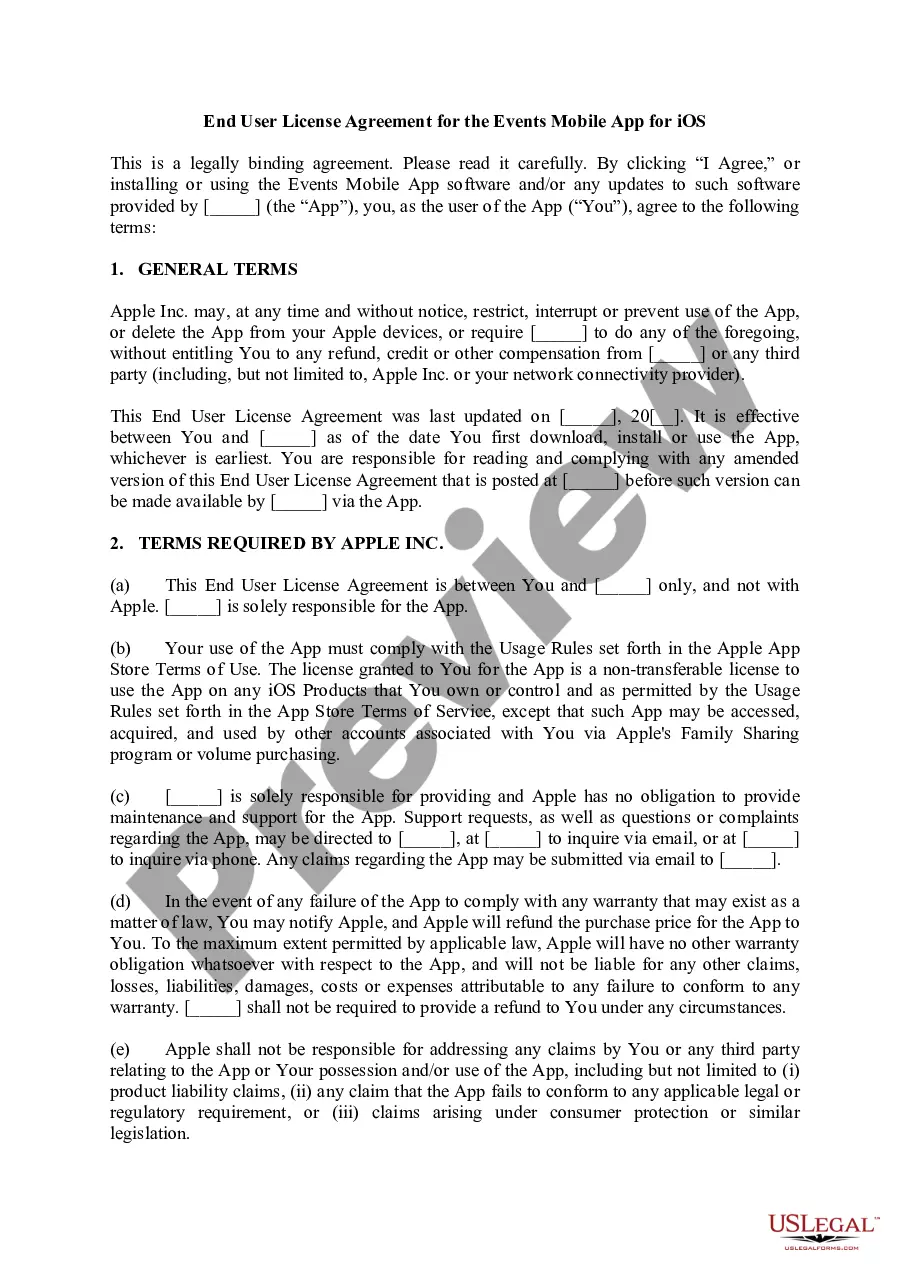
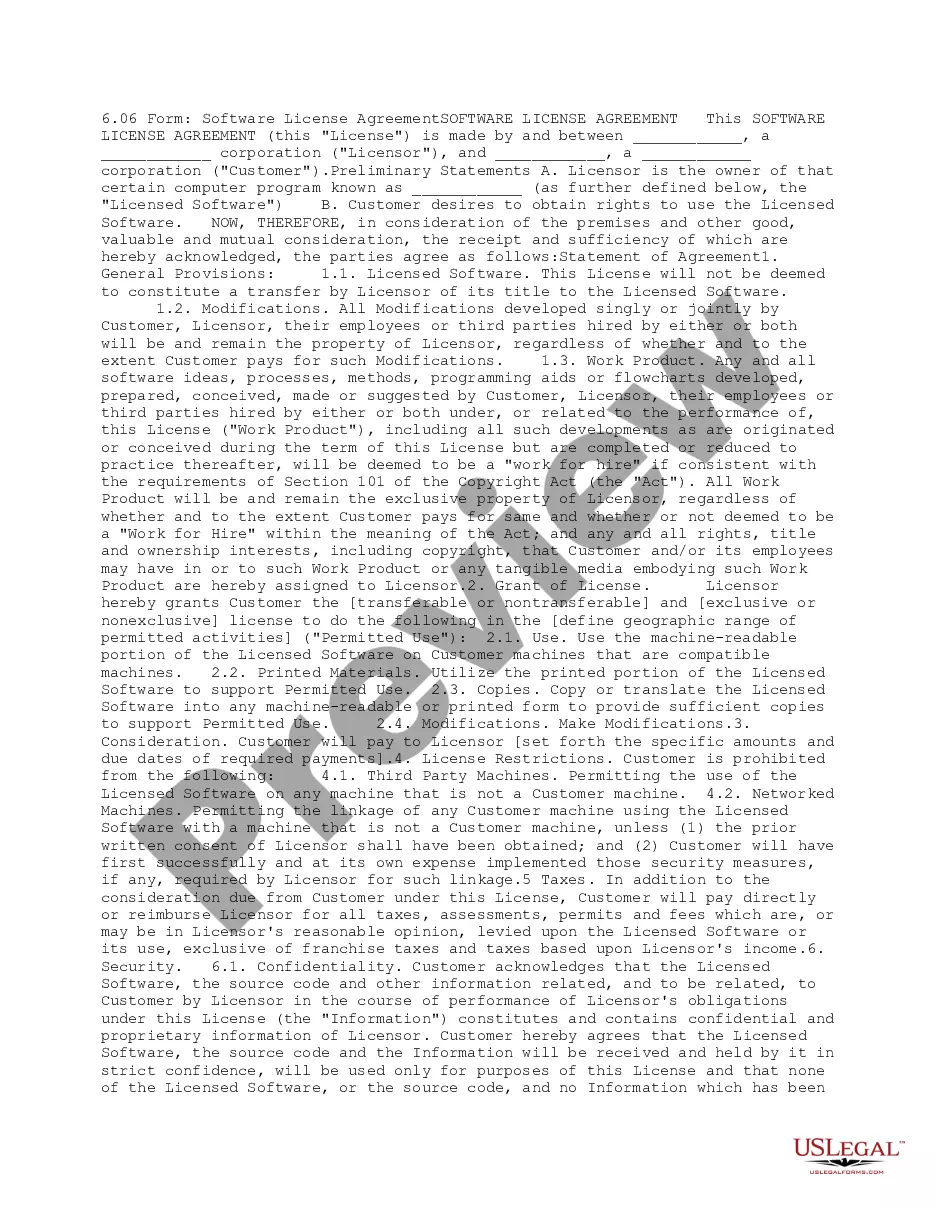
An End User License Agreement (EULA) is a legal contract between a software developer or vendor and the user of the software. It clearly outlines the rights and limitations regarding the use of the software, specifying what users can and cannot do. Unlike other agreements, a EULA typically includes sections on licensing, copyright, and limitations on liability, ensuring that both the licensor and end-user understand their rights and responsibilities when using the software.
Main sections of this form
- Grant of license: Specifies the conditions under which the user can use the software.
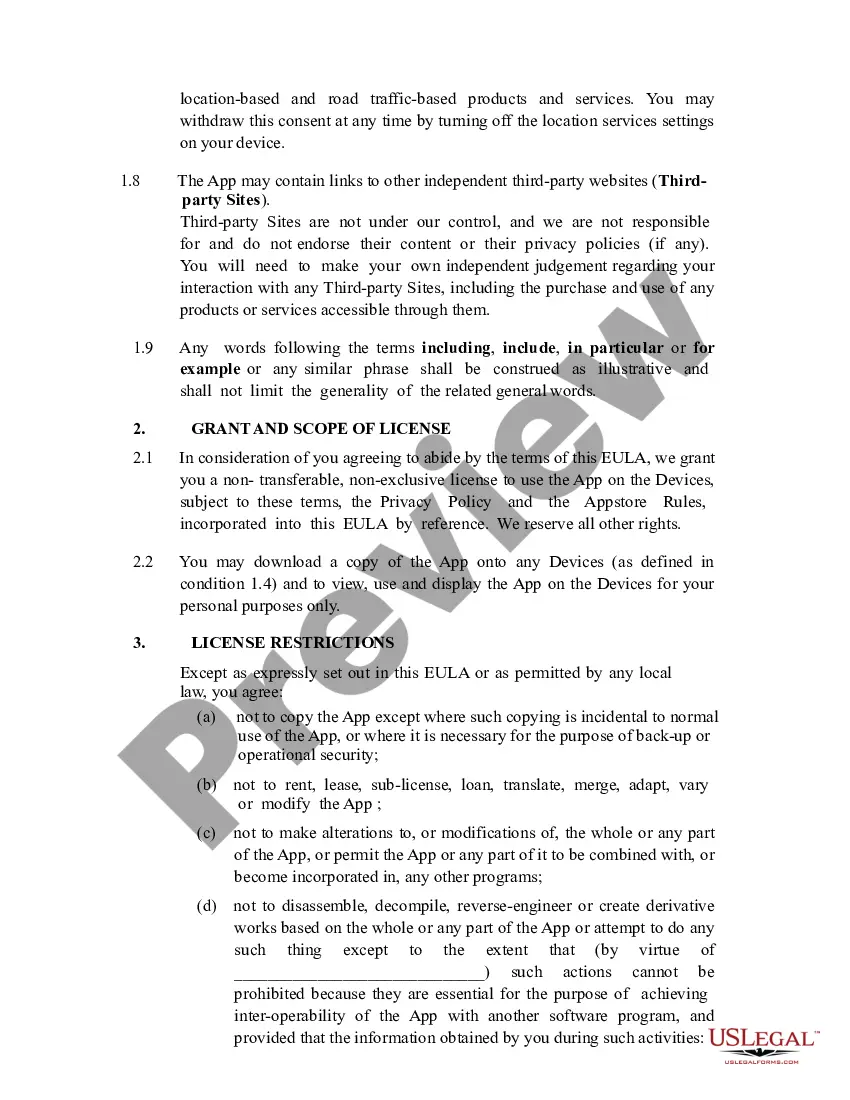
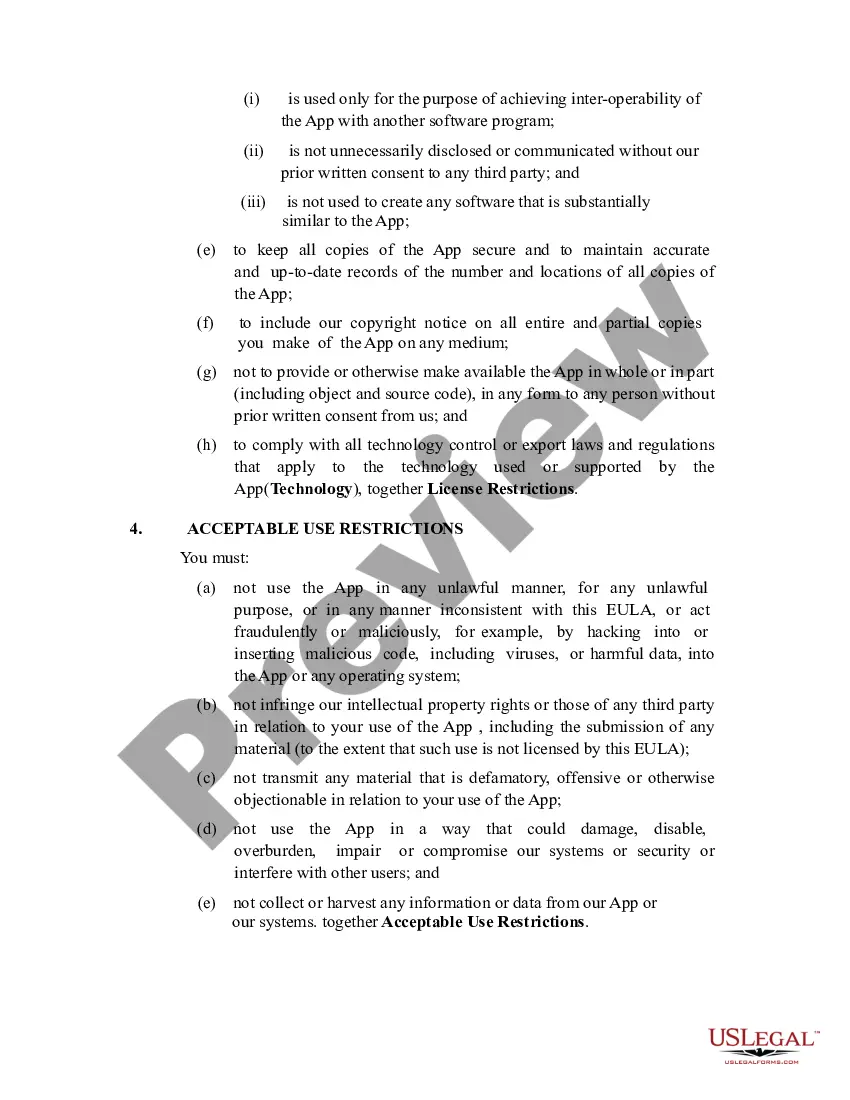
- Limitations on use: Details prohibited activities such as copying, modifying, or redistributing the software.
- Intellectual property rights: Affirms that the software's ownership remains with the licensor.
- Warranties and disclaimers: Outlines liability limitations and the "as is" nature of the software provided.
- Termination: Describes conditions under which the EULA can be terminated and usage rights revoked.
When to use this document
This form is essential whenever a software application is being licensed to end-users. It should be used in scenarios such as distributing a new mobile application, launching software on a web platform, or updating existing software products. Having a clear EULA helps protect the interests of developers while informing users of their rights and obligations regarding software use.
Who needs this form
- Software developers who create applications, both for personal and commercial use.
- Businesses distributing software products to clients or customers.
- Educational institutions offering proprietary software for student or faculty use.
- Individual developers who want to ensure their software use guidelines are clear and legally enforceable.
Completing this form step by step
- Identify the parties: Include the names and addresses of both the licensor and end-user.
- Specify the software: Clearly describe the application being licensed, including version and platform details.
- Define the license grant: State the specific rights being granted to the user and the limitations of usage.
- Include warranty and liabilities: Outline any disclaimers of liability and warranty provisions applicable to the software.
- Detail termination conditions: Explain how and under what circumstances the agreement can be terminated.
Does this form need to be notarized?
In most cases, this form does not require notarization. However, some jurisdictions or signing circumstances might. US Legal Forms offers online notarization powered by Notarize, accessible 24/7 for a quick, remote process.
Get your form ready online
Our built-in tools help you complete, sign, share, and store your documents in one place.
Make edits, fill in missing information, and update formatting in US Legal Forms—just like you would in MS Word.
Download a copy, print it, send it by email, or mail it via USPS—whatever works best for your next step.
Sign and collect signatures with our SignNow integration. Send to multiple recipients, set reminders, and more. Go Premium to unlock E-Sign.
If this form requires notarization, complete it online through a secure video call—no need to meet a notary in person or wait for an appointment.
We protect your documents and personal data by following strict security and privacy standards.

Make edits, fill in missing information, and update formatting in US Legal Forms—just like you would in MS Word.

Download a copy, print it, send it by email, or mail it via USPS—whatever works best for your next step.

Sign and collect signatures with our SignNow integration. Send to multiple recipients, set reminders, and more. Go Premium to unlock E-Sign.

If this form requires notarization, complete it online through a secure video call—no need to meet a notary in person or wait for an appointment.

We protect your documents and personal data by following strict security and privacy standards.
Mistakes to watch out for
- Failing to clearly define the terms of use, leading to misunderstandings.
- Neglecting to update the EULA with software upgrades and changes in licensing terms.
- Omitting acknowledgment sections that require user acceptance, which can result in legal challenges.
Benefits of completing this form online
- Convenience: Easily distribute and update the EULA for different software versions online.
- Editability: Modify clauses and terms without needing extensive legal resources.
- Reliability: Ensure users have access to the most current and compliant agreement instantly.
Legal use & context
- Ensures enforceability of software usage parameters in court.
- Clarifies the intellectual property rights of the developer over the software.
- Protects users by explaining their rights and limiting liabilities for developers.