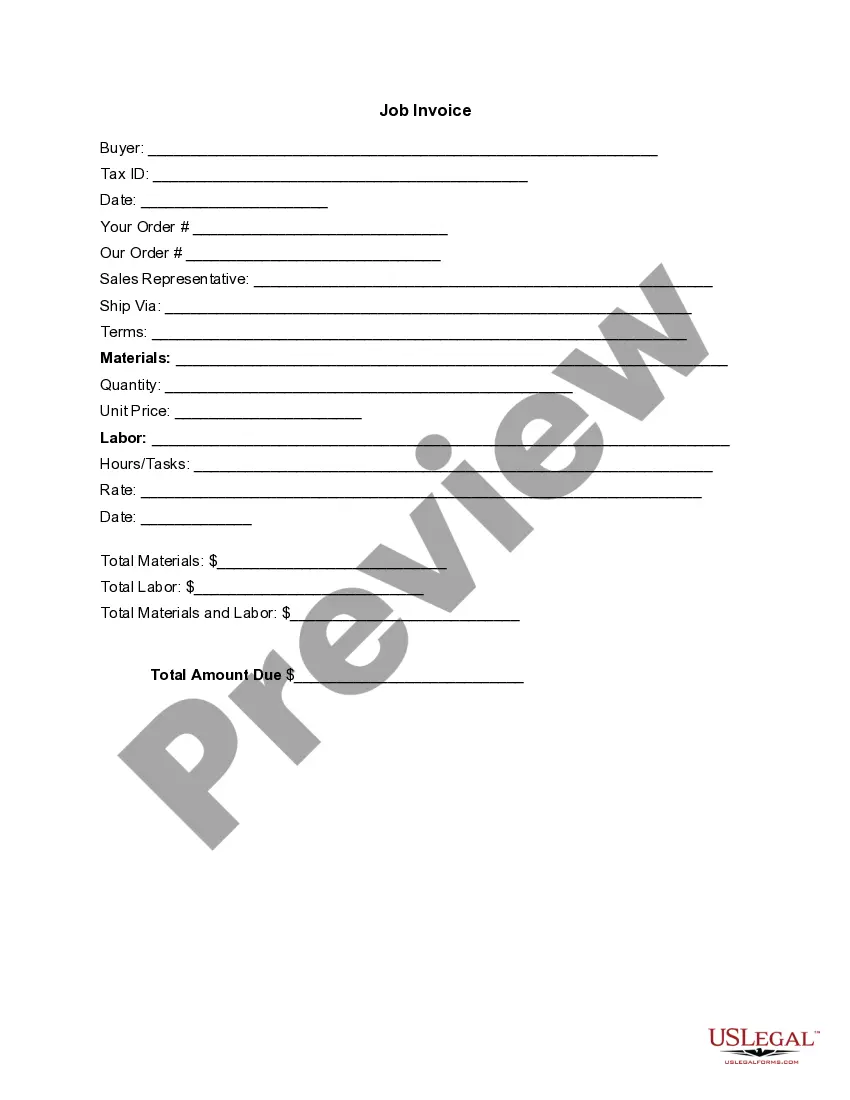
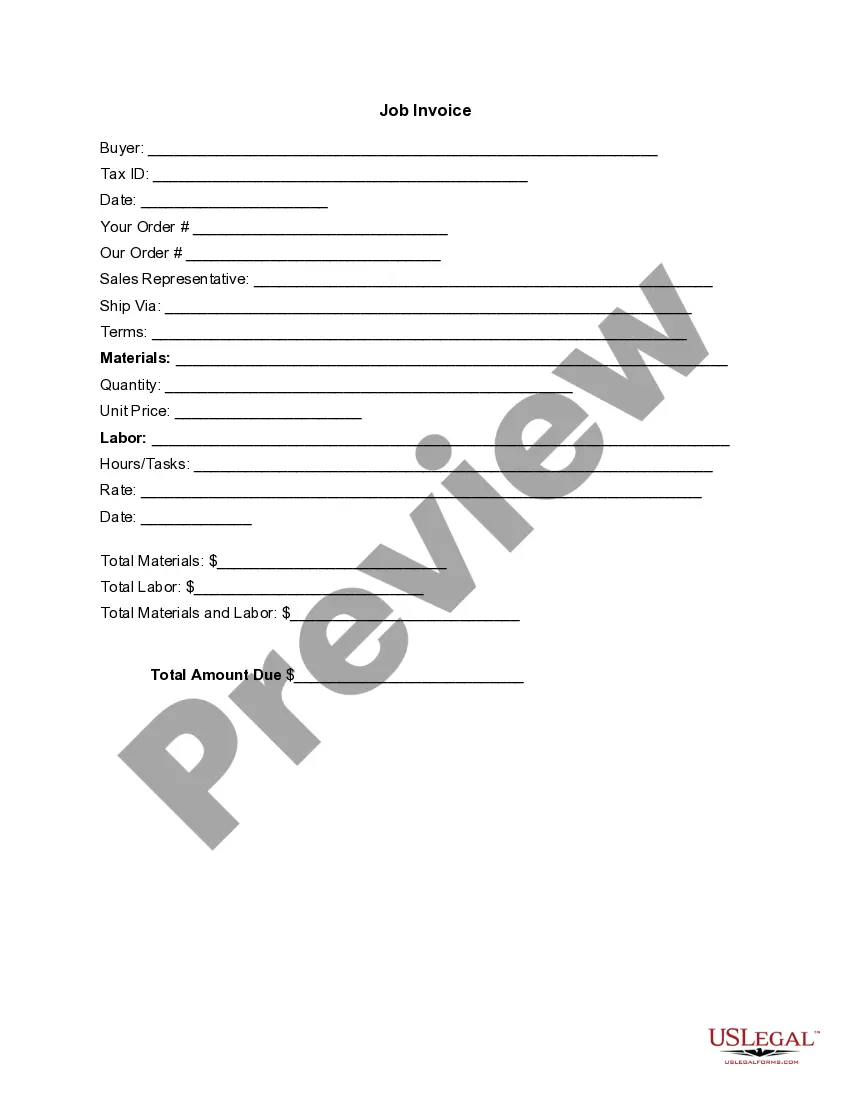
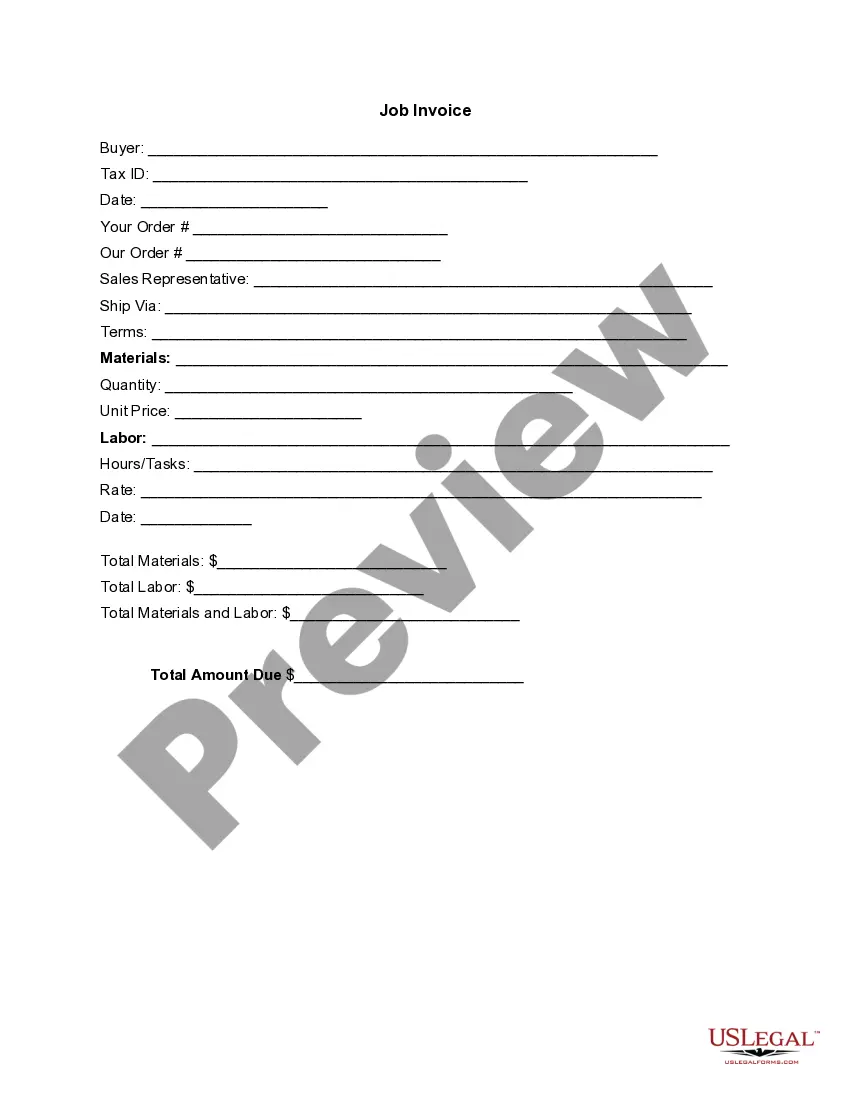
Washington Invoice Template for Pilot
Description
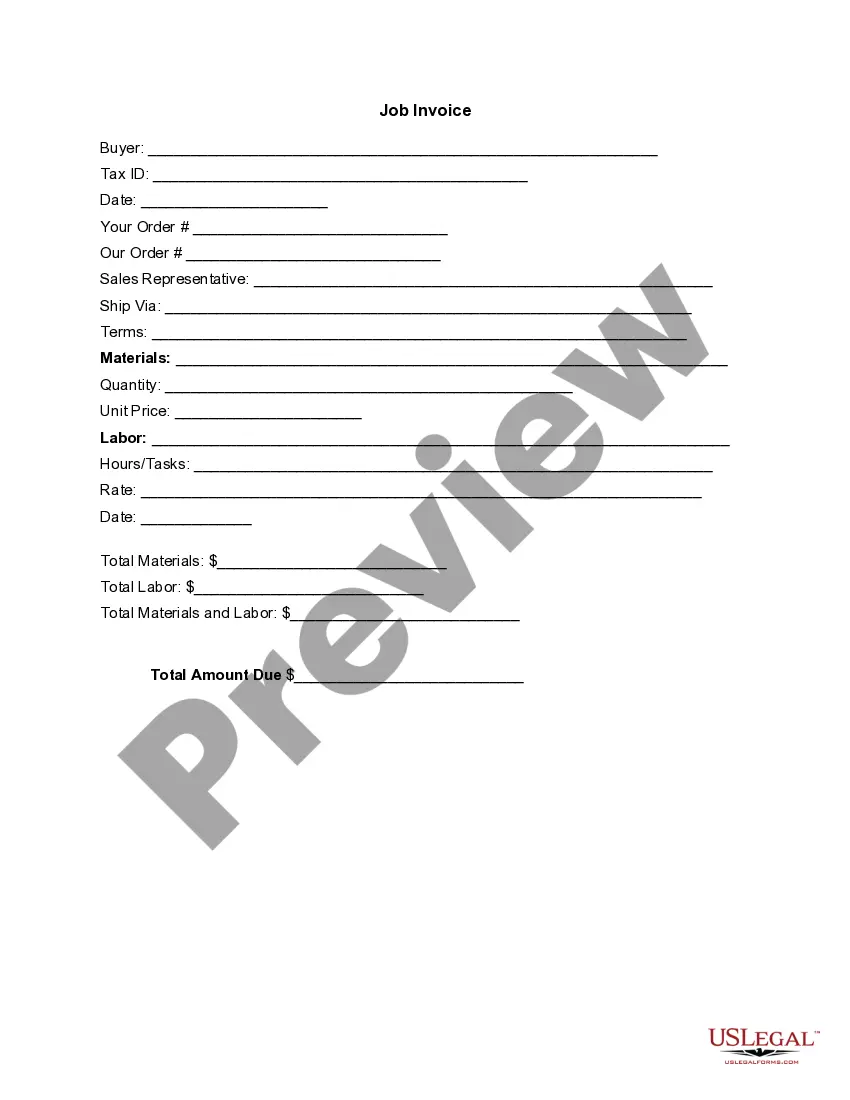
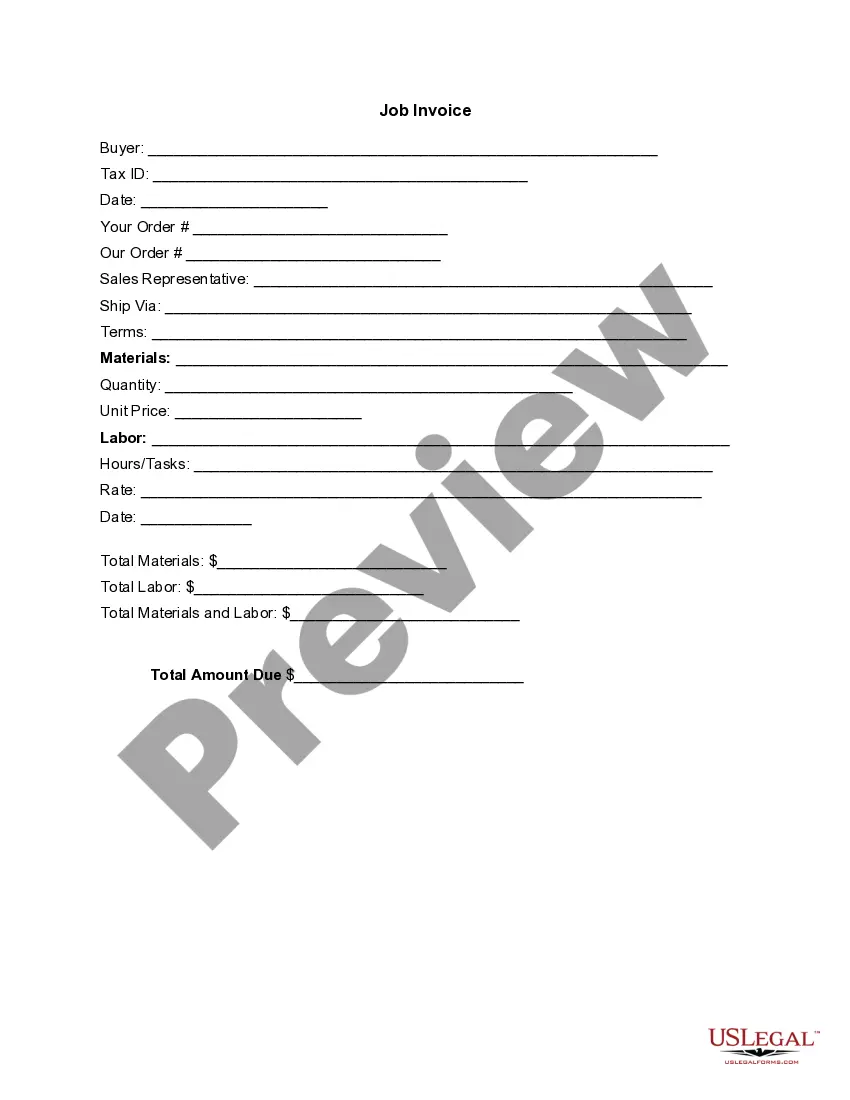

Get your form ready online
Our built-in tools help you complete, sign, share, and store your documents in one place.
Make edits, fill in missing information, and update formatting in US Legal Forms—just like you would in MS Word.
Download a copy, print it, send it by email, or mail it via USPS—whatever works best for your next step.
Sign and collect signatures with our SignNow integration. Send to multiple recipients, set reminders, and more. Go Premium to unlock E-Sign.
If this form requires notarization, complete it online through a secure video call—no need to meet a notary in person or wait for an appointment.
We protect your documents and personal data by following strict security and privacy standards.

Make edits, fill in missing information, and update formatting in US Legal Forms—just like you would in MS Word.

Download a copy, print it, send it by email, or mail it via USPS—whatever works best for your next step.

Sign and collect signatures with our SignNow integration. Send to multiple recipients, set reminders, and more. Go Premium to unlock E-Sign.

If this form requires notarization, complete it online through a secure video call—no need to meet a notary in person or wait for an appointment.

We protect your documents and personal data by following strict security and privacy standards.
Looking for another form?





How to fill out Invoice Template For Pilot?
Are you currently in the situation where you need documents for either business or personal purposes almost every time.
There are numerous legal document templates accessible online, but finding ones you can rely on is not easy.
US Legal Forms provides thousands of form templates, including the Washington Invoice Template for Pilot, which are created to comply with state and federal regulations.
If you identify the appropriate form, click Get now.
Choose the pricing plan you want, enter the required information to create your account, and pay for your order using your PayPal or credit card.
- If you are already familiar with the US Legal Forms website and have an account, simply Log In.
- Then, you can download the Washington Invoice Template for Pilot design.
- If you don't have an account and want to start using US Legal Forms, follow these steps.
- Find the form you need and ensure it is for the correct city/region.
- Use the Preview button to review the form.
- Check the description to ensure you have selected the correct form.
- If the form is not what you’re looking for, use the Search field to locate the form that meets your needs and specifications.
Form popularity
FAQ
Creating a general invoice involves outlining your business information, adding the customer's details, and specifying the products or services rendered. Include itemized costs, total amounts, and payment terms clearly for easier understanding. For efficiency, consider utilizing the Washington Invoice Template for Pilot, as it streamlines the invoicing process and ensures you don't miss essential components.
To write an invoice for HVAC services, begin by including your business name, contact information, and the customer's details. List the services you provided, including labor and materials, with corresponding costs. Make sure to incorporate a unique invoice number and a clear payment due date. Using the Washington Invoice Template for Pilot can simplify this process, allowing you to create a professional-looking invoice quickly.
Using the Washington Invoice Template for Pilot makes filling out an invoice for services easy and efficient. Begin with your contact information, then add the client's details. List each service provided, including descriptions, hours worked, and rates. Ensure that the total amount due is clear and visible to maintain professional standards.
To fill up a new service invoice effectively, leverage the Washington Invoice Template for Pilot. First, enter your business details at the top, followed by the client's name and address. Clearly itemize each service provided along with the quantity and rates. Conclude with a total amount due, ensuring clarity for your client.
Filling out a contractor's invoice with the Washington Invoice Template for Pilot involves a few straightforward steps. Start by adding your business name, address, and contact information, followed by the client's details. List the services or projects completed, along with their corresponding costs. Finally, make sure to include payment terms and the total amount due for a complete and professional appearance.
Using the Washington Invoice Template for Pilot, aim for clear and straightforward language. Start with a professional greeting, followed by a brief description of the services rendered. Use phrases like 'Thank you for your business' or 'We appreciate your prompt payment' to create a positive tone. Additionally, make sure to specify payment terms to avoid any confusion.
To fill out a tax invoice statement using the Washington Invoice Template for Pilot, start by entering your business information at the top. Next, include the client's details, the date of the invoice, and a unique invoice number. Clearly itemize the services provided, including the corresponding amounts and the tax rate. Finally, ensure that you calculate the total amount due, clearly displaying the sum at the bottom.
Making an invoice for transportation can be simplified with a Washington Invoice Template for Pilot designed for transport services. Include essential information such as the date, description of services, distance traveled, and payment terms. After filling in all required details, export your invoice as a PDF to make sharing with clients simple and professional.
To create a PDF invoice template, start with a flexible Washington Invoice Template for Pilot. You can personalize it by inputting your branding elements and common service details. After updating the template, save it as a PDF to ensure consistency and professionalism for future invoices.
Making a PDF invoice template requires selecting a versatile Washington Invoice Template for Pilot. Customize it by adding your logo, color scheme, and necessary fields such as item descriptions, prices, and payment instructions. Finally, save this customized format as a PDF so you can repeatedly use it without starting from scratch.