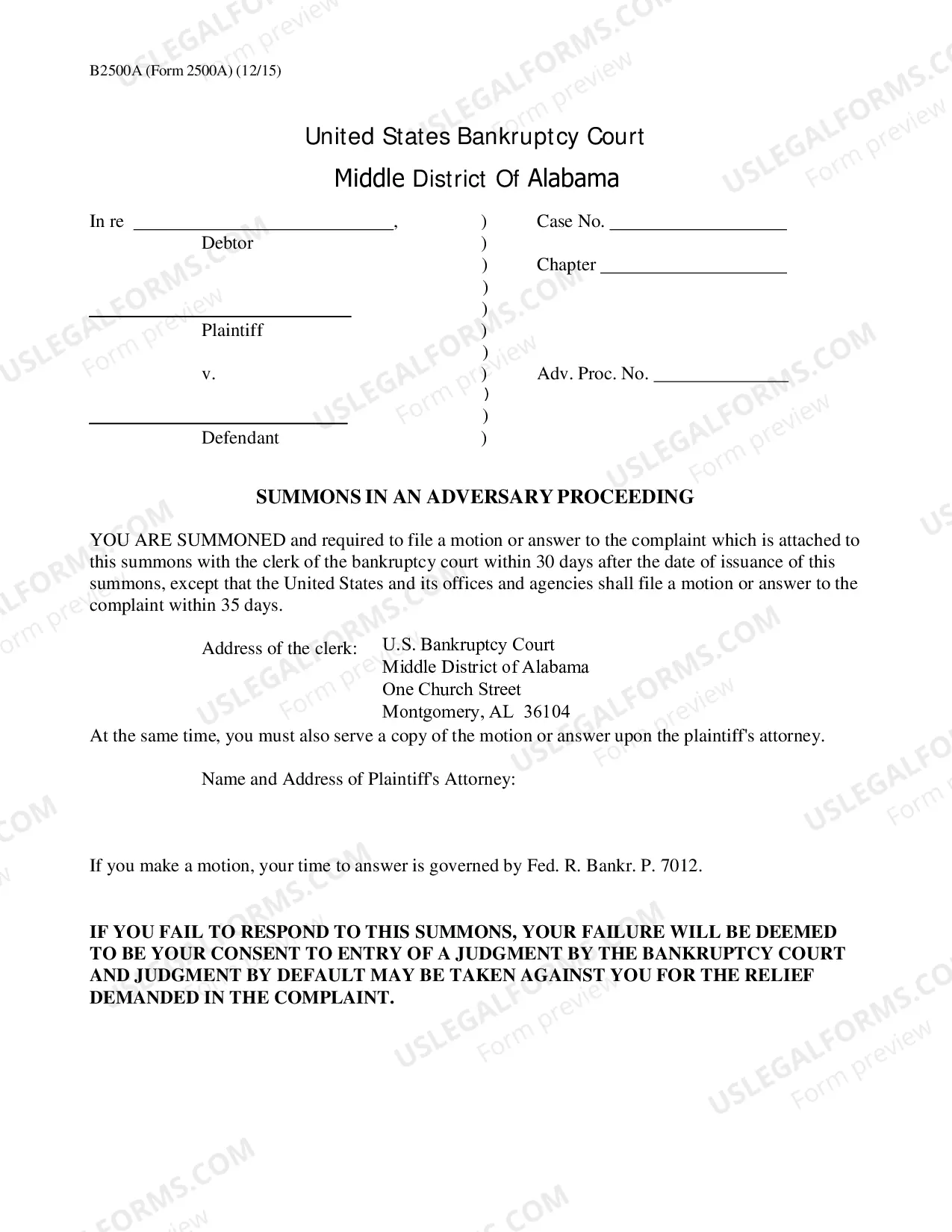
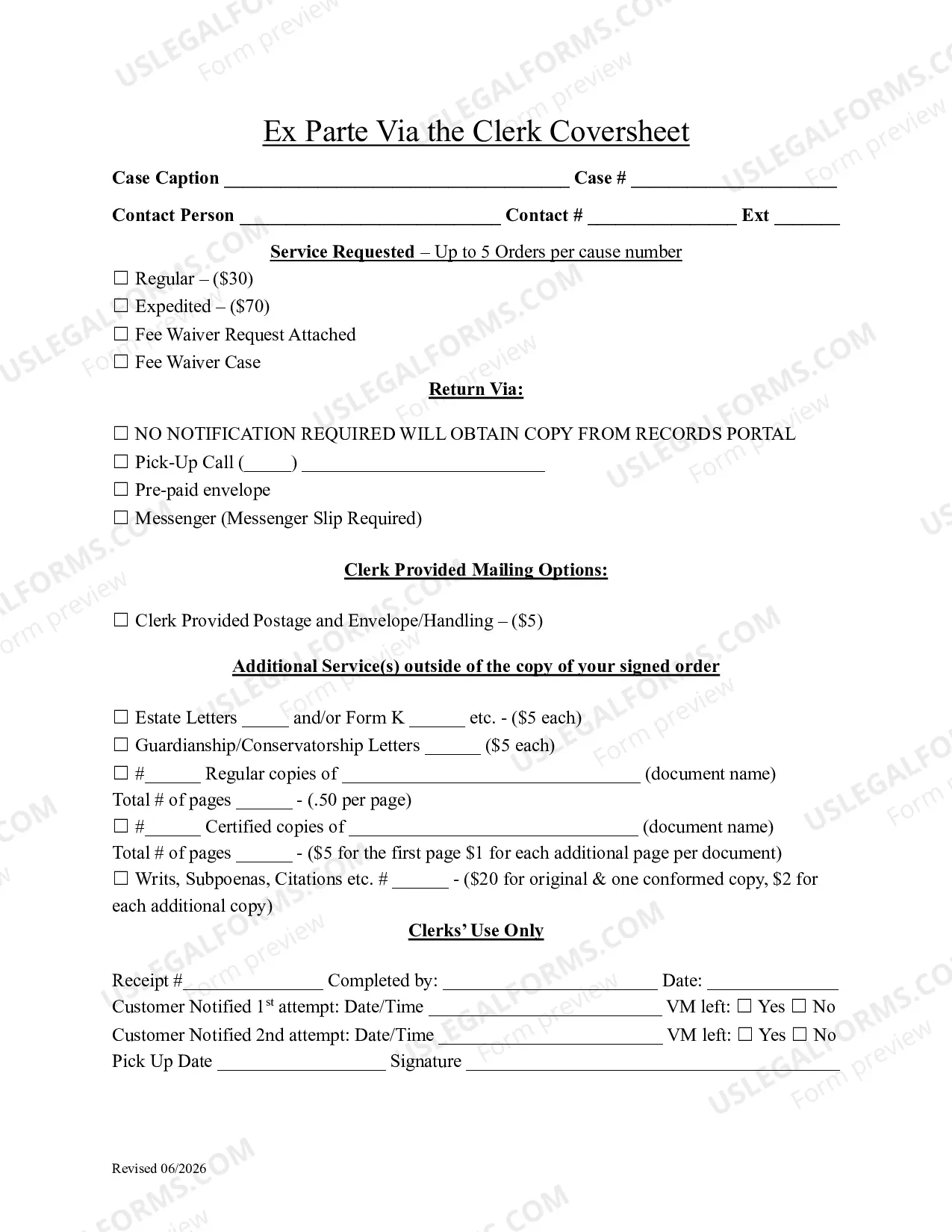
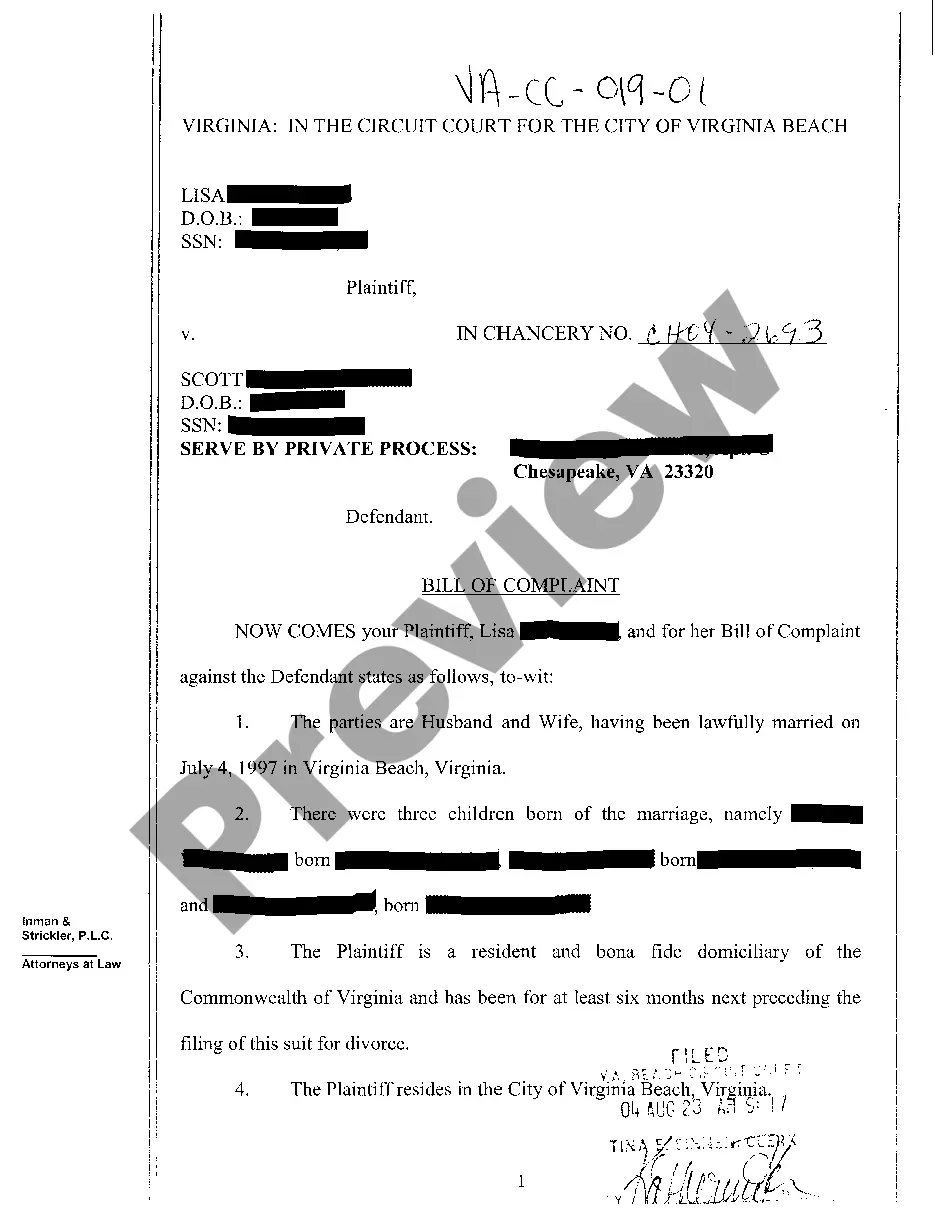
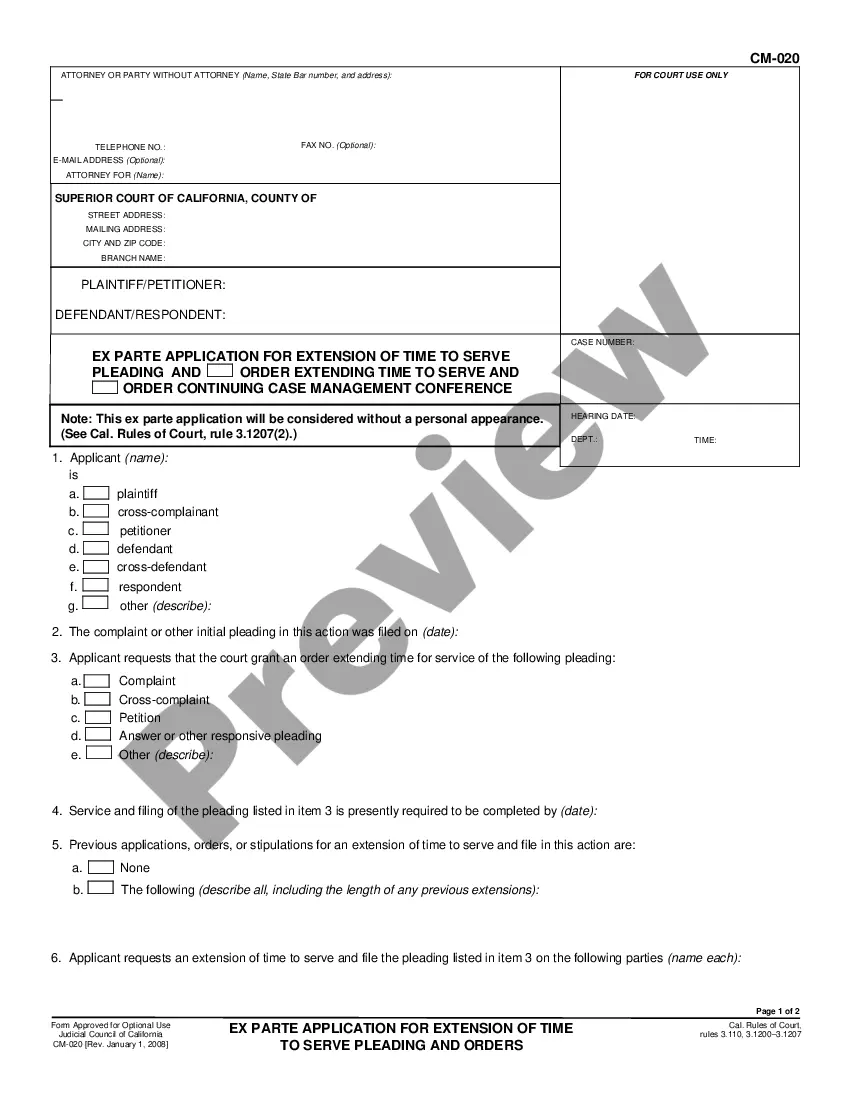
Washington Ex Parte via the Clerk Cover Sheet is a form that can be filed with the court to request a court order or other action without the presence of or advance notification to all parties involved. This is often used in cases such as emergency orders, temporary restraining orders, or injunctions. It can also be used when a party needs to obtain a court order in a short period of time and does not have the ability to serve the other parties involved. There are two types of Washington Ex Parte via the Clerk Cover Sheet: 1. Emergency Ex Parte: This type of Ex Parte is used for emergency situations and is heard by the court without notice to the other parties involved. This type of Ex Parte is used when a party needs immediate court action in order to protect their rights or the rights of another. 2. Non-emergency Ex Parte: This type of Ex Parte is used for non-emergency situations and is heard by the court after notice has been given to the other parties involved. This type of Ex Parte is used when a party needs to obtain a court order in a short period of time and does not have the ability to serve the other parties involved.
Washington Ex Parte via the Clerk Cover Sheet
Description
Get your form ready online
Our built-in tools help you complete, sign, share, and store your documents in one place.
Make edits, fill in missing information, and update formatting in US Legal Forms—just like you would in MS Word.
Download a copy, print it, send it by email, or mail it via USPS—whatever works best for your next step.
Sign and collect signatures with our SignNow integration. Send to multiple recipients, set reminders, and more. Go Premium to unlock E-Sign.
If this form requires notarization, complete it online through a secure video call—no need to meet a notary in person or wait for an appointment.
We protect your documents and personal data by following strict security and privacy standards.

Make edits, fill in missing information, and update formatting in US Legal Forms—just like you would in MS Word.

Download a copy, print it, send it by email, or mail it via USPS—whatever works best for your next step.

Sign and collect signatures with our SignNow integration. Send to multiple recipients, set reminders, and more. Go Premium to unlock E-Sign.

If this form requires notarization, complete it online through a secure video call—no need to meet a notary in person or wait for an appointment.

We protect your documents and personal data by following strict security and privacy standards.
Looking for another form?
How to fill out Washington Ex Parte Via The Clerk Cover Sheet?
How much time and resources do you normally spend on composing formal paperwork? There’s a greater opportunity to get such forms than hiring legal specialists or wasting hours searching the web for an appropriate template. US Legal Forms is the top online library that provides professionally drafted and verified state-specific legal documents for any purpose, such as the Washington Ex Parte via the Clerk Cover Sheet.
To acquire and complete an appropriate Washington Ex Parte via the Clerk Cover Sheet template, follow these simple steps:
- Look through the form content to make sure it complies with your state regulations. To do so, read the form description or take advantage of the Preview option.
- In case your legal template doesn’t satisfy your needs, locate a different one using the search tab at the top of the page.
- If you are already registered with our service, log in and download the Washington Ex Parte via the Clerk Cover Sheet. If not, proceed to the next steps.
- Click Buy now once you find the right document. Choose the subscription plan that suits you best to access our library’s full opportunities.
- Register for an account and pay for your subscription. You can make a transaction with your credit card or through PayPal - our service is absolutely secure for that.
- Download your Washington Ex Parte via the Clerk Cover Sheet on your device and complete it on a printed-out hard copy or electronically.
Another advantage of our library is that you can access previously acquired documents that you safely store in your profile in the My Forms tab. Get them at any moment and re-complete your paperwork as often as you need.
Save time and effort completing formal paperwork with US Legal Forms, one of the most trustworthy web solutions. Sign up for us today!
Form popularity
FAQ
Clerk's Office (for filing documents and getting copies of court records): 206-296-9300 or clerksofficecustomerservice@kingcounty.gov or. 206-477-3000 or eservices@kingcounty.gov.
En Espanol Fee TypeFee AmountExparte Fee$20.00Extension of Civil Judgment Fee$43.00Impound Fee$83.00Name Change Filing$301.5010 more rows ?
Effective April 12, 2021, you may immediately reserve a spot on a calendar by going to . A "Notice of Court Date" form will be generated automatically when you complete the process.
You can also ask the court to prohibit weapons and to order your spouse or ex-spouse to surrender weapons to the police or sheriff. A court may grant an Immediate Restraining Order (Ex Parte) the same day as the request is made, even without notice to the other spouse, if necessary to provide safety.
Clerk's Customer Service: Staff are available to assist customers at any office counter, by phone (206-296-9300) or via email: DJA.CustomerServiceEmail@KingCounty.gov. For questions about the Clerk's electronic applications contact the eServices Help Desk: 206-477-3000 or eServices@kingcounty.gov.
5 p.m.
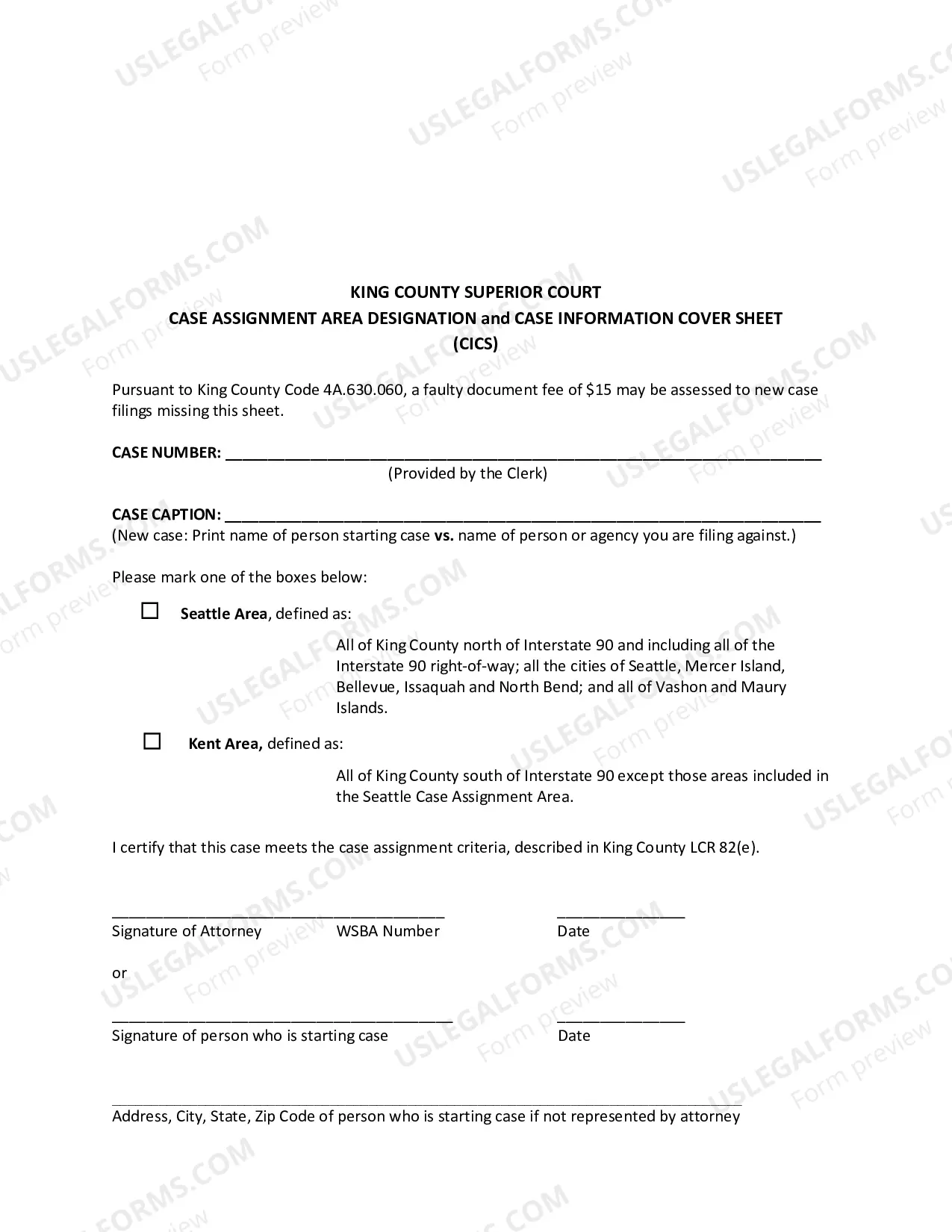
Inquiries regarding Ex Parte via the Clerk can be directed to 206-477-0848 (Seattle) or 206-477-3047 (Kent).
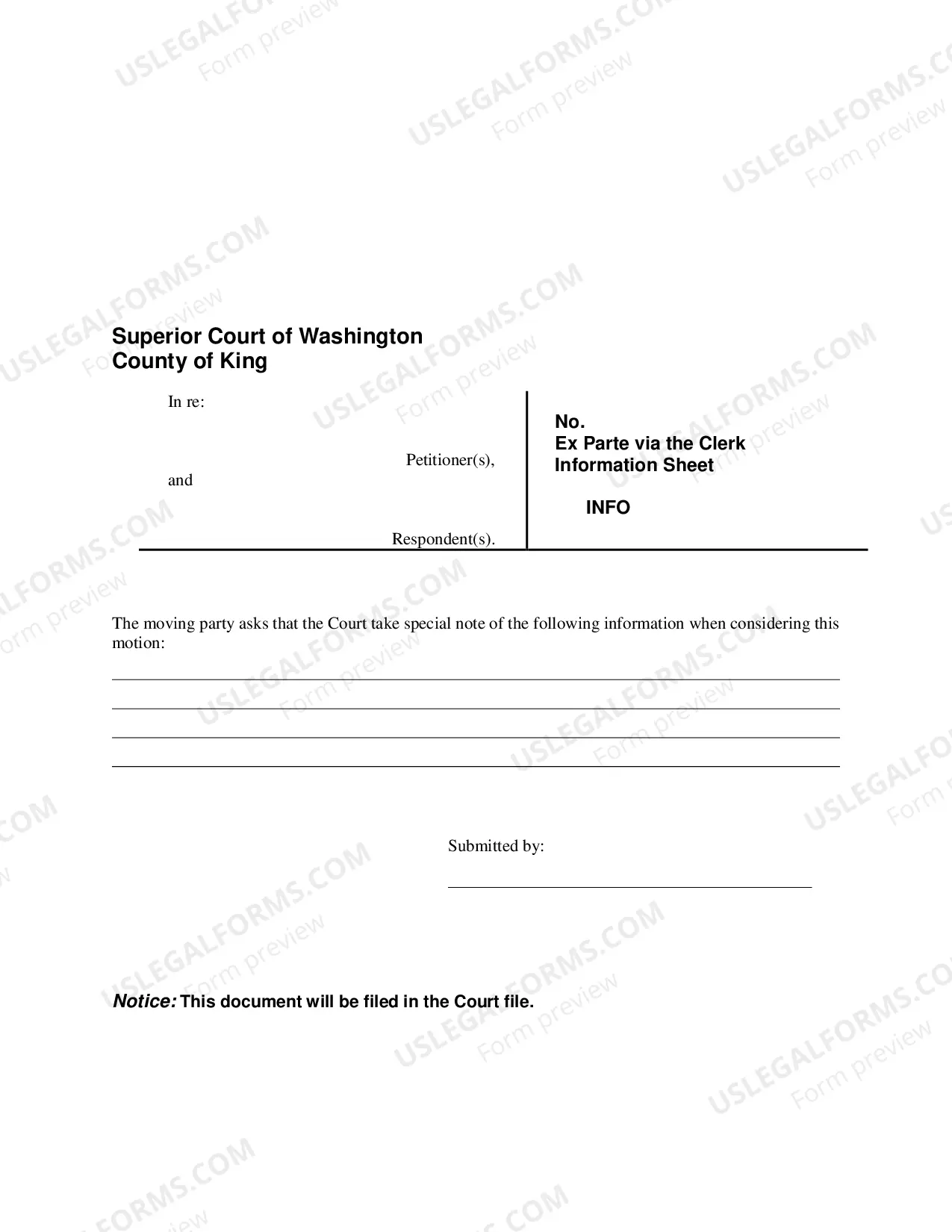
You may access eEx Parte via the Clerk after e-filing a document(s) into an existing case by selecting the ?Submit to Ex Parte? button on your e-filing confirmation receipt. You may access eEx Parte via the Clerk from the ?My Cases>E-File Status? tab (within 30 days) by clicking the ?EXP? link.