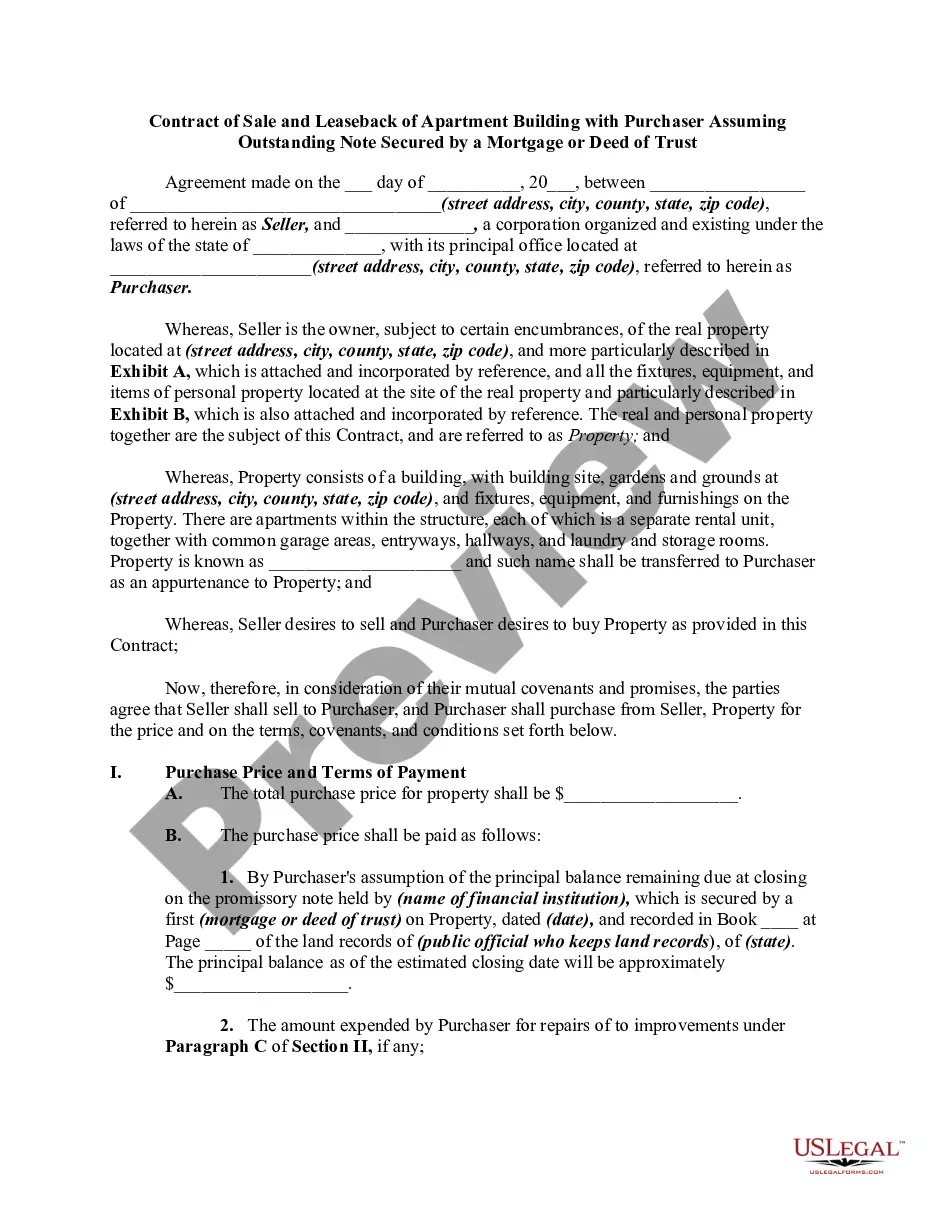
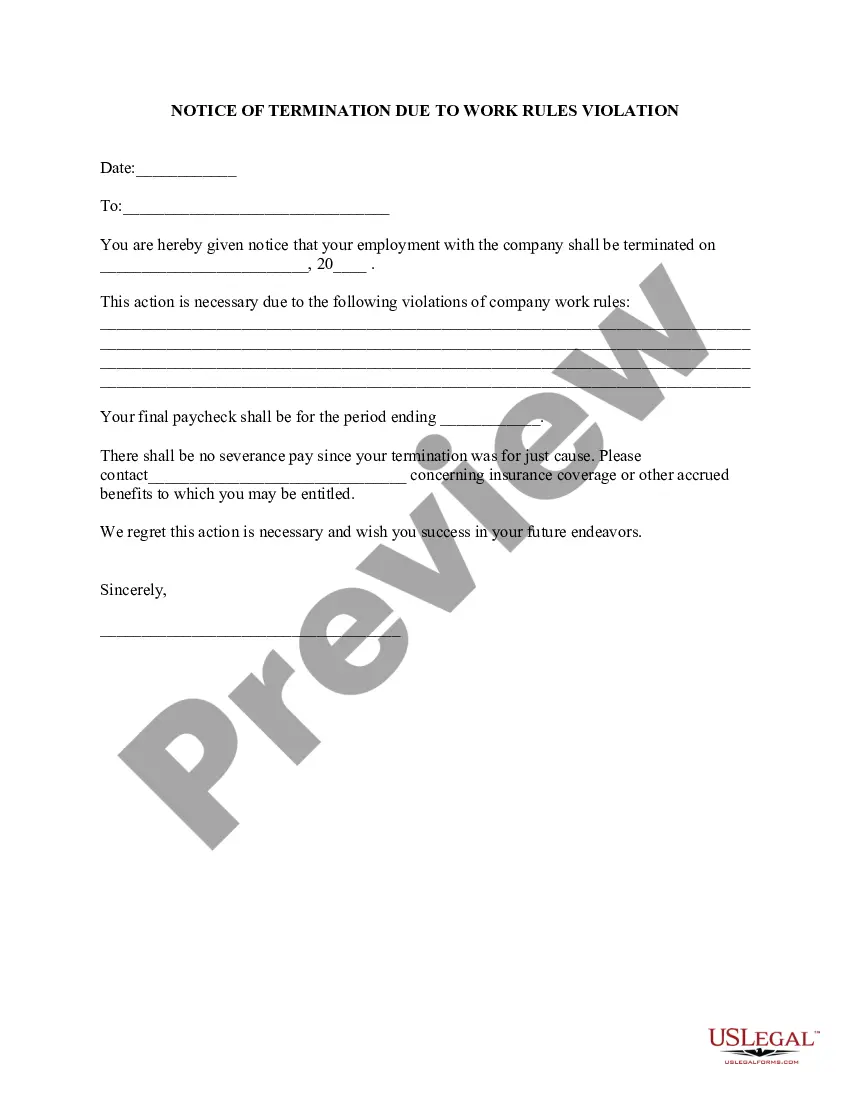
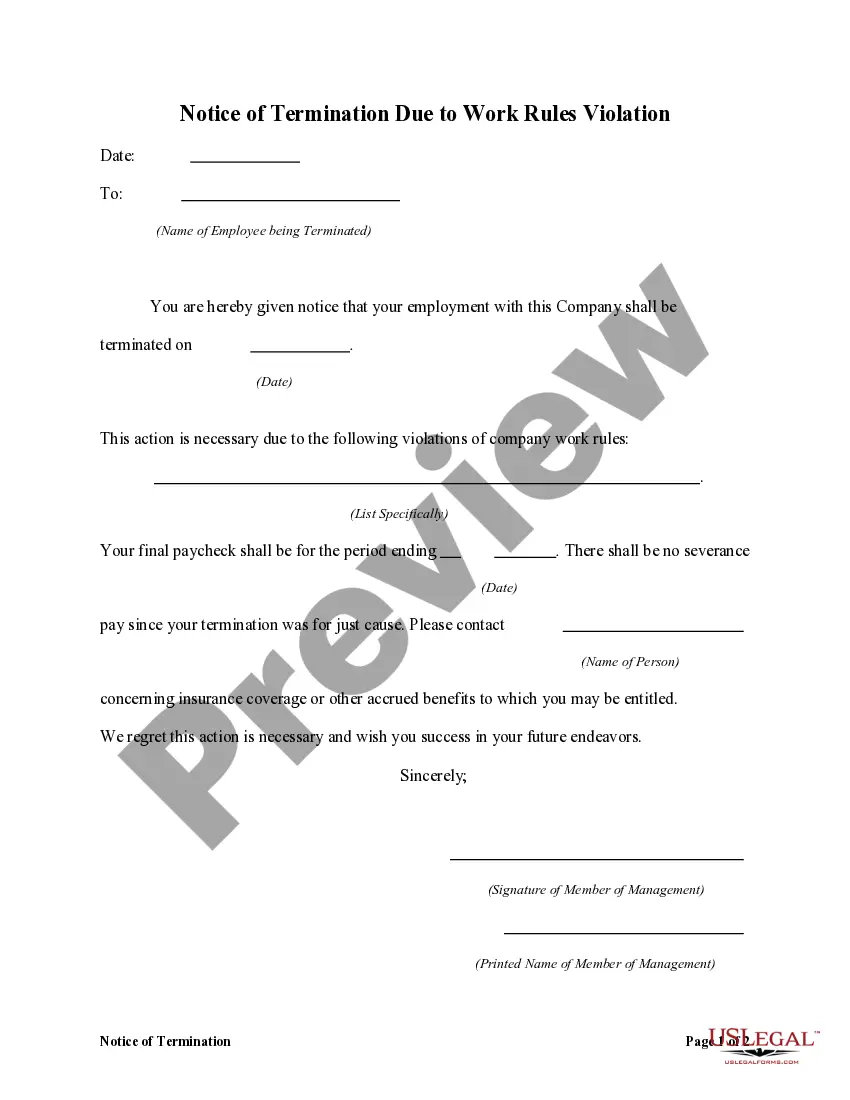
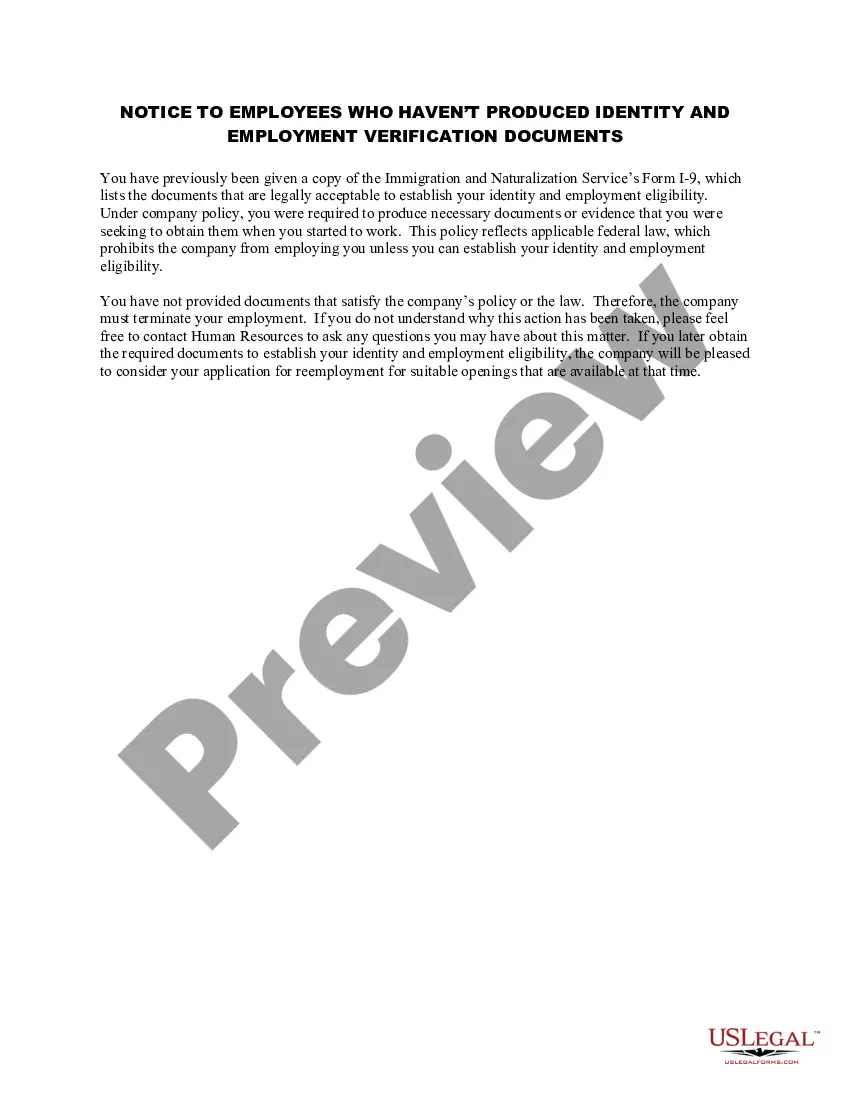
Vermont Employment Offer Withdrawal
Description
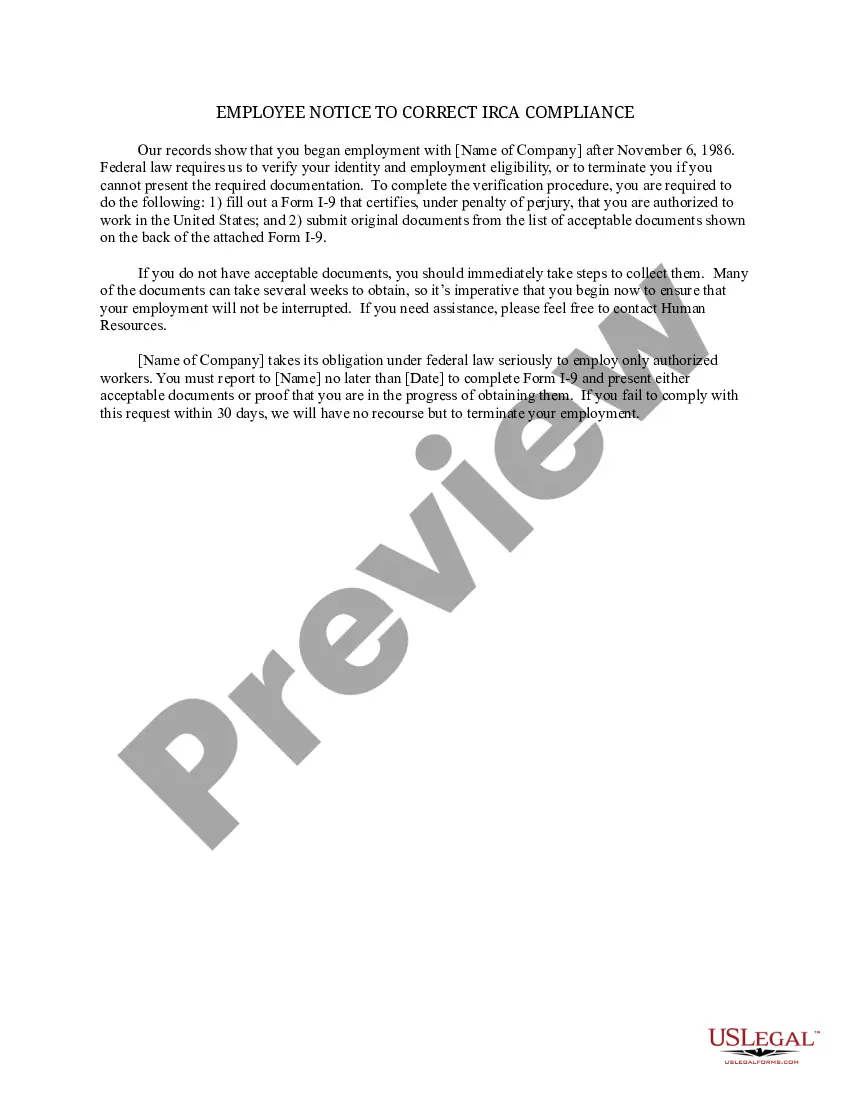
Get your form ready online
Our built-in tools help you complete, sign, share, and store your documents in one place.
Make edits, fill in missing information, and update formatting in US Legal Forms—just like you would in MS Word.
Download a copy, print it, send it by email, or mail it via USPS—whatever works best for your next step.
Sign and collect signatures with our SignNow integration. Send to multiple recipients, set reminders, and more. Go Premium to unlock E-Sign.
If this form requires notarization, complete it online through a secure video call—no need to meet a notary in person or wait for an appointment.
We protect your documents and personal data by following strict security and privacy standards.
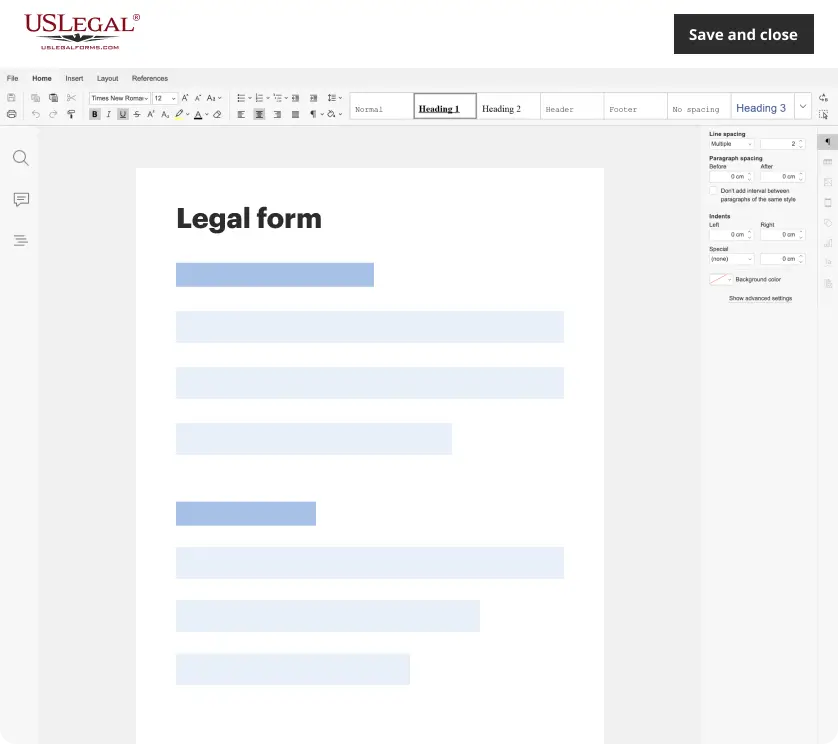
Make edits, fill in missing information, and update formatting in US Legal Forms—just like you would in MS Word.
Download a copy, print it, send it by email, or mail it via USPS—whatever works best for your next step.
Sign and collect signatures with our SignNow integration. Send to multiple recipients, set reminders, and more. Go Premium to unlock E-Sign.
If this form requires notarization, complete it online through a secure video call—no need to meet a notary in person or wait for an appointment.
We protect your documents and personal data by following strict security and privacy standards.
Looking for another form?




How to fill out Employment Offer Withdrawal?
If you require thorough, procure, or create authentic document templates, utilize US Legal Forms, the largest selection of legal forms available online.
Employ the website's straightforward and convenient search to find the documents you need.
Various templates for business and personal use are categorized by groups and states, or keywords.
Step 4. Once you have located the form you need, click the Purchase now button. Choose the pricing plan you prefer and enter your credentials to register for the account.
Step 6. Process the transaction. You can use your credit card or PayPal account to complete the transaction. Step 7. Select the format of the legal form and download it onto your device.
- Use US Legal Forms to retrieve the Vermont Employment Offer Withdrawal with a few clicks.
- If you are already a US Legal Forms customer, Log In to your account and click the Obtain button to get the Vermont Employment Offer Withdrawal.
- You may also access forms you previously saved from the My documents tab of your account.
- If you are using US Legal Forms for the first time, follow the steps below.
- Step 1. Ensure you have chosen the form for the correct city/state.
- Step 2. Use the Review option to examine the form's content. Be sure to read the description.
- Step 3. If you are dissatisfied with the form, use the Search field at the top of the screen to find other forms of the legal type design.
Form popularity
FAQ
Step 1: Keep It Legal. The reason for the withdrawal of employment must be legal.Step 2: Notify the Candidate.Step 3: Describe the Reason.Step 4: Allow for a Follow-up.Step 5: Send a Formal Letter.Why Employers Rescind Job Offers.Bottom Line.You May Also Like 2026
Although rescinding a job offer is not necessarily illegal, there are risks for an employer to consider. Most states have employment-at-will statutes which allow an employer to terminate an employee at any time without reason. These laws also generally apply to withdrawn job offers.
In the event you need to rescind a job offer, you should accompany a phone call with a notice in writing. While a properly worded offer letter should clearly state that it is not a contract, a formal notice acts as an official record and a deterrent against any legal action.
Can you back out of the job offer? Yes. Technically, anyone can turn down a job offer, back out of a job already started, or renege on an acceptance at any point. Most states operate with what is called at will employment. This means the employee and the employer are not in a binding contract.
How to Turn Down a Job Offer You AcceptedThink it through carefully. Before rejecting the job offer, be 100% certain you do not want (or cannot take) the job.Read your contract.Don't wait.Be honest, but tactful.Be concise.Express gratitude.Know your bottom line.Choose the right form of communication.More items...?
Yes, but there could be legal consequences, so an attorney's advice should always be sought before rescinding the offer. Even if an employer has stated on all offers that employment is at will and can be terminated at any time, there is the concept of the employer making a "promise" of a job.
Employers can rescind job offers for almost any reason unless that reason is discriminatory, e.g., based on disability, gender, race, etc. There can be legal consequences for employers for revoking an offer. In some cases, employees may be able to sue for damages if they can prove they've suffered losses as a result.