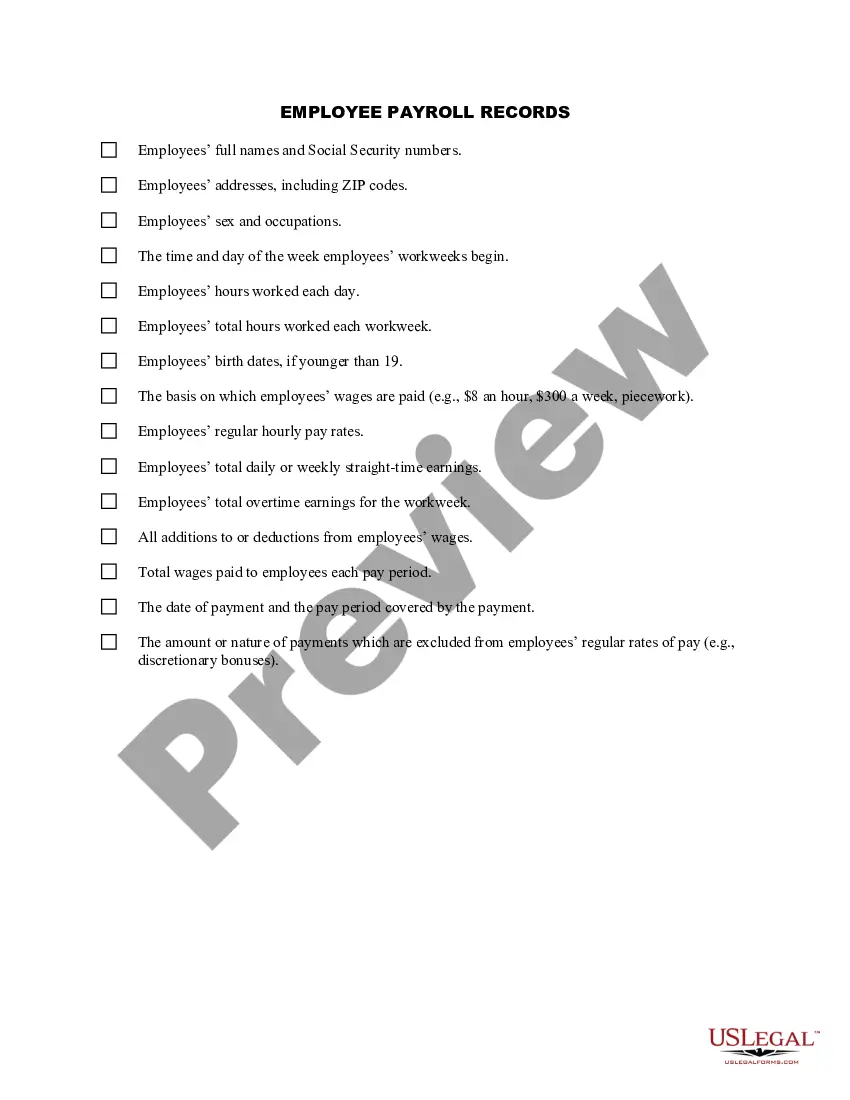
Vermont Employee Payroll Record
Description


Get your form ready online
Our built-in tools help you complete, sign, share, and store your documents in one place.
Make edits, fill in missing information, and update formatting in US Legal Forms—just like you would in MS Word.
Download a copy, print it, send it by email, or mail it via USPS—whatever works best for your next step.
Sign and collect signatures with our SignNow integration. Send to multiple recipients, set reminders, and more. Go Premium to unlock E-Sign.
If this form requires notarization, complete it online through a secure video call—no need to meet a notary in person or wait for an appointment.
We protect your documents and personal data by following strict security and privacy standards.

Make edits, fill in missing information, and update formatting in US Legal Forms—just like you would in MS Word.

Download a copy, print it, send it by email, or mail it via USPS—whatever works best for your next step.

Sign and collect signatures with our SignNow integration. Send to multiple recipients, set reminders, and more. Go Premium to unlock E-Sign.

If this form requires notarization, complete it online through a secure video call—no need to meet a notary in person or wait for an appointment.

We protect your documents and personal data by following strict security and privacy standards.
Looking for another form?

How to fill out Employee Payroll Record?
Are you currently in a situation where you require documents for both business or personal purposes frequently.
There are numerous legal document templates available online, but finding reliable ones is not easy.
US Legal Forms offers thousands of form templates, including the Vermont Employee Payroll Record, designed to meet state and federal regulations.
Select the pricing plan you desire, provide the necessary information to set up your account, and complete your purchase using PayPal or Visa/Mastercard.
Choose a suitable file format and download your copy.
- If you are already familiar with the US Legal Forms website and have an account, simply Log In.
- Then, you can download the Vermont Employee Payroll Record template.
- If you do not have an account and wish to use US Legal Forms, follow these instructions.
- Locate the form you need and ensure it is for the correct state/region.
- Use the Review option to examine the form.
- Check the description to ensure you have chosen the correct document.
- If the form is not what you're looking for, utilize the Search bar to find the document that fits your needs.
- When you find the correct form, click Buy now.
Form popularity
FAQ
For EmployersAn employer is required to withhold Vermont income tax. To help employers determine which payments are subject to Vermont income tax withholding and how much to withhold from an employee's paycheck the Department publishes a guide with withholding instructions, tables, and charts.
State income tax withholding When it comes to tax withholding, payroll primarily follows the rules of the state where the work is performed. If employees who live out of state come to your business for work, payroll would follow the withholding rules for the state where your business is located.
Vermont's Income Tax Vermont has a progressive state income tax. Five tax rates tax income earned in different amounts, or bands, at higher levels. The lowest rate starts at 3.55%, then progressively bumps up to 7%, 8.25%, 8.9%, and tops out at 9.4%.
The information for this form comes from your payroll register, which shows year-to-date totals for each employee for wages and withholding, along with deductions for medical plans, health savings accounts, and other items. Beginning in 2020, you must use a new W-4 form to get information for employee withholding.
You have two options when it comes to filing your W-2 documents. You can fill out paper forms or file electronically on the SSA's Business Services Online website. If you choose to use the paper forms, you must order them from the IRS. Easy online ordering is available on its website at www.
To complete your payroll setup checklist, you just need to enter these pieces of key info: Withholding account number. Unemployment Insurance Account Number (and rate) Worker's Compensation Insurance Account Number (and rate)
The difference between a W-2 and W-4 is that the W-4 tells employers how much tax to withhold from an employee's paycheck; the W-2 reports how much an employer paid an employee and how much tax it withheld during the year. Both are required IRS tax forms.
Vermont State Payroll TaxesThe 2022 tax rates range from 3.35% on the low end to 8.75% on the high end. Employees who make $204,001 or more will hit the highest tax bracket. There are no local taxes, so all of your employees will pay the same state income tax no matter where they live.
Form W-2 includes wage and salary information as well as federal, state, and other taxes that were withheld. This information is used by the employee when they complete their individual tax return using Form 1040. An employer must mail out the Form W-2 to employees on or before January 31.