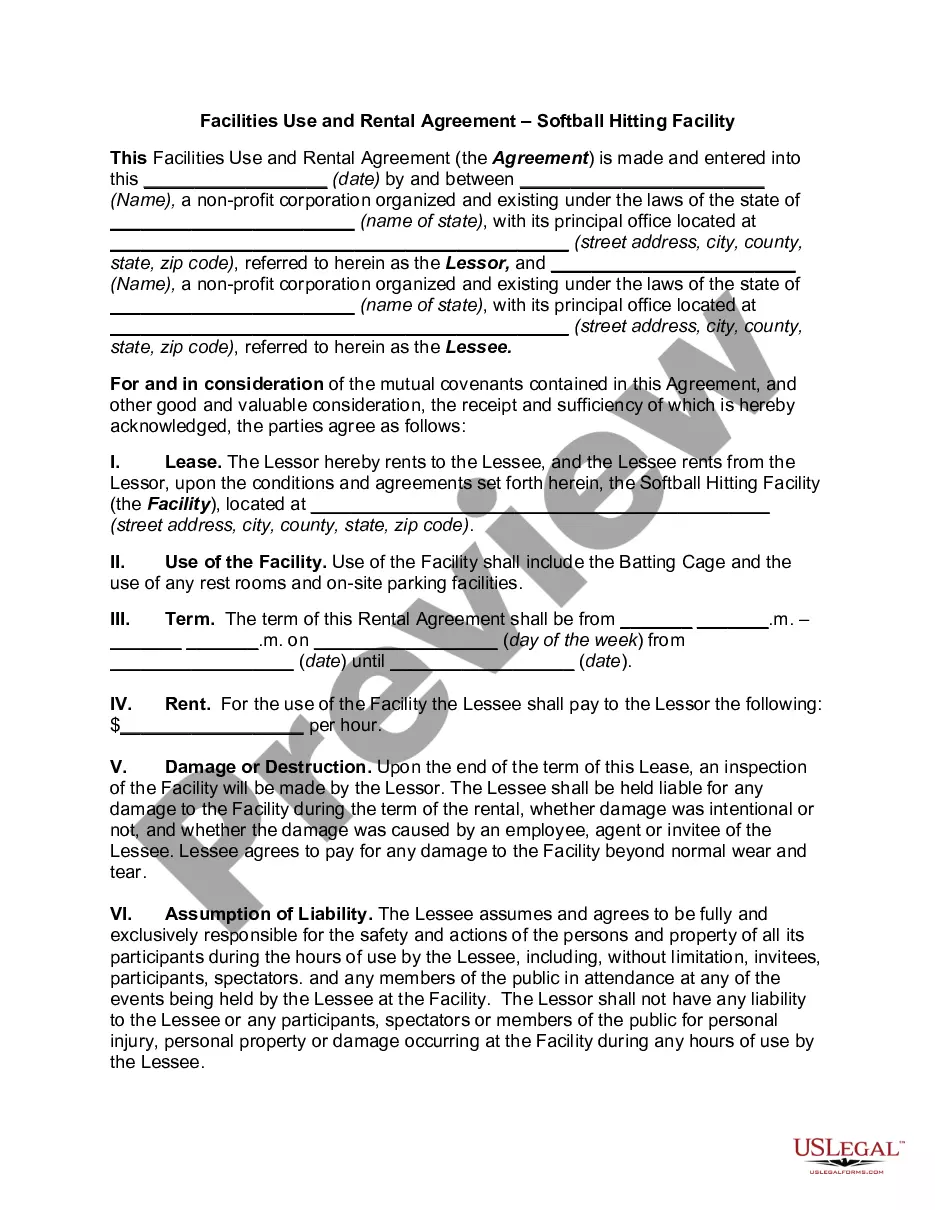
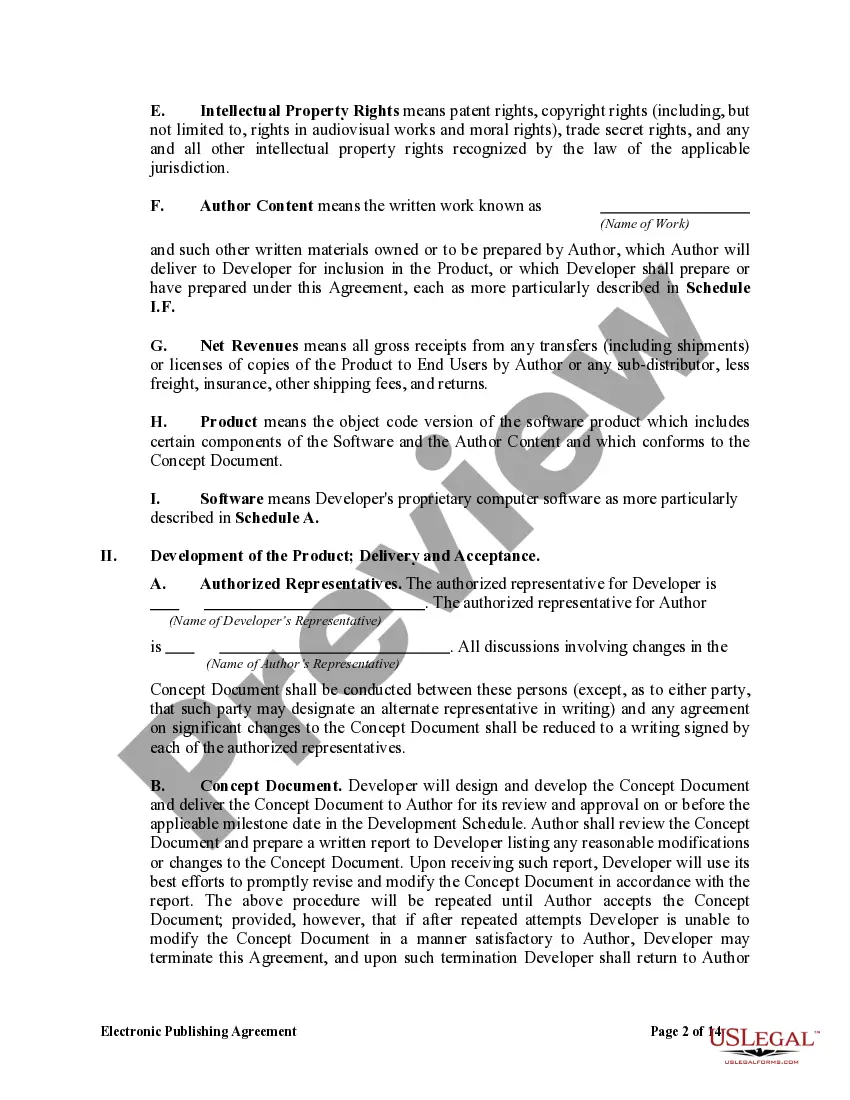
Virgin Islands Electronic Publishing Agreement
Description

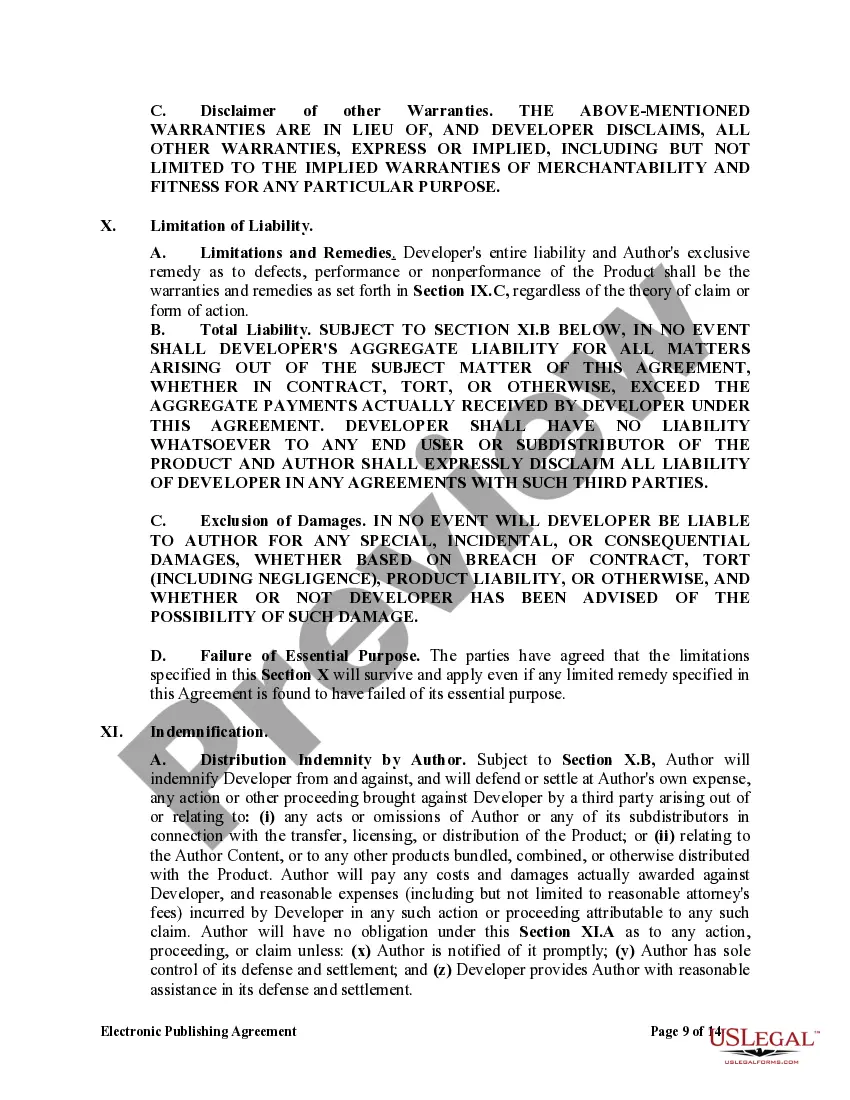
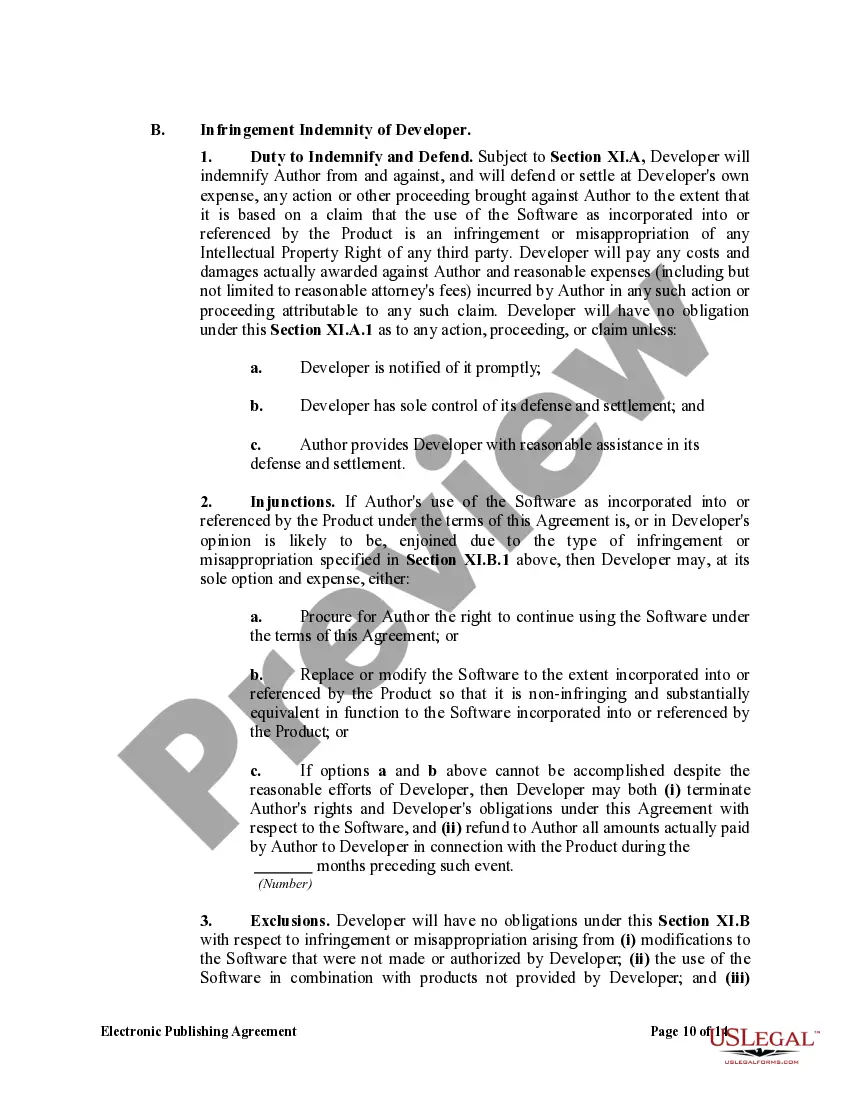

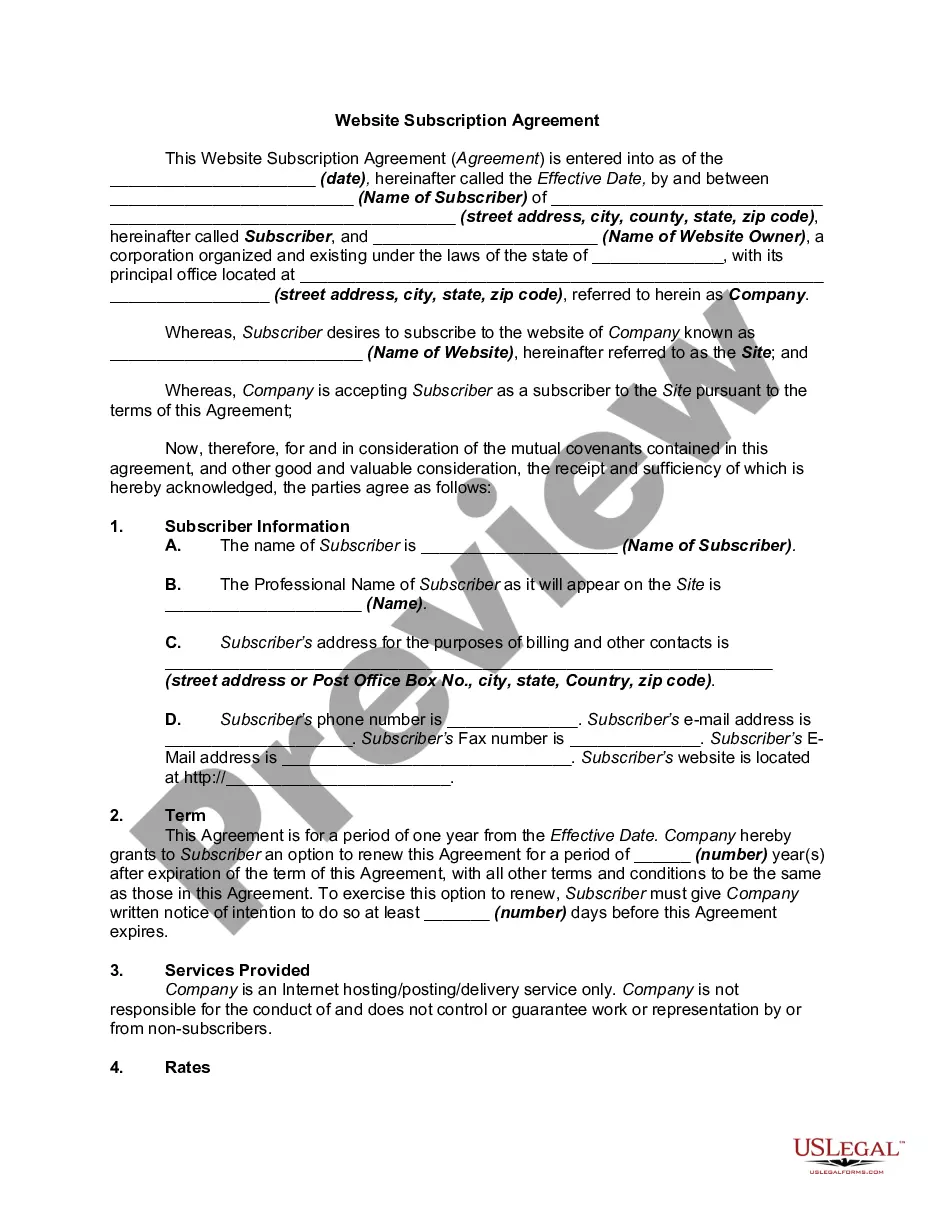
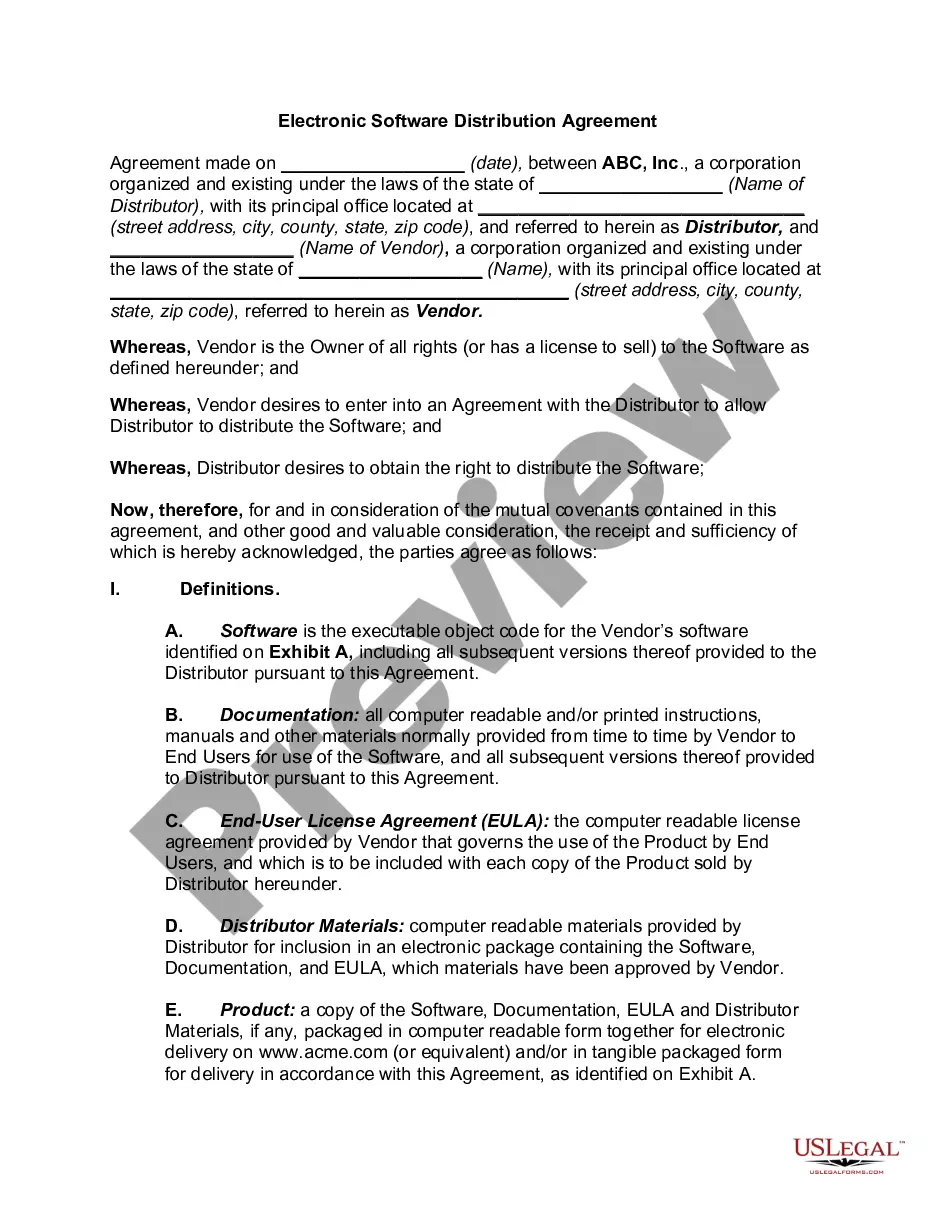
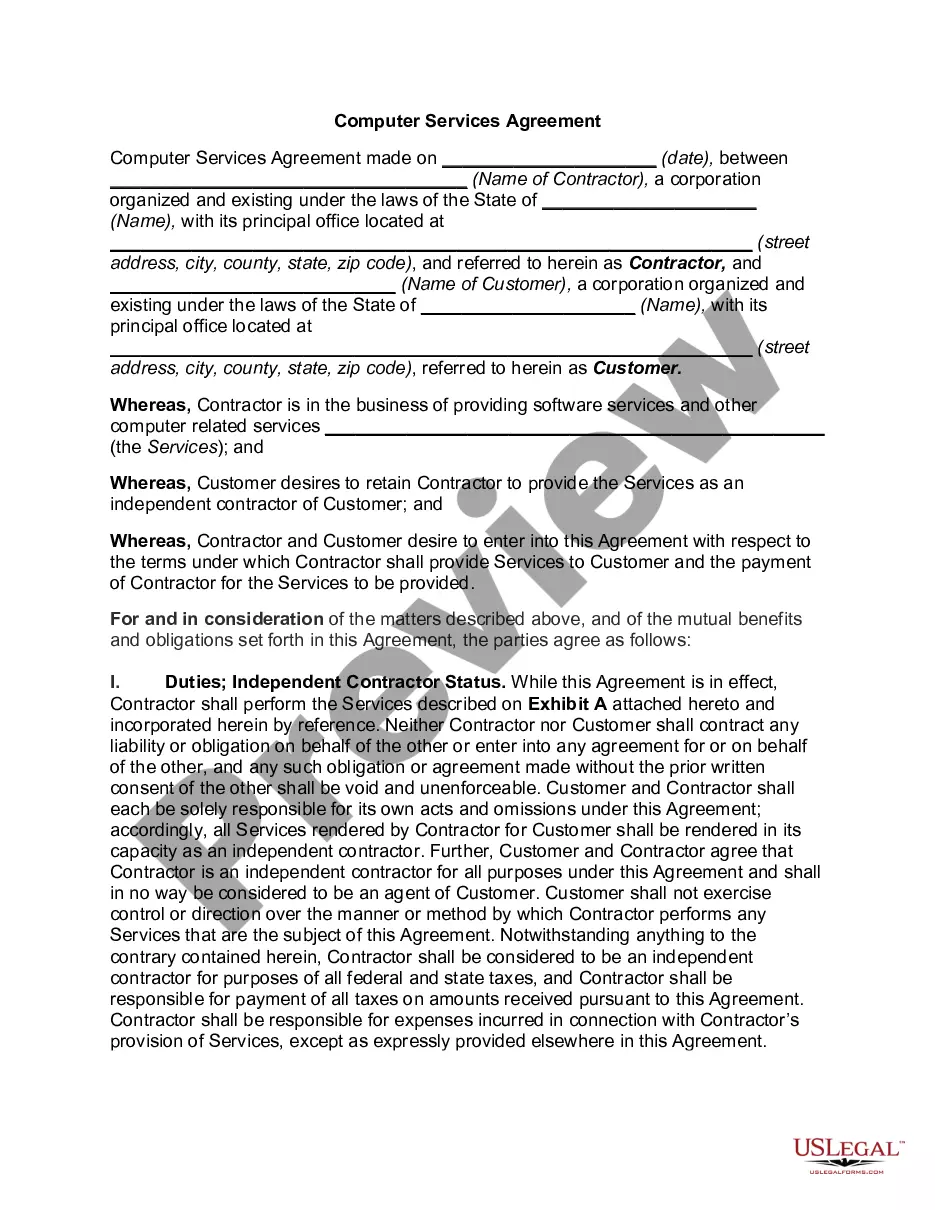
Get your form ready online
Our built-in tools help you complete, sign, share, and store your documents in one place.
Make edits, fill in missing information, and update formatting in US Legal Forms—just like you would in MS Word.
Download a copy, print it, send it by email, or mail it via USPS—whatever works best for your next step.
Sign and collect signatures with our SignNow integration. Send to multiple recipients, set reminders, and more. Go Premium to unlock E-Sign.
If this form requires notarization, complete it online through a secure video call—no need to meet a notary in person or wait for an appointment.
We protect your documents and personal data by following strict security and privacy standards.

Make edits, fill in missing information, and update formatting in US Legal Forms—just like you would in MS Word.

Download a copy, print it, send it by email, or mail it via USPS—whatever works best for your next step.

Sign and collect signatures with our SignNow integration. Send to multiple recipients, set reminders, and more. Go Premium to unlock E-Sign.

If this form requires notarization, complete it online through a secure video call—no need to meet a notary in person or wait for an appointment.

We protect your documents and personal data by following strict security and privacy standards.
Looking for another form?


How to fill out Electronic Publishing Agreement?
If you need to finalize, acquire, or create valid document templates, utilize US Legal Forms, the largest assortment of lawful forms, which can be accessed online.
Take advantage of the website's user-friendly and efficient search to locate the documents you require.
Various templates for commercial and personal purposes are organized by categories and jurisdictions, or keywords.
Step 4. Once you have found the form you desire, click on the Buy now button. Choose the payment plan that suits you and enter your information to create an account.
Step 5. Process the transaction. You can use your Visa or MasterCard or PayPal account to complete the purchase.
- Use US Legal Forms to obtain the Virgin Islands Electronic Publishing Agreement in just a few clicks.
- If you are already a US Legal Forms user, sign in to your account and then click the Obtain button to find the Virgin Islands Electronic Publishing Agreement.
- You can also access forms you previously acquired in the My documents tab of your account.
- If this is your first time using US Legal Forms, follow the guidelines below.
- Step 1. Ensure you have selected the form for the correct city/state.
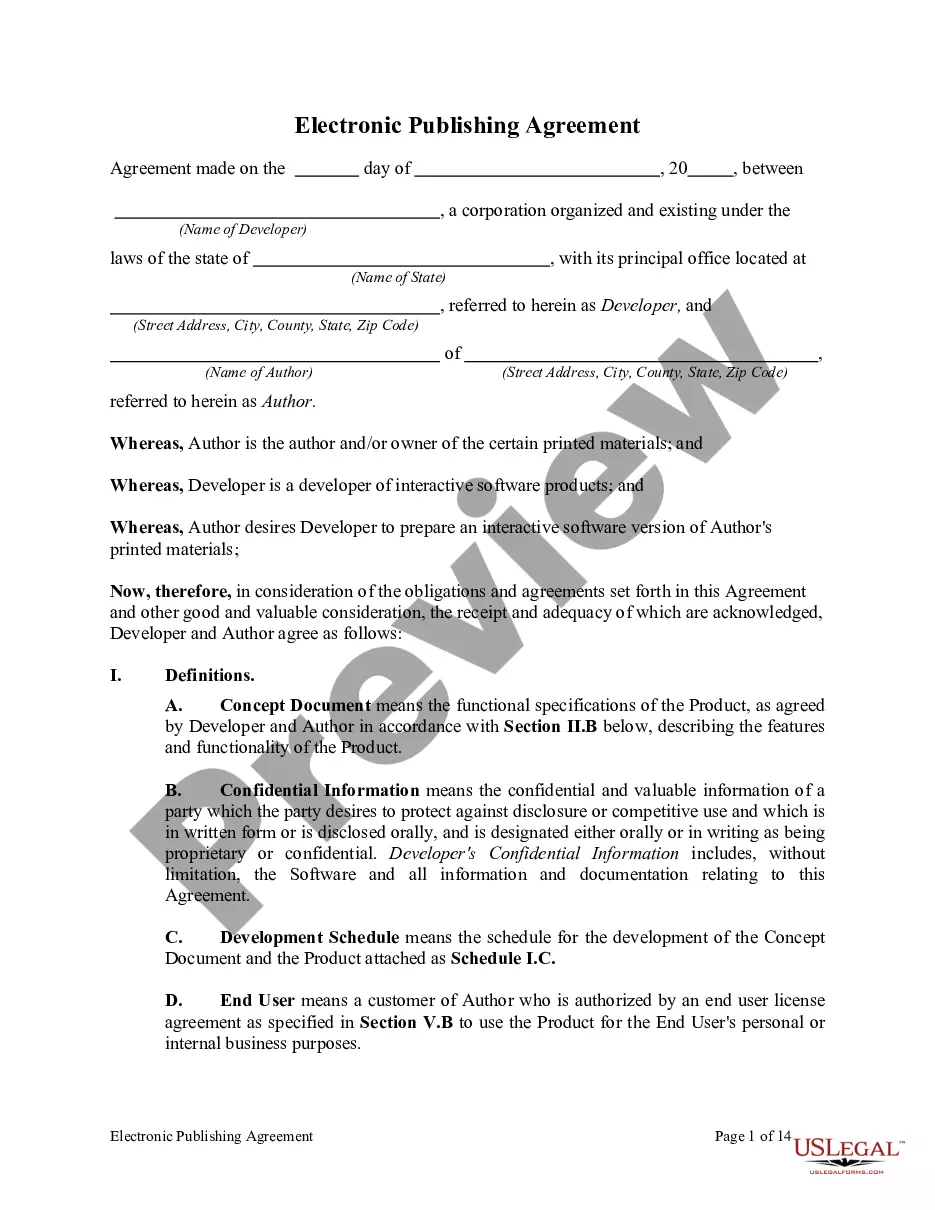
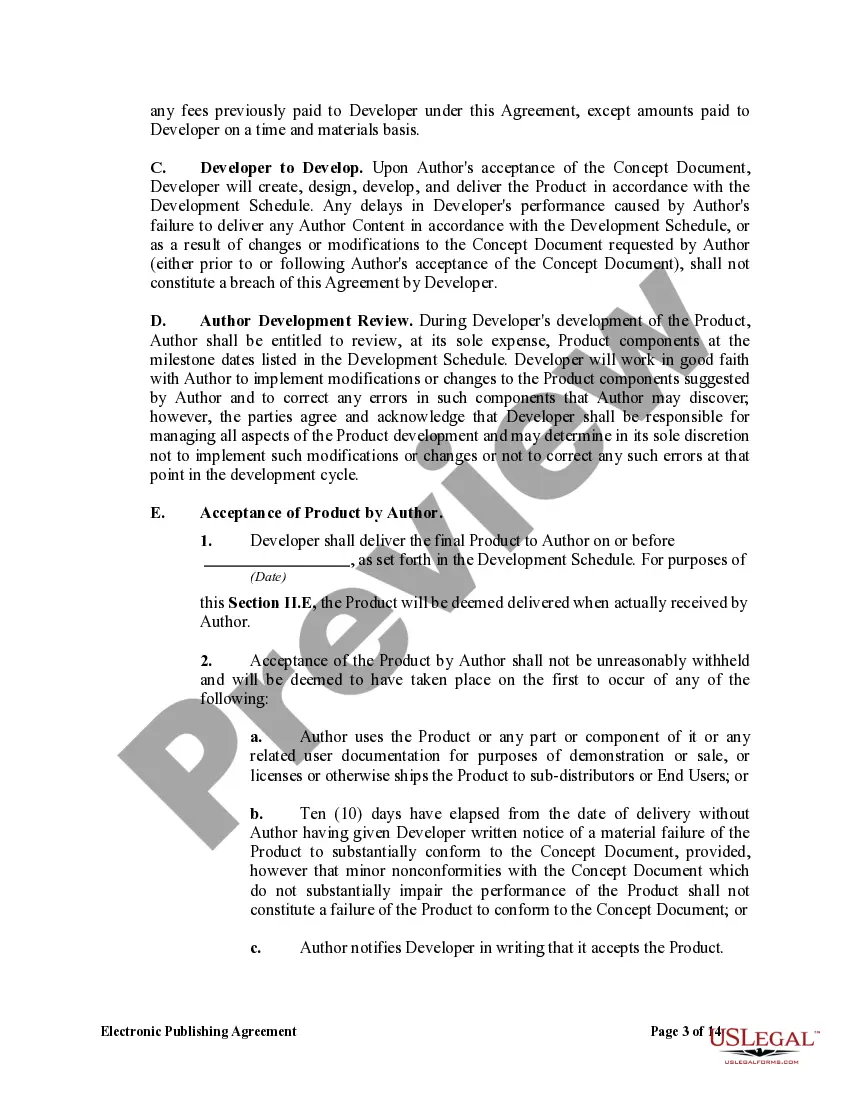
- Step 2. Use the Preview option to review the content of the form. Don't forget to read the description.
- Step 3. If you are dissatisfied with the form, utilize the Search field at the top of the screen to find alternative versions of the legal form template.
Form popularity
FAQ
ProcessSTEP 1 SUBMIT INCORPORATION ORDER FORM FOR BVI COMPANY INCORPORATION. Please provide us your email address in the package details and we will email you the necessary incorporation forms.STEP 2 MAKE PAYMENT FOR OFFSHORE COMPANY.STEP 3 INCORPORATE BRITISH VIRGIN ISLANDS COMPANY.
How to Sign a Contract Online Using SignaturelyChoose your signers. Once you have your contract, you can use Signaturely to send them to the signers.Prepare the Document. Now, you'll have to prepare your document for signing.Let your signers sign the contract. Creating eSignatures with Signaturely is easy.
The core essentials required to set up an offshore company in BVI include:Company name.BVI Office Address and Local Agent.Essential Company Documents.Company Directors and Shareholders.Scanned and notarized photocopy of a passport.Authorized Capital.Annual Fees.Public Records.
A BVI company can be incorporated quickly, with a flexible organisational structure and minimal financial reporting requirements. BVI companies are ideal for startup companies as they can be operated from anywhere in the world and there are no restrictions on where a BVI company can carry out its business.
Electronic Signatures, Not Digital SignaturesWindows: Open the PDF in Adobe Reader and click the Fill & Sign button in the right pane.Mac: Open the PDF in Preview, click the Toolbox button, then click Sign.iPhone and iPad: Open the PDF attachment in Mail, then click Markup and Reply to sign.More items...?
There are no strict reporting requirements in BVI and an IBC does not need to prepare financial statements or company accounts. The company should maintain only those accounts or records which the company directors consider to be necessary for their own use; and these can be kept anywhere in the world.
A BVI company can be incorporated quickly, with a flexible organisational structure and minimal financial reporting requirements. BVI companies are ideal for startup companies as they can be operated from anywhere in the world and there are no restrictions on where a BVI company can carry out its business.
You can send a contract and let clients add an electronic signature. Sending contracts for online eSigning eliminates the costs and hassle of printing, scanning, faxing, and overnight delivery. Use 's free trial to send your contract, and allow clients to sign anywhere, on any device.
Here are the steps to incorporating in the British Virgin Islands:Step 1: Reserve your Company Name. The first step is to reserve a company name with the BVI Registry.Step 2: Appoint a Registered Agent.Step 3: Open a bank account.Step 4: Submit all relevant documents.
Here are the steps to incorporating in the British Virgin Islands:Step 1: Reserve your Company Name. The first step is to reserve a company name with the BVI Registry.Step 2: Appoint a Registered Agent.Step 3: Open a bank account.Step 4: Submit all relevant documents.