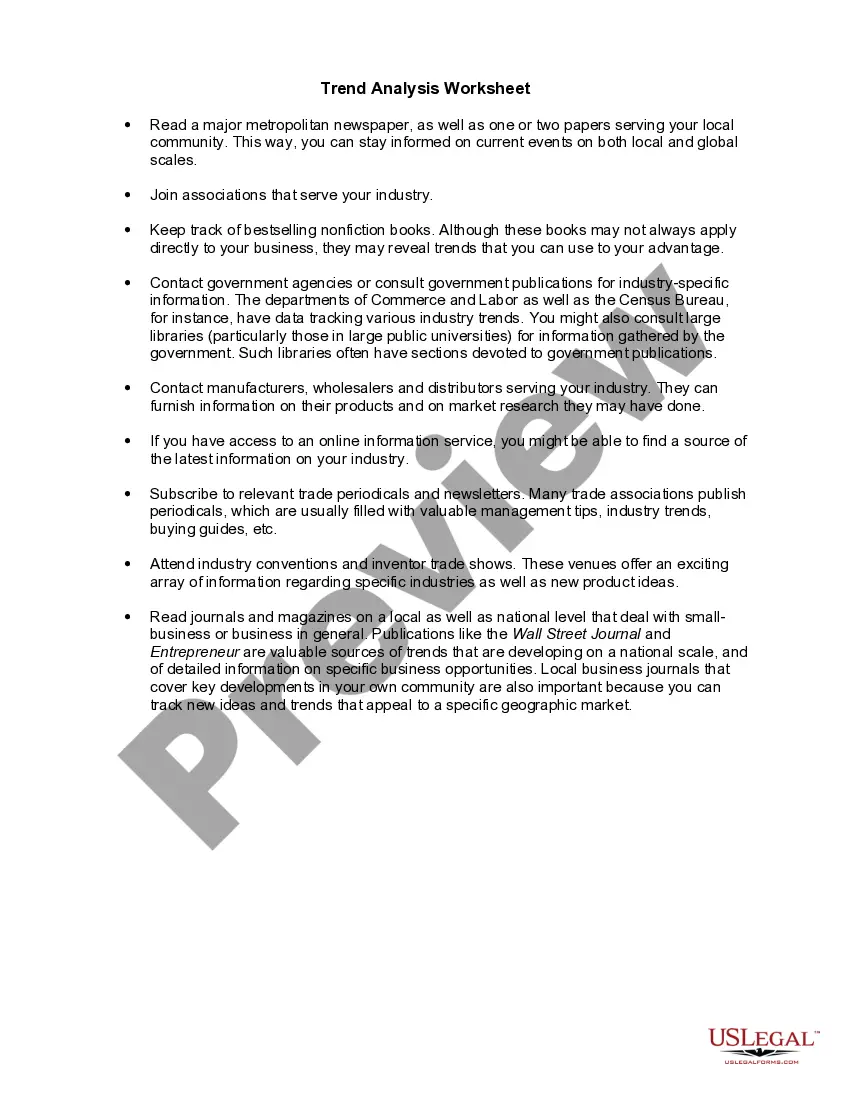
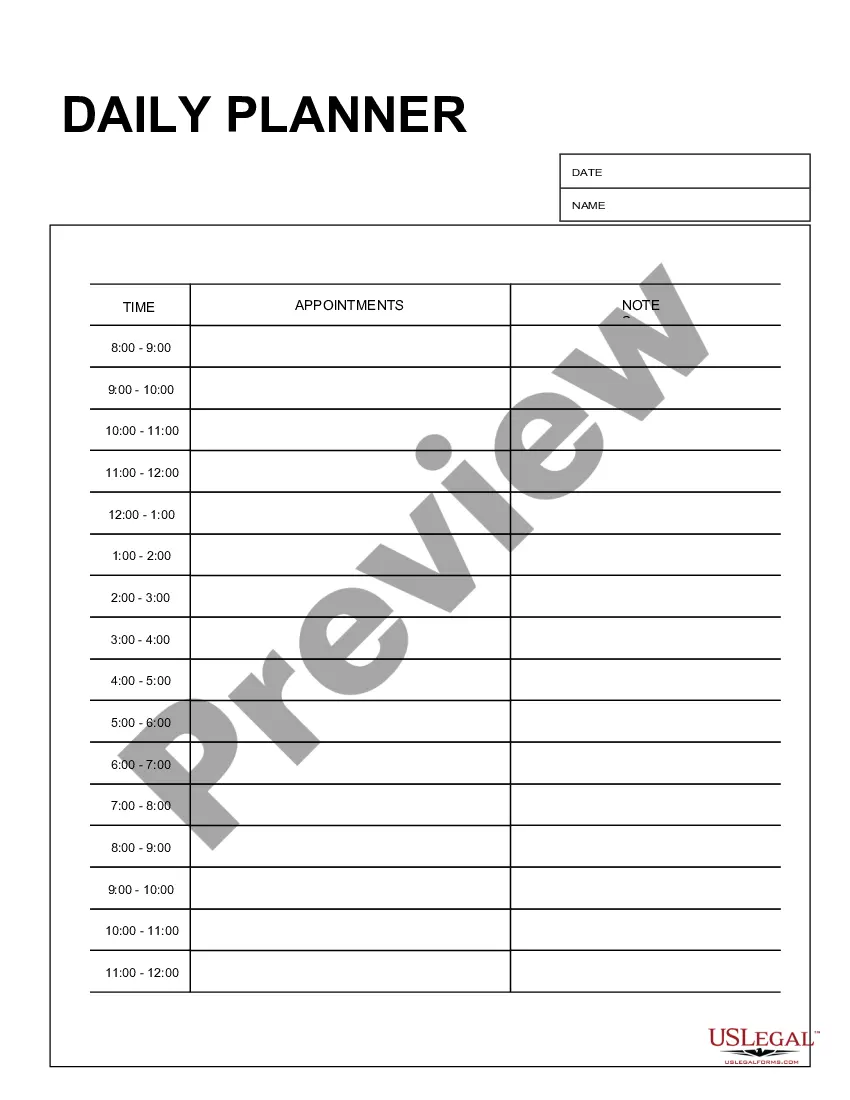
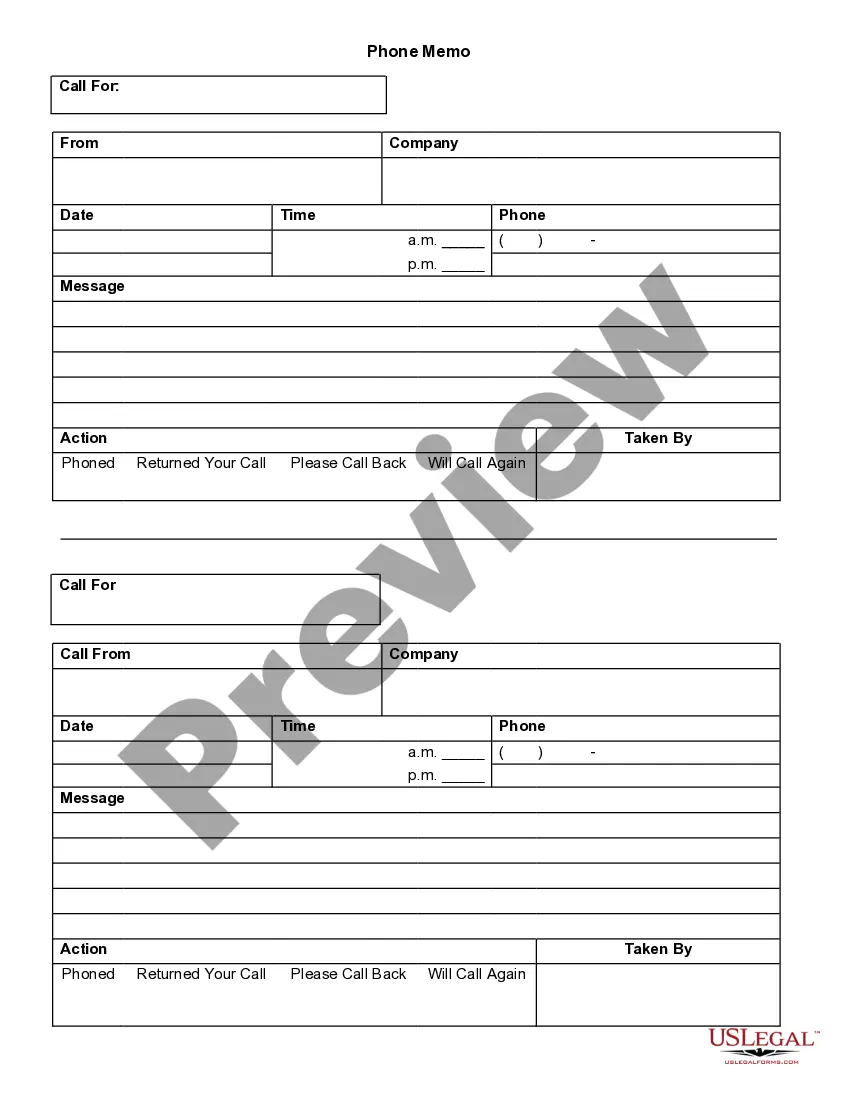
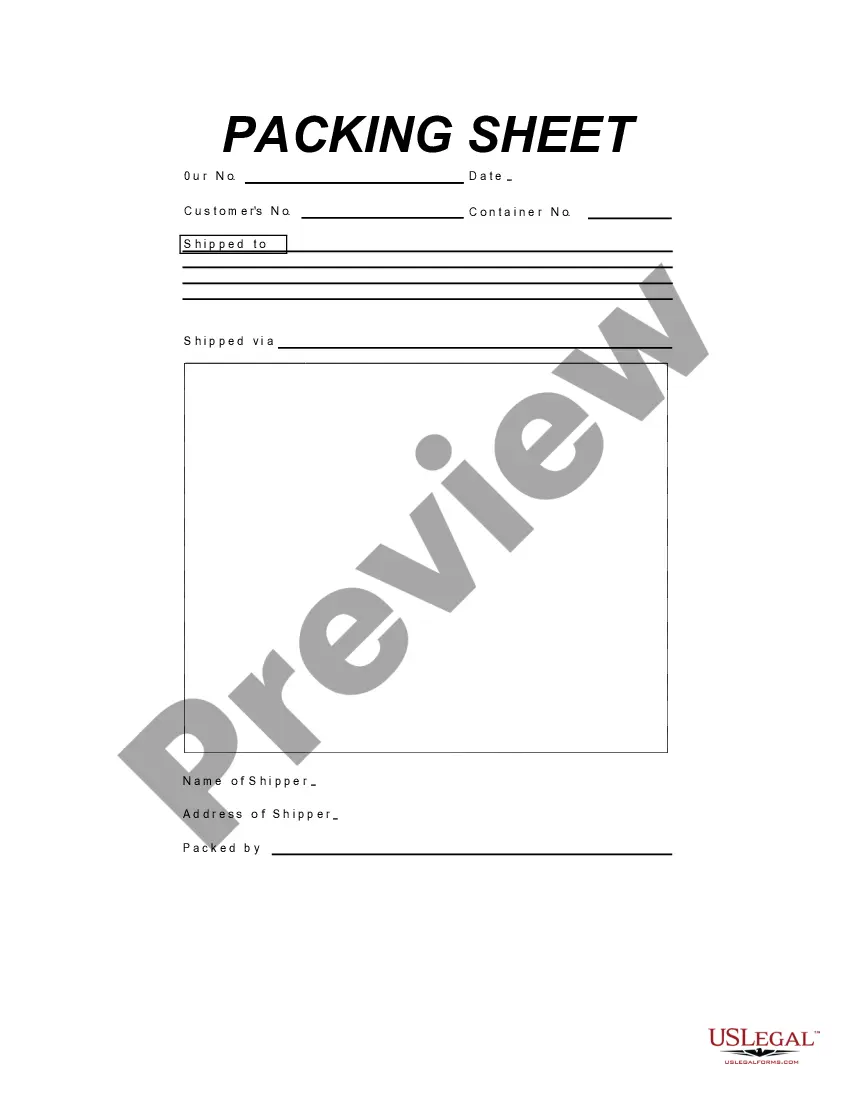
This form is a business type form that is formatted to allow you to complete the form using Adobe Acrobat or Word. The word files have been formatted to allow completion by entry into fields. Some of the forms under this category are rather simple while others are more complex. The formatting is worth the small cost.
Virginia Daily Planner
Category:
State:
Multi-State
Control #:
US-138-AZ
Format:
Word;
PDF;
Rich Text
Instant download
Description

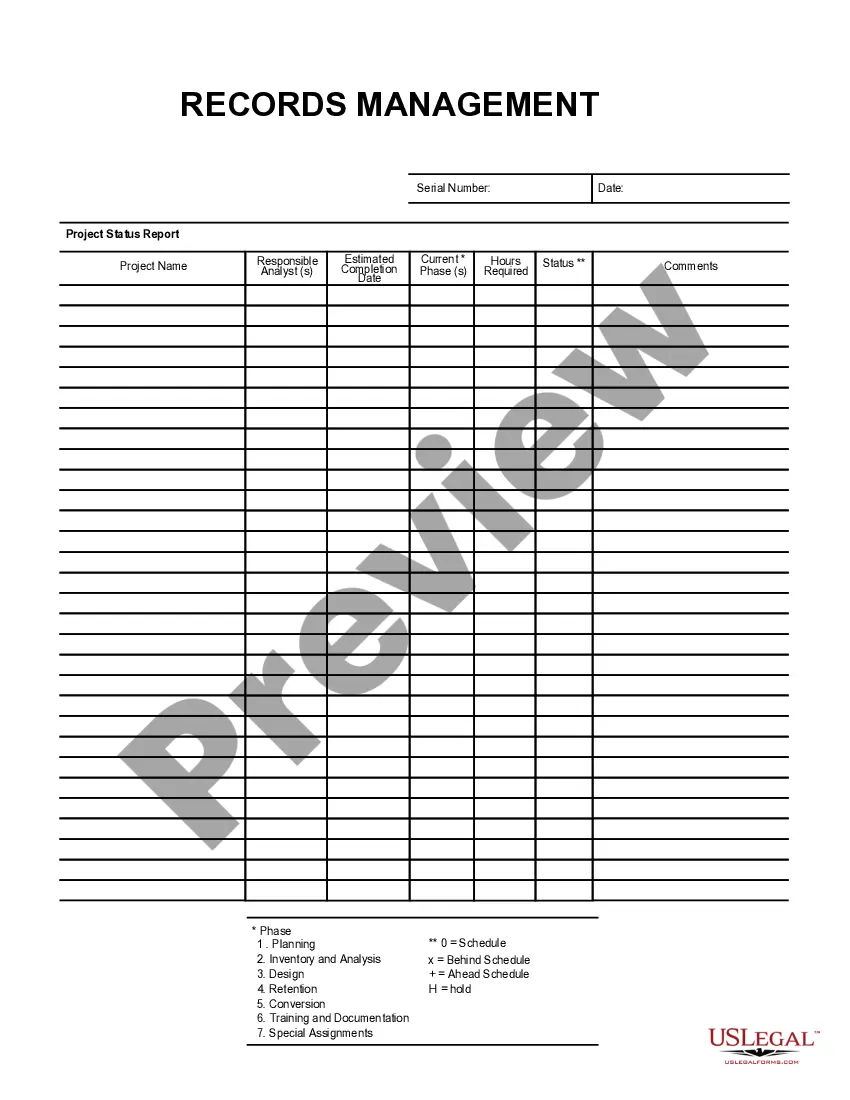
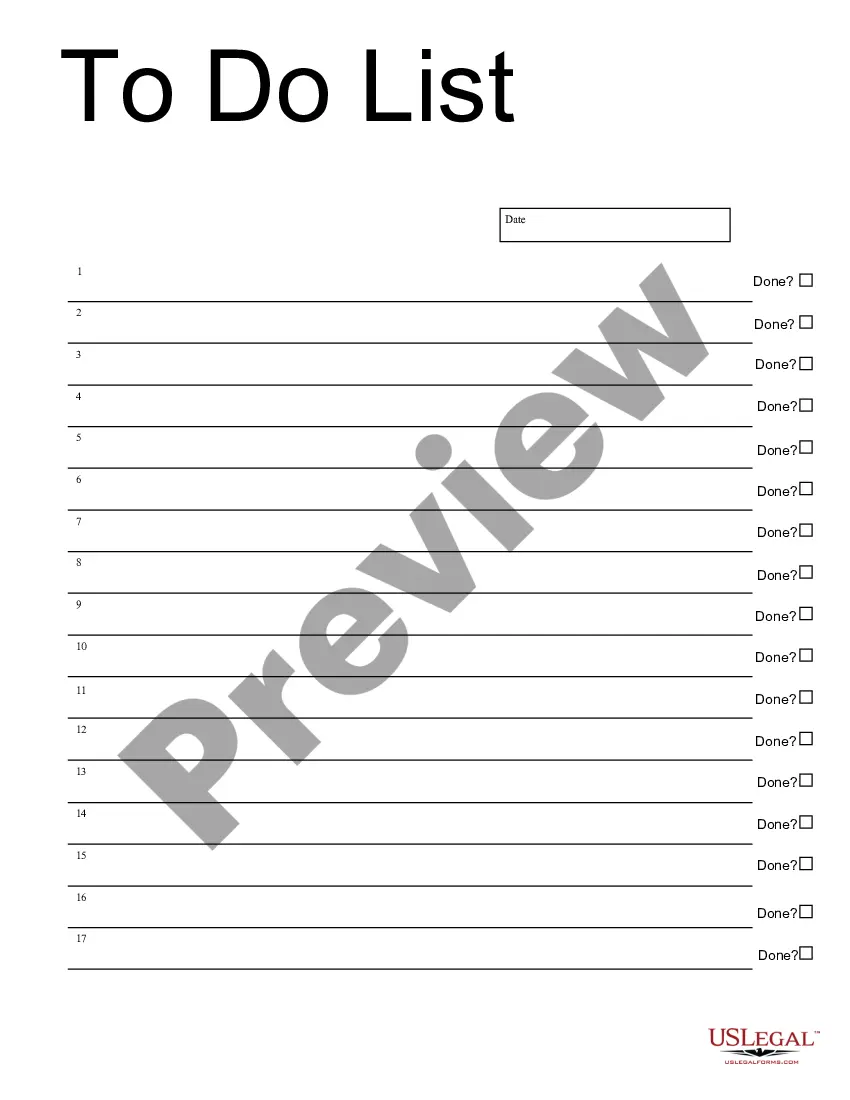
Get your form ready online
Our built-in tools help you complete, sign, share, and store your documents in one place.
Built-in online Word editor
Make edits, fill in missing information, and update formatting in US Legal Forms—just like you would in MS Word.
Export easily
Download a copy, print it, send it by email, or mail it via USPS—whatever works best for your next step.
E-sign your document
Sign and collect signatures with our SignNow integration. Send to multiple recipients, set reminders, and more. Go Premium to unlock E-Sign.
Notarize online 24/7
If this form requires notarization, complete it online through a secure video call—no need to meet a notary in person or wait for an appointment.
Store your document securely
We protect your documents and personal data by following strict security and privacy standards.

Make edits, fill in missing information, and update formatting in US Legal Forms—just like you would in MS Word.

Download a copy, print it, send it by email, or mail it via USPS—whatever works best for your next step.

Sign and collect signatures with our SignNow integration. Send to multiple recipients, set reminders, and more. Go Premium to unlock E-Sign.

If this form requires notarization, complete it online through a secure video call—no need to meet a notary in person or wait for an appointment.

We protect your documents and personal data by following strict security and privacy standards.
Looking for another form?


How to fill out Daily Planner?
Finding the correct legal document template can be quite challenging.
Clearly, there are many templates available online, but how can you locate the legal form you require.
Utilize the US Legal Forms website.
First, ensure you have selected the appropriate form for your location. You can review the form using the Review button and check the document details to confirm it is accurate for your needs.
- The service offers thousands of templates, such as the Virginia Daily Planner, suitable for both business and personal use.
- All documents are reviewed by experts and comply with federal and state requirements.
- If you are already registered, Log Into your account and click on the Acquire button to obtain the Virginia Daily Planner.
- Use your account to browse the legal documents you have purchased previously.
- Go to the My documents tab in your account to download another copy of the document you need.
- If you are a new user of US Legal Forms, here are simple steps for you to follow.
Form popularity
FAQ
Here are five tips to make the most of your planner:Consistency is key. Studies have shown it takes up to two months to develop a new habit.Fill in important dates and deadlines right away. Get into the habit of writing down all important dates and deadlines as soon as you find out about them.
Here are 10 ways to maximise your personal planner and increase your productivity. Write down everything you feel is important. Set aside a time every night to chart out a To-Do list. Make a monthly task list. Prioritise tasks for the week. Add a section for tracking your goals.More items...?
Here are seven things you should include in your planner:#1 Important dates.#2 Goals and daily challenges.The Five-Minute Journal Available Here.#3 Budgets.#4 Health appointments.#5 Ideas.#6 Phone numbers.#7 Motivational quotes.
Here are five tips to make the most of your planner:Consistency is key. Studies have shown it takes up to two months to develop a new habit.Fill in important dates and deadlines right away. Get into the habit of writing down all important dates and deadlines as soon as you find out about them.
Here are seven things you should include in your planner:Important dates. Grab a planner that has space to put in important dates.Goals and daily challenges. Always write your goals in your planner.Budgets.Health appointments.Big ideas.Motivational quotes.
10 Planner Organization Tips You Should FollowChoose the right planner.Set aside time to plan.Decide on a planning system.Write everything down.Categorize your tasks.Use functional planner stickers.Keep everything in one planner.Make a Top 3 List.More items...?
As a beginner, using your planner should be productive, efficient and fun, so keep it simple with these basic guidelines:Yearly: Set aside some time for a 'Year at a Glance' planning session.Weekly: Each week, carve out some time to think about the week ahead and keep the day consistent.More items...
Notes Section - This is the area where you will write everything else important to your life. Use it for brainstorming, brain dump, projects, wishlists, and ideas.