Virginia Jurat Acknowlegment
Understanding this form
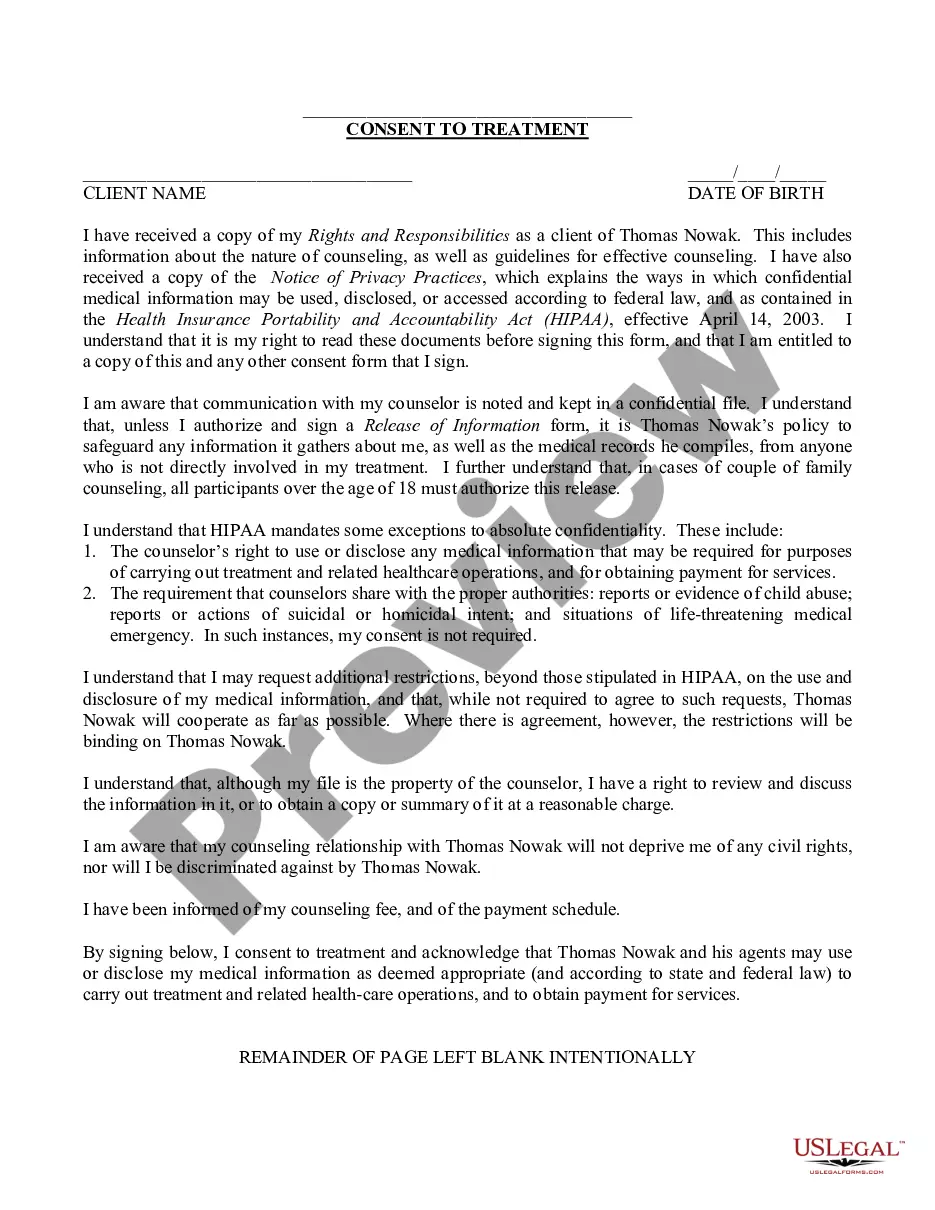
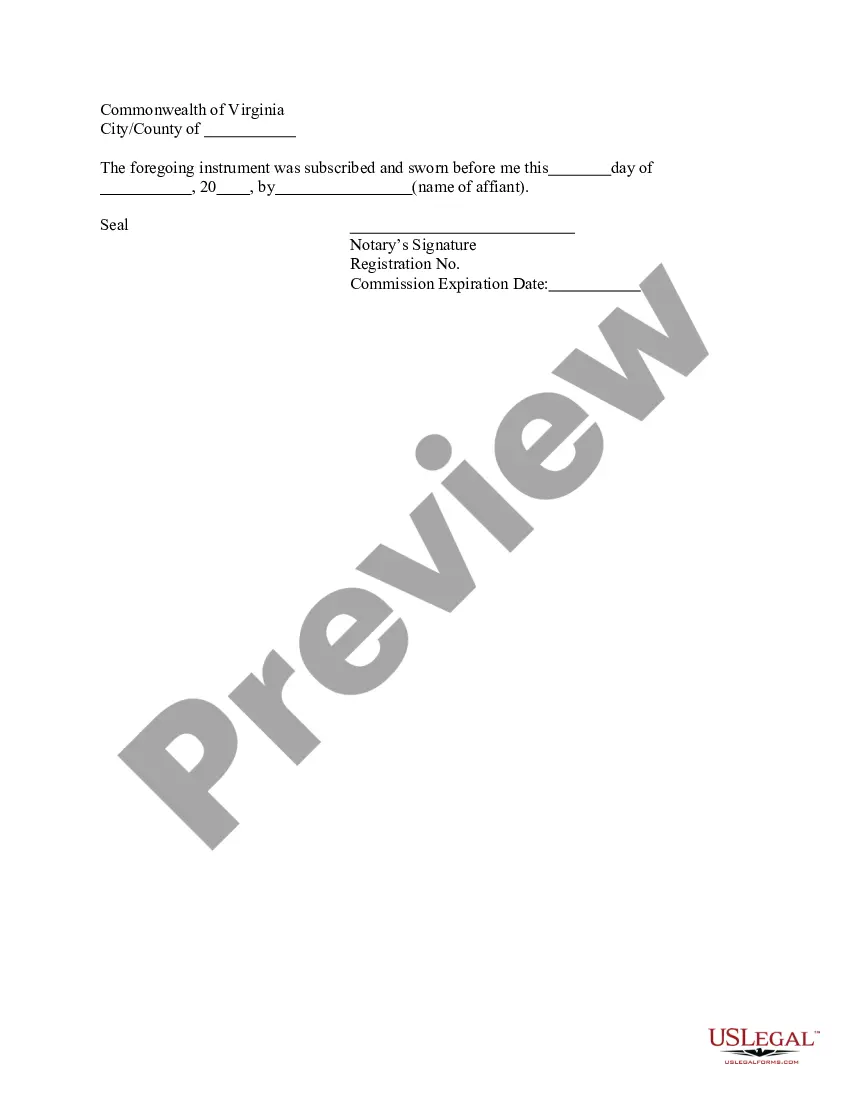
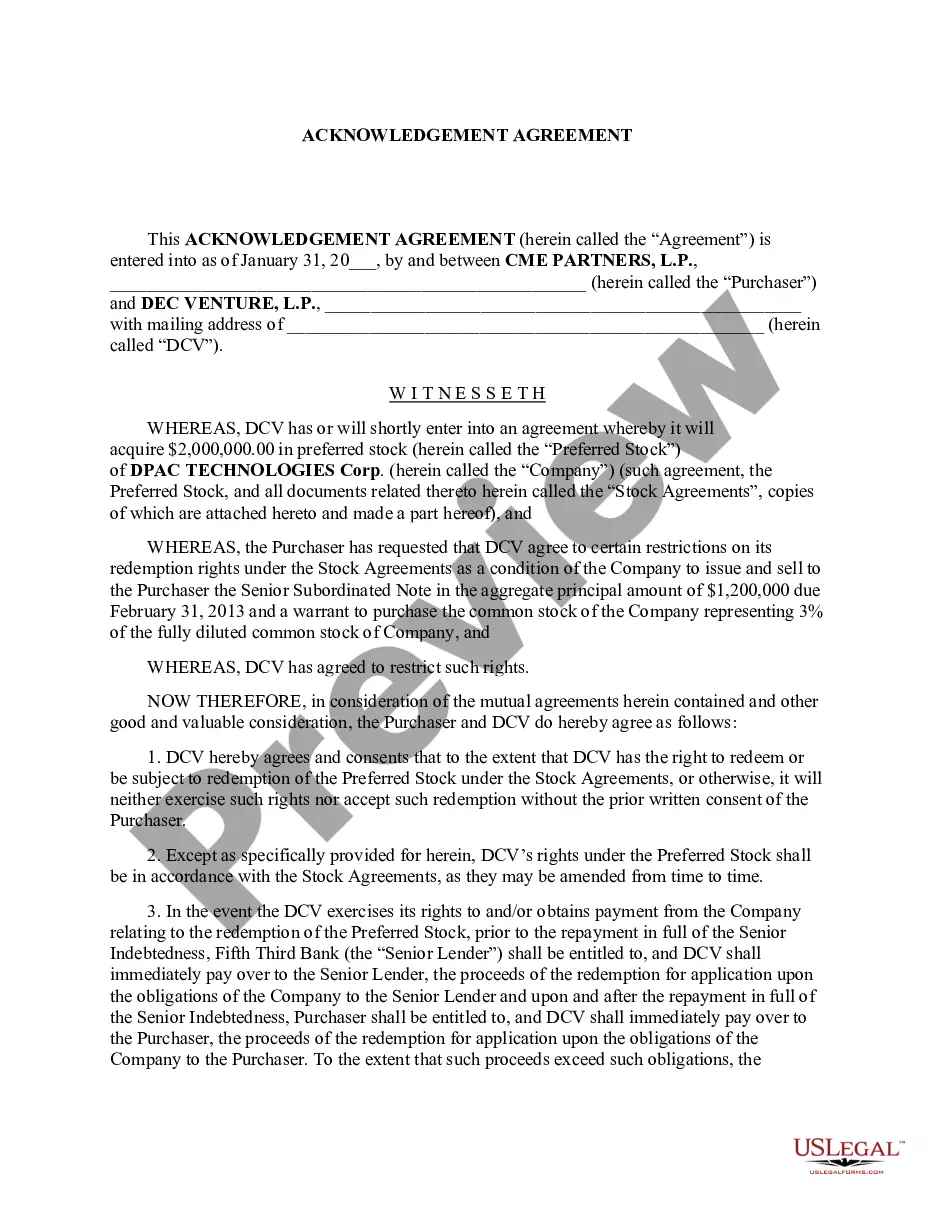
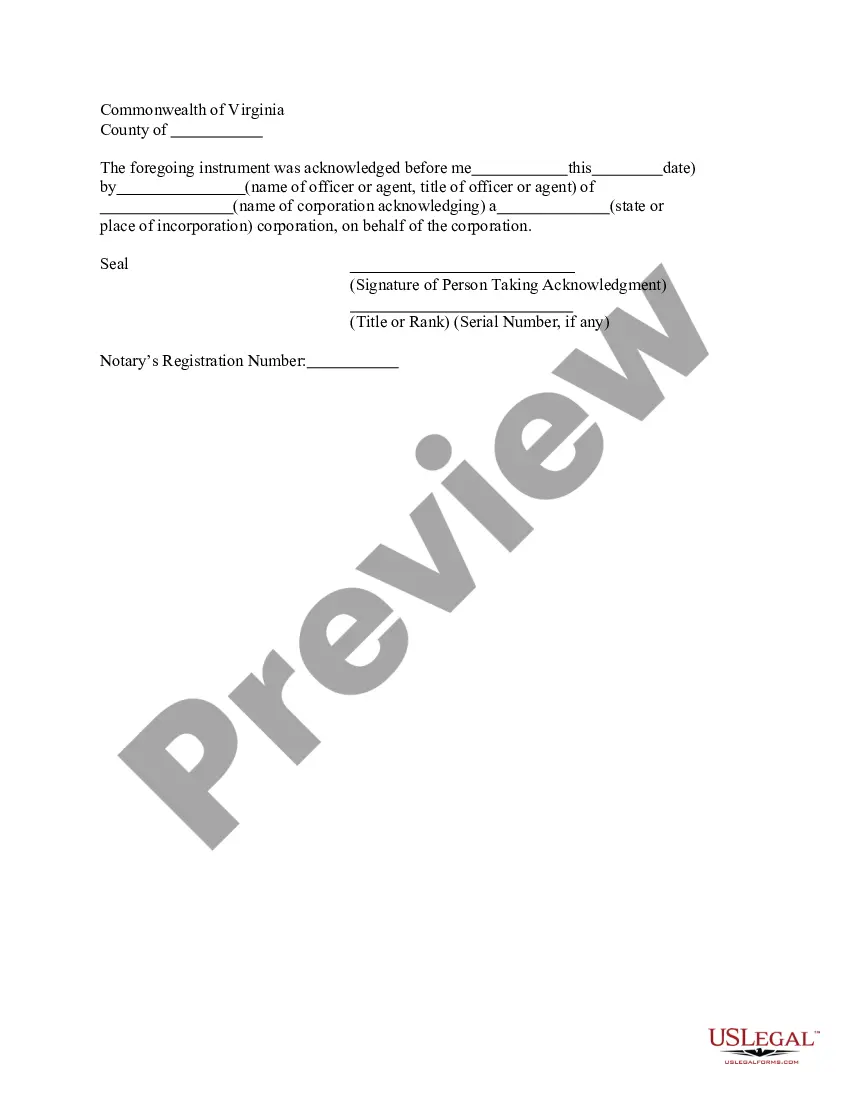
The Jurat Acknowledgment is a legal form used to certify that a person has sworn to the truthfulness of the contents of a document before a notary public. This form serves as proof that the individual who signed the document did so under oath, making it a crucial component in legal proceedings. Unlike simple acknowledgments, a Jurat requires the signer to affirm the accuracy of the information, thus adding a layer of credibility and accountability. It is widely used in various legal contexts, including affidavits and sworn statements.
Main sections of this form
- Date of the acknowledgment
- Name of the affiant (the person making the statement)
- Signature of the notary public
- Notary's seal
- Commission expiration date of the notary

When to use this document
You should use the Jurat Acknowledgment in situations where you need to legally affirm the content of a document. Common scenarios include filing affidavits in court, confirming statements in legal matters, or verifying the authenticity of documents required by governmental organizations. It is essential when the accuracy of the statement is critical to the legal process or for compliance purposes.
Who needs this form
- Individuals making sworn statements or affidavits
- Legal professionals preparing documents requiring notarization
- Anyone needing to affirm the truthfulness of their statements in legal or formal settings
- Individuals dealing with government agencies that require notarized forms
Completing this form step by step
- Prepare the document you intend to acknowledge.
- Sign the document in the presence of a notary public.
- The notary will complete the Jurat by filling out the required information.
- Ensure the notary applies their seal and signs the form.
- Keep a copy of the completed Jurat Acknowledgment for your records.
Notarization requirements for this form
To make this form legally binding, it must be notarized. Our online notarization service, powered by Notarize, lets you verify and sign documents remotely through an encrypted video session.
Get your form ready online
Our built-in tools help you complete, sign, share, and store your documents in one place.
Make edits, fill in missing information, and update formatting in US Legal Forms—just like you would in MS Word.
Download a copy, print it, send it by email, or mail it via USPS—whatever works best for your next step.
Sign and collect signatures with our SignNow integration. Send to multiple recipients, set reminders, and more. Go Premium to unlock E-Sign.
If this form requires notarization, complete it online through a secure video call—no need to meet a notary in person or wait for an appointment.
We protect your documents and personal data by following strict security and privacy standards.

Make edits, fill in missing information, and update formatting in US Legal Forms—just like you would in MS Word.

Download a copy, print it, send it by email, or mail it via USPS—whatever works best for your next step.

Sign and collect signatures with our SignNow integration. Send to multiple recipients, set reminders, and more. Go Premium to unlock E-Sign.

If this form requires notarization, complete it online through a secure video call—no need to meet a notary in person or wait for an appointment.

We protect your documents and personal data by following strict security and privacy standards.
Common mistakes
- Failing to sign the document in front of the notary.
- Not providing a valid form of identification to the notary.
- Forgetting to include the notary's seal or signature.
- Using an outdated version of the form.
Benefits of using this form online
- Convenience of downloading and completing the form at your own pace.
- Editability allows you to fill in required information easily.
- Access to reliable legal form templates drafted by licensed attorneys.
- No need for in-person visits to a notary office if using online notarization.
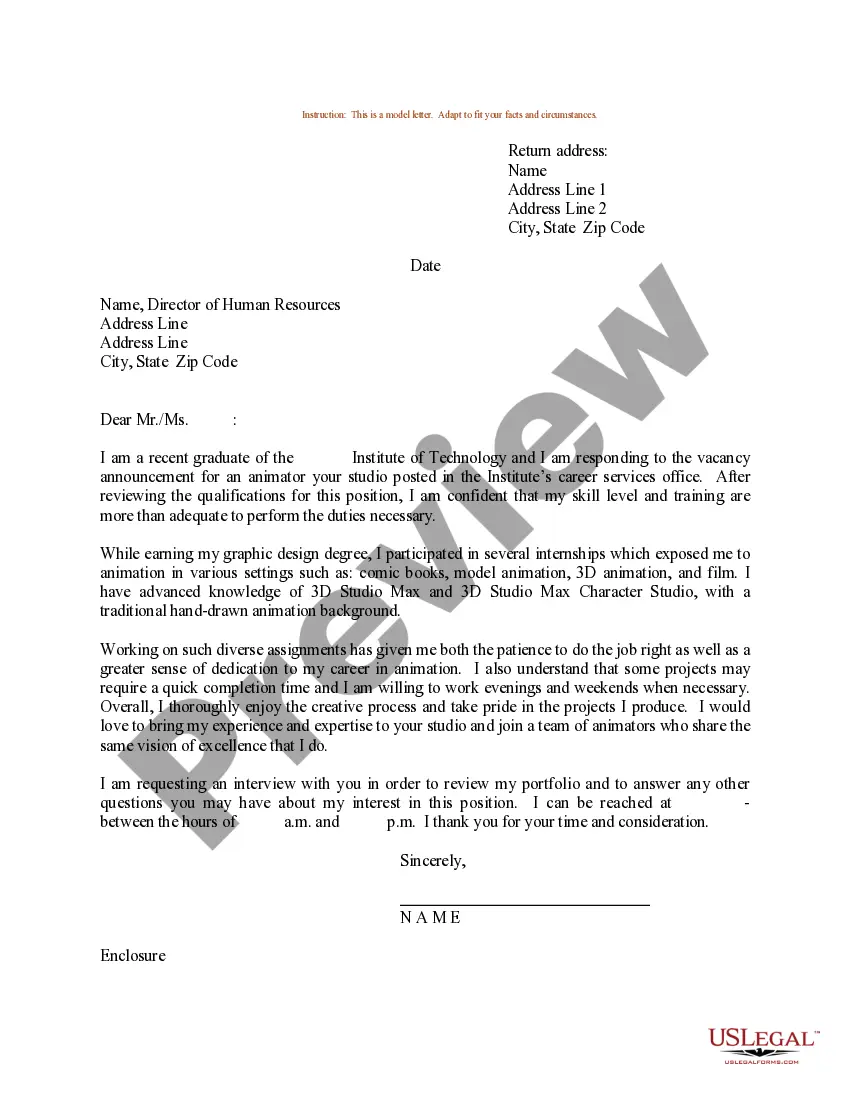
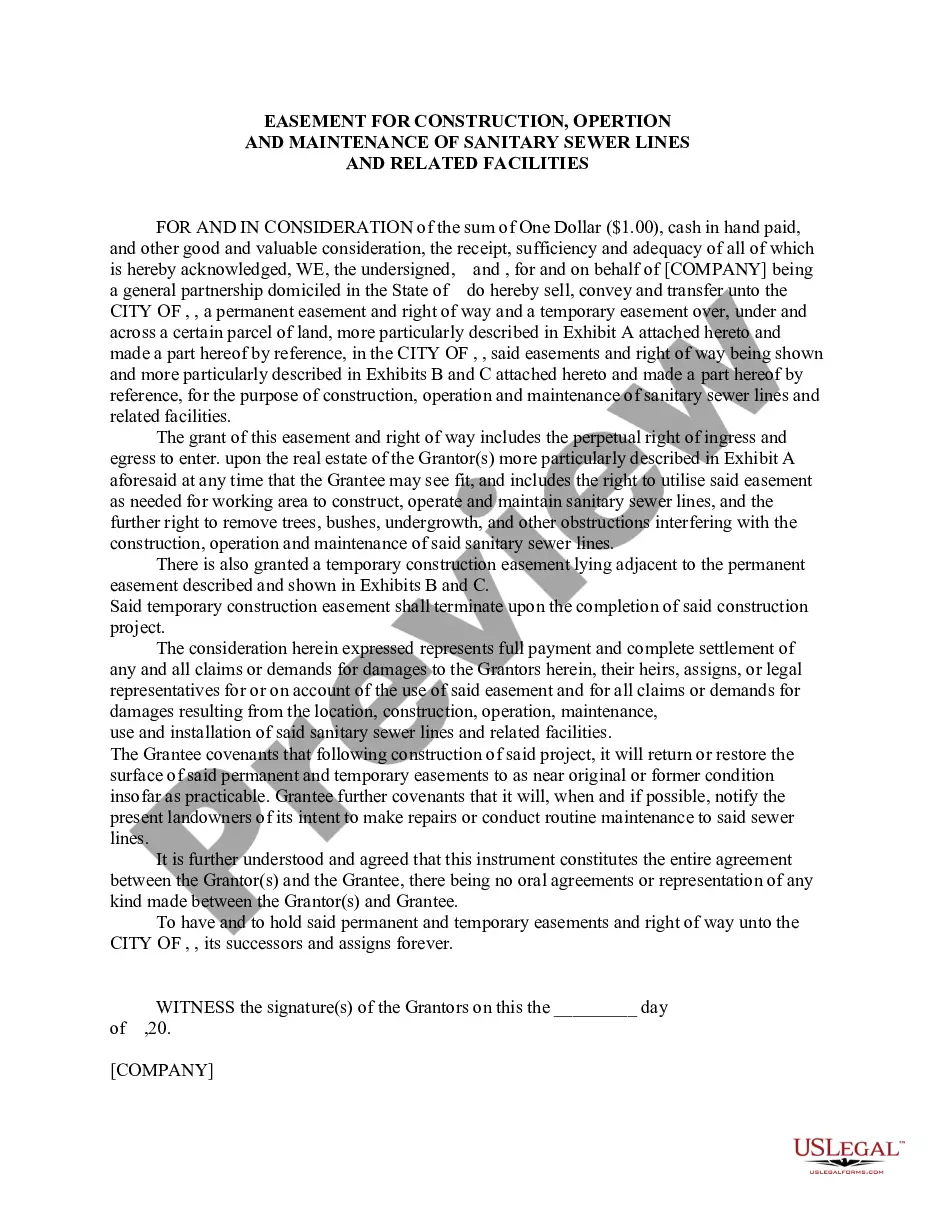
Looking for another form?
Form popularity
FAQ
With a few exceptions, notarized documents contain five notary-specific elements: venue, the notary certificate, commission expiration date, notary signature, and notary seal. This article covers the venue.
Personal knowledge, which means that you personally know the signer. Identity documents, such as driver's licenses, passports and other government-issued IDs. Credible identifying witnesses who know the signer and can vouch for his or her identity.
Step 1: Require Personal Appearance. Step 2: Check Over The Document. Step 3: Carefully Identify The Signer. Step 4: Record Your Journal Entry. Step 5: Complete The Notarial Certificate. A Last Note: Never Give Advice.
When taking an acknowledgment, the notary must ask the signer in a verbal ceremony the following questions: (1) Are you acknowledging to me that this is your signature?; (2) Are you acknowledging to me that you signed this document for the purposes stated therein?; (3) Are you acknowledging to me that you signed this
The body includes the main information about the notarial act, including the name of the signer, the date of notarization, and important details about the notarial act itself. These details describe the facts the Notary is certifying in the particular notarization.
What Is An Acknowledgment? The purpose of an acknowledgment is for a signer, whose identity has been verified, to declare to a Notary or notarial officer that he or she has willingly signed a document.The signer may either sign the document before appearing before you, or in your presence.
When you see (here insert the name and character of the officer) next to a blank as shown below, it means you should insert Your name, Notary Public in the blank.
The appropriate verbal wording for an oath for a jurat is as follows: Do you solemnly swear that the statements in this document are true to the best of your knowledge and belief, so help you God?
The signer was physically in front of you when you performed the notarization. You verified the signer's identity, if required by your state, using a method acceptable in your state. You witnessed the signer sign the document in front of you.