Plaintiff's Motion for Partial Summary Judgment - Personal Injury
Understanding this form
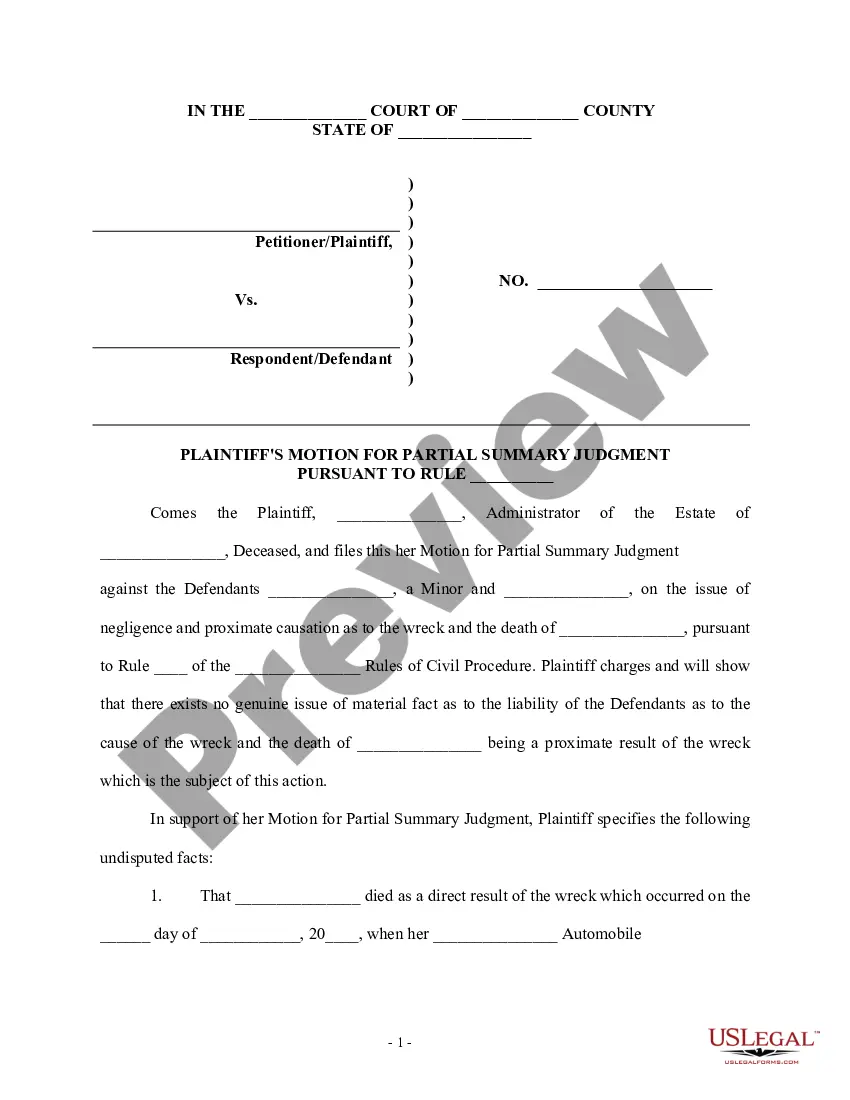
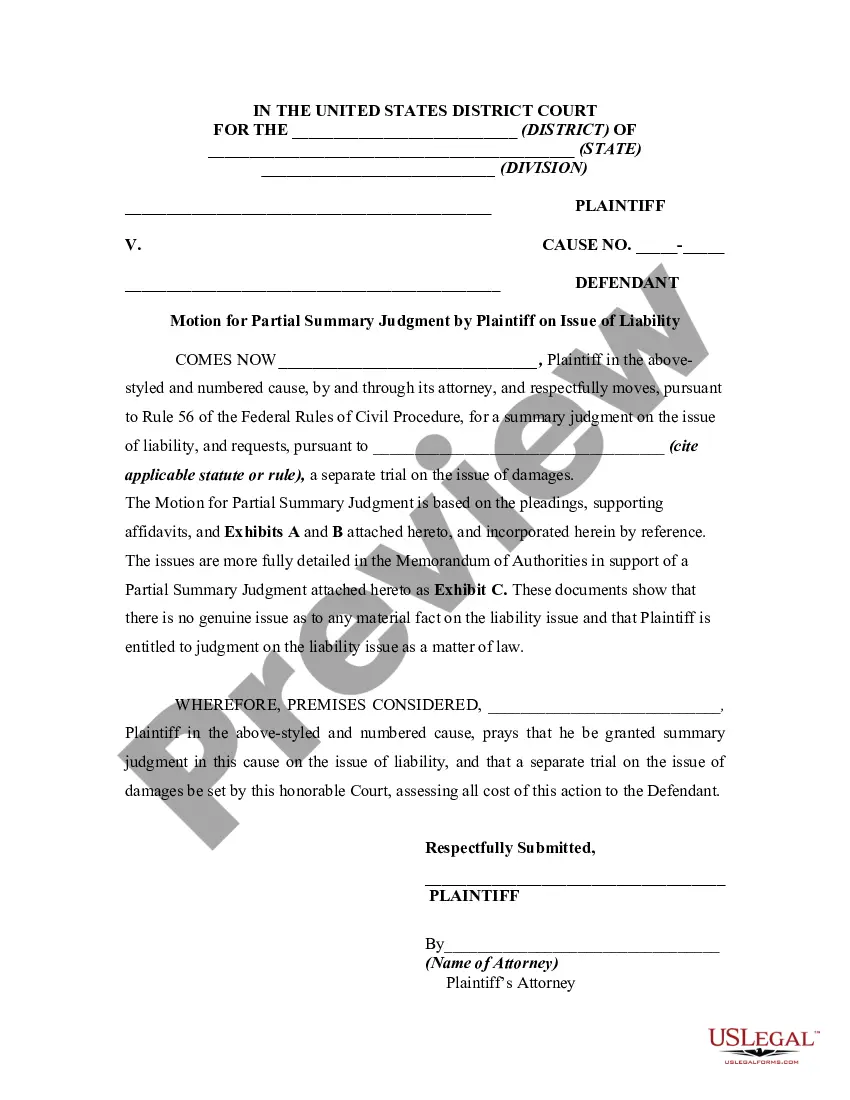
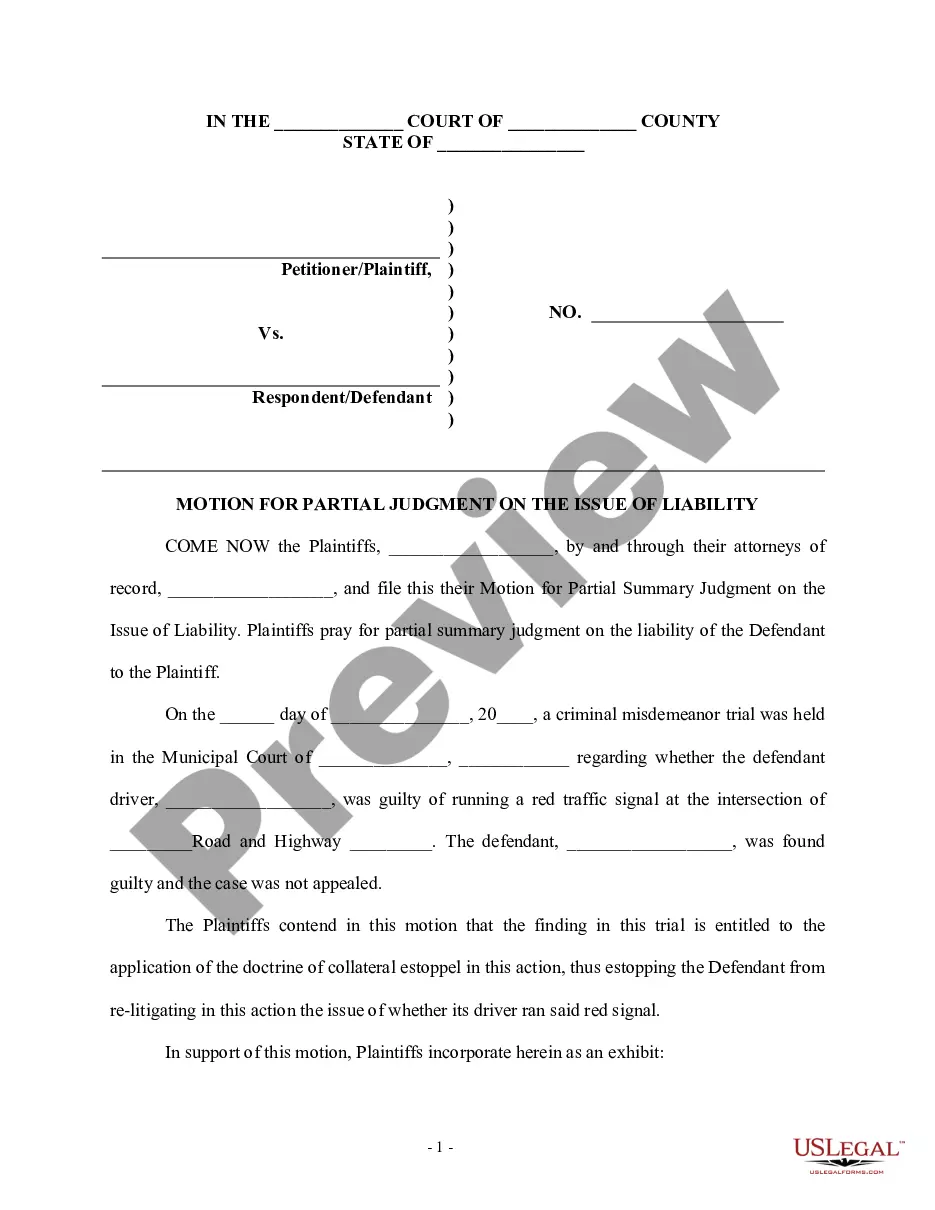
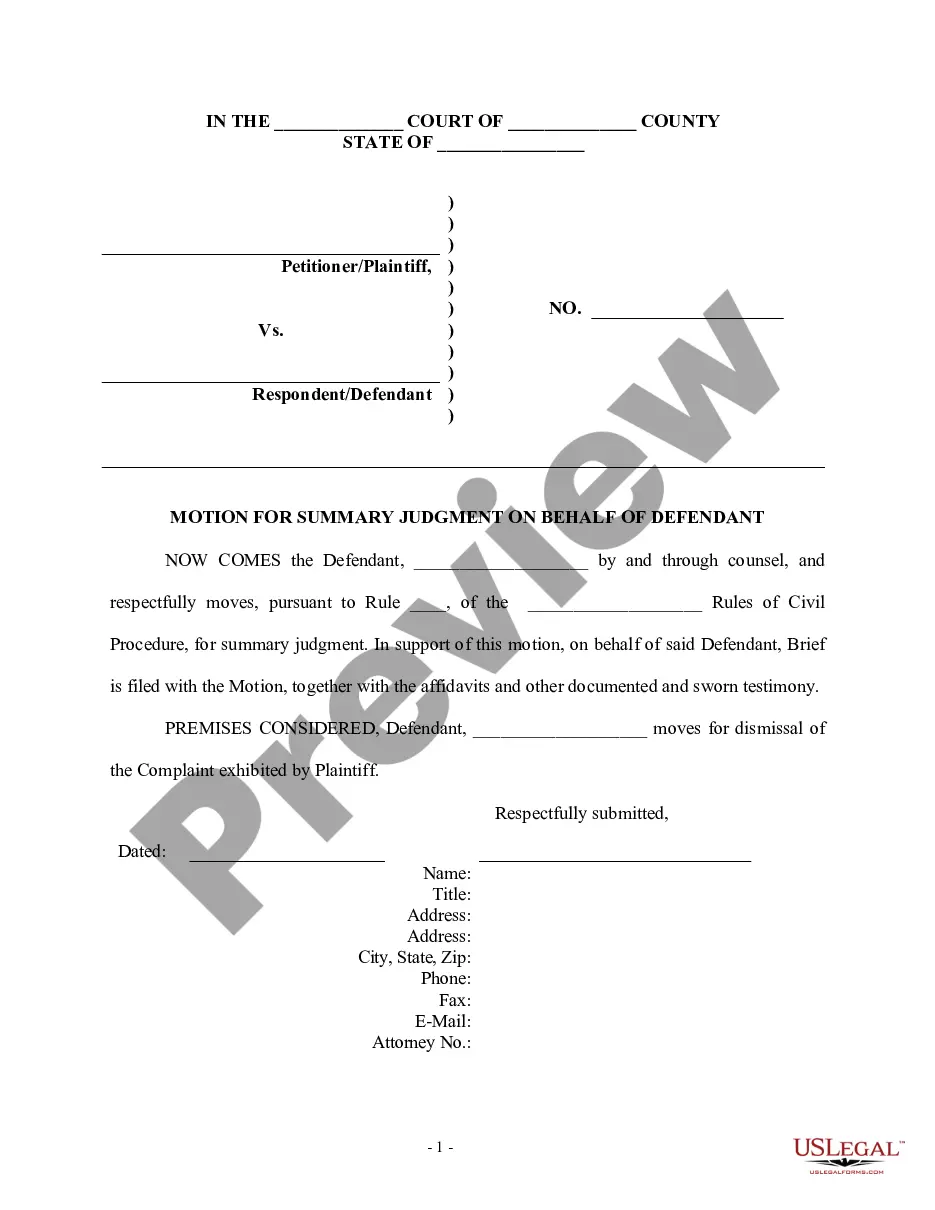
The Plaintiff's Motion for Partial Summary Judgment - Personal Injury is a legal document used to request a court to rule in favor of the plaintiff on the issue of liability in a personal injury case, particularly in situations involving automobile accidents. This form allows the plaintiff to assert that there are no significant disputes regarding the facts of the case, thereby streamlining the legal process by seeking a judgment without the need for a full trial on liability issues.
Key parts of this document
- Identification of the parties involved in the case.
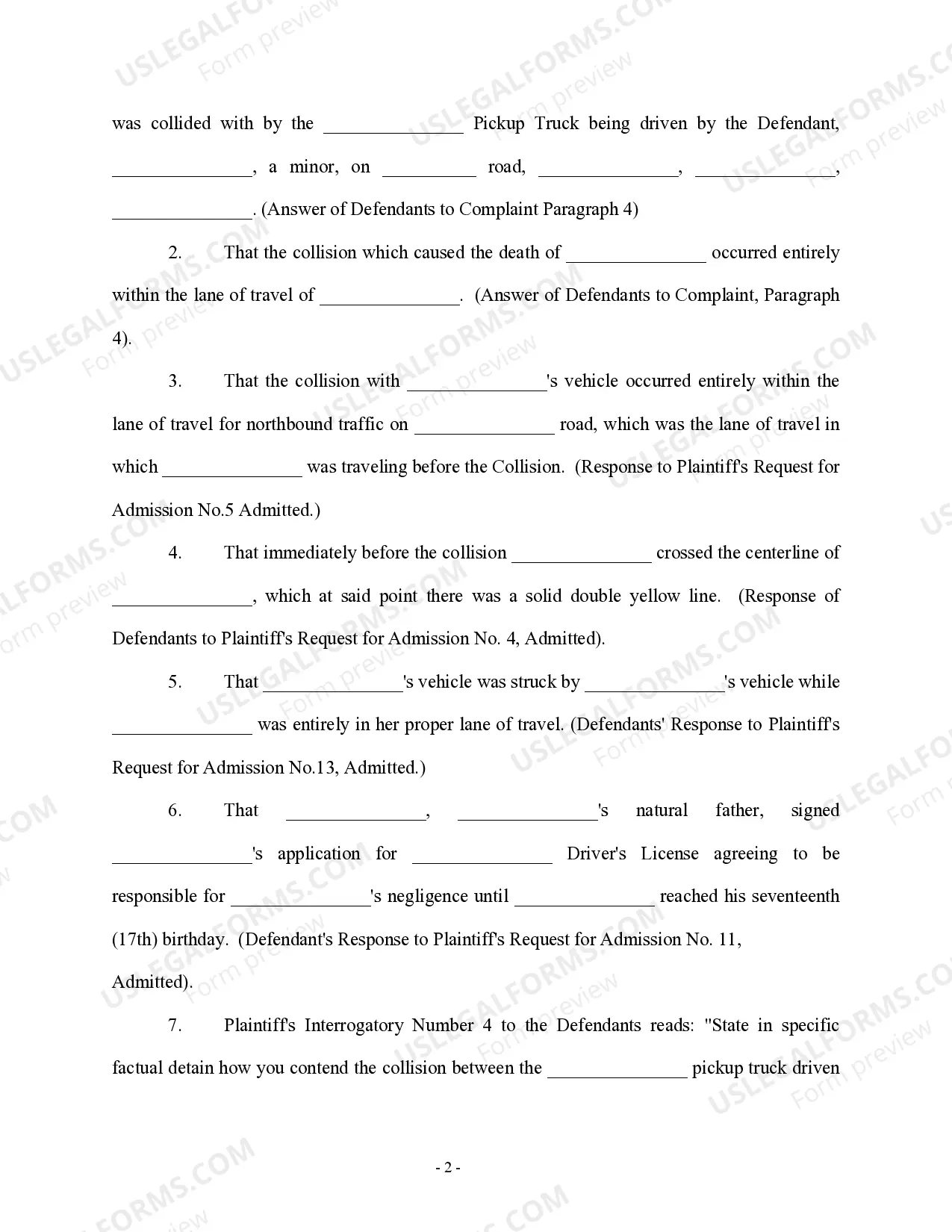
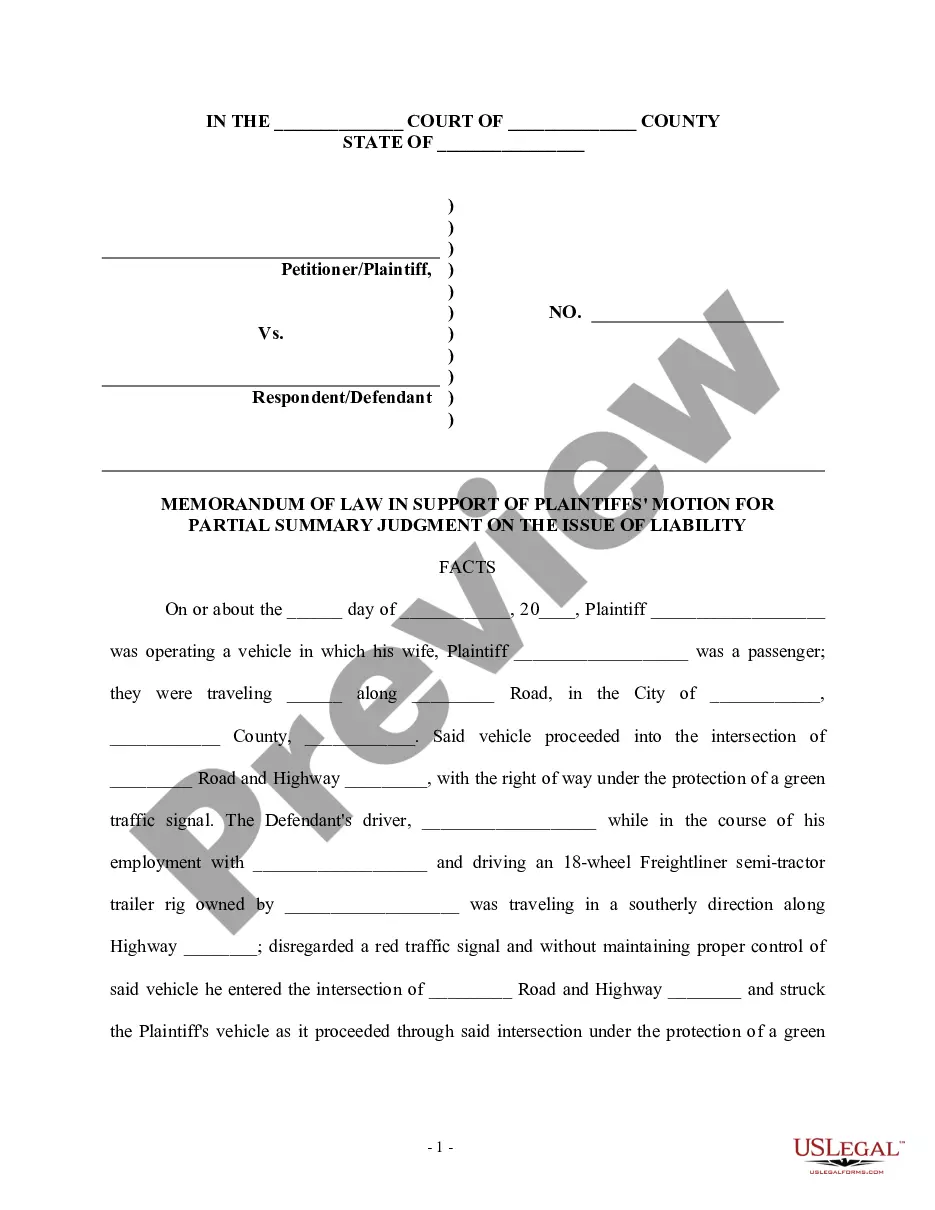
- Statement of undisputed facts relevant to the motion.
- Specification of the legal basis under which the motion is filed.
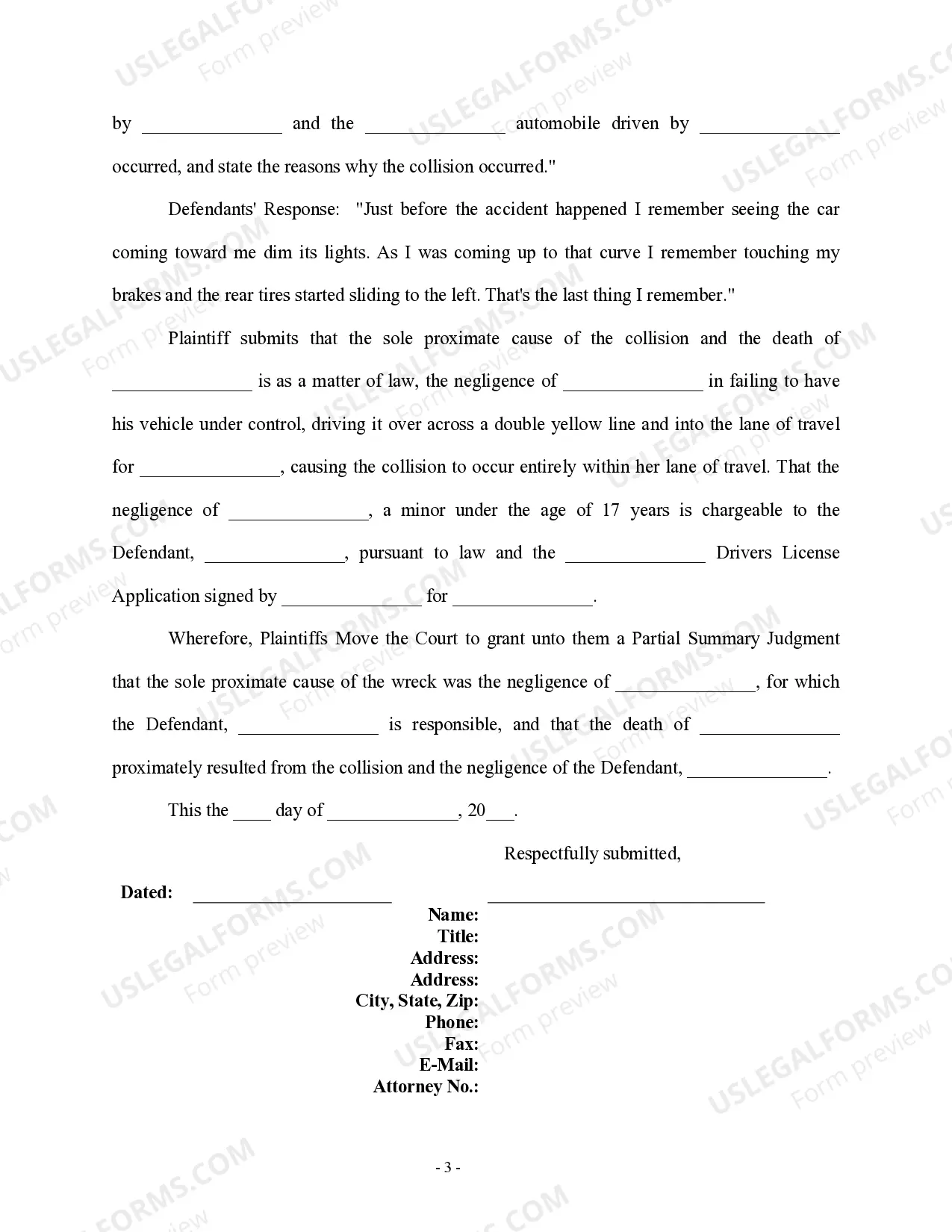
- Assertion of negligence on part of the defendants as the proximate cause of the incident.
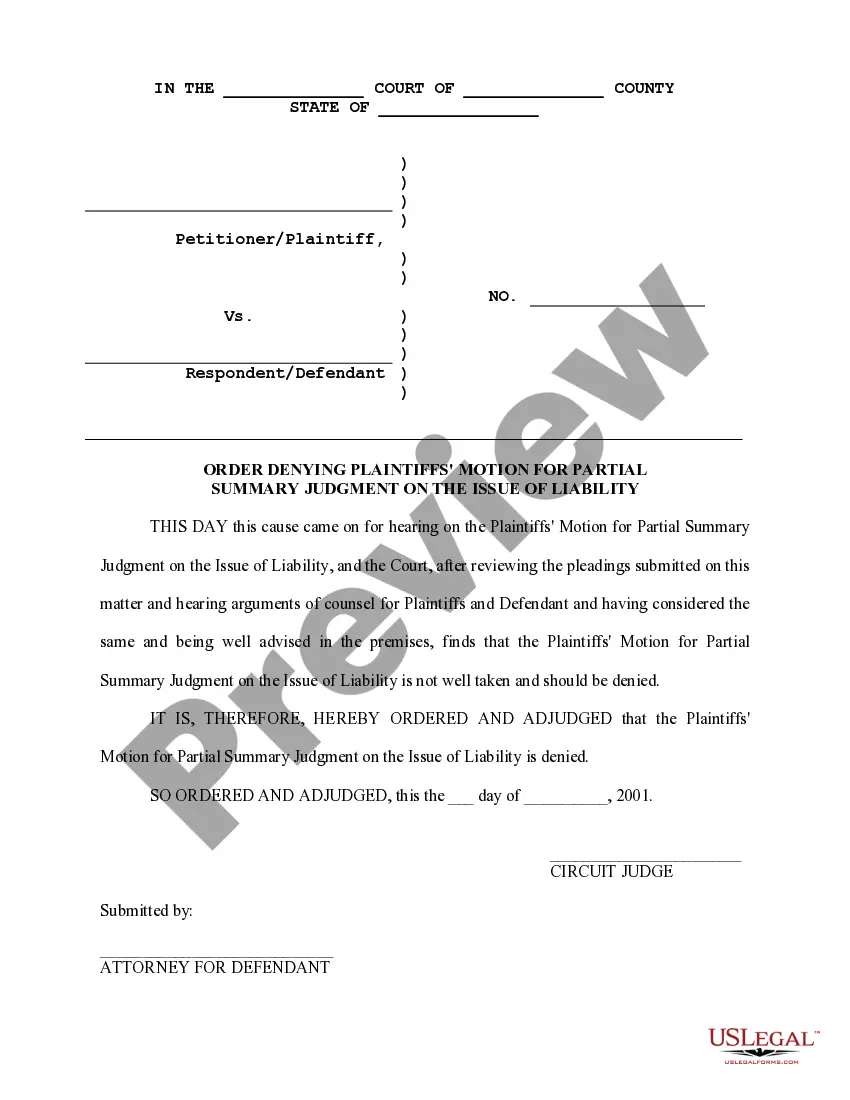
- Request for the court to grant judgment based on the conclusions drawn from the facts presented.
Situations where this form applies
This form should be used when a plaintiff believes that the evidence is clear-cut regarding the defendant's liability in a personal injury case, particularly after an automobile accident. It is ideal for situations where disputes over the facts are minimal, and the plaintiff aims to expedite the resolution of the issue of liability, paving the way for potential settlement discussions or trial on damages.
Who this form is for
- Individuals who have been injured in an automobile accident and are pursuing legal action against a liable party.
- Attorneys representing plaintiffs in personal injury cases seeking to assert negligence without trial.
- Parents or guardians acting on behalf of a minor involved in a personal injury case.
Steps to complete this form
- Identify and fill in the names of the defendants and the plaintiff.
- Provide details about the automobile accident, including date, locations, and parties involved.
- List undisputed facts that support your claim of negligence.
- Clearly state the legal basis for your motion, referencing the pertinent civil procedure rules.
- Sign and include contact information for yourself or your attorney to finalize the form.
Does this form need to be notarized?
Notarization is not commonly needed for this form. However, certain documents or local rules may make it necessary. Our notarization service, powered by Notarize, allows you to finalize it securely online anytime, day or night.
Get your form ready online
Our built-in tools help you complete, sign, share, and store your documents in one place.
Make edits, fill in missing information, and update formatting in US Legal Forms—just like you would in MS Word.
Download a copy, print it, send it by email, or mail it via USPS—whatever works best for your next step.
Sign and collect signatures with our SignNow integration. Send to multiple recipients, set reminders, and more. Go Premium to unlock E-Sign.
If this form requires notarization, complete it online through a secure video call—no need to meet a notary in person or wait for an appointment.
We protect your documents and personal data by following strict security and privacy standards.

Make edits, fill in missing information, and update formatting in US Legal Forms—just like you would in MS Word.

Download a copy, print it, send it by email, or mail it via USPS—whatever works best for your next step.

Sign and collect signatures with our SignNow integration. Send to multiple recipients, set reminders, and more. Go Premium to unlock E-Sign.

If this form requires notarization, complete it online through a secure video call—no need to meet a notary in person or wait for an appointment.

We protect your documents and personal data by following strict security and privacy standards.
Common mistakes
- Failing to accurately state all undisputed facts, which can weaken the motion.
- Neglecting to cite the correct rule of civil procedure relevant to your state.
- Omitting necessary signatures or contact information.
Why use this form online
- Instant access to templates drafted by licensed attorneys.
- Convenient download and editing options to tailor the form to your specific case.
- Reliable guidance through a straightforward process, ensuring you complete the form correctly.
Looking for another form?
Form popularity
FAQ
A motion for summary judgment is a request made by a party asking the court to decide all or part of a lawsuit without going to trial because there's no dispute about the key facts of the case. The party making the motion (called the movant) can be the plaintiff or the defendant.
A summary judgement occurs when, in a civil case, one party wants to move to a court decision without a trial.When a motion for summary judgement is granted, it indicates there is sufficient evidence to declare one party the clear winner.
Instead the party who believes that the undisputed facts compel a ruling in his or her favor will file a motion for summary judgment. The motion asks the court to consider the undisputed facts and apply the law to them, and argues that the law requires a judgment for the party bringing the motion.
Unless a different time is set by local rule or the court orders otherwise, a party may file a motion for summary judgment at any time until 30 days after the close of all discovery.
When a motion for summary judgement is granted, it indicates there is sufficient evidence to declare one party the clear winner.The judge will then rule on the case based on the facts and evidence. A summary judgement can often be beneficial as it potentially skips a lengthy (and costly) court trial.