Software License Agreement - Simple
About this form
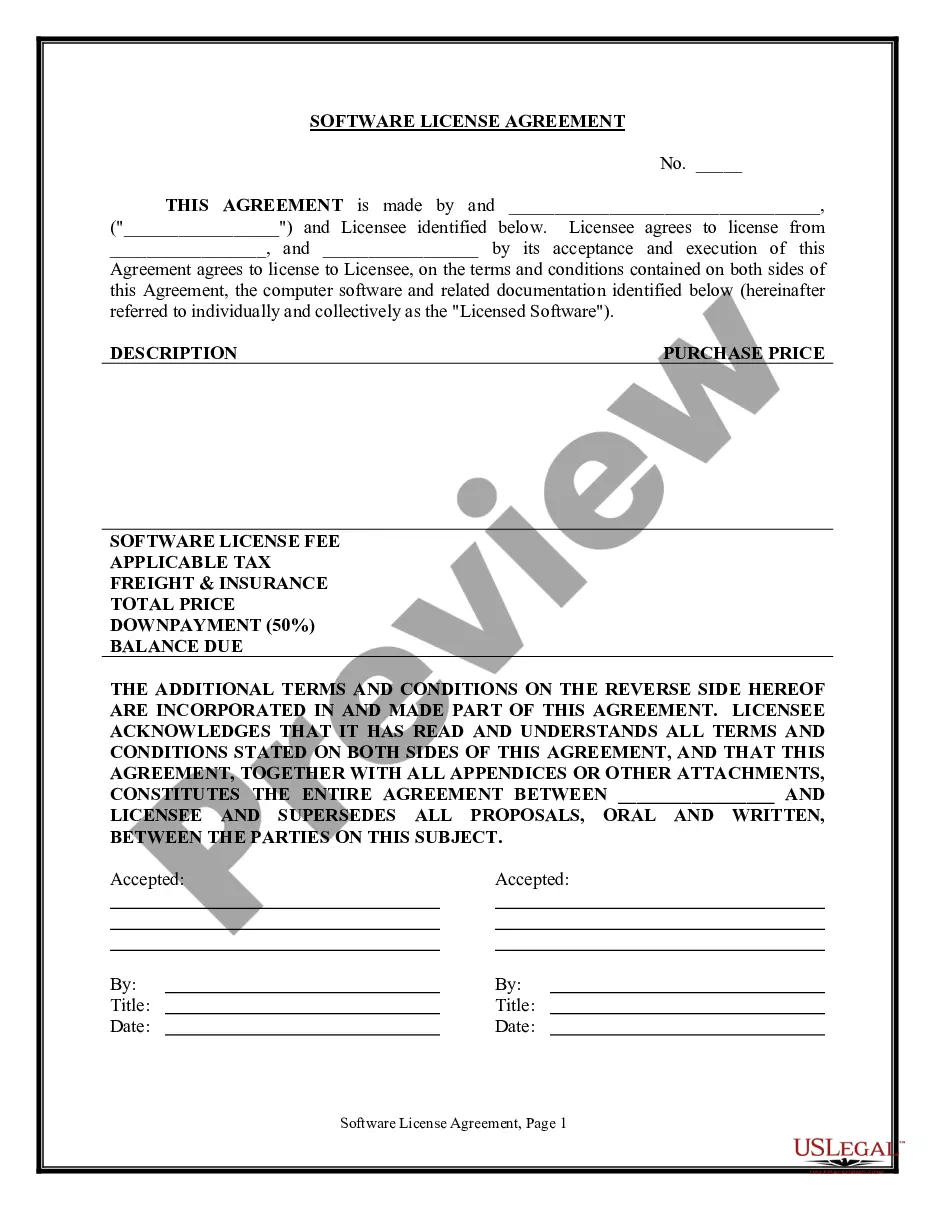
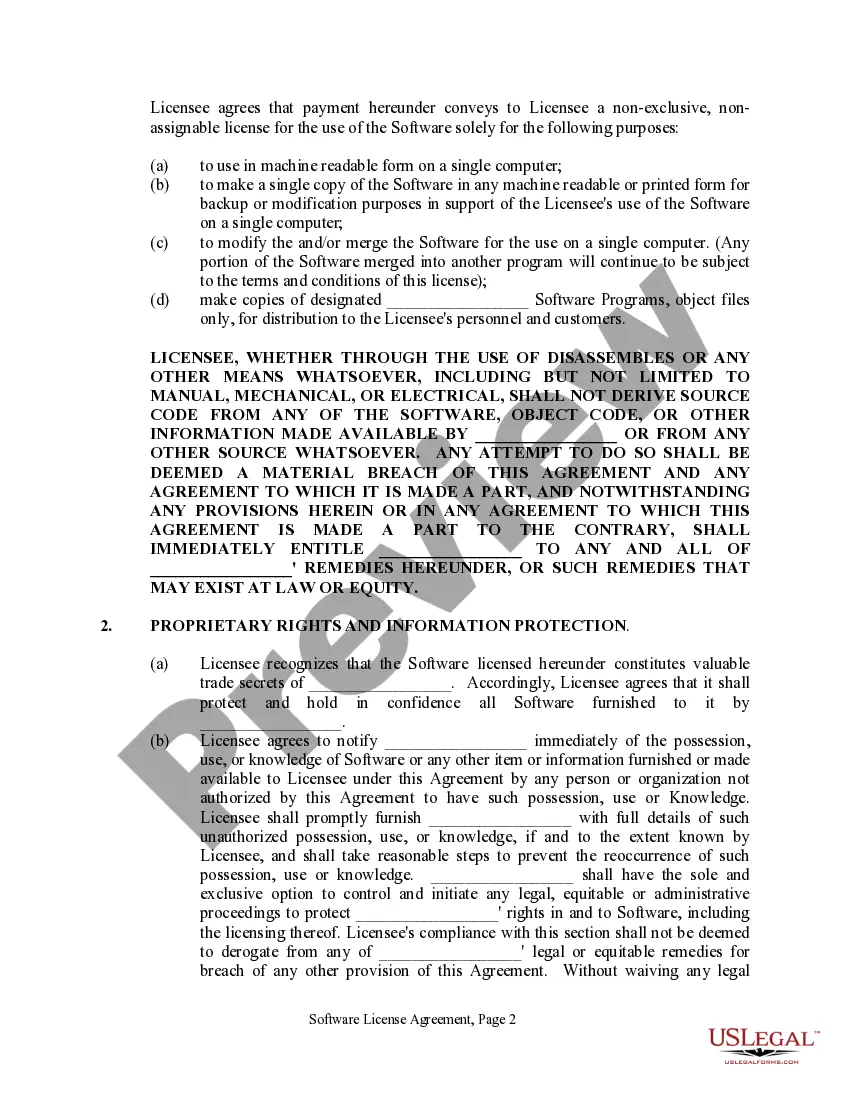
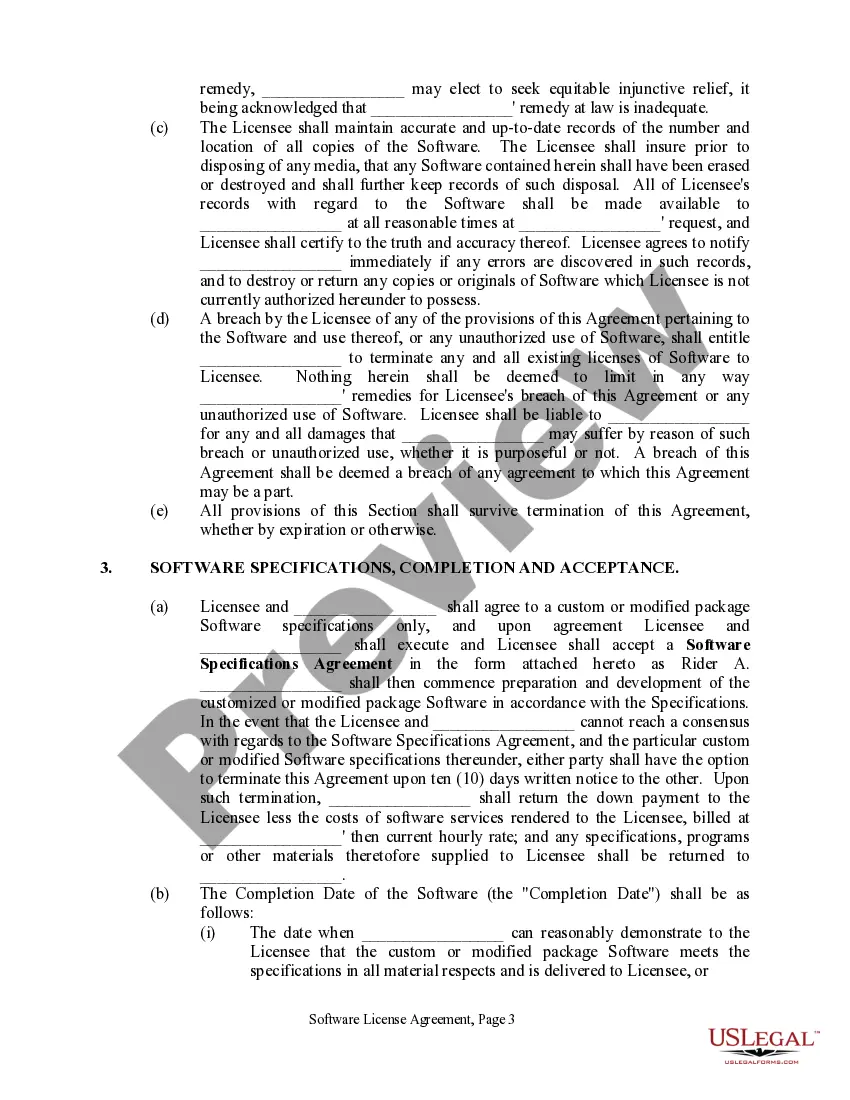
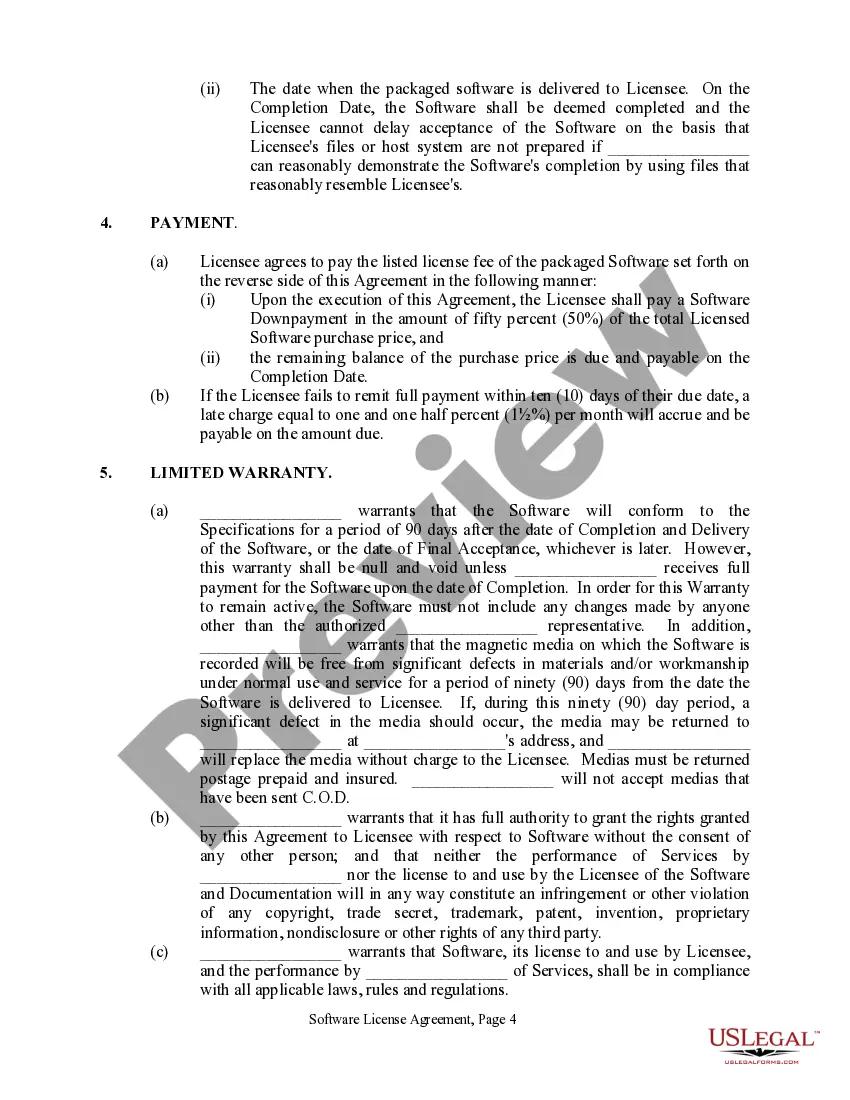
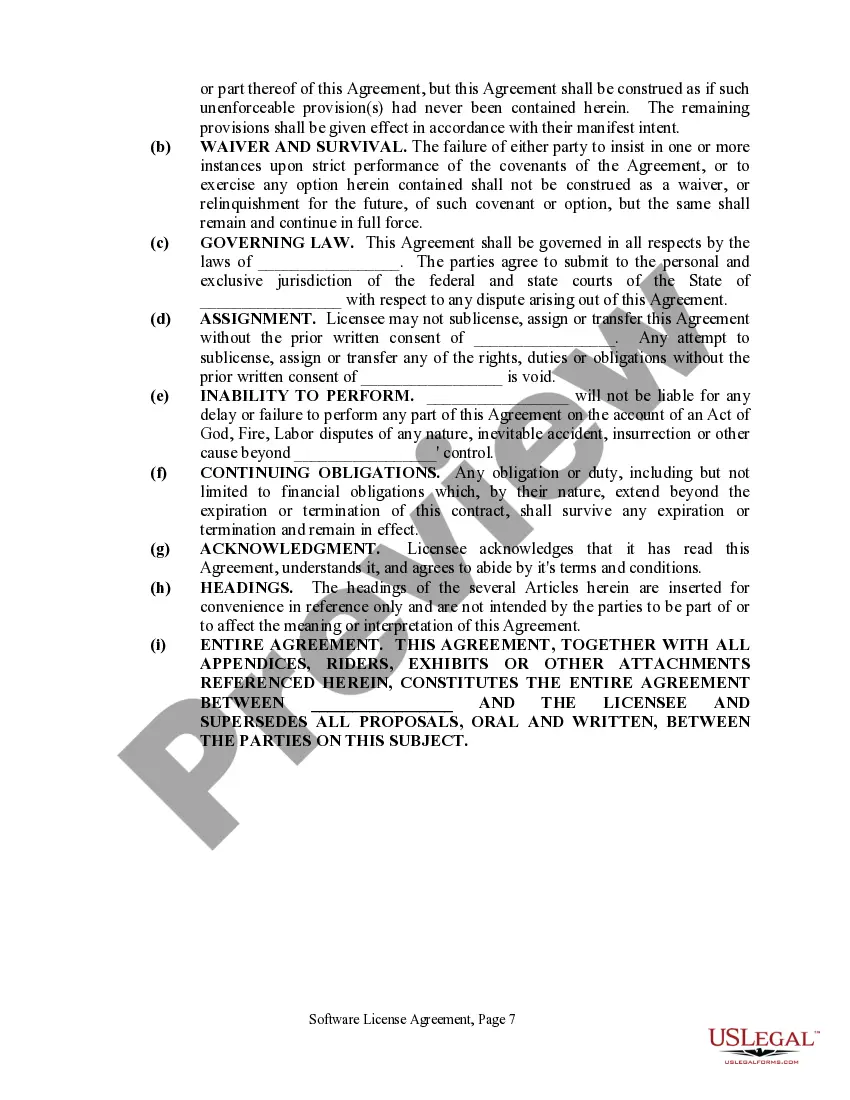
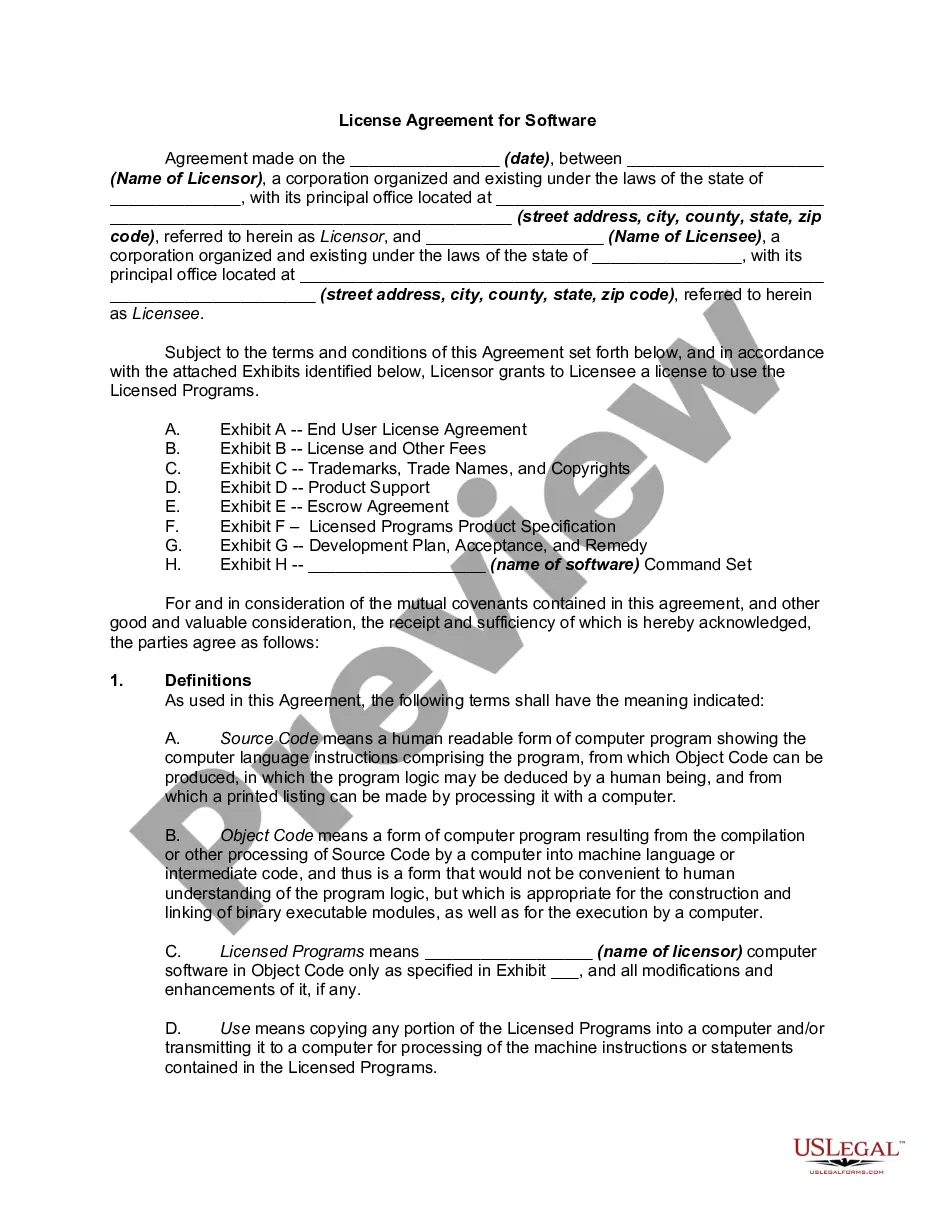
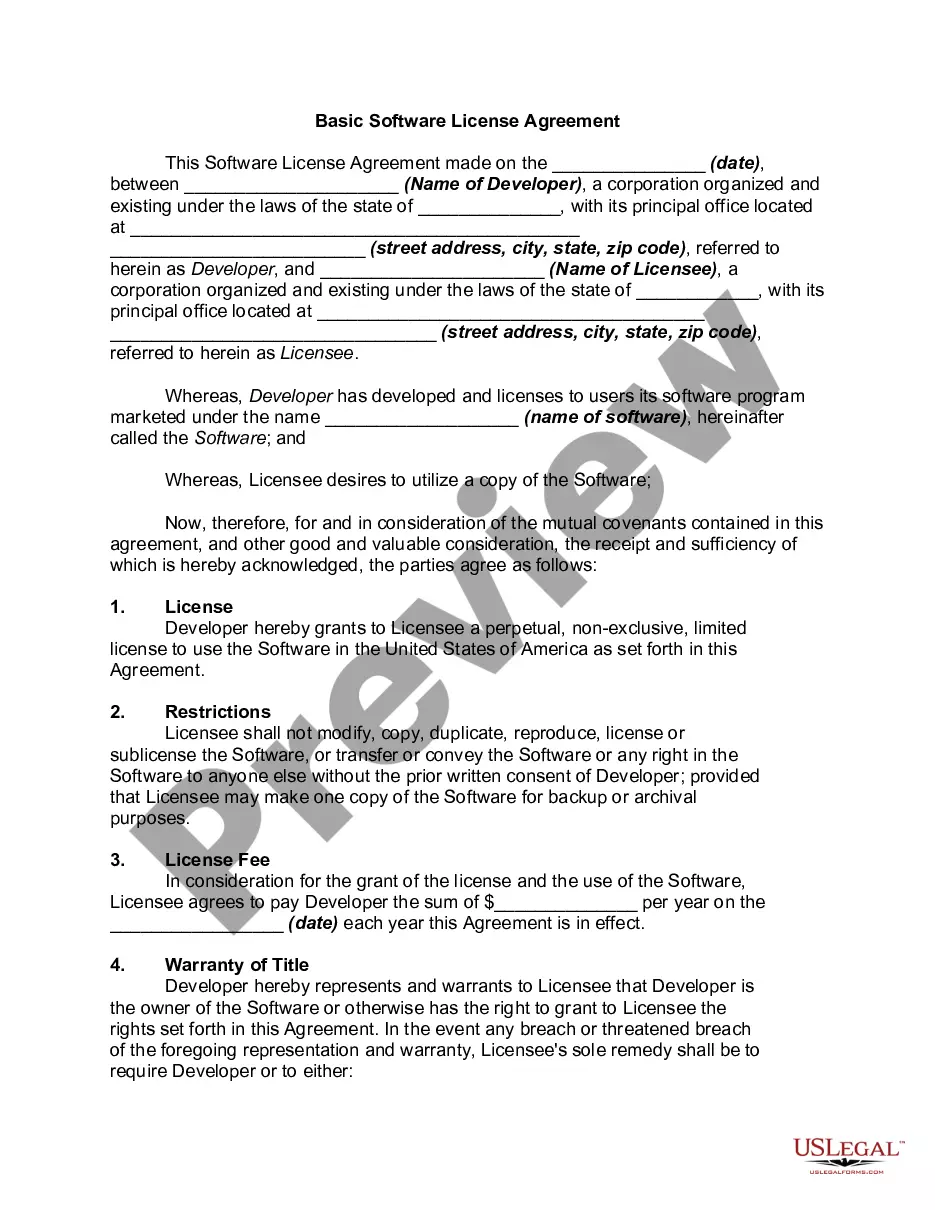
The Software License Agreement - Simple is a legal document that outlines the terms under which a licensee is permitted to use computer software provided by a licensor. This agreement defines the rights and responsibilities of both parties, ensuring that the software is used appropriately and legally. Unlike more complex agreements, this simple version focuses on essential terms, making it easier for users without a legal background to understand and complete.
Main sections of this form
- Definition of the software and licensed rights granted to the licensee.
- Terms regarding the payment of the licensing fee and associated penalties for late payments.
- Provisions for protecting proprietary information and maintaining confidentiality.
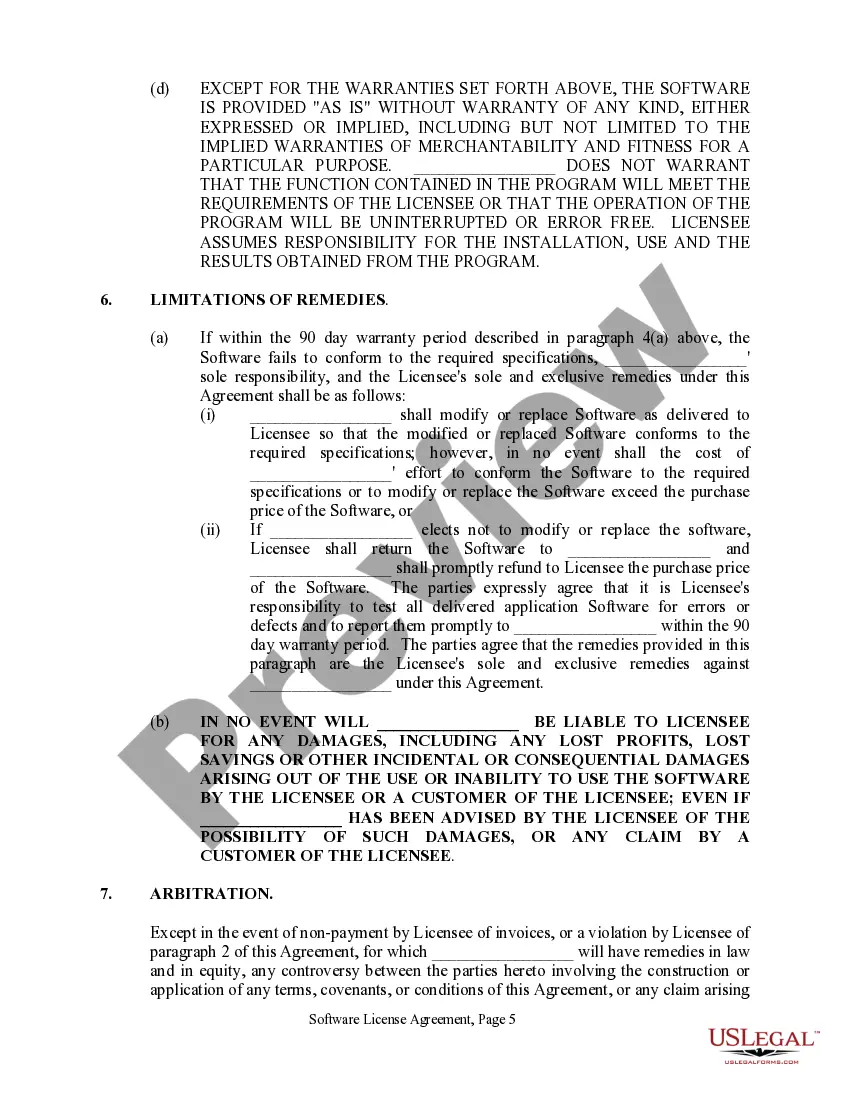
- Descriptions of warranty limitations and remedies for non-compliance.
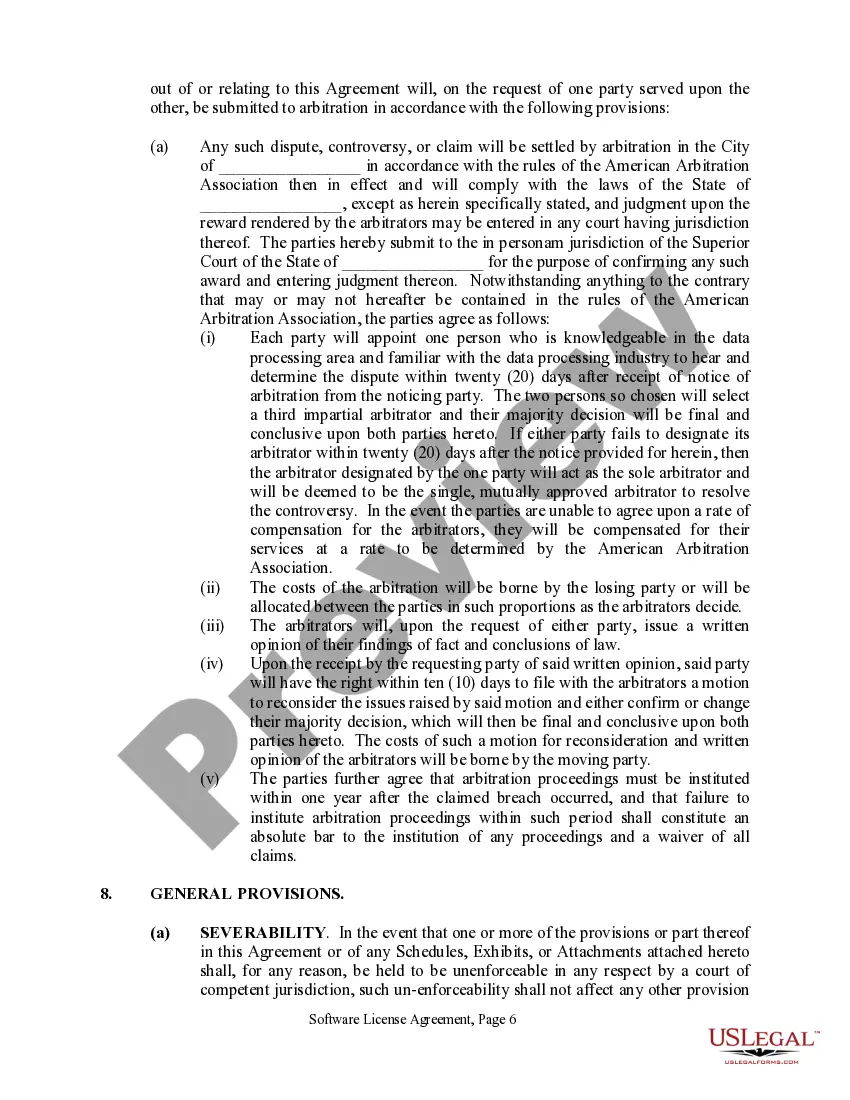
- Arbitration provisions for resolving disputes between the parties.
Common use cases
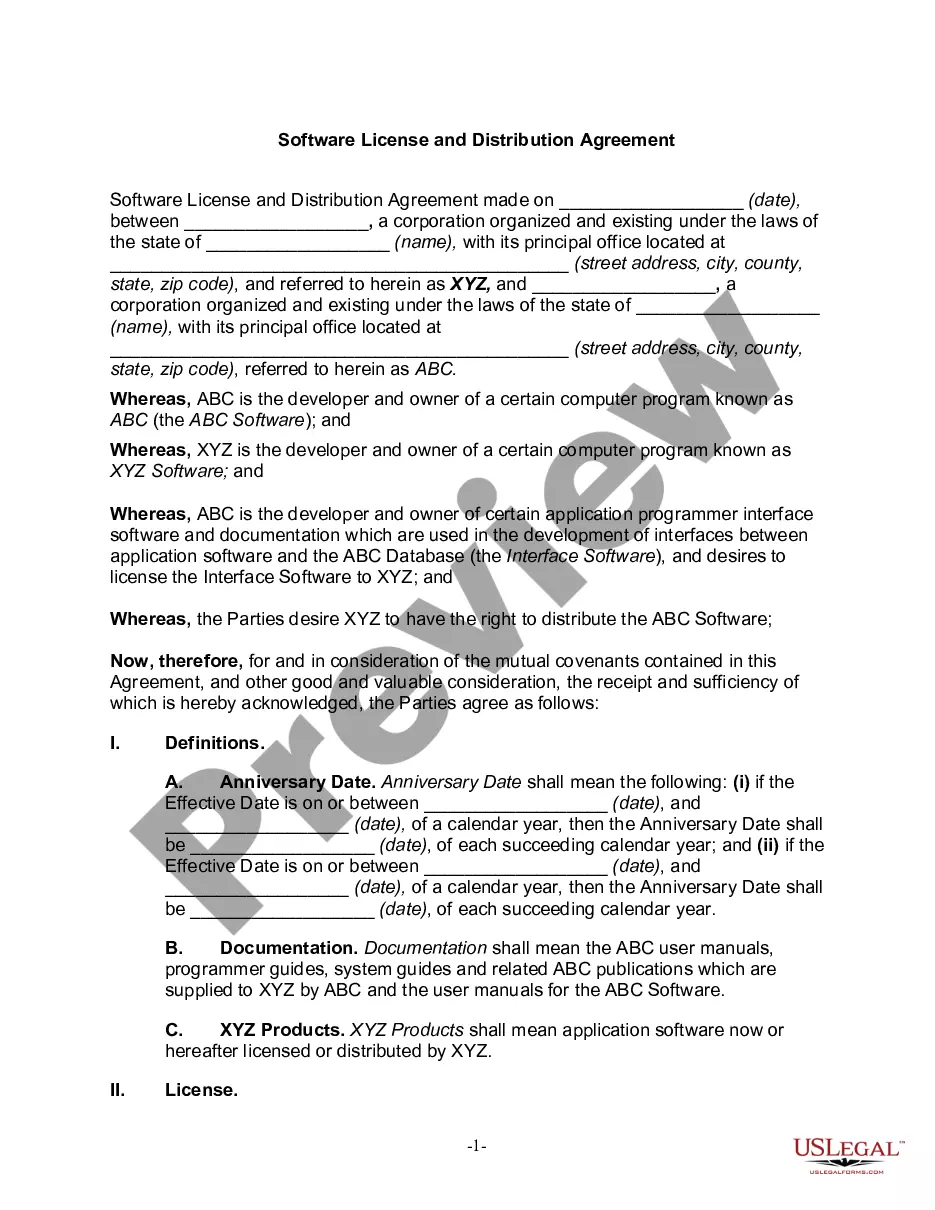
This Software License Agreement is useful when a software developer or provider (licensor) wishes to grant another party (licensee) the right to use their software for a specified fee. Use this form when negotiating terms of software use, particularly in situations involving custom or modified software specifications. This agreement helps to clarify ownership rights, ensure compliance, and lay out procedures for dispute resolution.
Who can use this document
- Software developers providing software solutions to clients.
- Businesses purchasing software for internal use.
- Independent contractors or freelancers creating custom software for clients.
- Any entity or individual seeking to establish legal usage terms for software applications.
Completing this form step by step
- Identify the parties involved by providing the full names and addresses of both the licensor and licensee.
- Specify the software being licensed, ensuring clear definitions are provided for any proprietary software.
- Enter the agreed license fee and terms of payment, including any down payment or balance due upon delivery.
- Outline any modifications to be made to the software and attach a Software Specifications Agreement if applicable.
- Ensure both parties sign and date the agreement to make it legally binding.
Does this document require notarization?
Notarization is generally not required for this form. However, certain states or situations might demand it. You can complete notarization online through US Legal Forms, powered by Notarize, using a verified video call available anytime.
Get your form ready online
Our built-in tools help you complete, sign, share, and store your documents in one place.
Make edits, fill in missing information, and update formatting in US Legal Forms—just like you would in MS Word.
Download a copy, print it, send it by email, or mail it via USPS—whatever works best for your next step.
Sign and collect signatures with our SignNow integration. Send to multiple recipients, set reminders, and more. Go Premium to unlock E-Sign.
If this form requires notarization, complete it online through a secure video call—no need to meet a notary in person or wait for an appointment.
We protect your documents and personal data by following strict security and privacy standards.

Make edits, fill in missing information, and update formatting in US Legal Forms—just like you would in MS Word.

Download a copy, print it, send it by email, or mail it via USPS—whatever works best for your next step.

Sign and collect signatures with our SignNow integration. Send to multiple recipients, set reminders, and more. Go Premium to unlock E-Sign.

If this form requires notarization, complete it online through a secure video call—no need to meet a notary in person or wait for an appointment.

We protect your documents and personal data by following strict security and privacy standards.
Avoid these common issues
- Failing to clearly define the software being licensed, leading to ambiguity.
- Neglecting to specify payment terms and deadlines, which can cause disputes.
- Not including provisions for software modifications and updates.
- Overlooking the need for both parties' signatures, which can invalidate the agreement.
Why complete this form online
- Quick and easy access to a professionally drafted agreement that saves time and reduces legal costs.
- Editable format allows customization to meet specific needs without needing to start from scratch.
- Secure download ensures your agreement remains confidential and accessible when needed.
- Guidance throughout the completion process helps users avoid common errors.
Looking for another form?

Form popularity
FAQ
USB WiFi Adapters. Check Price. USB WiFi adapters can be a great option for you to easily allow the connection. PCI-e WiFi Adapters. Check Price. The PCI-e WiFi adapters are the best for connectivity. WiFi-enabled Motherboard. Check Price. WiFi Card. Check Price.
To connect to the wireless network, open Network Connections from the Control Panel. Right click the network connection you wish to use (in this case, Wireless Network Connection). Click Connect from the pop-up menu, and Windows will connect you to the network, enabling your wireless connection.
If you want to access the internet at home, you'll need an Internet Service Provider (ISP) and a router to connect to the ISP. ISPs often provide a router with their service. This means more than one computer or device in your house can use the broadband connection at the same time.
DSL (digital subscriber line) cable broadband. fibre optic broadband. wireless or Wi-Fi broadband. satellite and mobile broadband. dedicated leased line.
Click the Start button, and then click Control Panel. In the Control Panel window, click Network and Internet. In the Network and Internet window, click Network and Sharing Center. In the Network and Sharing Center window, under Change your networking settings, click Set up a new connection or network.
In order to connect a desktop or PC to Wi-Fi, you will need to make sure your desktop has a wireless network adapter. Check for the wireless network adapter by selecting the Start button, typing device manager in the search box, and selecting Device Manager when it appears.