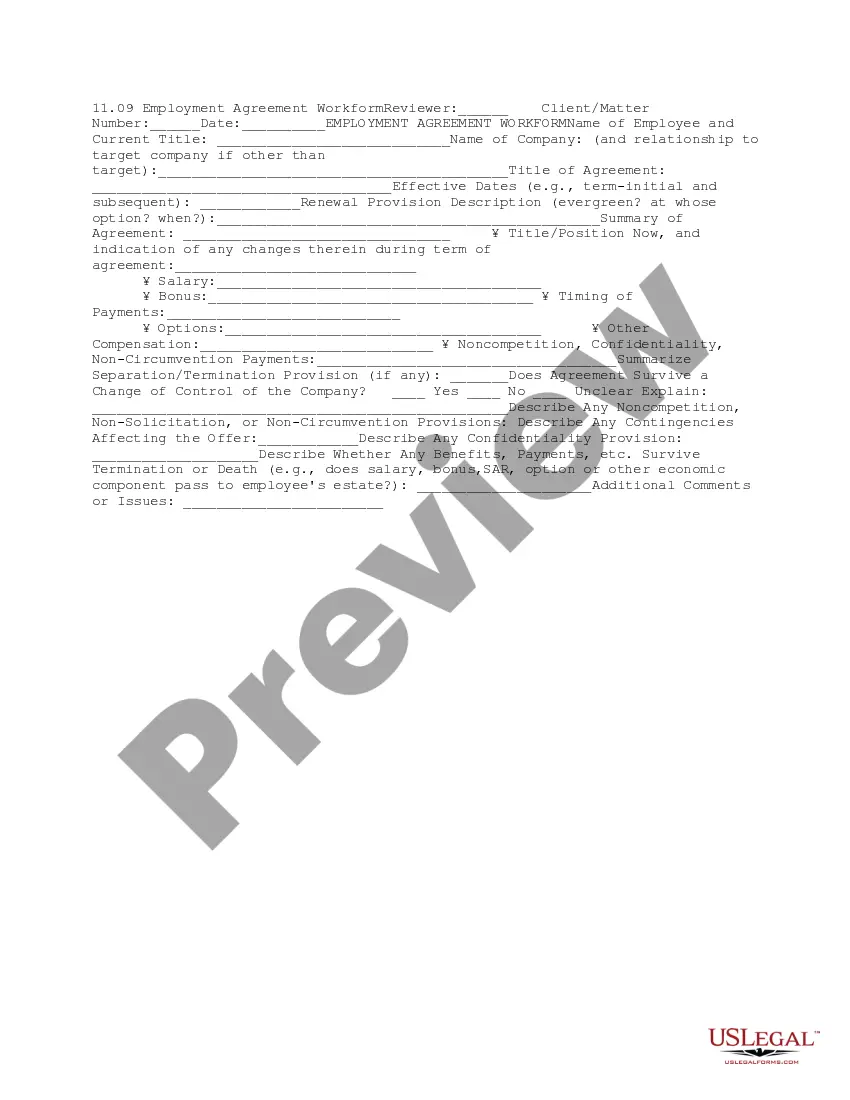
Employment Agreement Workform
What this document covers
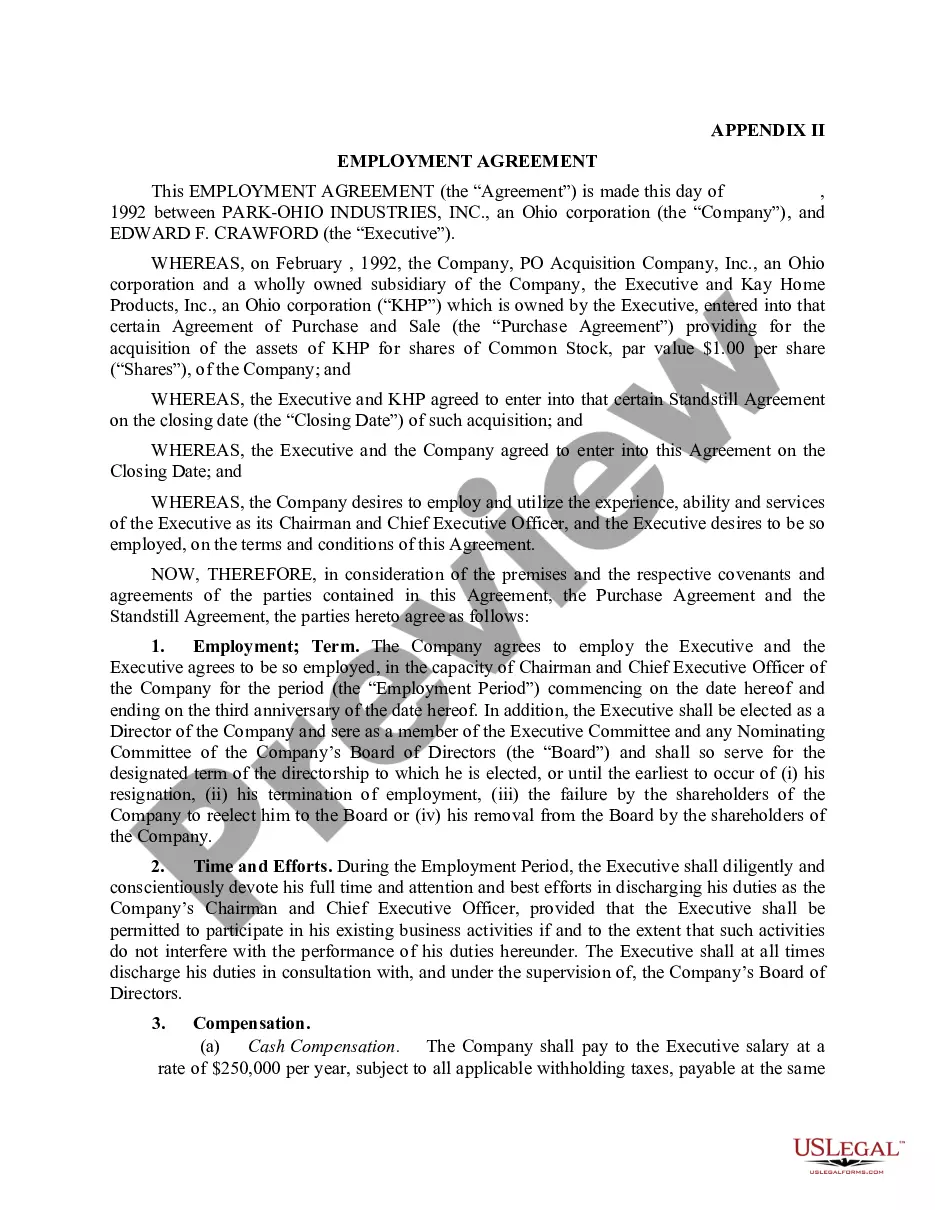
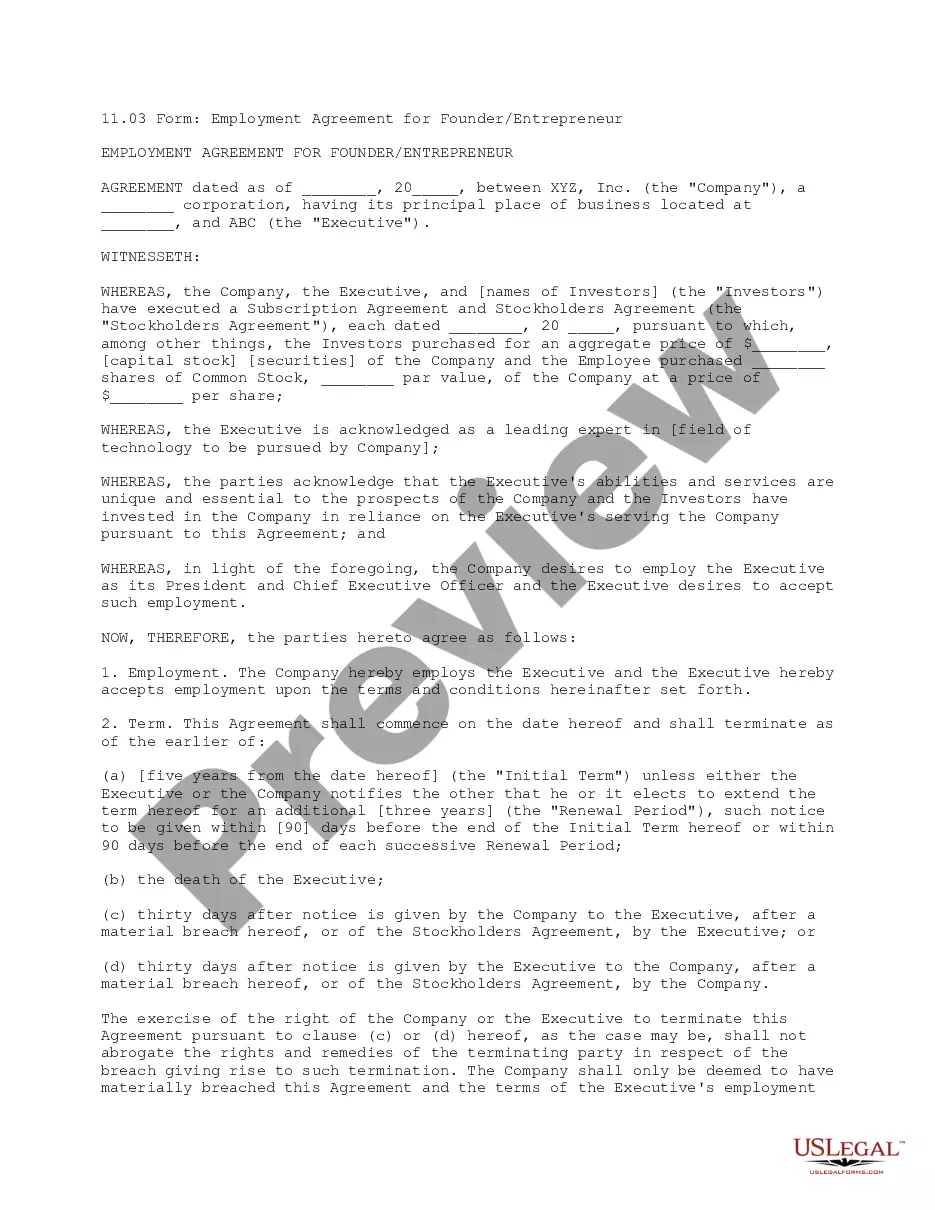
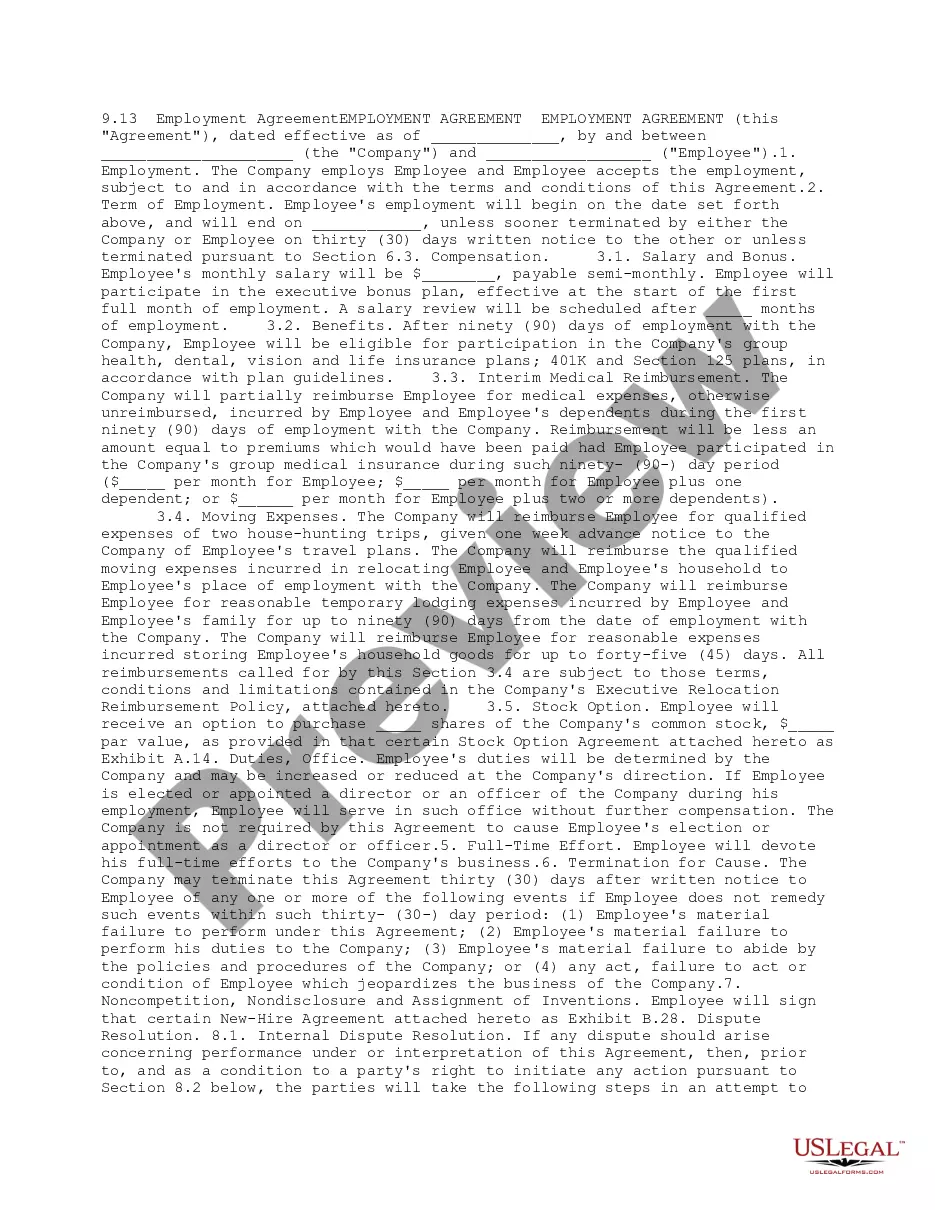
The Employment Agreement Workform is a legal document designed to capture essential details about a new employee's position, salary, and working conditions. This form is crucial in business transactions where employment terms need to be officially documented. Unlike other employment templates, this workform focuses on comprehensive due diligence during hiring processes.
Key parts of this document
- Name of the employee and their current title
- Employer's name and relationship to the company
- Title of the agreement and effective dates
- Salary, bonuses, and other compensation details
- Provisions for noncompetition and confidentiality
- Separation and termination provisions
When this form is needed
This form is essential during the hiring process when you need to formalize the employment terms of a new employee. It is especially useful for businesses involved in transactions that require clear documentation of job roles, responsibilities, and compensation packages to ensure compliance and clarity between the employer and employee.
Who can use this document
- Employers looking to hire new employees
- HR professionals or staffing agencies managing employee contracts
- Business owners involved in mergers or acquisitions where employee terms need to be clarified
- Legal professionals assisting businesses with employment documentation
How to complete this form
- Identify and enter the name of the employee and current title.
- Specify the name of the hiring company and their relationship to the target company.
- Complete the title of the agreement and the effective dates.
- Detail the salary and any additional compensation, including bonuses.
- Summarize any noncompetition and confidentiality provisions that apply.
- Outline the termination provisions and any contingencies affecting the offer.
Does this form need to be notarized?
This form usually doesn’t need to be notarized. However, local laws or specific transactions may require it. Our online notarization service, powered by Notarize, lets you complete it remotely through a secure video session, available 24/7.
Get your form ready online
Our built-in tools help you complete, sign, share, and store your documents in one place.
Make edits, fill in missing information, and update formatting in US Legal Forms—just like you would in MS Word.
Download a copy, print it, send it by email, or mail it via USPS—whatever works best for your next step.
Sign and collect signatures with our SignNow integration. Send to multiple recipients, set reminders, and more. Go Premium to unlock E-Sign.
If this form requires notarization, complete it online through a secure video call—no need to meet a notary in person or wait for an appointment.
We protect your documents and personal data by following strict security and privacy standards.

Make edits, fill in missing information, and update formatting in US Legal Forms—just like you would in MS Word.

Download a copy, print it, send it by email, or mail it via USPS—whatever works best for your next step.

Sign and collect signatures with our SignNow integration. Send to multiple recipients, set reminders, and more. Go Premium to unlock E-Sign.

If this form requires notarization, complete it online through a secure video call—no need to meet a notary in person or wait for an appointment.

We protect your documents and personal data by following strict security and privacy standards.
Common mistakes
- Failing to accurately enter the effective dates of the employment agreement.
- Neglecting to summarize key provisions such as noncompetition and termination terms.
- Not updating the title of the agreement in line with the employee's position.
- Omitting any additional compensation details, which could lead to misunderstandings.
Benefits of completing this form online
- Convenient access to a legally validated document that can be downloaded and customized.
- Easy to fill out and edit with specific employee details.
- Ensures compliance with standard legal requirements for employment documentation.
Main things to remember
- The Employment Agreement Workform is essential for clearly outlining employment terms.
- It serves multiple purposes, especially in business transactions.
- Properly completing the form can prevent future legal complications.
Looking for another form?

Form popularity
FAQ
A contract of employment is a legal agreement between the employer and the employee. Its terms cannot lawfully be changed by the employer without agreement from the employee (either individually or through a recognised trade union).Your employer should not breach equality laws when changing contract terms.
Fixed price contracts. With a fixed price contract the buyer (that's you) doesn't take on much risk. Cost-reimbursable contracts. With a cost-reimbursable contract you pay the vendor for the actual cost of the work. Time and materials contracts.
Contract Types Overview. Express and Implied Contracts. Unilateral and Bilateral Contracts. Unconscionable Contracts. Adhesion Contracts. Aleatory Contracts. Option Contracts. Fixed Price Contracts.
There are three types of employment status: employee, worker and self-employed. The three are often not in practice used correctly and the difference is not always known.
Write the Title. When you proceed to type out your employment agreement, you should title your draft. State the Parties. Every employment agreement needs to clearly identify and state the parties. List Terms and Conditions. Outline Position Duties. Be Clear on Compensation. Add Other Clauses. Use These Contract Terms.
An employment agreement is a binding contract between an employer and that employer's employee. The contract covers specific aspects of employment. These include wages, health insurance benefits, pension benefits, and bonuses.Specific provisions in an employment agreement include: Length of Employment.
Types of Employment Contracts: Permanent employment, temporary employment and independent contractors.
Illegal Terms Any illegal term in an employment contract is automatically void. For example, in California, non-compete clauses are void on their face because the state has made them illegal by statute. Any other clause that asks an employee to agree to something made illegal by state or federal law is also void.
A contract of employment is a legal agreement between the employer and the employee. Its terms cannot lawfully be changed by the employer without agreement from the employee (either individually or through a recognised trade union).Your employer should not breach equality laws when changing contract terms.