Waiver of Rule 32.1 Hearing is a process by which a person facing criminal charges can waive their right to a hearing under Arizona Rule of Criminal Procedure 32.1. This is a pre-trial hearing, where the judge determines if there is enough evidence to proceed to trial. Waiving this hearing means the person agrees to the facts presented by the prosecution, and they do not need to have a hearing. There are two types of waivers of Rule 32.1 Hearing: voluntary and involuntary. Voluntary waivers are requested by the defendant and are usually granted by the judge if they believe the accused has sufficient understanding of the charges and proceedings. Involuntary waivers are requested by the prosecution and are granted by the judge if the prosecution can prove the defendant is not competent to stand trial or if the defendant has previously waived the hearing.
Waiver of Rule 32.1 Hearing
Description
How to fill out Waiver Of Rule 32.1 Hearing?
If you’re looking for a way to appropriately prepare the Waiver of Rule 32.1 Hearing without hiring a legal professional, then you’re just in the right place. US Legal Forms has proven itself as the most extensive and reliable library of formal templates for every private and business scenario. Every piece of paperwork you find on our online service is designed in accordance with nationwide and state laws, so you can be sure that your documents are in order.
Follow these simple instructions on how to obtain the ready-to-use Waiver of Rule 32.1 Hearing:
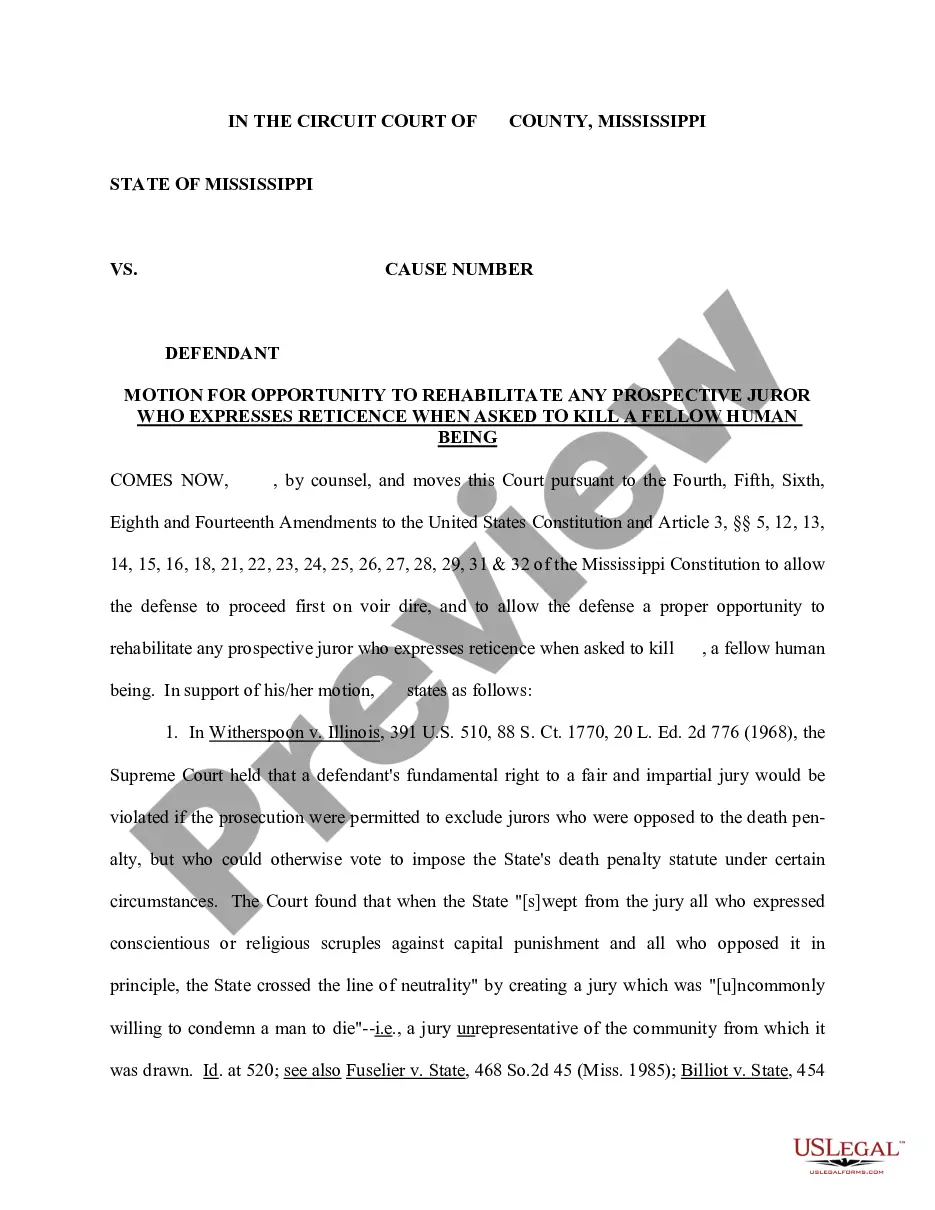
- Ensure the document you see on the page meets your legal situation and state laws by checking its text description or looking through the Preview mode.
- Type in the form name in the Search tab on the top of the page and choose your state from the list to find another template in case of any inconsistencies.
- Repeat with the content check and click Buy now when you are confident with the paperwork compliance with all the demands.
- Log in to your account and click Download. Register for the service and opt for the subscription plan if you still don’t have one.
- Use your credit card or the PayPal option to purchase your US Legal Forms subscription. The blank will be available to download right after.
- Choose in what format you want to save your Waiver of Rule 32.1 Hearing and download it by clicking the appropriate button.
- Add your template to an online editor to fill out and sign it quickly or print it out to prepare your hard copy manually.
Another great advantage of US Legal Forms is that you never lose the paperwork you acquired - you can find any of your downloaded templates in the My Forms tab of your profile any time you need it.