Driving Record Check
Understanding this form
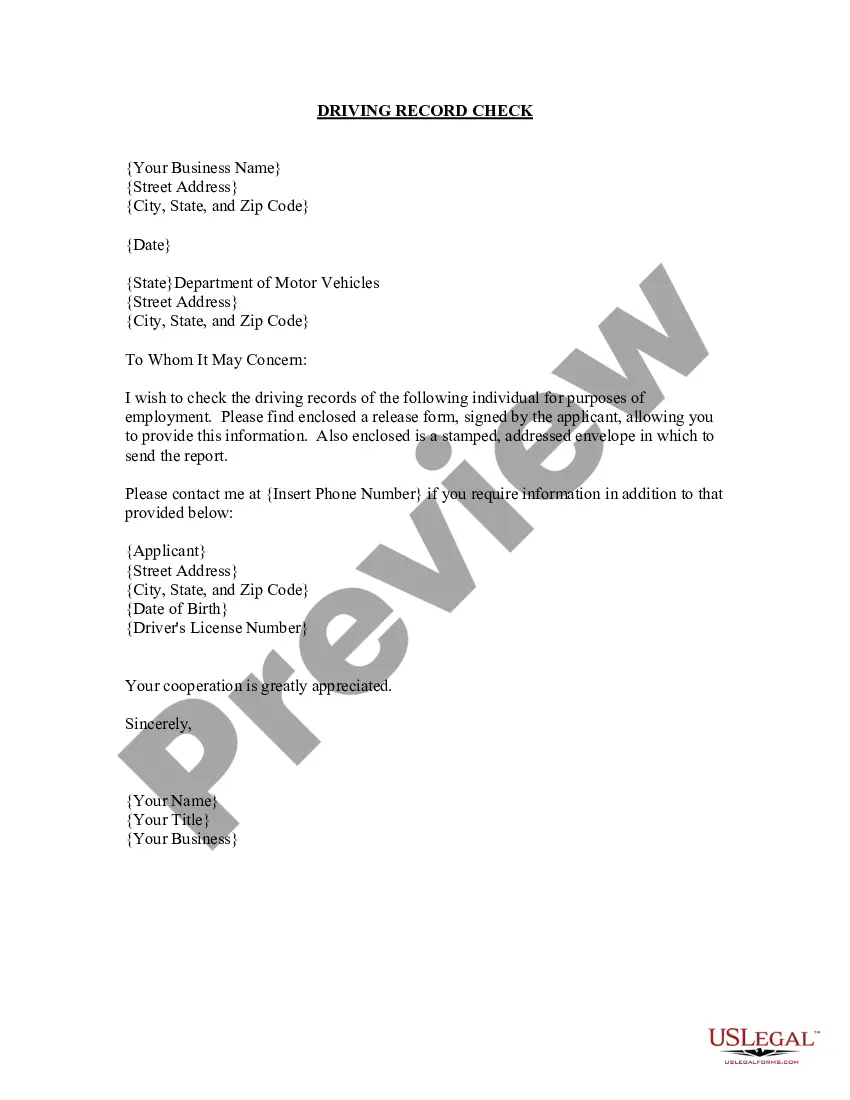
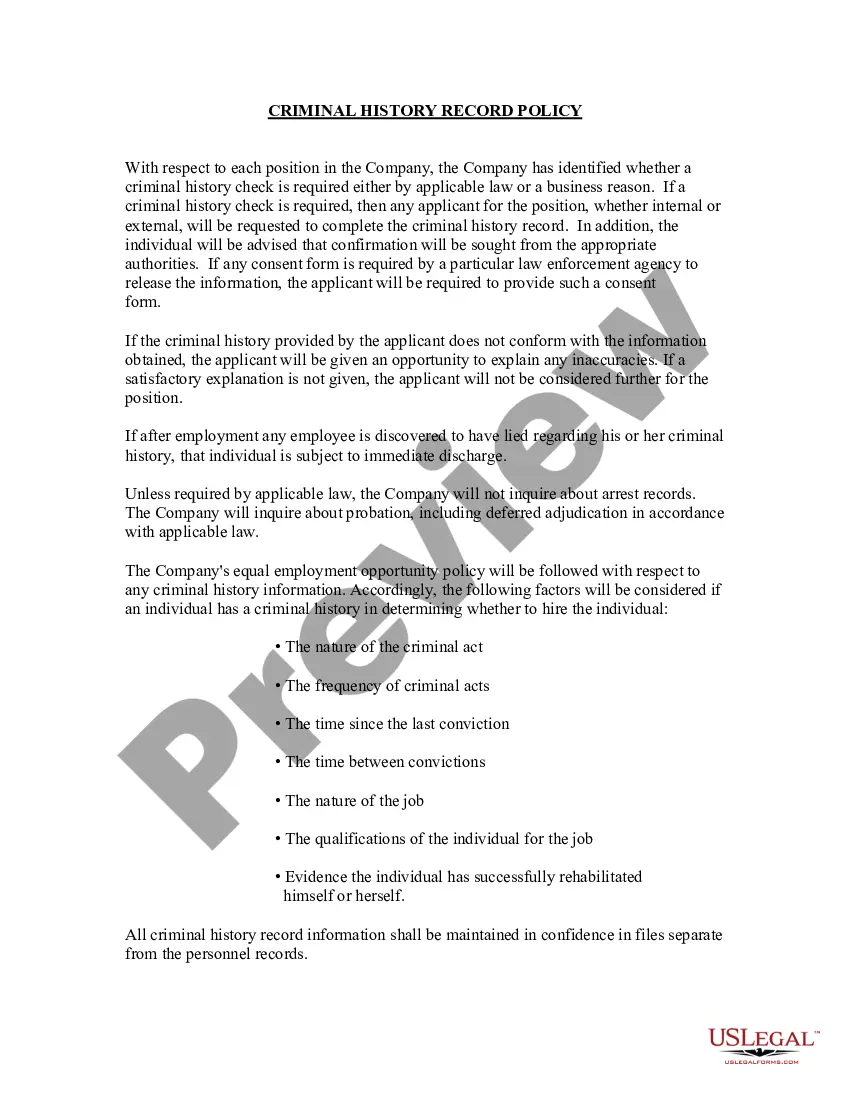
The Driving Record Check form allows employers to request the driving record of an individual for employment purposes. This form is essential for organizations that need to ensure the safety and suitability of their employees who will be driving as part of their job. It is distinct from other forms related to driving records because it includes a signed release from the applicant, authorizing the employer to obtain this sensitive information directly from the Department of Motor Vehicles.
Main sections of this form
- Your business information: includes your business name, address, and contact details.
- Recipient details: the address of the state Department of Motor Vehicles where the request will be sent.
- Applicant's information: includes the full name, address, date of birth, and driver's license number of the individual whose records are being requested.
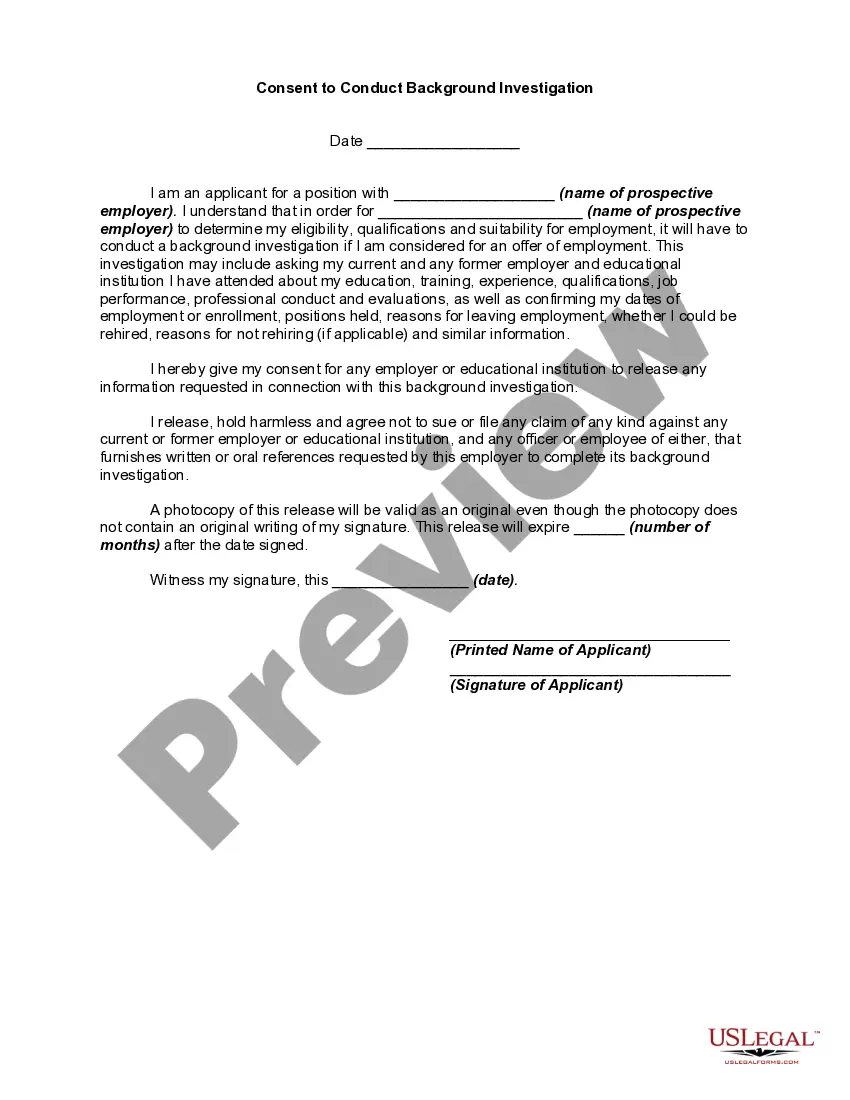
- A signed release form: authorizes the DMV to disclose the individual's driving record.
- Contact information: provides a phone number for follow-up inquiries regarding the request.

Common use cases
This form should be used when an employer needs to verify an applicantâs driving record before making hiring decisions for positions that require driving. It can also be used when updating internal records for current employees or during periodic reviews to comply with company policies or insurance requirements.
Who this form is for
- Employers looking to hire candidates for driving-related jobs.
- HR professionals performing background checks for new hires.
- Companies that require updated driving records for current employees.
- Any organization that needs to ensure compliance with safety regulations regarding employees' driving capabilities.
Completing this form step by step
- Fill in your business name, address, and contact details at the top of the form.
- Write the address of the relevant state Department of Motor Vehicles.
- Provide the applicant's information, including full name, address, date of birth, and driver's license number.
- Attach the signed release form from the applicant authorizing the release of their driving record.
- Include your name, title, and contact number for any follow-up communications.
Notarization requirements for this form
This form does not typically require notarization unless specified by local law. However, ensure that all necessary signatures are obtained to maintain the validity of your request.
Get your form ready online
Our built-in tools help you complete, sign, share, and store your documents in one place.
Make edits, fill in missing information, and update formatting in US Legal Forms—just like you would in MS Word.
Download a copy, print it, send it by email, or mail it via USPS—whatever works best for your next step.
Sign and collect signatures with our SignNow integration. Send to multiple recipients, set reminders, and more. Go Premium to unlock E-Sign.
If this form requires notarization, complete it online through a secure video call—no need to meet a notary in person or wait for an appointment.
We protect your documents and personal data by following strict security and privacy standards.

Make edits, fill in missing information, and update formatting in US Legal Forms—just like you would in MS Word.

Download a copy, print it, send it by email, or mail it via USPS—whatever works best for your next step.

Sign and collect signatures with our SignNow integration. Send to multiple recipients, set reminders, and more. Go Premium to unlock E-Sign.

If this form requires notarization, complete it online through a secure video call—no need to meet a notary in person or wait for an appointment.

We protect your documents and personal data by following strict security and privacy standards.
Common mistakes to avoid
- Forgetting to include the signed release form from the applicant.
- Providing incorrect or incomplete applicant information, such as a misspelled name or wrong address.
- Not addressing the request to the correct Department of Motor Vehicles.
- Failing to include your contact information for follow-up inquiries.
Benefits of completing this form online
- Convenience: Easily fill out and download the form from anywhere at any time.
- Editability: Easily modify the form to suit your specific needs before printing.
- Reliability: The form is drafted by licensed attorneys, ensuring that it meets legal standards.
Key takeaways
- The Driving Record Check form is essential for employers needing to evaluate driving qualifications of job candidates.
- Always include a signed release form from the applicant when submitting the request.
- Ensure compliance with state-specific regulations regarding the retrieval of driving records.
Looking for another form?


Form popularity
FAQ
If you do not have printer capabilities or prefer to receive your Record through the mail, you may download a Driver Record Request form from the DPS website. This online service is provided by Texas.gov, the official website of Texas.
What is a DMV h6? An H6 driving record contains information from the previous 10 years instead of the standard three-to-five years found on most driving records. In addition, an H6 driving record may contain information regarding accidents as well as employment history not contained on a standard driving history.
Certified driving record.Un-certified driving record.Motor vehicle report (MVR)Online driving record.Driving abstract.
To order online, visit the Online Driver Record Request System provided by the Texas Department of Public Safety. You will be required to provide your driver license number, date of birth, the last 4 digits of your Social Security number and DPS audit number.
Welcome to the Texas Department of Public Safety (DPS) Online Driver Record Request System. Through this service, Texas Driver License Holders may request their own Driver Record online and print the Record at the end of a successful order.You may not request to receive your Driver Record through the mail.
Your most recently issued Texas driver license, commercial driver license or identification card number, and the audit number from that card (See below to locate your audit number); or be able to answer security questions to verify your identity. Your date of birth.
A driving record, also known as a motor vehicle report, is a collection of all public records related to you as a driver. This includes information about accidents, license suspensions, tickets, mailing address, and more.
Simply visit the Texas Department of Public Safety Driver License Division License Eligibility website. Enter your driver license or ID number, date of birth, and the last 4 digits of your social security number to log in. Once in, you'll be able to do the following: Check driver's license status in TX.
Reading Your California Driving Record Locate personal information by the following abbreviations: B/D is date of birth; RES ADD stands for Residential Address; HT is your height; and WT is your weight. This information should match your driver's license.