Software Equipment Request
About this form
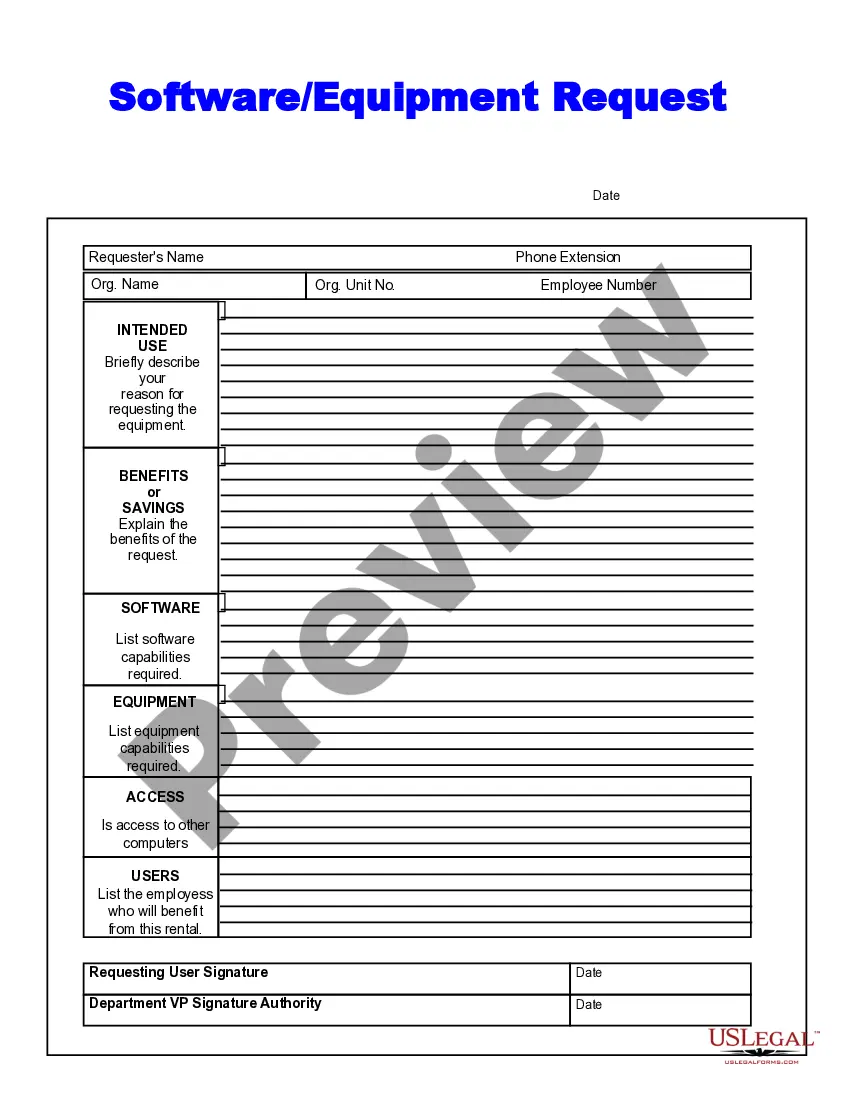
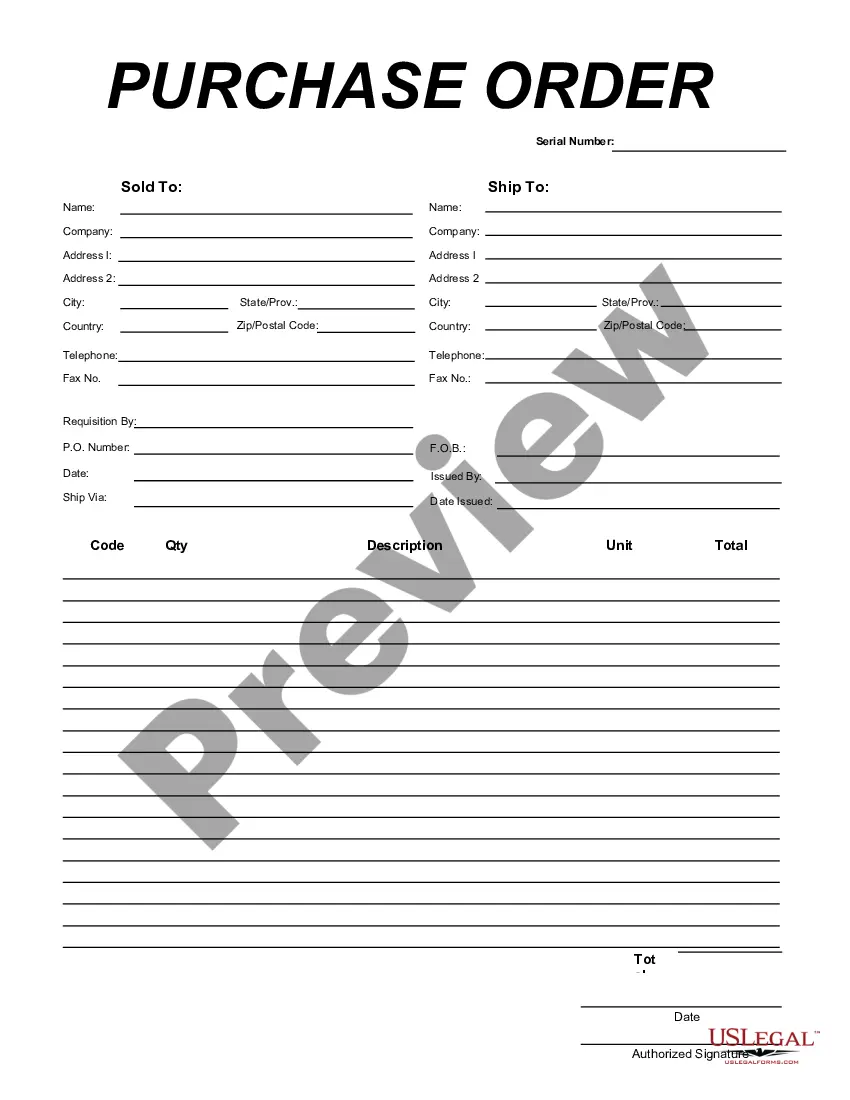
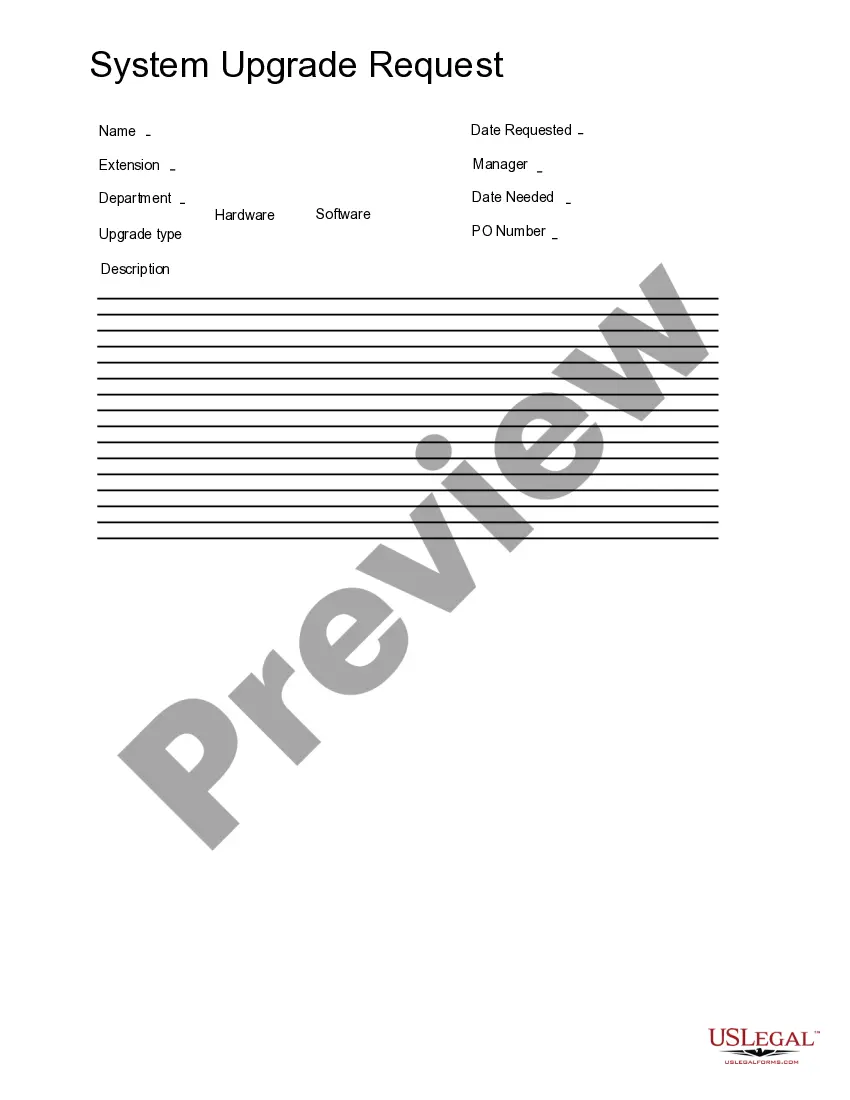
The Software Equipment Request form is a business document used to formally request software and equipment within an organization. This form outlines the reasons for the request, benefits, and specific software and equipment capabilities needed. It differs from similar forms by focusing specifically on technology requirements, making it essential for efficient business resource planning.
Form components explained
- Reason for requesting the equipment
- Benefits or savings associated with the request
- Required software capabilities
- Required equipment capabilities
- Access to other computers if needed
- List of employees who will benefit from the equipment
- Signature lines for the requesting user and department VP
When to use this form
This form should be used when an employee needs specific software or equipment to perform their job effectively. It is appropriate for scenarios such as launching a new project, upgrading existing technology, or justifying the need for additional resources to enhance productivity. Use this form to ensure that all requests are documented and approved efficiently.
Who this form is for
The following individuals should use the Software Equipment Request form:
- Employees seeking additional software or equipment for work purposes
- Department heads or team leaders responsible for resource allocation
- IT personnel coordinating technology requests within the organization
- Managers aiming to document and approve technology needs
Instructions for completing this form
- Identify and provide the reason for the equipment request.
- Explain the expected benefits or savings from acquiring the software and/or equipment.
- List the required software capabilities and any specific equipment you need.
- Indicate if access to other computers is necessary.
- List the employees who will benefit from this request.
- Obtain the necessary signatures from the requesting user and the department VP, along with the date.
Does this document require notarization?
This form usually doesn’t need to be notarized. However, local laws or specific transactions may require it. Our online notarization service, powered by Notarize, lets you complete it remotely through a secure video session, available 24/7.
Get your form ready online
Our built-in tools help you complete, sign, share, and store your documents in one place.
Make edits, fill in missing information, and update formatting in US Legal Forms—just like you would in MS Word.
Download a copy, print it, send it by email, or mail it via USPS—whatever works best for your next step.
Sign and collect signatures with our SignNow integration. Send to multiple recipients, set reminders, and more. Go Premium to unlock E-Sign.
If this form requires notarization, complete it online through a secure video call—no need to meet a notary in person or wait for an appointment.
We protect your documents and personal data by following strict security and privacy standards.

Make edits, fill in missing information, and update formatting in US Legal Forms—just like you would in MS Word.

Download a copy, print it, send it by email, or mail it via USPS—whatever works best for your next step.

Sign and collect signatures with our SignNow integration. Send to multiple recipients, set reminders, and more. Go Premium to unlock E-Sign.

If this form requires notarization, complete it online through a secure video call—no need to meet a notary in person or wait for an appointment.

We protect your documents and personal data by following strict security and privacy standards.
Common mistakes
- Failing to provide a clear reason for the equipment request.
- Not listing all required software capabilities.
- Skipping the signature section, leading to invalid requests.
- Omitting the specific benefits of the request.
- Not verifying if additional access to computers is needed.
Benefits of completing this form online
- Convenience of completing the form from anywhere.
- Editable fields allow for quick adjustments to requests.
- Reliable documentation through downloadable templates.
Quick recap
- The Software Equipment Request form is vital for formal equipment and software acquisition.
- Detailing capabilities and benefits is crucial for approval.
- This form is designed for use by various individuals in a business setting.