Private Trust Company
About this form
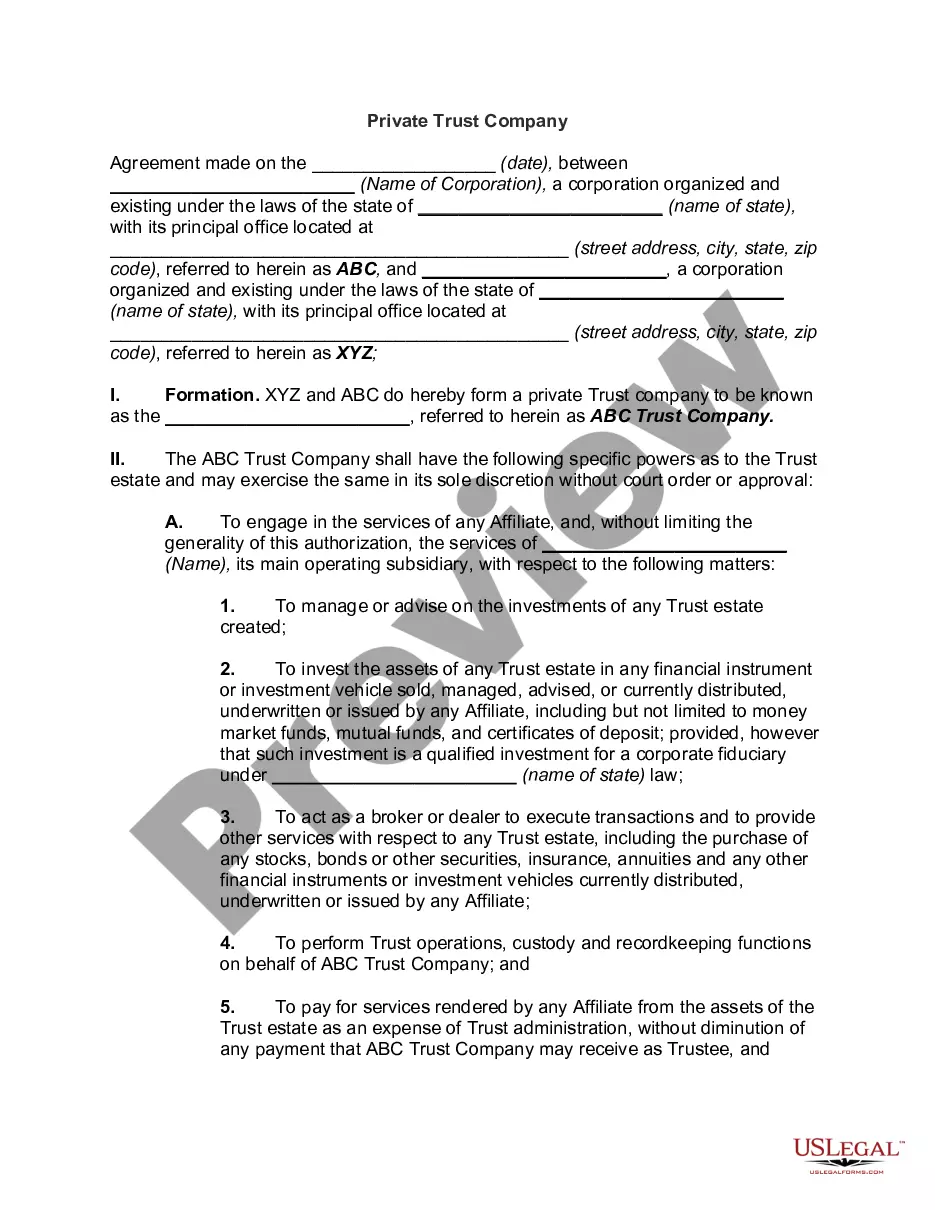
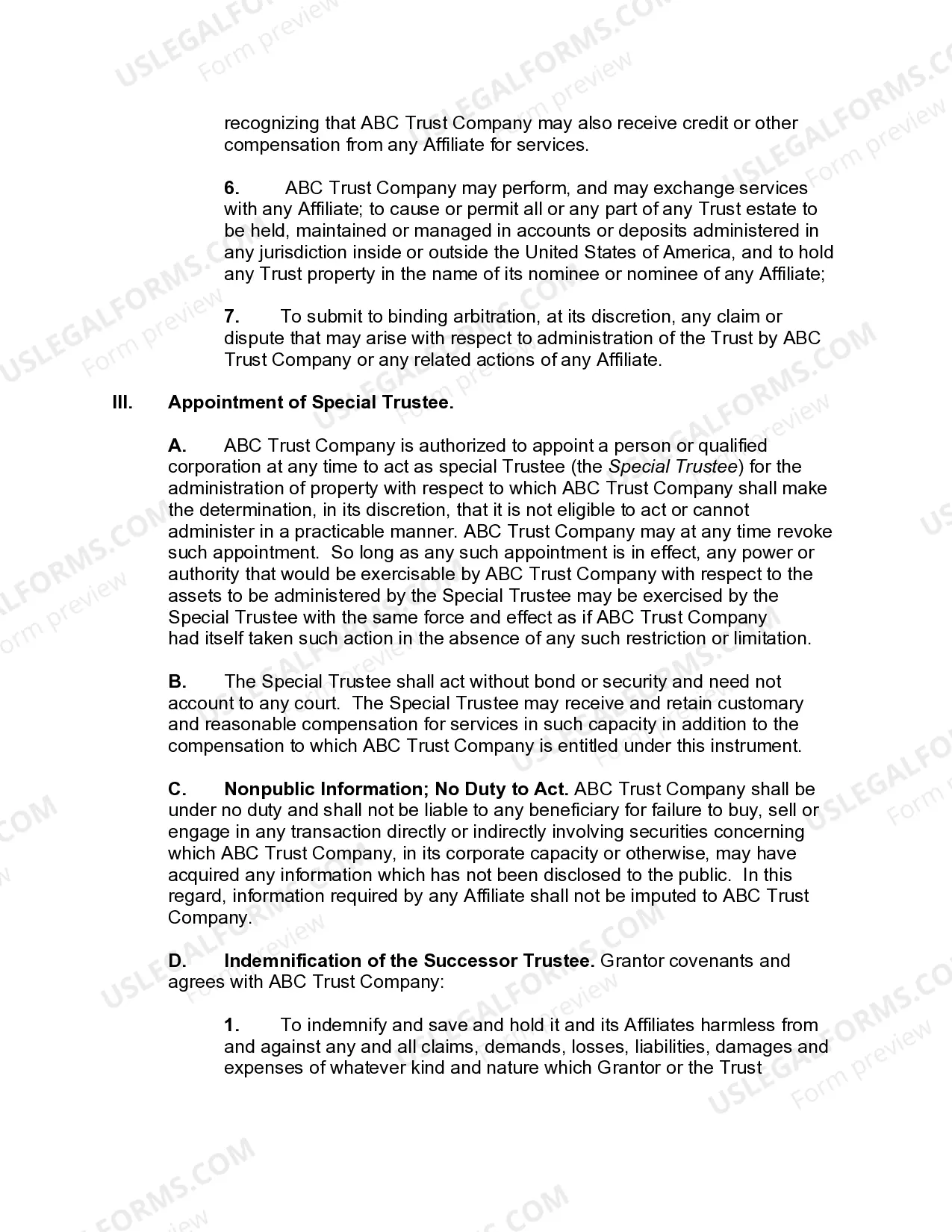
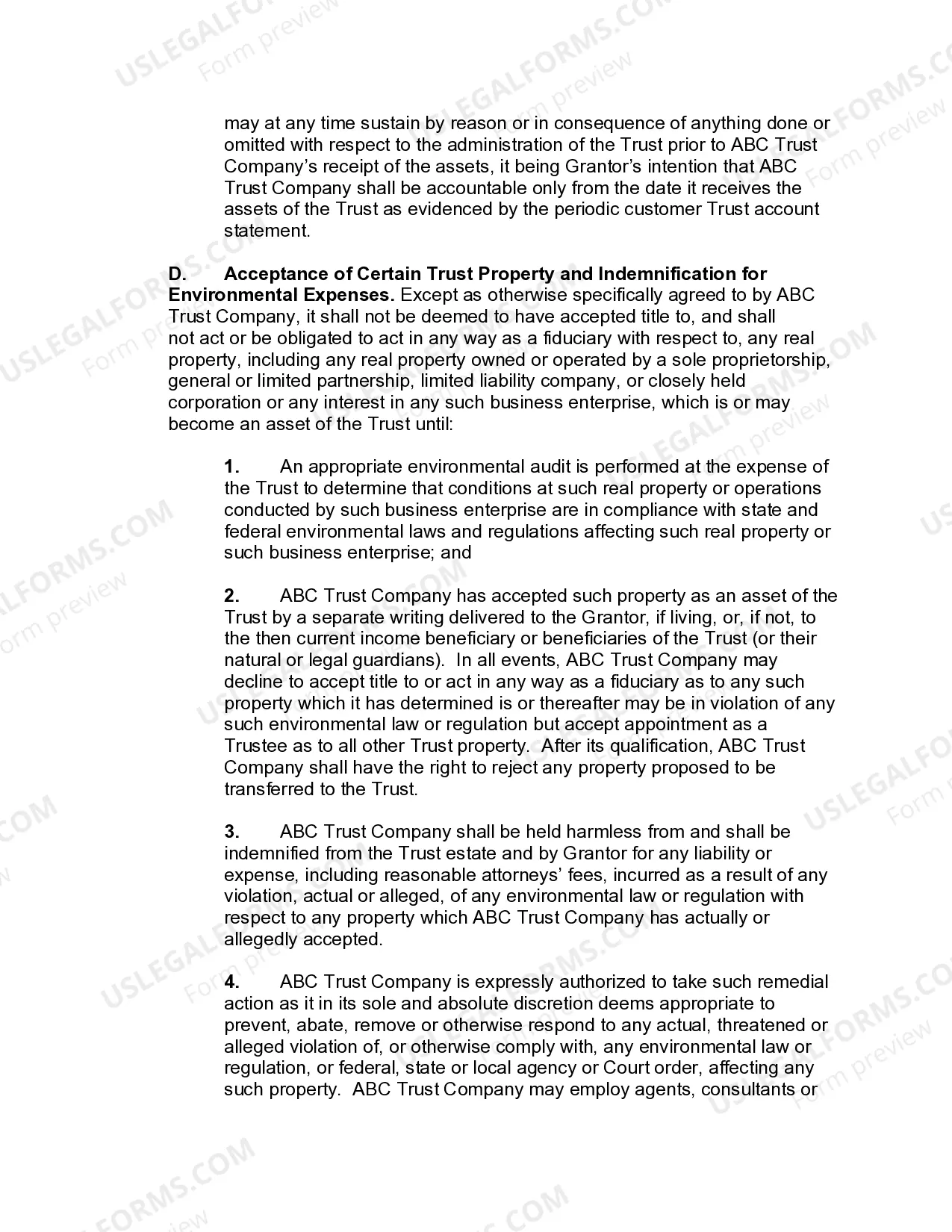
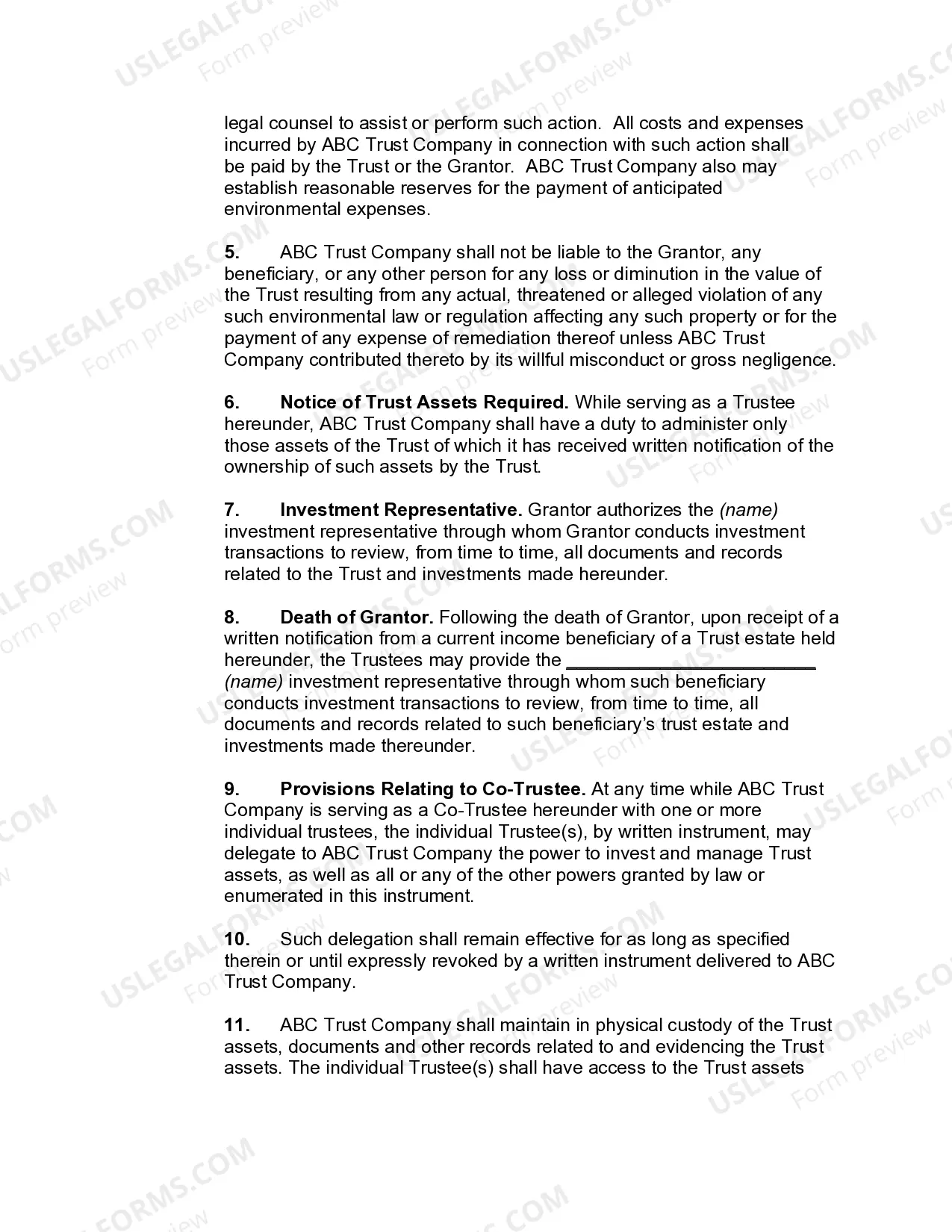
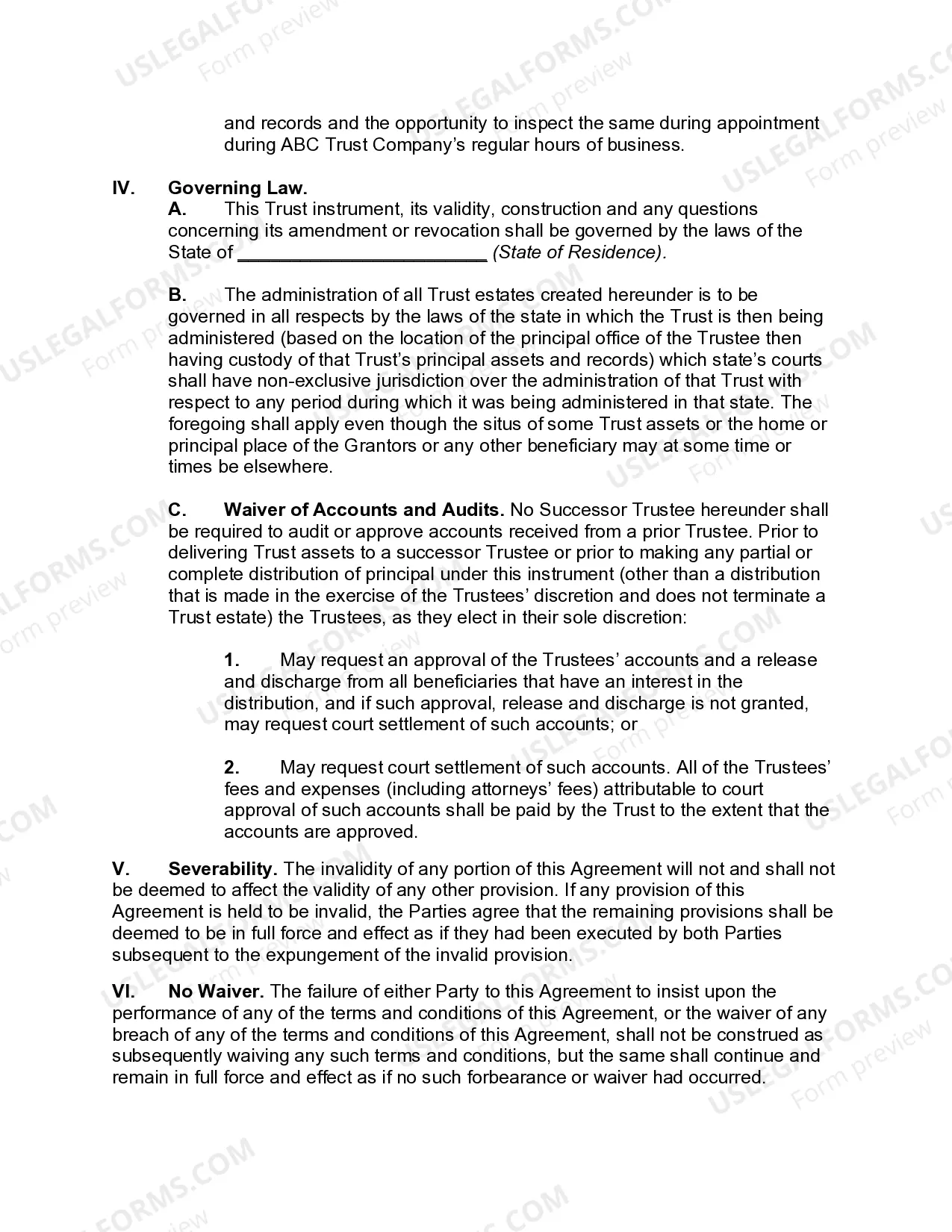
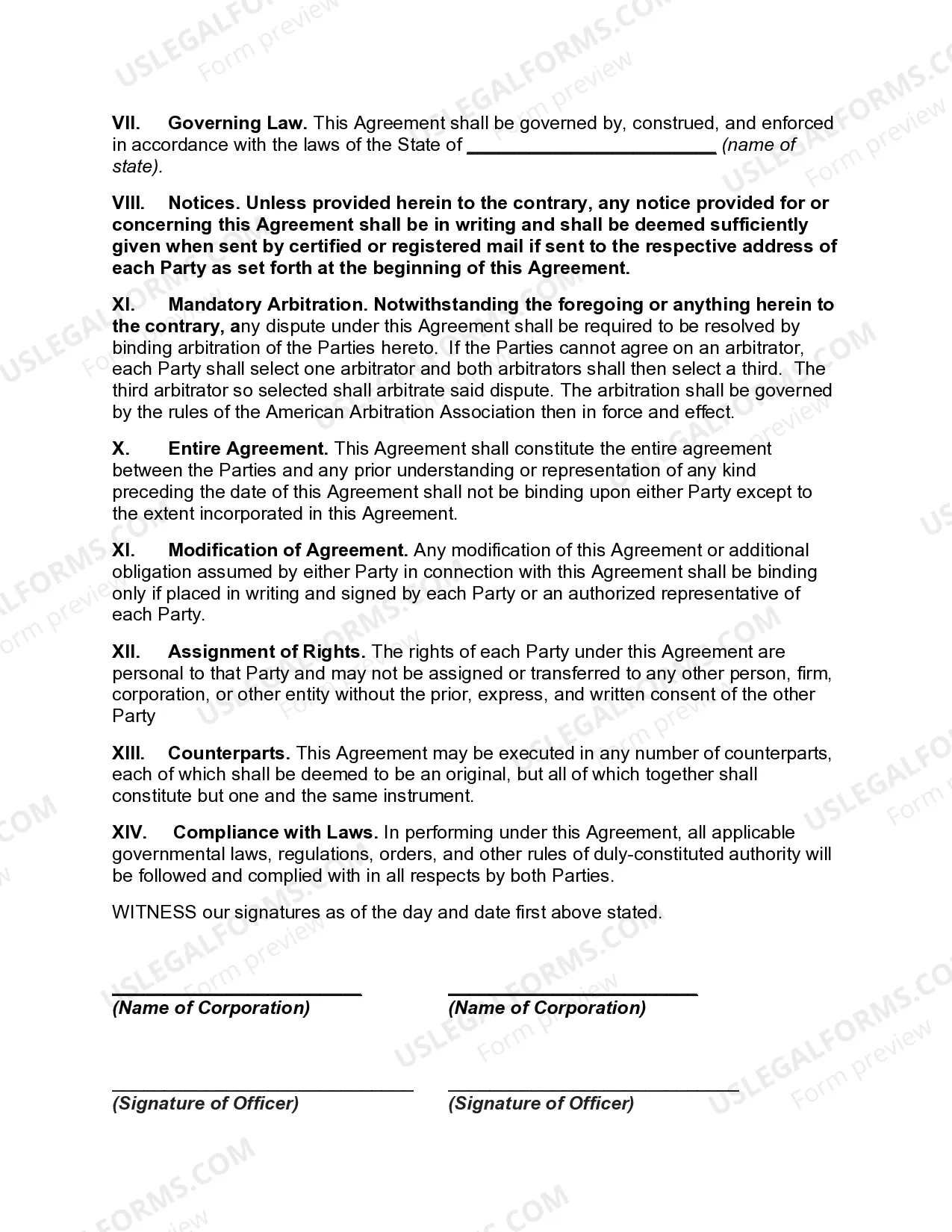
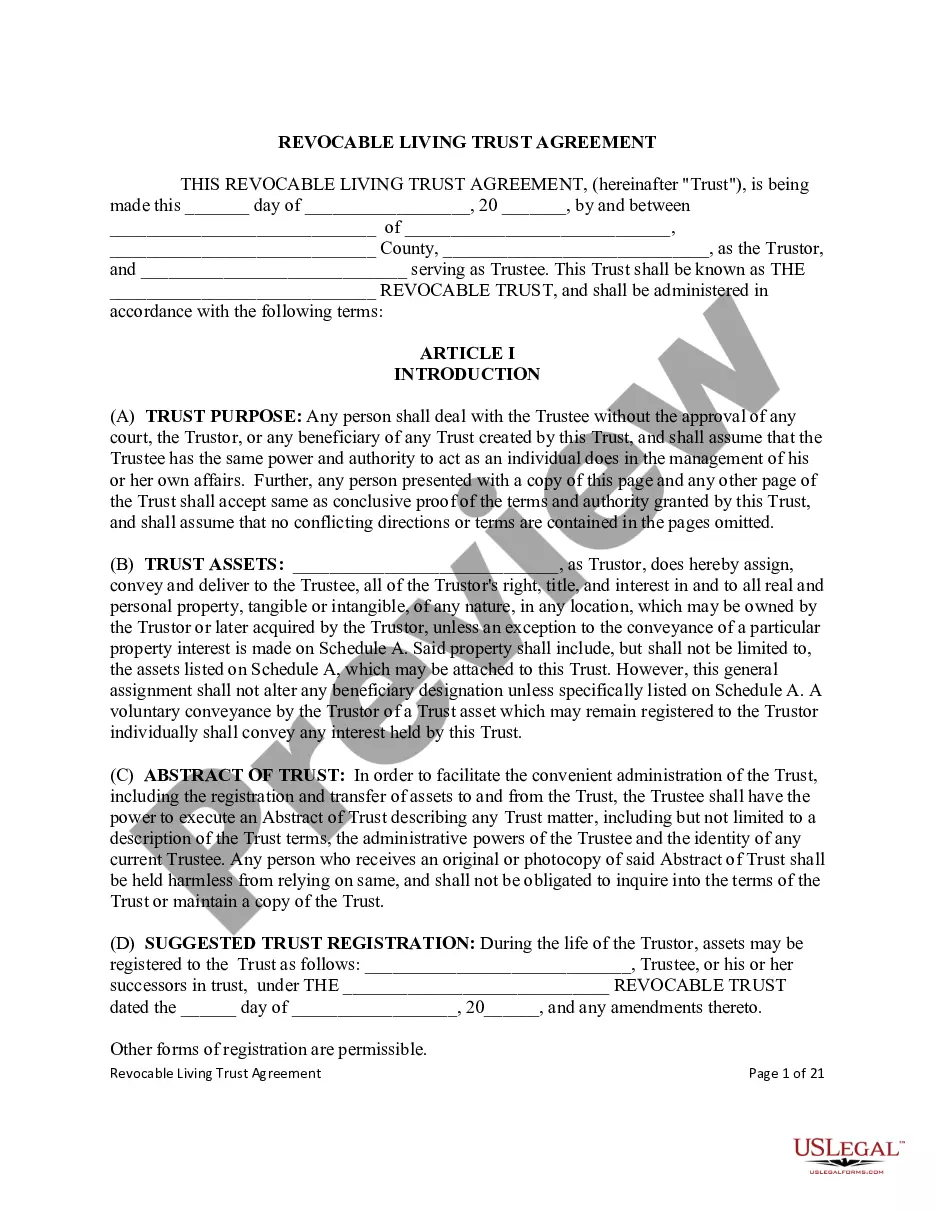
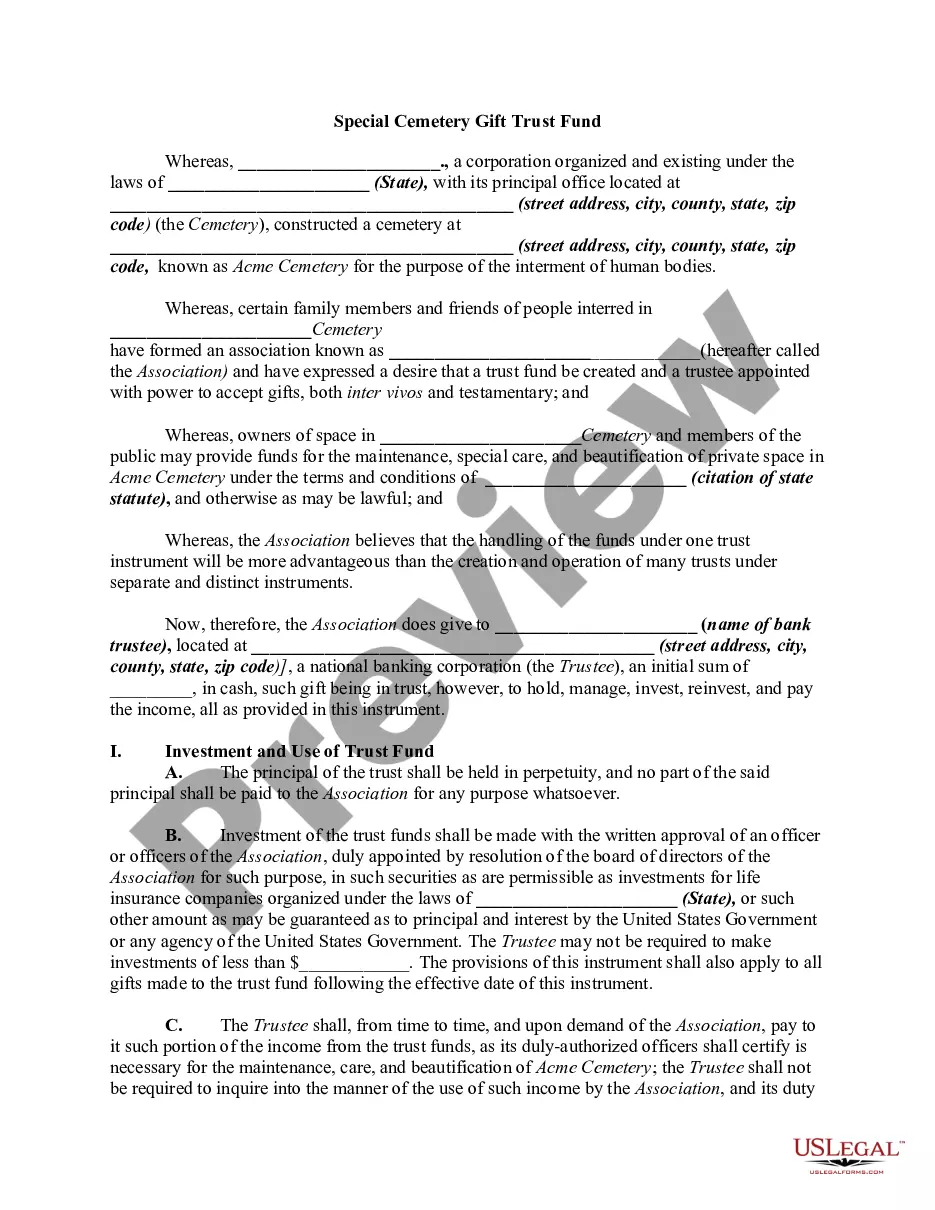
The Private Trust Company form establishes a private trust entity to manage trust assets. Unlike charitable trusts, private trusts are typically created for personal financial benefits or family estate planning. This form outlines the structure, powers, and responsibilities of the trust company and its trustees, providing a legal framework for managing and administering trust assets.
Form components explained
- Formation details of the Private Trust Company.
- Specific powers granted to the trust company for managing trust assets.
- Appointment and responsibilities of a special trustee.
- Indemnification provisions for trustees against certain liabilities.
- Requirements for acceptance of trust property regarding environmental compliance.
When to use this form
You should use the Private Trust Company form when you need to establish a privately-owned trust company to manage personal or family trust assets. This form is important for individuals looking to ensure effective management of their investments and estate, particularly when creating a long-term financial strategy or preparing for the distribution of assets upon death.
Who should use this form
- Individuals seeking to create a private trust for family assets.
- Corporations involved in trust management.
- Estate planners and financial advisors working with clients on trust establishment.
- Trustees or fiduciaries responsible for overseeing trust operations.
How to complete this form
- Enter the date of the agreement and the names of the corporations involved.
- Specify the name of the Private Trust Company being formed.
- Outline the specific powers granted to the trust company regarding asset management.
- Include details for the appointment of a special trustee if needed.
- Ensure all parties sign and date the agreement at the end of the form.
Is notarization required?
This form does not typically require notarization unless specified by local law.
Get your form ready online
Our built-in tools help you complete, sign, share, and store your documents in one place.
Make edits, fill in missing information, and update formatting in US Legal Forms—just like you would in MS Word.
Download a copy, print it, send it by email, or mail it via USPS—whatever works best for your next step.
Sign and collect signatures with our SignNow integration. Send to multiple recipients, set reminders, and more. Go Premium to unlock E-Sign.
If this form requires notarization, complete it online through a secure video call—no need to meet a notary in person or wait for an appointment.
We protect your documents and personal data by following strict security and privacy standards.

Make edits, fill in missing information, and update formatting in US Legal Forms—just like you would in MS Word.

Download a copy, print it, send it by email, or mail it via USPS—whatever works best for your next step.

Sign and collect signatures with our SignNow integration. Send to multiple recipients, set reminders, and more. Go Premium to unlock E-Sign.

If this form requires notarization, complete it online through a secure video call—no need to meet a notary in person or wait for an appointment.

We protect your documents and personal data by following strict security and privacy standards.
Typical mistakes to avoid
- Failing to complete all necessary fields, leading to an incomplete agreement.
- Not specifying the correct state laws that govern the trust.
- Ignoring necessary signatures which can invalidate the form.
Benefits of using this form online
- Convenient access to legal documents from anywhere, reducing the need for in-person visits.
- Editability allows for customized completion to fit specific needs and scenarios.
- Reliable templates created by licensed attorneys ensure legal compliance.