Data Recovery Agreement
Overview of this form
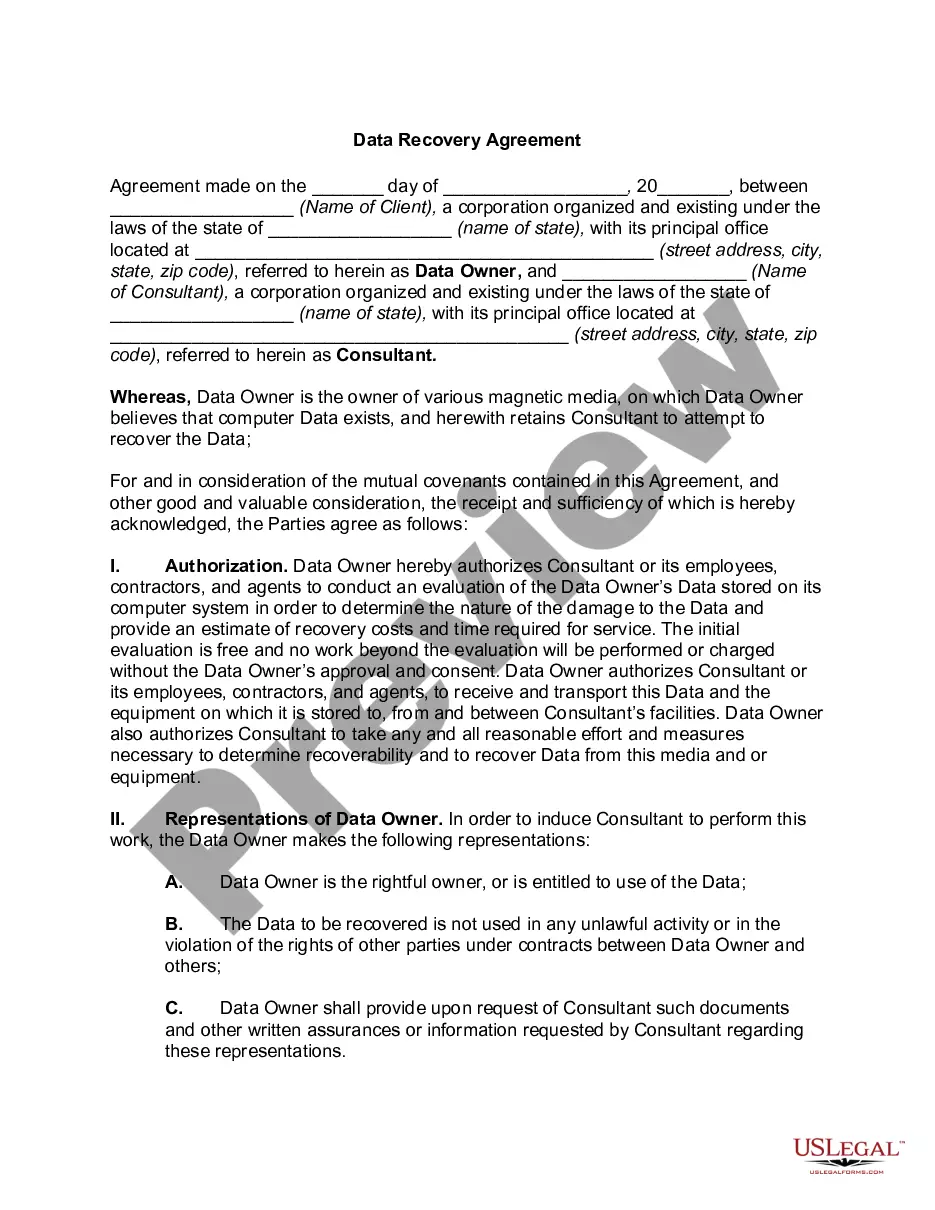
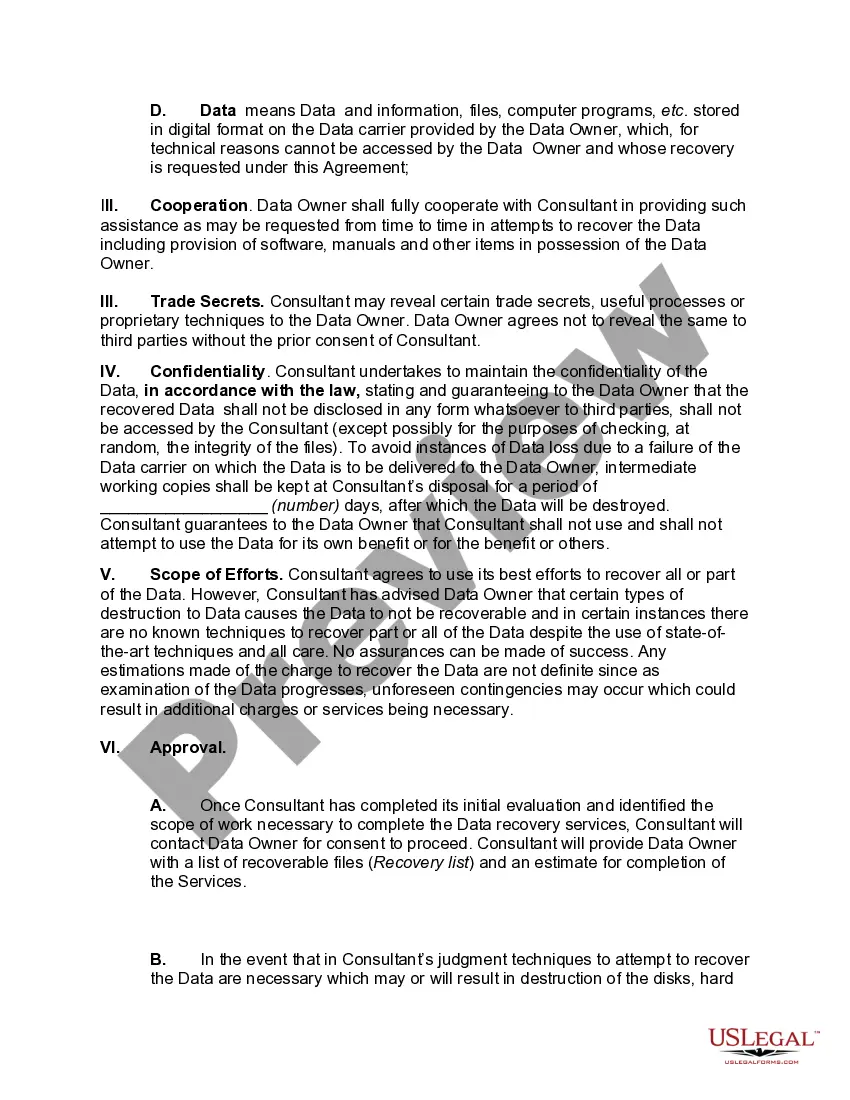
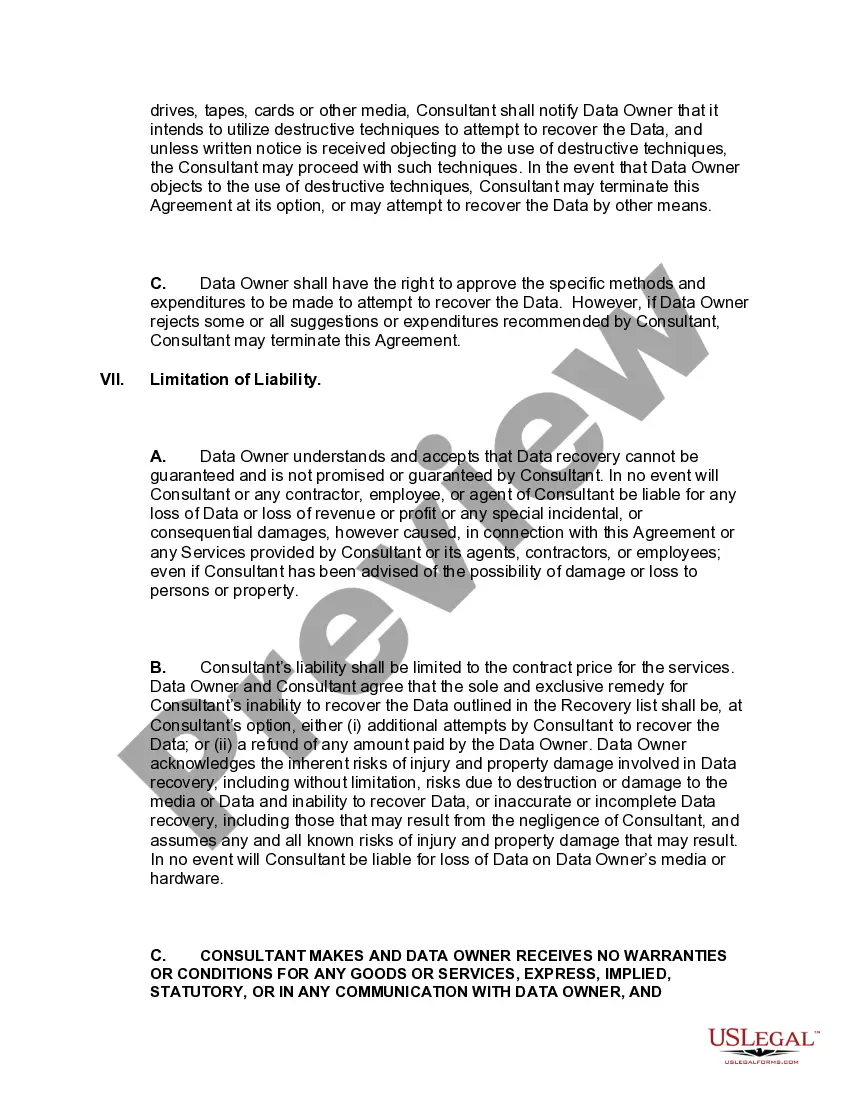
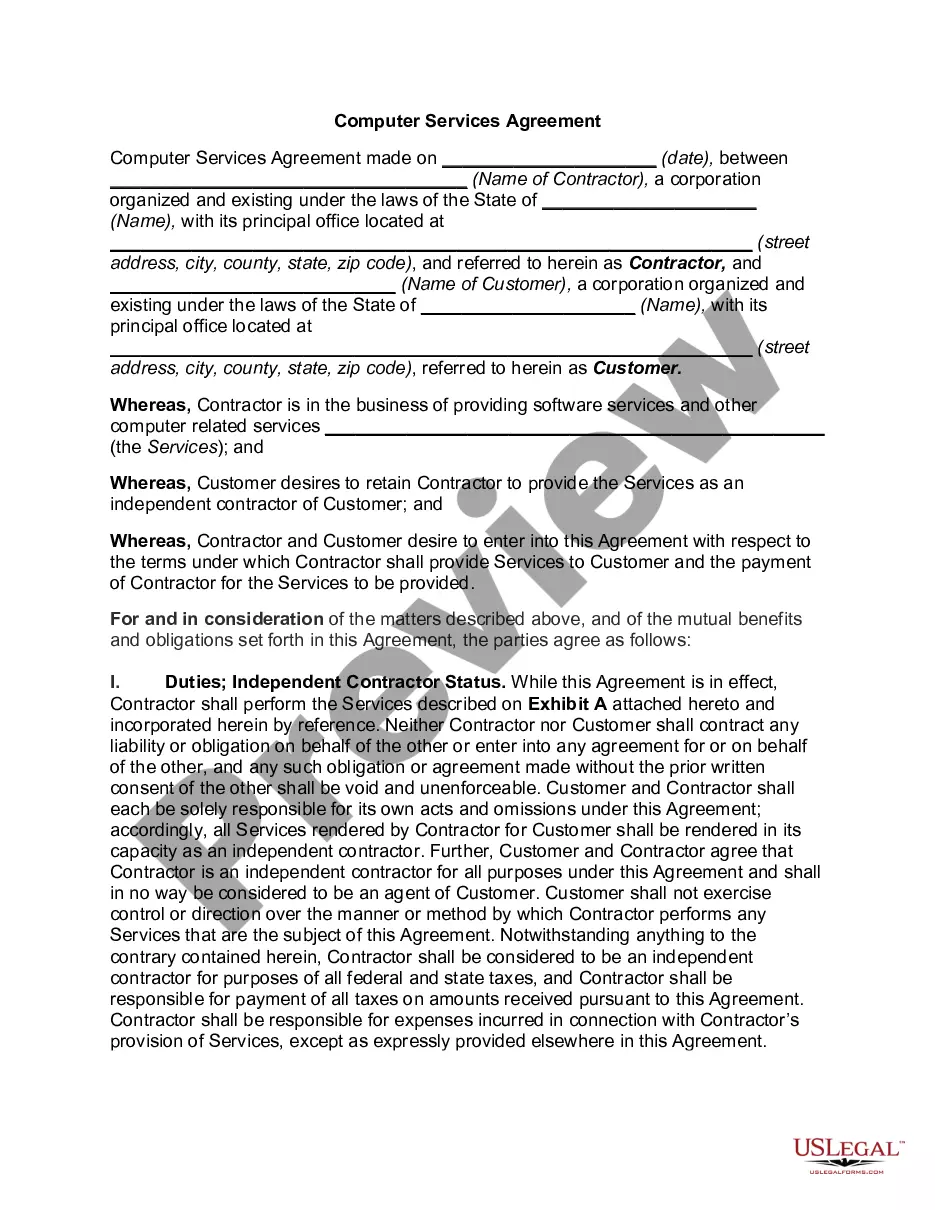
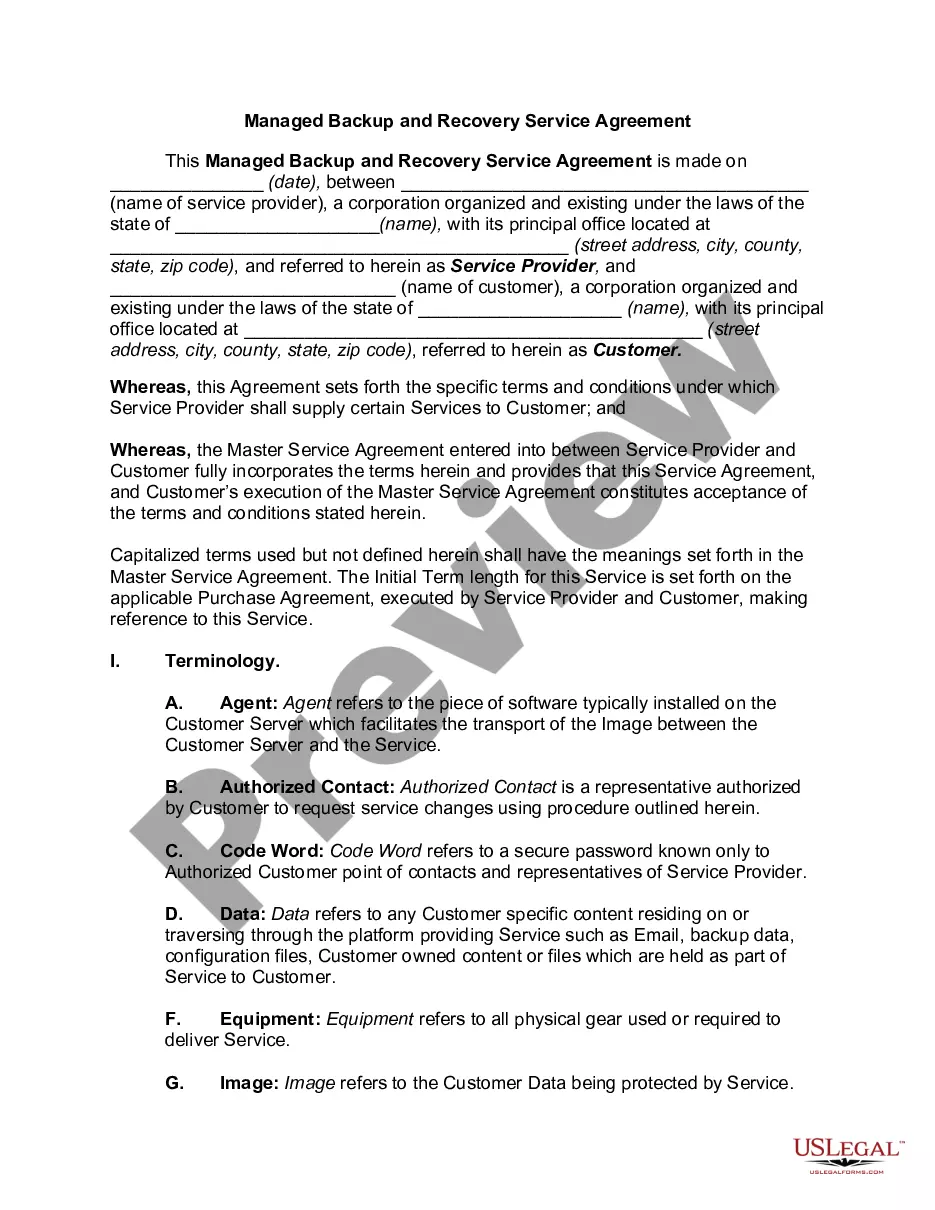
The Data Recovery Agreement is a legally binding document between a data owner and a consultant, established to govern the recovery of lost or corrupted digital data. This agreement outlines the responsibilities and rights of both parties, including authorization for the consultant to attempt data recovery on behalf of the owner. Unlike general service contracts, this agreement specifically addresses the unique challenges and protocols involved in data recovery services.
Key components of this form
- Authorization: Grants the consultant permission to evaluate and attempt data recovery.
- Representations of Data Owner: Ensures the data owner has the right to the data and confirms its lawful use.
- Cooperation: Requires the data owner to assist the consultant with necessary information and resources.
- Confidentiality: Protects the data from unauthorized disclosure and outlines how it should be handled.
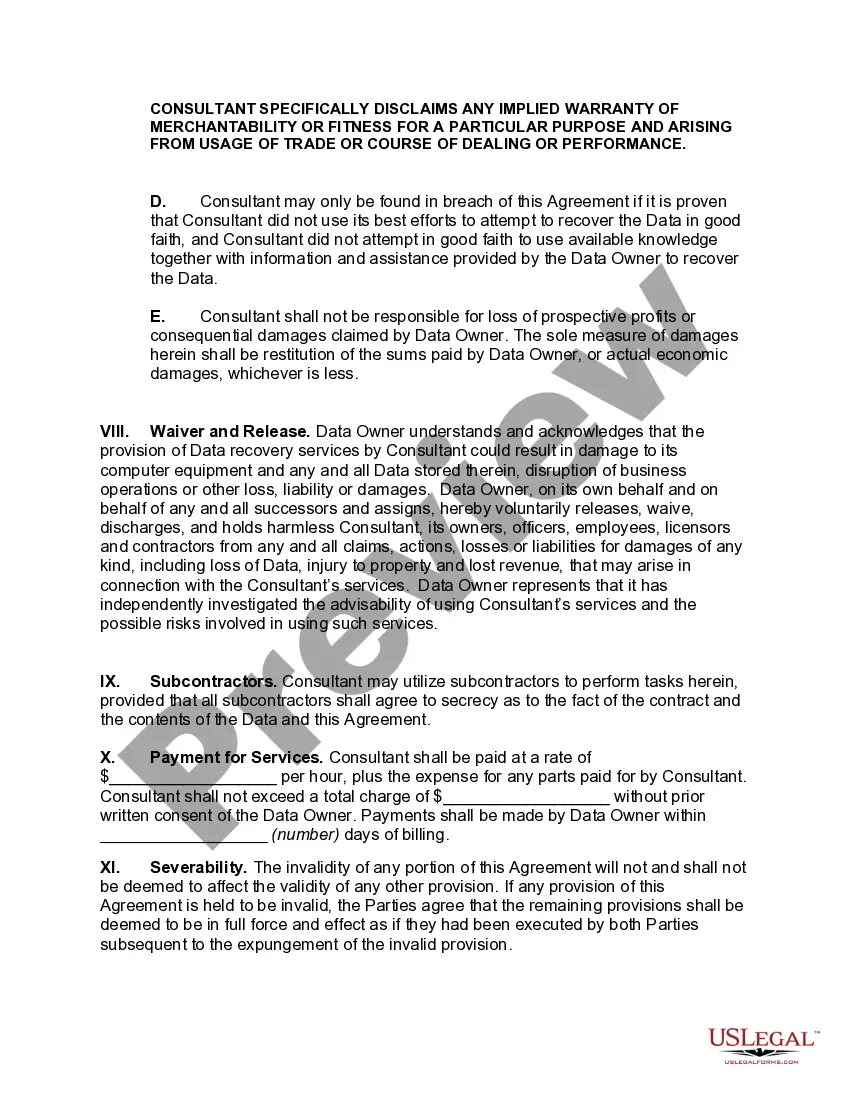
- Limitation of Liability: Defines the boundaries of the consultant's responsibility and the risks involved in data recovery.
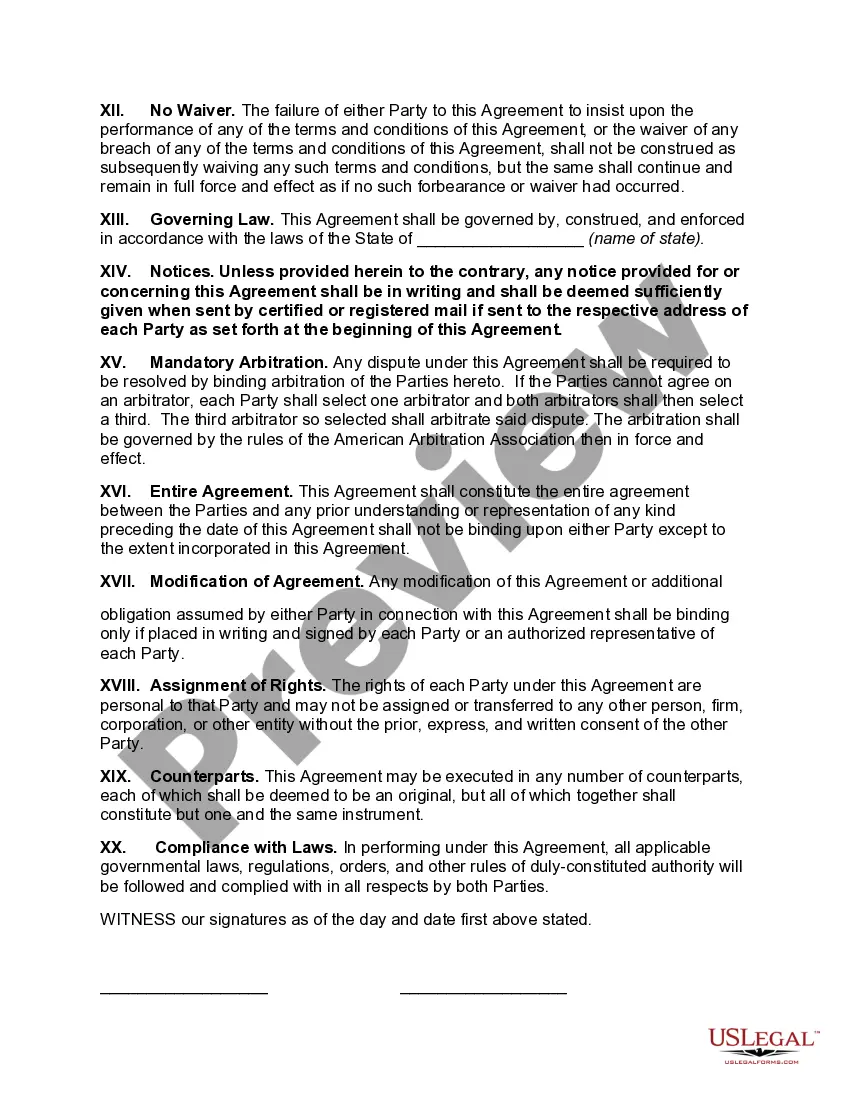
- Payment Terms: Specifies the payment rate and conditions for services provided.
When this form is needed
This agreement should be used when you need to recover data from damaged or corrupted storage media, such as hard drives, USB drives, or other digital devices. It is essential when you want to engage a professional consultant to ensure that your data is handled securely and ethically during the recovery process. This form helps clarify expectations and legal responsibilities, protecting both parties involved.
Who needs this form
- Businesses or corporations that have lost critical data due to hardware failure or corruption.
- Individuals who need assistance recovering personal digital files or information.
- Data recovery consultants or services that require formal agreements with clients.
- Anyone seeking to ensure the proper handling and security of sensitive data during recovery efforts.
How to complete this form
- Identify the parties: Enter the names and addresses of both the data owner and the consultant.
- Specify the data: Describe the type of data that requires recovery and any specific details about the storage media.
- Enter the authorization details: Clarify what the consultant is authorized to do regarding the evaluation and recovery process.
- Review liability terms: Understand the limitations of liability outlined in the agreement before signing.
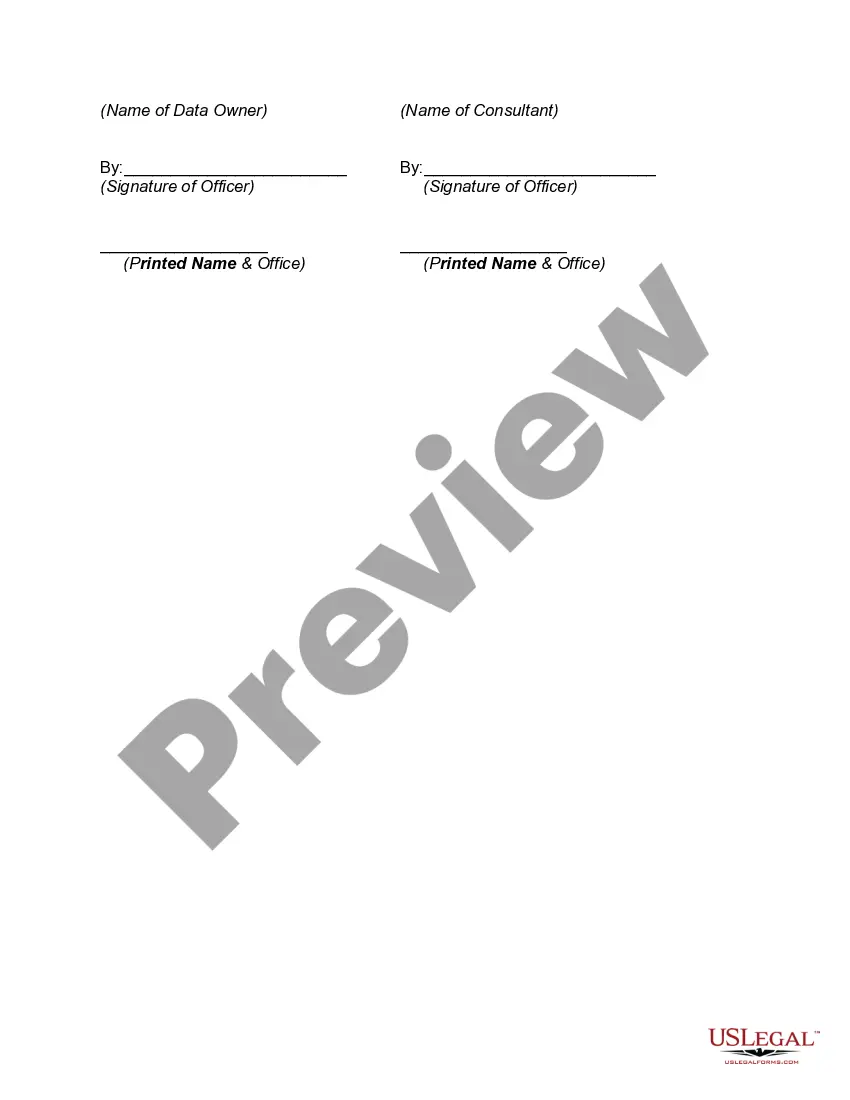
- Sign and date: Ensure both parties sign the agreement and include the date to make it legally binding.
Notarization requirements for this form
This form does not typically require notarization unless specified by local law. It is important to check any additional requirements for your specific situation or jurisdiction.
Get your form ready online
Our built-in tools help you complete, sign, share, and store your documents in one place.
Make edits, fill in missing information, and update formatting in US Legal Forms—just like you would in MS Word.
Download a copy, print it, send it by email, or mail it via USPS—whatever works best for your next step.
Sign and collect signatures with our SignNow integration. Send to multiple recipients, set reminders, and more. Go Premium to unlock E-Sign.
If this form requires notarization, complete it online through a secure video call—no need to meet a notary in person or wait for an appointment.
We protect your documents and personal data by following strict security and privacy standards.

Make edits, fill in missing information, and update formatting in US Legal Forms—just like you would in MS Word.

Download a copy, print it, send it by email, or mail it via USPS—whatever works best for your next step.

Sign and collect signatures with our SignNow integration. Send to multiple recipients, set reminders, and more. Go Premium to unlock E-Sign.

If this form requires notarization, complete it online through a secure video call—no need to meet a notary in person or wait for an appointment.

We protect your documents and personal data by following strict security and privacy standards.
Avoid these common issues
- Failing to clearly describe the data to be recovered, which can lead to misunderstandings.
- Neglecting to read the limitation of liability clause, potentially leading to unexpected risks.
- Not providing sufficient documentation to support the data owner's right to recover the data.
Advantages of online completion
- Convenience of downloading and filling out the form at your own pace.
- Editability allows for easy updates or modifications to the agreement as needed.
- Reliable quality assured by licensed attorneys who draft the forms.
Looking for another form?
Form popularity
FAQ
Data recovery is the process of restoring data that has been lost, accidentally deleted, corrupted or made inaccessible. In enterprise IT, data recovery typically refers to the restoration of data to a desktop, laptop, server or external storage system from a backup.
Step 1: Start by removing the hard drive from your desktop or laptop computer. Step 2: Connect your hard drive to a working computer. Step 3: Power on your drive to see if its recognized by your computer and put your ear next to it to listen for unusual sounds.
Hard Drive recovery. A large percentage of data recovery services comes from hard drive failures and is increasing. RAID Recovery. Tape Recovery. Optical Recovery. Removable Recovery. Digital Recovery.
Step 1: Start by removing the hard drive from your desktop or laptop computer. Step 2: Connect your hard drive to a working computer. Step 3: Power on your drive to see if its recognized by your computer and put your ear next to it to listen for unusual sounds.
Data recovery is the process of restoring data that has been lost, accidentally deleted, corrupted or made inaccessible. In enterprise IT, data recovery typically refers to the restoration of data to a desktop, laptop, server or external storage system from a backup.
READ FIRST: Data Recovery Software Basics. The #1 for 2020 Stellar Data Recovery. #2 EaseUS Data Recovery Wizard: Second to Stellar Data Recovery. #3 Disk Drill The Runner-Up. #4 Advanced Disk Recovery The Ultimate Data Recovery Software. #5 MiniTool Power Data Recovery FREE Disk Drill's Alternative.
When the lost data can be recovered by software techniques, they can often perform the recovery using remote access software over the Internet, LAN or other connection to the physical location of the damaged media. The process is essentially no different from what the end user could perform by themselves.
Basic hard drive data recovery costs average between $100 and $700, based on these factors. This price typically depends on the severity of damage and what is required to reach the point of data extraction.