Technology Use Contract between Parent and Child
Understanding this form
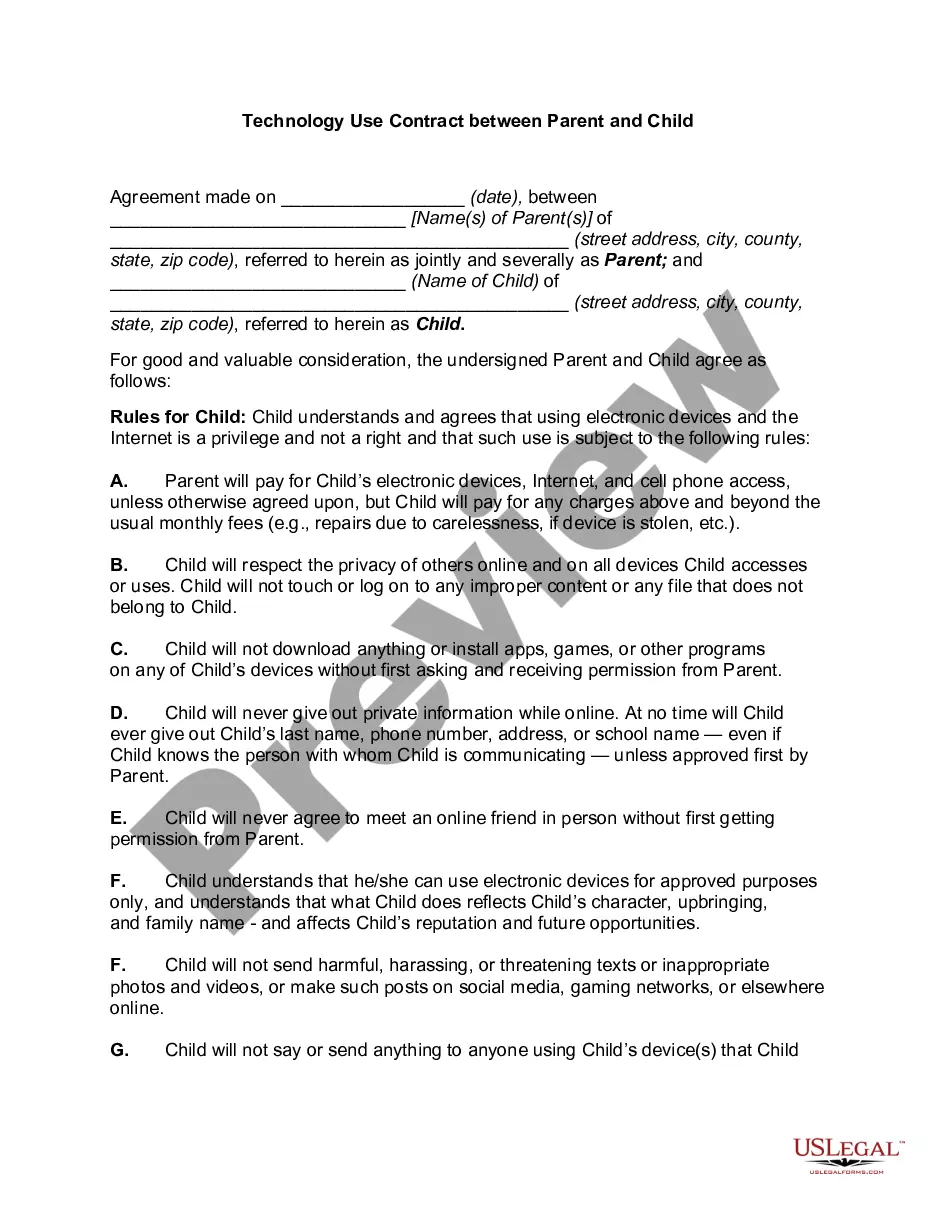
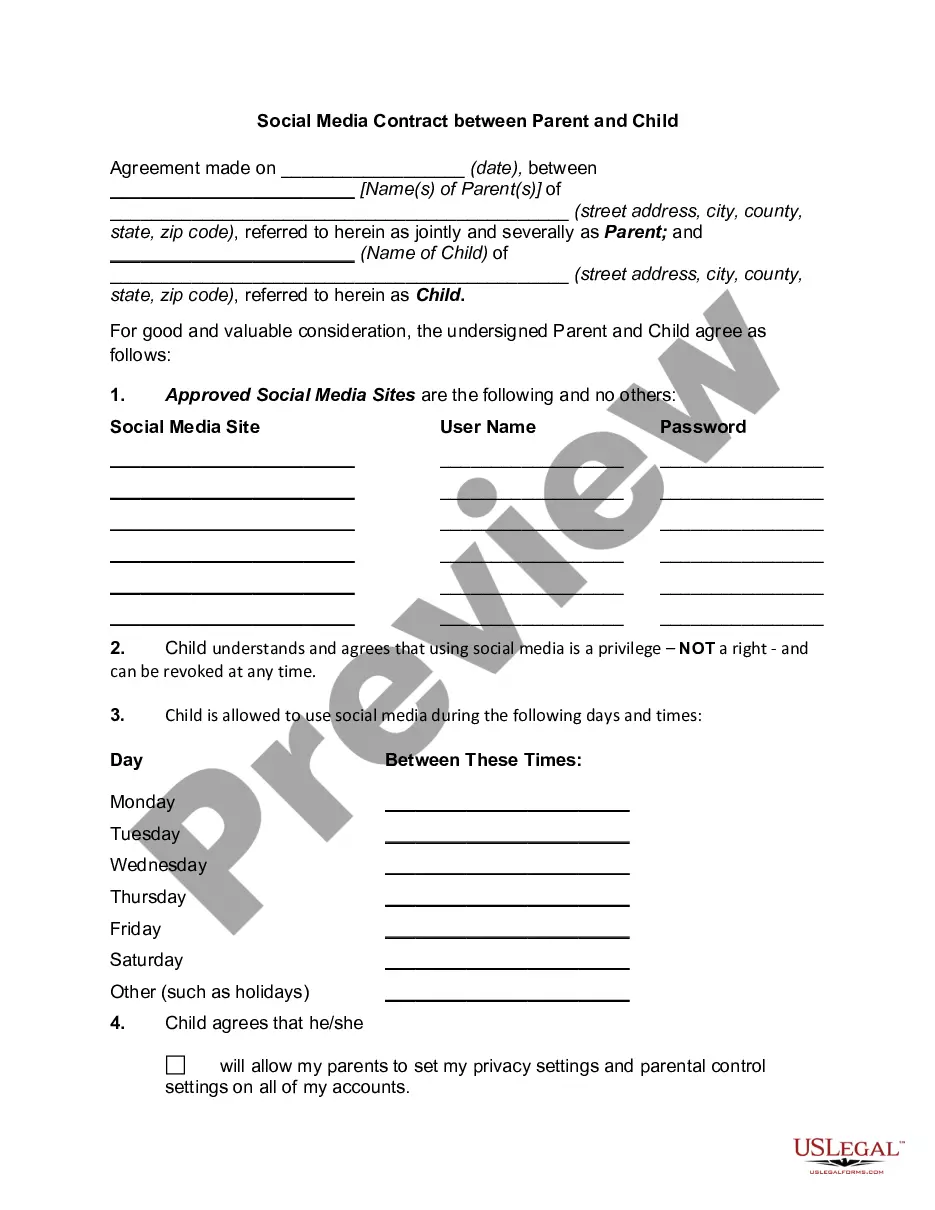
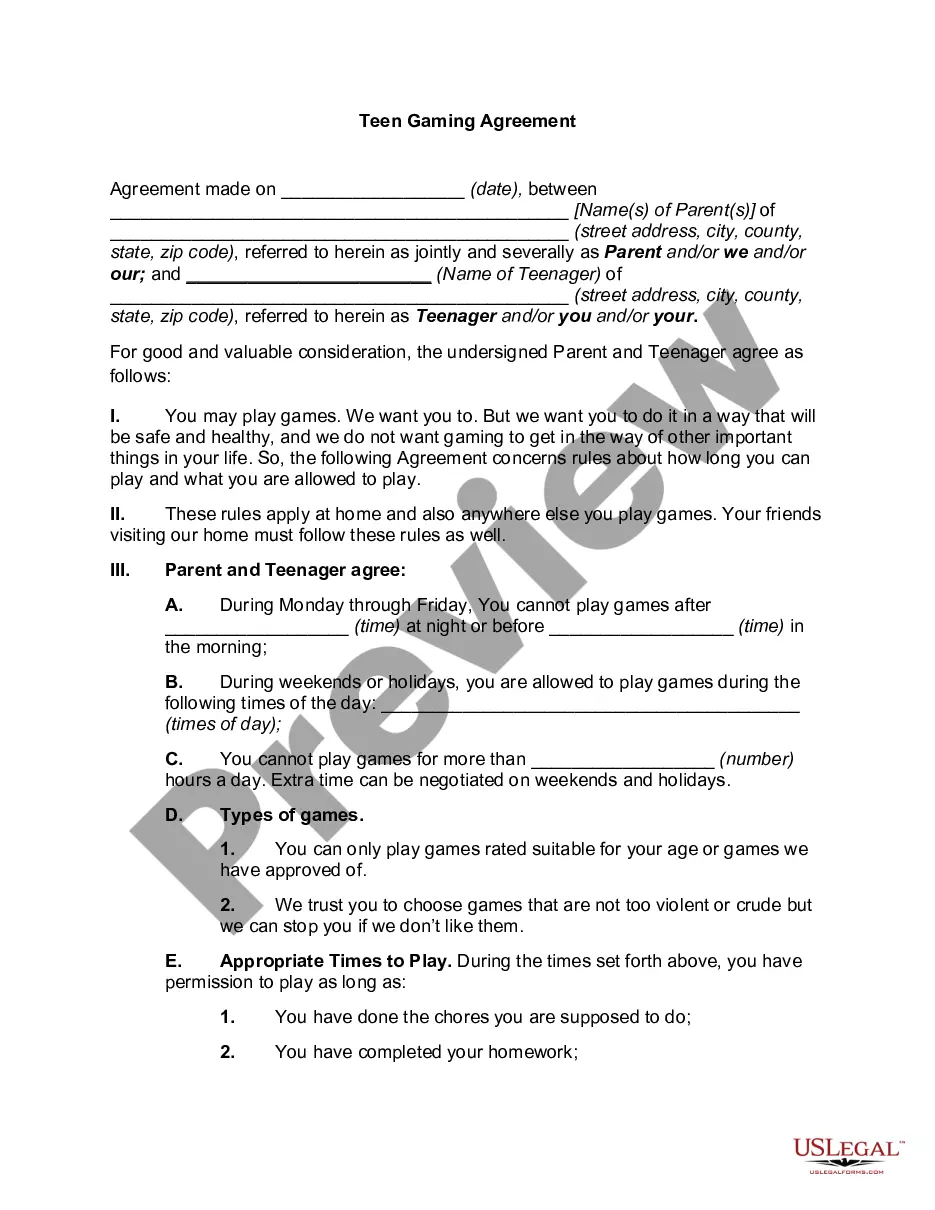
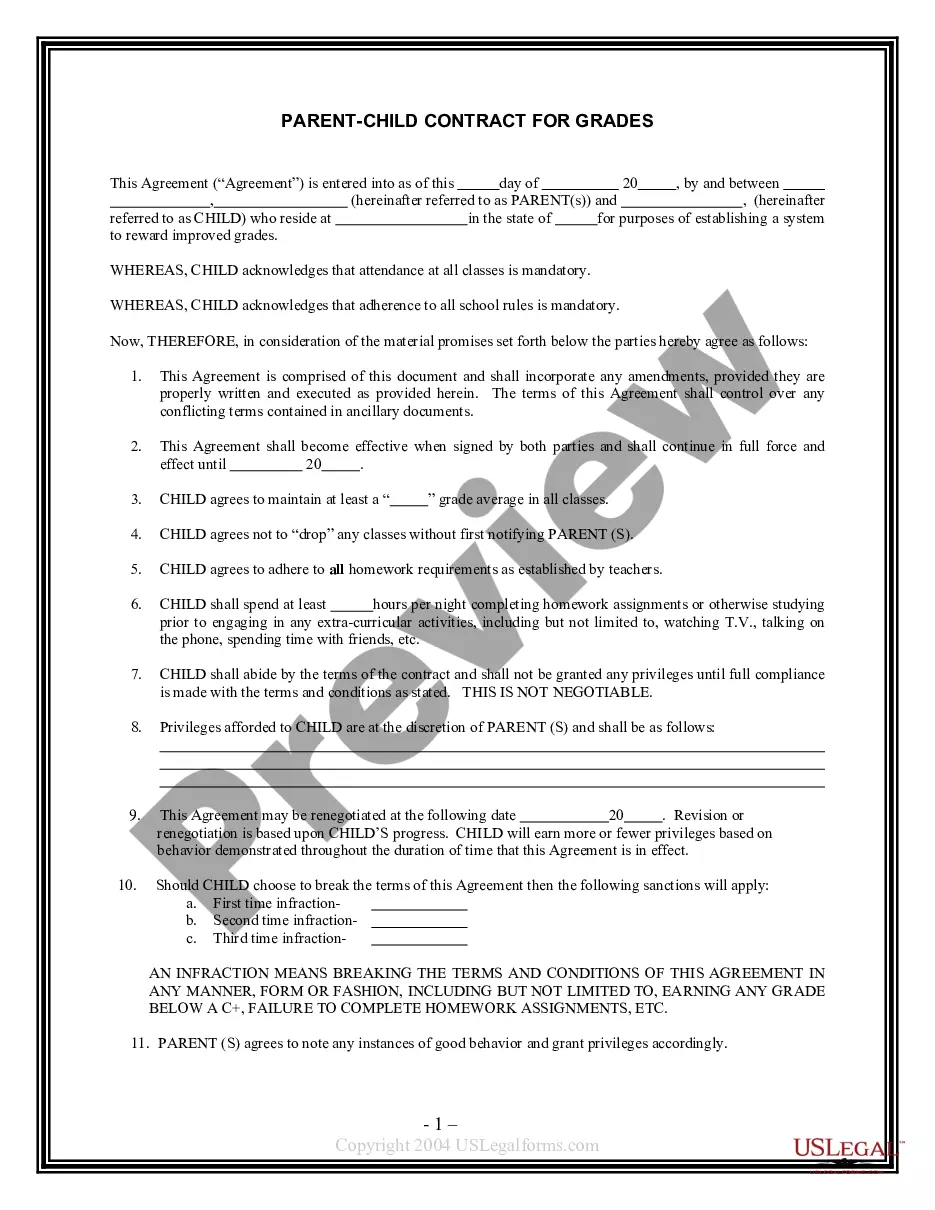
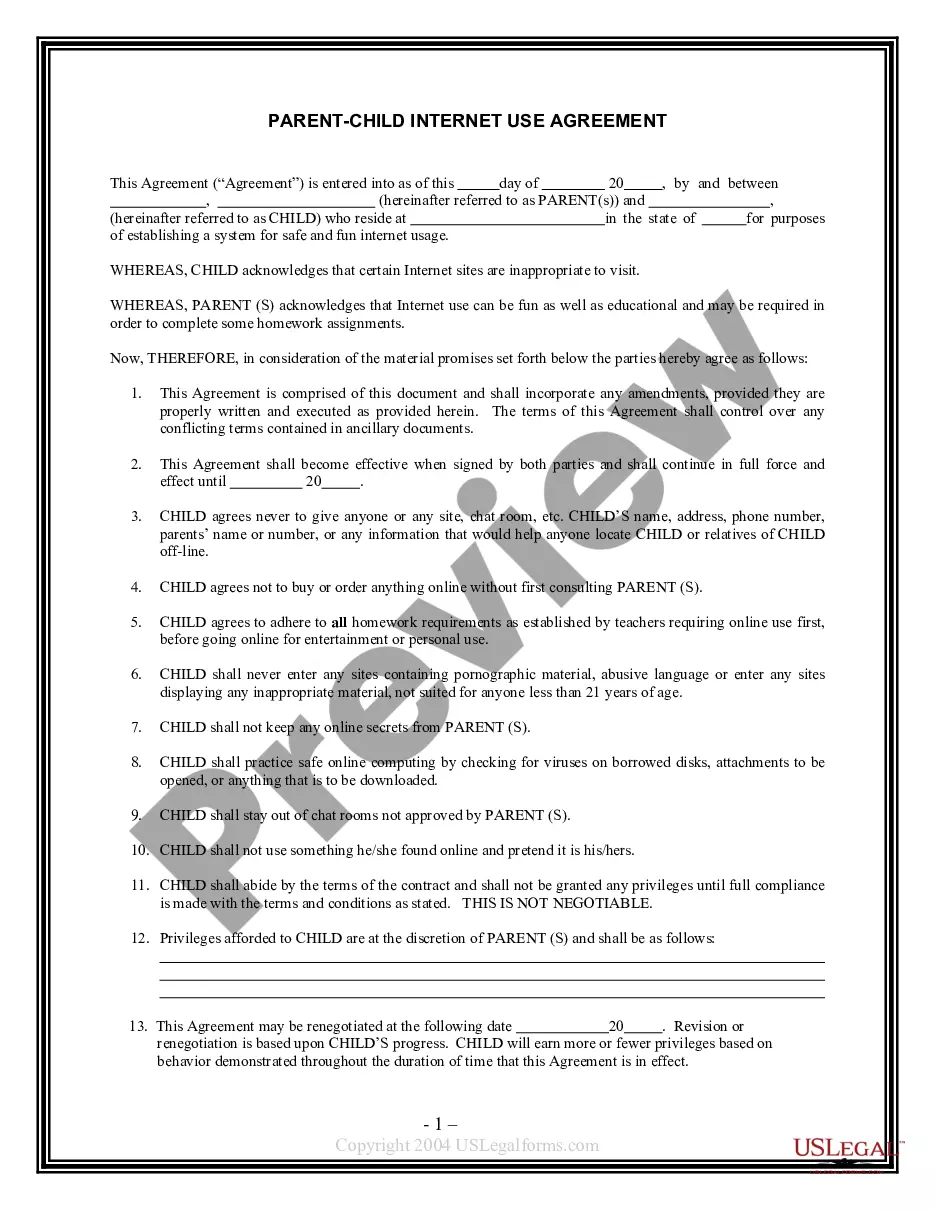
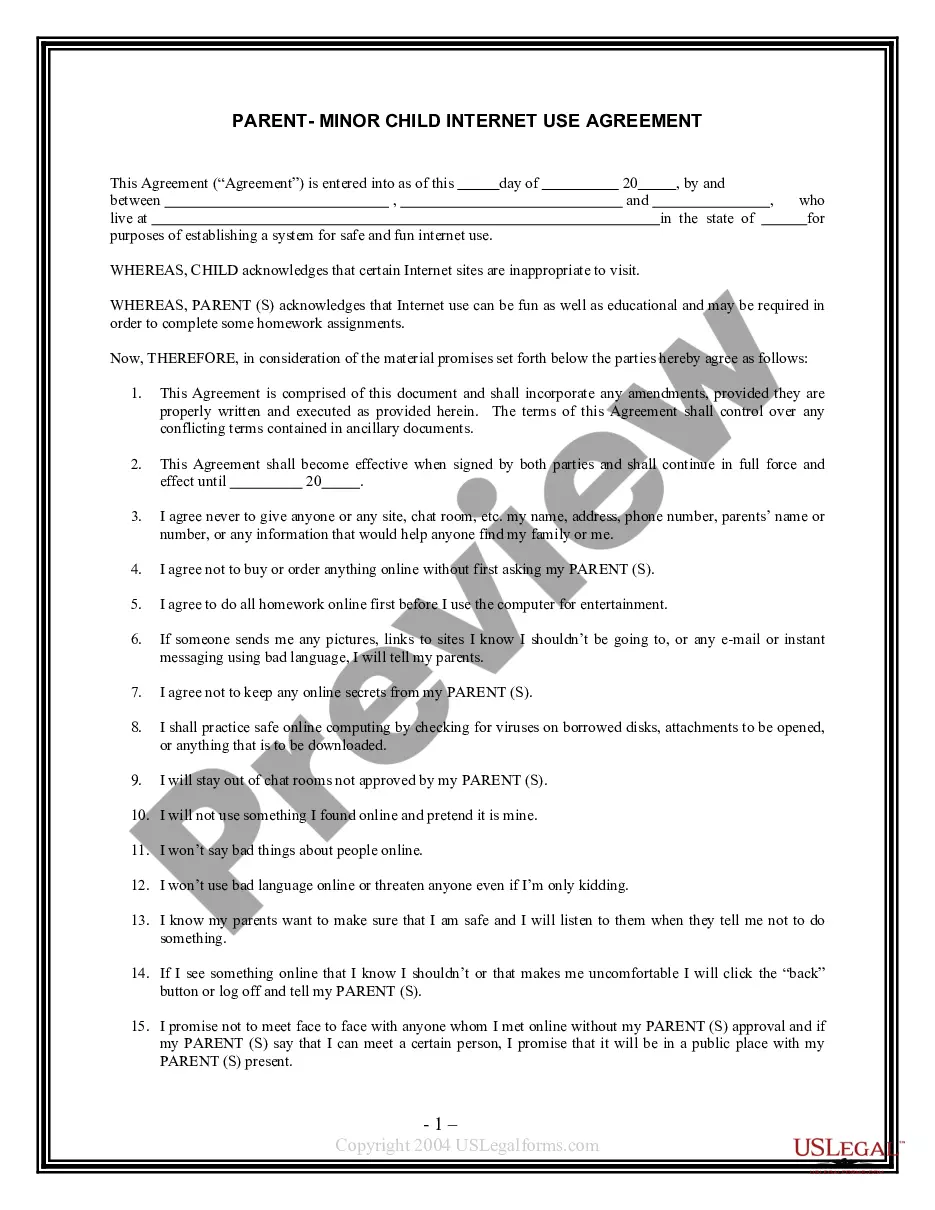
The Technology Use Contract between Parent and Child is a legal agreement that sets guidelines for how a child can use technology devices and online platforms. This form distinguishes itself by outlining specific rules and responsibilities for both parents and children, creating a structured environment for safe technology usage. By using this contract, parents can effectively communicate their expectations, ensuring a safe and responsible digital experience for their child.
Main sections of this form
- Identification of the partiesânames and addresses of the parent(s) and child.
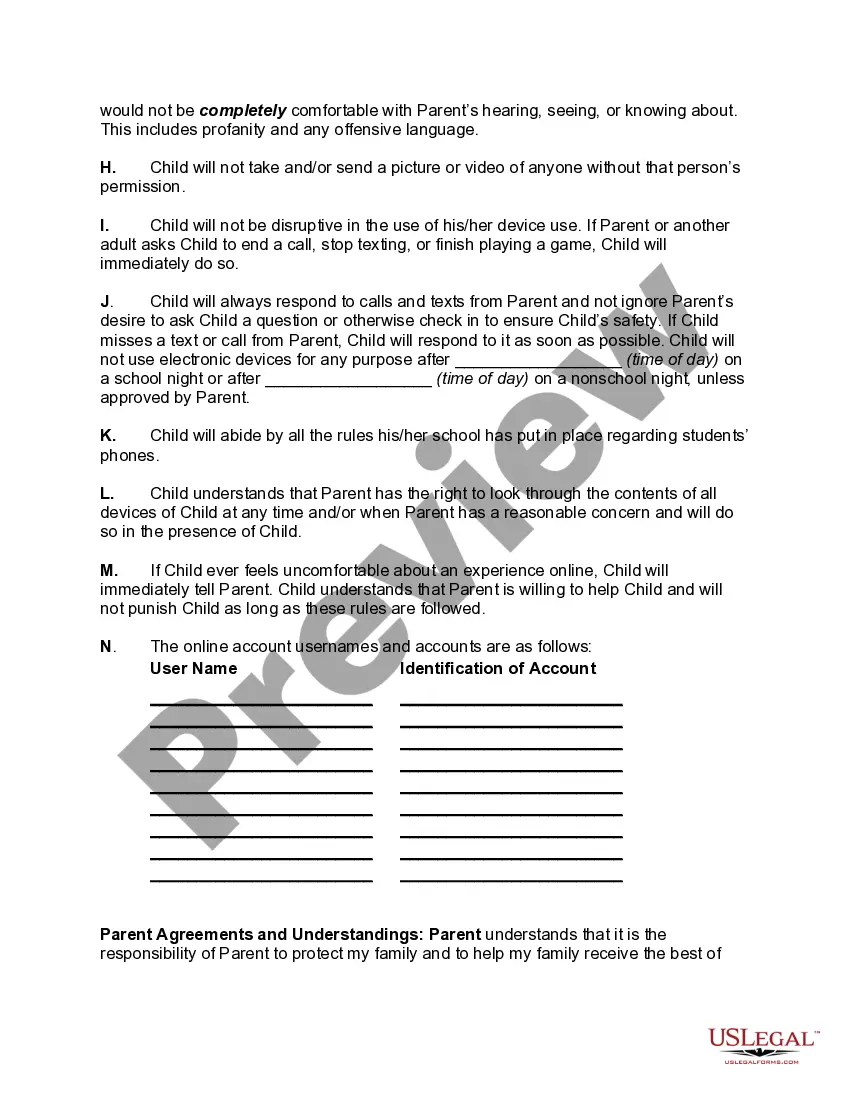
- Rules governing the child's electronic device usage, including privacy, safety, and respect for others.
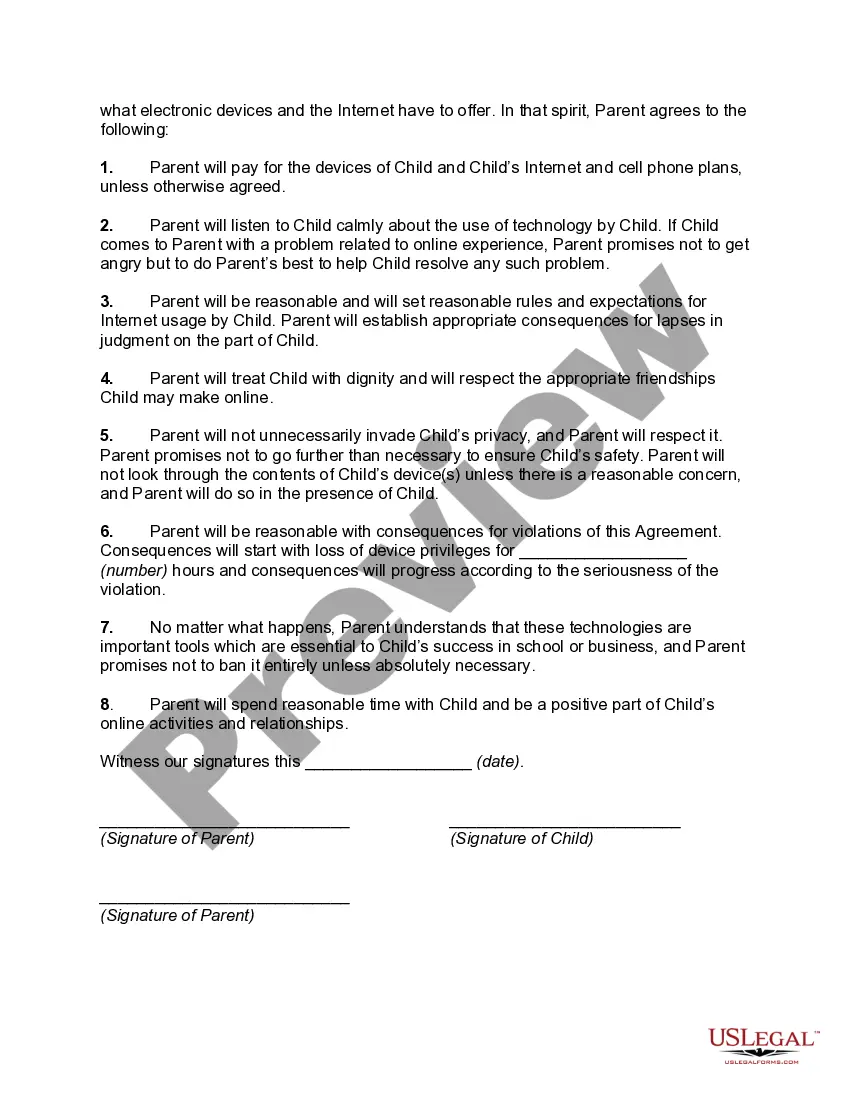
- Parental responsibilities related to device costs and setting reasonable rules.
- Consequences for violations, such as loss of device privileges.
- Space to list user account names and identifiers for monitoring online activity.
- Signature lines for both parent and child to finalize the agreement.
When to use this form
This form is useful when parents want to establish clear expectations and rules regarding their child's use of technology. It is ideal for families who are introducing new devices or services or those who are concerned about online safety and want a proactive approach to managing technology use. This contract acts as both a guideline and a reference for discussions about responsible digital behavior.
Intended users of this form
- Parents who want to set up technology usage rules for their children.
- Guardians looking to establish clear communication about online safety.
- Families introducing new technological devices to their children.
- Any adult responsible for a child's wellbeing in a digital environment.
Completing this form step by step
- Identify the parties involved by entering the names and addresses of the parent(s) and child.
- Clearly outline the rules for technology usage that the child must follow.
- Specify the responsibilities of the parent regarding device costs and support.
- Fill in the consequences for rule violations, such as loss of privileges.
- List the childâs online account usernames and identifiers to ensure monitoring.
- Obtain signatures from both the parent and the child to finalize the agreement.
Notarization requirements for this form
Notarization is generally not required for this form. However, certain states or situations might demand it. You can complete notarization online through US Legal Forms, powered by Notarize, using a verified video call available anytime.
Get your form ready online
Our built-in tools help you complete, sign, share, and store your documents in one place.
Make edits, fill in missing information, and update formatting in US Legal Forms—just like you would in MS Word.
Download a copy, print it, send it by email, or mail it via USPS—whatever works best for your next step.
Sign and collect signatures with our SignNow integration. Send to multiple recipients, set reminders, and more. Go Premium to unlock E-Sign.
If this form requires notarization, complete it online through a secure video call—no need to meet a notary in person or wait for an appointment.
We protect your documents and personal data by following strict security and privacy standards.

Make edits, fill in missing information, and update formatting in US Legal Forms—just like you would in MS Word.

Download a copy, print it, send it by email, or mail it via USPS—whatever works best for your next step.

Sign and collect signatures with our SignNow integration. Send to multiple recipients, set reminders, and more. Go Premium to unlock E-Sign.

If this form requires notarization, complete it online through a secure video call—no need to meet a notary in person or wait for an appointment.

We protect your documents and personal data by following strict security and privacy standards.
Avoid these common issues
- Not discussing the rules with the child before signing.
- Leaving out important details about device costs and responsibilities.
- Failing to establish clear consequences for violations.
- Not updating the contract as technology usage needs evolve.
Why complete this form online
- Convenience of downloading and printing the form at your own pace.
- Ability to customize the terms to fit your family's specific needs.
- Access to professionally drafted legal language by licensed attorneys.
- Easy tracking and record-keeping of agreements made with the child.
Key takeaways
- The Technology Use Contract establishes essential guidelines for responsible tech use.
- Clear rules help to foster open communication about online safety and behavior.
- Parental support and monitoring are crucial for a child's safe digital experience.
- This agreement should be revisited and updated as technology evolves.
Looking for another form?
Form popularity
FAQ
25cf A parenting contract is an agreement between a parent or carer and. either the LEA or the governing body of a school. 25cf Your child's school or LEA may offer a parenting contract if your. child is truanting or if they have been excluded from school.
To an extent, the answer is yes. After all, the parents should decide what's best for their child, and they probably pay for the phone. However, if you do decide to check your child's cell phone, make sure that they are informed about it.One must also take the age of the child into account.
It is important to remember that a parenting plan is not a legally enforceable agreement. It does not work the same way as a parenting order made by a Court. However, parents who have formulated a parenting plan are able to apply to the Court to seek that their parenting plan is made into a parenting order.
Tip one: Model good technology use. Tip Two: Learn with your kids. Tip Three: Tech-free family time. Tip Four: Have a device contract. Tip Five: Encourage Non-Tech Activities. About the Author.
Kids and teens age 8 to 18 spend an average of more than seven hours a day looking at screens. The new warning from the AHA recommends parents limit screen time for kids to a maximum of just two hours per day. For younger children, age 2 to 5, the recommended limit is one hour per day.
Choose Outdoor Activities Over Technology. When you're at home, make it a rule that you can't be online if the sun is shining. Rearrange the Family Room Furniture. Limit Social Media Use. Set Aside Reading Time. Create Projects for Yourself.
Eat your meals without a screen. Limit your non-work screen time. Don't watch movies or TV in bed. Cut down on computer socializing. Set a timer. Ban phone charging from the bedroom. Take up another hobby for boredom. Schedule a meeting phone call instead of using chat.
Set a good example with your own device use. Talk together about the time they spend online. Agree an appropriate length of time that they can use their device. Create 'screen free' zones at home. Use technology and apps to help manage screen time.
Model Healthy Electronic Use. Educate Yourself on Electronics. Create Technology-Free Zones Set Aside Times to Unplug. Use Parental Controls. Explain Why You're Limiting Screen Time. Ask for Your Child's Passwords.