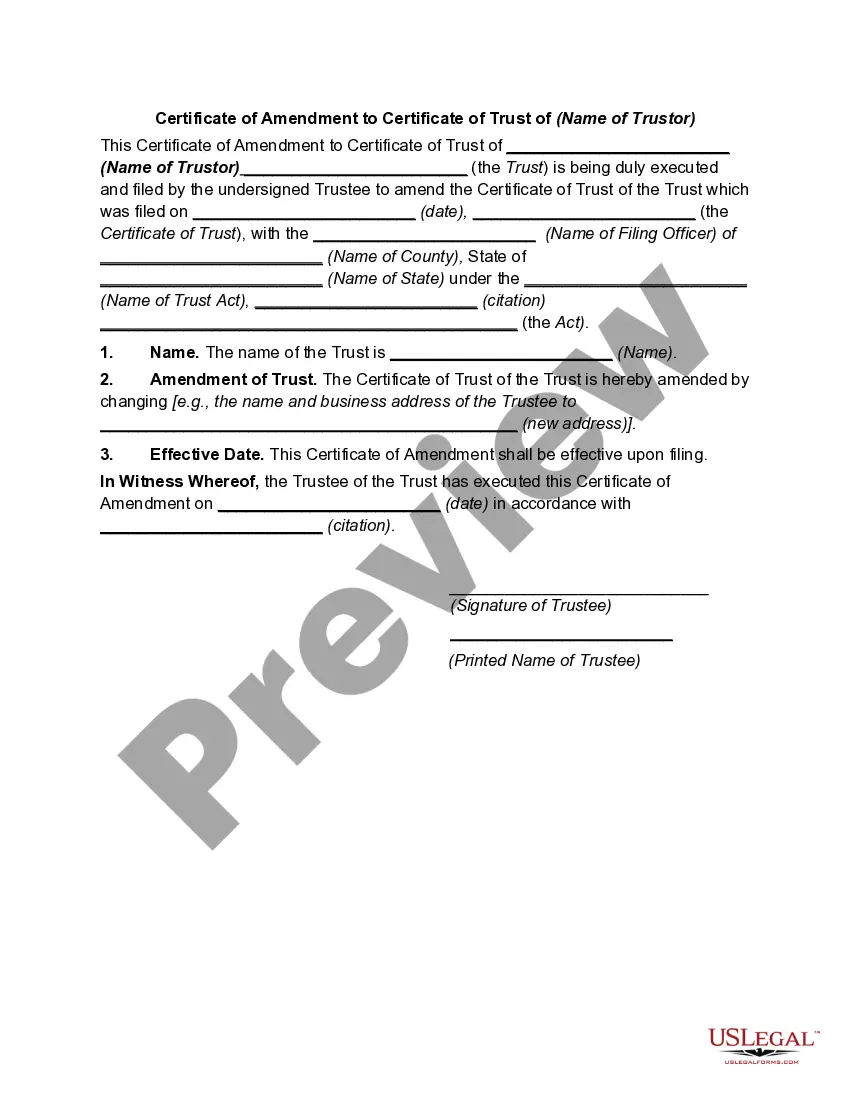
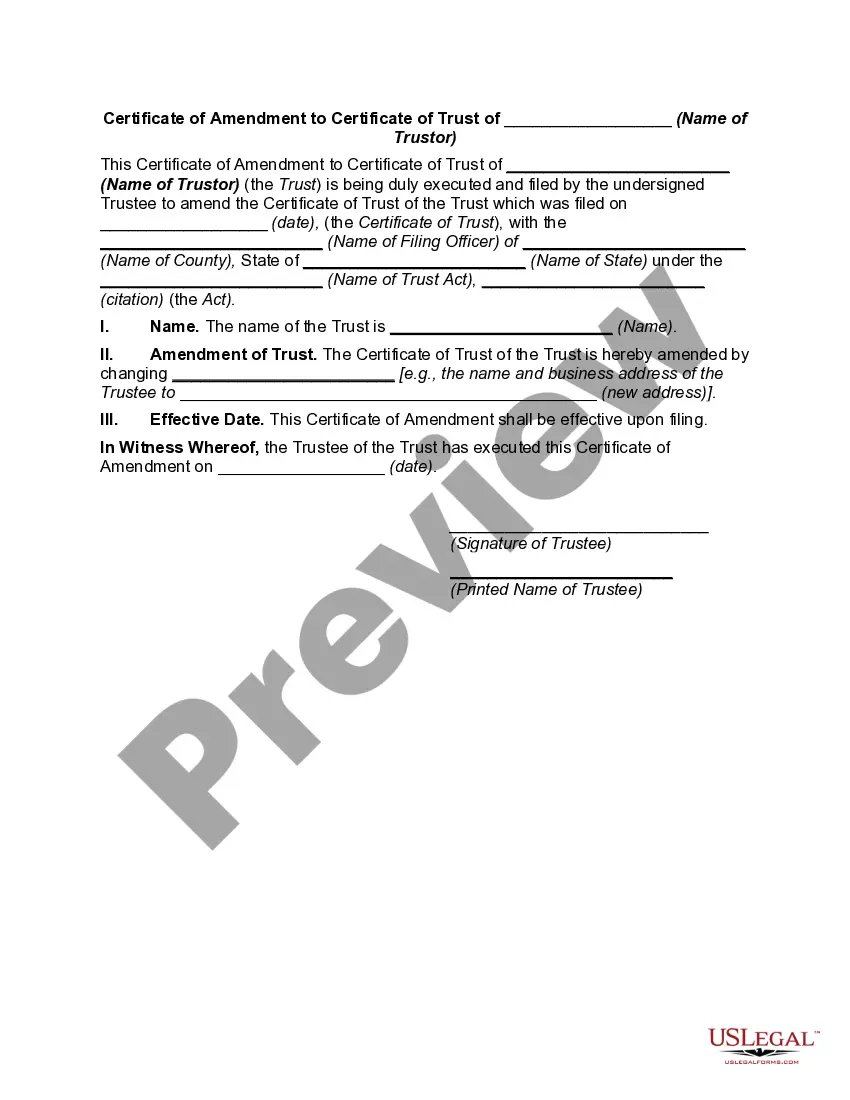
A Certificate of Amendment to Certificate of Trust of (Name of Trust or) is a legal document that is used to modify the terms of an existing trust agreement. It is usually signed by the trust or and trustee and filed with the court or other relevant authority. The amendment may include changes to the trust or's name, the trustee's name, the beneficiaries, trust property, or other trust provisions. The Certificate of Amendment is an important tool for trustees to ensure that their trust terms remain up-to-date and are in compliance with applicable laws. There are several types of Certificates of Amendment to Certificate of Trust, including: • Amendment removing a beneficiary • Amendment adding a beneficiary • Amendment changing a beneficiary • Amendment changing a trustee • Amendment changing the trust property • Amendment changing the trust provisions • Amendment changinthrustsodoror's name • Amendment changing the trustee's name • Amendment to revoke the trust • Amendment to modifthrustsssssssssst.st
Certificate of Amendment to Certificate of Trust of (Name of Trustor)
Description


How to fill out Certificate Of Amendment To Certificate Of Trust Of (Name Of Trustor)?
If you’re searching for a way to properly prepare the Certificate of Amendment to Certificate of Trust of (Name of Trustor) without hiring a lawyer, then you’re just in the right spot. US Legal Forms has proven itself as the most extensive and reliable library of formal templates for every individual and business scenario. Every piece of paperwork you find on our online service is drafted in accordance with federal and state regulations, so you can be sure that your documents are in order.
Follow these simple instructions on how to get the ready-to-use Certificate of Amendment to Certificate of Trust of (Name of Trustor):
- Ensure the document you see on the page meets your legal situation and state regulations by examining its text description or looking through the Preview mode.
- Type in the document name in the Search tab on the top of the page and choose your state from the list to find another template if there are any inconsistencies.
- Repeat with the content verification and click Buy now when you are confident with the paperwork compliance with all the requirements.
- Log in to your account and click Download. Create an account with the service and select the subscription plan if you still don’t have one.
- Use your credit card or the PayPal option to purchase your US Legal Forms subscription. The blank will be available to download right after.
- Decide in what format you want to get your Certificate of Amendment to Certificate of Trust of (Name of Trustor) and download it by clicking the appropriate button.
- Import your template to an online editor to complete and sign it rapidly or print it out to prepare your paper copy manually.
Another great advantage of US Legal Forms is that you never lose the paperwork you acquired - you can find any of your downloaded templates in the My Forms tab of your profile any time you need it.
Form popularity
FAQ
To remove a beneficiary from the trust, you must first amend the trust deed. To do so, the trustee must execute a deed of variation (also known as a deed of amendment). This document updates the relevant section of the original trust deed and will amend the trust's beneficiaries.
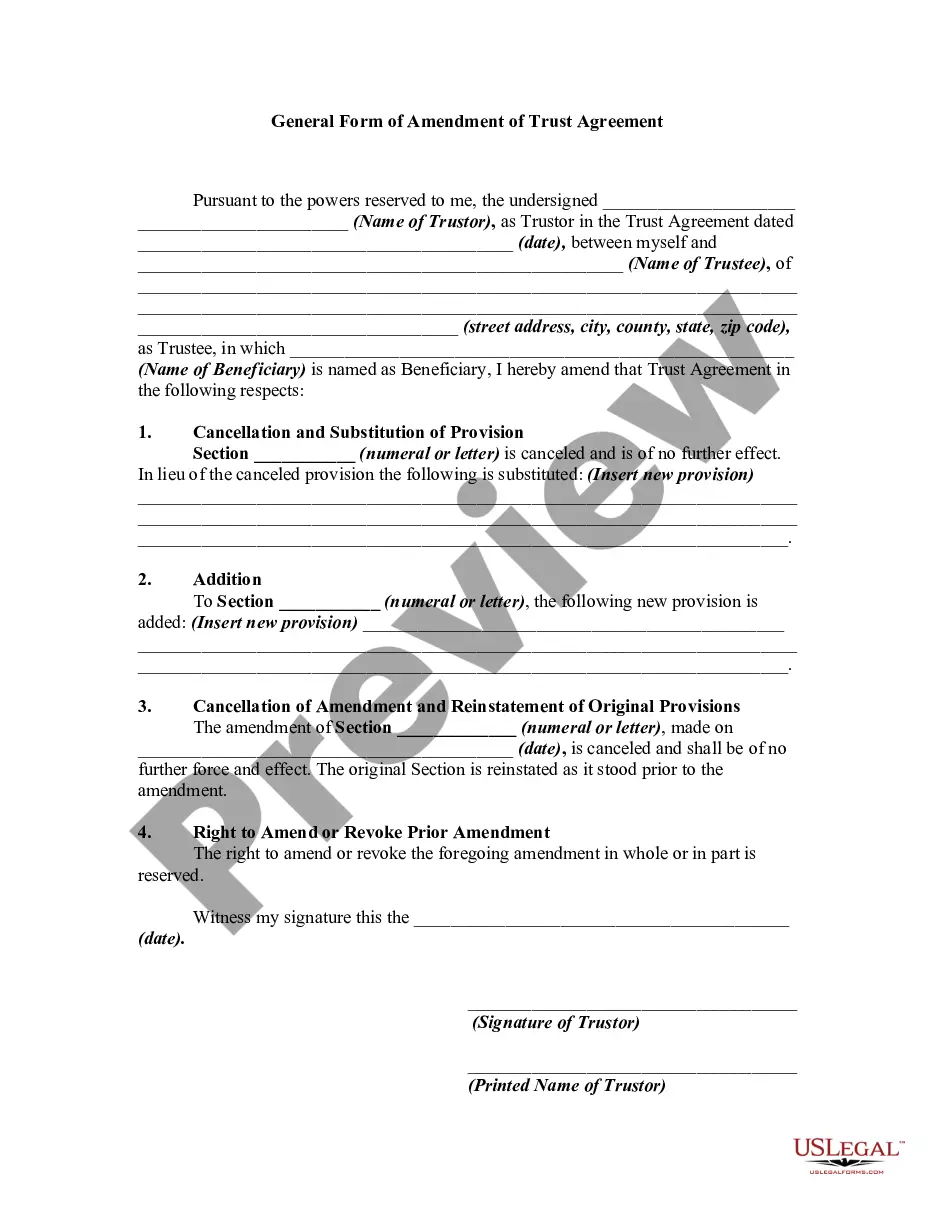
A trust amendment form is a legal document you use to make changes to your revocable trust. It isn't meant to change your trust document as a whole. Instead, a trust amendment form is used to change certain trust provisions, which are the terms or ?rules? you've set in your trust document.
Restating the Trust So a Restatement would say ?I hereby take my entire trust named TRUST dated DATE and replace it with this whole new trust named TRUST dated TODAY'S DATE.?
Be very clear about how you are changing this section of the trust. Make sure you state you are amending this section of the trust. Sign your living trust amendment before a notary. Attach the amendment to your original trust document and to any copies you made.
The revocation or amendment of a lifetime trust must be signed by the person or persons authorized to revoke or amend the trust before at least two witnesses who sign the revocation or amendment, or acknowledged before a notary public, unless the governing instrument provides otherwise.
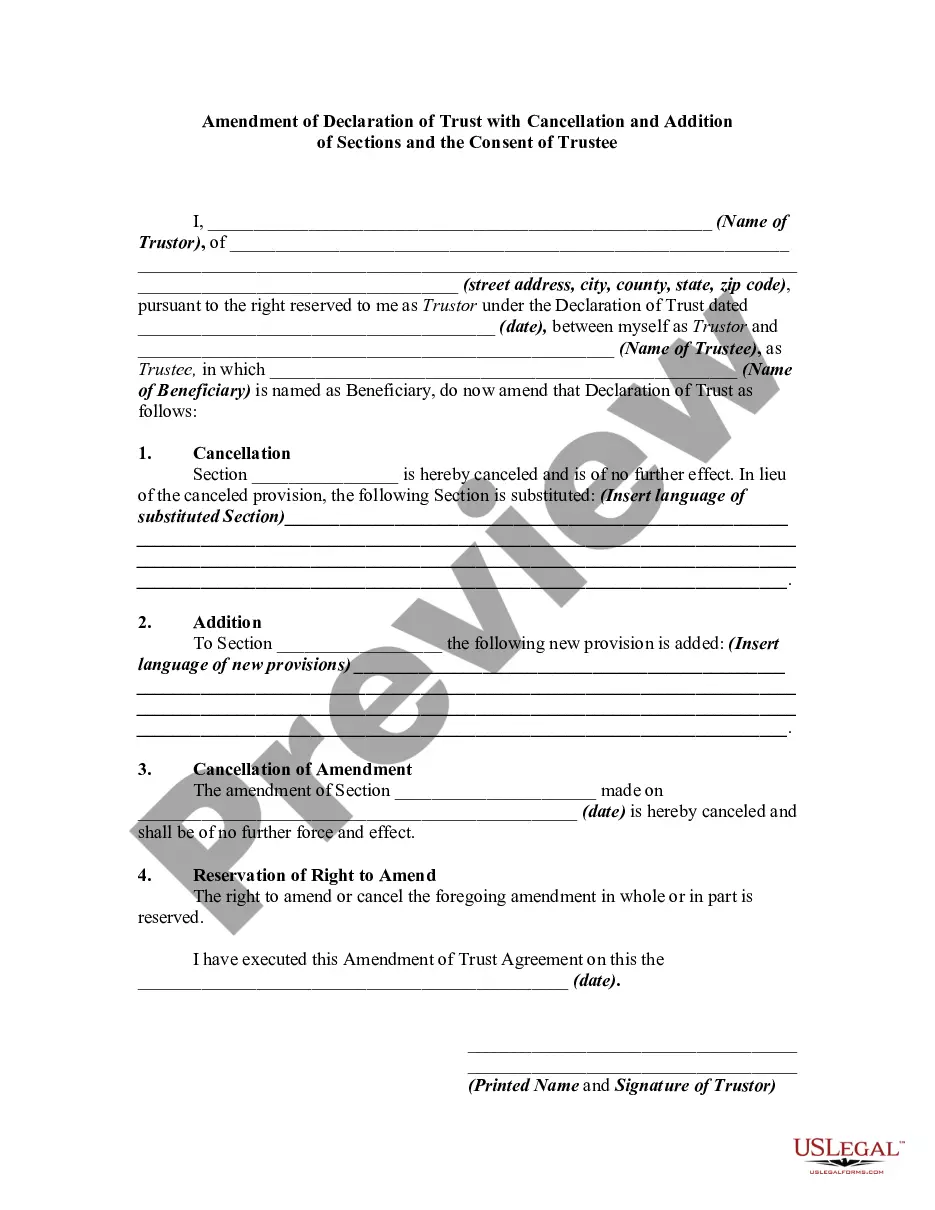
This trust amendment allows a client to modify a revocable trust instrument without creating an entirely new trust instrument or restating an existing revocable trust instrument in its entirety. It provides options to revise an existing provision, delete an existing provision, or add a new provision.
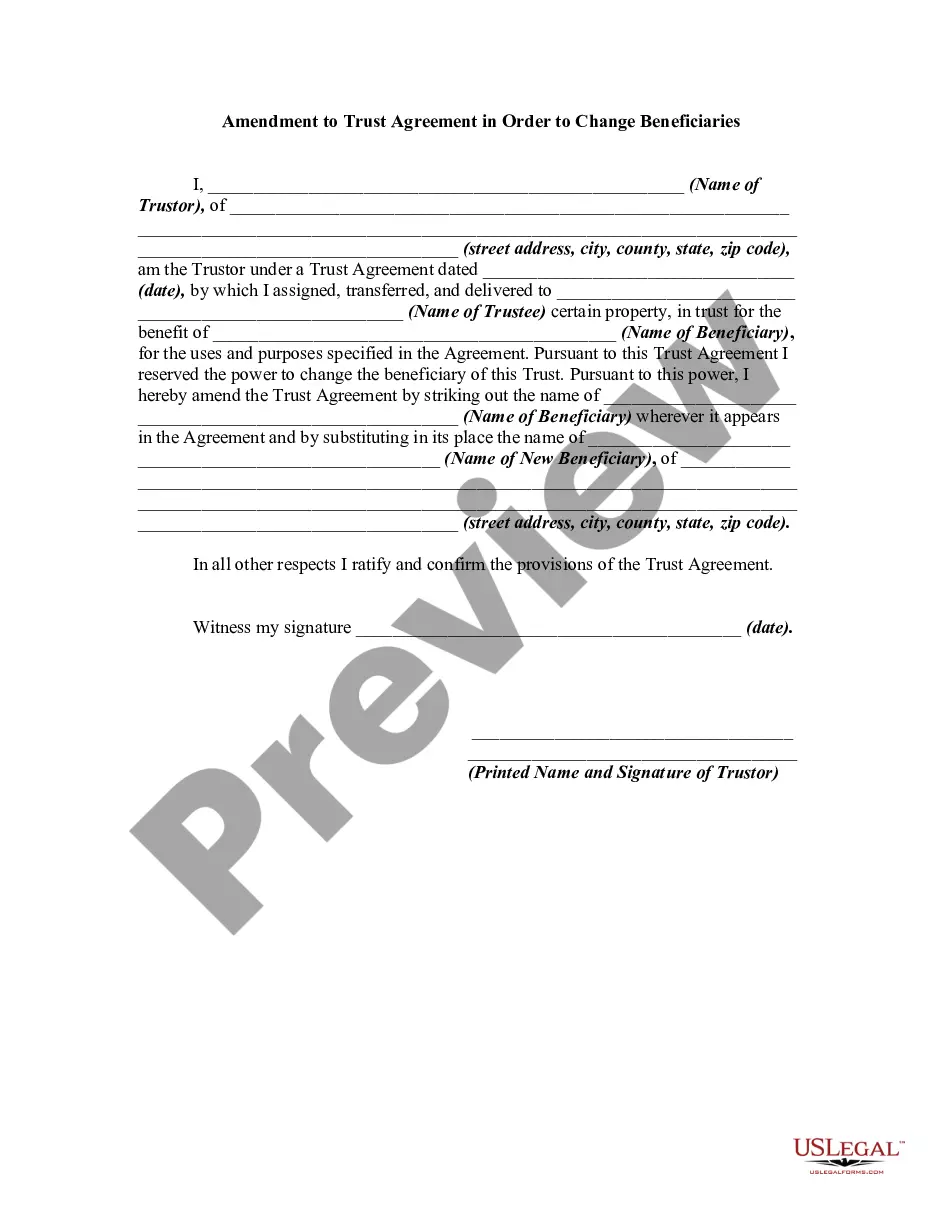
Trustees generally do not have the power to change the beneficiary of a trust. The right to add and remove beneficiaries is a power reserved for the grantor of the trust; when the grantor dies, their trust will usually become irrevocable. In other words, their trust will not be able to be modified in any way.
A certificate of trust ? also called a ?trust certificate? or ?memorandum of trust? ? is a legal document that's often used to prove (or ?certify?) a trust exists and to provide information about its important terms.