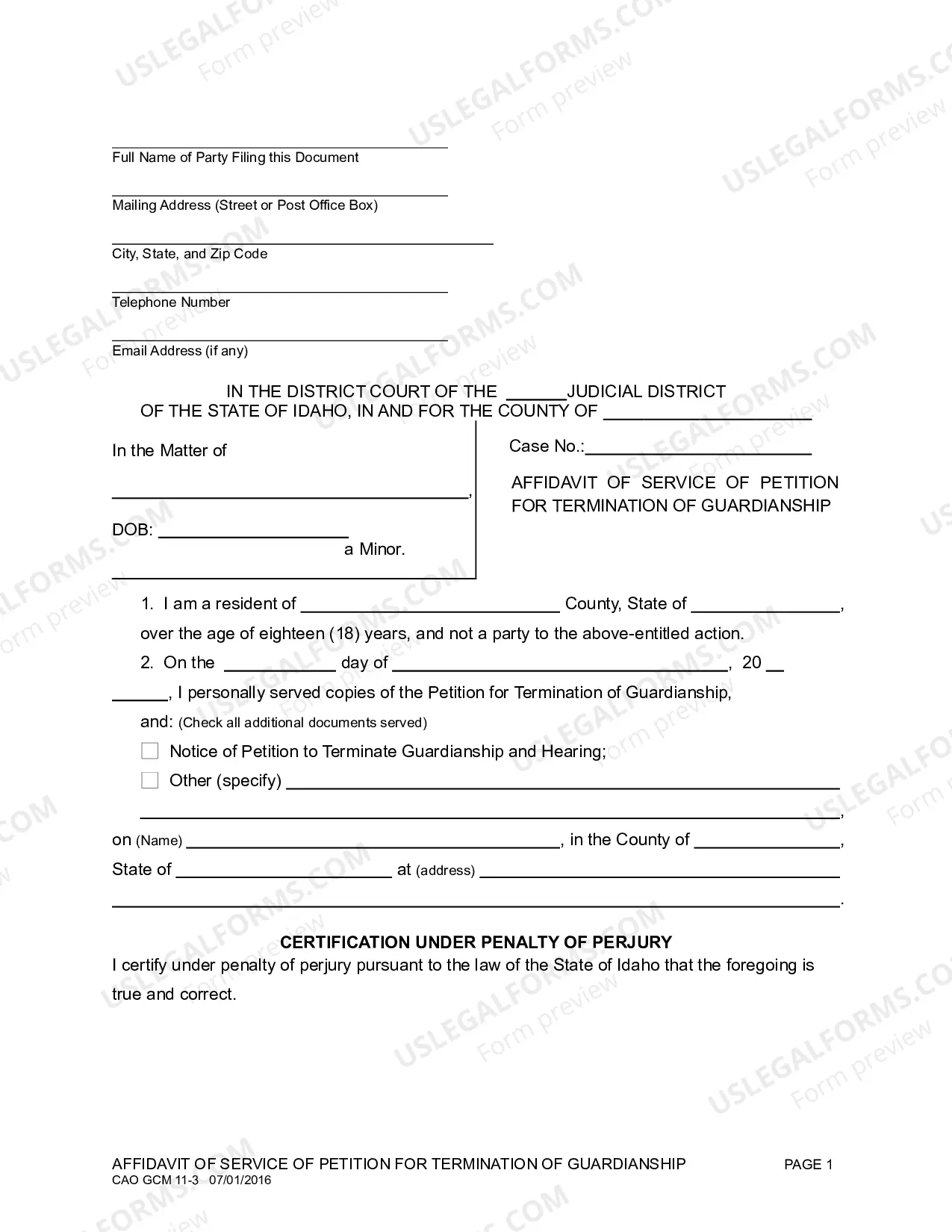
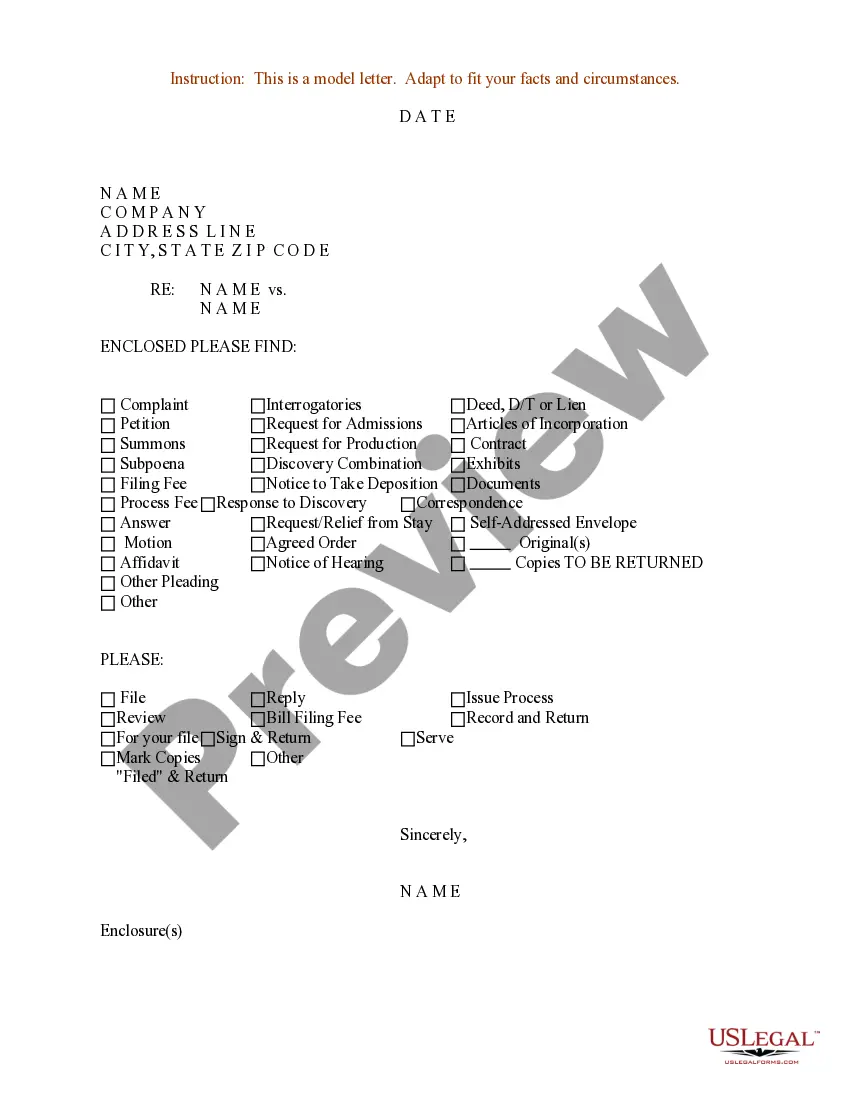
Sample Letter for Checklist for Documents to be Enclosed
Overview of this form
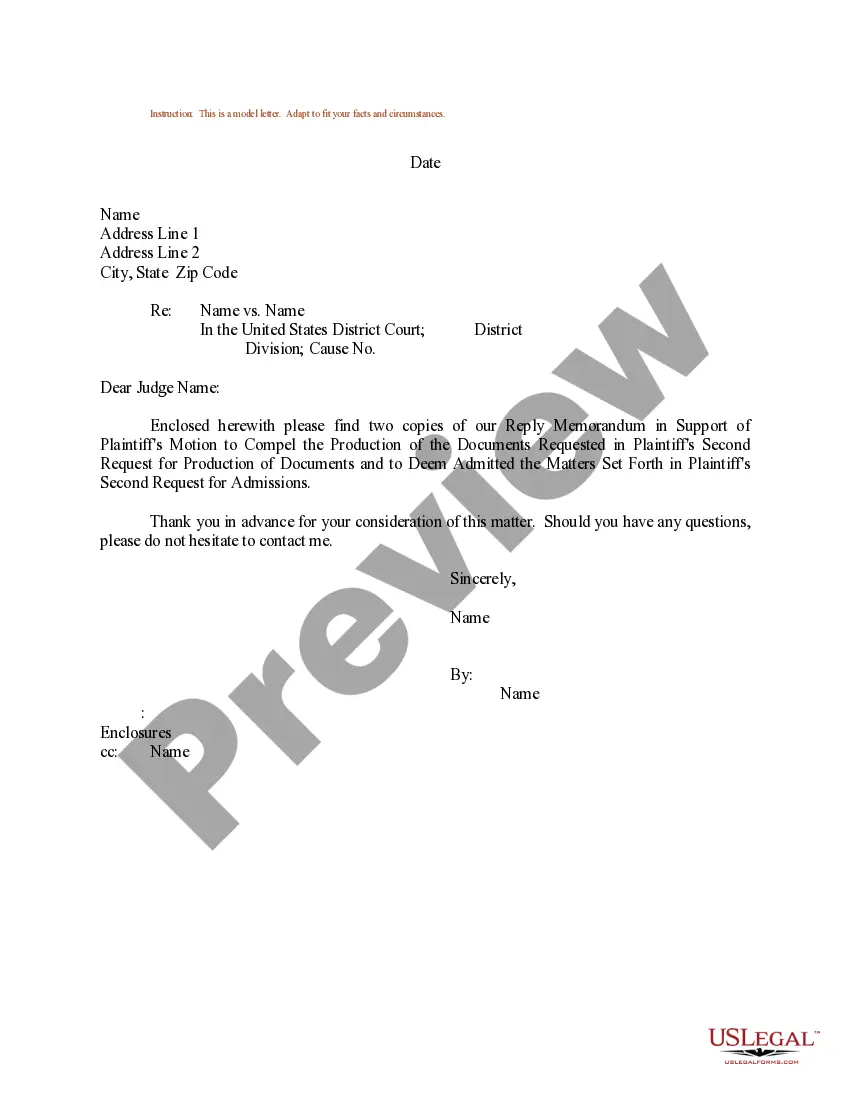
This form is a Sample Letter for Checklist for Documents to be Enclosed. It serves as a tool for individuals or businesses to compile a list of documents that need to accompany a legal filing or correspondence. This letter can streamline communication by clearly listing required documents and ensuring that all necessary items are enclosed. Unlike other formal letters, this sample focuses specifically on documentation and serves as a guide for creating a checklist format for various legal scenarios.
What’s included in this form
- Date of the letter
- Address of the recipient
- Subject line indicating the case title
- List of enclosed documents
- Signature and printed name of the sender
- Enclosure notation for clarity

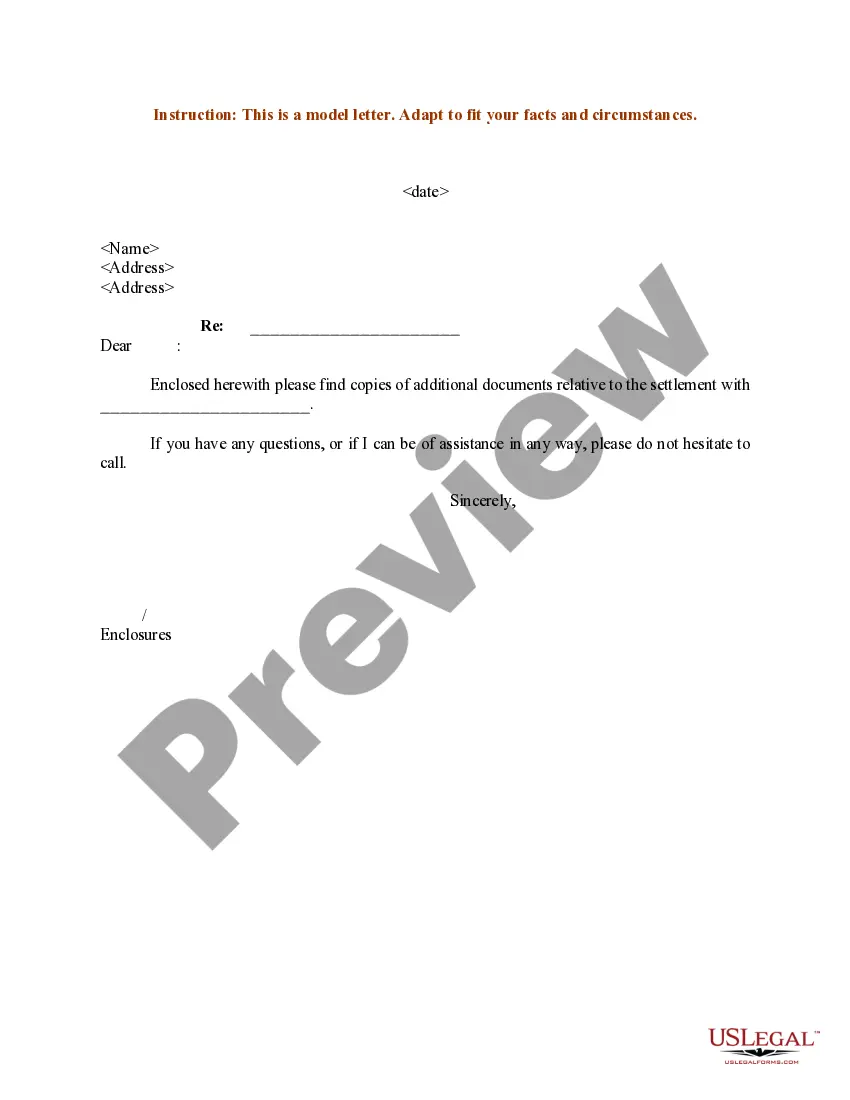
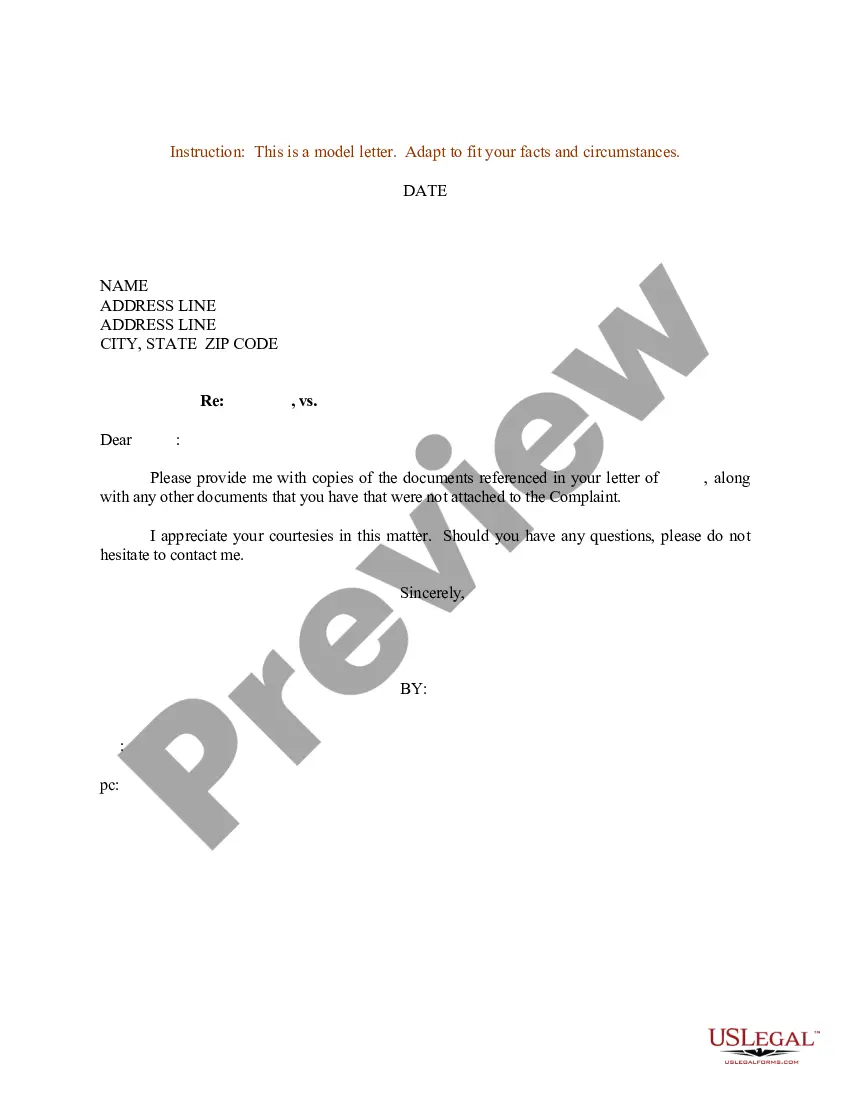

Who this form is for
Individuals or organizations that may find this form useful include:
- Legal professionals preparing documents for court or correspondence
- Business owners responding to legal inquiries
- Individuals involved in a legal dispute needing to submit documents
- Administrators compiling documents for legal filings
Instructions for completing this form
To complete this form, follow these steps:
- Enter the current date at the top of the letter.
- Input the recipient's name and address, ensuring it is accurate.
- Clearly state the case title in the subject line.
- List all documents you are enclosing, ensuring nothing is omitted.
- Sign the letter and print your name below your signature.
- Include an enclosure notation at the bottom for clarity.
Is notarization required?
This form does not typically require notarization unless specified by local law.
Get your form ready online
Our built-in tools help you complete, sign, share, and store your documents in one place.
Make edits, fill in missing information, and update formatting in US Legal Forms—just like you would in MS Word.
Download a copy, print it, send it by email, or mail it via USPS—whatever works best for your next step.
Sign and collect signatures with our SignNow integration. Send to multiple recipients, set reminders, and more. Go Premium to unlock E-Sign.
If this form requires notarization, complete it online through a secure video call—no need to meet a notary in person or wait for an appointment.
We protect your documents and personal data by following strict security and privacy standards.

Make edits, fill in missing information, and update formatting in US Legal Forms—just like you would in MS Word.

Download a copy, print it, send it by email, or mail it via USPS—whatever works best for your next step.

Sign and collect signatures with our SignNow integration. Send to multiple recipients, set reminders, and more. Go Premium to unlock E-Sign.

If this form requires notarization, complete it online through a secure video call—no need to meet a notary in person or wait for an appointment.

We protect your documents and personal data by following strict security and privacy standards.
Typical mistakes to avoid
Here are some common mistakes to avoid when using this form:
- Forgetting to double-check the accuracy of the recipient's address.
- Neglecting to list all necessary documents, which may lead to delays.
- Using informal language instead of maintaining a professional tone.
- Overlooking the need for signatures, which can render the letter invalid.
Advantages of online completion
Benefits of using this form online include:
- Convenience of immediate access to a standardized format.
- Editable template to personalize your letter easily.
- Reliability, as it has been drafted by licensed attorneys.
- Elimination of the need for physical trips to obtain the form.
Quick recap
Key takeaways for using the Sample Letter for Checklist for Documents to be Enclosed:
- This form helps ensure clarity when sending legal documents.
- It is important to list all enclosed documents to prevent communication issues.
- Professionalism in tone and format is crucial for legal correspondence.
Looking for another form?
Form popularity
FAQ
Formally, you would refer to the enclosed items in the body of your letter followed by (enclosed) and then, under the signature at the end of the letter you'd write "Enclosures (x)" where x is the number of enclosures.
Start with your contact details and your name. State why you're contacting the company. An itemized list of documents. Express your excitement.
As it is with attachment citations, you place enclosure citations at the bottom of letters, usually just below the writer's signature or initials. When you are citing an enclosure, put the citation in parenthesis. You can use Enc., Enclosure or Encl. to denote an enclosure.
Dear Madam/Sir, I am writing to request a copy of Name of the document, since I lost my original document due to State the circumstances that led to the loss of the document. In the attachment I am sending you the copy of original documents and copy of my ID card.
Carbon Copies In a hardcopy business letter or a . pdf version of a letter that you attach to an email, you'd add the cc abbreviation at the bottom of the letter, after your closing and signature, along with the names and, when appropriate, titles of everybody else who receives a copy.
Before you write this letter, consider making a phone call. Tell the reader what document they need to send. If it applies to you, get the reader's attention to the fees or documents, you have sent with the letter. End your letter by thanking your reader.
Dear Madam/Sir, I am writing to request a copy of Name of the document, since I lost my original document due to State the circumstances that led to the loss of the document. In the attachment I am sending you the copy of original documents and copy of my ID card.
With a formal typed letter, this is possible by including a carbon copy notation at the end of your message. After your enclosure section, type the notation CC followed by a colon. Next, include the name of the person you're sending the letter to.
Type the word Enclosure: for one document, Enclosures: for two or more. It's also ok to use the cover letter enclosure notation Encl.:. Skip a line and then begin to list each of your enclosures. Remember that each enclosure gets its own line, so, for example, four enclosures need four lines.