Sample Letter for Documents to Judge
Overview of this form
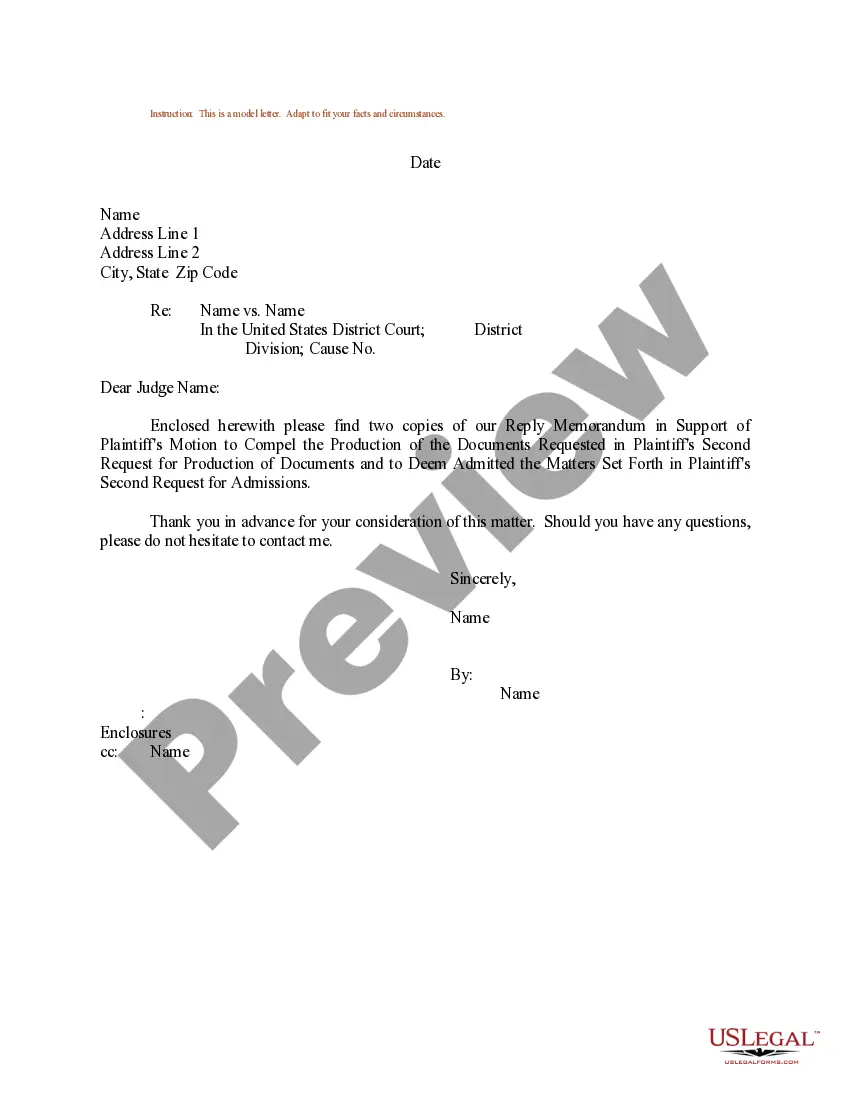
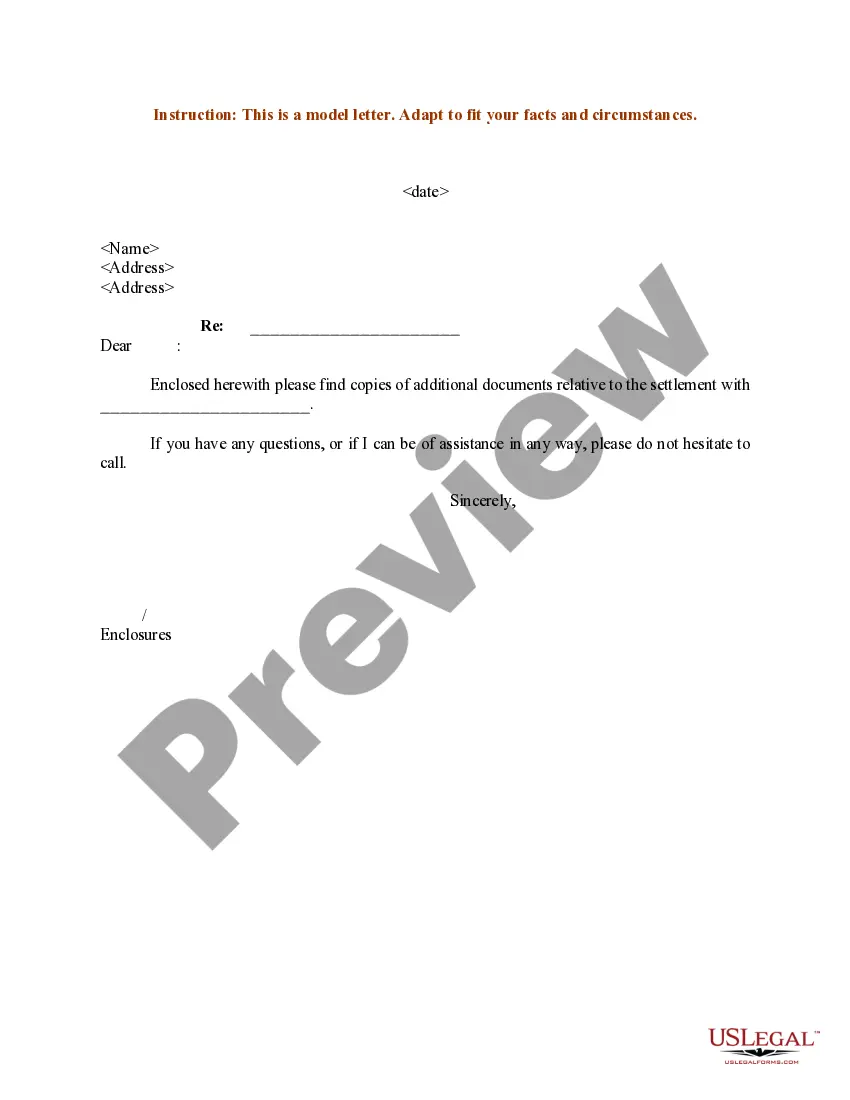
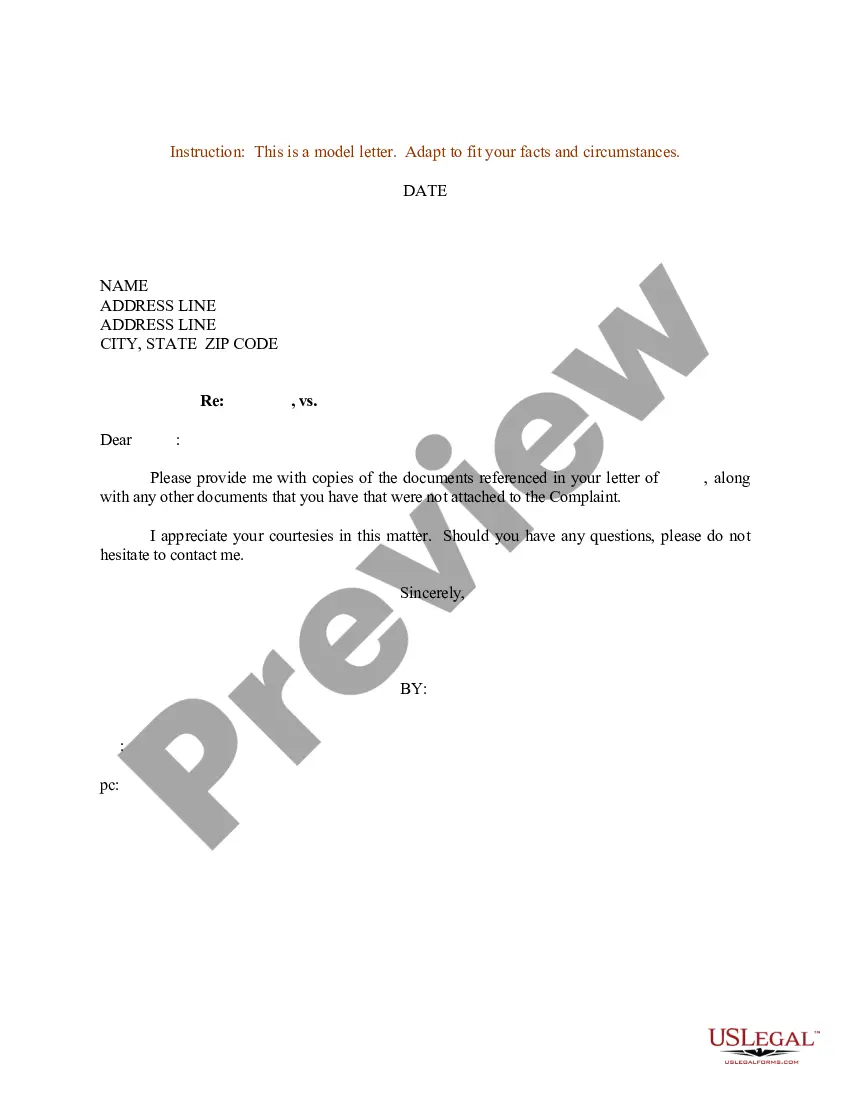
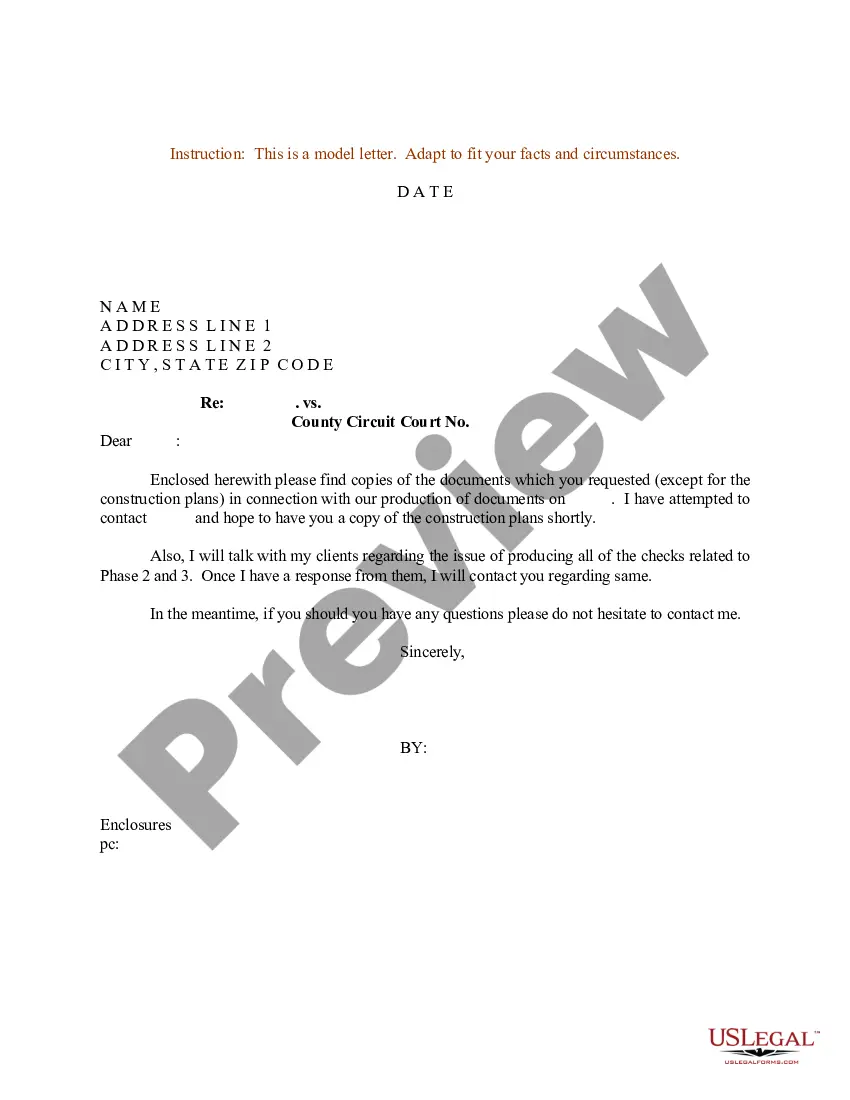
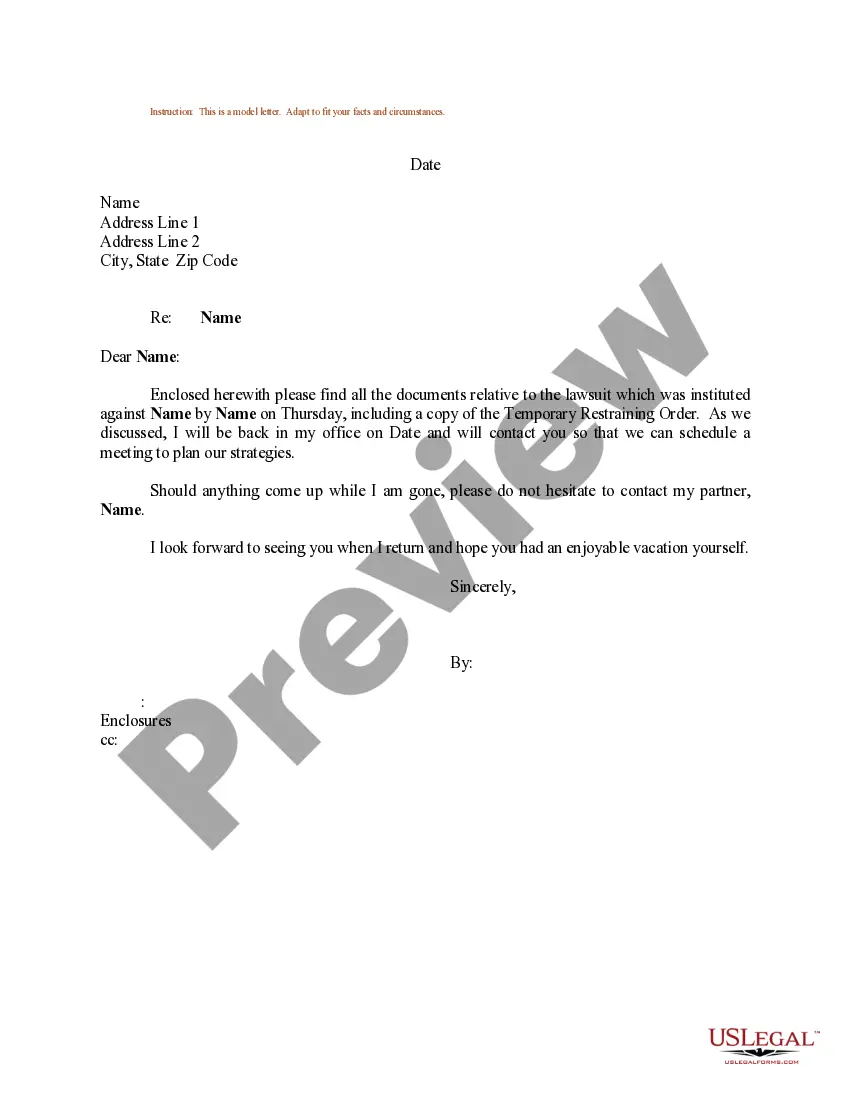
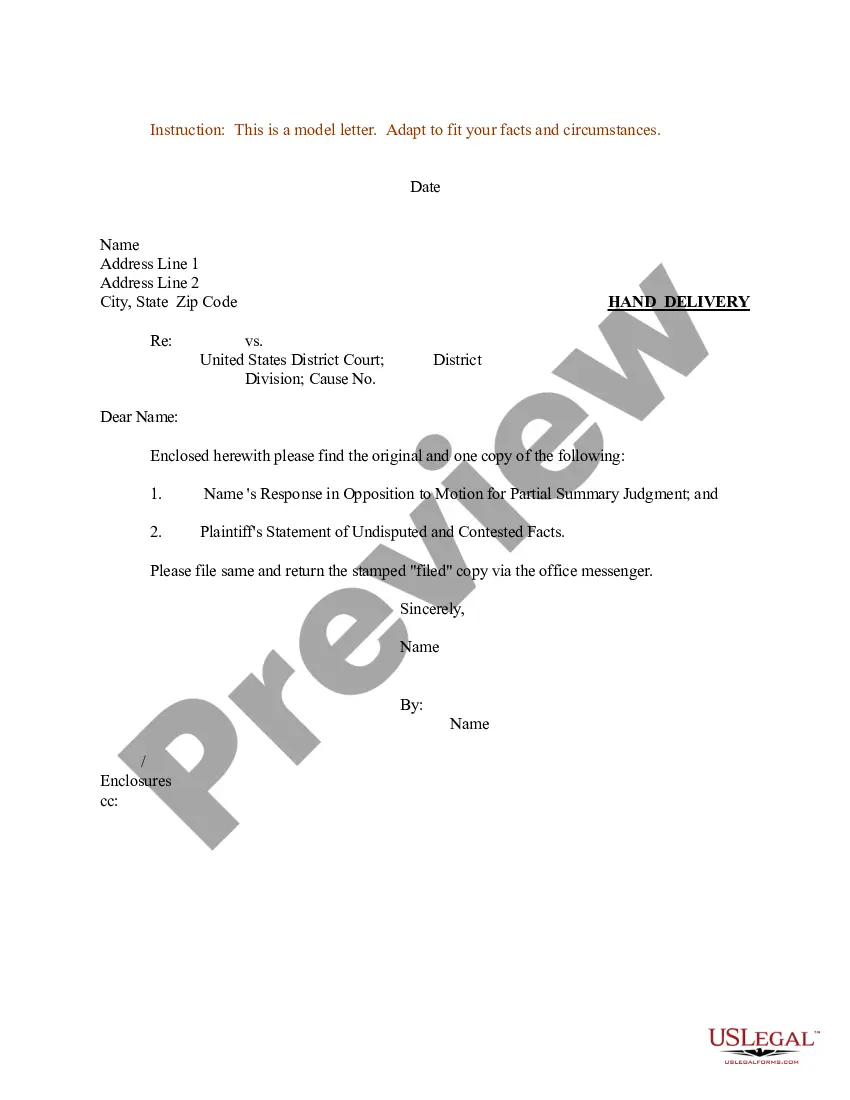
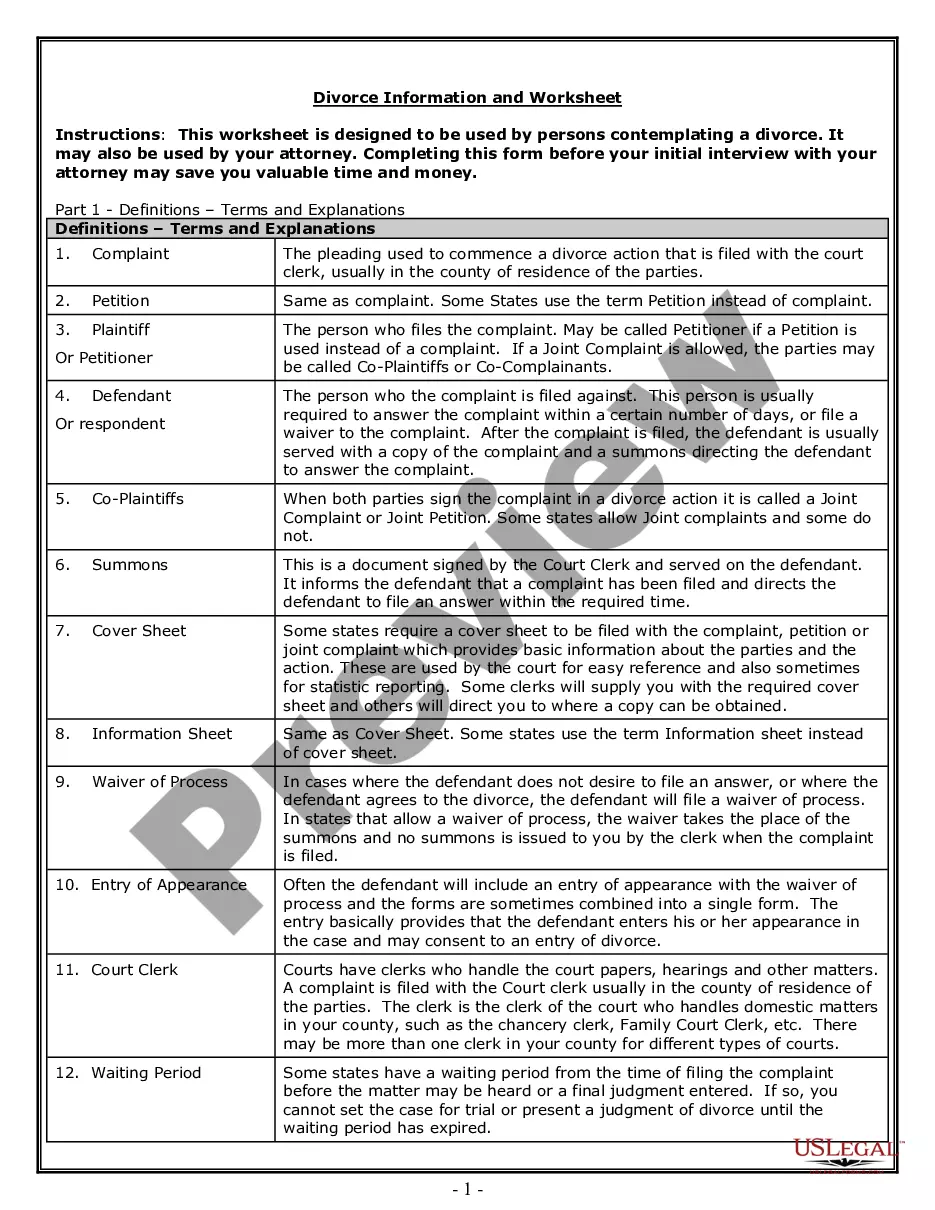
The Sample Letter for Documents to Judge is a template designed to assist individuals in crafting a formal letter to a judge regarding certain documents. This form facilitates communication in legal proceedings and helps ensure that all necessary information is conveyed appropriately. Unlike generic letters, this sample format caters specifically to the expectations of the court, making it a valuable resource for effective legal correspondence.
What’s included in this form
- Date section for accurate record-keeping.
- Recipient's name and address to specify the intended judge.
- Subject line to clarify the nature of the correspondence.
- Body of the letter for detailed information and context.
- Closing remarks for courtesy and professionalism.
- Signatures for validation and authenticity.
When to use this form
This form should be used when you need to formally communicate with a judge regarding specific documents relevant to a case. Situations may include submitting evidence, requesting consideration of certain materials, or clarifying points related to the case. It is particularly useful when you want to ensure that your correspondence adheres to courtroom standards.
Intended users of this form
- Individuals involved in legal proceedings needing to submit documents to a judge.
- Attorneys representing clients in court cases who require a structured way to communicate with a judge.
- Anyone seeking to convey important information to a court in a clear and formal manner.
Steps to complete this form
- Enter the date at the top of the letter.
- Fill in the name and address of the judge to whom the letter is addressed.
- Specify the case name in the subject line for clarity.
- Articulate the purpose of your letter in the body, providing necessary details.
- Include any necessary closing statements to express gratitude or further availability.
- Sign the letter and include your printed name for authenticity.
Notarization guidance
This form does not typically require notarization unless specified by local law. It is, however, advisable to verify with your local court if additional steps are needed for submission.
Get your form ready online
Our built-in tools help you complete, sign, share, and store your documents in one place.
Make edits, fill in missing information, and update formatting in US Legal Forms—just like you would in MS Word.
Download a copy, print it, send it by email, or mail it via USPS—whatever works best for your next step.
Sign and collect signatures with our SignNow integration. Send to multiple recipients, set reminders, and more. Go Premium to unlock E-Sign.
If this form requires notarization, complete it online through a secure video call—no need to meet a notary in person or wait for an appointment.
We protect your documents and personal data by following strict security and privacy standards.

Make edits, fill in missing information, and update formatting in US Legal Forms—just like you would in MS Word.

Download a copy, print it, send it by email, or mail it via USPS—whatever works best for your next step.

Sign and collect signatures with our SignNow integration. Send to multiple recipients, set reminders, and more. Go Premium to unlock E-Sign.

If this form requires notarization, complete it online through a secure video call—no need to meet a notary in person or wait for an appointment.

We protect your documents and personal data by following strict security and privacy standards.
Typical mistakes to avoid
- Neglecting to include the date, which is crucial for court records.
- Using informal language instead of maintaining a respectful tone.
- Failing to clearly identify the case name and number.
- Omitting signatures, which can invalidate the letter.
Why use this form online
- Convenient access, allowing you to download and complete the form at your own pace.
- Editability, enabling you to customize the letter to suit your specific needs.
- Reliability, as the template is drafted by attorneys familiar with legal protocols.
Legal use & context
- This form serves as formal communication, which may be included in court records.
- Using this letter correctly can support judicial review and consideration of the submitted documents.
Key takeaways
- The Sample Letter for Documents to Judge is essential for proper correspondence with the court.
- It is important to include all relevant information to avoid miscommunication.
- This form is widely applicable across various jurisdictions.
Looking for another form?
Form popularity
FAQ
You can address most judges at the start of a letter as "Dear Judge" (or "Dear Justice" if they serve in a U.S. state or federal Supreme Court, or in certain courts of other countries). When addressing the envelope, it is best to use the judge's full title, along with the full name of the court in which he/she serves.
Use "Re:" (an abbreviation for "regarding" or "with reference to"), followed by a brief identifying phrase. Begin with a salutation. Write "Dear Judge (last name)," to start the message of your letter. Note that you should use "the Honorable" when referring to the judge, but use "Judge" addressing him or her directly.
Your Information (first thing that goes on the inside of the letter) Name. The Date. The Judge's Information. Honorable Judge First Name Last Name. What the Letter is Going to Address. Follow this format Re: Sentencing of First Name Last Name of Defendant, Case No. Salutation. Body. Signature.
Dear Madam/Sir, I am writing to request a copy of Name of the document, since I lost my original document due to State the circumstances that led to the loss of the document. In the attachment I am sending you the copy of original documents and copy of my ID card.
However, when a person is awaiting trial, writing a letter to the judge will not help. At best, the letter will go unread by the judge, and will be of no help. In a worst-case scenario, the letter will end up being used by the prosecution as evidence against that person.
Open with a salutation.Write "Dear Judge (last name)," to start your letter. Note that you use "the Honorable" when referring to the judge, but use "Judge" when addressing him or her in person. The title still applies even if the judge has retired.
You can't write to the judge. You can hire your own attorney to make your case to the court.
You can't write to the judge. You can hire your own attorney to make your case to the court.
Include the case name, case number and county or jurisdiction in the subject line. Start the email with a respectful greeting, like Good morning, Your Honor or Dear Judge Jones. Be concise and professional.