Sample Letter for Complaint to Close Estate - Request to Forward to Brothers
Overview of this form
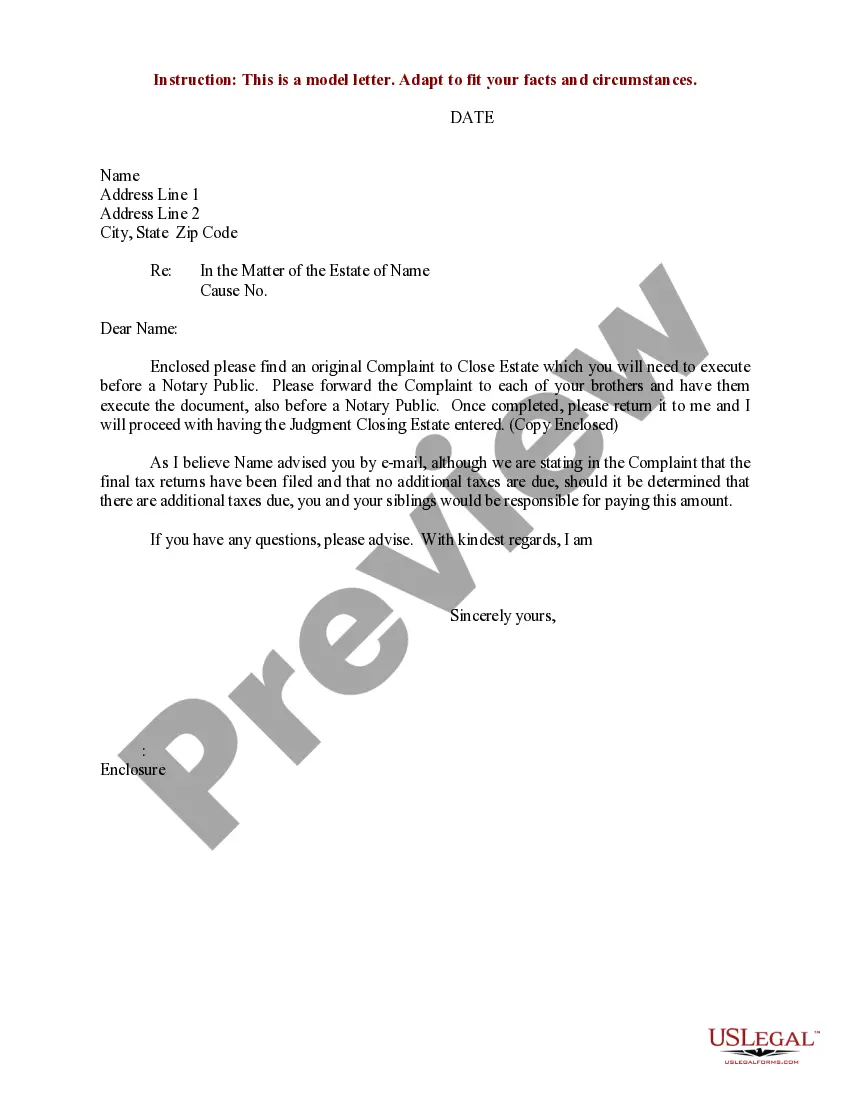
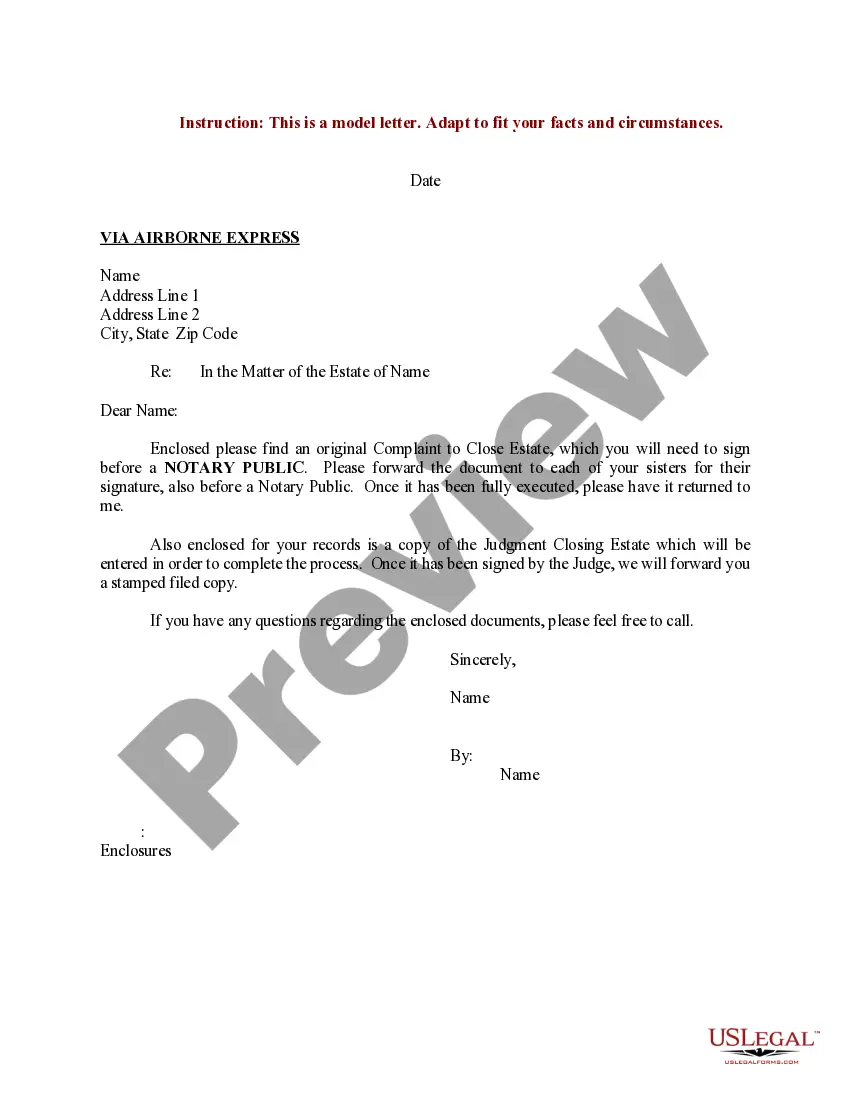
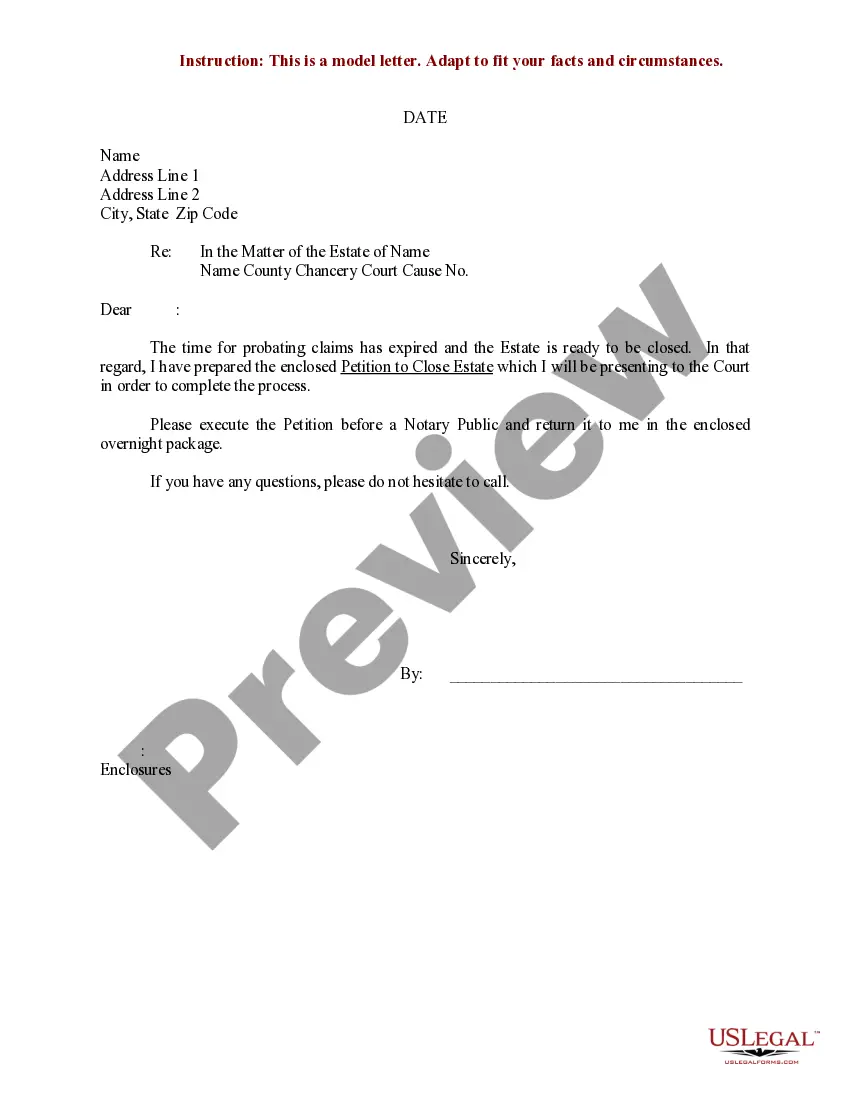
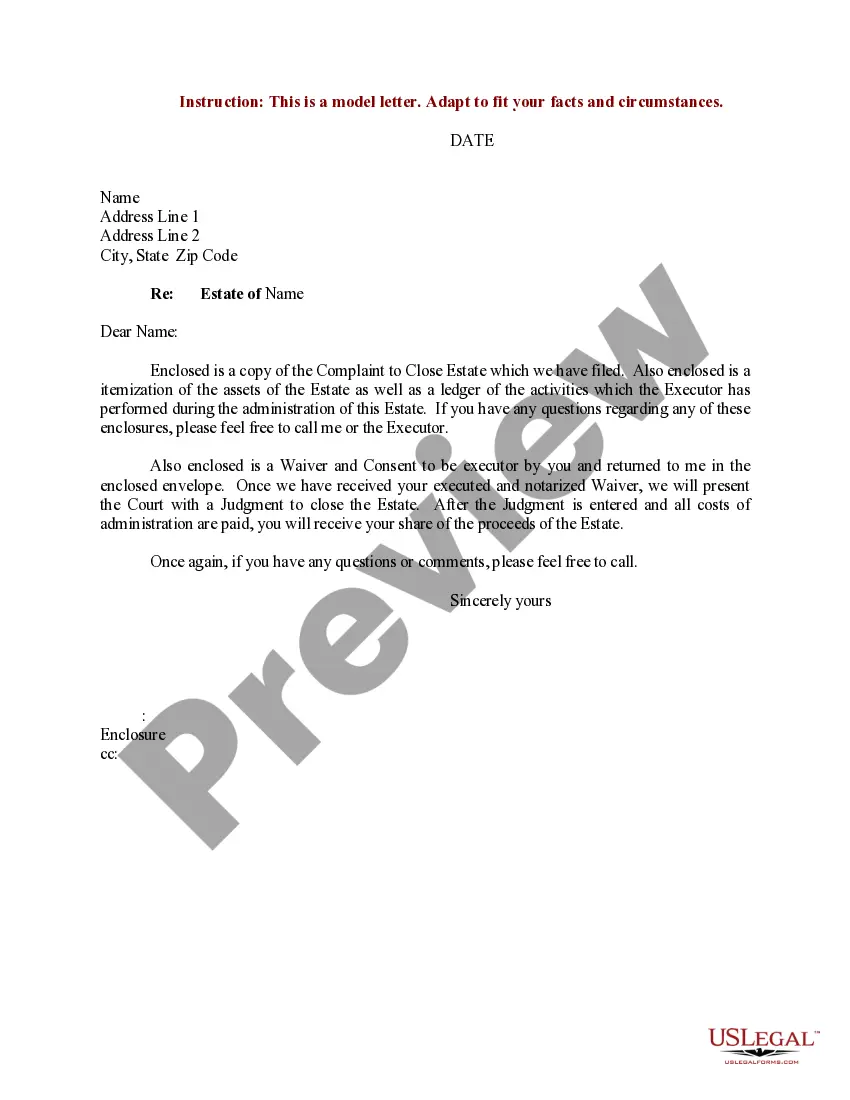
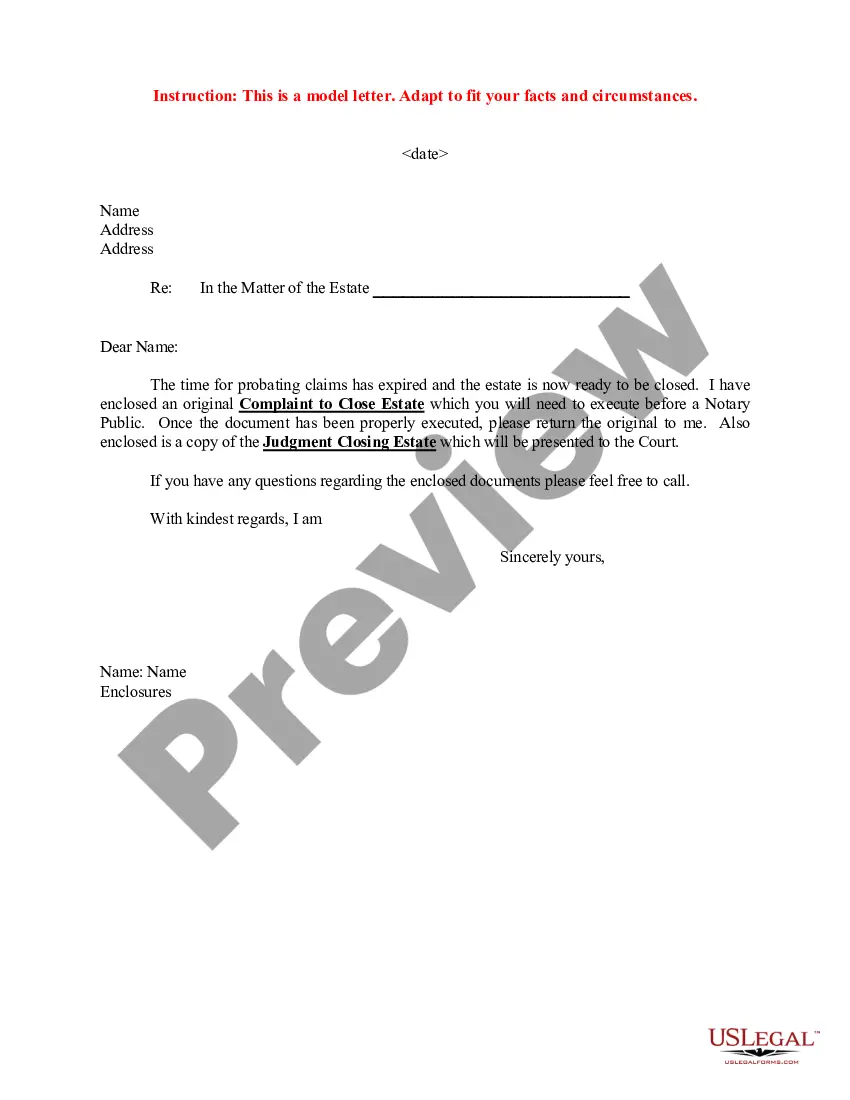
This Sample Letter for Complaint to Close Estate - Request to Forward to Brothers serves as a template for communicating with estate beneficiaries regarding the closure of an estate. This form is designed to provide a structured approach to inform siblings of their responsibilities and the status of tax matters related to the estate. Unlike other estate-related documents, this form specifically addresses the request to confirm the completion of tax filings and outlines potential liabilities of the siblings.
What’s included in this form
- Recipient information section: Includes space for the names and addresses of the siblings.
- Date field: Specifies when the letter is being sent.
- Subject line: Clearly states the purpose of the letter concerning the estate.
- Main content: Details the filing of final tax returns and the siblings' potential financial responsibilities.

When this form is needed
This form should be used when an estate is being closed and the administrator needs to inform the beneficiaries about tax filings. It is particularly relevant when there are concerns regarding any additional taxes that may arise after the estateâs closure. Utilizing this correspondence can help clarify roles and responsibilities among siblings during the estate settlement process.
Who needs this form
This sample letter is suitable for:
- Estate administrators managing the closure of an estate.
- Siblings or beneficiaries involved in the estate who need formal communication about tax implications.
- Individuals seeking a professional template to guide their correspondence concerning estate matters.
Instructions for completing this form
To complete this form, follow these steps:
- Enter the date on which the letter is being sent.
- Fill in the names and addresses of the recipients (the siblings).
- Specify the name of the estate in the subject line.
- Adapt the main content to reflect your particular situation.
- Review the letter for clarity and correctness before sending.
Does this form need to be notarized?
This form does not typically require notarization unless specified by local law. Ensure that you check any local regulations that may apply to the estate process to confirm if notarization is necessary.
Get your form ready online
Our built-in tools help you complete, sign, share, and store your documents in one place.
Make edits, fill in missing information, and update formatting in US Legal Forms—just like you would in MS Word.
Download a copy, print it, send it by email, or mail it via USPS—whatever works best for your next step.
Sign and collect signatures with our SignNow integration. Send to multiple recipients, set reminders, and more. Go Premium to unlock E-Sign.
If this form requires notarization, complete it online through a secure video call—no need to meet a notary in person or wait for an appointment.
We protect your documents and personal data by following strict security and privacy standards.

Make edits, fill in missing information, and update formatting in US Legal Forms—just like you would in MS Word.

Download a copy, print it, send it by email, or mail it via USPS—whatever works best for your next step.

Sign and collect signatures with our SignNow integration. Send to multiple recipients, set reminders, and more. Go Premium to unlock E-Sign.

If this form requires notarization, complete it online through a secure video call—no need to meet a notary in person or wait for an appointment.

We protect your documents and personal data by following strict security and privacy standards.
Typical mistakes to avoid
- Failing to include all necessary recipient information, leading to confusion about whom the letter addresses.
- Not updating the template details to accurately reflect the estate's circumstances.
- Omitting the date, which can make the correspondence appear outdated.
Benefits of using this form online
- This form is easily downloadable in Word format for quick customization.
- It provides a clear and professional framework, reducing chances of miscommunication.
- Users can easily edit the document to fit their specific needs and details regarding the estate.
Looking for another form?

Form popularity
FAQ
Sincerely. Sincerely (or sincerely yours) is often the go-to sign off for formal letters, and with good reason. Best. Best regards. Speak to you soon. Thanks. No sign-off Yours truly. Take care.
Cordially, Yours Respectfully, Best Regards, With Appreciation, Warmly, Thank you for your assistance in this matter, Thank you for your time, Your help is greatly appreciated,
1 Yours truly. 2 Sincerely. 3 Thanks again. 4 Appreciatively. 5 Respectfully. 6 Faithfully. 6 Regards. 7 Best regards.
End with Best or Sincerely for a less formal sign off. These options are good if you would like to come across a little less formal and a bit more friendly. All the best also works well if you prefer it to Best.
Let them know before they read about it. Clear out the rumor mill. Treat your staff with compassion and respect. Determine the fate of unfinished projects. Craft your communications channel. Touch your legal bases.
All the best. Best regards. Best wishes. Best. My best. Regards. Respectfully. Respectfully yours.
Best. Sincerely. Regards. Kind regards. Thank you. Warm wishes. With gratitude. Many thanks.
Tell the reader the date the business will close. Inform the reader of anything they need to do (such as pick up their dry cleaning, pay off their outstanding bill, or come in for the going out of business sale) Tell the reader where to direct their questions. Thank the customer or supplier for their business.