Invoice Template for Psychologist
What this document covers
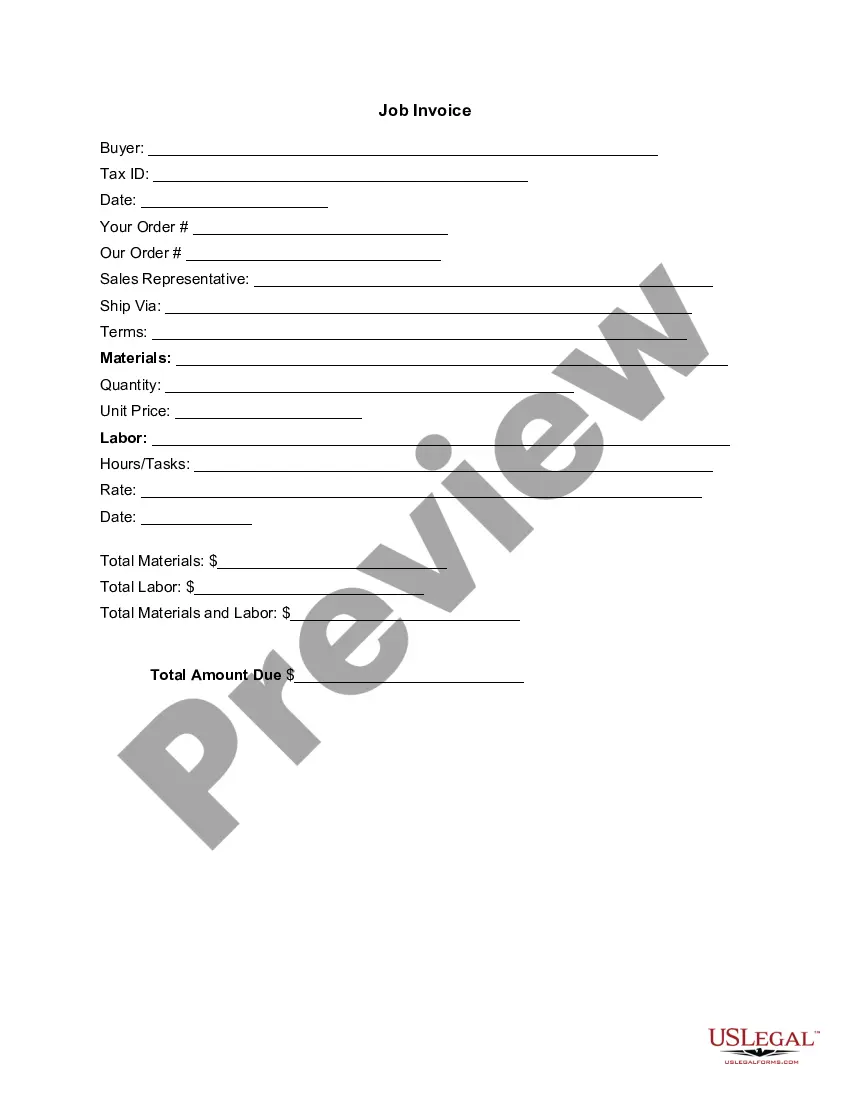
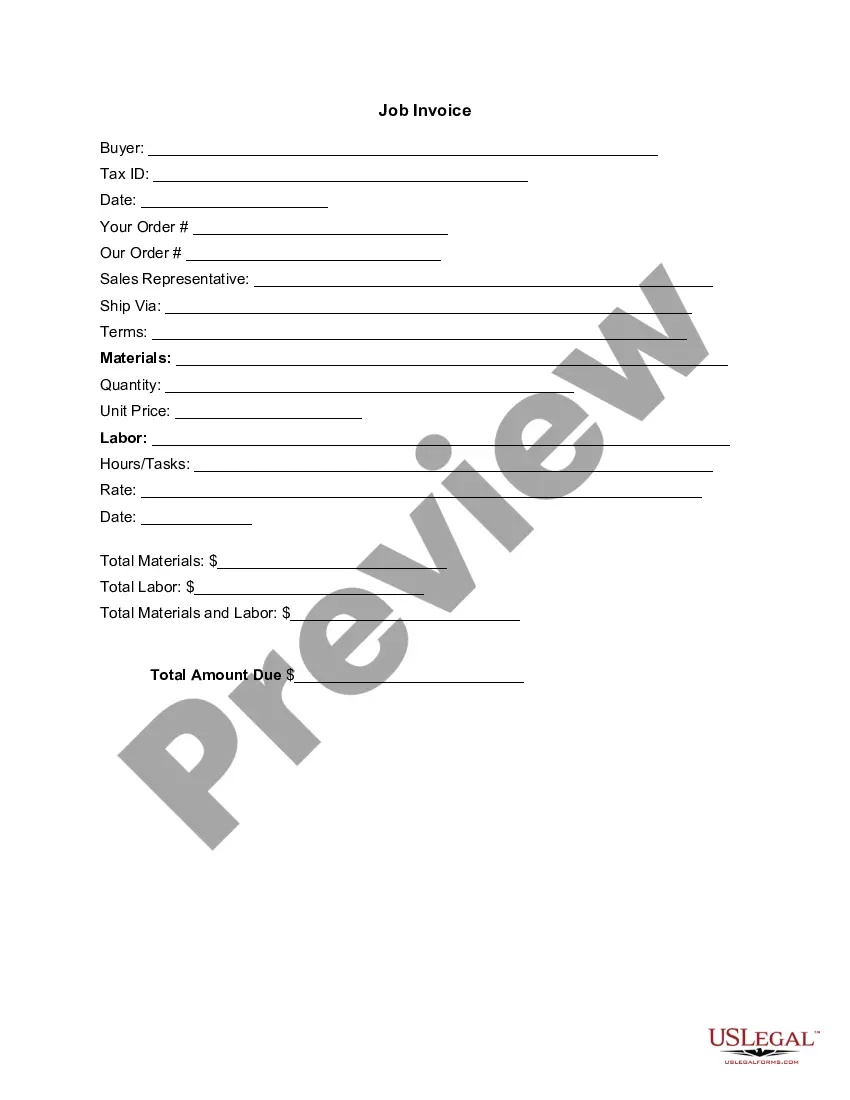
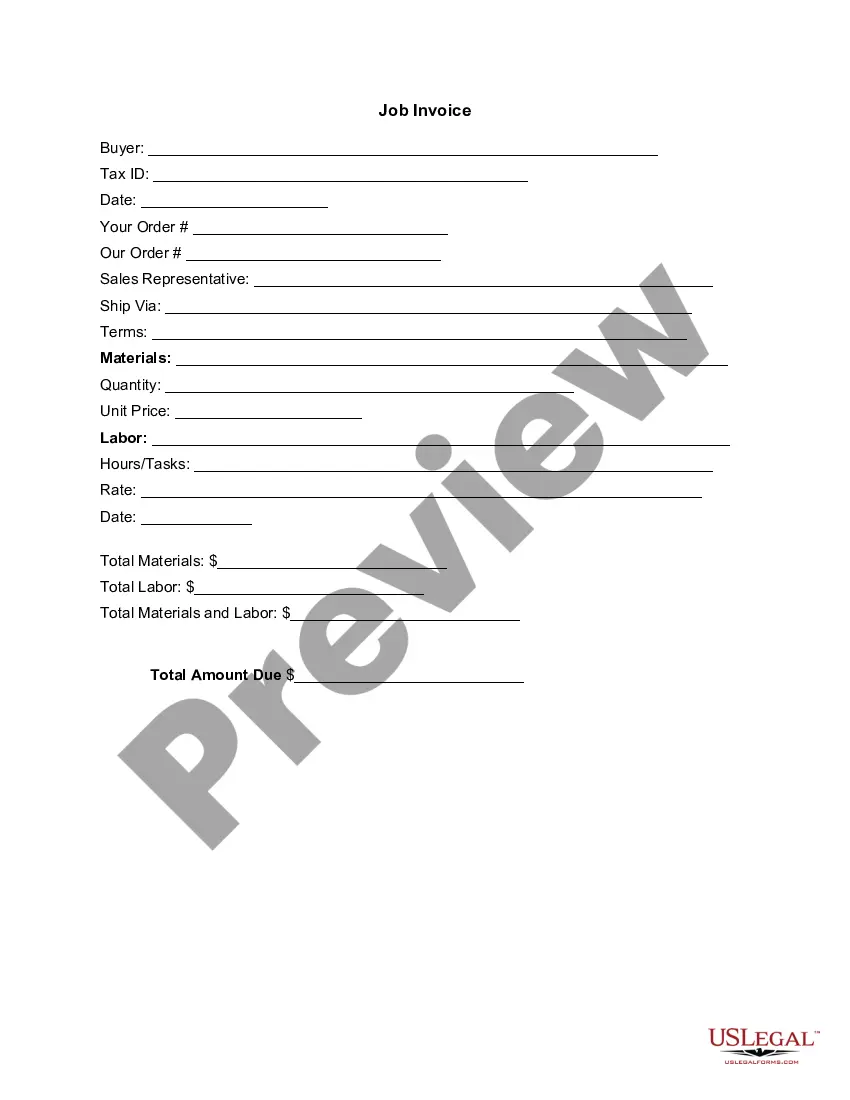
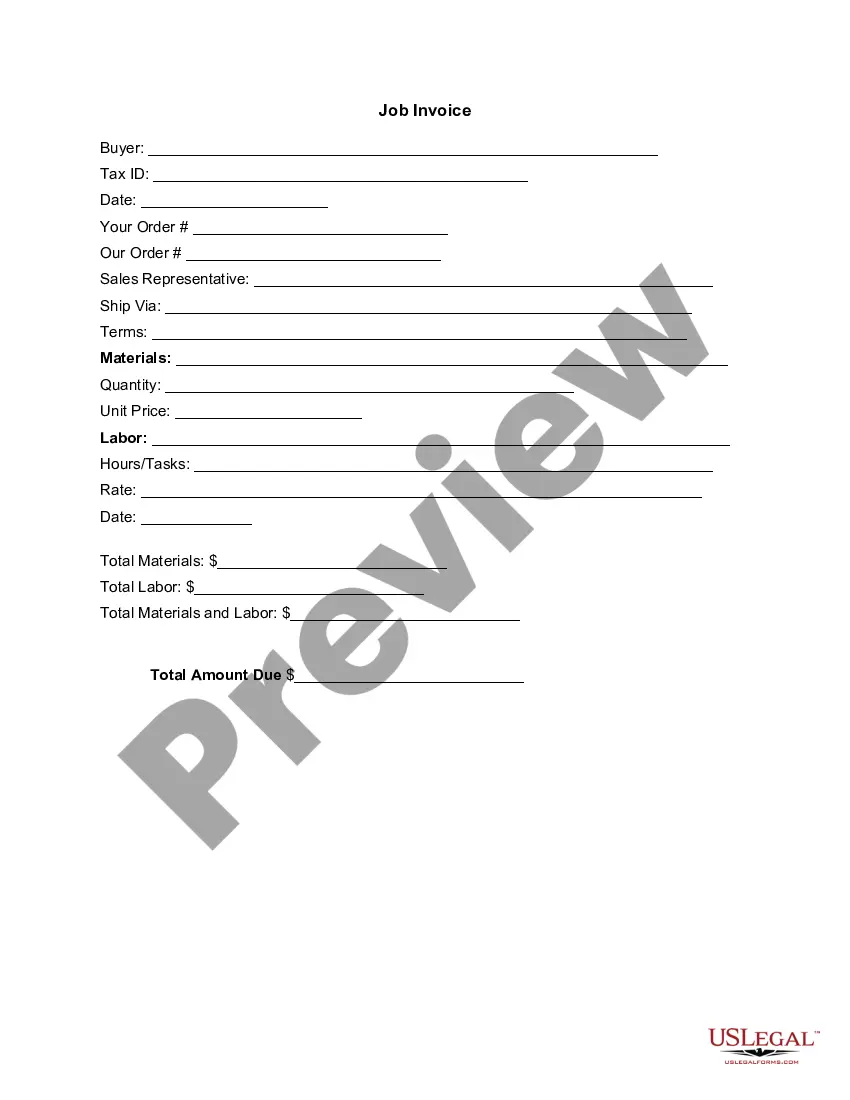
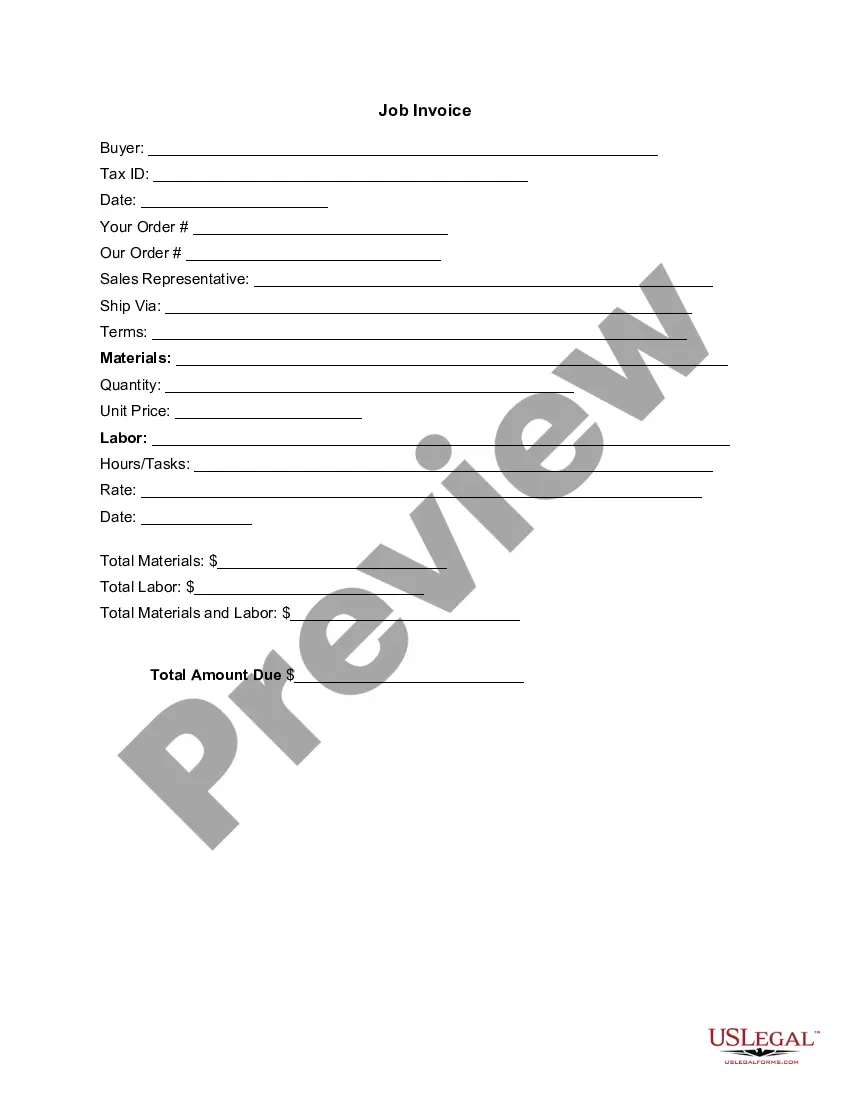
The Invoice Template for Psychologist is a standardized document designed for psychologists to bill their clients for services rendered. This template serves as an itemized account of all costs associated with the services provided, differentiating it from standard receipts or general invoices by detailing specifically the psychological services. This form is essential for maintaining clear financial records and for the professional practice of psychology.
Form components explained
- Buyer information section, including client details and Tax ID.
- Date of the invoice issuance.
- Order details including order numbers and representative information.
- Detailed list of services, including materials used and labor hours/tasks.
- Pricing structure, including unit prices and total amounts.
- Total amounts due for materials and services.

When to use this document
This Invoice Template is necessary when psychologists want to provide clients with a formal record of services provided. It is particularly useful when billing for sessions, assessments, or other psychological services. Utilizing this template ensures that the client is informed of the costs associated with their treatments, which aids in transparency and financial clarity.
Who needs this form
- Psychologists providing services to individual clients.
- Psychological clinics or practices that need to bill multiple clients.
- Therapists who require documentation for insurance purposes.
Instructions for completing this form
- Fill in the buyer/client information, including their Tax ID.
- Enter the date the invoice is issued.
- Specify the order details and sales representative involved in the transaction.
- Detail the services rendered, including materials and labor along with their respective prices.
- Calculate and enter the total amounts due for all services and materials.
Notarization guidance
This form does not typically require notarization unless specified by local law. It is designed for billing purposes, which generally does not necessitate a notarized signature.
Get your form ready online
Our built-in tools help you complete, sign, share, and store your documents in one place.
Make edits, fill in missing information, and update formatting in US Legal Forms—just like you would in MS Word.
Download a copy, print it, send it by email, or mail it via USPS—whatever works best for your next step.
Sign and collect signatures with our SignNow integration. Send to multiple recipients, set reminders, and more. Go Premium to unlock E-Sign.
If this form requires notarization, complete it online through a secure video call—no need to meet a notary in person or wait for an appointment.
We protect your documents and personal data by following strict security and privacy standards.

Make edits, fill in missing information, and update formatting in US Legal Forms—just like you would in MS Word.

Download a copy, print it, send it by email, or mail it via USPS—whatever works best for your next step.

Sign and collect signatures with our SignNow integration. Send to multiple recipients, set reminders, and more. Go Premium to unlock E-Sign.

If this form requires notarization, complete it online through a secure video call—no need to meet a notary in person or wait for an appointment.

We protect your documents and personal data by following strict security and privacy standards.
Mistakes to watch out for
- Failing to include accurate and complete client information.
- Omitting the Tax ID if applicable for billing purposes.
- Incorrectly calculating totals; always review math before finalizing the invoice.
- Not specifying the services rendered clearly, which could lead to disputes.
Benefits of using this form online
- Convenience of downloading and customizing the template as needed.
- Easy editing allows for adjustments based on specific service details.
- Reliability, as the forms are drafted by licensed attorneys to ensure legal soundness.
Looking for another form?
Form popularity
FAQ
Add your company details in the From section, including the name, phone number, and address. Fill out your client's details in the For section, including name, email, and address.
Download the basic Simple Invoice Template in PDF, Word or Excel format. Open the new invoice doc in Word or Excel. Add your business information and branding, including your business name and logo. Customize the fields in the template to create your invoice. Name your invoice. Save
Open a New Word Document. Choose Your Invoice Template. Download the Invoice Template. Customize Your Invoice Template. Save Your Invoice. Send Your Invoice. Open a New Blank Document. Create an Invoice Header.
Make your invoice look professional. The first step is to put your invoice together. Clearly mark your invoice. Add company name and information. Write a description of the goods or services you're charging for. Don't forget the dates. Add up the money owed. Mention payment terms.
Personalize and make your invoice professional. To begin, choose a color that best represents your brand and upload your brand's logo. Fill-out the appropriate contact information on your invoice. Select a due date on your invoice. Fill in the projects/ tasks you are invoicing the client for. Add payment information.
Download the Square Invoices app on your iOS or Android device. Create your free Square account or sign in with your existing Square account. Tap the '+' sign on the navigation bar and select 'Invoice'.When your clients receive the invoice in their email, they can pay you securely online.
Invoice Bus. Invoicebus helps you send online invoices to your clients and get paid instantly regardless to wherever you are based in the world. Invoice Generator. FreshBooks. Skynova. Invoiceto.me. Create. Zoho Invoice. Square Invoices.