Invoice Template for Librarian
Overview of this form
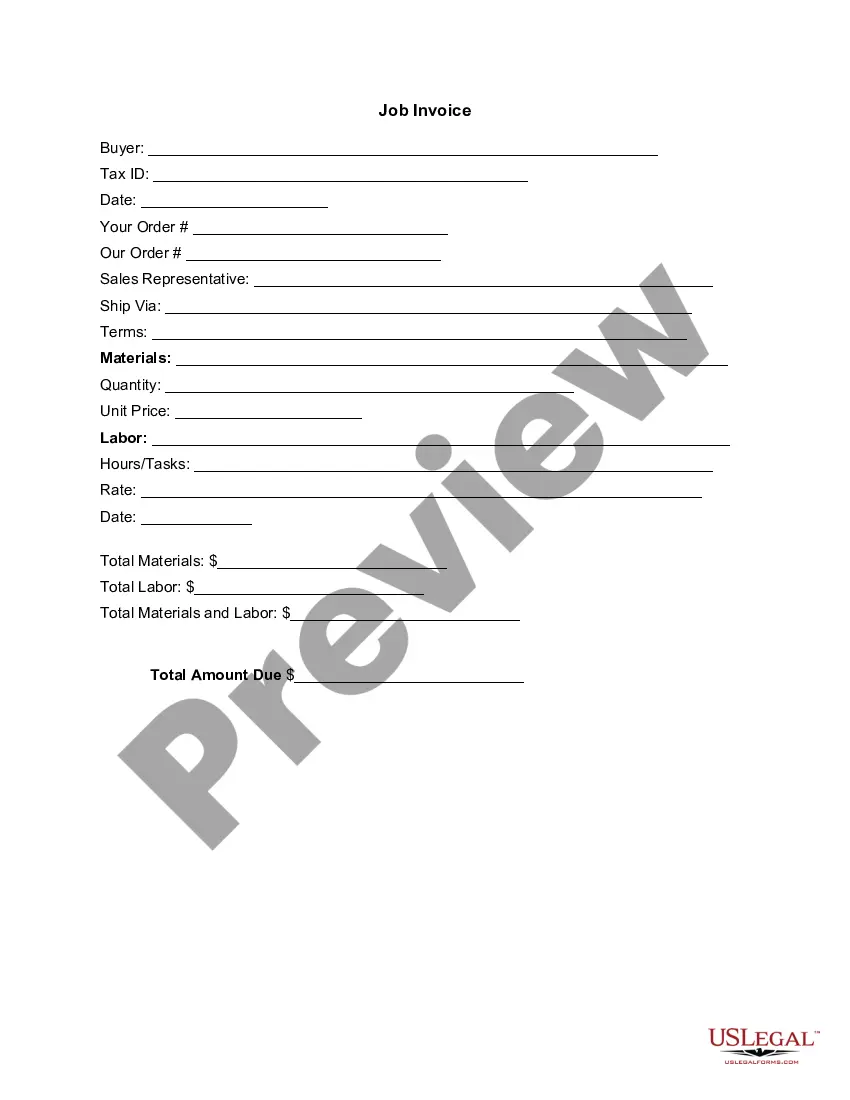
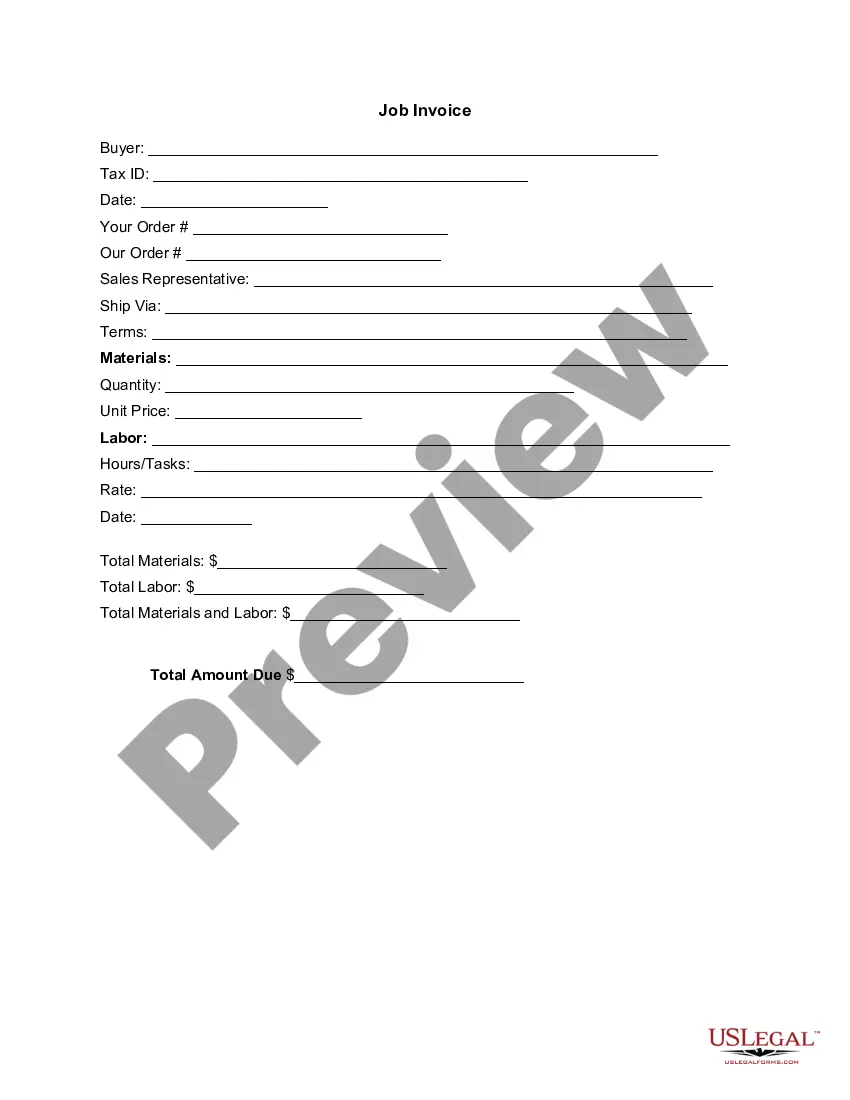
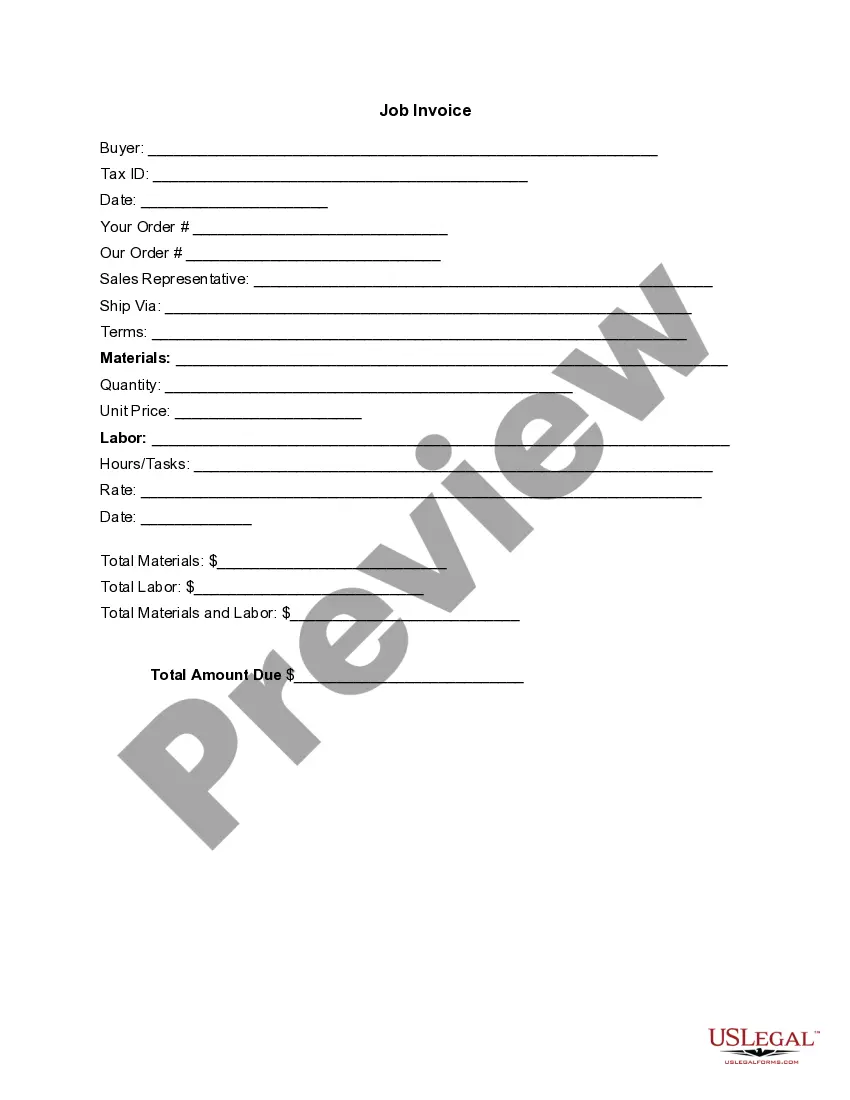
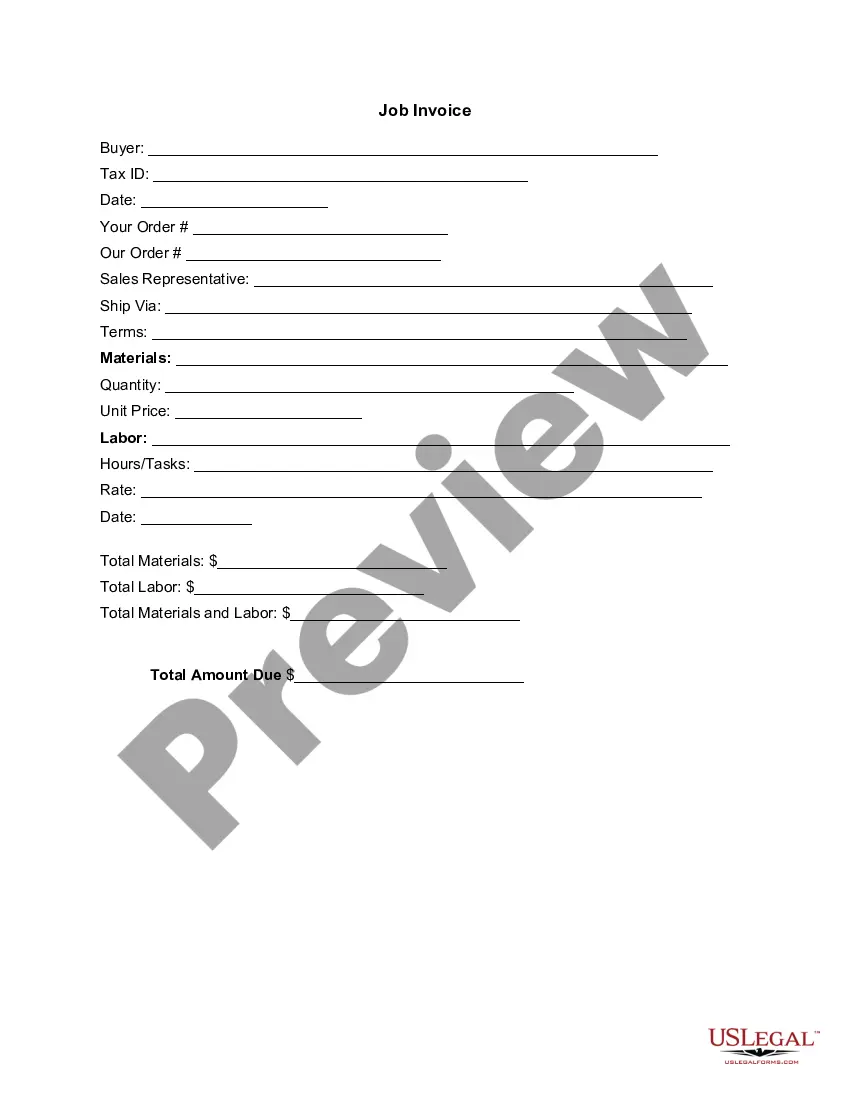
The Invoice Template for Librarian is a structured document used to create a detailed bill for services rendered or goods provided in the context of library services. This invoice serves as an itemized record of costs for the librarian's work, distinguishing it from simpler billing documents. It includes specifications for both materials and labor costs, ensuring clarity for both the librarian and the client.
What’s included in this form
- Buyer information: space for the buyerâs name and Tax ID.
- Date of invoice: records when the invoice is issued.
- Order details: sections for the librarian's order and any reference to previous orders.
- Sales representative information: identifies the person handling the transaction.
- Shipping details: specifies how the items or services will be delivered.
- Materials and labor: sections for itemizing both materials used and labor hours worked, along with their respective costs.
- Total calculation: space for summarizing total materials, total labor, and the final amount due.

Common use cases
This invoice template is useful when a librarian provides services such as research assistance, cataloging, or event hosting, and needs to bill a client or organization. It is appropriate to use this form in any situation requiring a detailed account of services rendered, along with associated costs for both materials and labor.
Intended users of this form
- Librarians and library professionals providing services that involve costs.
- Freelancers or independent contractors operating in the library sector.
- Libraries requesting funding or reimbursement for specific projects or services.
Instructions for completing this form
- Enter the buyer's name and Tax ID in the designated fields.
- Record the date the invoice is issued.
- Detail the materials used and the hours worked for the services provided.
- Specify the unit price for materials and the labor rate applied.
- Calculate and fill in the total amounts for materials, labor, and overall total due.
Notarization guidance
This form does not typically require notarization unless specified by local law. It is primarily used for billing purposes and does not necessitate formal witnessing or notarization to be valid.
Get your form ready online
Our built-in tools help you complete, sign, share, and store your documents in one place.
Make edits, fill in missing information, and update formatting in US Legal Forms—just like you would in MS Word.
Download a copy, print it, send it by email, or mail it via USPS—whatever works best for your next step.
Sign and collect signatures with our SignNow integration. Send to multiple recipients, set reminders, and more. Go Premium to unlock E-Sign.
If this form requires notarization, complete it online through a secure video call—no need to meet a notary in person or wait for an appointment.
We protect your documents and personal data by following strict security and privacy standards.

Make edits, fill in missing information, and update formatting in US Legal Forms—just like you would in MS Word.

Download a copy, print it, send it by email, or mail it via USPS—whatever works best for your next step.

Sign and collect signatures with our SignNow integration. Send to multiple recipients, set reminders, and more. Go Premium to unlock E-Sign.

If this form requires notarization, complete it online through a secure video call—no need to meet a notary in person or wait for an appointment.

We protect your documents and personal data by following strict security and privacy standards.
Mistakes to watch out for
- Failing to include the buyer's Tax ID, which may affect the validity of the invoice.
- Omitting specific details about materials or labor which can lead to misunderstandings.
- Incorrect addition of total amounts, resulting in billing discrepancies.
Why complete this form online
- Convenience of downloading and filling the form at your own pace.
- Editability allows for customization based on specific service requests.
- Reliable templates drafted by legal professionals ensure accuracy and compliance.
Main things to remember
- The Invoice Template for Librarian is essential for itemizing services and materials costs.
- It is suitable for librarians, organizations, and freelancers in the library context.
- Accurate completion is crucial to avoid billing errors and ensure proper payment.
Looking for another form?



Form popularity
FAQ
Make your invoice look professional. The first step is to put your invoice together. Clearly mark your invoice. Add company name and information. Write a description of the goods or services you're charging for. Don't forget the dates. Add up the money owed. Mention payment terms.
1. ' Invoice' A unique invoice number. Your company name and address. The company name and address of the customer. A description of the goods/services. The date of supply. The date of the invoice. The amount of the individual goods or services to be paid.
Hi Recipient's Name, I hope you're well! We're yet to receive payment for invoice number X for Product/Service, which was due on Date. Please let us know when we can expect to receive payment, and don't hesitate to reach out if you have any questions or concerns.
Personalize and make your invoice professional. To begin, choose a color that best represents your brand and upload your brand's logo. Fill-out the appropriate contact information on your invoice. Select a due date on your invoice. Fill in the projects/ tasks you are invoicing the client for. Add payment information.
The name of your company. The name of your customer. The date the services were provided. Invoice number. A description of services rendered. Quantity of hours spent on services rendered. The price you're charging for the services or your hourly rate.
Open a New Word Document. Choose Your Invoice Template. Download the Invoice Template. Customize Your Invoice Template. Save Your Invoice. Send Your Invoice. Open a New Blank Document. Create an Invoice Header.
Your name and contact information. Your client's name. Invoice number. Date of invoice issuance. Work order number or job code number. Payment due date. Current payment status. A description of your work or services rendered.
Download a free invoice template. Include your business name and contact information. Add business media or logo. Include client's name, business and contact details. Input unique invoice number on template, plus invoice date and due date. List services or products with descriptions and costs for each.