Invoice Template for Economist
What this document covers
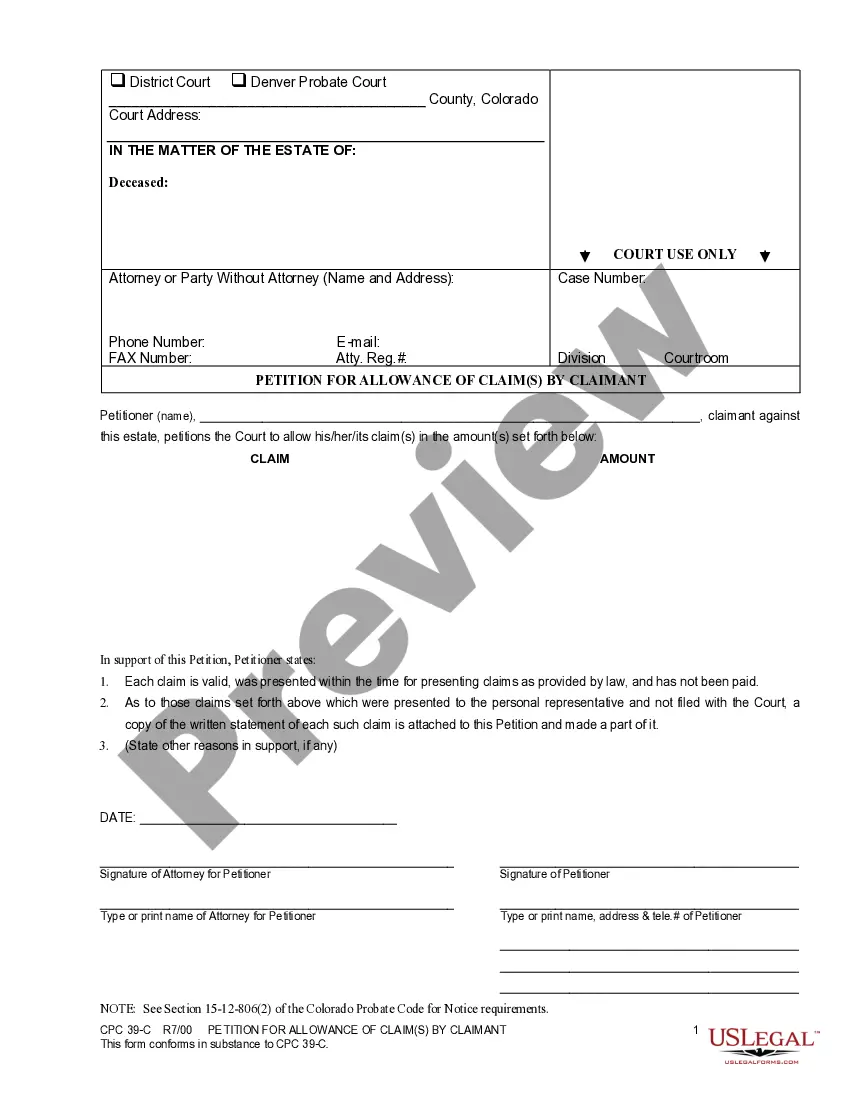
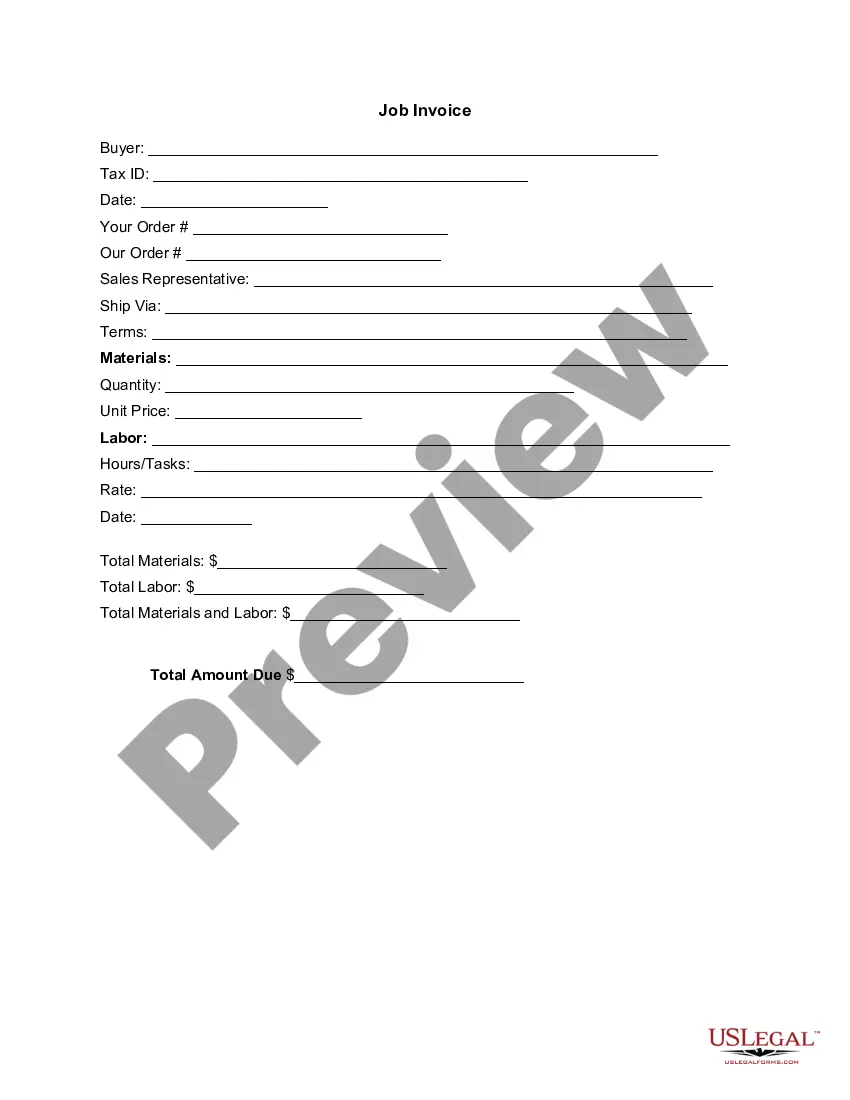
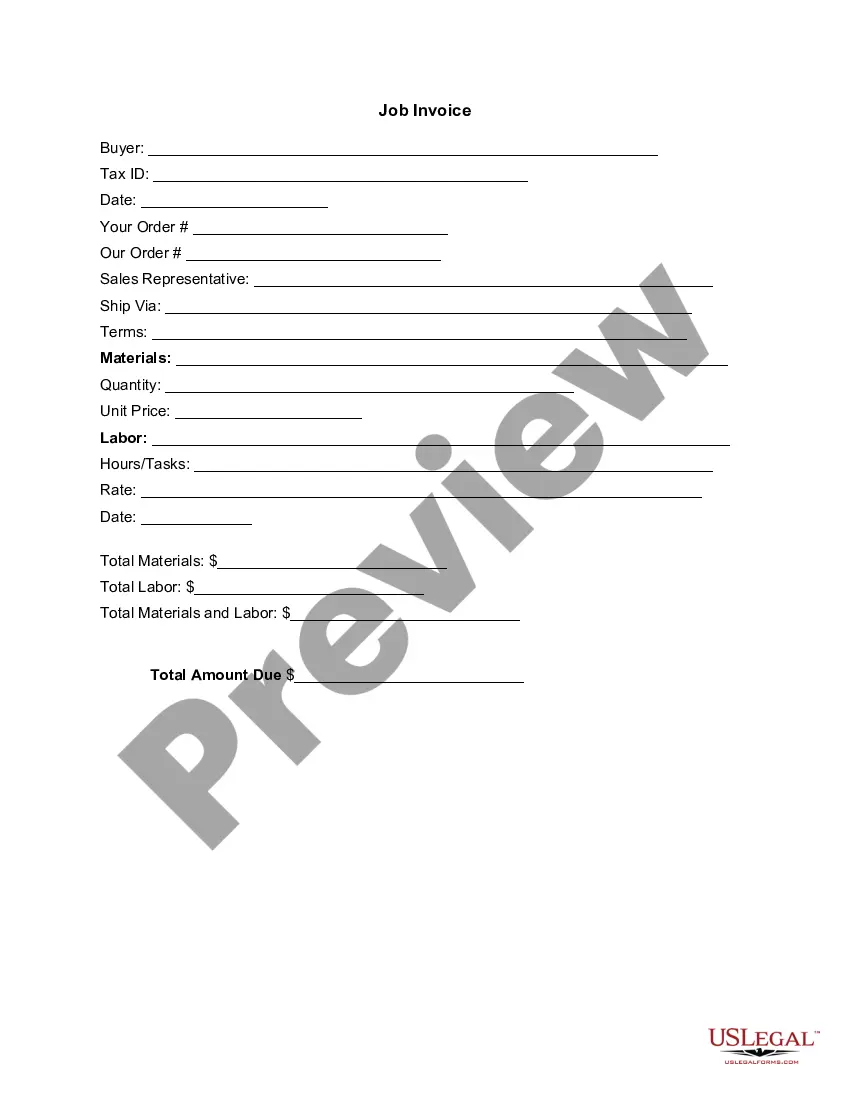
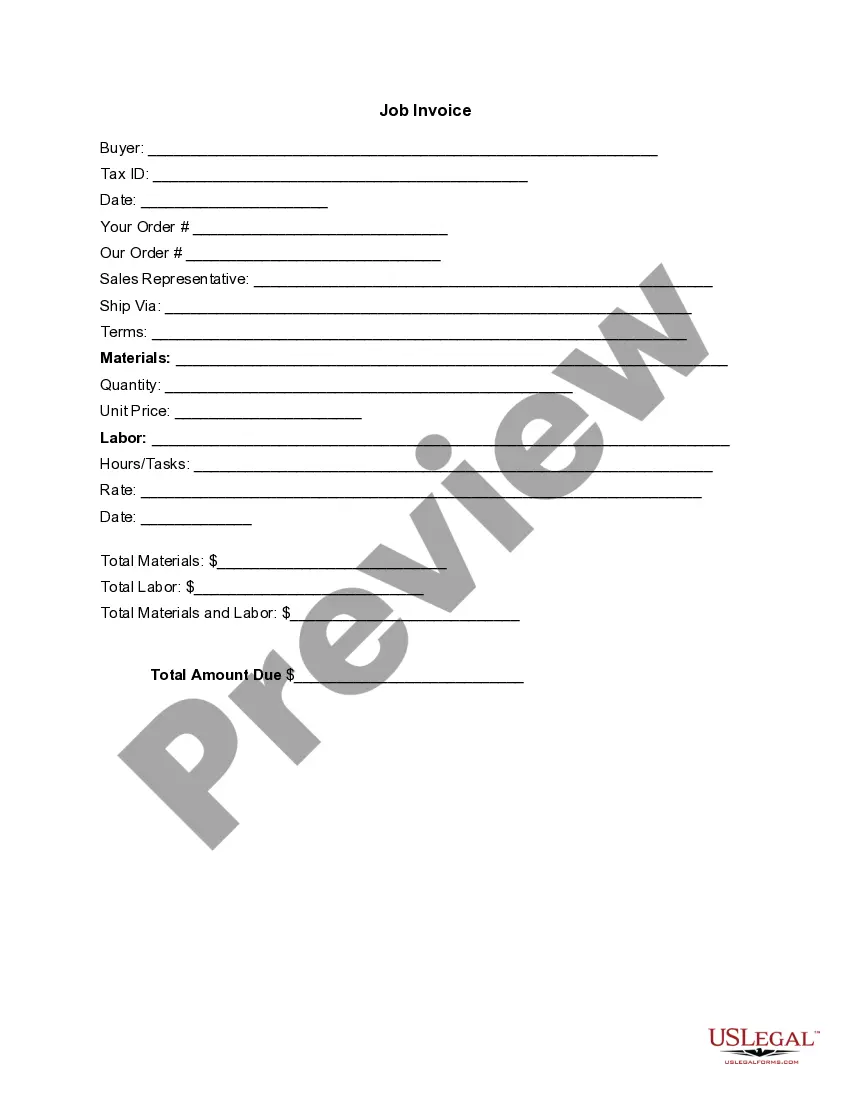
The Invoice Template for Economist is a structured document that details the goods or services provided, along with their associated costs. This template is designed specifically for economists and those working in related fields, distinguishing it from general invoice templates by tailoring it to the needs of economic services and consultancy work.
Key components of this form
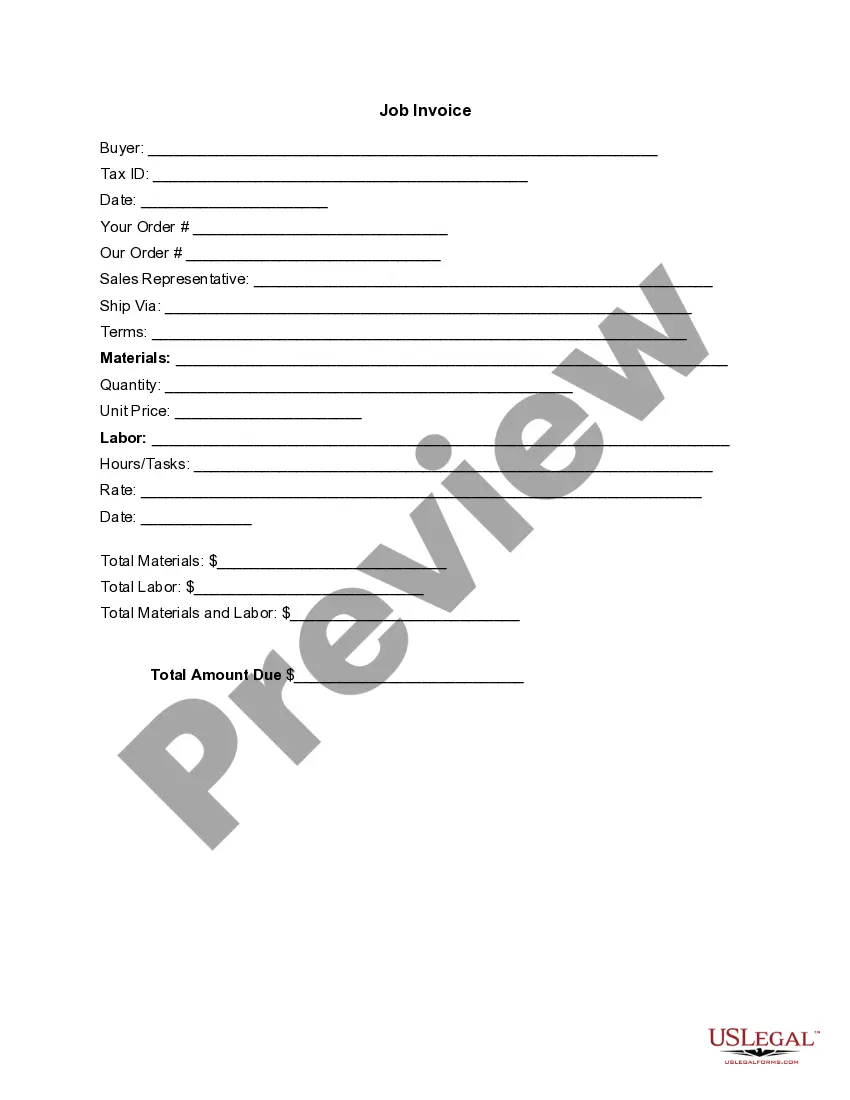
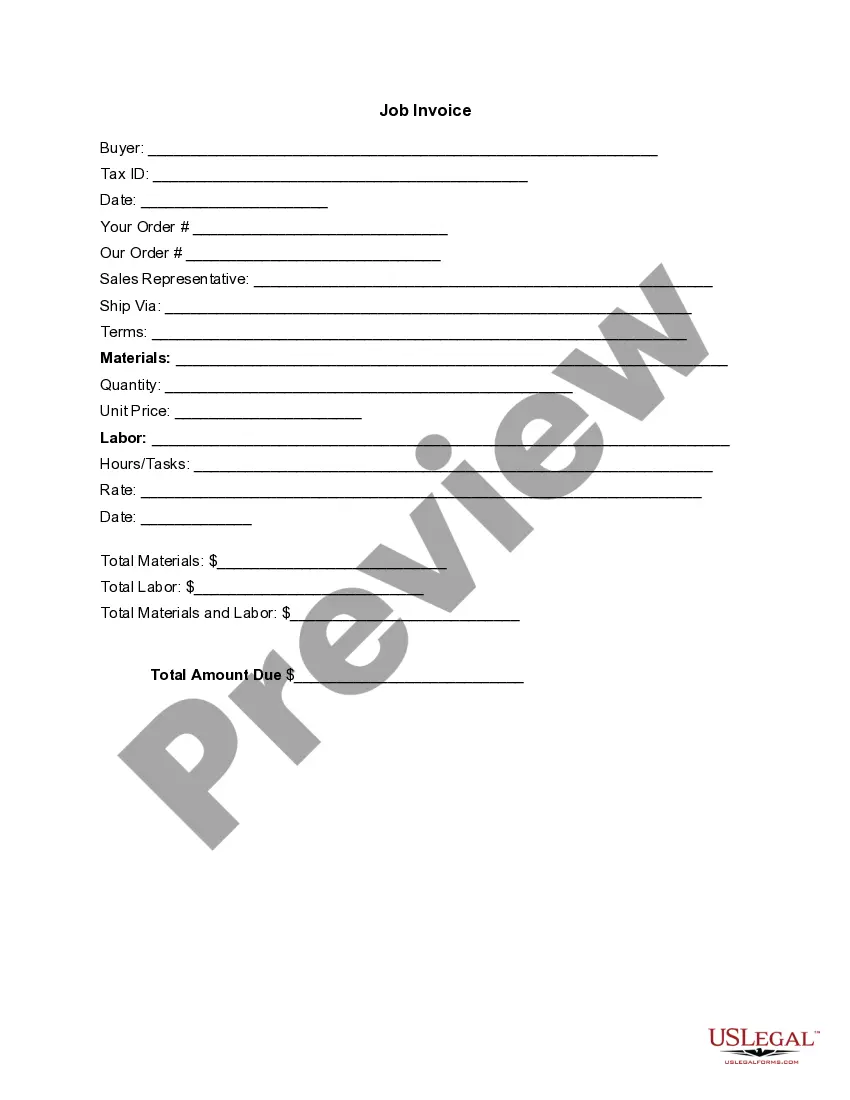
- Buyer's information, including name and tax ID
- Date of the invoice
- Order details for both buyer and seller
- Sales representative's contact information
- Shipping method and payment terms
- Itemized list of materials and labor, including quantities and prices
- Total amounts for materials, labor, and total due

Situations where this form applies
This form is ideal for economists who need to bill clients for services rendered or goods provided. It is commonly used in scenarios where detailed accounting of work and expenses is required, such as consulting projects, research assignments, or when providing economic analyses.
Who can use this document
- Economists and economic consultants needing to issue invoices
- Businesses offering economic services which require itemized billing
- Freelancers and independent contractors in the economic sector
How to prepare this document
- Fill in the buyer's name and tax ID in the designated fields.
- Enter the date of the invoice and order details for both parties.
- Specify the materials and labor provided, including quantities and unit prices.
- Calculate and enter the total amounts for materials and labor.
- Present the total amount due for clarity on payment expectations.
Is notarization required?
This form does not typically require notarization unless specified by local law. Ensure compliance with any local guidelines that may apply to invoicing practices.
Get your form ready online
Our built-in tools help you complete, sign, share, and store your documents in one place.
Make edits, fill in missing information, and update formatting in US Legal Forms—just like you would in MS Word.
Download a copy, print it, send it by email, or mail it via USPS—whatever works best for your next step.
Sign and collect signatures with our SignNow integration. Send to multiple recipients, set reminders, and more. Go Premium to unlock E-Sign.
If this form requires notarization, complete it online through a secure video call—no need to meet a notary in person or wait for an appointment.
We protect your documents and personal data by following strict security and privacy standards.

Make edits, fill in missing information, and update formatting in US Legal Forms—just like you would in MS Word.

Download a copy, print it, send it by email, or mail it via USPS—whatever works best for your next step.

Sign and collect signatures with our SignNow integration. Send to multiple recipients, set reminders, and more. Go Premium to unlock E-Sign.

If this form requires notarization, complete it online through a secure video call—no need to meet a notary in person or wait for an appointment.

We protect your documents and personal data by following strict security and privacy standards.
Mistakes to watch out for
- Failing to include all necessary details like tax ID or order information.
- Incorrectly calculating totals for materials and labor.
- Not specifying the dates clearly, leading to confusion in payment timelines.
Advantages of online completion
- Convenience of accessing and downloading the template at any time.
- Editable format allows for easy customization to suit specific needs.
- Access to professionally drafted forms ensures legal compliance and accuracy.
Looking for another form?
Form popularity
FAQ
Your name and contact information. Your client's name. Invoice number. Date of invoice issuance. Work order number or job code number. Payment due date. Current payment status. A description of your work or services rendered.
A unique identification number. your company name, address and contact information. the company name and address of the customer you're invoicing. a clear description of what you're charging for. the date the goods or service were provided (supply date) the date of the invoice.
Make your invoice look professional. The first step is to put your invoice together. Clearly mark your invoice. Add company name and information. Write a description of the goods or services you're charging for. Don't forget the dates. Add up the money owed. Mention payment terms.
Download the Square Invoices app on your iOS or Android device. Create your free Square account or sign in with your existing Square account. Tap the '+' sign on the navigation bar and select 'Invoice'.When your clients receive the invoice in their email, they can pay you securely online.
Include Contact Information. Add the Invoice Date. Establish a Simple Invoice Numbering System. List Your Services. Add Your Payment Terms. Include the Amount Due and the Payment Due Date.
The name and contact details of your business. The client's contact information. A unique invoice number. An itemized summary of the services provided. Specific payment terms. The invoice due date. The total amount owing on the invoice.
The business's name and contact details with a logo, if applicable. The client's name and contact details. An invoice number. A payment due date.
Make your invoice look professional. The first step is to put your invoice together. Clearly mark your invoice. Add company name and information. Write a description of the goods or services you're charging for. Don't forget the dates. Add up the money owed. Mention payment terms.
Create an Invoice Header with Your Business Information. Include Your Client's Contact Details. Provide Invoice Information. Specify Your Payment Terms. Include an Itemized List of Services. List Applicable Taxes. Consider Adding Notes.