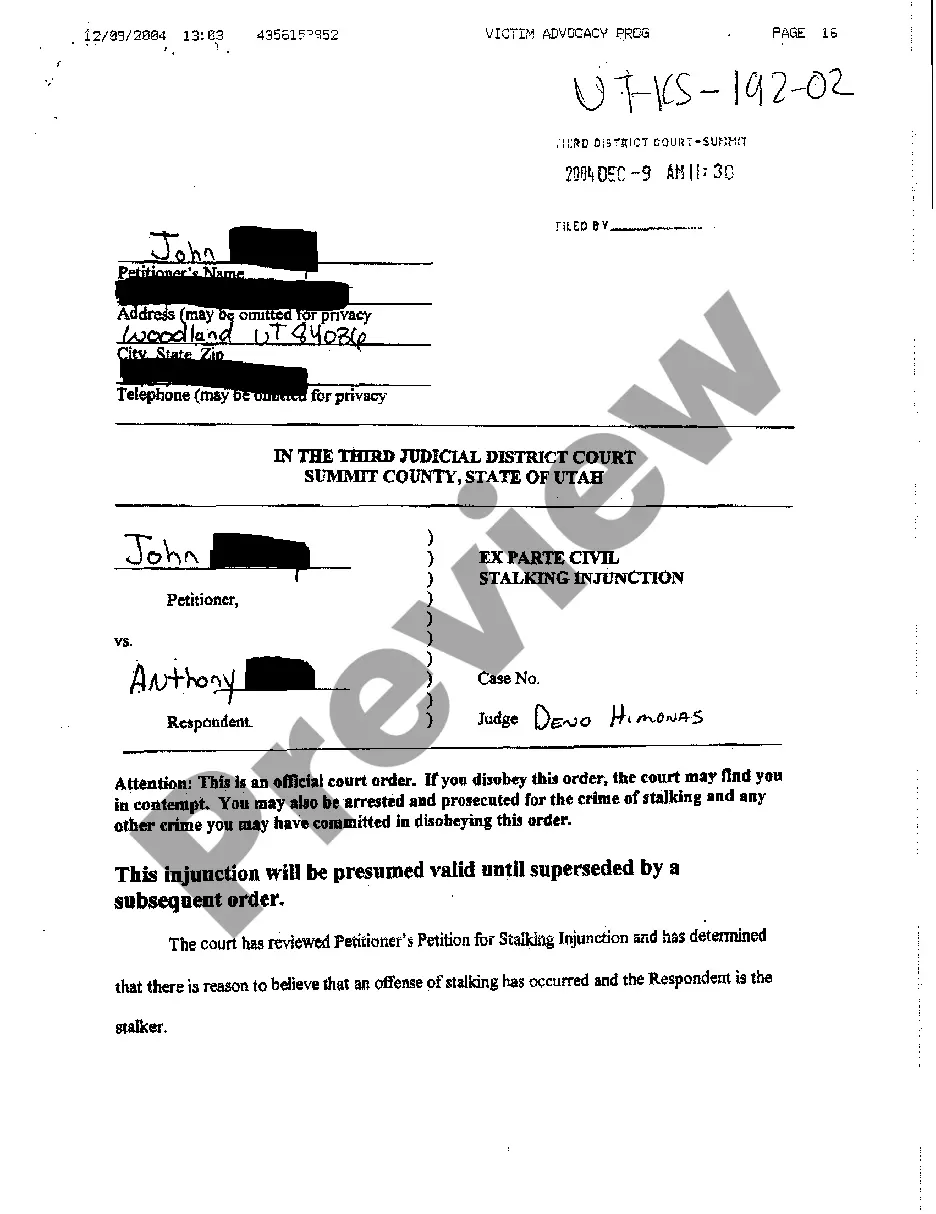
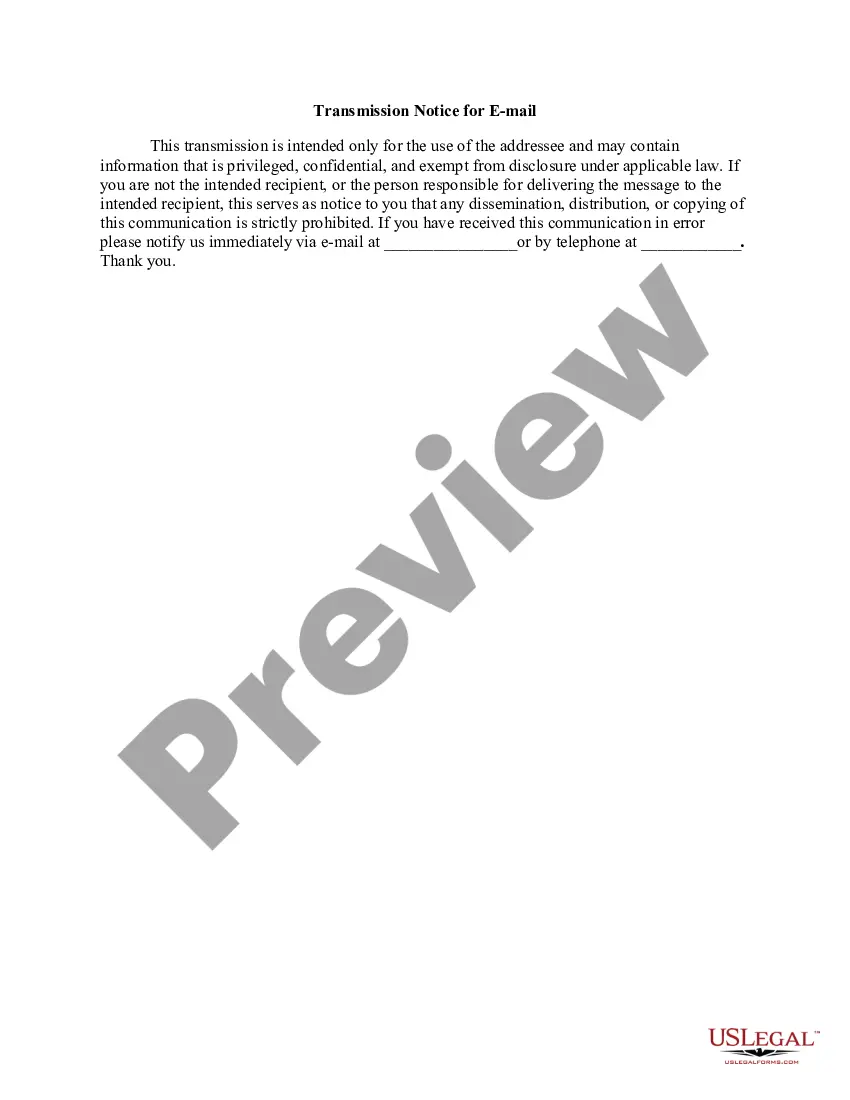
Transmission Notice for EMail
Overview of this form
The Transmission Notice for Email is a legal form designed to protect sensitive information shared via email. Its main purpose is to provide a clear warning to unintended recipients about the confidential nature of the email's contents. This form is essential for ensuring that sensitive information is handled appropriately and that legal protections are in place when email communications contain privileged data.
Form components explained
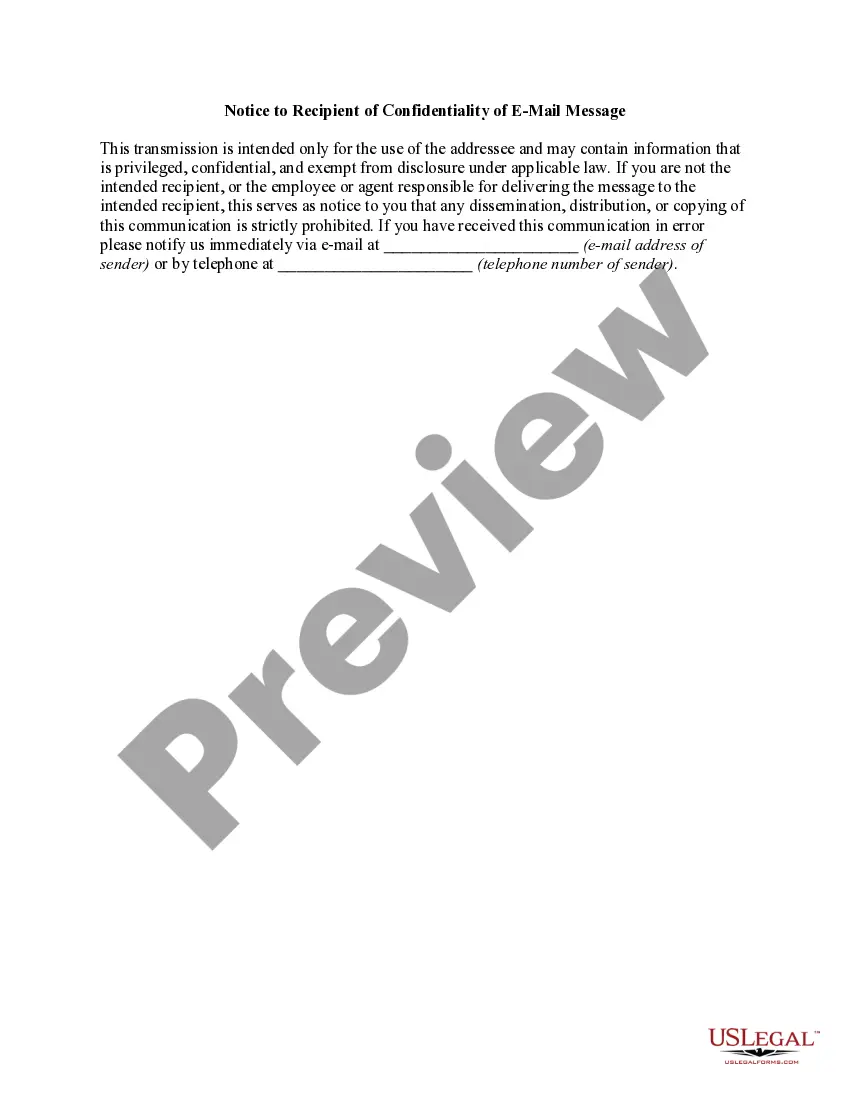
- Statement of confidentiality indicating the intended recipient.
- Warning against dissemination, distribution, or copying of the email.
- Instructions for recipients who receive the email in error.
- Contact information for notifying the sender if the email was received unintentionally.
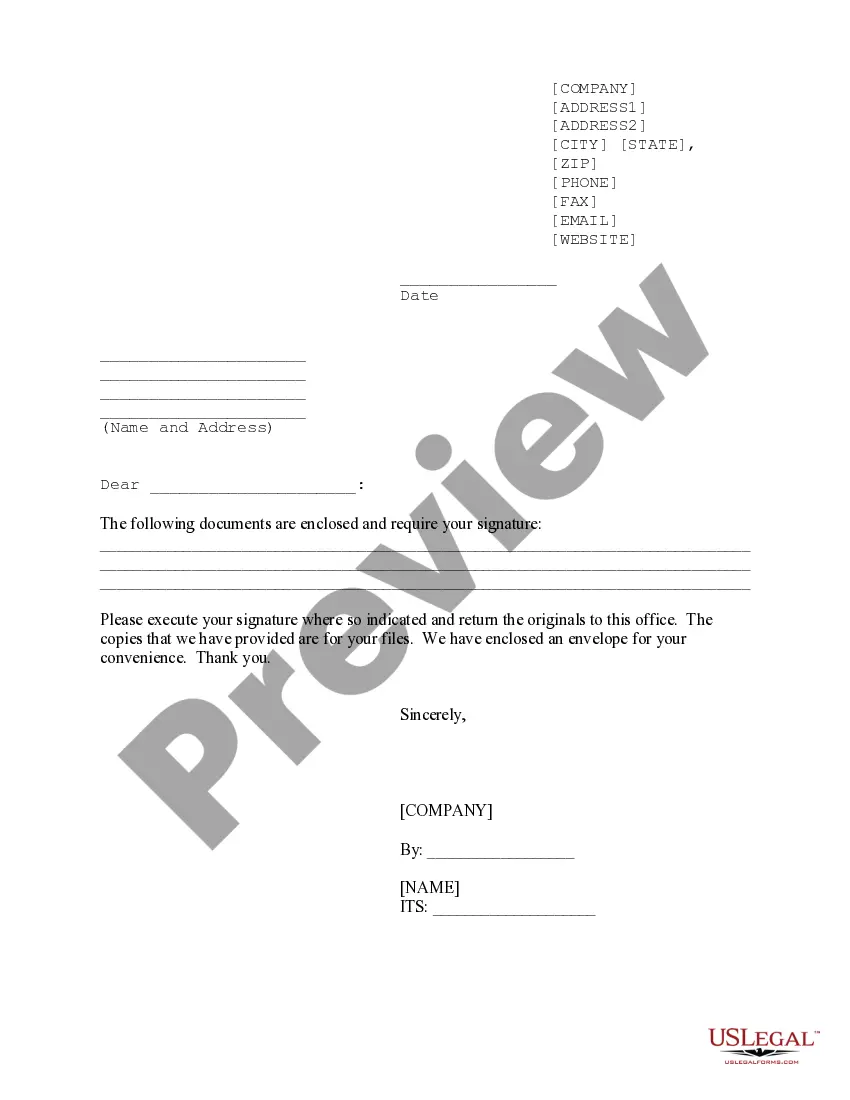
Situations where this form applies
This form should be used whenever sending emails that contain sensitive or confidential information. Situations may include sharing legal documents, financial information, healthcare details, or other personal data that should be protected from unauthorized access.
Who can use this document
- Individuals or businesses sending emails with sensitive information.
- Legal professionals communicating privileged information.
- Healthcare providers sharing protected health information.
- Financial institutions conveying confidential financial data.
Steps to complete this form
- Identify the primary recipient's email address.
- Fill in the contact details for notifying the sender.
- Include the specific confidential information being transmitted.
- Add a subject line and any necessary greetings to personalize the communication.
- Review the completed notice to ensure accuracy before sending.
Is notarization required?
This form usually doesn’t need to be notarized. However, local laws or specific transactions may require it. Our online notarization service, powered by Notarize, lets you complete it remotely through a secure video session, available 24/7.
Get your form ready online
Our built-in tools help you complete, sign, share, and store your documents in one place.
Make edits, fill in missing information, and update formatting in US Legal Forms—just like you would in MS Word.
Download a copy, print it, send it by email, or mail it via USPS—whatever works best for your next step.
Sign and collect signatures with our SignNow integration. Send to multiple recipients, set reminders, and more. Go Premium to unlock E-Sign.
If this form requires notarization, complete it online through a secure video call—no need to meet a notary in person or wait for an appointment.
We protect your documents and personal data by following strict security and privacy standards.

Make edits, fill in missing information, and update formatting in US Legal Forms—just like you would in MS Word.

Download a copy, print it, send it by email, or mail it via USPS—whatever works best for your next step.

Sign and collect signatures with our SignNow integration. Send to multiple recipients, set reminders, and more. Go Premium to unlock E-Sign.

If this form requires notarization, complete it online through a secure video call—no need to meet a notary in person or wait for an appointment.

We protect your documents and personal data by following strict security and privacy standards.
Common mistakes to avoid
- Forgetting to include complete contact information for notifications.
- Using vague language that does not clearly communicate the email's sensitivity.
- Neglecting to personalize the message or subject line.
- Failing to double-check the recipient's email address prior to sending.
Why use this form online
- Convenience of downloading and using the form directly from your device.
- Ability to easily edit the form to suit specific needs.
- Quick access to legal templates that ensure compliance and protection.
Legal use & context
- This form helps establish the sender's intention regarding confidentiality.
- It provides legal protection against improper disclosure of sensitive information.
- Including this notice may be beneficial in disputes related to information breaches.
Summary of main points
- Always use a Transmission Notice for Email when sharing confidential information.
- Ensure clear communication regarding the sensitive nature of the content.
- Review the completed form to avoid common mistakes, such as missing contact information.
Looking for another form?



Form popularity
FAQ
This email and any files transmitted with it are confidential and intended solely for the use of the individual or entity to whom they are addressed. If you have received this email in error, please notify the system manager. This message contains confidential information and is intended only for the individual named.
Create a new message in your email client. Type Undisclosed Recipients in the To: field, followed by your email address in < >. In the Bcc: field, type all the email addresses that the message should be sent to, separated by commas.
The content of this message is confidential. If you have received it by mistake, please inform us by an email reply and then delete the message. It is forbidden to copy, forward, or in any way reveal the contents of this message to anyone. The integrity and security of this email cannot be guaranteed over the Internet.
Use a standard format for contracts. Decide what type of confidentiality statement you should use. Identify the involved parties in the agreement. Define the information to keep confidential. List the information excluded from the agreement.
An email disclaimer is a disclaimer, notice or warning which is added to an outgoing email and forms a distinct section which is separate from the main message. The reasons for adding such a disclaimer include confidentiality, copyright, contract formation, defamation, discrimination, harassment, privilege and viruses.
In the Signatures and Stationery dialog box, please: (1) Specify the email account you will apply this disclaimer signature to in the E-mail account drop down list; (2) Select the new disclaimer signature from the New messages drop down list; (3) enter or paste the disclaimer content into the Edit signature box; (4)
Q: Are email disclaimers legally binding? A: In most circumstances, they would not be legally binding. What the disclaimers are trying to do is establish an agreement between the sender and its recipient that gives rise to a duty of nondisclosure. That's just like any other contract.
Please append the following confidentiality notice to your email signature: CONFIDENTIALITY NOTICE: The contents of this email message and any attachments are intended solely for the addressee(s) and may contain confidential and/or privileged information and may be legally protected from disclosure.
One of the most important things to mention in a good email disclaimer example is confidentiality. Simply speaking, it is to state that the message should be read only by the original recipient and that sharing its content is strictly forbidden.