Employment Application for Judge
Understanding this form
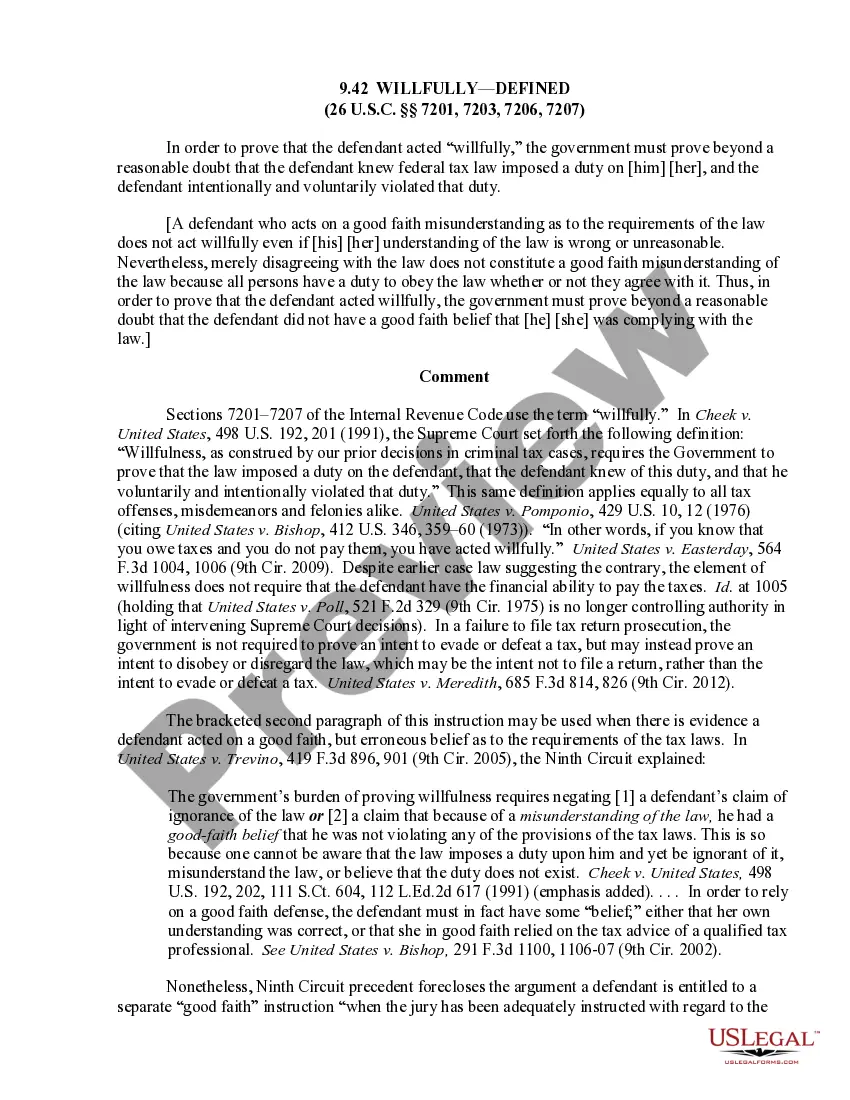
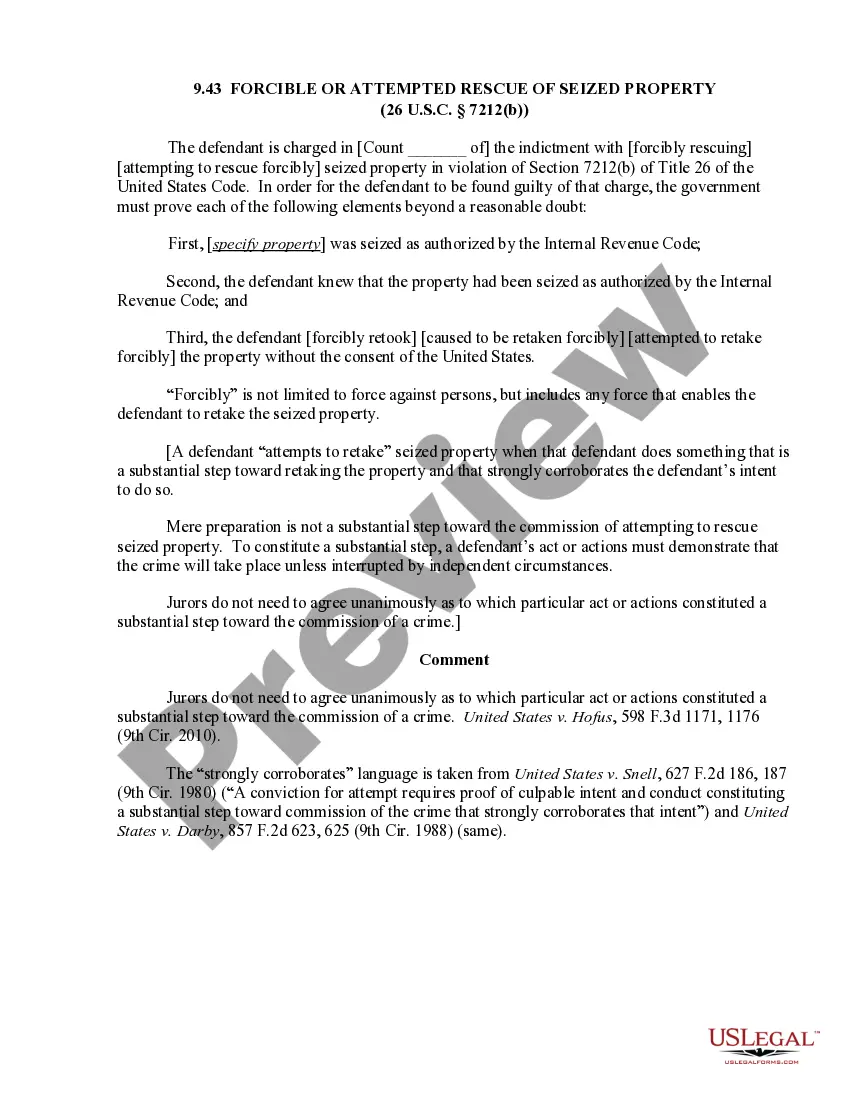
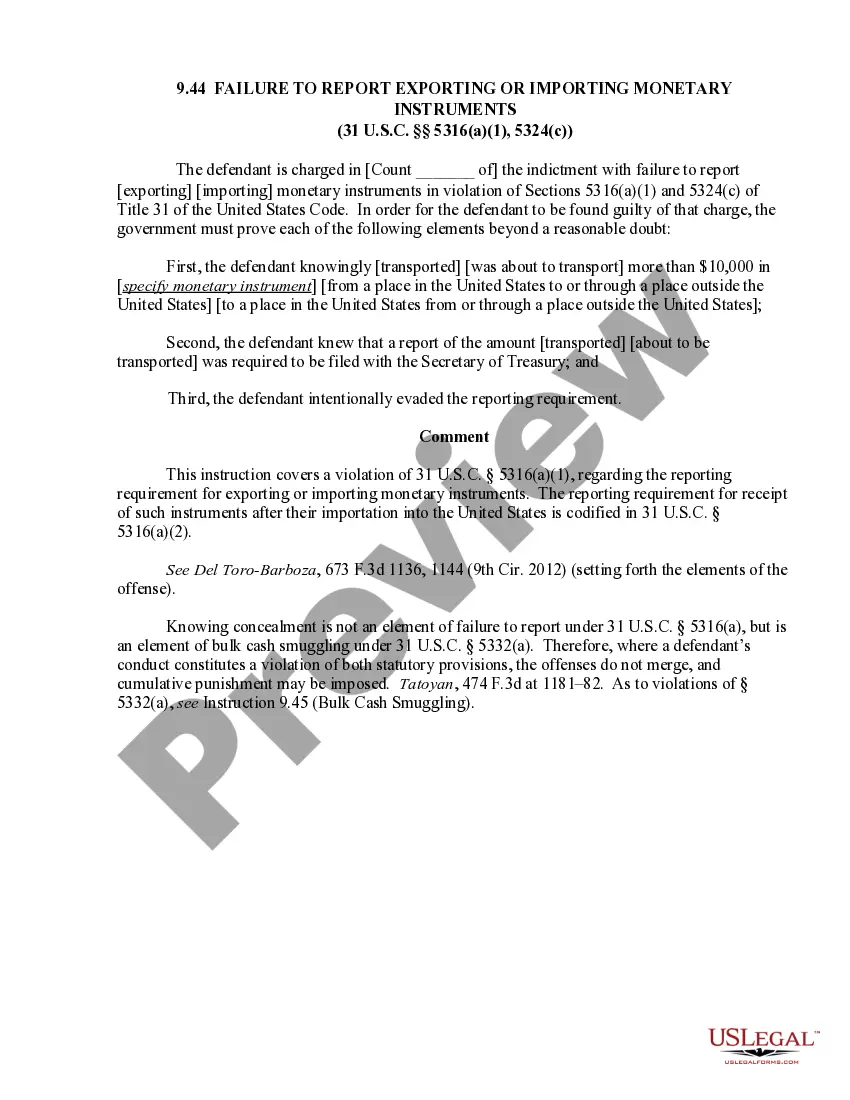
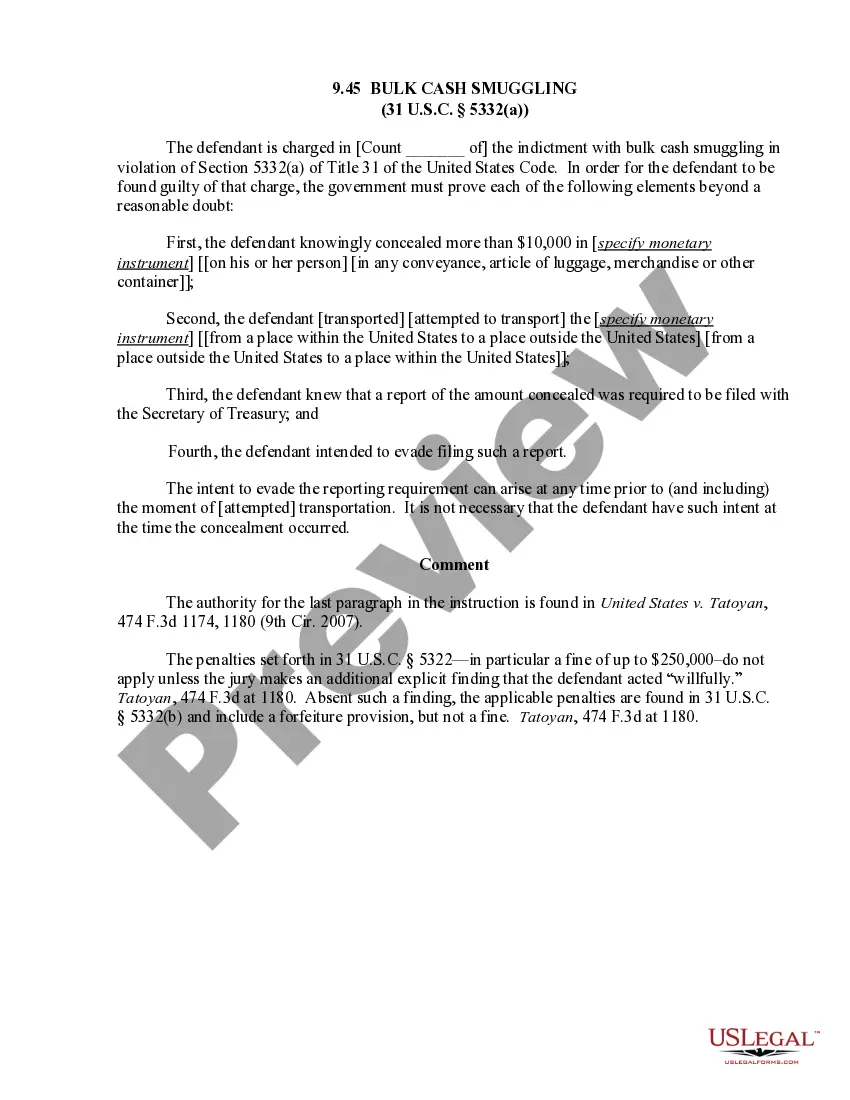
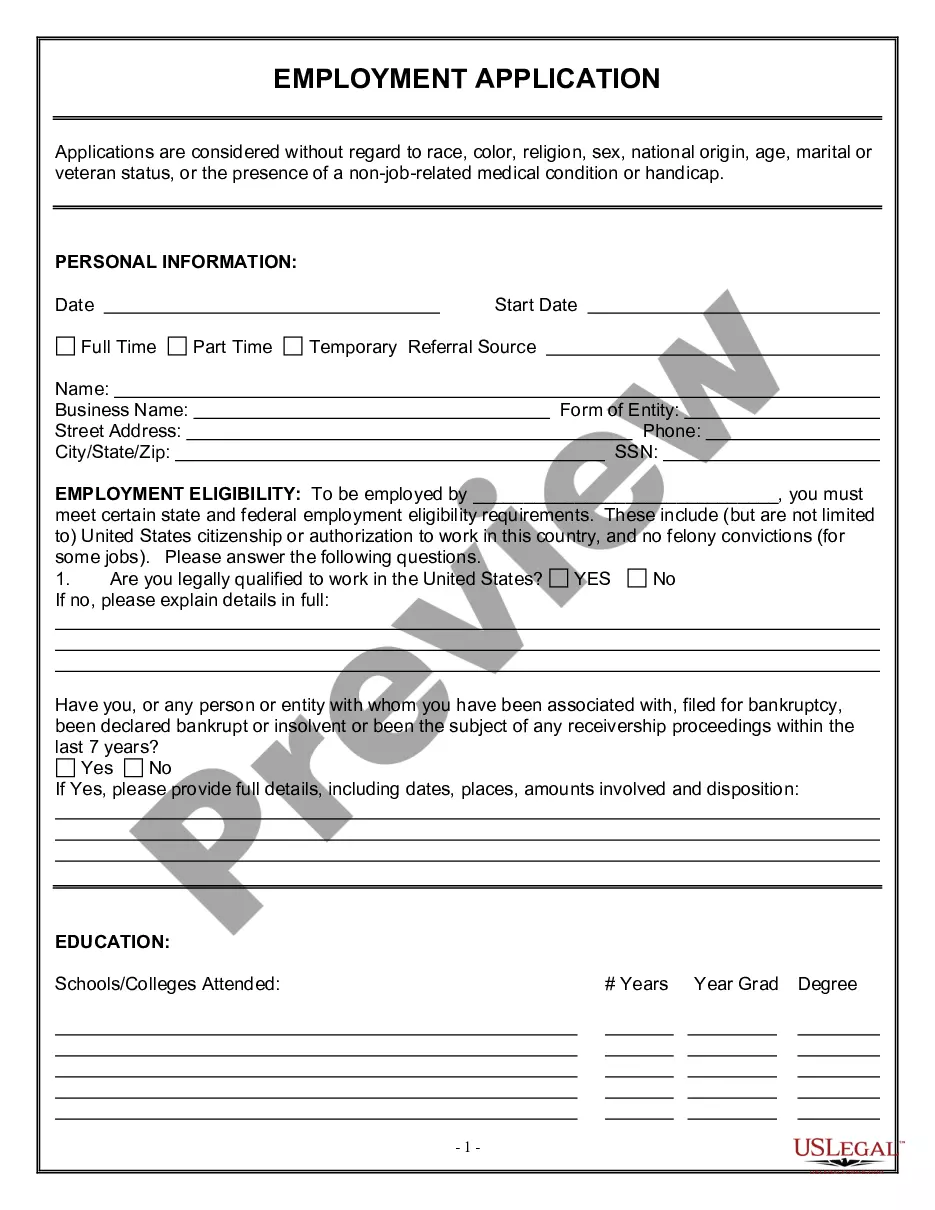
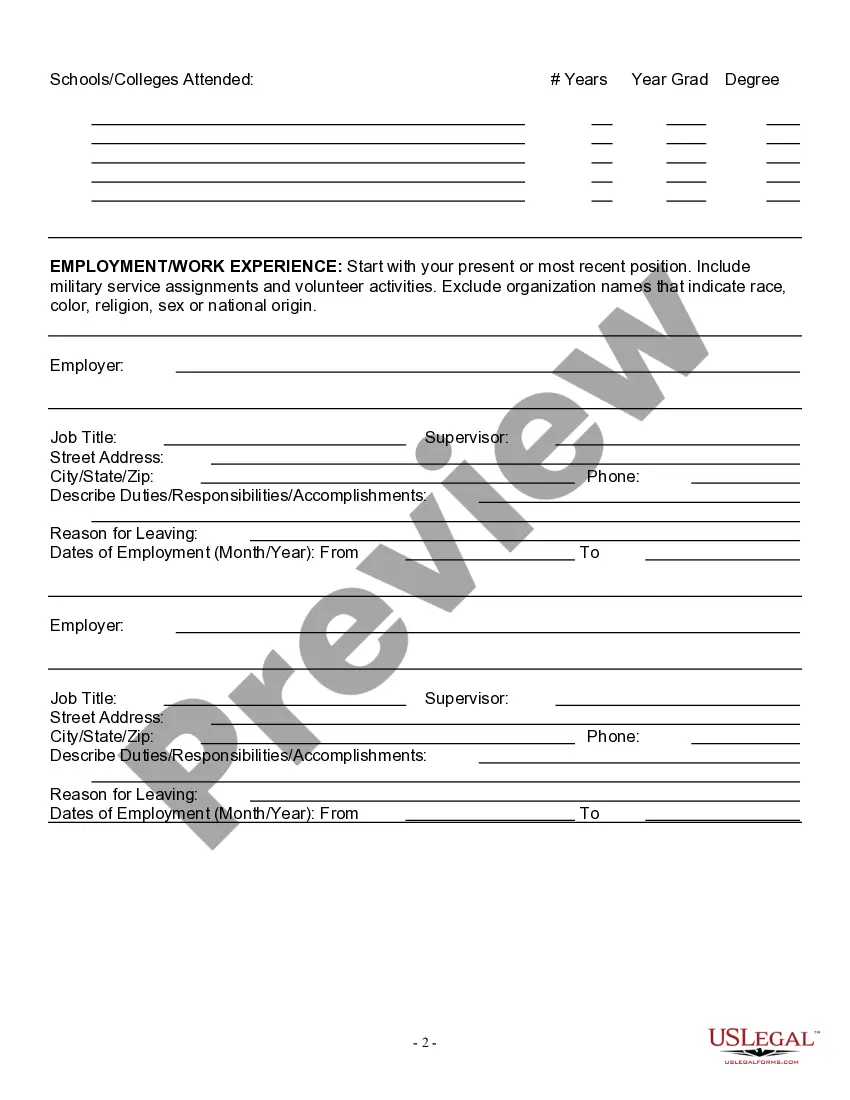
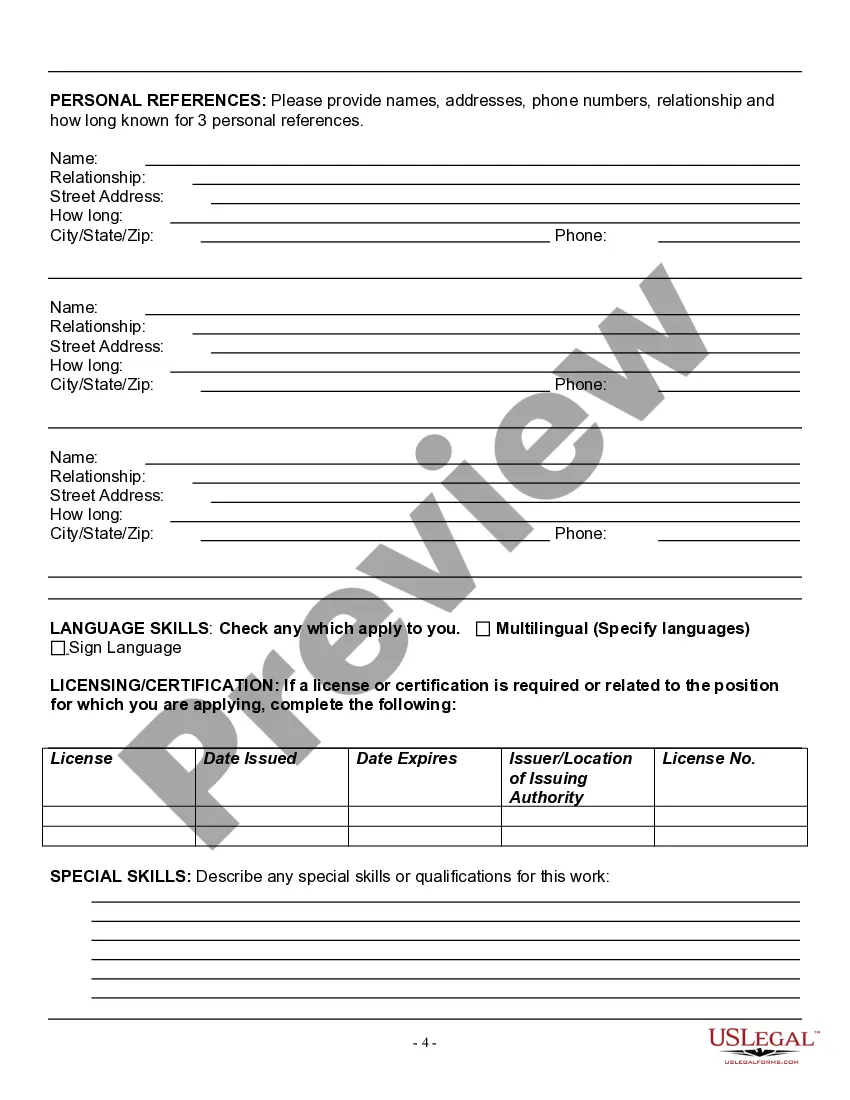
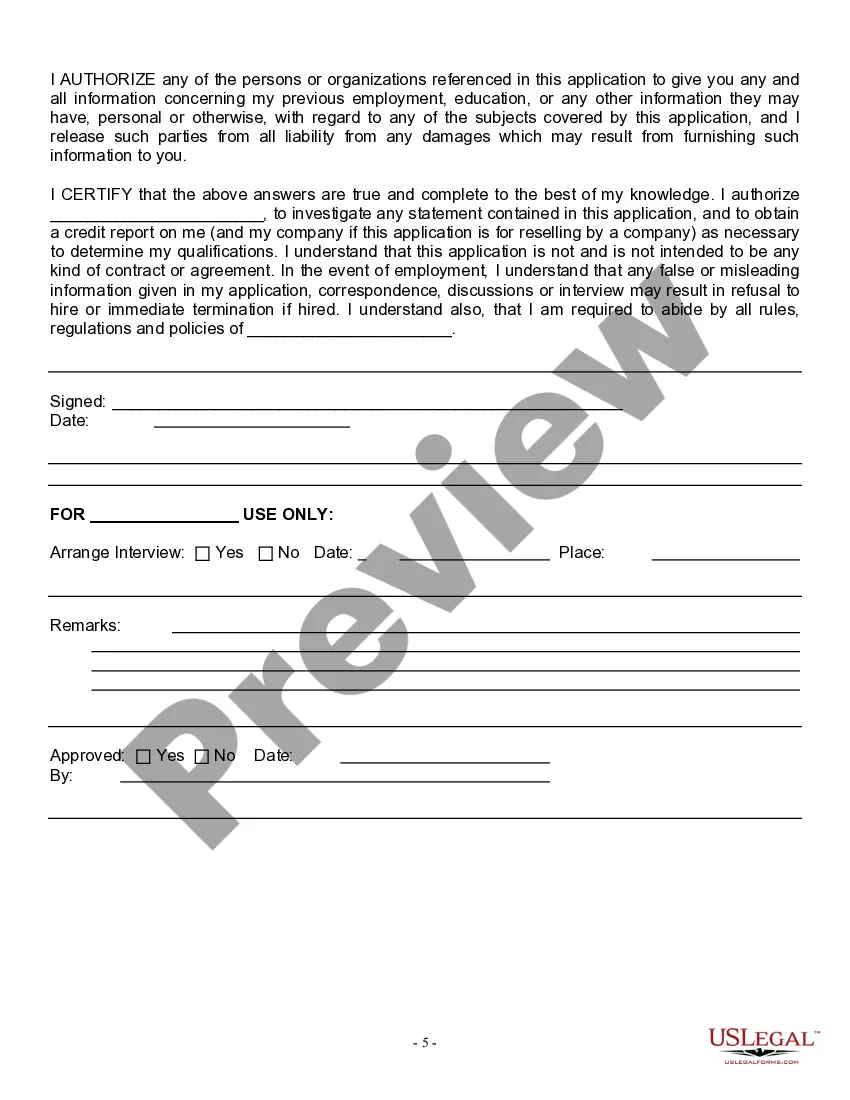
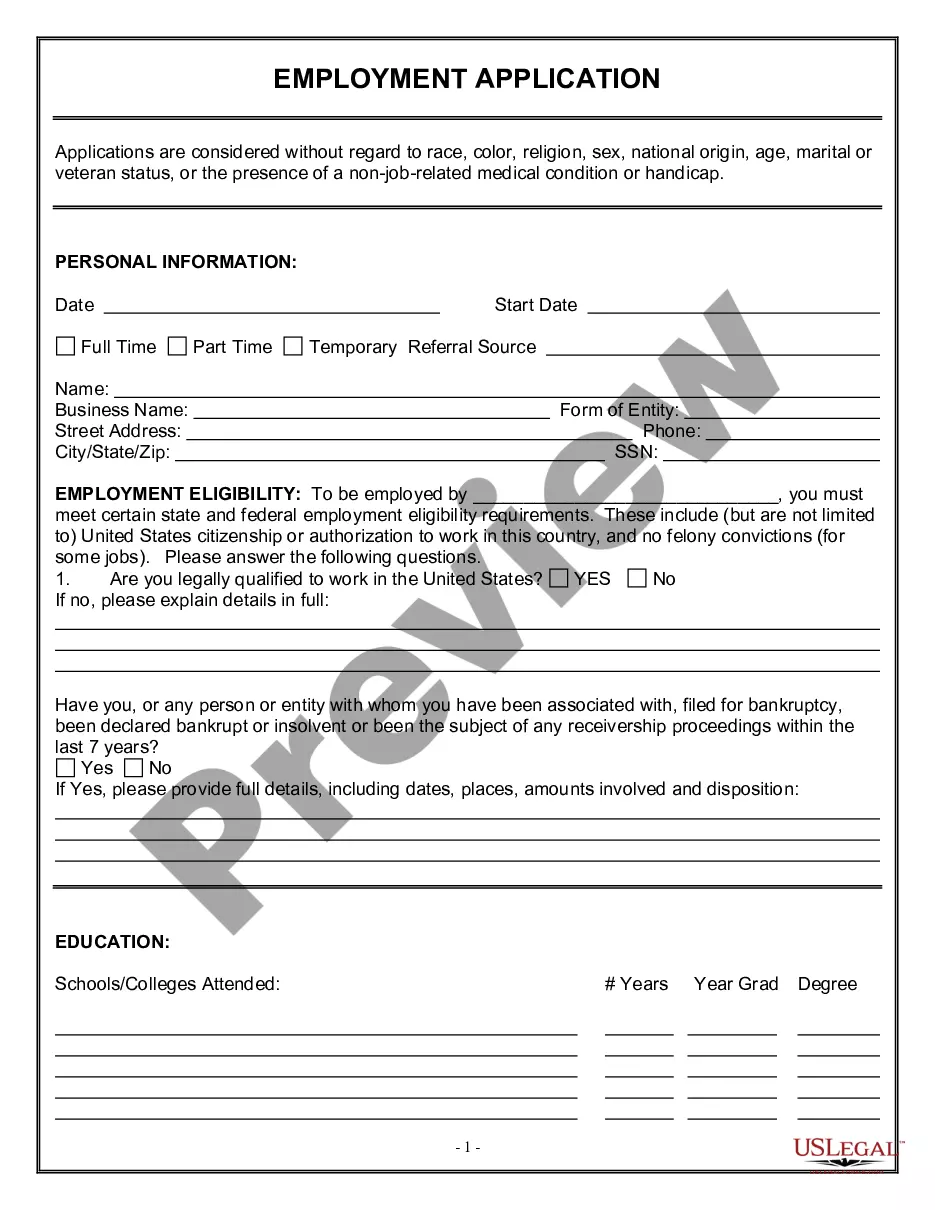
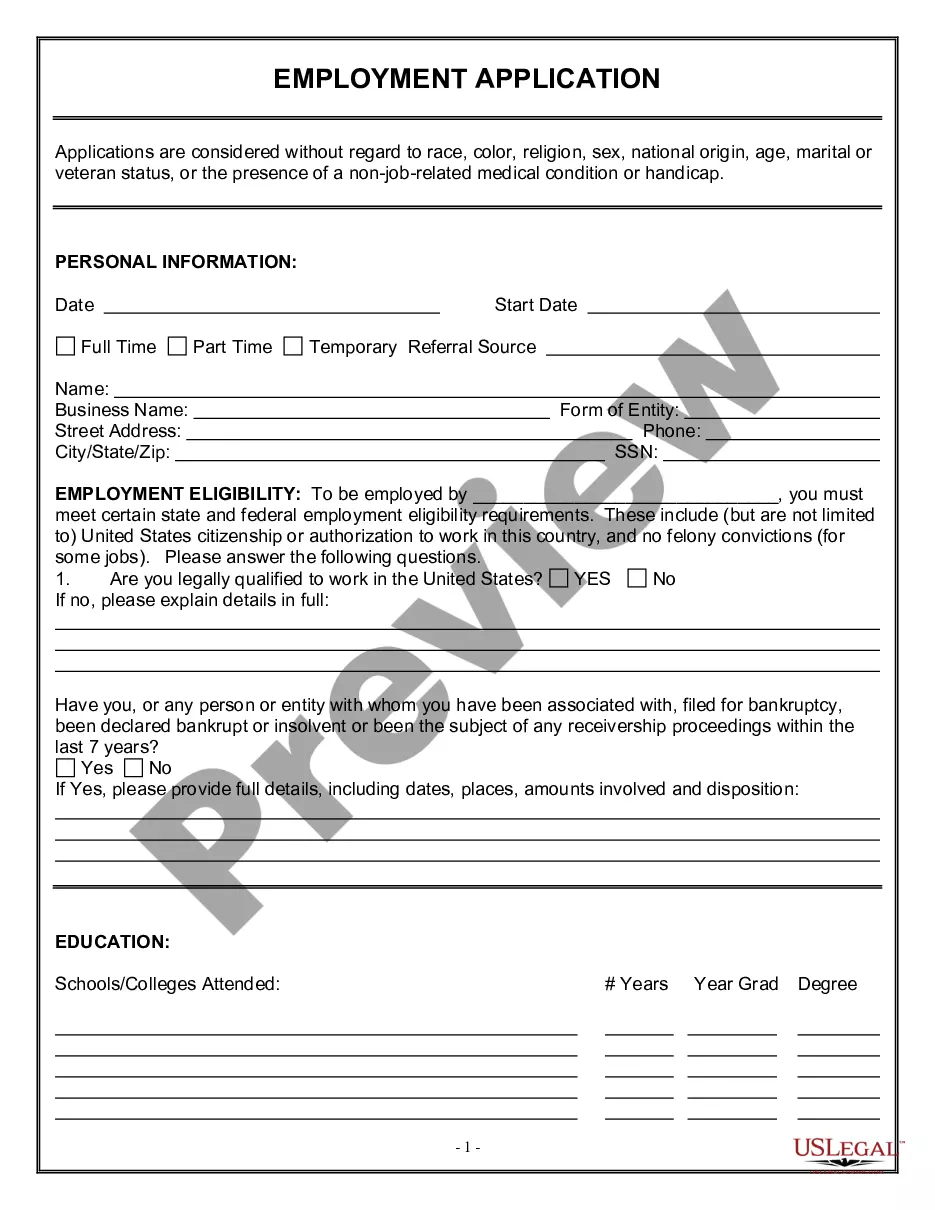
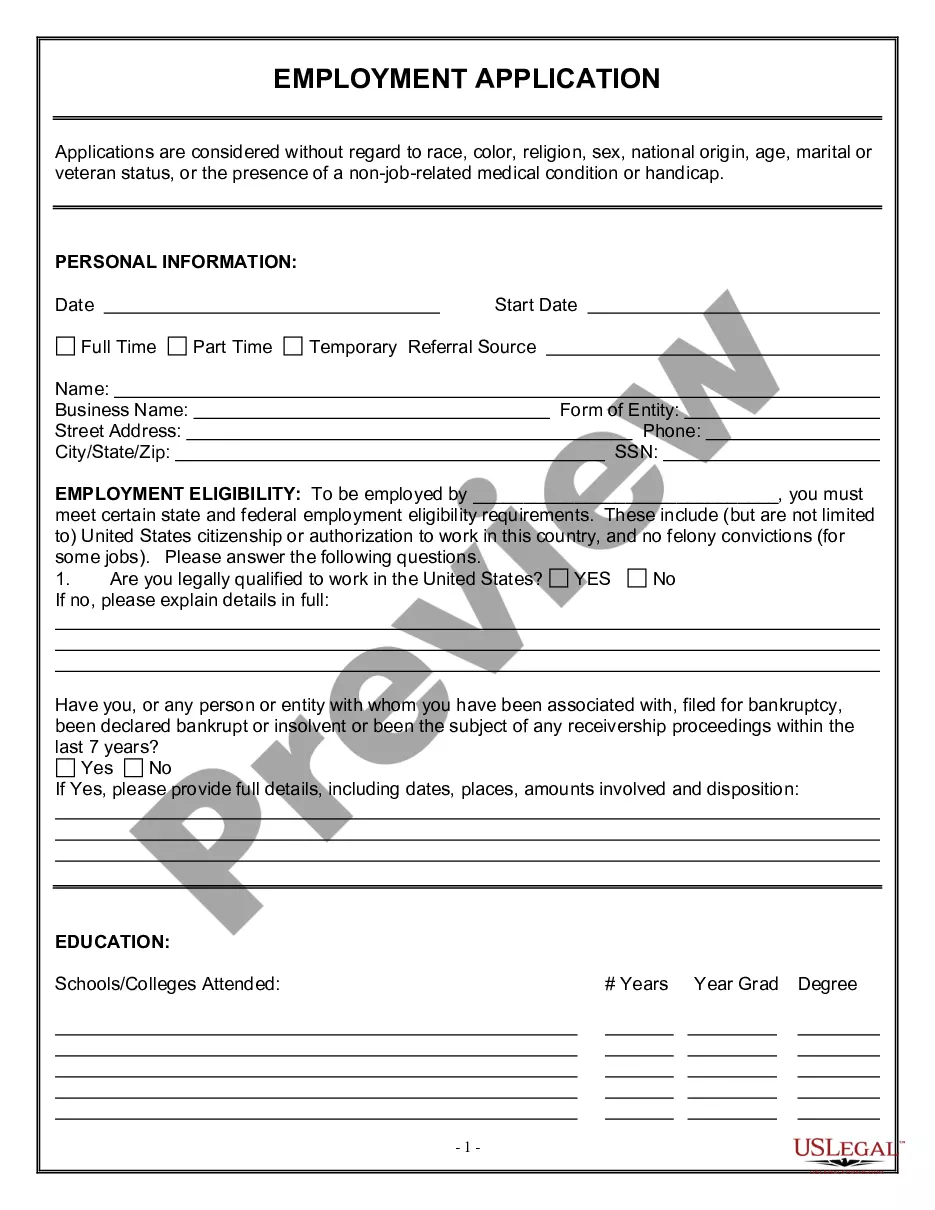
The Employment Application for Judge is a legal document used by individuals applying for judicial positions. This form is designed to collect personal and professional information relevant to the applicant's qualifications. Unlike standard employment applications, this form incorporates specific language that addresses considerations for race, color, religion, and veteran status, ensuring inclusivity in the application process.
Main sections of this form
- Personal information section asking if the applicant is legally qualified to work in the United States.
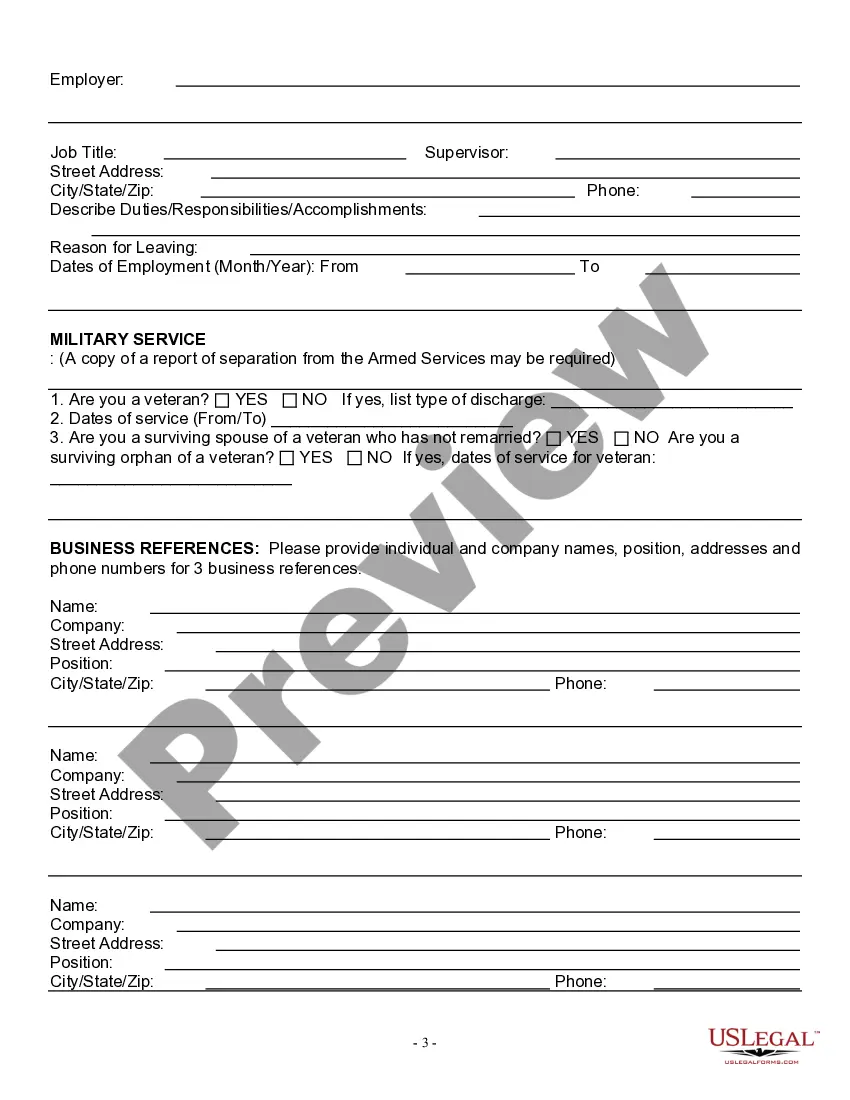
- Details regarding service in the armed forces or veteran status.
- Questions pertaining to the applicant's relationship to veterans, including surviving spouses and orphans.
- Commitment to non-discrimination based on various protected categories.


Common use cases
This form should be used when applying for a judicial position at local, state, or federal levels. It is essential for candidates who wish to demonstrate their qualifications and eligibility while adhering to the legal standards regarding employment practices within the judiciary system.
Who this form is for
This form is intended for:
- Individuals seeking employment as judges in various courts.
- Candidates who have served in the military or are related to veterans.
- Anyone who is qualified to work within the legal framework of the United States.
Completing this form step by step
- Start by entering your personal information including name and contact details.
- Indicate your eligibility to work in the United States by selecting yes or no.
- Provide dates of service if applicable, along with details regarding your veteran status.
- Answer all questions truthfully, particularly those related to your connection with veterans.
- Review your application for completeness and accuracy before submission.
Is notarization required?
This form does not typically require notarization unless specified by local law. However, check with the relevant court or agency to confirm if any additional validation is required.
Get your form ready online
Our built-in tools help you complete, sign, share, and store your documents in one place.
Make edits, fill in missing information, and update formatting in US Legal Forms—just like you would in MS Word.
Download a copy, print it, send it by email, or mail it via USPS—whatever works best for your next step.
Sign and collect signatures with our SignNow integration. Send to multiple recipients, set reminders, and more. Go Premium to unlock E-Sign.
If this form requires notarization, complete it online through a secure video call—no need to meet a notary in person or wait for an appointment.
We protect your documents and personal data by following strict security and privacy standards.

Make edits, fill in missing information, and update formatting in US Legal Forms—just like you would in MS Word.

Download a copy, print it, send it by email, or mail it via USPS—whatever works best for your next step.

Sign and collect signatures with our SignNow integration. Send to multiple recipients, set reminders, and more. Go Premium to unlock E-Sign.

If this form requires notarization, complete it online through a secure video call—no need to meet a notary in person or wait for an appointment.

We protect your documents and personal data by following strict security and privacy standards.
Common mistakes
- Failing to answer all questions, particularly those concerning eligibility.
- Providing incomplete or unclear explanations if you answered 'no' to your eligibility.
- Overlooking the importance of accuracy in dates of service for veteran status.
Why complete this form online
- Convenience of instant access and ability to download.
- Editability allows for revisions before final submission.
- Reliability of forms drafted by licensed attorneys to meet legal standards.
Looking for another form?
Form popularity
FAQ
Be Prepared. Make sure you know the correct names, dates, places and other information you will need. Ask If You May Take A Blank Application Home. Read The Form. Be Neat. Answer All Questions Completely And Correctly. Be Positive. Be Clear. Alert References Beforehand.
Research the company and the job. Make sure all your employment dates are correct. Proofread thoroughly for spelling and grammar errors. Re-read it to ensure you are clear at all times. Always be truthful.
Open with a salutation.Write "Dear Judge (last name)," to start your letter. Note that you use "the Honorable" when referring to the judge, but use "Judge" when addressing him or her in person. The title still applies even if the judge has retired.
Make Scanned and Photocopies of Documents Ready. Read Government Job Advertisement Carefully. Registration on the Recruitment Website. Valid E-mail ID/Mobile Number. Fill Application Form by Yourself. Choose correct category. Personal details. Fill correct and complete details.
It should be written like a formal business letter. Make sure to add a salutation at the start and your signature at the ending of the application. Emphasize your skills and abilities to express yourself as a suitable candidate for the available position.
An application form will usually include sections on personal information, education, work experience and employment history, as well as competency-based questions and a personal statement. Application forms are usually completed and submitted online, although paper versions may be accepted in some cases.
Information Required to Complete a Job Application. Personal Information. 200bEducation and Experience. Employment History. Resume and Cover Letter. References. Availability. Certifications.
Read instructions carefully. Before filling out the application, be sure to read it over thoroughly! Neatness counts! Submit complete and accurate information. Address gaps in employment. Don't leave blank spaces. Be honest and positive.
You can address most judges at the start of a letter as "Dear Judge" (or "Dear Justice" if they serve in a U.S. state or federal Supreme Court, or in certain courts of other countries). When addressing the envelope, it is best to use the judge's full title, along with the full name of the court in which he/she serves.