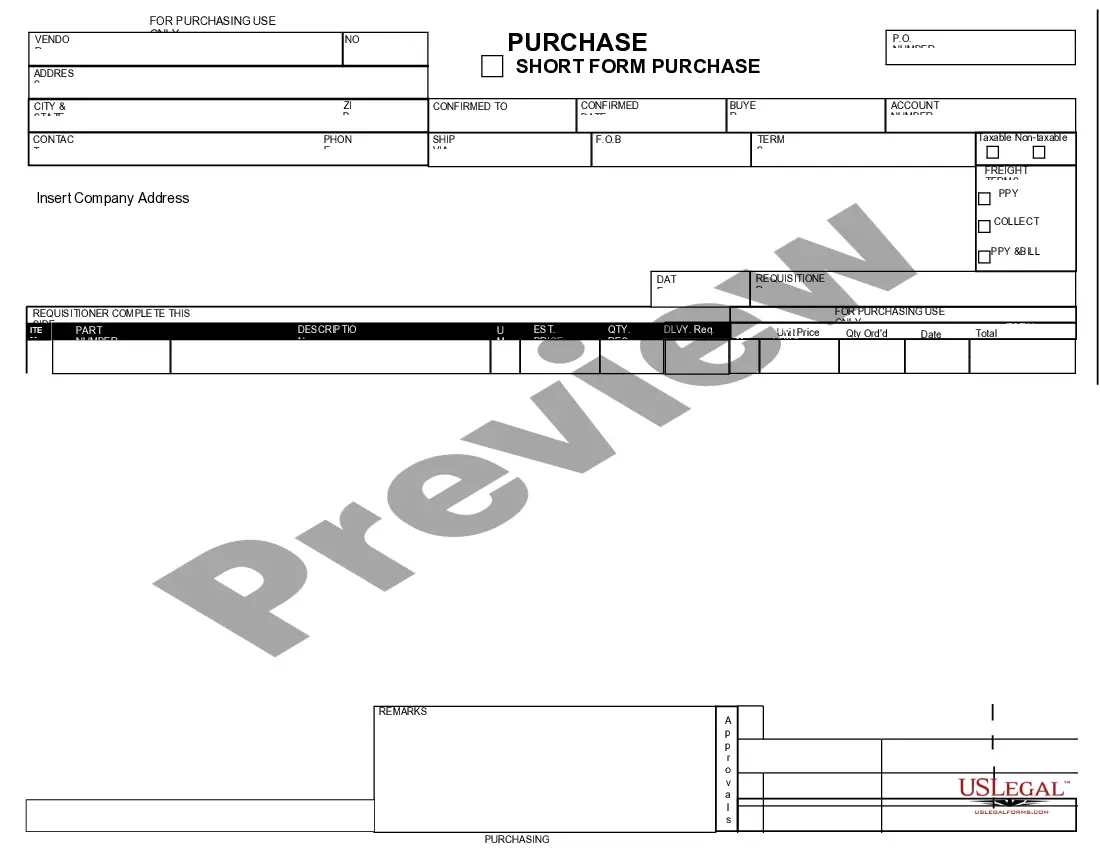
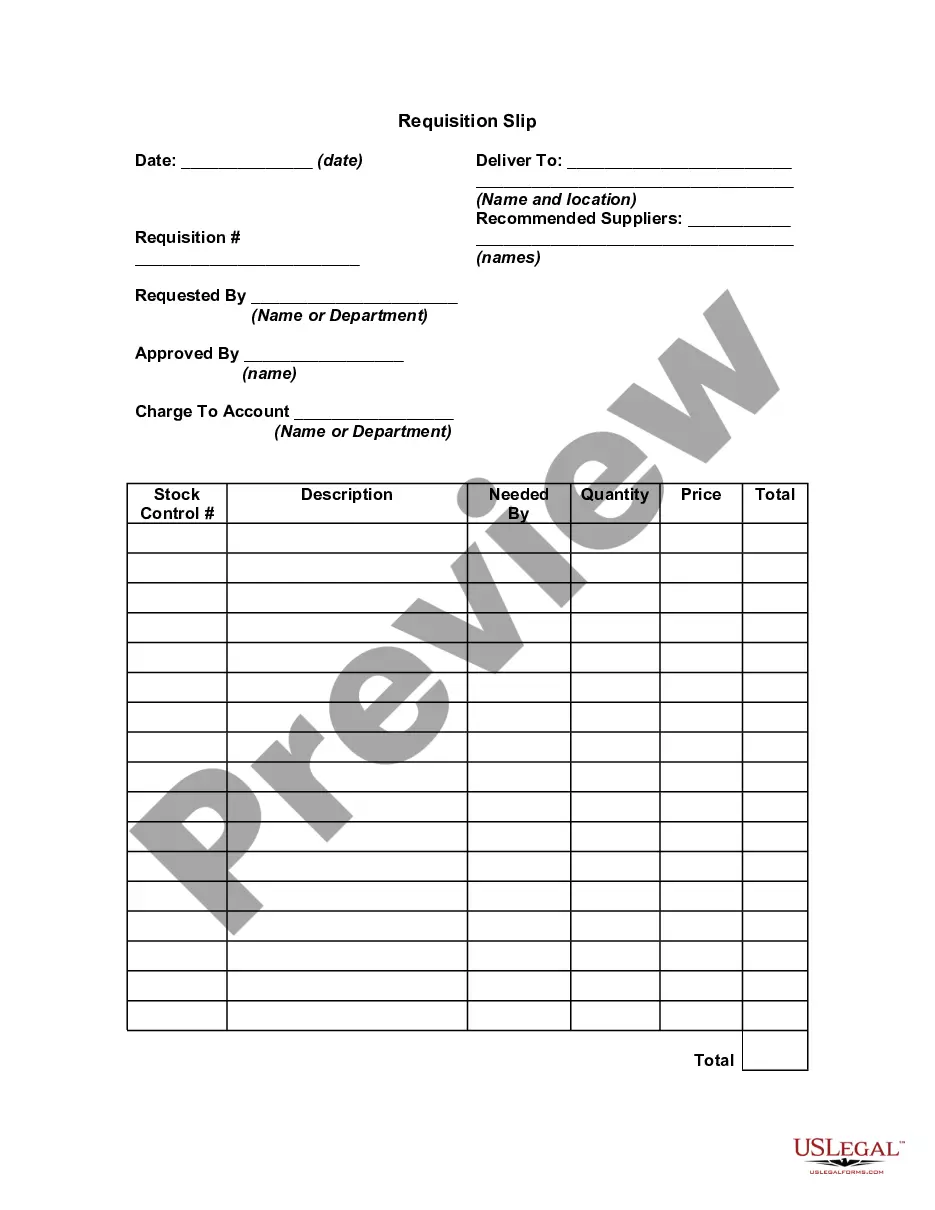
Texas Purchase Requisition
Description



Get your form ready online
Our built-in tools help you complete, sign, share, and store your documents in one place.
Make edits, fill in missing information, and update formatting in US Legal Forms—just like you would in MS Word.
Download a copy, print it, send it by email, or mail it via USPS—whatever works best for your next step.
Sign and collect signatures with our SignNow integration. Send to multiple recipients, set reminders, and more. Go Premium to unlock E-Sign.
If this form requires notarization, complete it online through a secure video call—no need to meet a notary in person or wait for an appointment.
We protect your documents and personal data by following strict security and privacy standards.

Make edits, fill in missing information, and update formatting in US Legal Forms—just like you would in MS Word.

Download a copy, print it, send it by email, or mail it via USPS—whatever works best for your next step.

Sign and collect signatures with our SignNow integration. Send to multiple recipients, set reminders, and more. Go Premium to unlock E-Sign.

If this form requires notarization, complete it online through a secure video call—no need to meet a notary in person or wait for an appointment.

We protect your documents and personal data by following strict security and privacy standards.
Looking for another form?





How to fill out Purchase Requisition?
US Legal Forms - one of the largest collections of legal templates in the United States - provides a variety of legal document templates that you can download or print.
By using the website, you can access thousands of forms for business and personal use, categorized by types, states, or keywords. You can find the latest versions of forms like the Texas Purchase Requisition in seconds.
If you have an account, Log In and download the Texas Purchase Requisition from your US Legal Forms library. The Download button will appear on every form you view. You can access all previously downloaded forms from the My documents tab in your profile.
Complete the payment. Use your credit card or PayPal account to finalize the transaction.
Choose the format and download the form to your device. Edit. Fill in, modify, and print and sign the downloaded Texas Purchase Requisition. Every template added to your account does not have an expiration date and is yours indefinitely. So, if you want to download or print another copy, simply visit the My documents section and click on the form you need. Access the Texas Purchase Requisition with US Legal Forms, the most extensive library of legal document templates. Utilize thousands of professional and state-specific templates that meet your business or personal needs.
- Make sure you have selected the correct form for your city/county.
- Click the Preview button to review the form's content.
- Check the form summary to ensure you have selected the right form.
- If the form does not meet your needs, use the Search field at the top of the screen to find one that does.
- If you are satisfied with the form, confirm your choice by clicking the Get now button.
- Then, select the payment plan you prefer and provide your credentials to register for an account.
Form popularity
FAQ
To obtain a Purchase Requisition (PR) in SAP, you must access the system with appropriate permissions and utilize transaction code ME51. During this process, you can input details such as material descriptions, quantities, and delivery dates specific to your Texas Purchase Requisition. If you are new to SAP, exploring resources or templates on platforms like USLegalForms can provide helpful guidance. This approach simplifies the requisition process and enhances workflow.
Requisitions can be received through various methods, such as automated processing, manual entry, or system notifications within SAP. When dealing with Texas Purchase Requisitions, tracking the status is essential for timely procurement. Using tools like USLegalForms can also help automate receipt handling, making the process smoother. By ensuring accurate communication of received requisitions, organizations can effectively manage their resources.
The transaction code for Purchase Requisition (PR) in SAP is ME51. When you need to create a Texas Purchase Requisition, utilizing ME51 simplifies the initiation process. This function allows users to input necessary details regarding procurement needs straightforwardly. Understanding this code empowers users to navigate SAP more effectively.
ME54 is a transaction code in SAP used to release purchase requisitions. When you create a Texas Purchase Requisition, often it requires approval or release before you can convert it to a purchase order. ME54 streamlines this process, allowing users to manage their requisitions efficiently. By using ME54, businesses can ensure better control over their procurement process.
Generally, the purchase requisition (PR) comes first before the purchase order (PO). A Texas Purchase Requisition allows departments to communicate their needs for goods or services before any financial commitments are made. Following this sequence ensures that all purchases undergo proper approval and adherence to budget constraints.
A requisition is a request to procure goods or services, while an order is the actual purchase made from a vendor. In the context of a Texas Purchase Requisition, the requisition initiates the purchasing process, capturing approval and documenting needs. This distinction is vital for organizations to manage their procurement strategy effectively.
The seven steps of a requisition typically include identifying the need, creating the requisition, obtaining necessary approvals, submitting the requisition, reviewing vendor options, placing the order, and receiving the goods or services. When you utilize a Texas Purchase Requisition, each step becomes clearer and more manageable. This structured approach enhances transparency and aids in tracking the purchasing process.
The purpose of a requisition is to formally document the need for goods or services within an organization. By using a Texas Purchase Requisition, you ensure that the request is approved through the proper channels, improving accountability and efficiency. This process helps maintain control over spending and procurement within the organization.
The three types of requisitions include purchase requisitions, internal requisitions, and employee requisitions. A Texas Purchase Requisition specifically refers to requests for purchasing goods and services needed by a department or organization. Understanding these types allows businesses to streamline their procurement processes effectively.
To fill out a Texas Purchase Requisition, start by specifying the details of the items or services you need. Include quantities, descriptions, and any relevant codes to ensure clarity. Next, provide information about the vendor you wish to purchase from, along with your department and budget codes. Finally, double-check your entries for accuracy before submitting the requisition through your organization’s platform for review and approval.