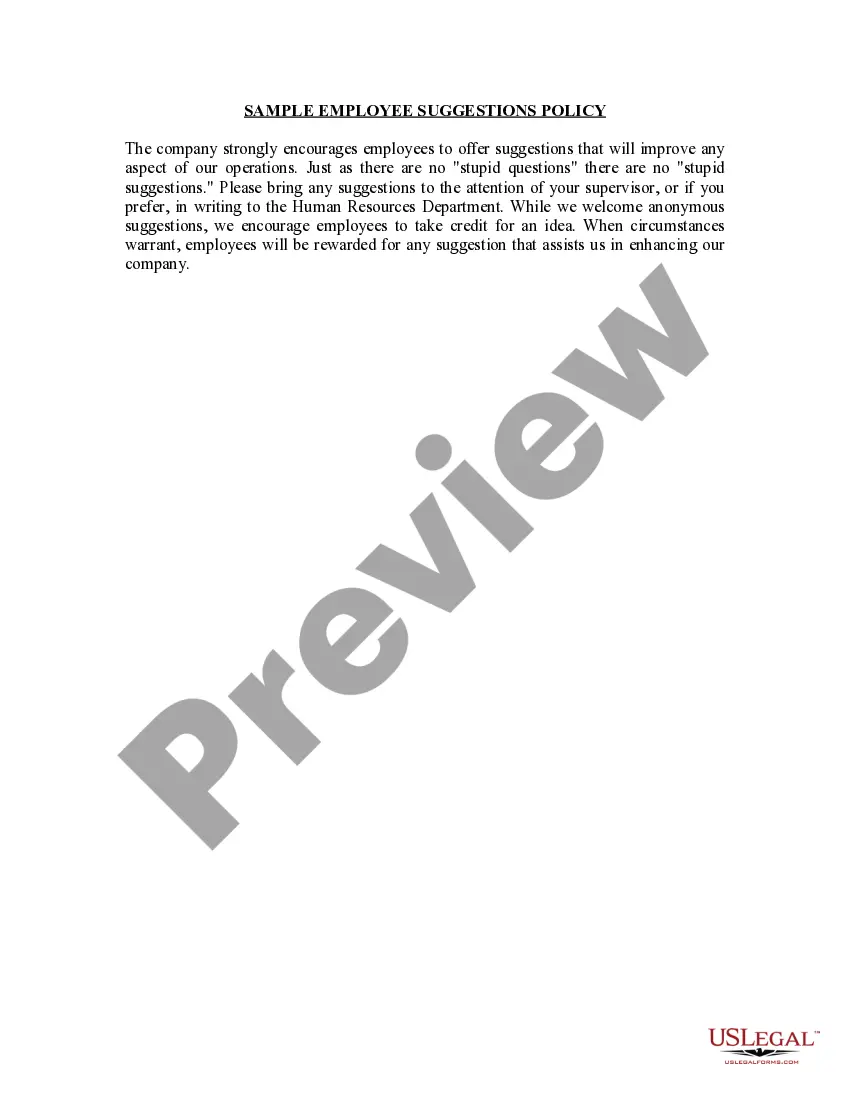
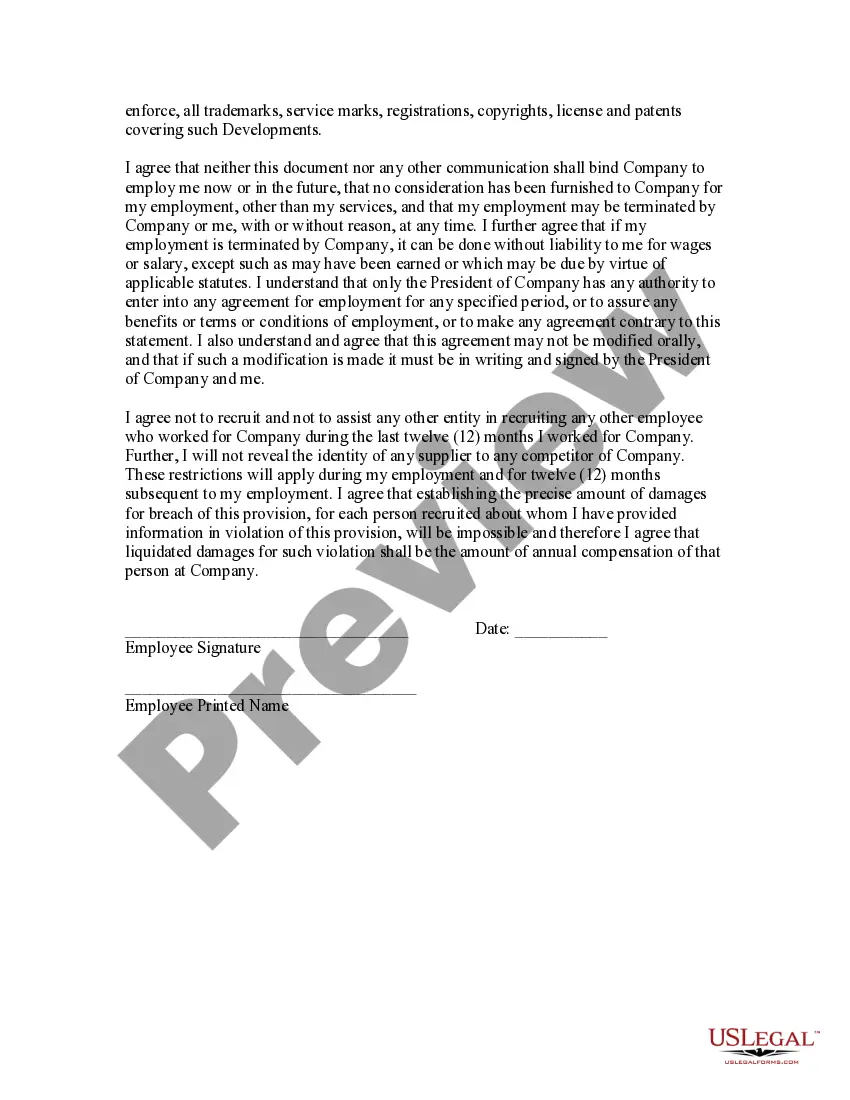
Texas Employment Statement
Description
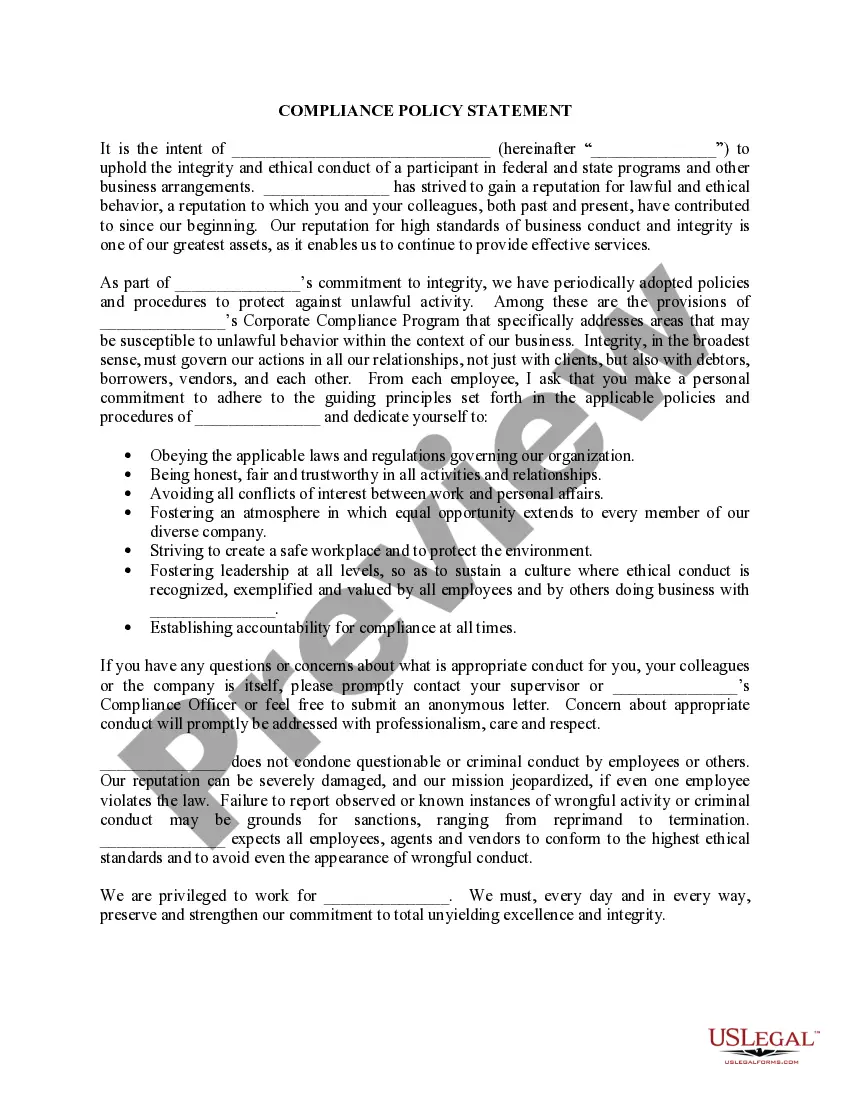
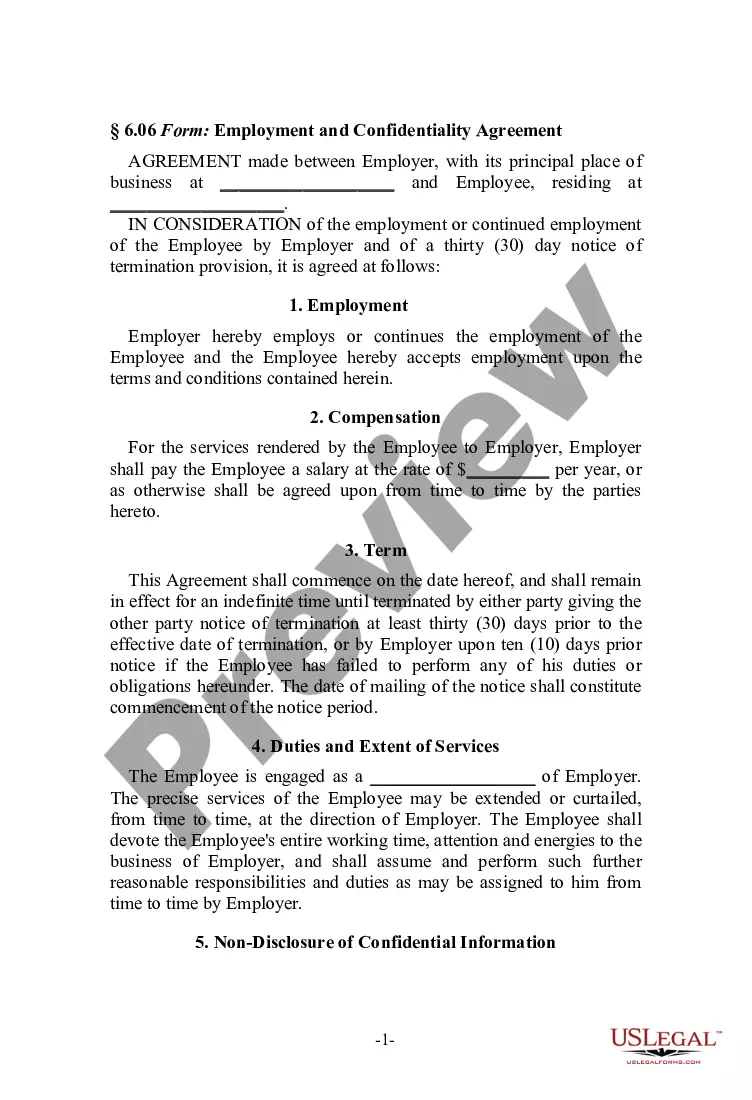
Get your form ready online
Our built-in tools help you complete, sign, share, and store your documents in one place.
Make edits, fill in missing information, and update formatting in US Legal Forms—just like you would in MS Word.
Download a copy, print it, send it by email, or mail it via USPS—whatever works best for your next step.
Sign and collect signatures with our SignNow integration. Send to multiple recipients, set reminders, and more. Go Premium to unlock E-Sign.
If this form requires notarization, complete it online through a secure video call—no need to meet a notary in person or wait for an appointment.
We protect your documents and personal data by following strict security and privacy standards.

Make edits, fill in missing information, and update formatting in US Legal Forms—just like you would in MS Word.

Download a copy, print it, send it by email, or mail it via USPS—whatever works best for your next step.

Sign and collect signatures with our SignNow integration. Send to multiple recipients, set reminders, and more. Go Premium to unlock E-Sign.

If this form requires notarization, complete it online through a secure video call—no need to meet a notary in person or wait for an appointment.

We protect your documents and personal data by following strict security and privacy standards.
Looking for another form?



How to fill out Employment Statement?
US Legal Forms - one of the largest collections of legal documents in the country - provides a broad selection of legal document templates that you can download or print.
Via the website, you can access thousands of forms for business and personal purposes, categorized by types, states, or keywords. You can find the latest versions of documents like the Texas Employment Statement in moments.
If you already hold an account, Log In to download the Texas Employment Statement from your US Legal Forms library. The Download button will appear on every form you review.
Complete the transaction. Use your Visa or Mastercard or PayPal account to finalize the purchase.
Select the format and download the form onto your device. Make adjustments. Fill out, edit, and print the downloaded Texas Employment Statement.
Every template you add to your account has no expiration date and is yours indefinitely. Therefore, if you need to download or print another copy, simply go to the My documents section and click on the form you need. Access the Texas Employment Statement with US Legal Forms, one of the most extensive collections of legal document templates. Utilize thousands of professional and state-specific templates that meet your business or personal needs.
- If you are using US Legal Forms for the first time, follow these straightforward steps to begin.
- Ensure you have selected the correct form for your state/area.
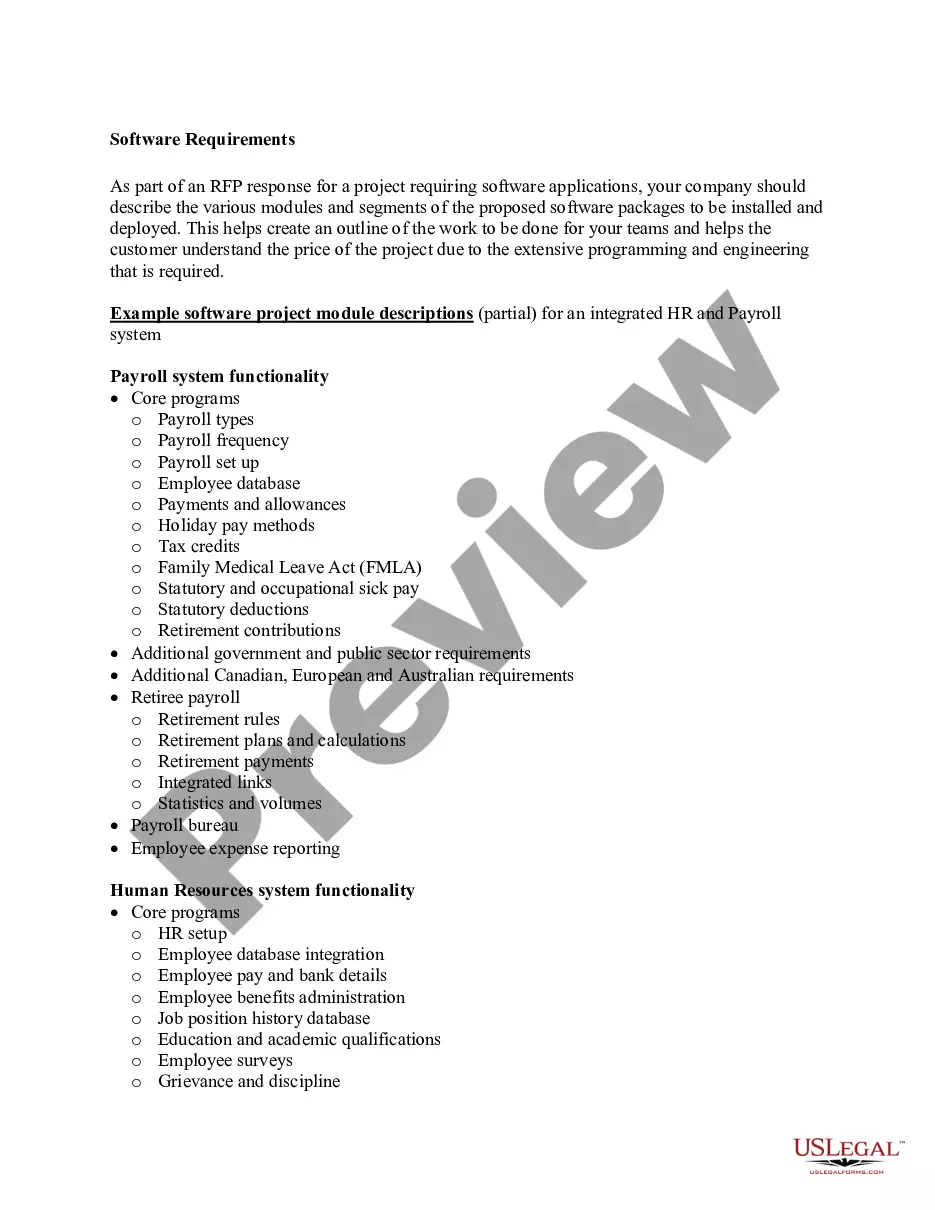
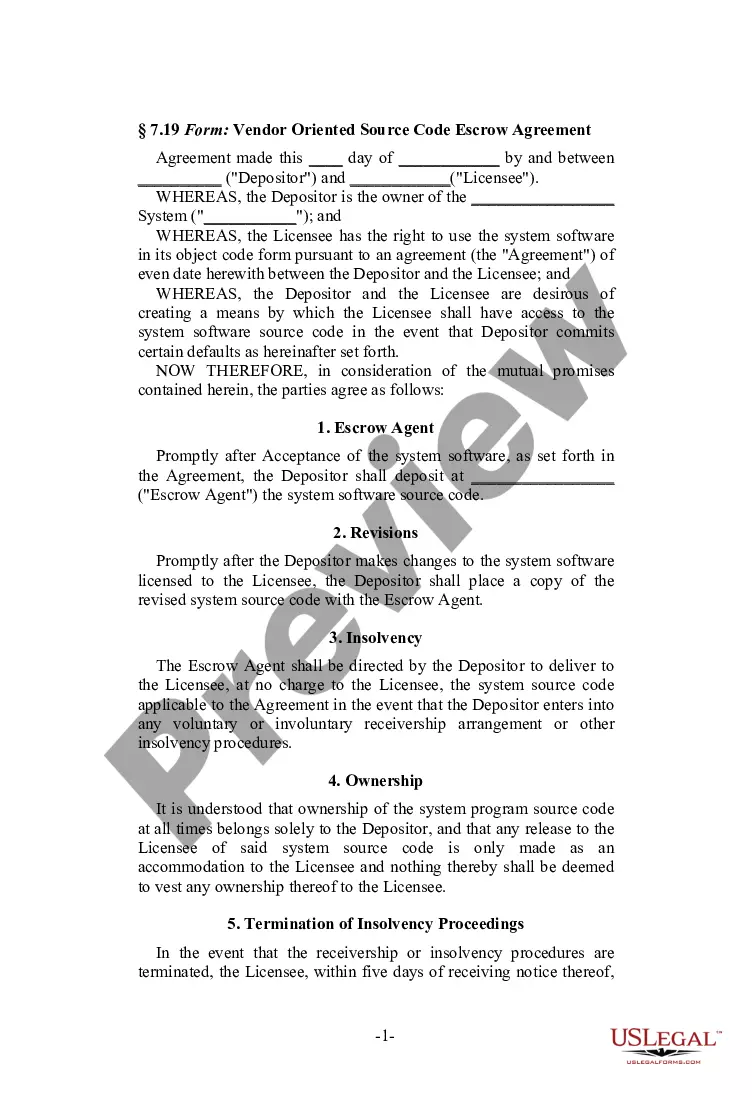
- Choose the Preview option to review the form's content.
- Examine the form description to confirm you have chosen the right form.
- If the form does not meet your requirements, utilize the Search area at the top of the screen to find one that does.
- If you’re happy with the form, verify your selection by clicking the Buy now button.
- Then, choose your preferred payment method and provide your details to sign up for an account.
Form popularity
FAQ
Payment Voucher - (Form C-3V) allows employers who have an approved hardship waiver on file, or their representatives to submit their personal check payments to the Texas Workforce Commission.
State law requires that you repay your overpayment before we can pay further unemployment benefits. TWC cannot dismiss or forgive an overpayment, and there is no exception in the law for hardship cases.
You can check your claim status online at Unemployment Benefits Services or call Tele-Serv at 800-558-8321. We use information from you and your last employer to determine if you qualify. TWC sends your last employer a letter with the reason you gave for no longer working there.
TWC sends your direct deposit account information to your bank or credit union, which has eight banking days to verify your account. If you submit an eligible payment request before direct deposit is set up, TWC will mail you a check.
TWC is reviewing your claim to determine if we can pay you benefits. If we need additional information, we will contact you. Continue to request payment every two weeks, so TWC can pay you if you become eligible for benefits.
Why was this letter sent to me? This letter was sent to you because there were Unemployment Insurance benefits that were overpaid to you which you need to repay to the department. This letter serves as a statement showing you the balance of those overpaid benefits and the amount that is currently due.
You may be eligible for benefits if you were fired for reasons other than misconduct. Examples of misconduct that could make you ineligible include violation of company policy, violation of law, neglect or mismanagement of your position, or failure to perform your work adequately if you are capable of doing so.
Unemployment benefits claim information: Call the TWC Tele-Center at 800-939-6631. Tax account information: Call your Unemployment Tax Office. For other TWC departments that may provide records to you in the course of handling your claim, account, complaint or other service see our other services contact information.
Logon to Unemployment Benefits Services, select My Contact Information from the Change My Profile menu, and update your address. Call Tele-Serv at 800-558-8321, and select option 2 to request a duplicate 1099-G. Enter your Social Security number, and follow the prompts.
TWC mails you a Statement of Wages and Potential Benefit Amounts, which tells you: The wages your employers reported paying you during each quarter of your base period.