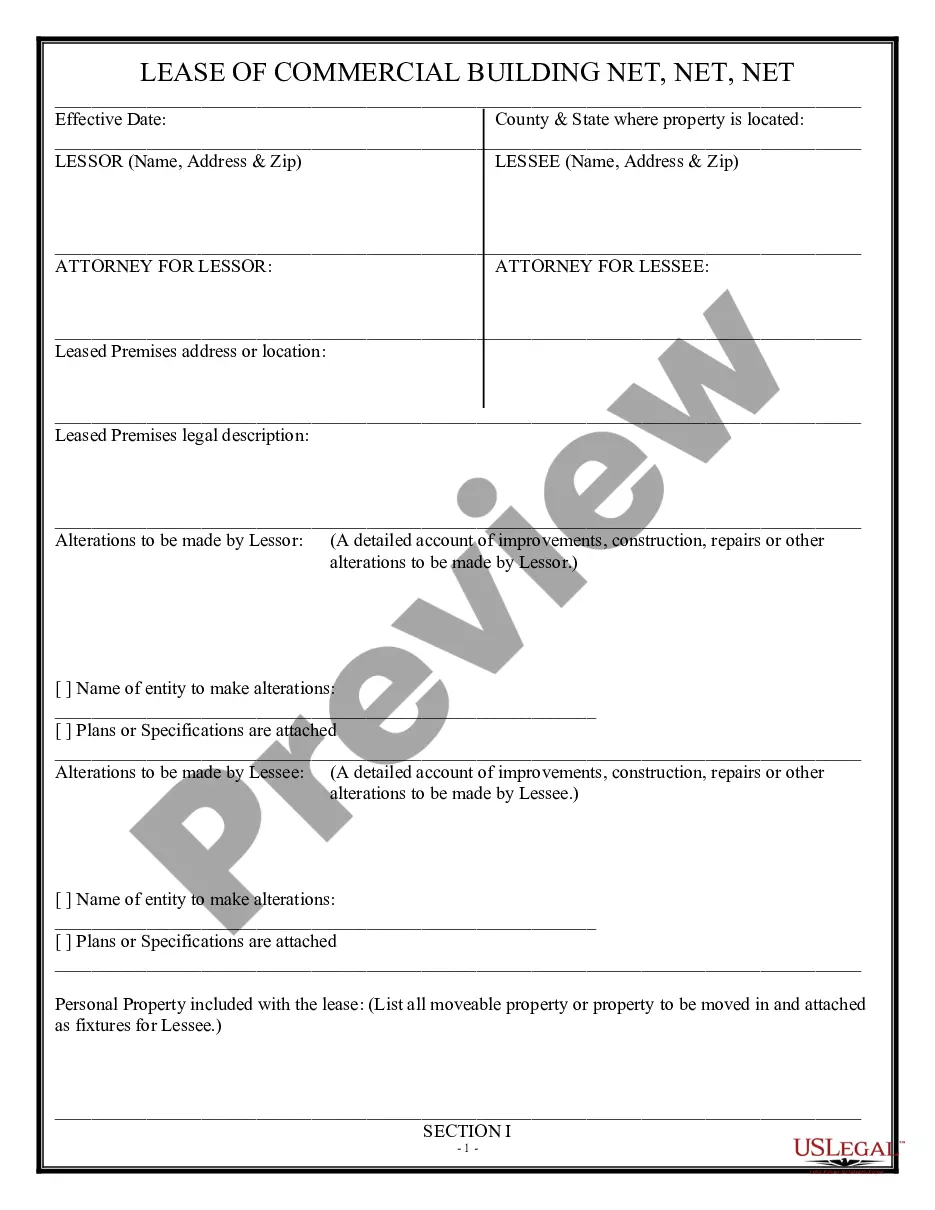
This form is a business type form that is formatted to allow you to complete the form using Adobe Acrobat or Word. The word files have been formatted to allow completion by entry into fields. Some of the forms under this category are rather simple while others are more complex. The formatting is worth the small cost.
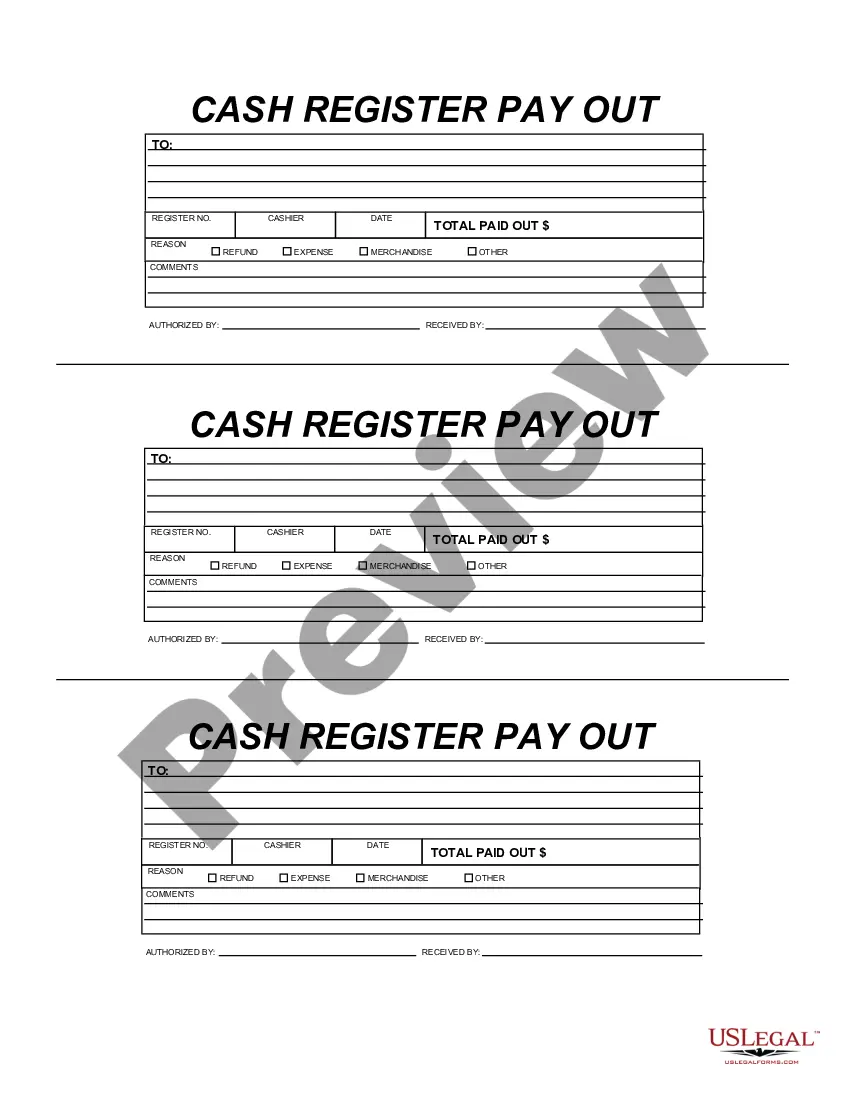
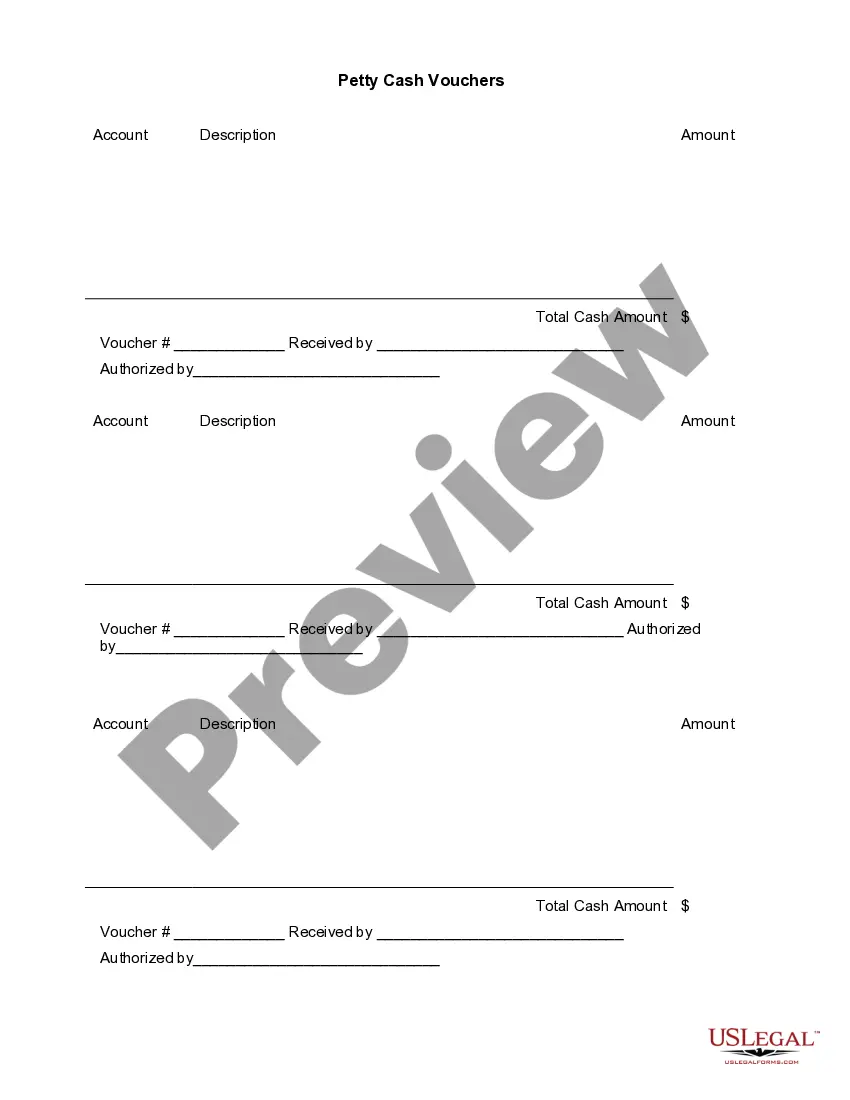
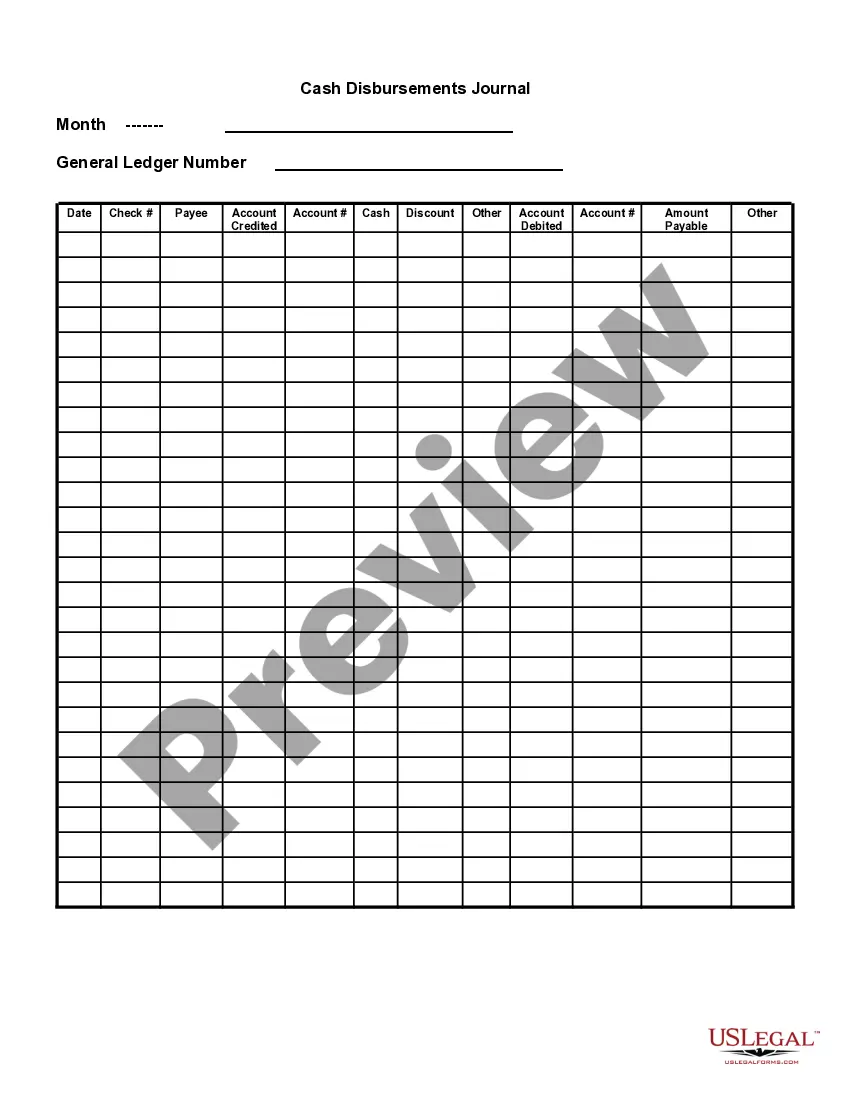
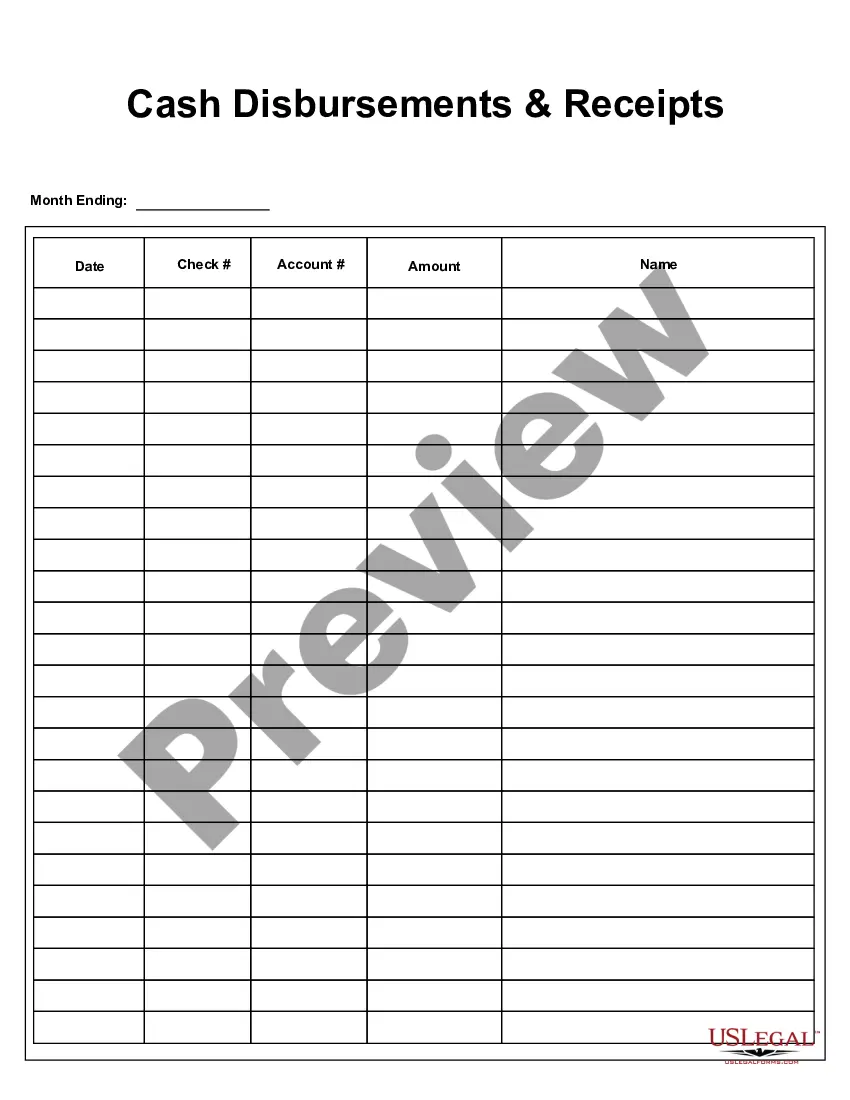
Texas Cash Register Payout
Category:
State:
Multi-State
Control #:
US-127-AZ
Format:
Word;
PDF;
Rich Text
Instant download
Description
Get your form ready online
Our built-in tools help you complete, sign, share, and store your documents in one place.
Built-in online Word editor
Make edits, fill in missing information, and update formatting in US Legal Forms—just like you would in MS Word.
Export easily
Download a copy, print it, send it by email, or mail it via USPS—whatever works best for your next step.
E-sign your document
Sign and collect signatures with our SignNow integration. Send to multiple recipients, set reminders, and more. Go Premium to unlock E-Sign.
Notarize online 24/7
If this form requires notarization, complete it online through a secure video call—no need to meet a notary in person or wait for an appointment.
Store your document securely
We protect your documents and personal data by following strict security and privacy standards.

Make edits, fill in missing information, and update formatting in US Legal Forms—just like you would in MS Word.

Download a copy, print it, send it by email, or mail it via USPS—whatever works best for your next step.

Sign and collect signatures with our SignNow integration. Send to multiple recipients, set reminders, and more. Go Premium to unlock E-Sign.

If this form requires notarization, complete it online through a secure video call—no need to meet a notary in person or wait for an appointment.

We protect your documents and personal data by following strict security and privacy standards.
Looking for another form?




How to fill out Cash Register Payout?
You can allocate time online seeking the legal document template that meets the federal and state specifications you require.
US Legal Forms offers a vast array of legal forms that have been assessed by professionals.
You can effortlessly download or print the Texas Cash Register Payout from our service.
If available, use the Preview button to review the document template as well.
- If you already possess a US Legal Forms account, you can sign in and select the Download button.
- Next, you can complete, modify, print, or sign the Texas Cash Register Payout.
- Every legal document template you purchase is yours permanently.
- To obtain an additional copy of any purchased form, visit the My documents tab and click the corresponding button.
- If you are accessing the US Legal Forms website for the first time, follow the simple directions below.
- First, ensure you have chosen the appropriate document template for the state/city of your choice.
- Review the form description to confirm you have selected the correct document.
Form popularity
FAQ
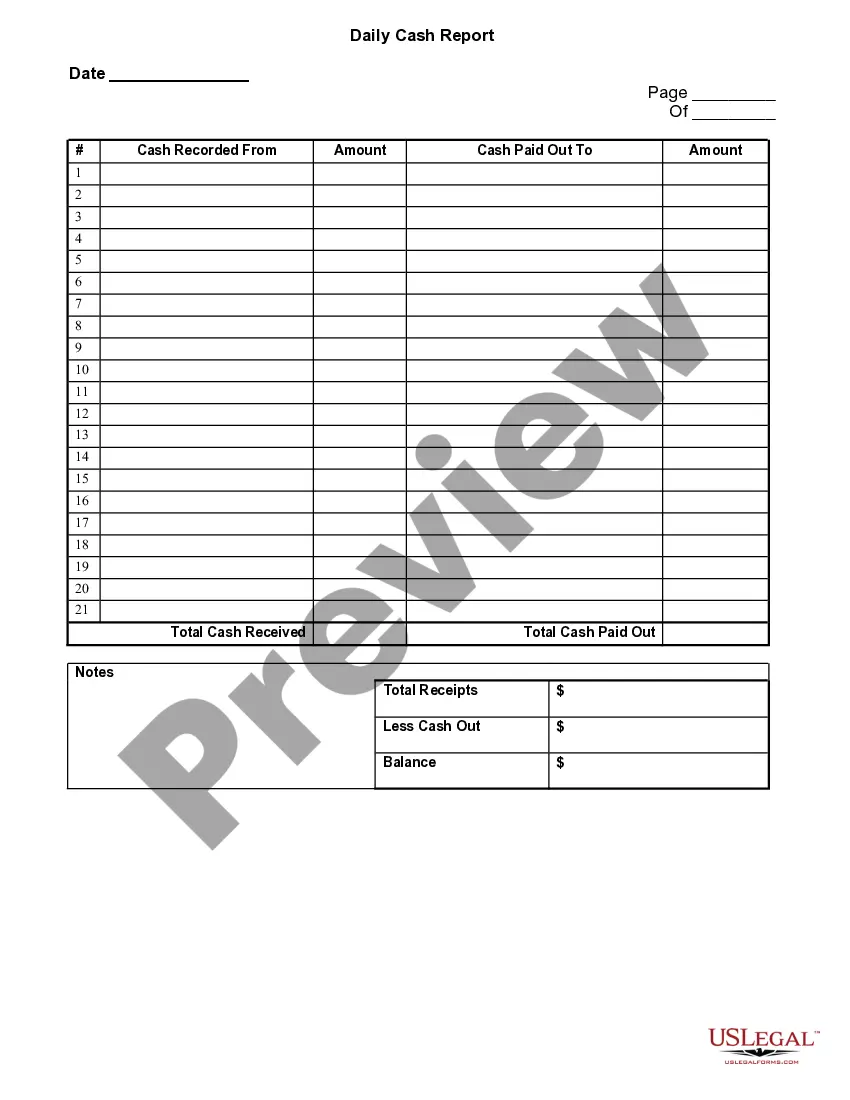
Cashier balancing is a process usually conducted in businesses such as grocery stores, restaurants and banks that takes place at the closing of the business day or at the end of a cashier's shift. This balancing process makes the cashier responsible for the money in their cash register.
Steps for balancing the cash drawerGet the POS report. Before you begin balancing your cash drawer and accounting for any incoming cash flow, you need to print or access a POS report that details how much you should have in your till.Count the cash.Iron out discrepancies.Record cash drawer transactions.
A cash register logs transactions that occur in your store, creating a record of the money coming in and going out. It can also calculate and add taxes, generate receipts, and offer basic sales tracking. Many major grocery stores and department stores use cash registers.
Just type in the cost of the item and the amount paid and bingo, the cash register tells you how much change to give back. However, if your cash register is broken, or you entered the wrong amount, or you don't have a cash register, you'll need to know how to make change on your own.
Credit card: Press CREDIT button (sometimes CR) and use credit card machine to run the credit card. Check: Key in the exact amount of the check, press the CK or CHECK button, and put the check in the drawer. To open the till drawer if you have not made a sale, you can press the NO SALE or NS button.
Yes it tells you the exact dollar amount and exactly change you should give back to the customer. If you are on the drive thru window the change automatically comes out through a coin dispenser.
Yes, it gives the exactly amount. The register did tell me what change was need to give back to the customer. With enough time though I could do the math on my own in my hand 90 percent of the time.
PayoutsGo to the Orders tab then Cash Register.Click New Payment.Specify Employee / Vendor - Select Employee if you are removing cash tips from the drawer.Amount - Enter the total amount of money you are removing from the cash register.Date - Select the date when the money was removed.More items...
A cash reconciliation is the process of verifying the amount of cash in a cash register as of the close of business. The verification can also take place whenever a different clerk takes over a cash register.