Texas Ledger
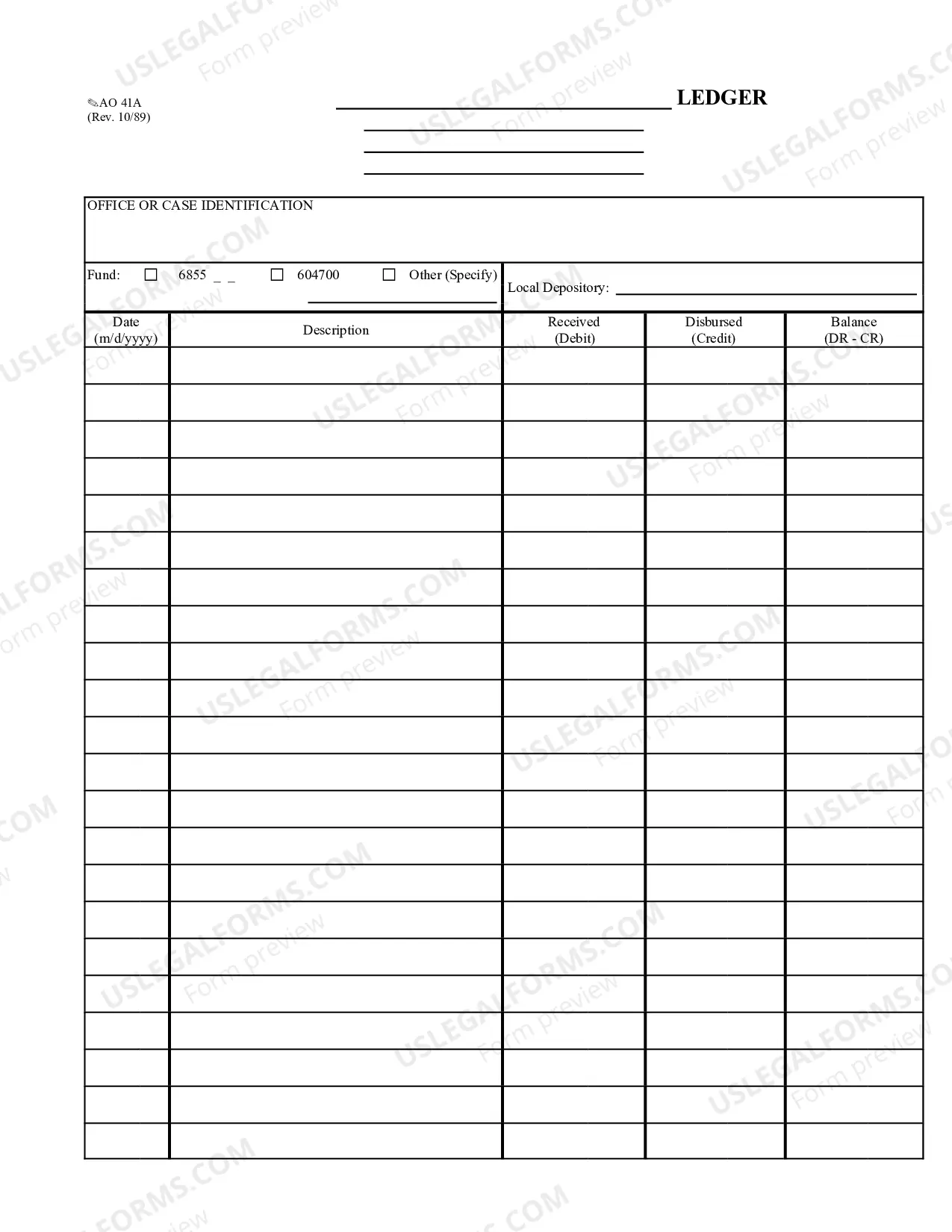
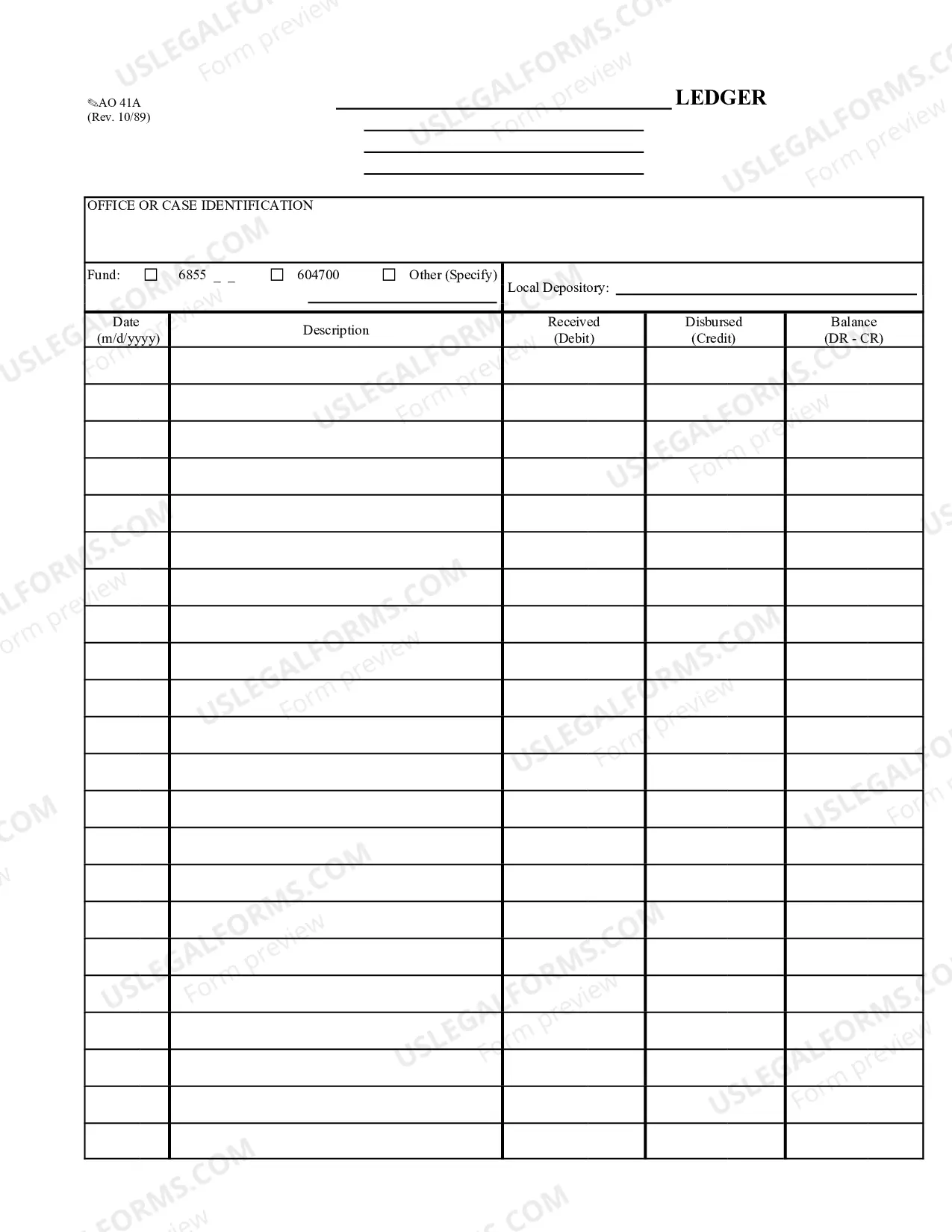
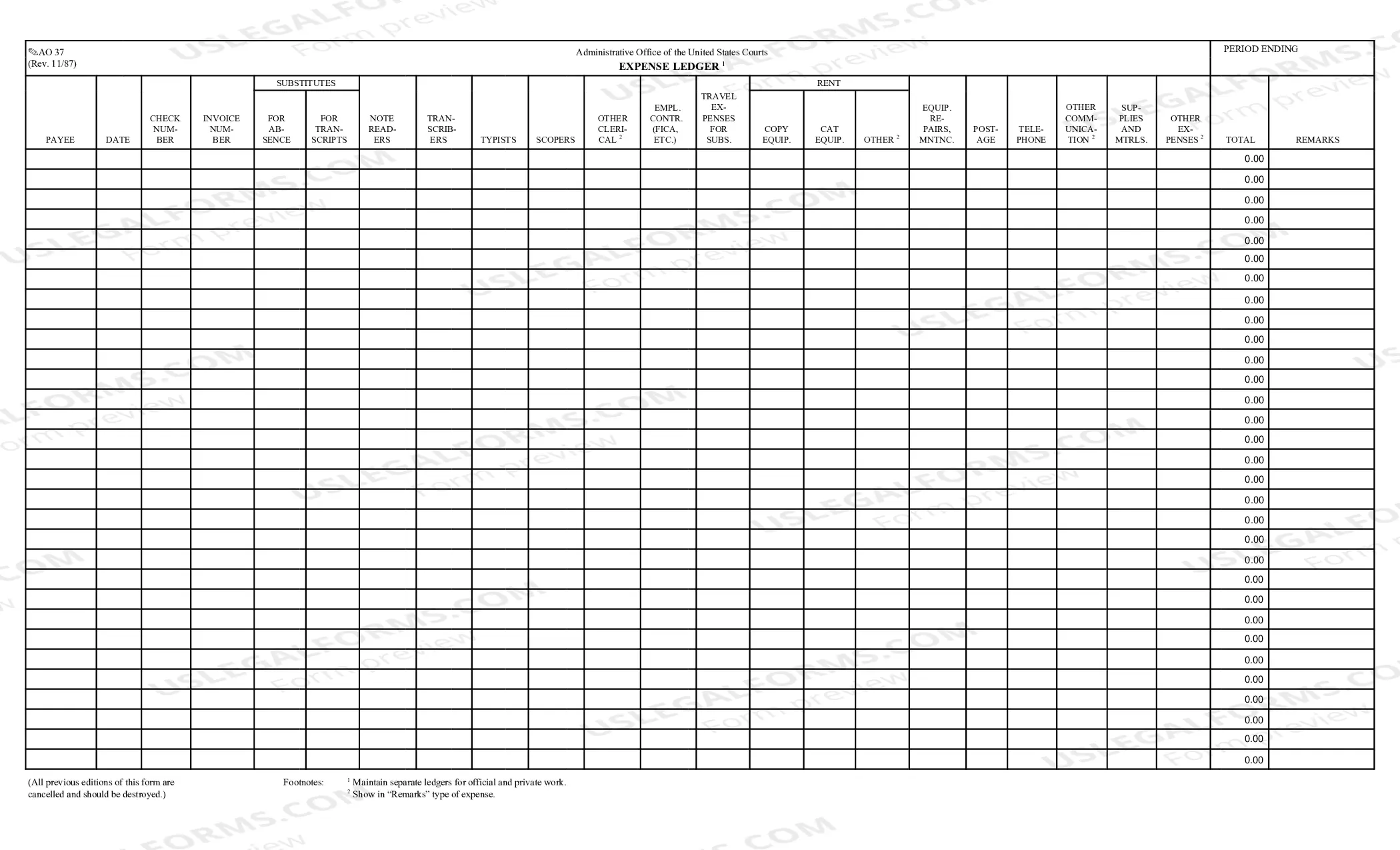
Description
Get your form ready online
Our built-in tools help you complete, sign, share, and store your documents in one place.
Make edits, fill in missing information, and update formatting in US Legal Forms—just like you would in MS Word.
Download a copy, print it, send it by email, or mail it via USPS—whatever works best for your next step.
Sign and collect signatures with our SignNow integration. Send to multiple recipients, set reminders, and more. Go Premium to unlock E-Sign.
If this form requires notarization, complete it online through a secure video call—no need to meet a notary in person or wait for an appointment.
We protect your documents and personal data by following strict security and privacy standards.

Make edits, fill in missing information, and update formatting in US Legal Forms—just like you would in MS Word.

Download a copy, print it, send it by email, or mail it via USPS—whatever works best for your next step.

Sign and collect signatures with our SignNow integration. Send to multiple recipients, set reminders, and more. Go Premium to unlock E-Sign.

If this form requires notarization, complete it online through a secure video call—no need to meet a notary in person or wait for an appointment.

We protect your documents and personal data by following strict security and privacy standards.
Looking for another form?
How to fill out Texas Ledger?
Preparing official paperwork can be a real stress if you don’t have ready-to-use fillable templates. With the US Legal Forms online library of formal documentation, you can be confident in the blanks you obtain, as all of them correspond with federal and state laws and are checked by our experts. So if you need to prepare Texas Ledger, our service is the best place to download it.
Obtaining your Texas Ledger from our service is as simple as ABC. Previously registered users with a valid subscription need only log in and click the Download button after they locate the correct template. Later, if they need to, users can use the same blank from the My Forms tab of their profile. However, even if you are new to our service, signing up with a valid subscription will take only a few minutes. Here’s a quick guideline for you:
- Document compliance verification. You should attentively review the content of the form you want and make sure whether it satisfies your needs and meets your state law requirements. Previewing your document and reviewing its general description will help you do just that.
- Alternative search (optional). Should there be any inconsistencies, browse the library using the Search tab on the top of the page until you find an appropriate template, and click Buy Now once you see the one you want.
- Account registration and form purchase. Sign up for an account with US Legal Forms. After account verification, log in and choose your most suitable subscription plan. Make a payment to continue (PayPal and credit card options are available).
- Template download and further usage. Choose the file format for your Texas Ledger and click Download to save it on your device. Print it to fill out your paperwork manually, or use a multi-featured online editor to prepare an electronic version faster and more efficiently.
Haven’t you tried US Legal Forms yet? Subscribe to our service today to get any formal document quickly and easily any time you need to, and keep your paperwork in order!
Form popularity
FAQ
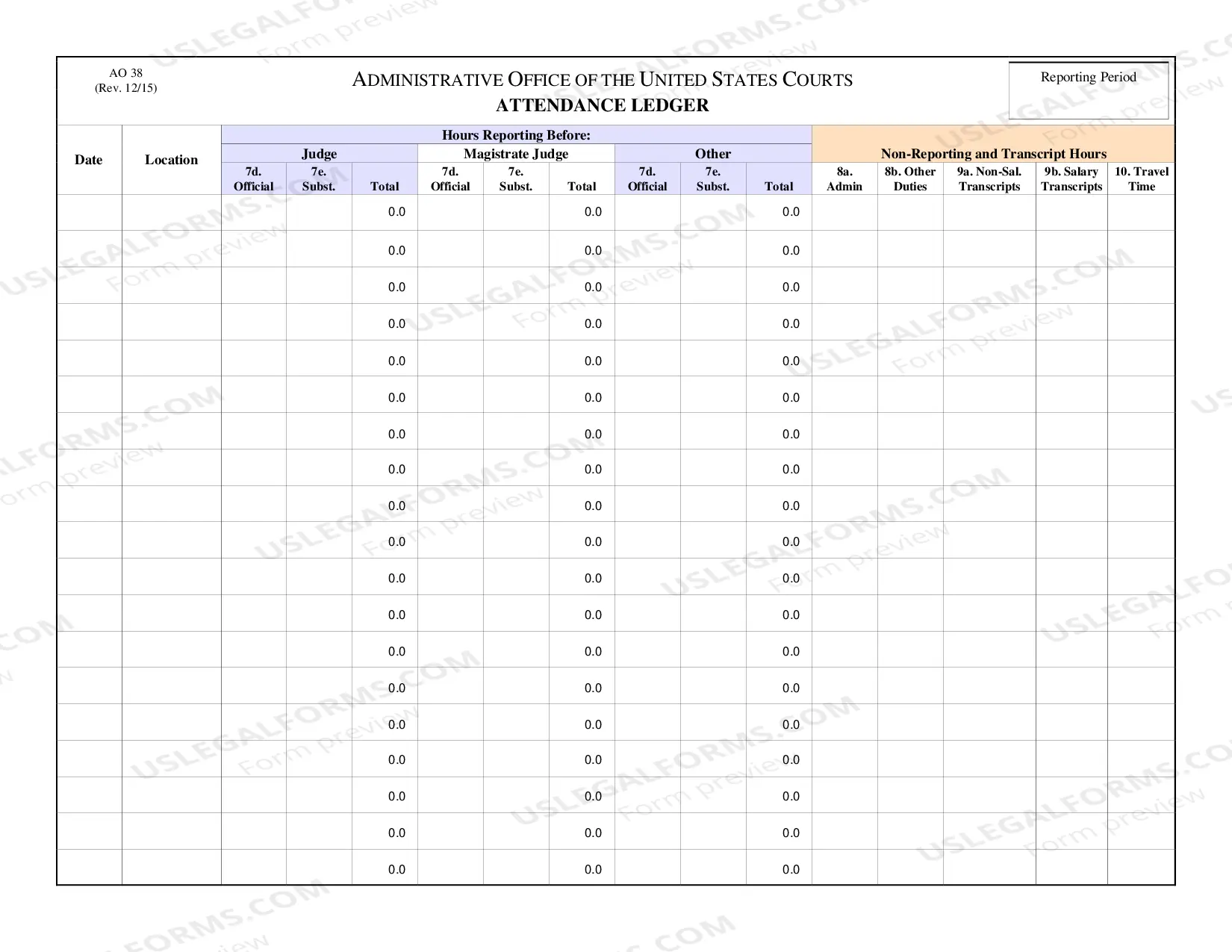
Ledgers have a T format where the debit is depicted on the left side, and credit is shown on the right side. Each side has four columns: date, particulars, reference number, and amount. New formats do not include reference number columns.
Some common examples of ledger accounts are: Cash. Inventory. Fixed Assets. Plant and machinery, land and buildings, furniture, computers, copyright, and vehicles are all examples.Accounts Receivable.Capital. Debt. Accounts Payable.Accrued Expenses.
The three types of ledgers are: General ledger. Sales ledger or debtor's ledger. Purchase ledger or creditor's ledger.
When creating a general ledger, divide each account (e.g., asset account) into two columns. The left column should contain your debits while the right side contains your credits. Put your assets and expenses on the left side of the ledger. Your liabilities, equity, and revenue go on the right side.
Examples of common ledger accounts include: Asset accounts, such as cash, prepaid expenses, accounts receivable, and furniture and fixtures. Liability accounts, including accounts payable, accrued expenses, lines of credit, and notes payable.
An accounting ledger refers to a financial record book where accounting transactions are recorded. A ledger holds the accounts for a business or individual so that they can keep track of their financial situation. It is considered to be the single source of truth when it comes to finances.
Examples of ledger accounts are cash, accounts receivable, inventory, fixed assets, accounts payable accrued expenses, debt, stockholders' equity, revenue, cost of goods sold, salaries and wages, offices expenses, depreciation, and income tax expense.
How to post journal entries to the general ledger Create journal entries. Make sure debits and credits are equal in your journal entries. Move each journal entry to its individual account in the ledger (e.g., Checking account) Use the same debits and credits and do not change any information.