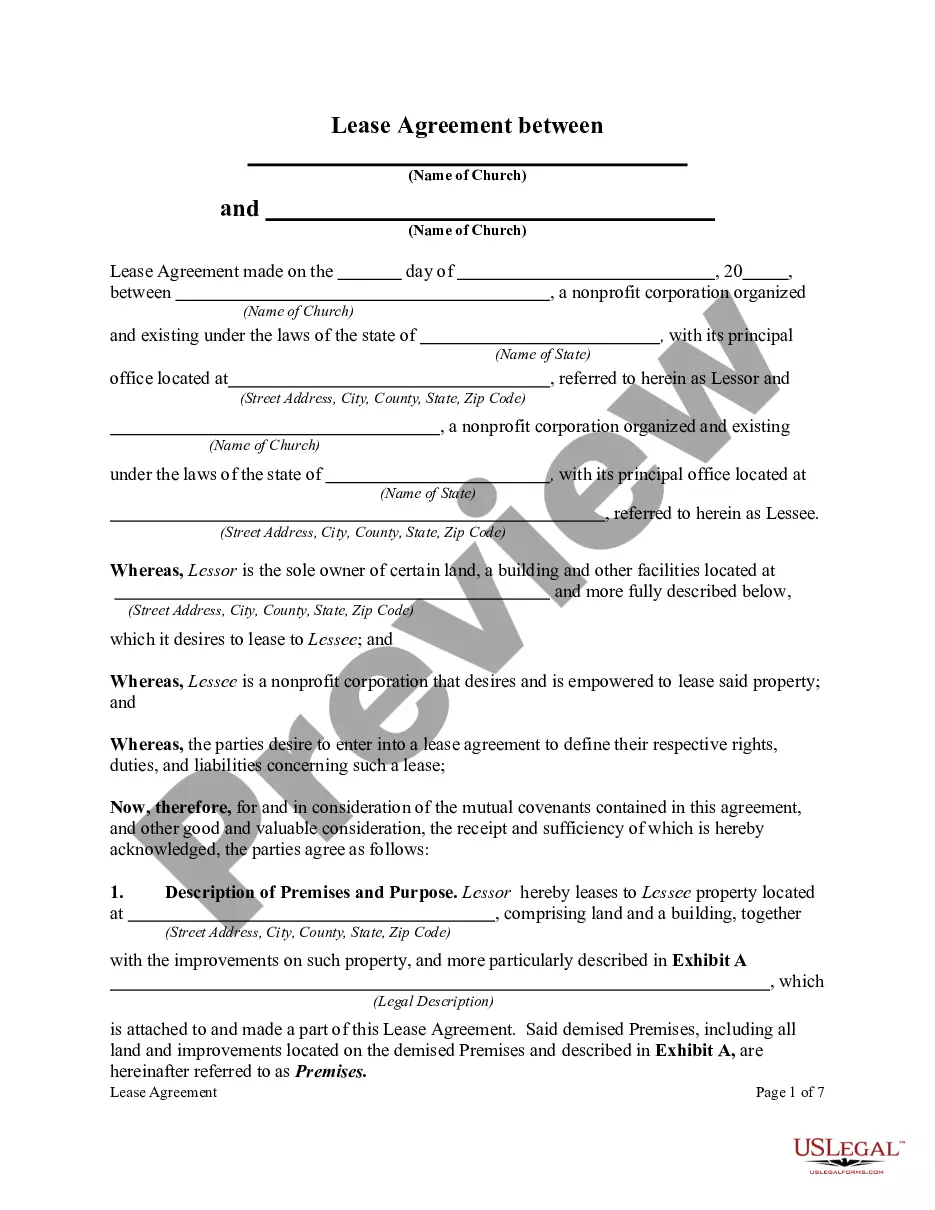
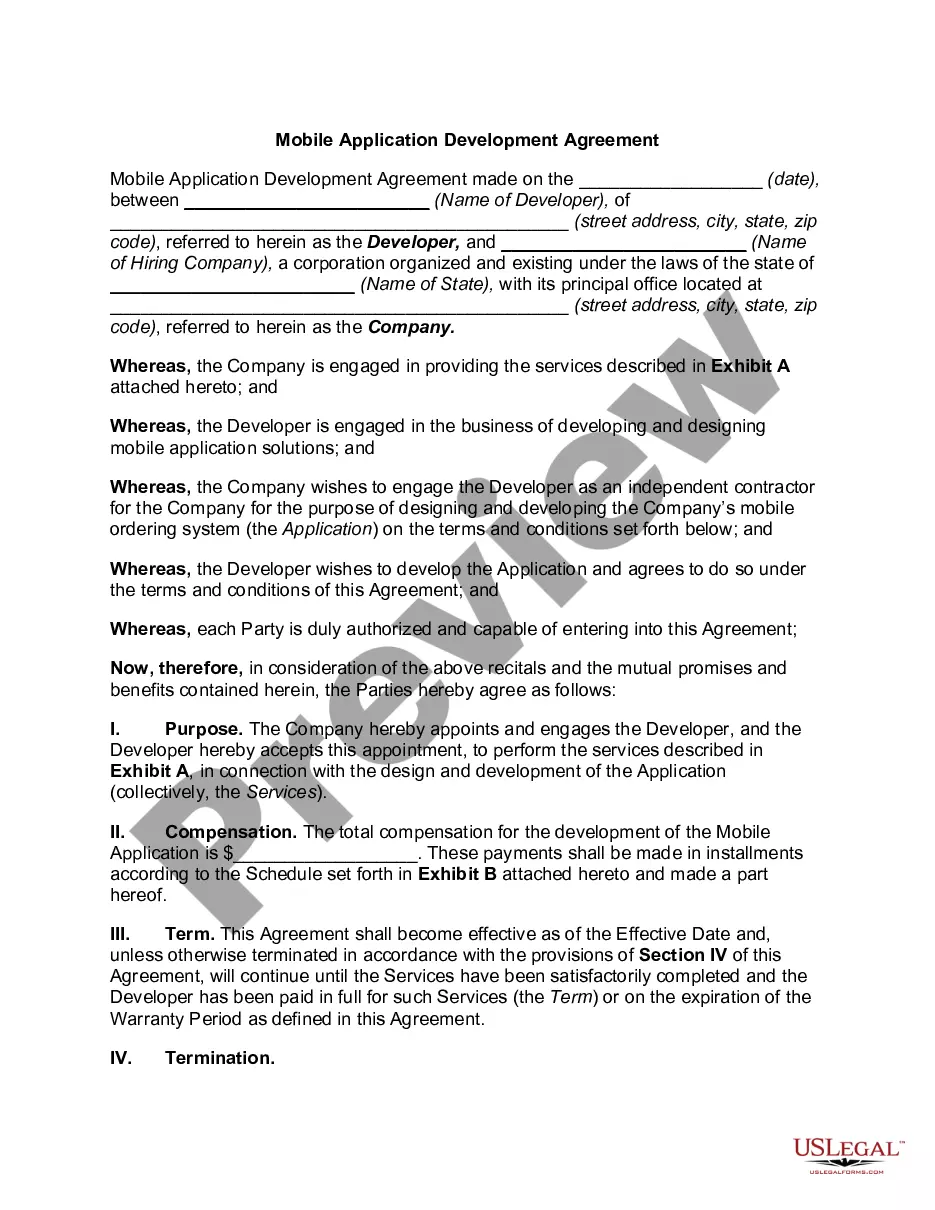
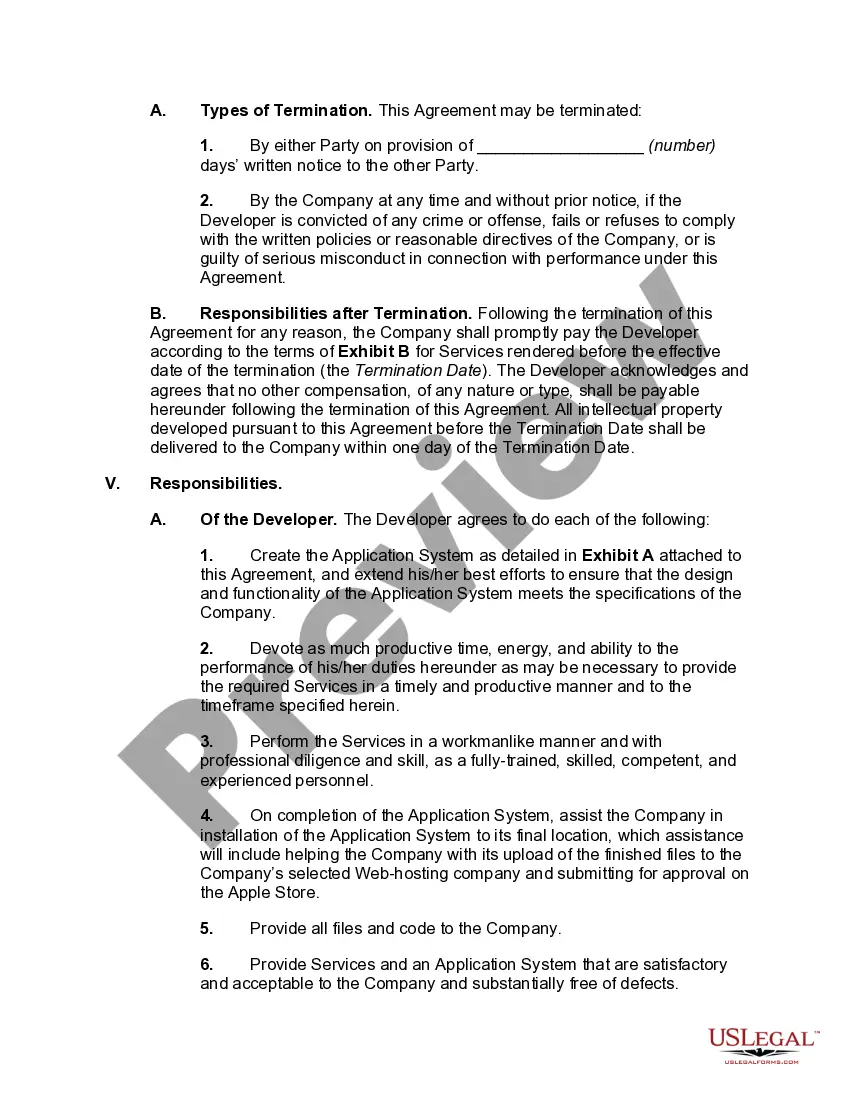
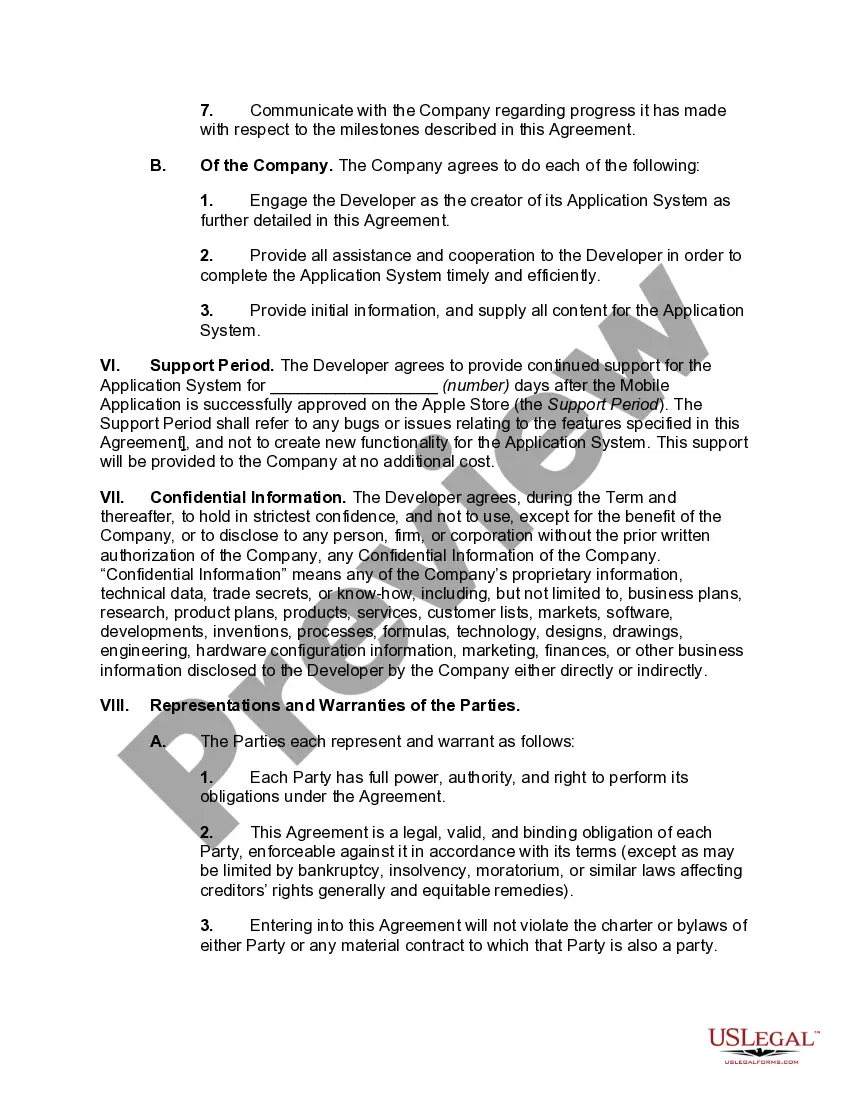
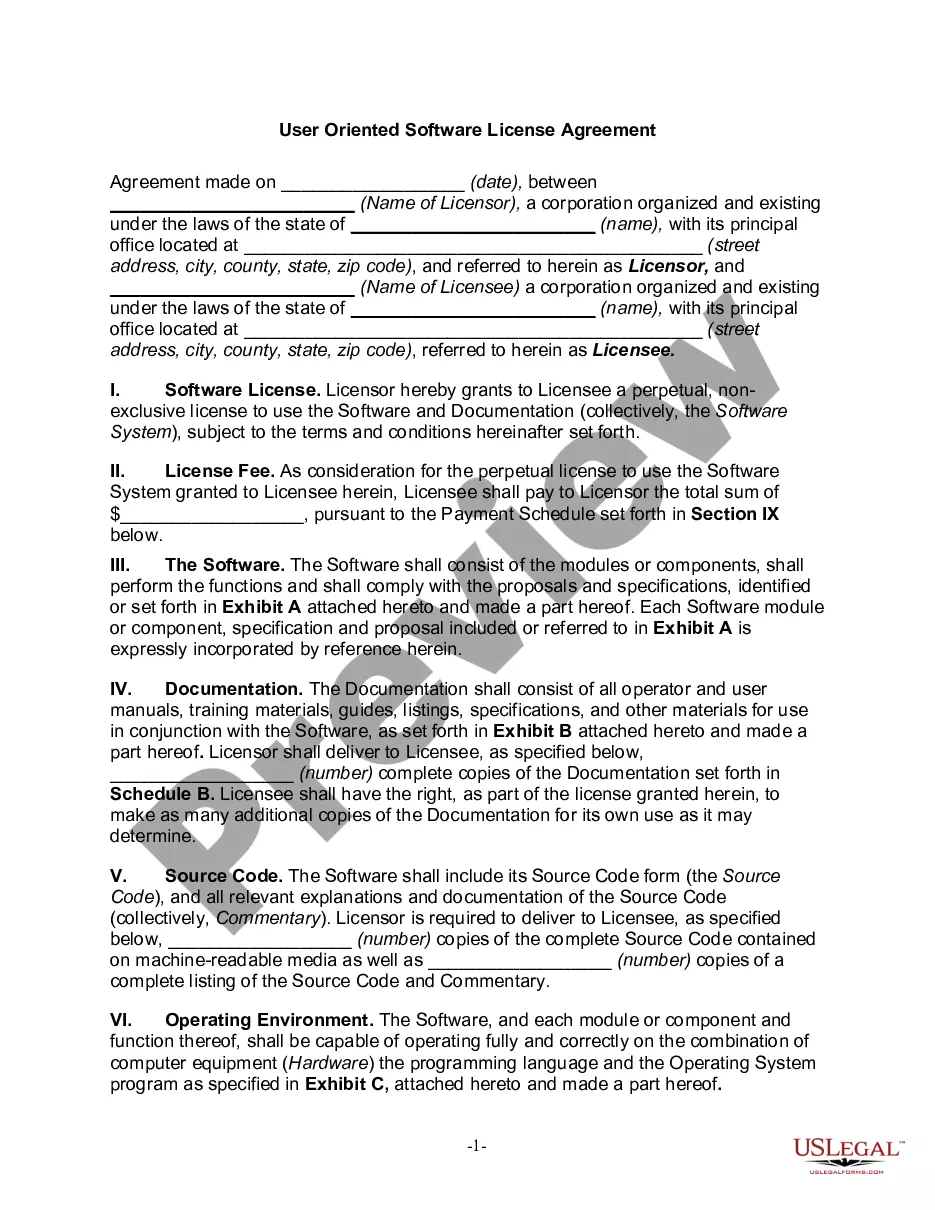
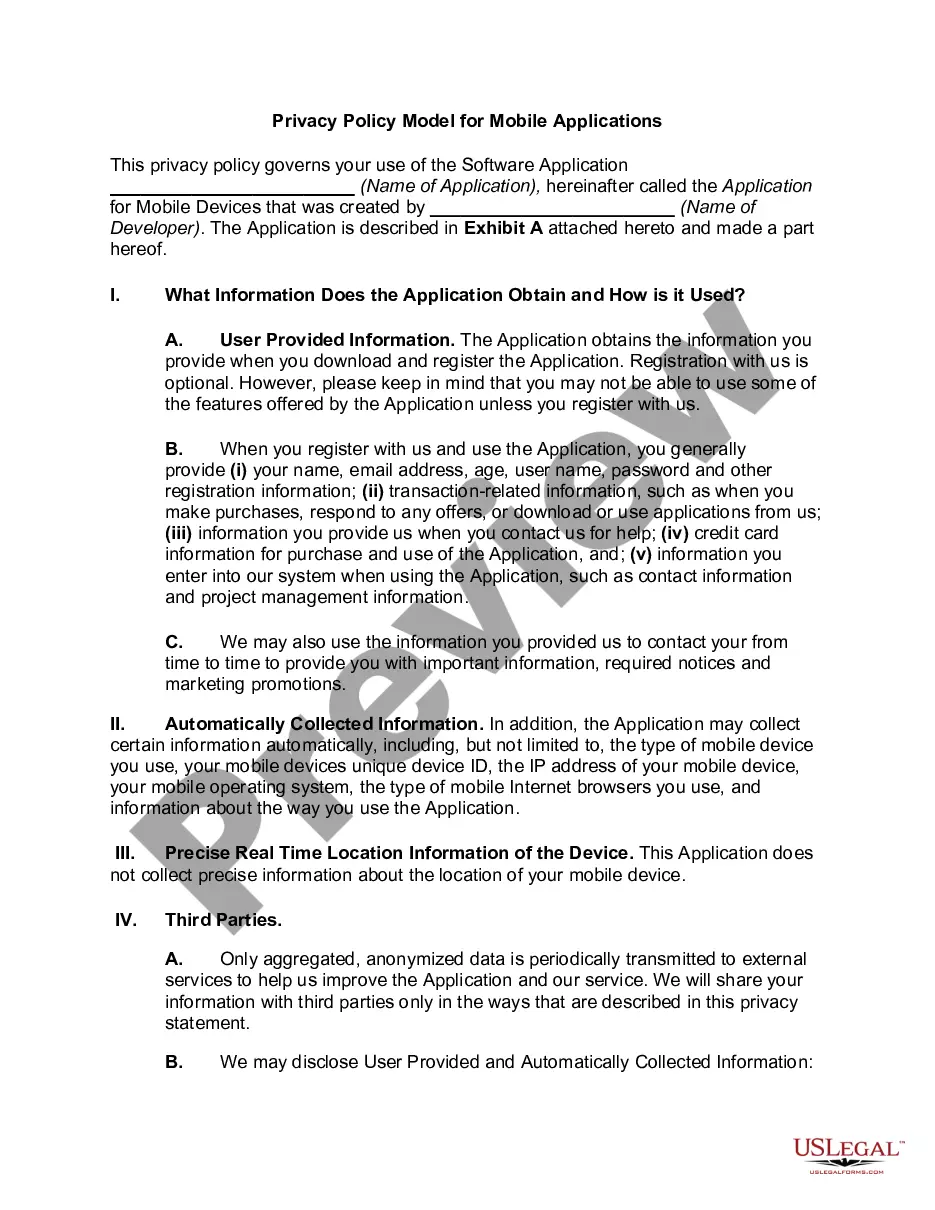
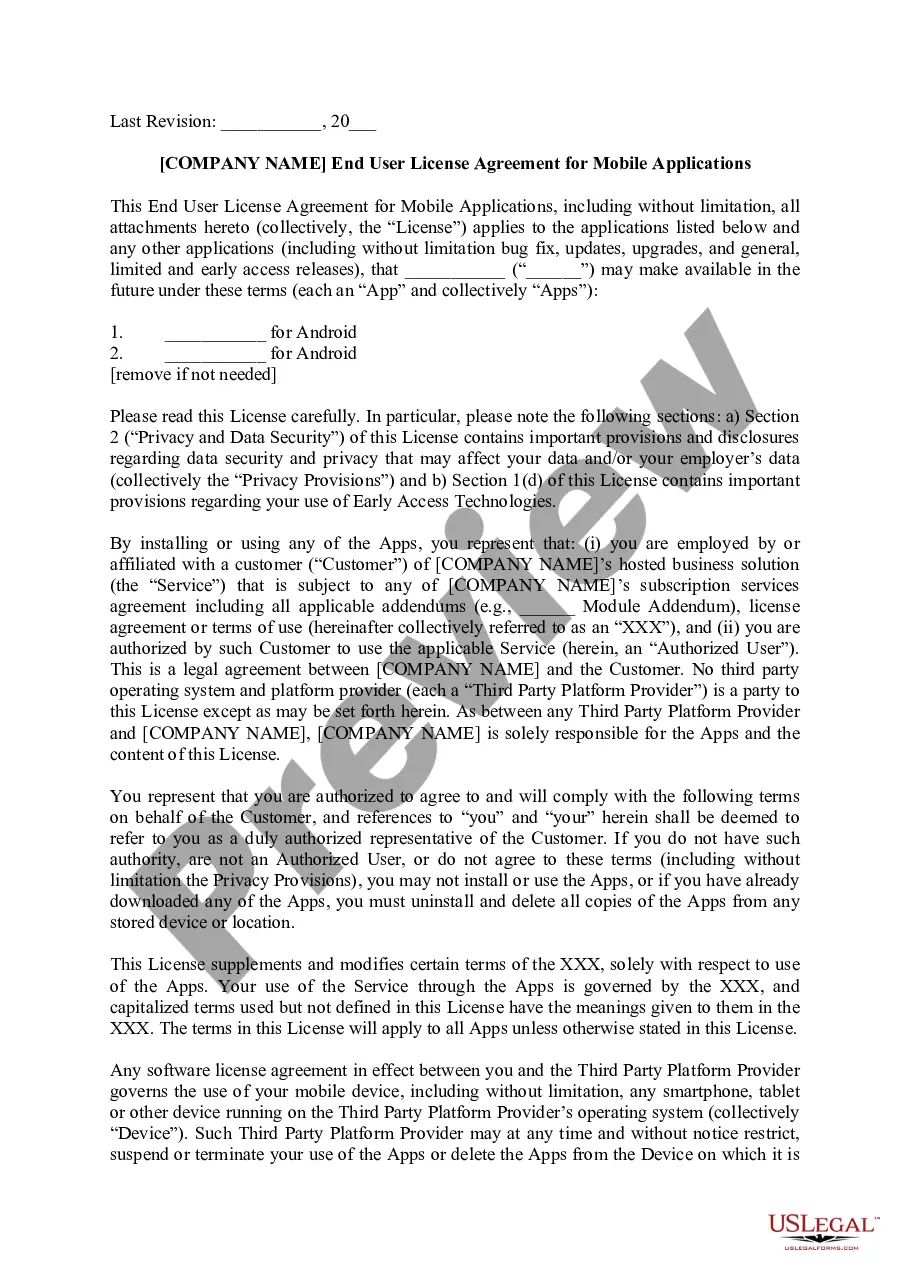
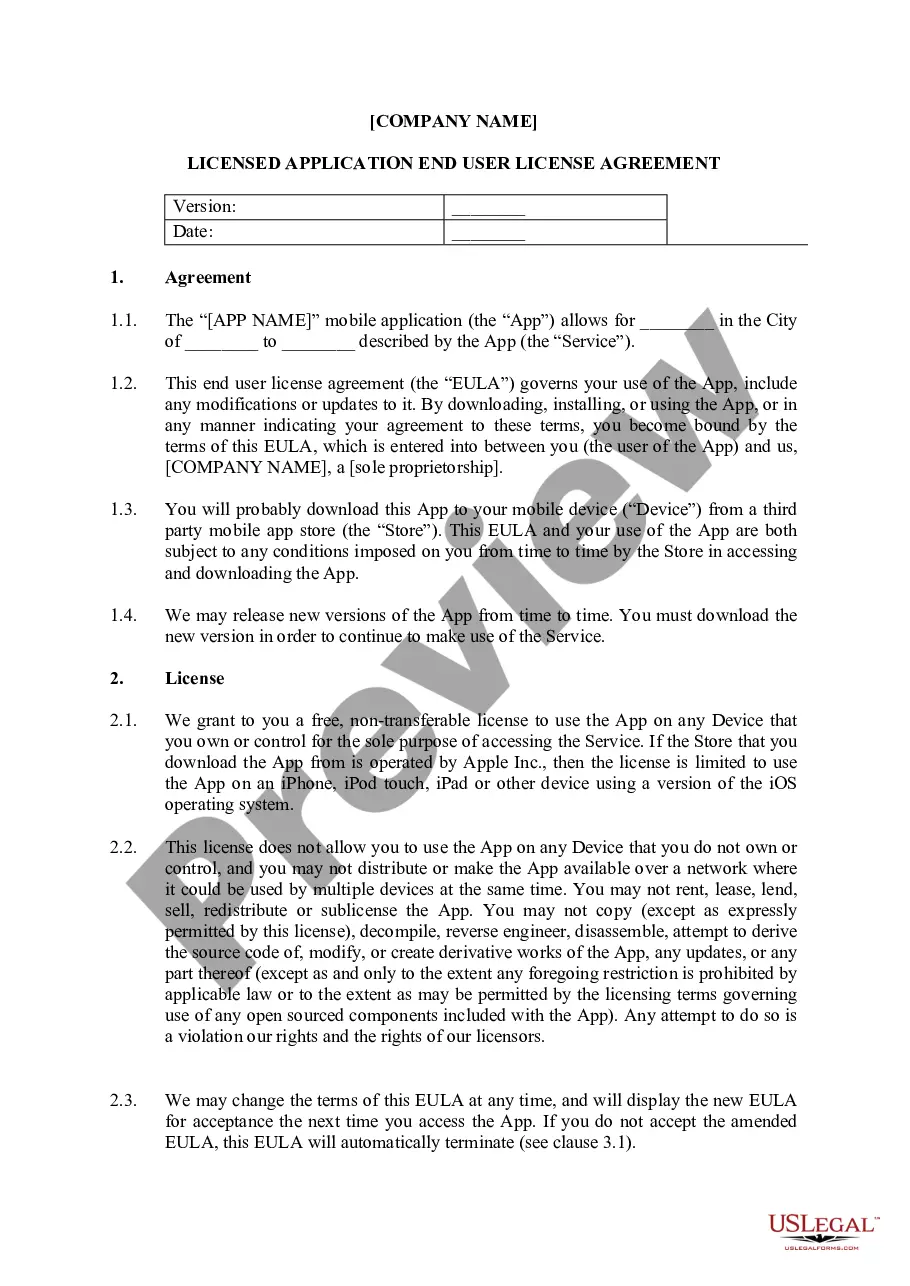
South Carolina Mobile Application Development Agreement
Description
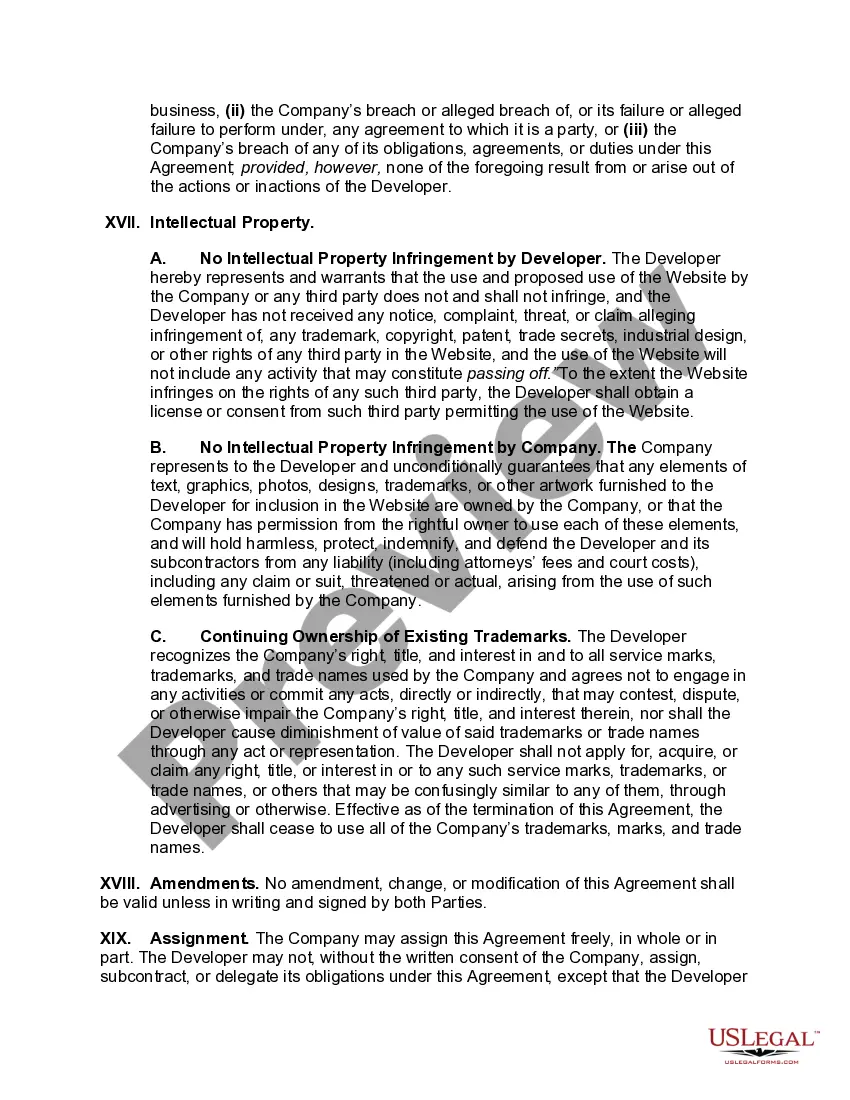
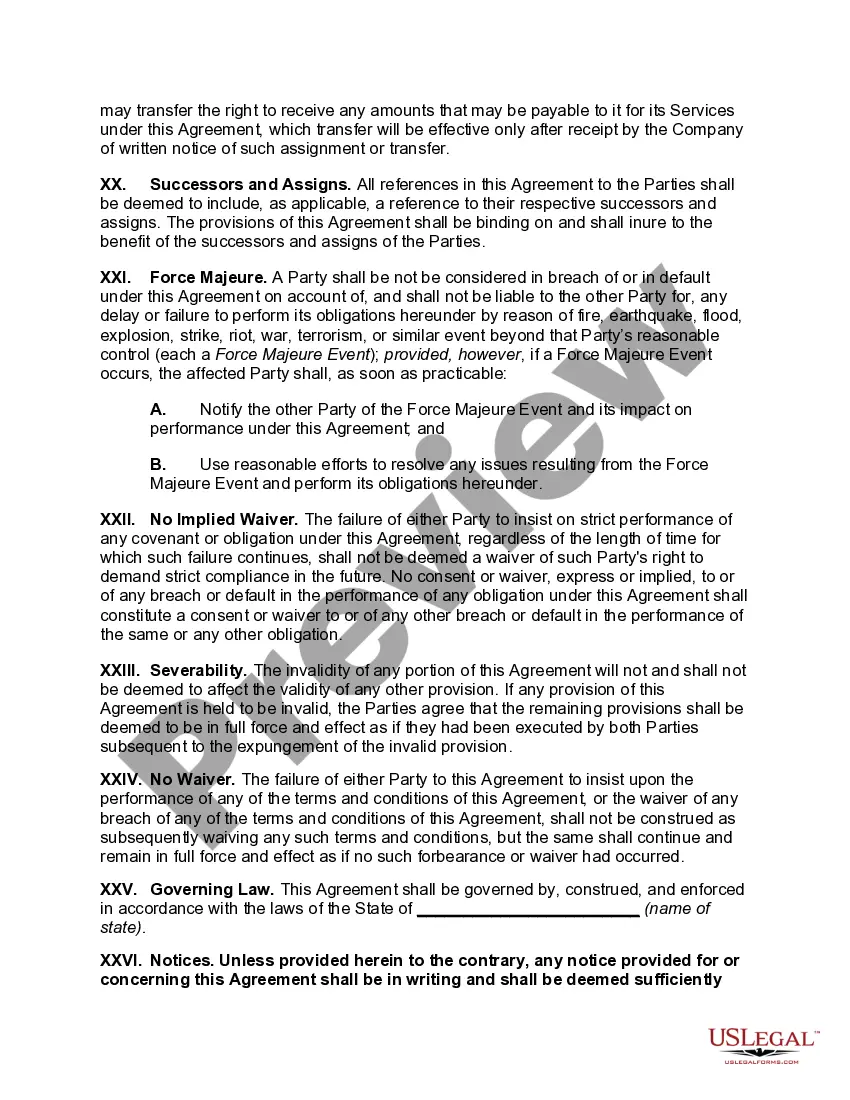
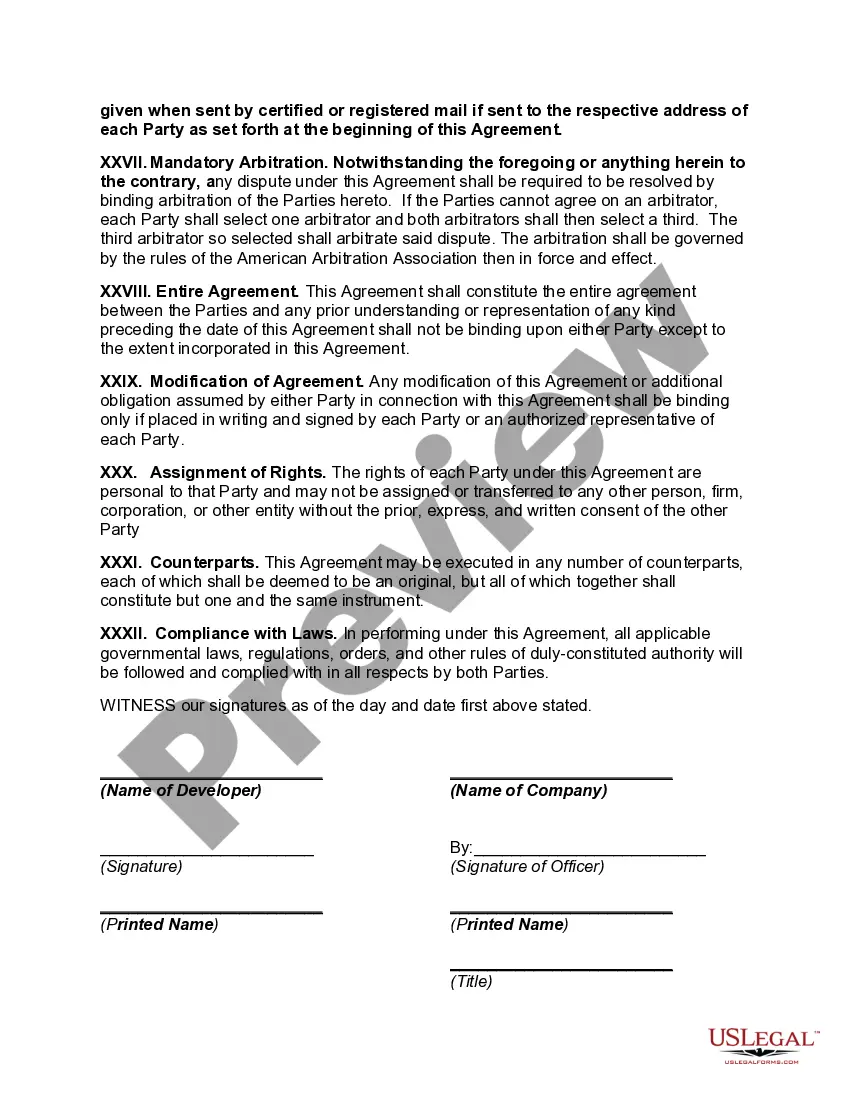

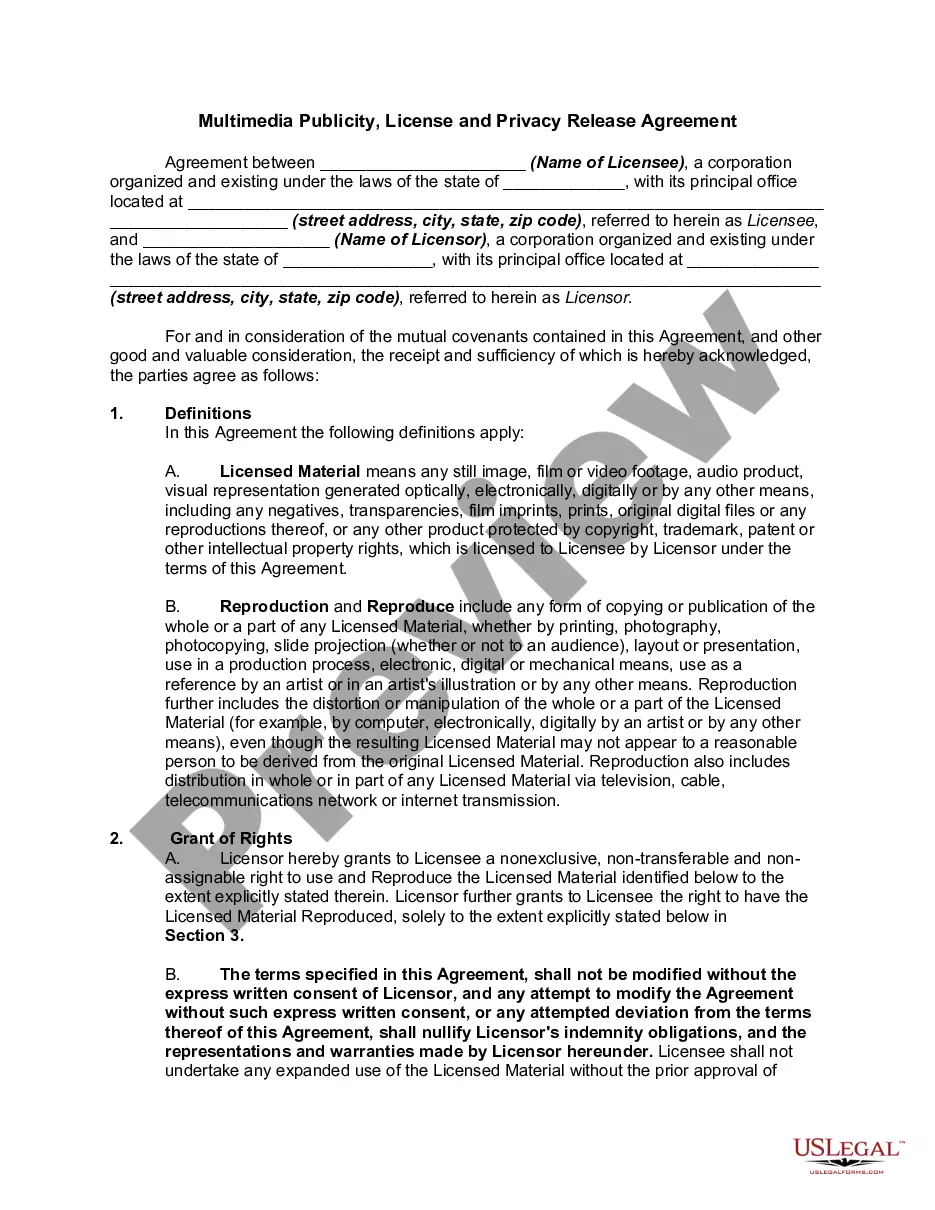
Get your form ready online
Our built-in tools help you complete, sign, share, and store your documents in one place.
Make edits, fill in missing information, and update formatting in US Legal Forms—just like you would in MS Word.
Download a copy, print it, send it by email, or mail it via USPS—whatever works best for your next step.
Sign and collect signatures with our SignNow integration. Send to multiple recipients, set reminders, and more. Go Premium to unlock E-Sign.
If this form requires notarization, complete it online through a secure video call—no need to meet a notary in person or wait for an appointment.
We protect your documents and personal data by following strict security and privacy standards.

Make edits, fill in missing information, and update formatting in US Legal Forms—just like you would in MS Word.

Download a copy, print it, send it by email, or mail it via USPS—whatever works best for your next step.

Sign and collect signatures with our SignNow integration. Send to multiple recipients, set reminders, and more. Go Premium to unlock E-Sign.

If this form requires notarization, complete it online through a secure video call—no need to meet a notary in person or wait for an appointment.

We protect your documents and personal data by following strict security and privacy standards.
Looking for another form?



How to fill out Mobile Application Development Agreement?
Have you ever been in a situation where you need documents for both the employer or specific intentions almost every time.
There are numerous legal form templates available online, but finding reliable versions isn’t simple.
US Legal Forms provides a vast array of form templates, including the South Carolina Mobile Application Development Agreement, which is designed to meet both state and federal regulations.
Utilize US Legal Forms, one of the largest collections of legal templates, to save time and avoid mistakes.
The service offers well-crafted legal document templates that you can use for various purposes. Create an account on US Legal Forms and start making your life a bit easier.
- If you are already acquainted with the US Legal Forms website and possess an account, simply Log In.
- Then, you can retrieve the South Carolina Mobile Application Development Agreement template.
- If you don’t have an account and wish to start using US Legal Forms, follow these steps.
- Obtain the form you need and ensure it is for your correct city/county.
- Use the Review button to inspect the form.
- Verify the information to ensure you have selected the correct form.
- If the form isn’t what you are looking for, use the Search field to find the form that meets your needs and requirements.
- When you find the correct form, click Get now.
- Choose the pricing plan you prefer, complete the required details to create your account, and place your order using your PayPal, Visa, or Mastercard.
- Select a convenient document format and download your copy.
- Find all the form templates you have purchased in the My documents menu.
- You can obtain an additional copy of the South Carolina Mobile Application Development Agreement at any time, if necessary. Just click the required form to download or print the document template.
Form popularity
FAQ
Every app-building process follows the same steps: gathering requirements, designing prototypes, testing, implementation, and integration.
How to approach specification writingDescribe your idea. Say a few words about its main features and specify who the app is for.Determine basic navigation patterns.Collect market information.Choose what features an application should have.Prepare a functional specification.Provide wireframes to complement the text.
Do:Always use proper punctuation and grammar.Introduce your app clearly and succinctly.Describe your app's most notable features.Use conversational language.Think about your target customer and highlight features that will appeal to that customer.Explain how and why your app will benefit users.More items...
This mobile app development process typically includes idea, strategy, design, development, deployment, and post-launch phases.
7 Steps to Write a Great Mobile Application Requirement DocumentFormulate an Idea Description.Give the Right Sequence.Refer to Existing Applications.Identify the Priority Features.Give only Relevant Details.Create Wireframes.Choose Appropriate Requirements Formats.
You need to tell the developers the main purpose of your app, its desired functions, and how users can access these functions. If, for example, you want a multilevel app where the number of functions a user can access depends on his her or her level in the app, you need to include this in your description.
These may include:Hardware that the app will run on/communicate with (for example, beacons)Service/API documentation.Profile/account/platform credentials.Any third-party software your app relies on.Any flowcharts, documents, or information related to the product.
You need to tell the developers the main purpose of your app, its desired functions, and how users can access these functions. If, for example, you want a multilevel app where the number of functions a user can access depends on his her or her level in the app, you need to include this in your description.
What Should an App Requirements Document Contain?Business Goals and App Objectives.App User Personas and Stories.App Features, Functional and Non-Functional Requirements.App UX, User Flow, Design Notice.App Technology and Infrastructure Requirements.Assumptions, Constraints & Dependencies.Crucial Stakeholder Interviews.More items...?
What is mobile application development? Mobile application development is the process to making software for smartphones and digital assistants, most commonly for Android and iOS. The software can be preinstalled on the device, downloaded from a mobile app store or accessed through a mobile web browser.